
 15
15presentation
Flying Saucer History Lesson Deck
Build an engaging World UFO Day session with this flying saucer history lesson deck, featuring retro green-and-brown slides for PowerPoint and Google Slides.
Google SlidesPowerPoint
presentation · English
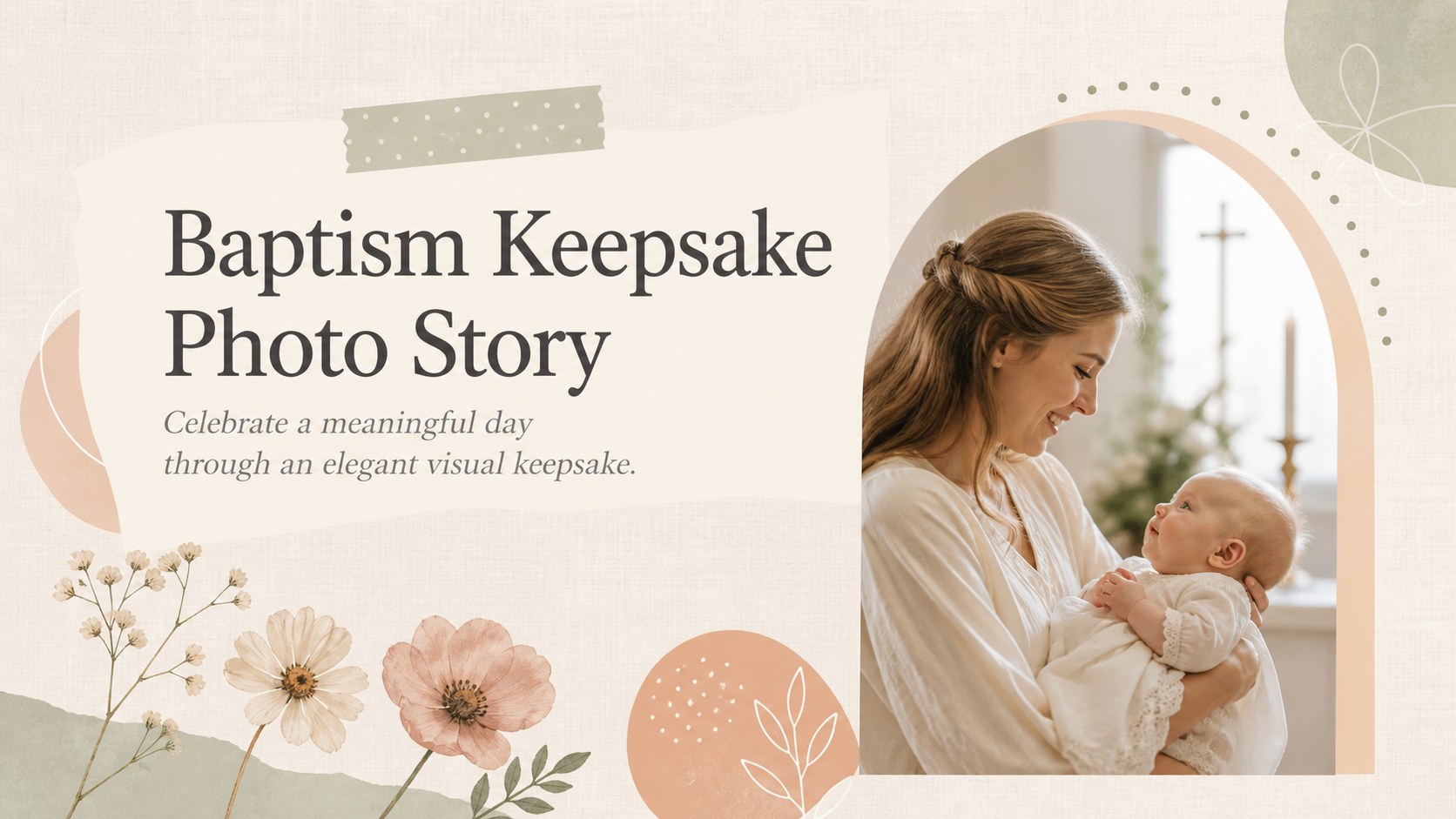
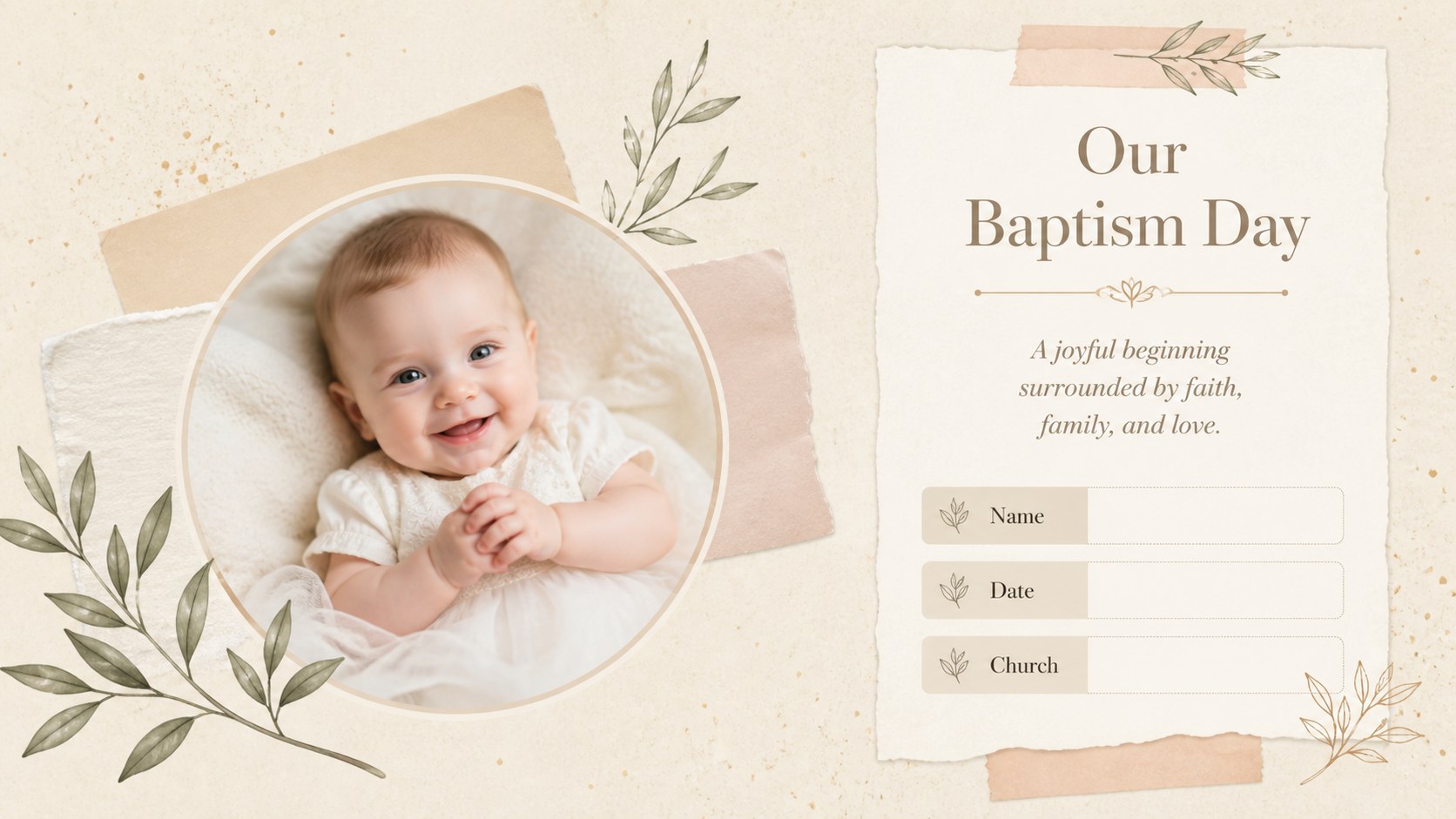
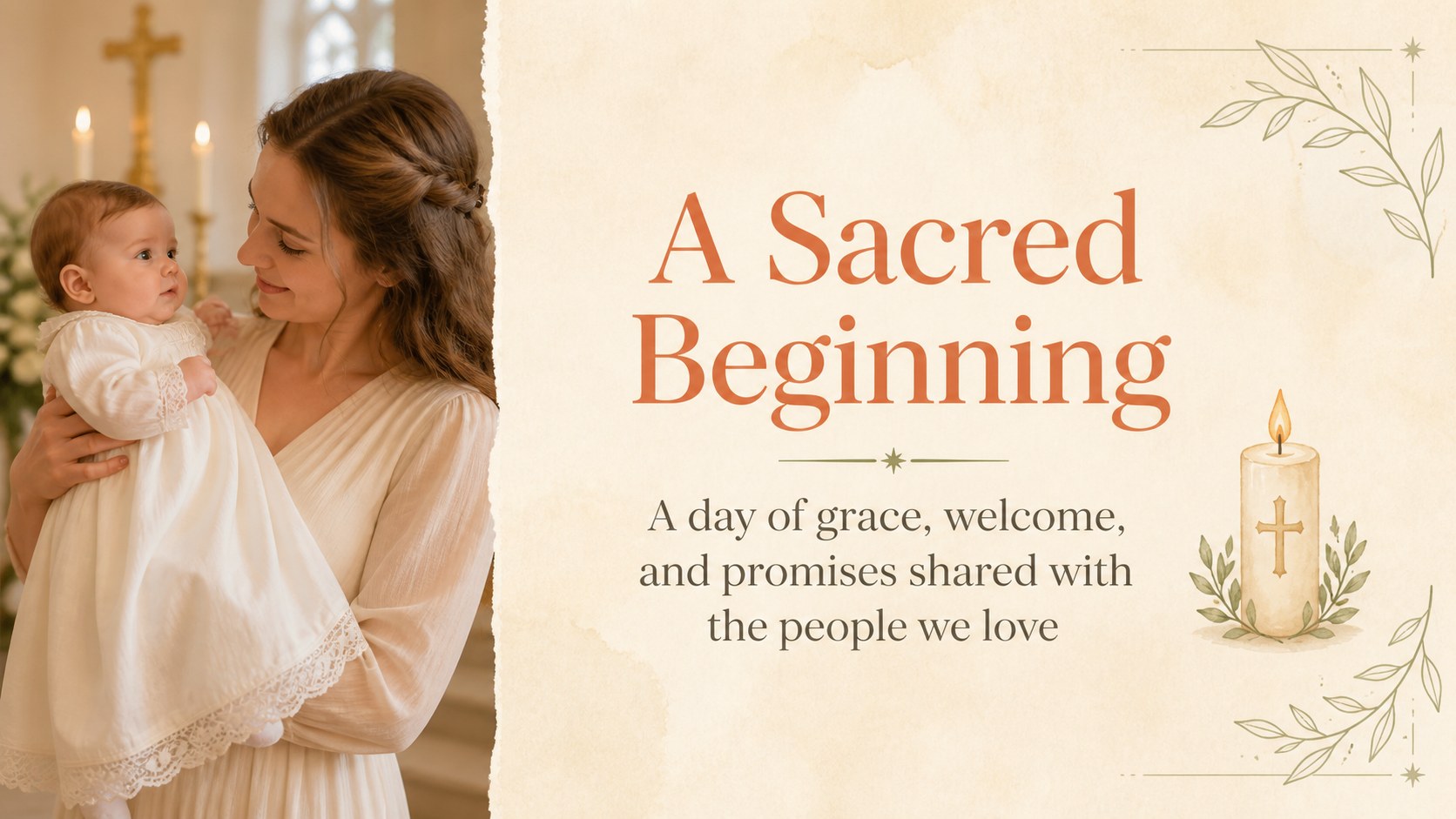
Preserve a cherished milestone with a baptism keepsake photo story in soft beige scrapbook style, ready for PowerPoint or Google Slides.

Design notes
Create a baptism keepsake photo story that brings photographs, blessings, and family memories together in one thoughtful presentation. Designed with a soft beige palette, delicate paper textures, and minimal hand-drawn details, this deck offers a warm setting for documenting a child’s baptism or christening without distracting from the images.
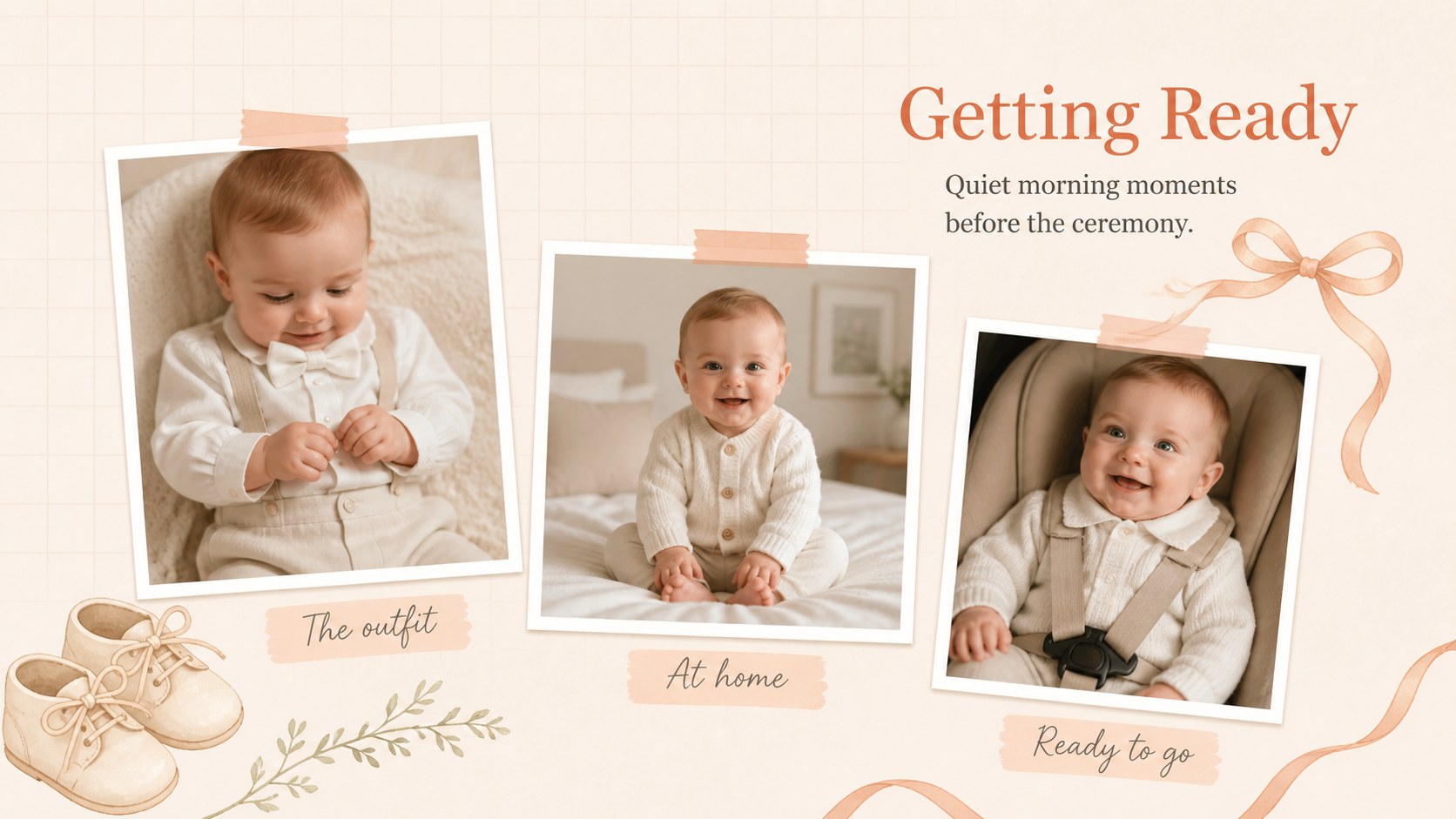
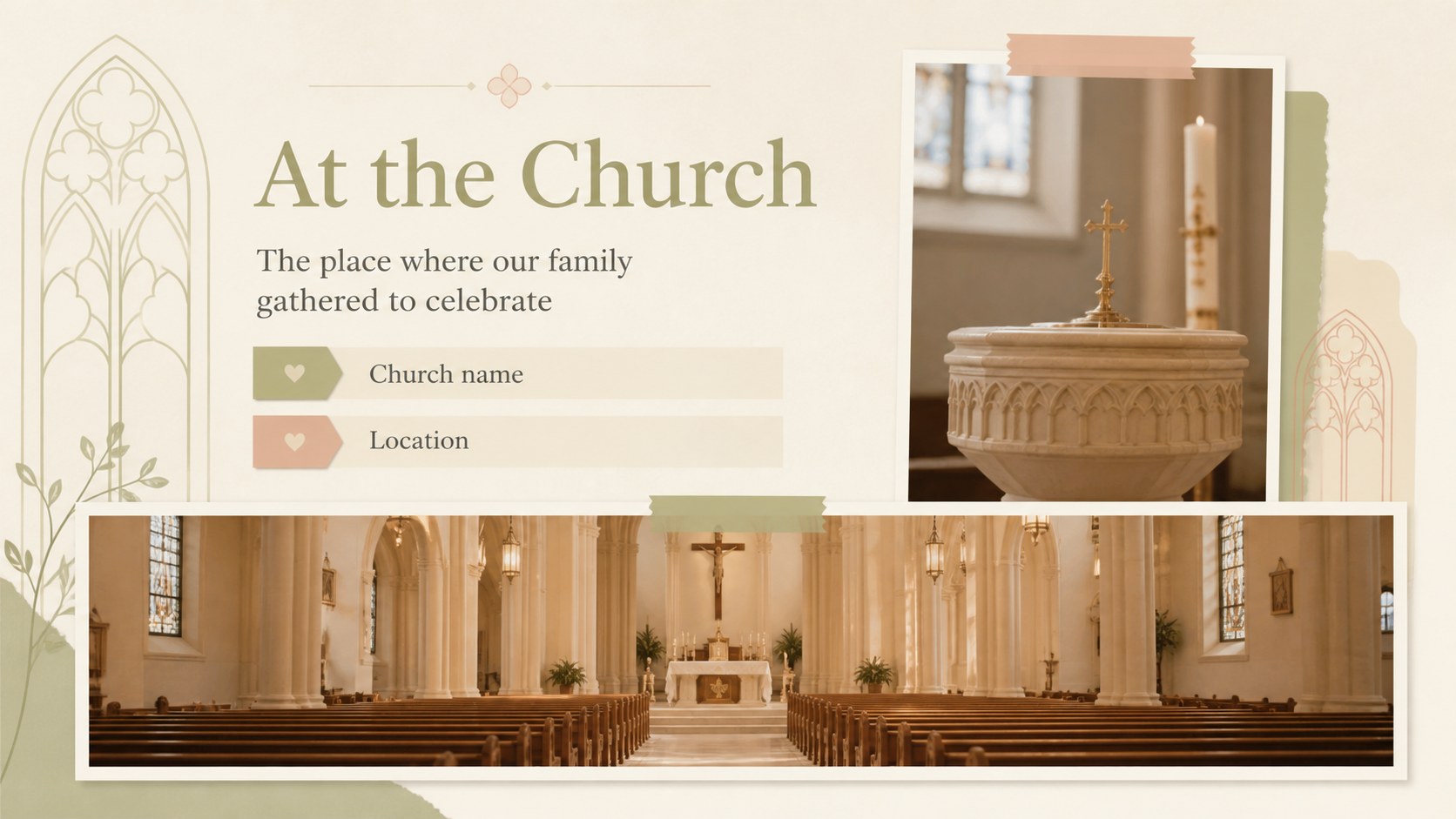
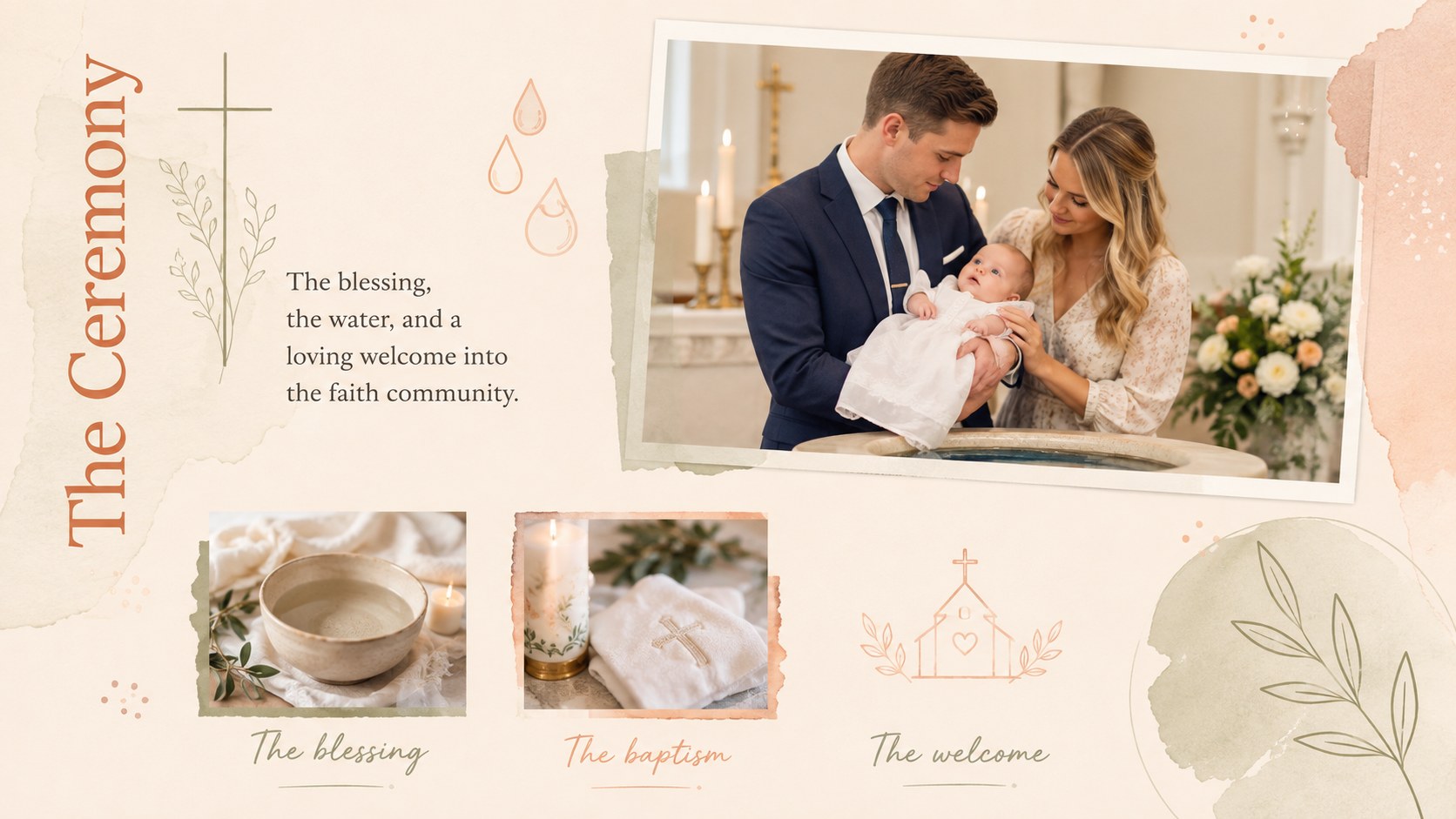
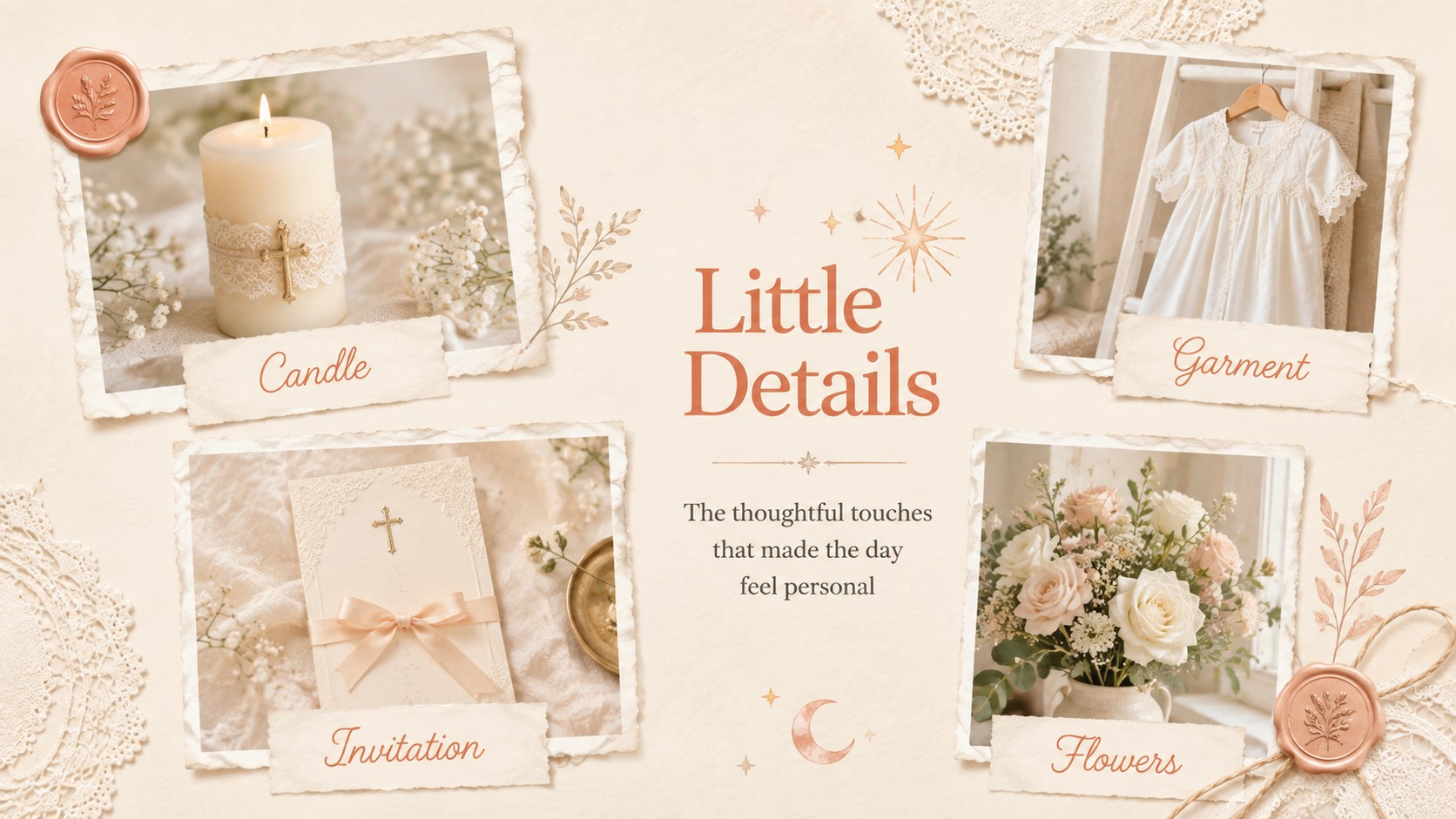
The 15-slide collection includes layouts for the ceremony, preparations, family portraits, godparents, meaningful details, celebration highlights, personal messages, and a chronological memory timeline. Use it as a christening photo slideshow template during a family gathering or turn it into a baby baptism memory book presentation to revisit in years to come. Photo placeholders, concise captions, and balanced editorial arrangements make it easy to tell the story in a clear sequence.
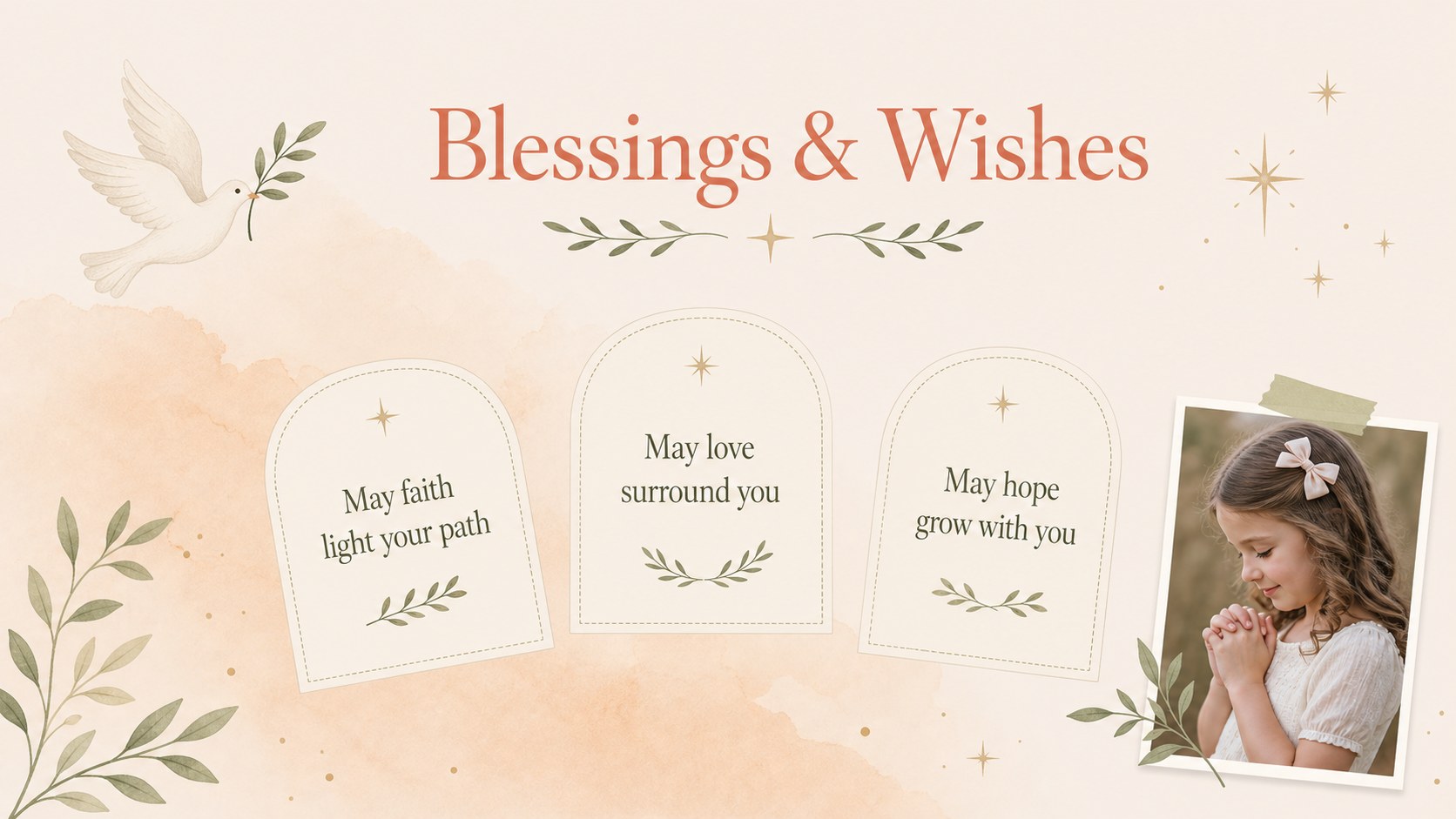
Families can personalize names, dates, locations, prayers, and short reflections in PowerPoint or Google Slides. Churches may adapt the layouts for welcoming a newly baptized member, while photographers and event planners can create polished client keepsakes. A dedicated godparent tribute presentation layout also provides space for portraits and heartfelt words from the people chosen to support the child’s faith journey.
Every page can be adjusted to suit the occasion, including the typefaces, colors, illustrations, image crops, and slide order. The understated scrapbook style works equally well for an intimate ceremony, a parish celebration, or a printed family memento.
Perfect for: family baptism celebration; christening photo slideshow; baby memory book; godparent tribute; church welcome presentation; printed ceremony keepsake.
Frequently asked questions
Practical details
Yes. Replace each photo placeholder with ceremony, family, church, or reception images, then adjust the crop to fit the layout. Captions, names, and dates can also be edited.
The slides are designed for PowerPoint and Google Slides. Both platforms allow you to update the text, rearrange layouts, change colors, and add personal photographs.
Yes. Change the ceremony terminology, readings, headings, and milestone details to match your family or church tradition. The neutral visual style works for baptisms, christenings, and child dedication events.
Add the child’s name, ceremony date, church location, favorite photographs, and messages from relatives or godparents. You can also match the accent colors and typefaces to invitations or event decorations.
Keep exploring
15Build an engaging World UFO Day session with this flying saucer history lesson deck, featuring retro green-and-brown slides for PowerPoint and Google Slides.
 15
15Plan a lively animal-learning journey with this jungle zoo adventure lesson deck, ready to customize in PowerPoint and Google Slides for young learners.
 16
16Turn environmental research into a clear story with a Watercolor Ecology Presentation Theme for PowerPoint and Google Slides in calming green and blue.
 16
16Build focused fashion, literature, and humanities presentations with the Red Triangle Editorial Theme, editable in PowerPoint and Google Slides.
 15
15Turn streaming stats, favorite tracks, and concert highlights into a bold annual listening recap slide deck for PowerPoint and Google Slides.
 15
15Turn highlights, milestones, and favorite moments into a colorful year in review slide deck with bold 3D graphics for PowerPoint and Google Slides.
 3
3Build a credible endorsement with Standout Colleague Recommendation Letter Slides, featuring colorful prompts for skills, achievements, and team impact.
 4
4Build clear beginner sessions with an ice hockey fundamentals training deck for coaches, PE teachers, and clubs, ready for PowerPoint and Google Slides.