
 15
15presentation
Flying Saucer History Lesson Deck
Build an engaging World UFO Day session with this flying saucer history lesson deck, featuring retro green-and-brown slides for PowerPoint and Google Slides.
Google SlidesPowerPoint
presentation · English
Plan a meaningful baptism confirmation ceremony with this baptism confirmation ceremony guide, featuring editable white and blue slides for family, church,…

Design notes
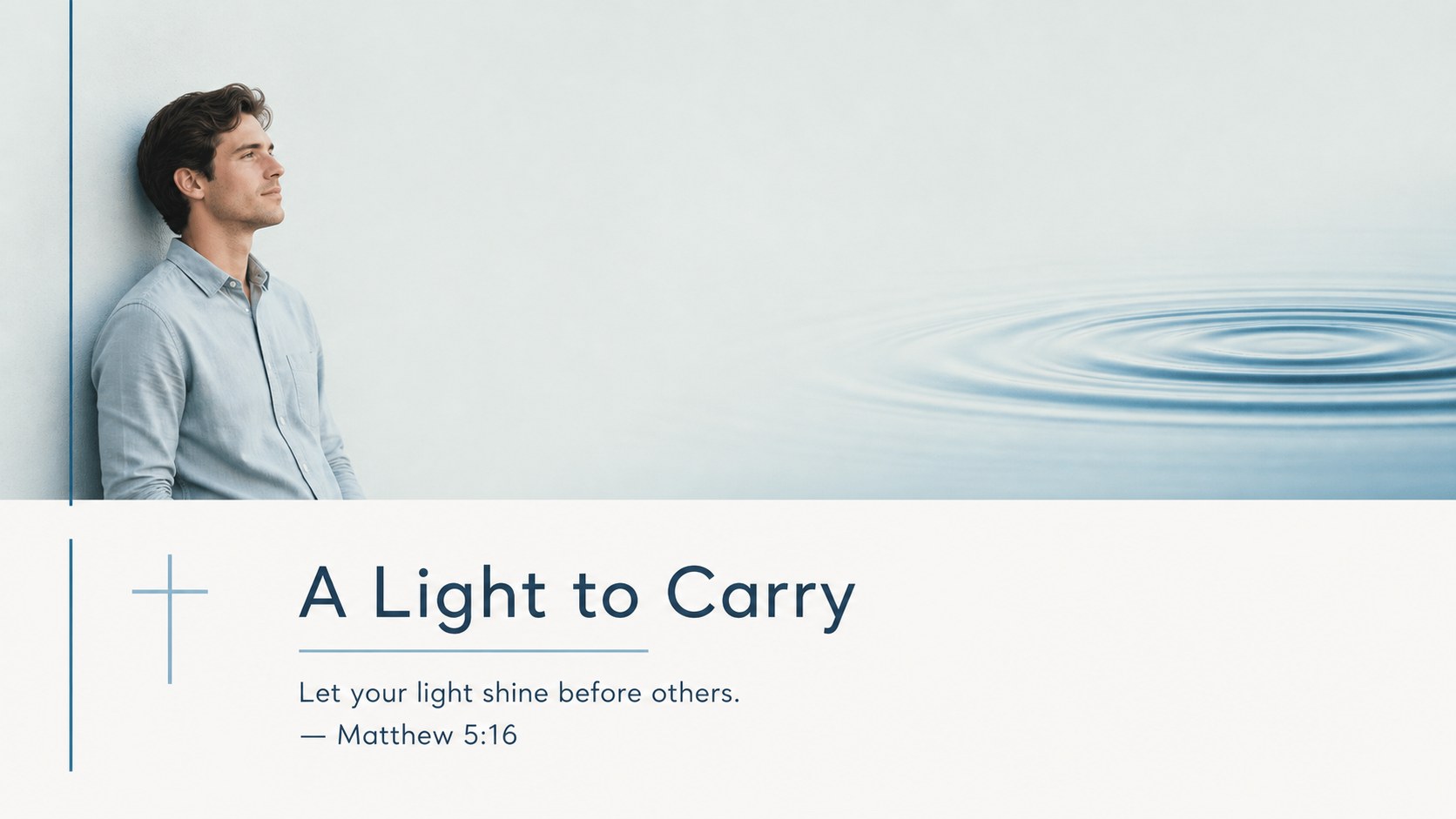
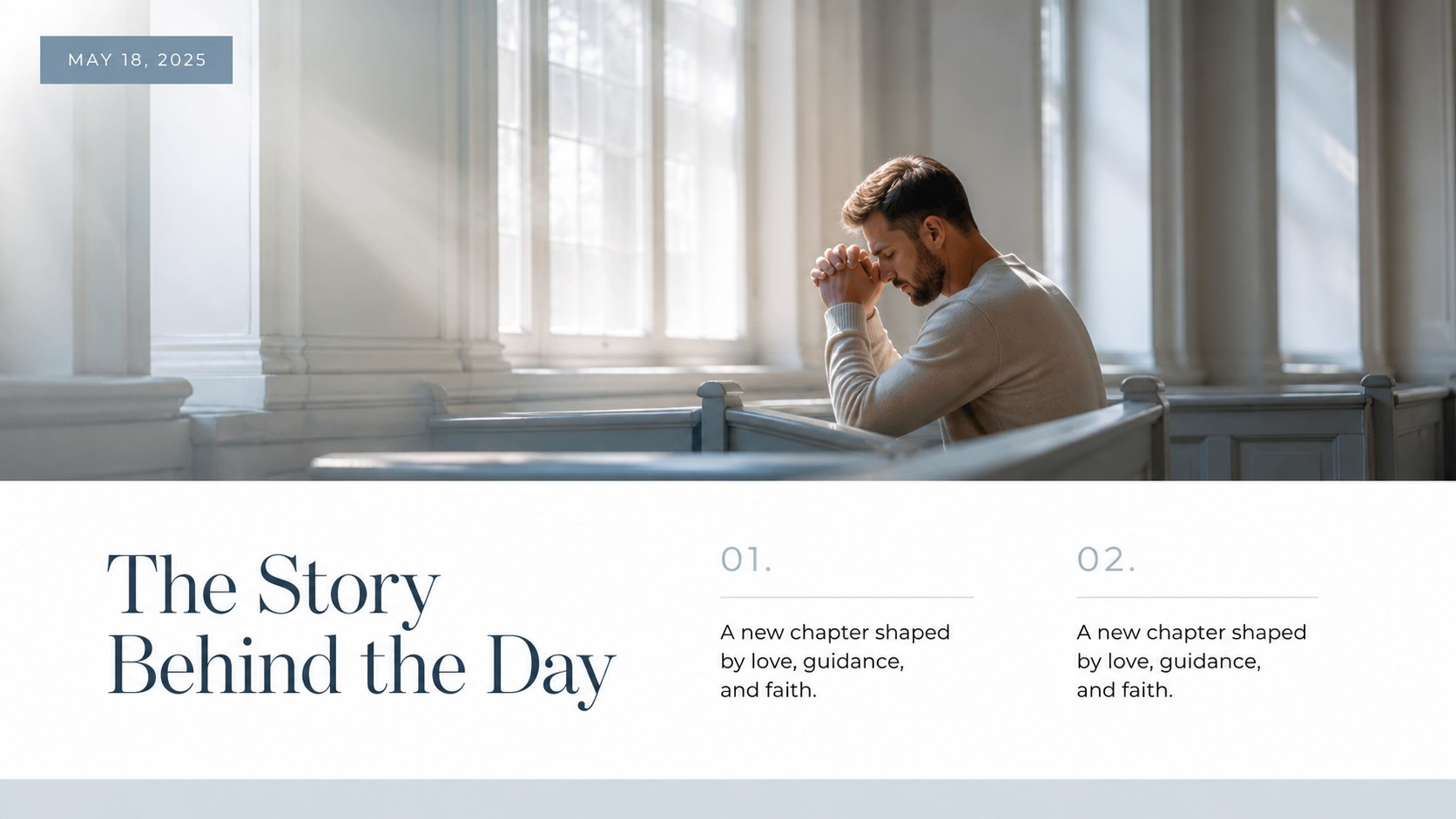
Create a polished visual keepsake for a meaningful faith milestone with this baptism confirmation ceremony guide. Designed for families, church communities, sponsors, and event organizers, the deck combines generous white space with tranquil blue accents and a modern minimal style. Use it to introduce the ceremony, share family reflections, display photographs, or present a short program during a gathering.
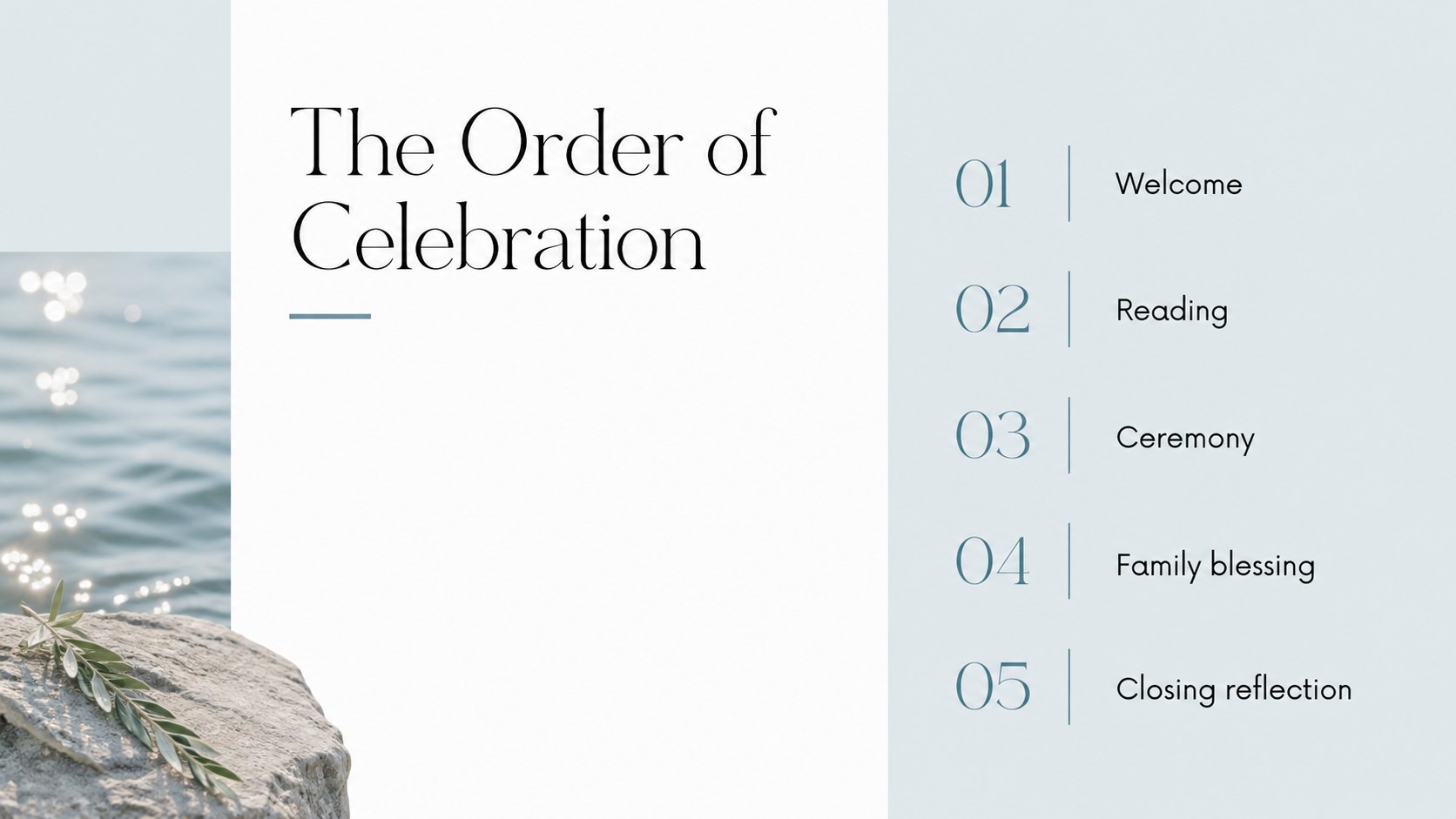
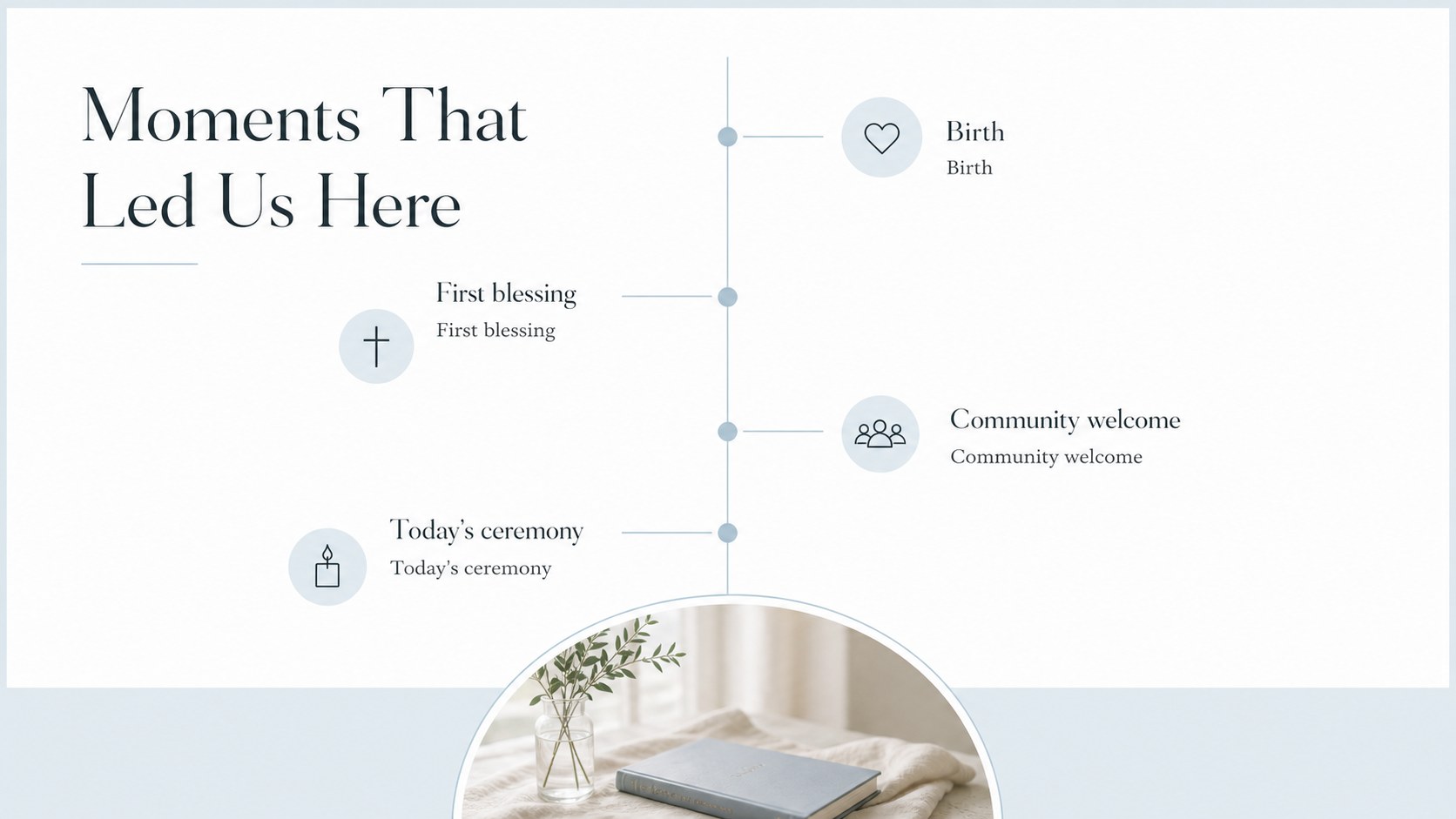
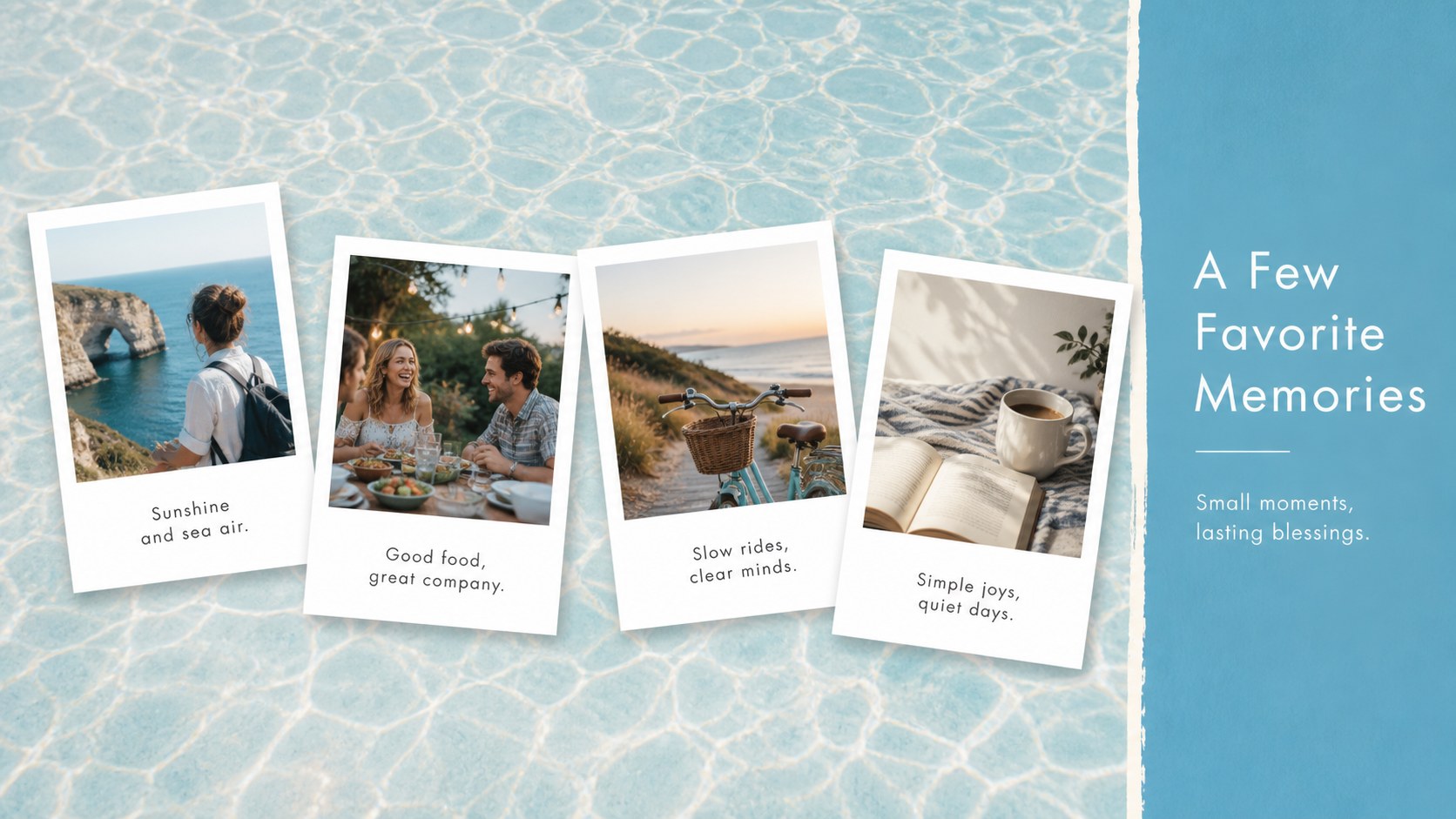
Inside, you’ll find 15 adaptable 16:9 slides for a welcome message, ceremony outline, scripture or quotation, family timeline, photo memories, participant introductions, gratitude notes, and a closing blessing. The layouts are intentionally clean, giving portraits, captions, and heartfelt messages room to breathe. This baptism confirmation keepsake presentation can also be exported as a digital memory book or shared with relatives who cannot attend.
Edit the text, imagery, colors, and typography, then download the finished design for PowerPoint or Google Slides. The flexible structure works for a church ceremony program, a family slideshow, or a post-event photo story. Add personal milestones, names, dates, and prayers to make the presentation distinctly yours while preserving its serene white and blue visual language.
Perfect for: church ceremony program; family baptism slideshow; confirmation photo keepsake; sponsor or godparent tribute; post-event memory presentation.
Frequently asked questions
Can I edit this ceremony guide? Yes. You can replace the wording, photographs, colors, and fonts using its drag-and-drop editor. Duplicate or remove layouts as needed to match the ceremony.
Practical details
Yes. You can replace the wording, photographs, colors, and fonts using its drag-and-drop editor. Duplicate or remove layouts as needed to match the ceremony.
Yes. Open the design and use the Share menu to export a PPTX file or save an editable copy to Google Drive. Some animations-only elements may change during export.
Consider adding the participant’s name, ceremony date, church, scripture, family messages, and selected photographs. A short timeline and closing thank-you can help turn the deck into a lasting keepsake.
Yes. The neutral faith-based structure can support either milestone or a combined celebration. Adjust the headings and ceremony details while keeping the white and blue design system consistent.
Keep exploring
15Build an engaging World UFO Day session with this flying saucer history lesson deck, featuring retro green-and-brown slides for PowerPoint and Google Slides.
 15
15Plan a lively animal-learning journey with this jungle zoo adventure lesson deck, ready to customize in PowerPoint and Google Slides for young learners.
 16
16Turn environmental research into a clear story with a Watercolor Ecology Presentation Theme for PowerPoint and Google Slides in calming green and blue.
 16
16Build focused fashion, literature, and humanities presentations with the Red Triangle Editorial Theme, editable in PowerPoint and Google Slides.
 15
15Turn streaming stats, favorite tracks, and concert highlights into a bold annual listening recap slide deck for PowerPoint and Google Slides.
 15
15Turn highlights, milestones, and favorite moments into a colorful year in review slide deck with bold 3D graphics for PowerPoint and Google Slides.
 3
3Build a credible endorsement with Standout Colleague Recommendation Letter Slides, featuring colorful prompts for skills, achievements, and team impact.
 4
4Build clear beginner sessions with an ice hockey fundamentals training deck for coaches, PE teachers, and clubs, ready for PowerPoint and Google Slides.