
 15
15presentation
Flying Saucer History Lesson Deck
Build an engaging World UFO Day session with this flying saucer history lesson deck, featuring retro green-and-brown slides for PowerPoint and Google Slides.
Google SlidesPowerPoint
presentation · English
Lead clear civic discussions with a Ballot Participation Briefing Deck featuring editable black-and-yellow layouts for PowerPoint and Google Slides.
Design notes
The Ballot Participation Briefing Deck helps presenters explain how voting works through a focused black-and-yellow visual system. Its minimalist layouts give important instructions, dates, and civic information room to breathe, making the presentation suitable for formal meetings as well as public-facing education. Use this modern civic engagement presentation to turn a complex process into an organized, approachable narrative.
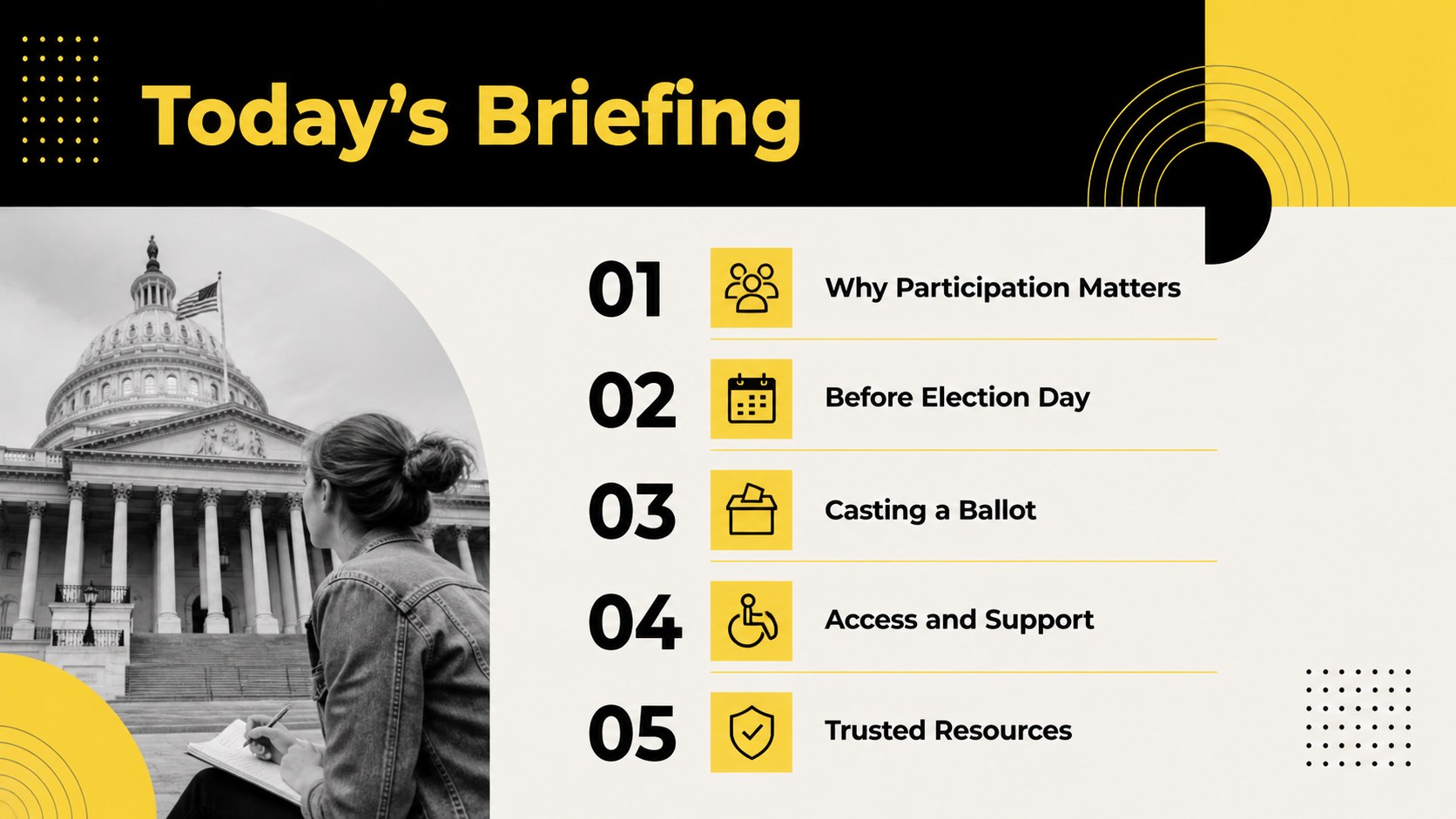
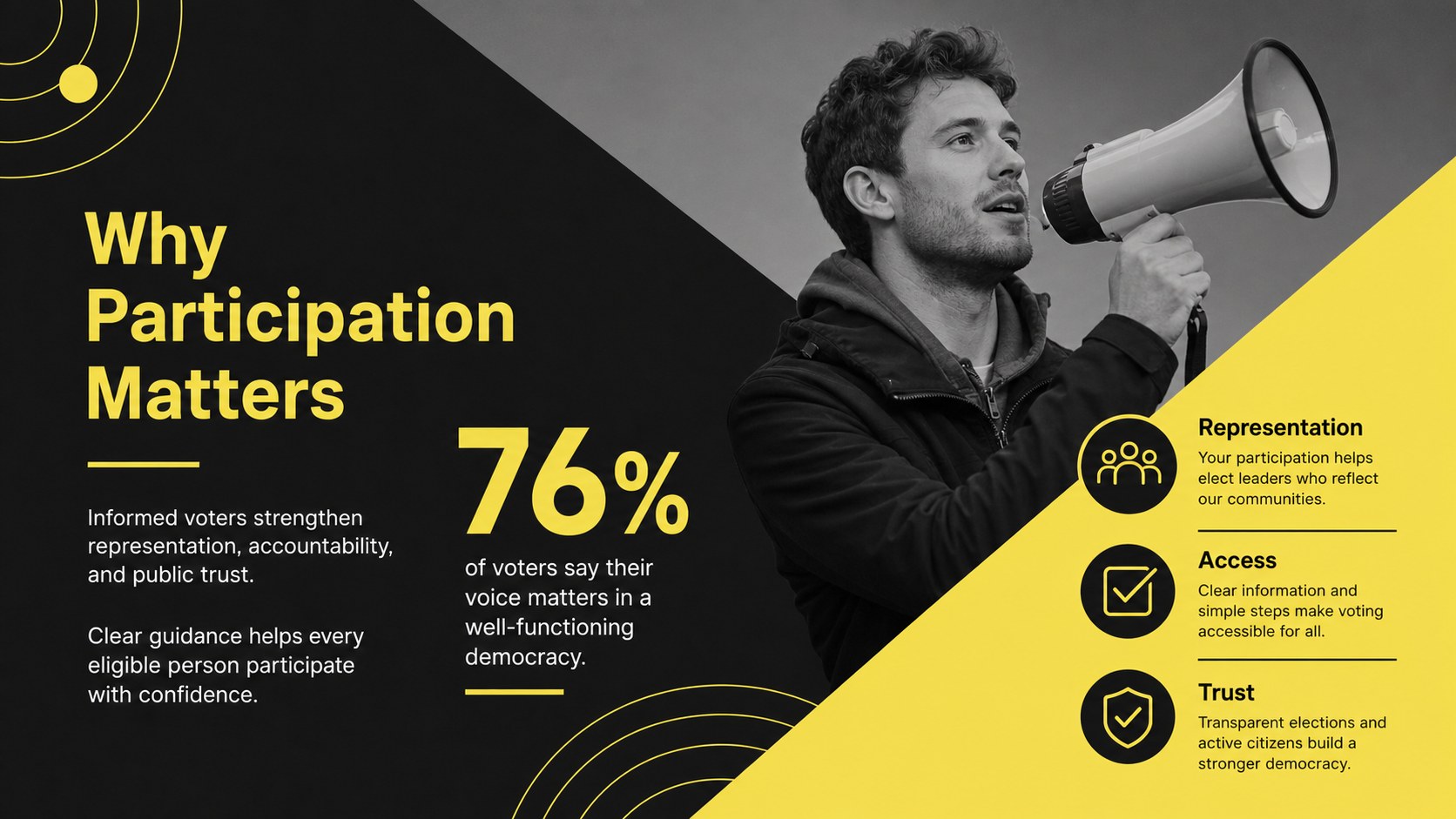
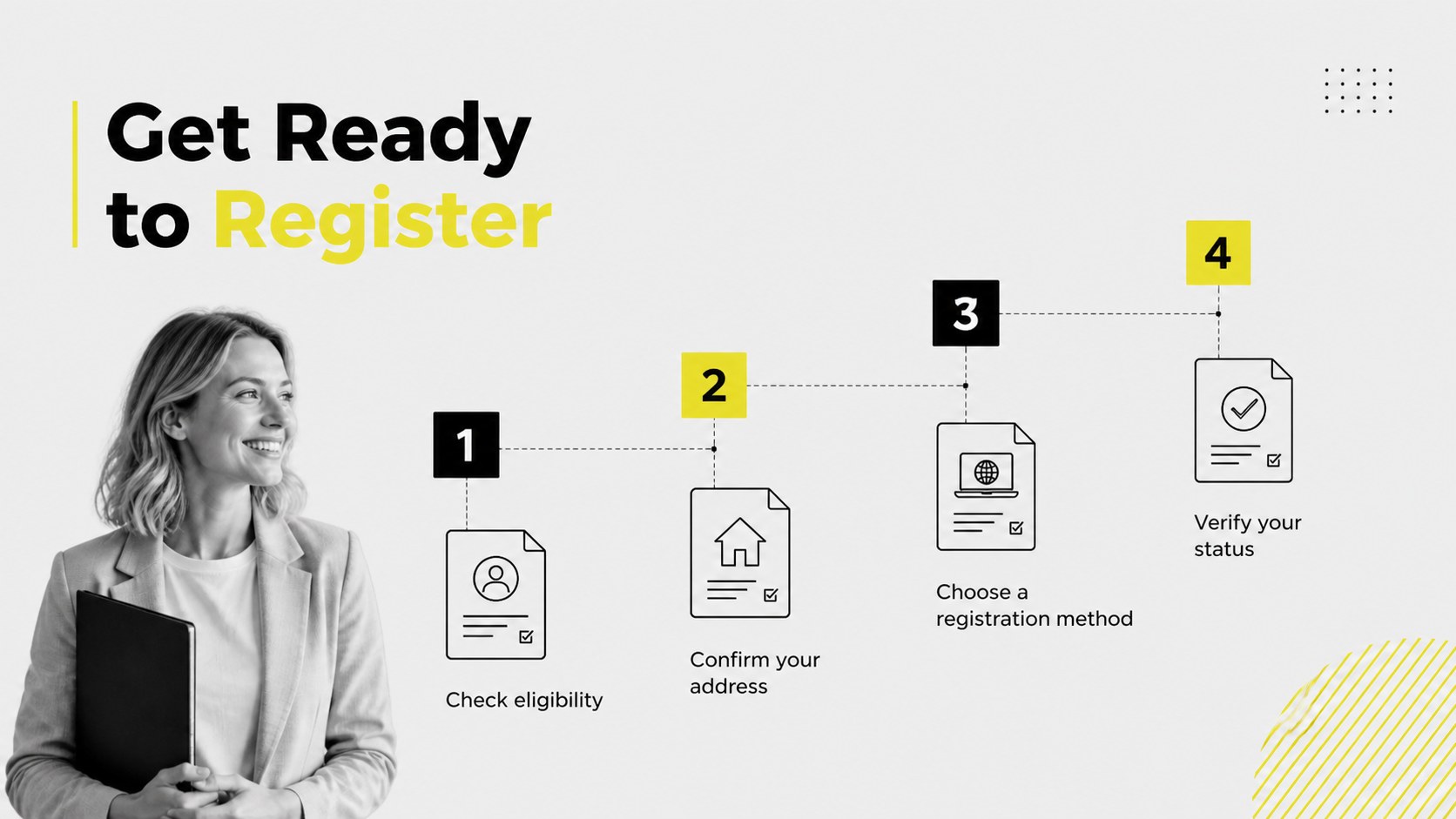
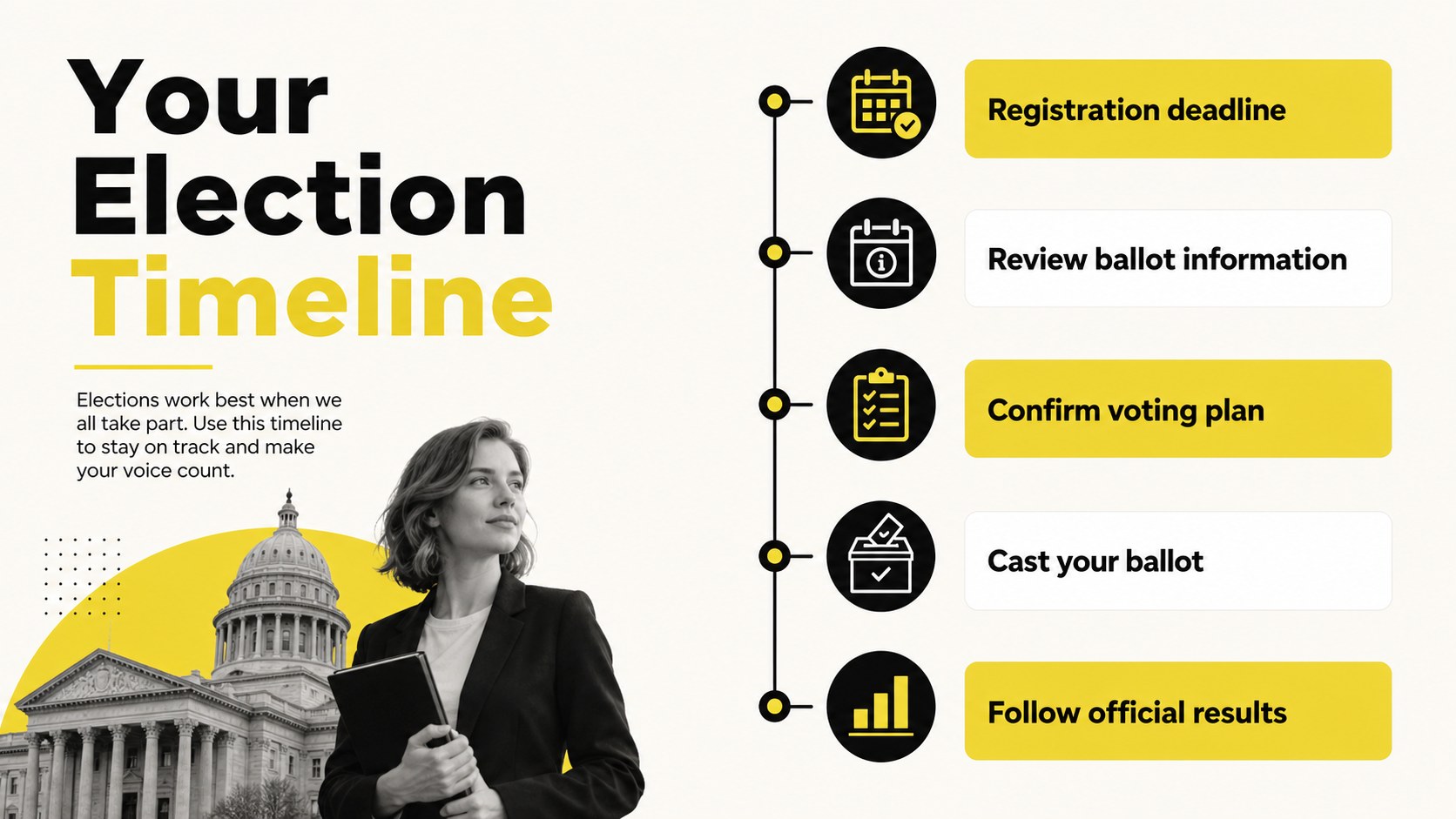
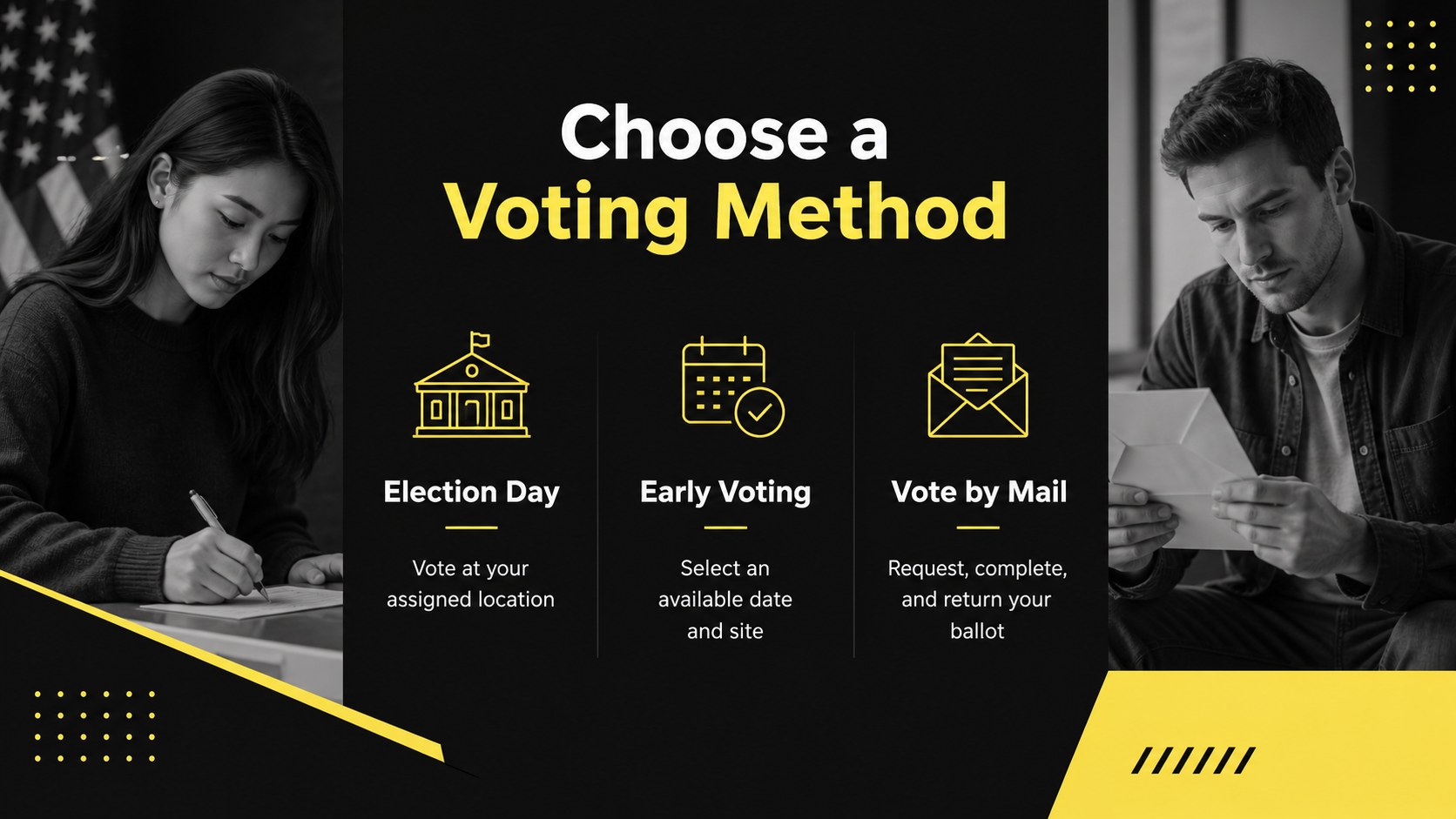
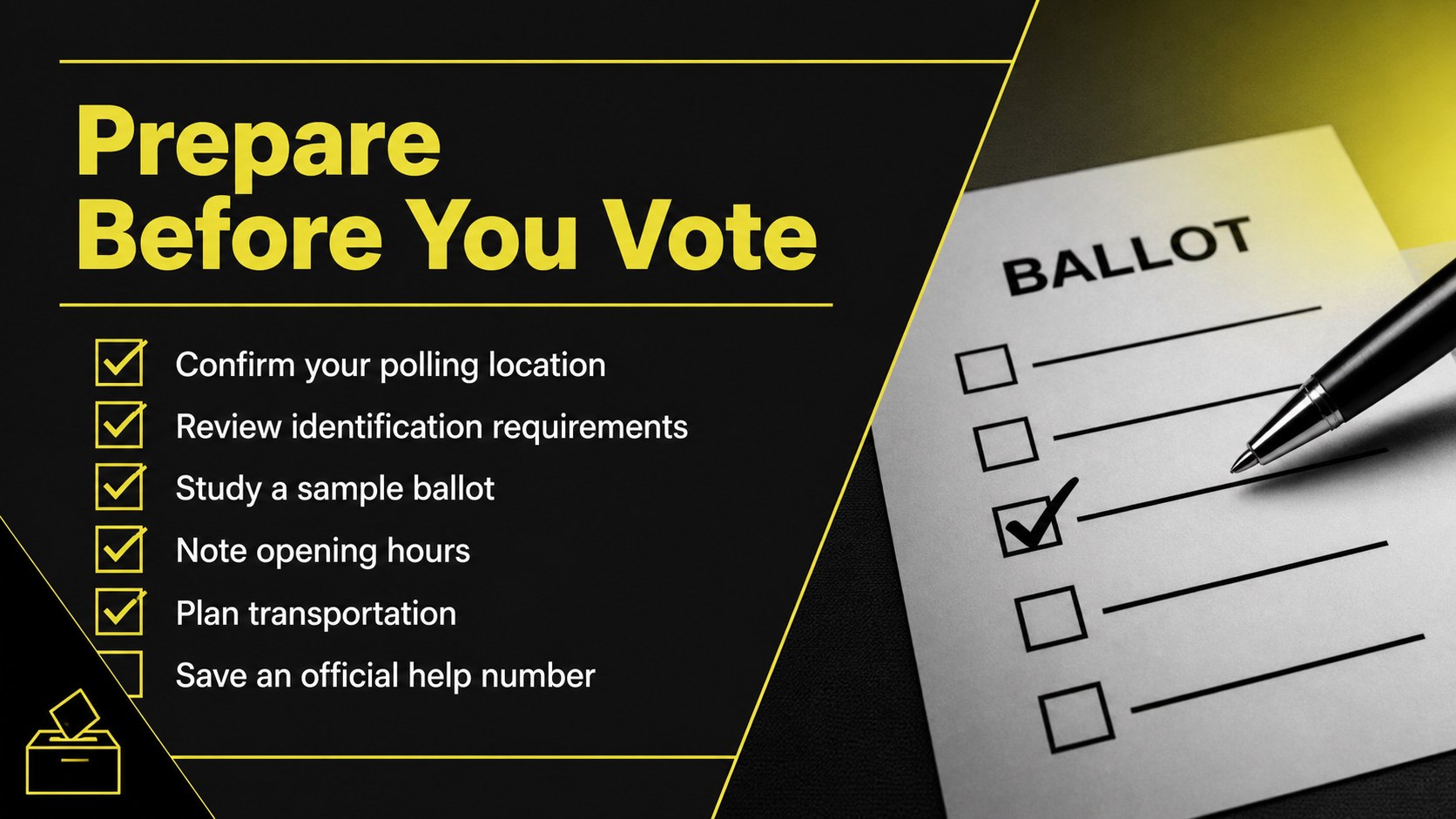
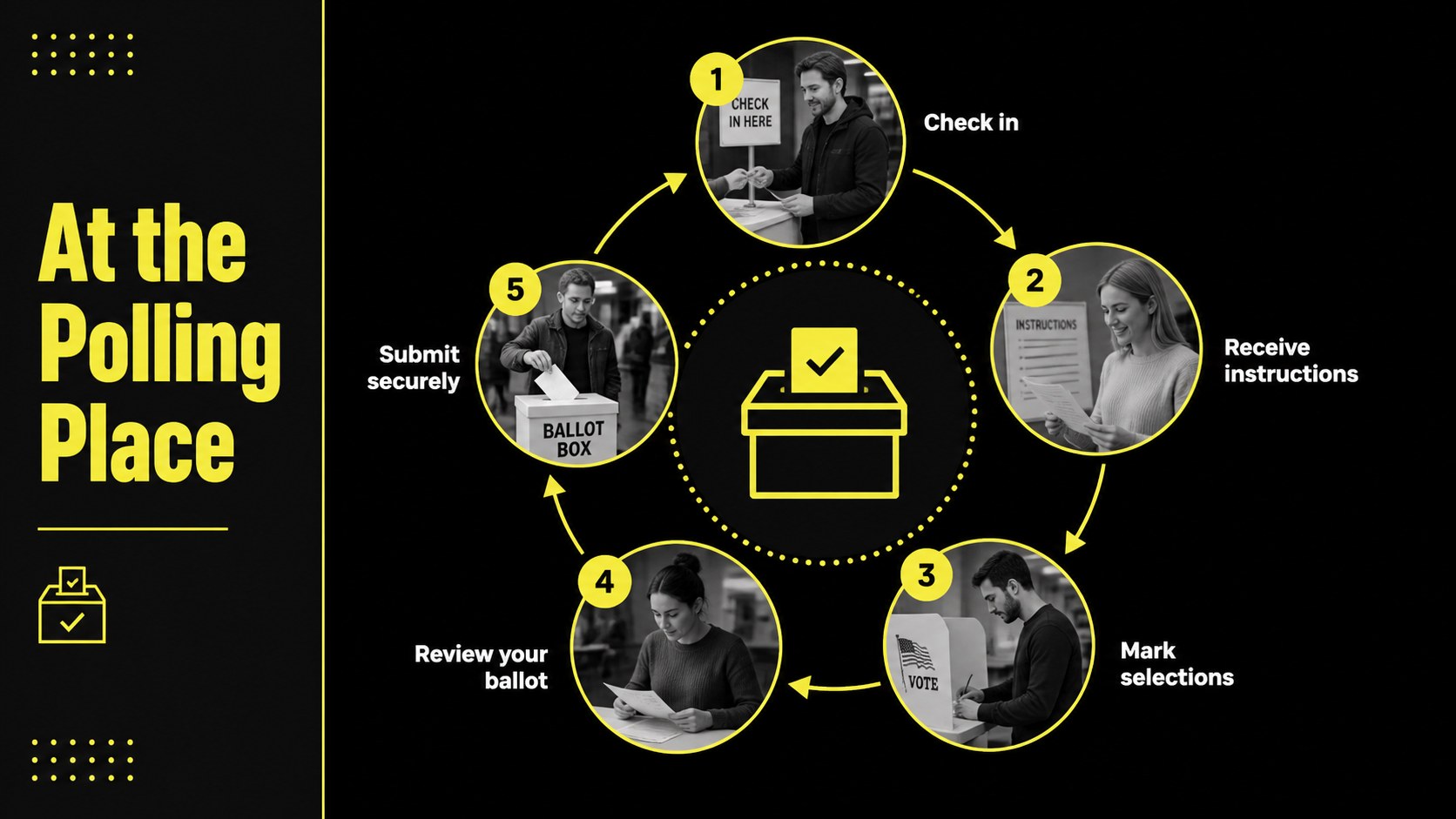
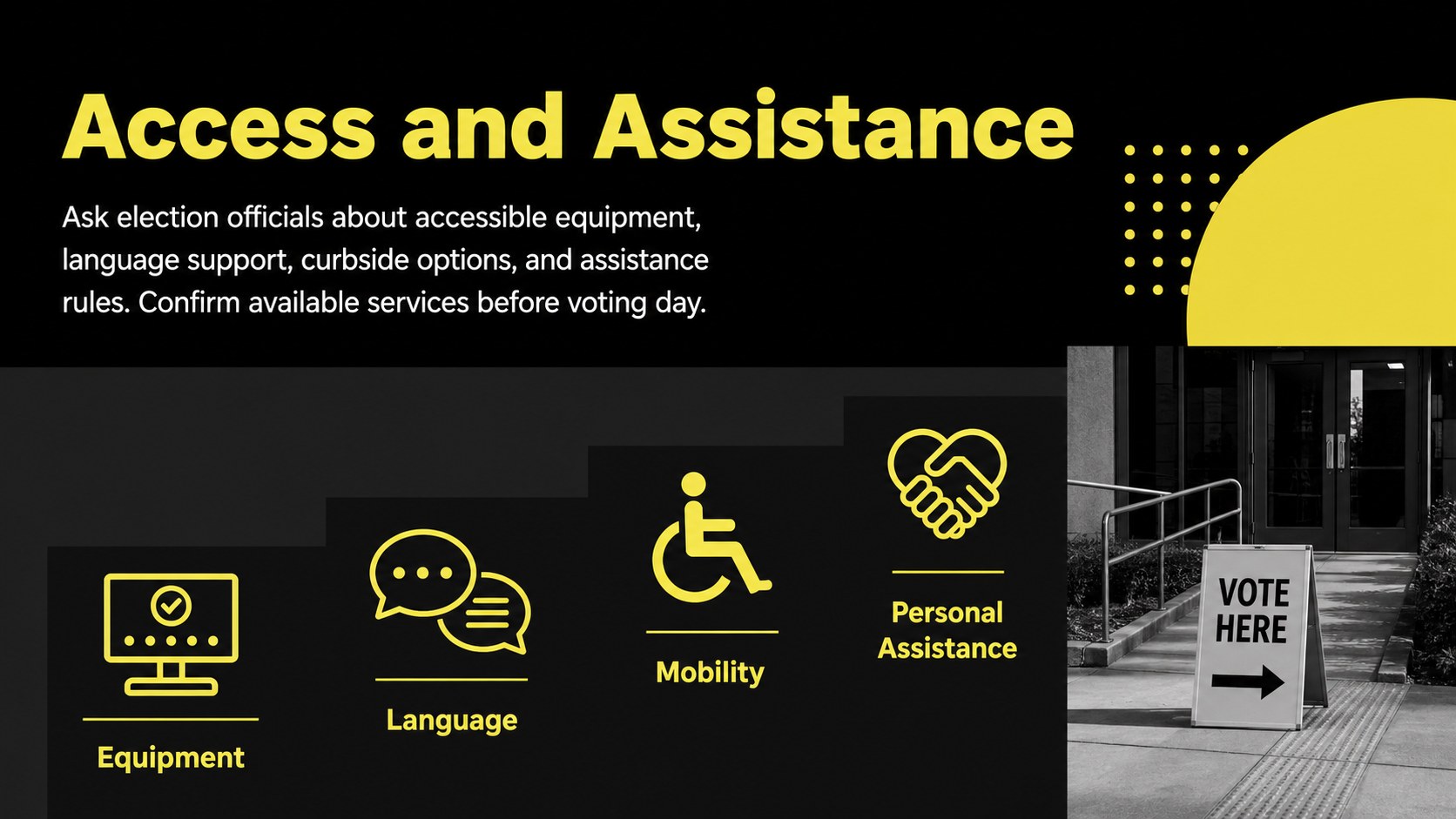
Inside, you will find 15 editable 16:9 slides covering registration, voter eligibility, election timelines, voting methods, ballot preparation, polling-place steps, accessibility, and trusted information sources. The deck also includes an agenda, comparison table, process diagram, checklist, data chart, key reminders, and a closing question slide. Strong typography, high-contrast accents, geometric details, and flexible content areas support both concise summaries and detailed explanations.
This black and yellow election slide deck is built for government teams, nonprofit organizations, community coordinators, educators, business professionals, and advocacy groups delivering nonpartisan information. It works especially well as a voter registration workshop template or an election day orientation deck. Every layout can be customized in PowerPoint or Google Slides, so you can replace sample wording, adjust colors, insert local dates, add charts, and tailor guidance to the rules and resources relevant to your audience.
Perfect for: voter registration workshop; community election orientation; employee civic education session; poll worker information briefing; nonpartisan classroom lesson; public outreach campaign.
Frequently asked questions
Can I edit every part of this presentation? Yes. The text, colors, shapes, charts, images, and layout elements can be adjusted to match your organization and local election information.
Practical details
Yes. The text, colors, shapes, charts, images, and layout elements can be adjusted to match your organization and local election information.
The deck is designed for PowerPoint and Google Slides. Minor spacing or font adjustments may be needed when moving between the two platforms.
Yes. Replace the sample steps, deadlines, eligibility details, and contact information with guidance from the appropriate election authority in your area.
Yes. The sample structure focuses on participation, procedures, accessibility, and reliable information rather than candidates or parties. Review all localized content before presenting to ensure accuracy and neutrality.
Keep exploring
15Build an engaging World UFO Day session with this flying saucer history lesson deck, featuring retro green-and-brown slides for PowerPoint and Google Slides.
 15
15Plan a lively animal-learning journey with this jungle zoo adventure lesson deck, ready to customize in PowerPoint and Google Slides for young learners.
 16
16Turn environmental research into a clear story with a Watercolor Ecology Presentation Theme for PowerPoint and Google Slides in calming green and blue.
 16
16Build focused fashion, literature, and humanities presentations with the Red Triangle Editorial Theme, editable in PowerPoint and Google Slides.
 15
15Turn streaming stats, favorite tracks, and concert highlights into a bold annual listening recap slide deck for PowerPoint and Google Slides.
 15
15Turn highlights, milestones, and favorite moments into a colorful year in review slide deck with bold 3D graphics for PowerPoint and Google Slides.
 3
3Build a credible endorsement with Standout Colleague Recommendation Letter Slides, featuring colorful prompts for skills, achievements, and team impact.
 4
4Build clear beginner sessions with an ice hockey fundamentals training deck for coaches, PE teachers, and clubs, ready for PowerPoint and Google Slides.