
 15
15presentation
Flying Saucer History Lesson Deck
Build an engaging World UFO Day session with this flying saucer history lesson deck, featuring retro green-and-brown slides for PowerPoint and Google Slides.
Google SlidesPowerPoint
presentation · English
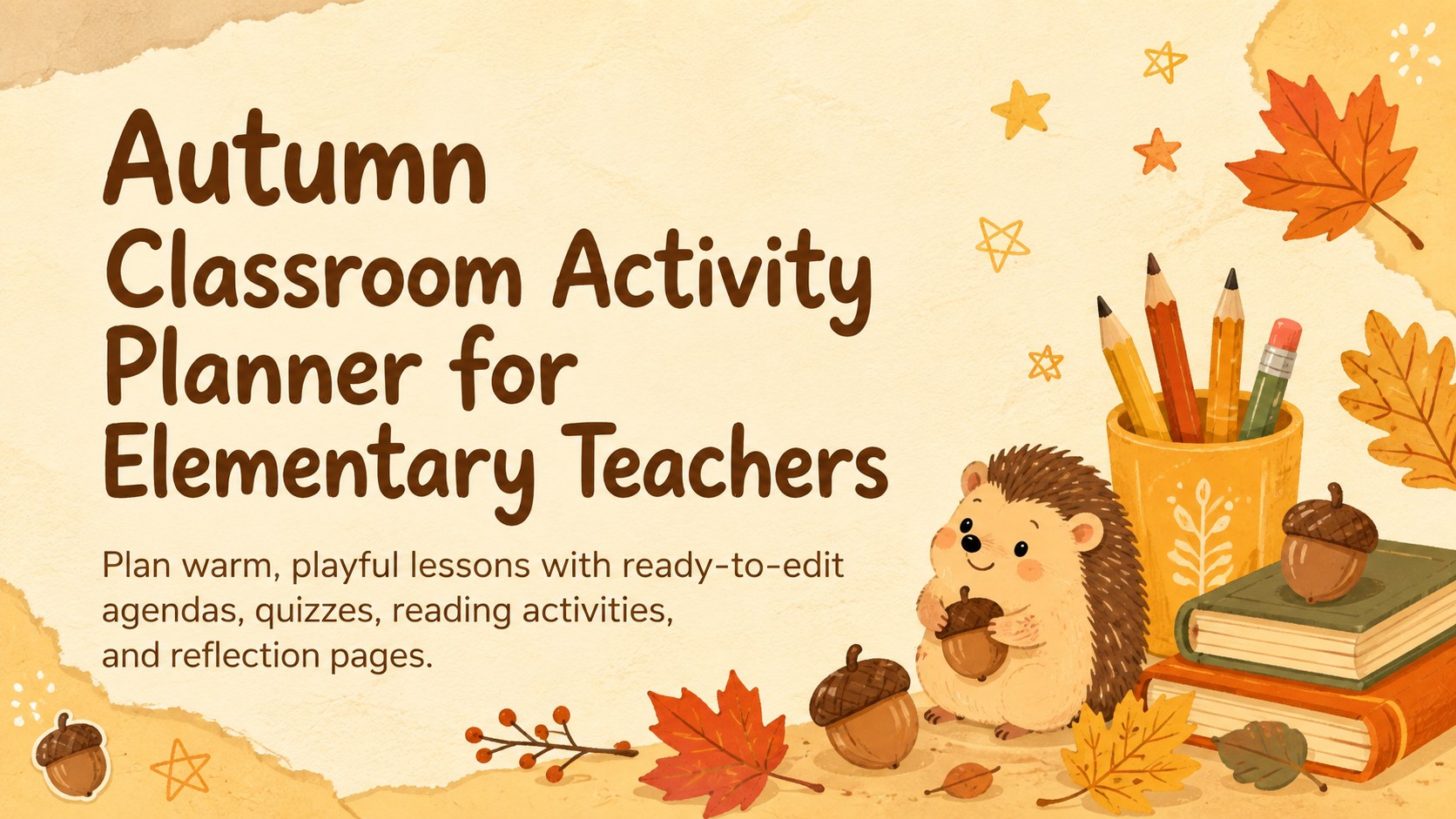
Organize playful seasonal lessons with an autumn classroom activity planner featuring editable agendas, quizzes, reading tasks, and reflections.
Design notes
Bring seasonal structure to daily teaching with an autumn classroom activity planner made for elementary educators. Soft pastel yellow and orange tones, cheerful woodland illustrations, and friendly doodle details create an inviting setting for young learners while keeping instructions clear and easy to scan.
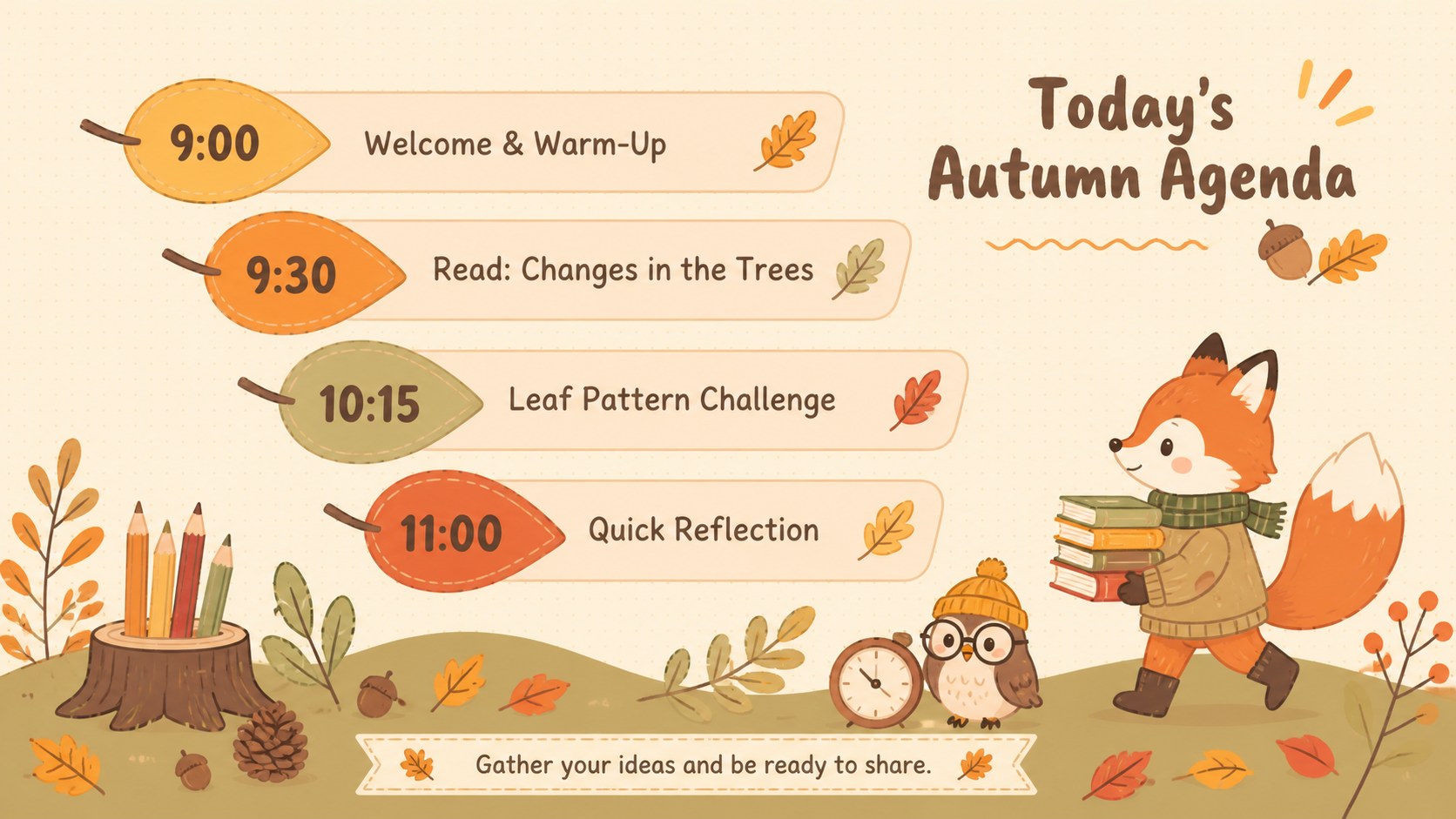
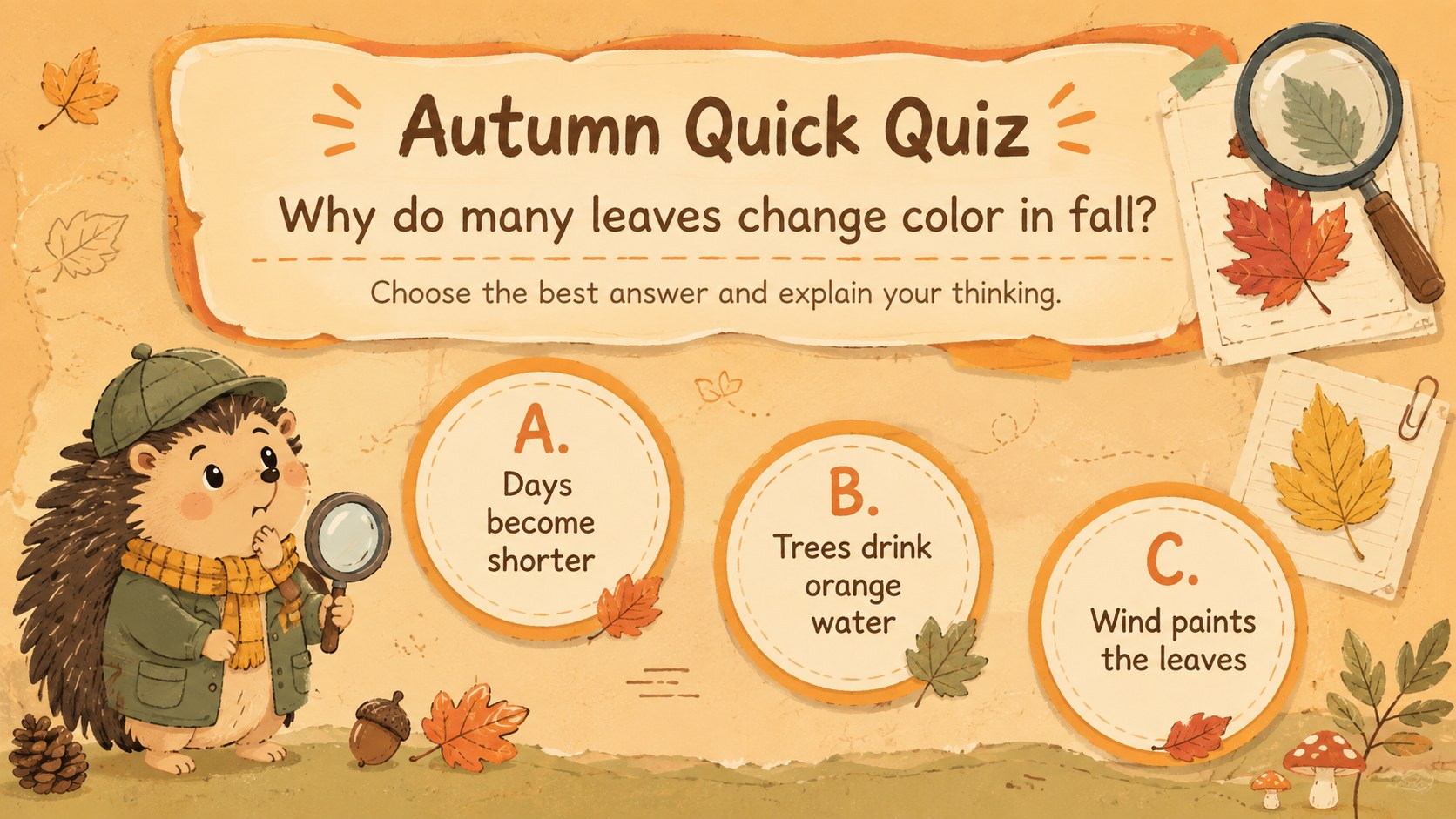
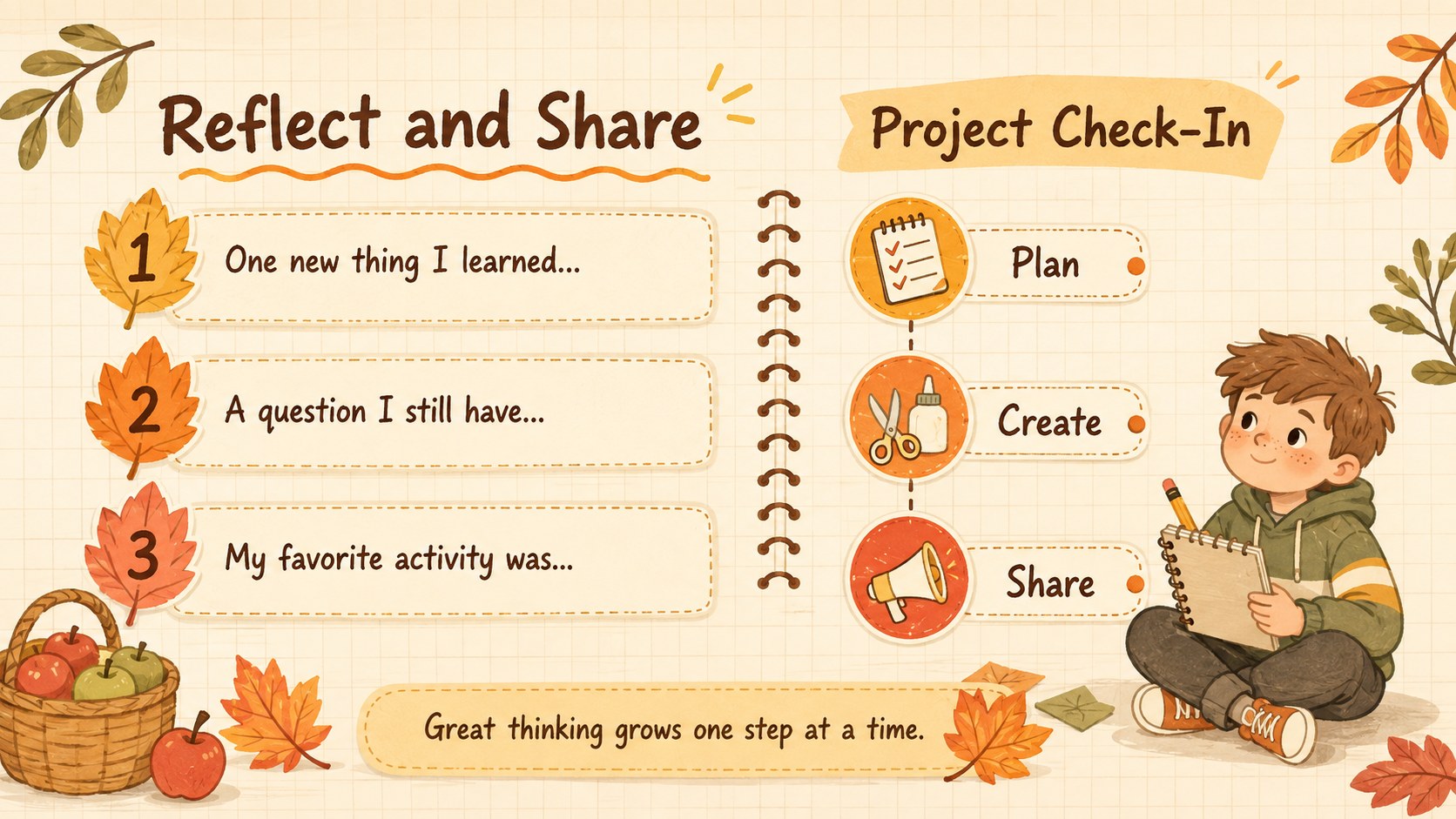
The deck includes more than 25 editable slide layouts for lesson openers, visual schedules, learning goals, quick quizzes, reading practice, class games, project updates, and end-of-day reflections. Use the fall lesson agenda slides to organize classroom routines, or adapt the interactive autumn quiz template for vocabulary checks and review games. Timelines, quote pages, simple charts, and activity prompts help teachers present information in varied, age-appropriate formats without rebuilding each lesson from scratch.
This elementary fall classroom presentation is suitable for homeroom teachers, reading specialists, tutors, and homeschool educators. Every page can be customized in PowerPoint or Google Slides, including text, colors, illustrations, shapes, links, transitions, and activity instructions. Add school branding, duplicate layouts for a longer unit, or simplify pages for younger grades. The 16:9 format works well on classroom projectors, interactive displays, and screens used for remote instruction. Whether you are planning a full autumn unit or adding a single seasonal activity, the coordinated layouts keep your materials consistent, warm, and engaging.
Perfect for: morning classroom agenda; autumn reading lesson; seasonal vocabulary quiz; elementary project update; end-of-day student reflection.
Frequently asked questions
Can I edit every part of this classroom planner? Yes. You can change the text, colors, shapes, illustrations, links, and activity instructions to match your grade level and lesson goals.
Practical details
Yes. You can change the text, colors, shapes, illustrations, links, and activity instructions to match your grade level and lesson goals.
The deck is designed for PowerPoint and Google Slides. Its 16:9 layout is suitable for projectors, interactive classroom displays, and online lessons.
Yes. Duplicate agenda, quiz, reading, and reflection pages to build a longer unit, then replace the sample wording with your own material.
The friendly woodland artwork and uncluttered layouts are designed with young learners in mind. Teachers can shorten prompts, enlarge text, or remove optional elements for early grades.
Keep exploring
15Build an engaging World UFO Day session with this flying saucer history lesson deck, featuring retro green-and-brown slides for PowerPoint and Google Slides.
 15
15Plan a lively animal-learning journey with this jungle zoo adventure lesson deck, ready to customize in PowerPoint and Google Slides for young learners.
 16
16Turn environmental research into a clear story with a Watercolor Ecology Presentation Theme for PowerPoint and Google Slides in calming green and blue.
 16
16Build focused fashion, literature, and humanities presentations with the Red Triangle Editorial Theme, editable in PowerPoint and Google Slides.
 15
15Turn streaming stats, favorite tracks, and concert highlights into a bold annual listening recap slide deck for PowerPoint and Google Slides.
 15
15Turn highlights, milestones, and favorite moments into a colorful year in review slide deck with bold 3D graphics for PowerPoint and Google Slides.
 3
3Build a credible endorsement with Standout Colleague Recommendation Letter Slides, featuring colorful prompts for skills, achievements, and team impact.
 4
4Build clear beginner sessions with an ice hockey fundamentals training deck for coaches, PE teachers, and clubs, ready for PowerPoint and Google Slides.