
 15
15presentation
Flying Saucer History Lesson Deck
Build an engaging World UFO Day session with this flying saucer history lesson deck, featuring retro green-and-brown slides for PowerPoint and Google Slides.
Google SlidesPowerPoint
presentation · English
Map out August with cheerful monthly planning slides in a warm beige style. Edit goals, schedules, and priorities quickly, PowerPoint, or Google Slides.
Design notes
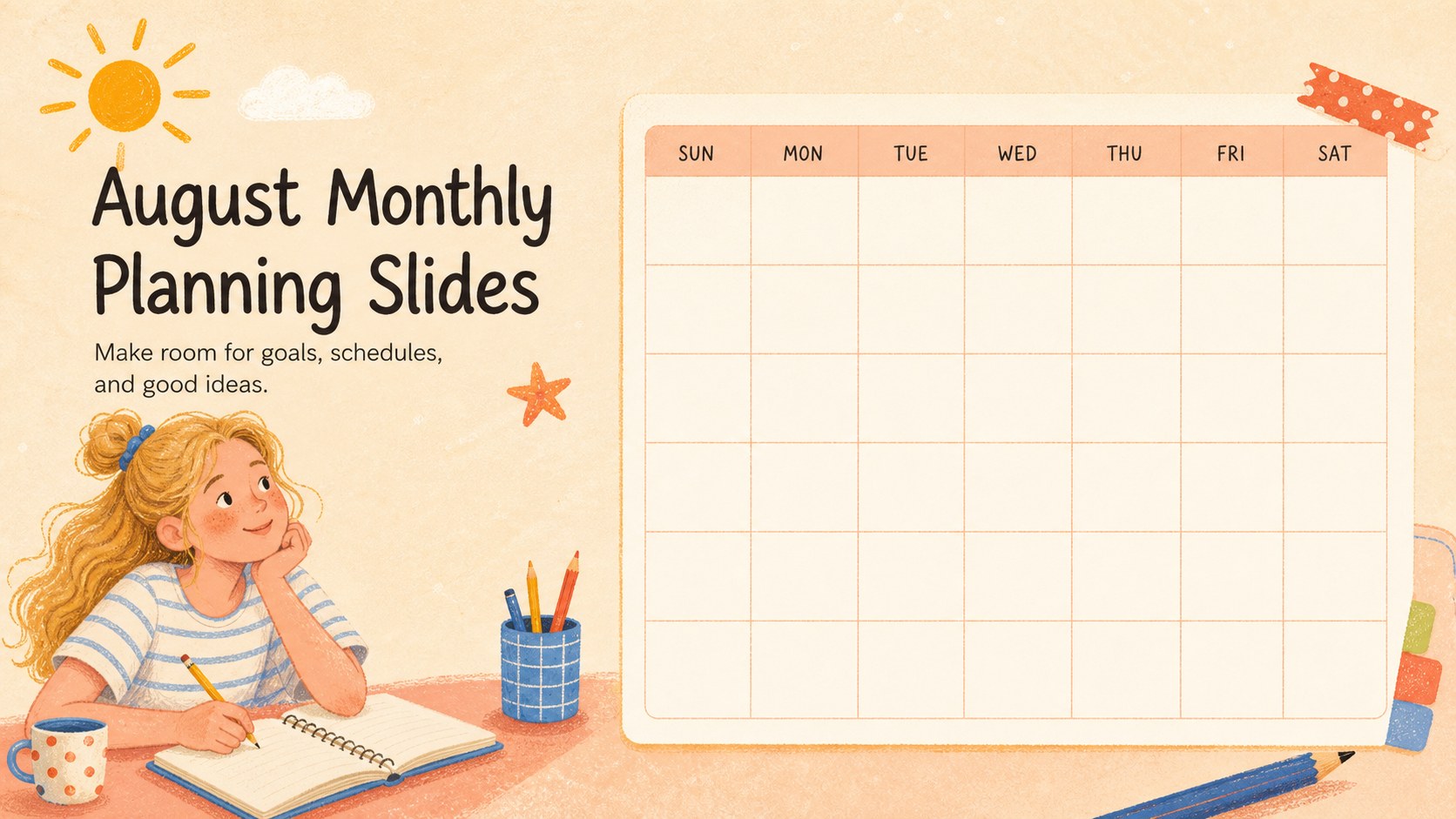
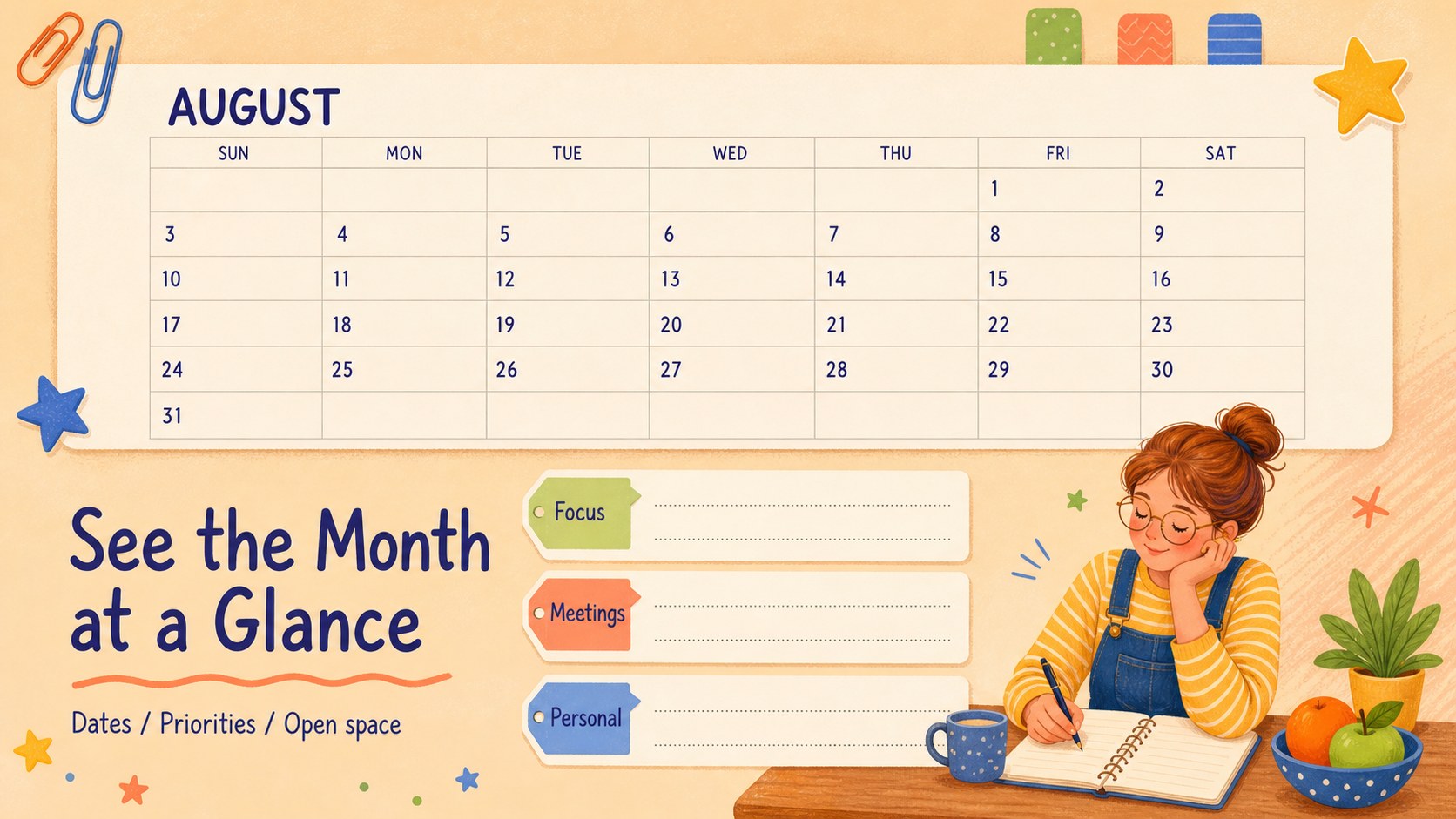
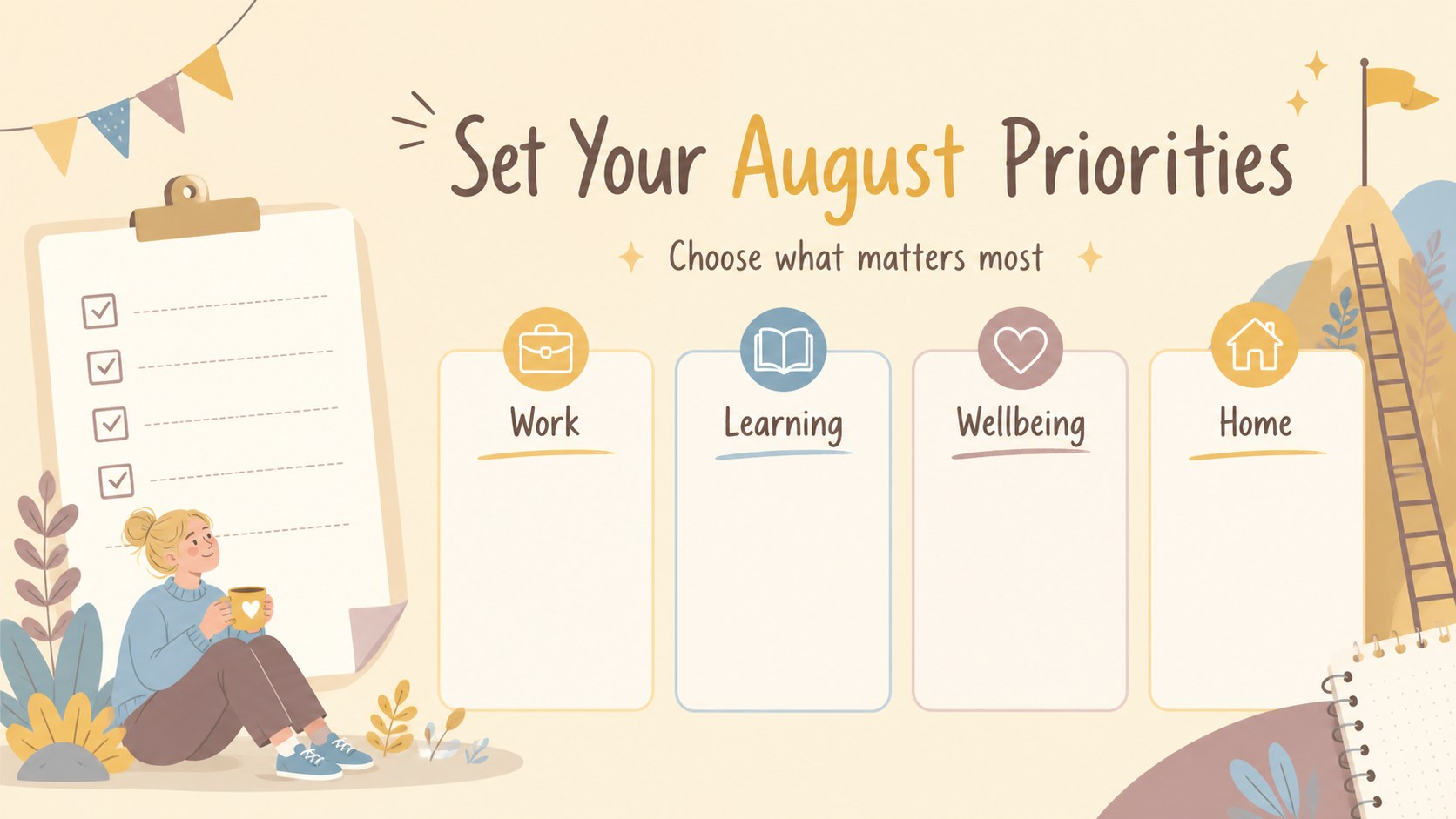
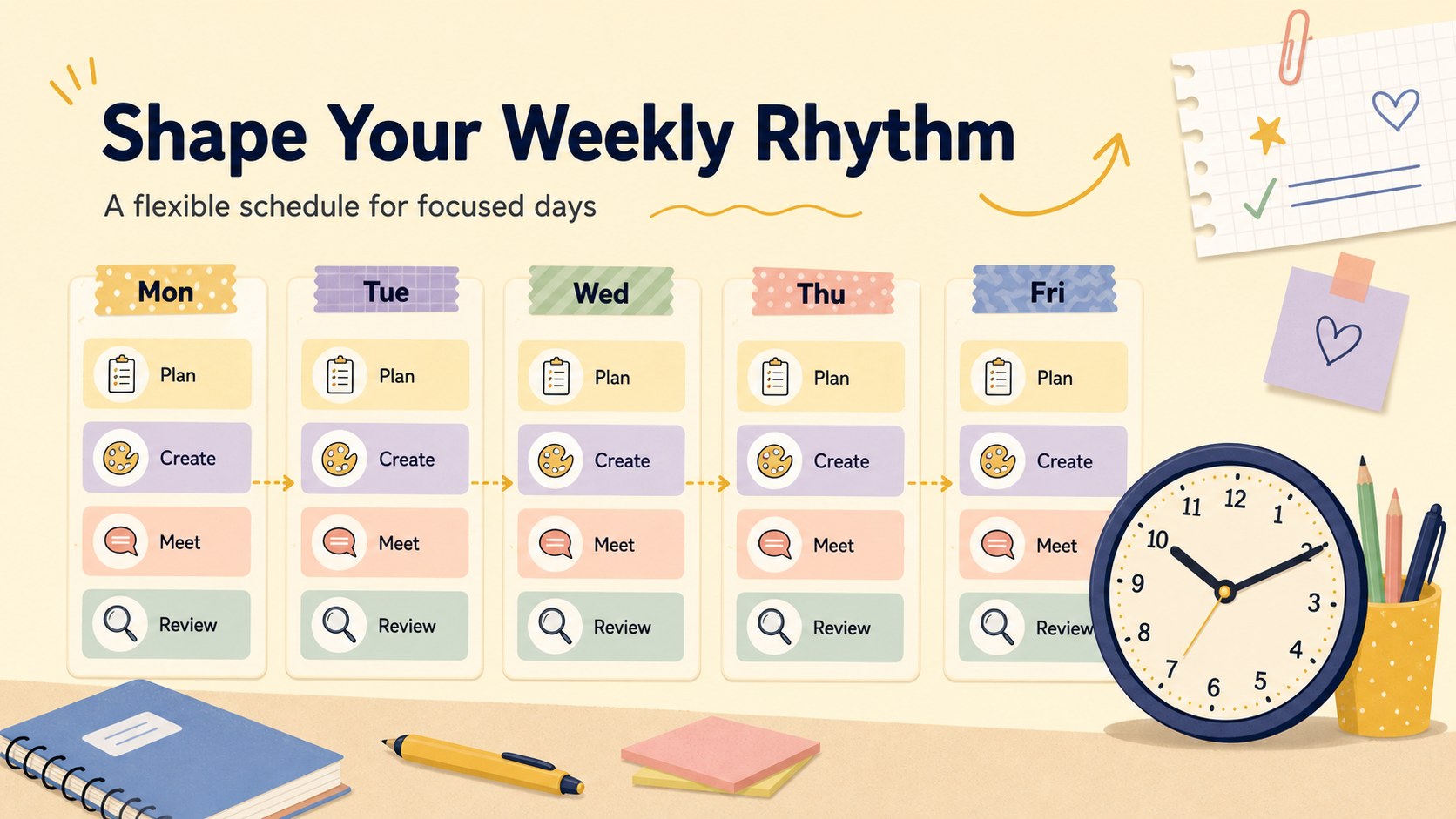
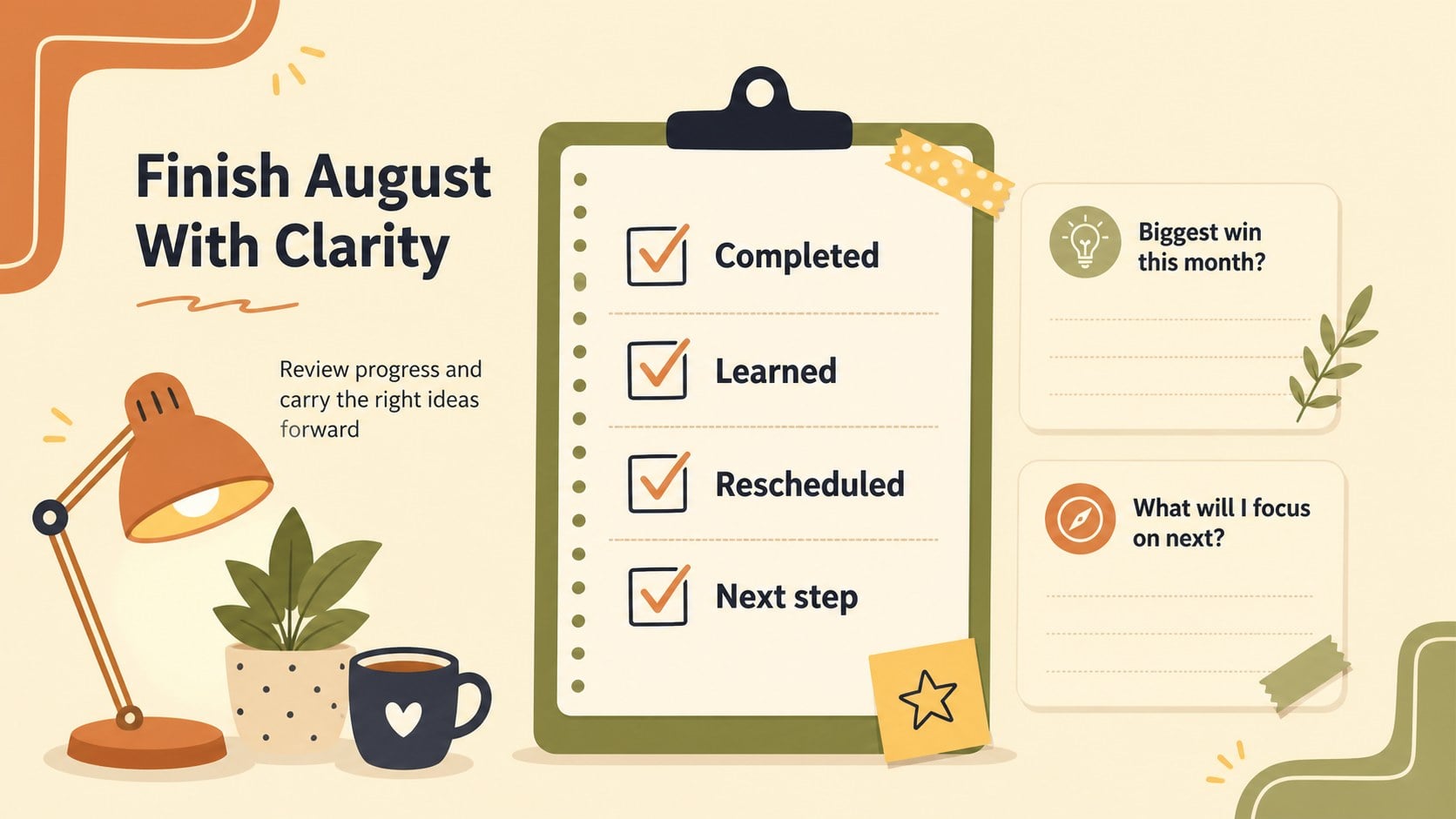
August Monthly Planning Slides bring structure to busy schedules without making planning feel rigid. The warm beige palette, playful illustrations, and friendly typography create an approachable visual system for mapping appointments, priorities, projects, and personal goals. Use the deck for a team planning session, a classroom overview, a household schedule, or a personal reset at the start of the month.
Inside, you’ll find 18 editable 16:9 slides with calendar views, priority lists, goal-setting spaces, schedule summaries, and flexible planning layouts. Charts, frames, lines, shapes, icons, and image areas make it simple to tailor the deck to your own workflow. These august monthly planning slides also work well as a printable planning presentation, a team weekly schedule deck, or a visual agenda for recurring meetings.
The template is designed for and can be exported to PowerPoint or Google Slides. adds drag-and-drop editing, animation, presenter notes, media search, font combinations, color palettes, and real-time collaboration. Bebas Neue and Neucha give the design its bold yet handwritten character, while the illustrated details add energy without overwhelming the information. It is a practical choice for educators, project leads, families, freelancers, and anyone who wants a clearer view of the month.
Perfect for: monthly team planning meeting; classroom schedule overview; personal goal-setting session; family activity planning; freelance project organization.
Frequently asked questions
Can I edit this planning deck? Yes. The template is designed for, where you can change text, colors, fonts, illustrations, layouts, and images with drag-and-drop controls. It can also be shared for collaborative editing.
Practical details
Yes. The template is designed for, where you can change text, colors, fonts, illustrations, layouts, and images with drag-and-drop controls. It can also be shared for collaborative editing.
Yes. Open the design and export it as a PPTX file for PowerPoint, or send it to Google Drive to create an editable Google Slides copy. Some -specific animations or media elements may need adjustment after export.
No. Text, dates, labels, and planning sections are editable, so you can adapt the layouts for work, school, home, or personal use. Duplicate slides when you need more space for goals, schedules, or project notes.
The deck includes 18 customizable 16:9 slides with calendar views, priorities, goals, schedules, and supporting planning layouts. It also includes editable design elements such as charts, frames, lines, shapes, and image placeholders.
Keep exploring
15Build an engaging World UFO Day session with this flying saucer history lesson deck, featuring retro green-and-brown slides for PowerPoint and Google Slides.
 15
15Plan a lively animal-learning journey with this jungle zoo adventure lesson deck, ready to customize in PowerPoint and Google Slides for young learners.
 16
16Turn environmental research into a clear story with a Watercolor Ecology Presentation Theme for PowerPoint and Google Slides in calming green and blue.
 16
16Build focused fashion, literature, and humanities presentations with the Red Triangle Editorial Theme, editable in PowerPoint and Google Slides.
 15
15Turn streaming stats, favorite tracks, and concert highlights into a bold annual listening recap slide deck for PowerPoint and Google Slides.
 15
15Turn highlights, milestones, and favorite moments into a colorful year in review slide deck with bold 3D graphics for PowerPoint and Google Slides.
 3
3Build a credible endorsement with Standout Colleague Recommendation Letter Slides, featuring colorful prompts for skills, achievements, and team impact.
 4
4Build clear beginner sessions with an ice hockey fundamentals training deck for coaches, PE teachers, and clubs, ready for PowerPoint and Google Slides.