
 15
15presentation
Flying Saucer History Lesson Deck
Build an engaging World UFO Day session with this flying saucer history lesson deck, featuring retro green-and-brown slides for PowerPoint and Google Slides.
Google SlidesPowerPoint
presentation · English
Win stakeholder confidence with audio platform investor slides that turn product vision, audience insights, traction, and revenue plans into a polished story.






Design notes
Turn an ambitious streaming concept into a persuasive business narrative with these audio platform investor slides. The vibrant purple and teal design pairs modern typography with energetic gradients, crisp diagrams, and flexible media areas, giving founders a polished framework for presenting a new music, podcast, or digital audio product.
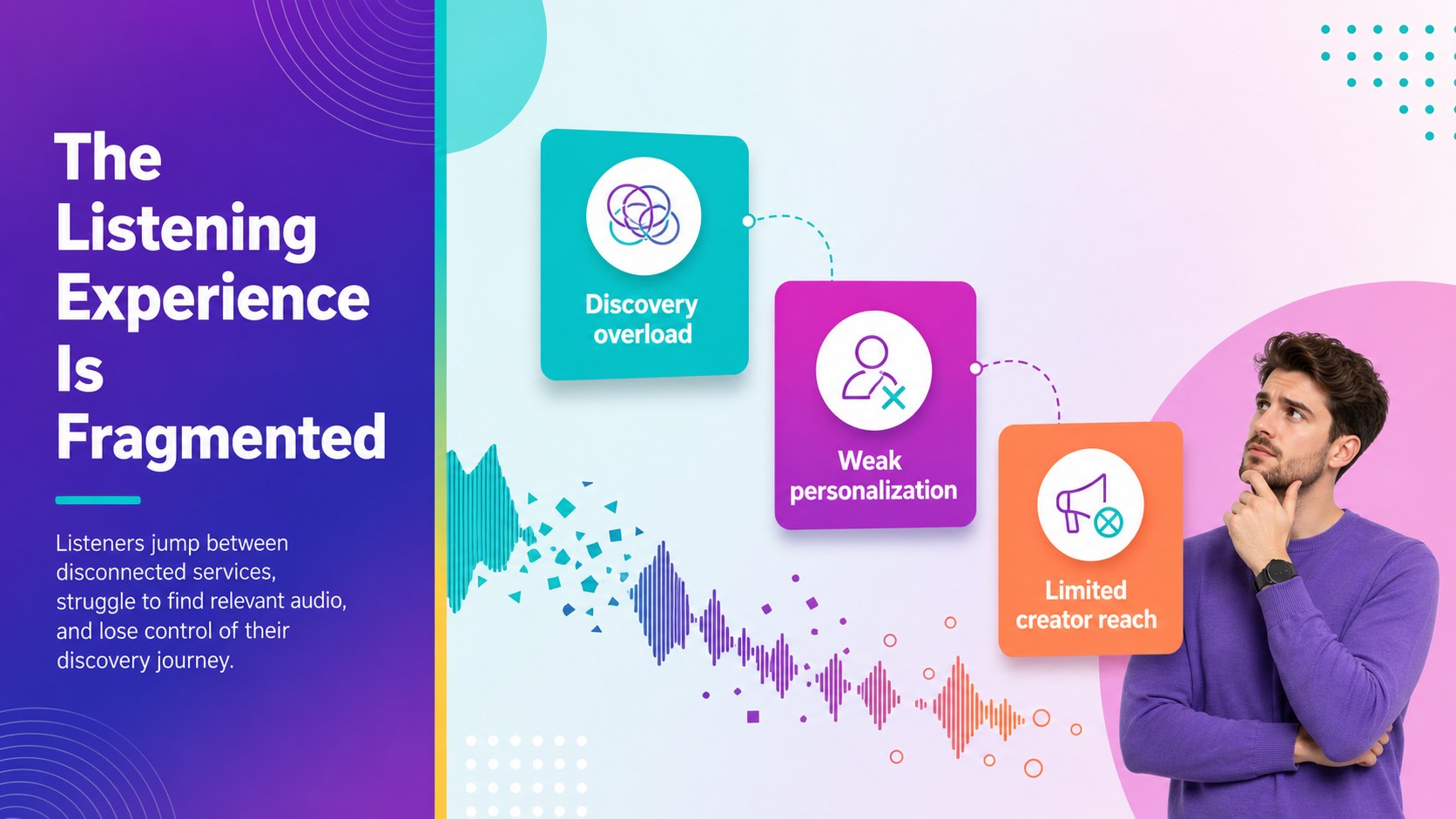
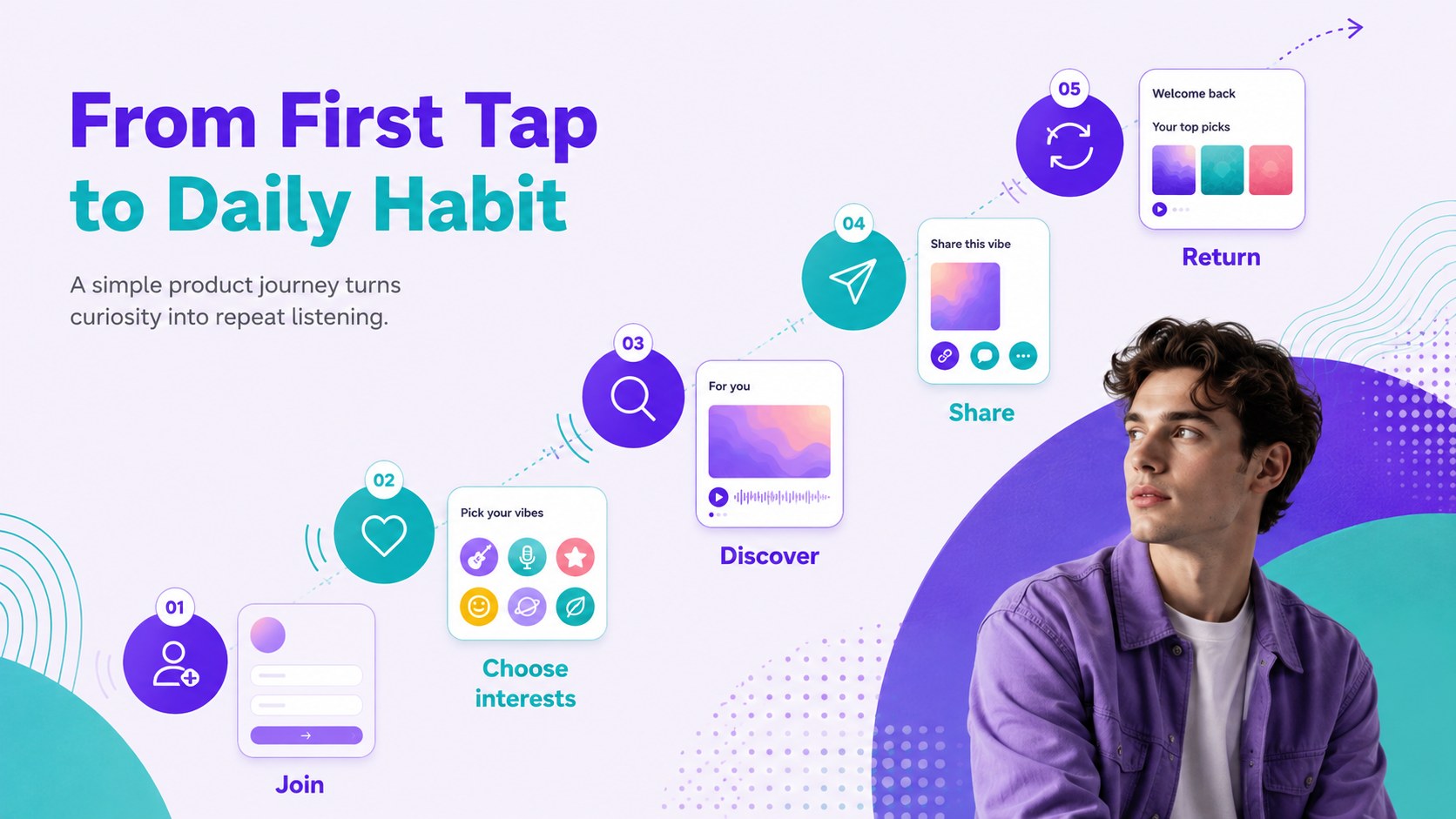
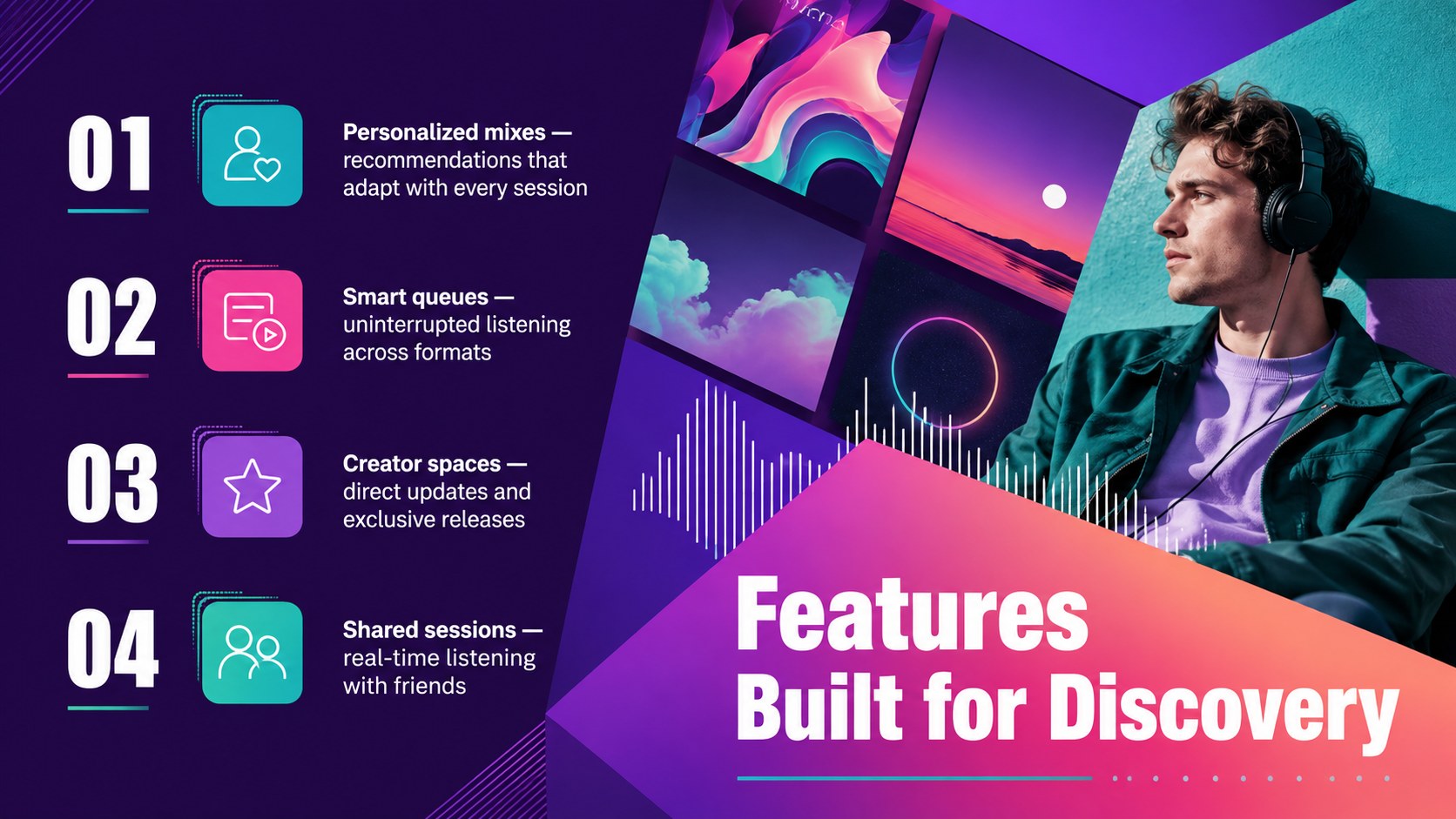
The deck covers the essential stages of an investor conversation: customer pain points, market opportunity, product experience, key features, audience segments, revenue streams, traction, competitive positioning, launch strategy, and the funding request. Adapt it as a music subscription startup presentation, use its visual charts for digital audio product funding slides, or build a focused audio app go to market deck. Layouts provide room for product screenshots, listening metrics, user research, campaign ideas, financial projections, and short audio or video demonstrations.
Created for startup founders, product teams, music technology companies, agencies, and innovation groups, the template works in PowerPoint and Google Slides. Every page can be adjusted with your own colors, type choices, images, icons, data, and messaging. Use the opening guidance page to establish a consistent visual system, then reorder or duplicate layouts to match the length of your pitch. The result is a cohesive presentation that helps decision-makers understand the product, recognize its commercial potential, and follow the path from concept to scalable platform.
Perfect for: audio startup investor meeting; music app seed funding pitch; streaming product launch proposal; subscription business model review; music technology accelerator demo; digital audio partnership presentation.
Frequently asked questions
Can I edit these slides in PowerPoint and Google Slides? Yes. The presentation is designed for editing in PowerPoint and Google Slides, including text, colors, charts, images, and layout elements. Some fonts may need to be installed or replaced with a similar available typeface.
Practical details
Yes. The presentation is designed for editing in PowerPoint and Google Slides, including text, colors, charts, images, and layout elements. Some fonts may need to be installed or replaced with a similar available typeface.
Replace the sample copy with your product story, then add interface screenshots, listener data, pricing, and financial projections. Keep the purple and teal palette for visual continuity or update the theme colors to match your identity.
The layouts include flexible areas that can hold product demonstrations, waveform graphics, embedded video, or linked audio samples. Playback behavior may vary between PowerPoint and Google Slides, so test all media before presenting.
For a concise meeting, use the problem, opportunity, solution, audience, business model, traction, launch strategy, team, and funding request slides. Additional market, competition, feature, and roadmap pages can support a longer discussion.
Keep exploring
15Build an engaging World UFO Day session with this flying saucer history lesson deck, featuring retro green-and-brown slides for PowerPoint and Google Slides.
 15
15Plan a lively animal-learning journey with this jungle zoo adventure lesson deck, ready to customize in PowerPoint and Google Slides for young learners.
 16
16Turn environmental research into a clear story with a Watercolor Ecology Presentation Theme for PowerPoint and Google Slides in calming green and blue.
 16
16Build focused fashion, literature, and humanities presentations with the Red Triangle Editorial Theme, editable in PowerPoint and Google Slides.
 15
15Turn streaming stats, favorite tracks, and concert highlights into a bold annual listening recap slide deck for PowerPoint and Google Slides.
 15
15Turn highlights, milestones, and favorite moments into a colorful year in review slide deck with bold 3D graphics for PowerPoint and Google Slides.
 3
3Build a credible endorsement with Standout Colleague Recommendation Letter Slides, featuring colorful prompts for skills, achievements, and team impact.
 4
4Build clear beginner sessions with an ice hockey fundamentals training deck for coaches, PE teachers, and clubs, ready for PowerPoint and Google Slides.