
 15
15presentation
Flying Saucer History Lesson Deck
Build an engaging World UFO Day session with this flying saucer history lesson deck, featuring retro green-and-brown slides for PowerPoint and Google Slides.
Google SlidesPowerPoint
presentation · English
Turn retail goals into a persuasive plan with the Athletic Retail Growth Strategy Deck, featuring editable grey 3D slides for PowerPoint and Google Slides.



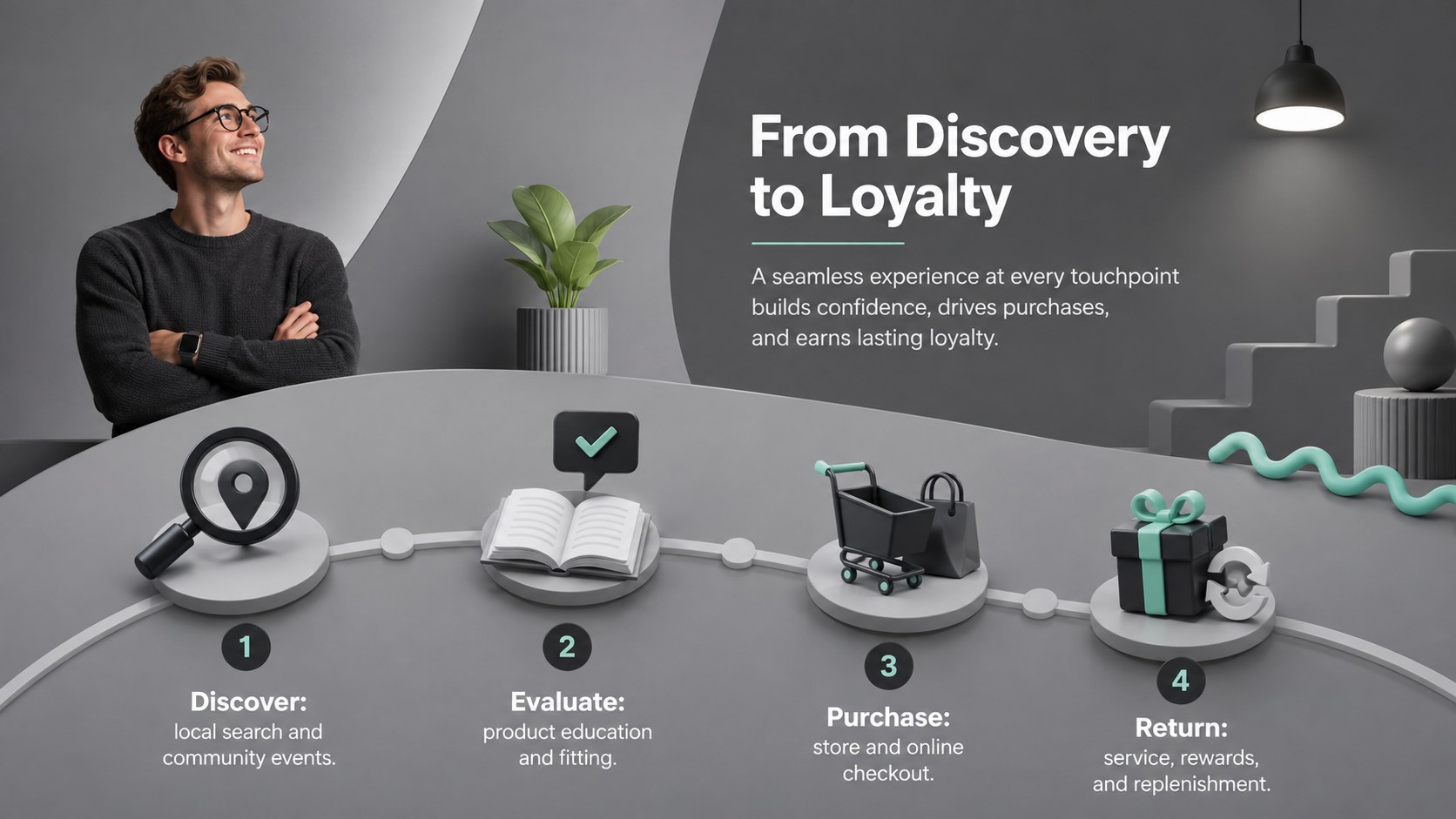

Design notes
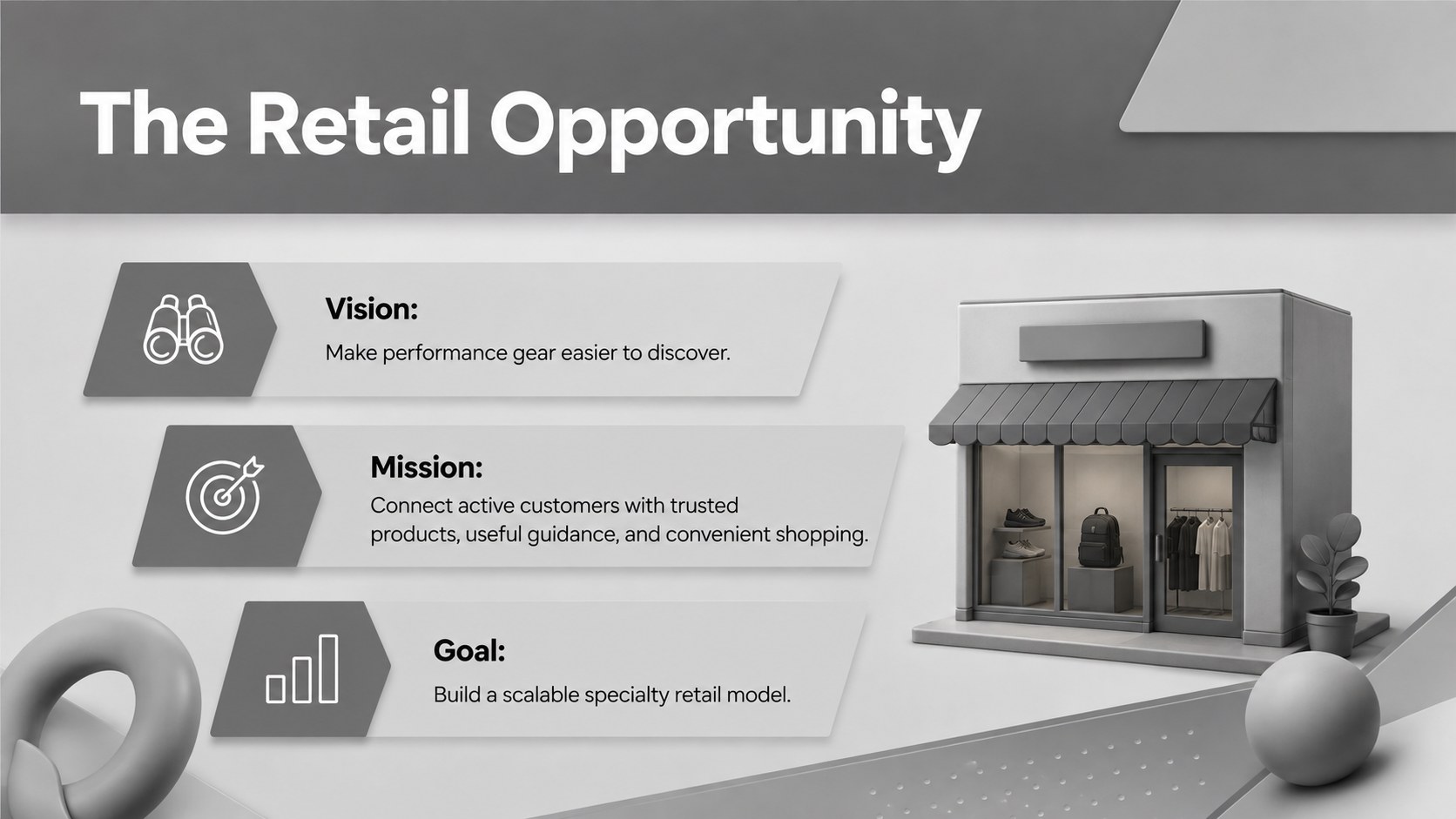
Turn your store concept into a focused commercial story with the Athletic Retail Growth Strategy Deck. Created for sporting goods retailers, footwear boutiques, equipment sellers, and activewear startups, this presentation pairs a neutral grey palette with energetic 3D Memphis-inspired forms. Its modern visual system gives sales, strategy, and financial information a confident structure without distracting from the numbers.
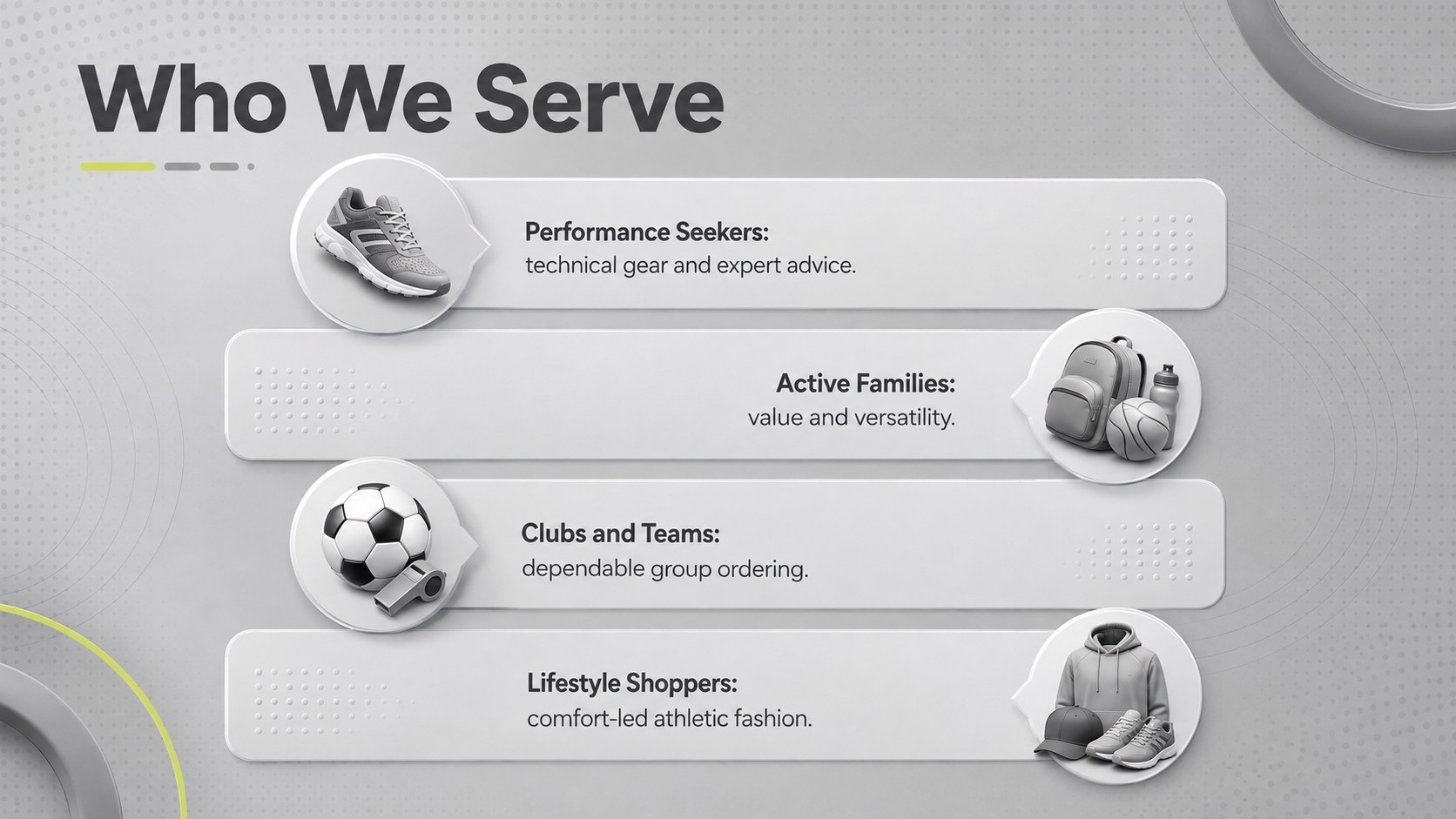
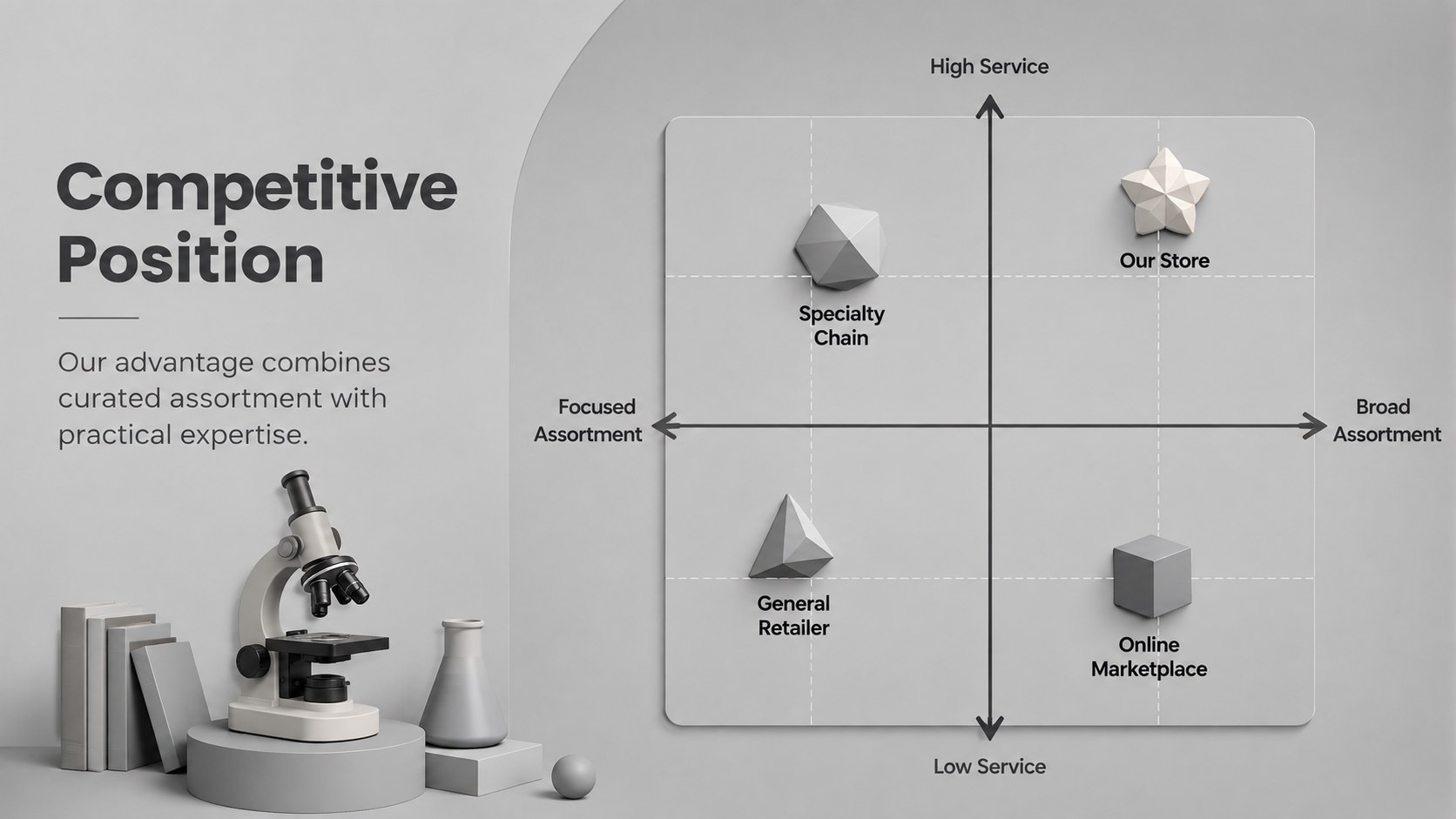
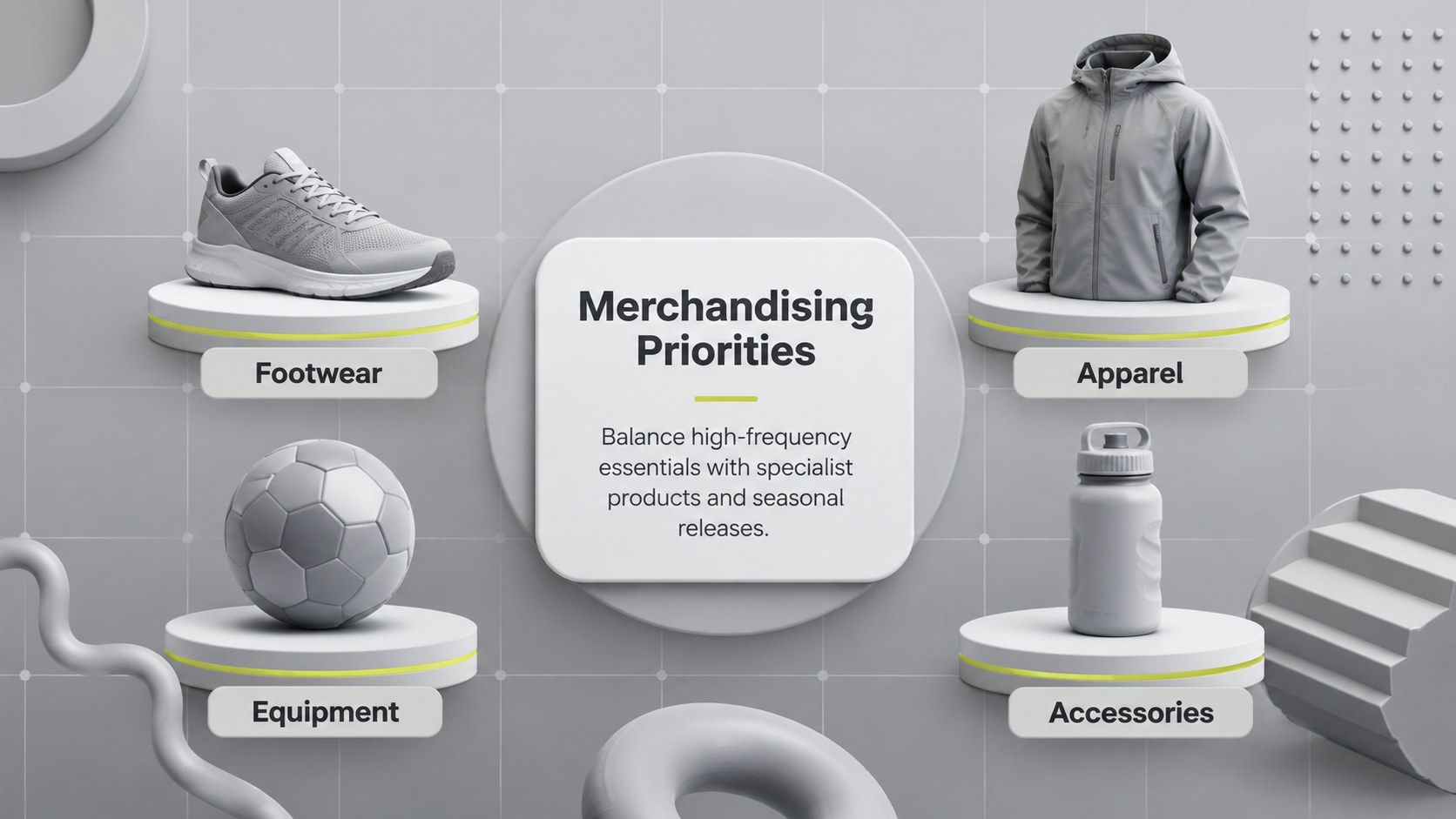
The 15-slide athletic store business plan presentation covers the essential stages of planning and pitching a retail venture. Introduce the brand concept, define customer segments, summarize market demand, compare competitors, and explain the product mix. Dedicated layouts also help you communicate merchandising priorities, sales channels, promotional tactics, operational milestones, revenue forecasts, and funding requirements. Editable charts, timelines, comparison tables, and KPI panels make the deck suitable for both early planning and formal presentations.
Use this sporting goods retail pitch deck for investor meetings, lender discussions, internal strategy reviews, franchise proposals, or new-location planning. It also works as a sports shop financial forecast template when you need to connect revenue assumptions with costs and growth targets. Every slide can be customized in PowerPoint or Google Slides, including colors, fonts, text, shapes, and data visuals. Replace the sample content with your own figures and product categories to create a polished plan that reflects your store, audience, and expansion goals.
Perfect for: sporting goods investor pitch; new store launch plan; retail expansion proposal; lender funding presentation; quarterly strategy review.
Frequently asked questions
Can I edit this deck in PowerPoint and Google Slides? Yes. The layouts, text, shapes, colors, and charts are designed for editing in PowerPoint and Google Slides. Some fonts or effects may render slightly differently between the two platforms.
Practical details
Yes. The layouts, text, shapes, colors, and charts are designed for editing in PowerPoint and Google Slides. Some fonts or effects may render slightly differently between the two platforms.
Replace the sample copy, product categories, and financial figures with your own information. You can also update the grey palette with accent colors from your brand while retaining the 3D visual style.
Yes. The chart layouts can be updated with revenue, margin, expense, and growth figures from your plan. Review all calculations independently before presenting them to investors or lenders.
Yes. Copy the required layouts into another PowerPoint or Google Slides file and adjust the theme settings as needed. Check fonts, spacing, and chart formatting after moving slides between documents.
Keep exploring
15Build an engaging World UFO Day session with this flying saucer history lesson deck, featuring retro green-and-brown slides for PowerPoint and Google Slides.
 15
15Plan a lively animal-learning journey with this jungle zoo adventure lesson deck, ready to customize in PowerPoint and Google Slides for young learners.
 16
16Turn environmental research into a clear story with a Watercolor Ecology Presentation Theme for PowerPoint and Google Slides in calming green and blue.
 16
16Build focused fashion, literature, and humanities presentations with the Red Triangle Editorial Theme, editable in PowerPoint and Google Slides.
 15
15Turn streaming stats, favorite tracks, and concert highlights into a bold annual listening recap slide deck for PowerPoint and Google Slides.
 15
15Turn highlights, milestones, and favorite moments into a colorful year in review slide deck with bold 3D graphics for PowerPoint and Google Slides.
 3
3Build a credible endorsement with Standout Colleague Recommendation Letter Slides, featuring colorful prompts for skills, achievements, and team impact.
 4
4Build clear beginner sessions with an ice hockey fundamentals training deck for coaches, PE teachers, and clubs, ready for PowerPoint and Google Slides.