
 15
15presentation
Flying Saucer History Lesson Deck
Build an engaging World UFO Day session with this flying saucer history lesson deck, featuring retro green-and-brown slides for PowerPoint and Google Slides.
Google SlidesPowerPoint
presentation · English
Map personalities, elements, and compatibility with an astrology sign traits visual guide in bold blue and orange for PowerPoint and Google Slides.
Design notes
Explore the zodiac through a fresh astrology sign traits visual guide designed to make celestial information easy to scan and enjoyable to share. Expressive blue and orange illustrations give the slides an artistic character, while structured layouts help each idea remain clear. Edit the deck in PowerPoint or Google Slides to match your lesson, event, social presentation, or personal astrology project.
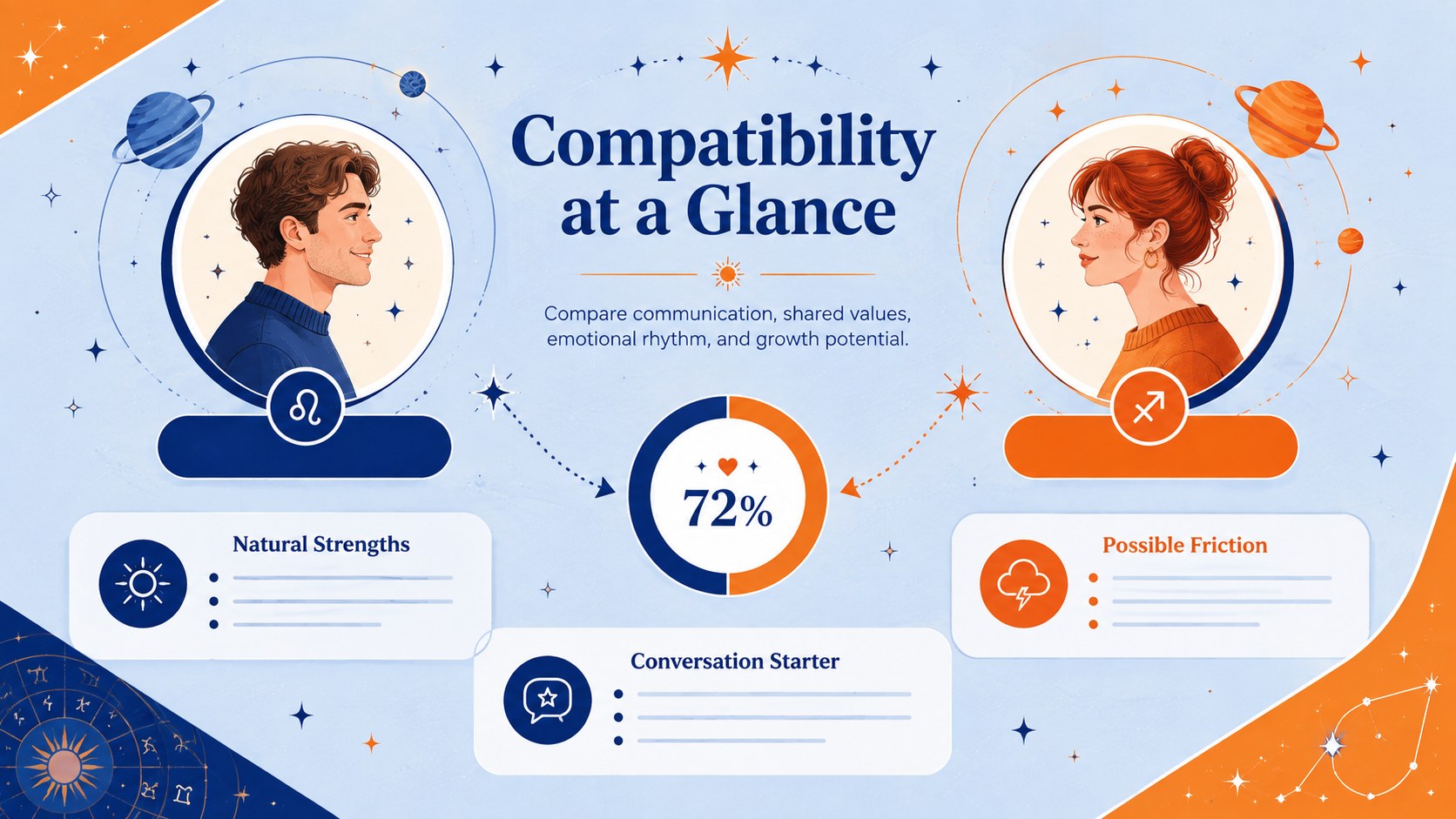
Inside, you will find a bold cover, a zodiac personality traits presentation layout, and an astrology compatibility chart template for comparing signs at a glance. The design provides space for symbols, defining qualities, elements, modalities, strengths, challenges, and relationship notes. Rearrange sections, replace sample wording, adjust colors, and add your own research without rebuilding the visual system from scratch.
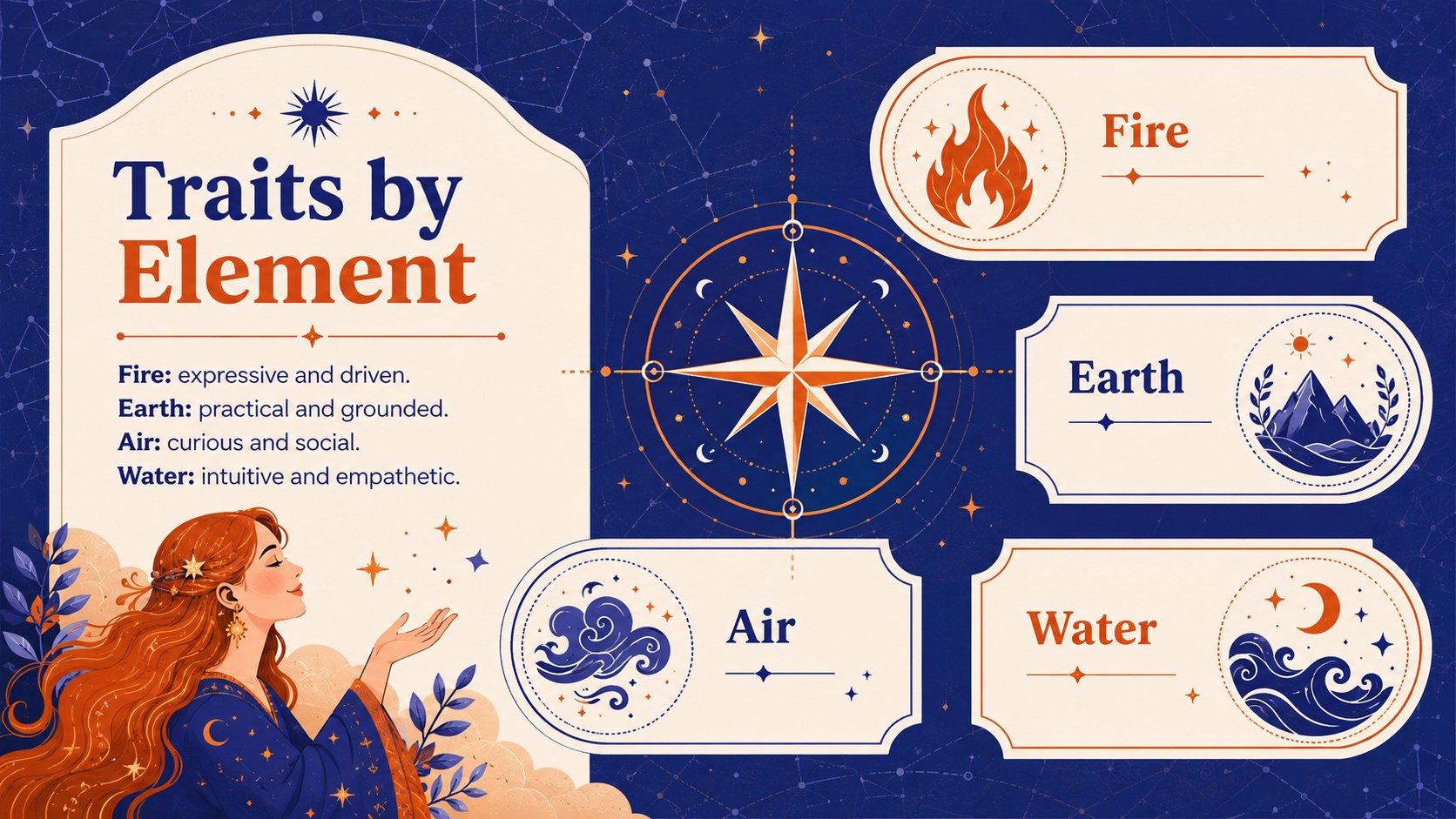
This template works well for astrology enthusiasts, educators, workshop hosts, content creators, and anyone preparing a lighthearted group activity. Use it to introduce all twelve signs, discuss how fire, earth, air, and water influence personality, or build a four elements zodiac infographic for a classroom or community session. The illustrated style keeps detailed information approachable without losing visual structure.
Every slide is ready to customize with your preferred fonts, charts, icons, and transitions. Present directly, export pages for digital sharing, or adapt individual layouts into reference graphics and handouts.
Perfect for: astrology workshop; zodiac personality lesson; sign compatibility discussion; horoscope content presentation; celestial themed group activity.
Frequently asked questions
Practical details
The deck is designed for PowerPoint and Google Slides. You can edit the text, illustrations, colors, and layout elements in either platform.
Yes. Replace the sample descriptions with your own interpretations, research, or audience-specific notes, then reorganize the content blocks as needed.
Yes. Both platforms let you recolor editable shapes, backgrounds, text, and decorative elements. You can create a palette for individual elements, signs, or presentation themes.
The layouts are created as 16:9 presentation slides, but they can be exported as PDF pages or images. Check margins and printer settings before producing physical handouts.
Keep exploring
15Build an engaging World UFO Day session with this flying saucer history lesson deck, featuring retro green-and-brown slides for PowerPoint and Google Slides.
 15
15Plan a lively animal-learning journey with this jungle zoo adventure lesson deck, ready to customize in PowerPoint and Google Slides for young learners.
 16
16Turn environmental research into a clear story with a Watercolor Ecology Presentation Theme for PowerPoint and Google Slides in calming green and blue.
 16
16Build focused fashion, literature, and humanities presentations with the Red Triangle Editorial Theme, editable in PowerPoint and Google Slides.
 15
15Turn streaming stats, favorite tracks, and concert highlights into a bold annual listening recap slide deck for PowerPoint and Google Slides.
 15
15Turn highlights, milestones, and favorite moments into a colorful year in review slide deck with bold 3D graphics for PowerPoint and Google Slides.
 3
3Build a credible endorsement with Standout Colleague Recommendation Letter Slides, featuring colorful prompts for skills, achievements, and team impact.
 4
4Build clear beginner sessions with an ice hockey fundamentals training deck for coaches, PE teachers, and clubs, ready for PowerPoint and Google Slides.