
 15
15presentation
Flying Saucer History Lesson Deck
Build an engaging World UFO Day session with this flying saucer history lesson deck, featuring retro green-and-brown slides for PowerPoint and Google Slides.
Google SlidesPowerPoint
presentation · English
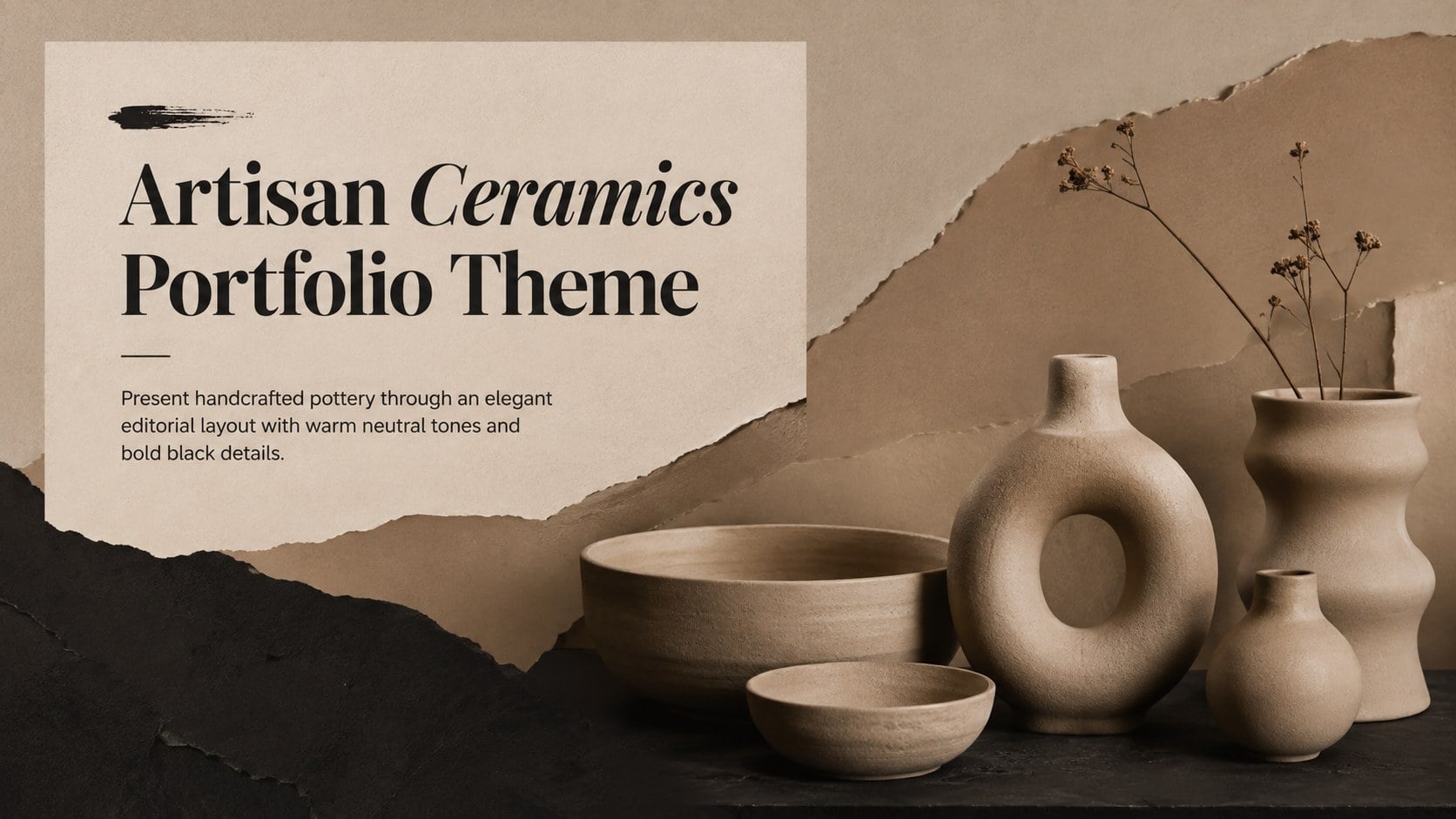
Build a refined ceramics story with this artisan ceramics portfolio theme, using warm nude tones and crisp black accents in PowerPoint and Google Slides.
Design notes
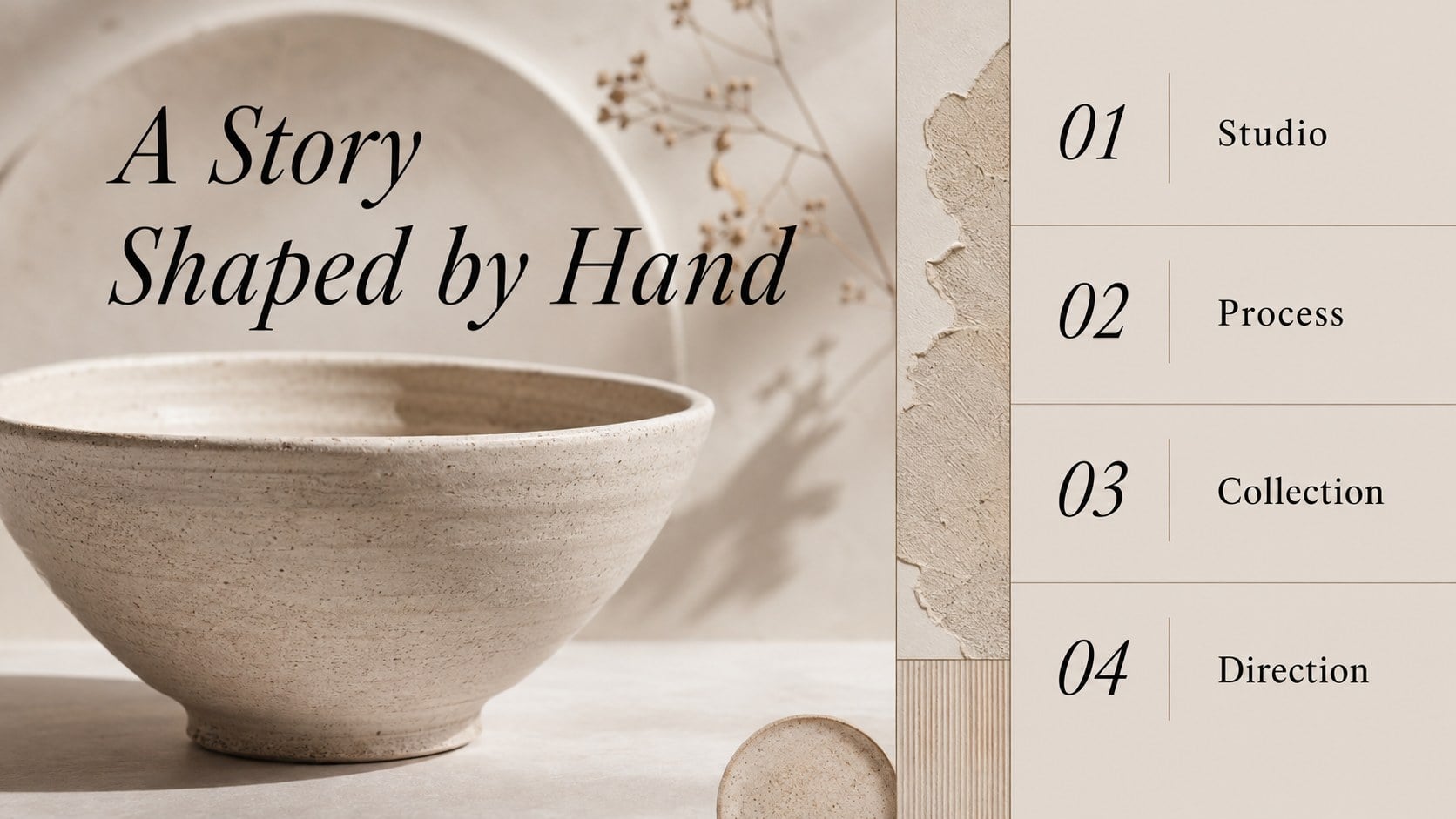
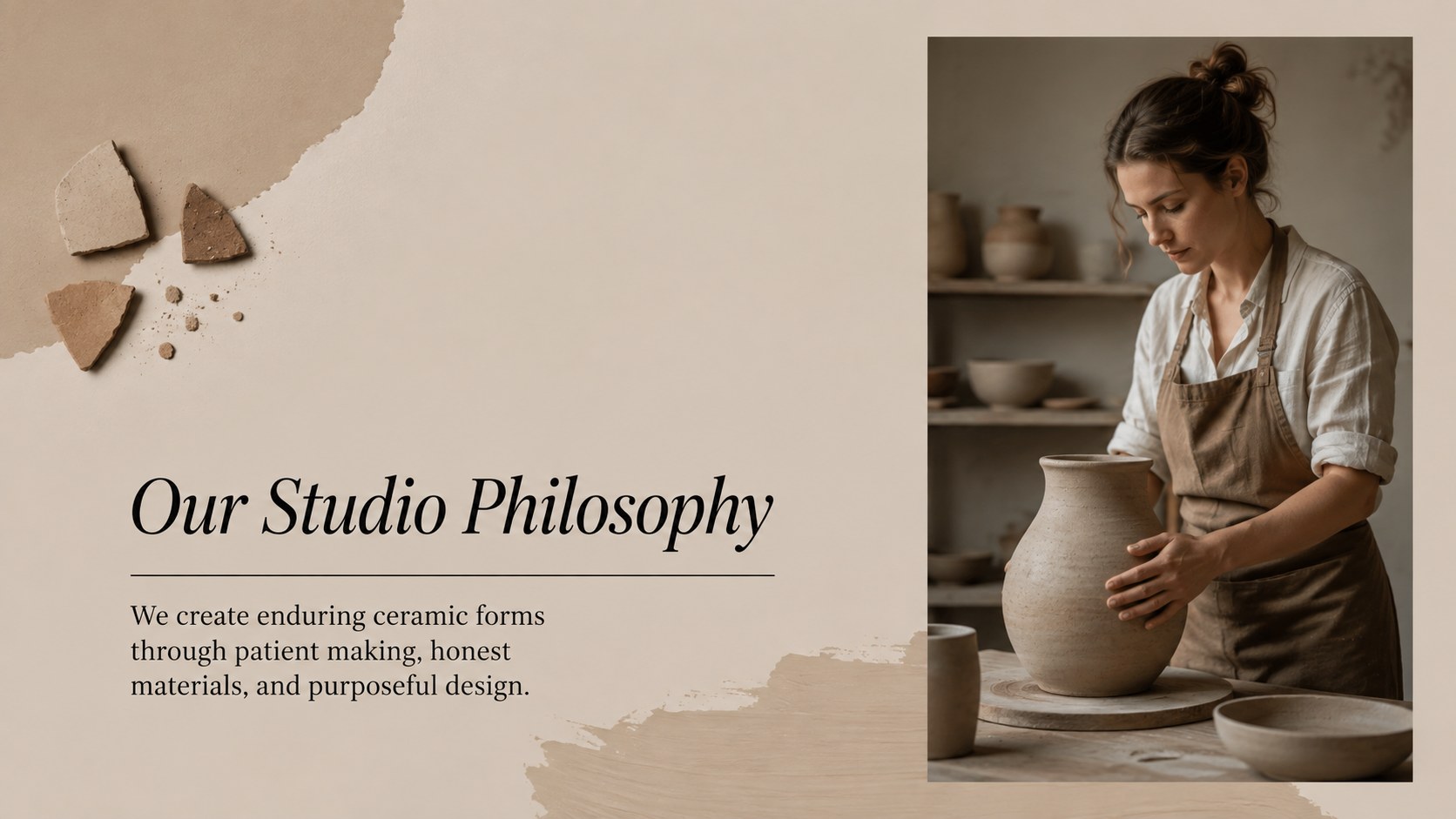
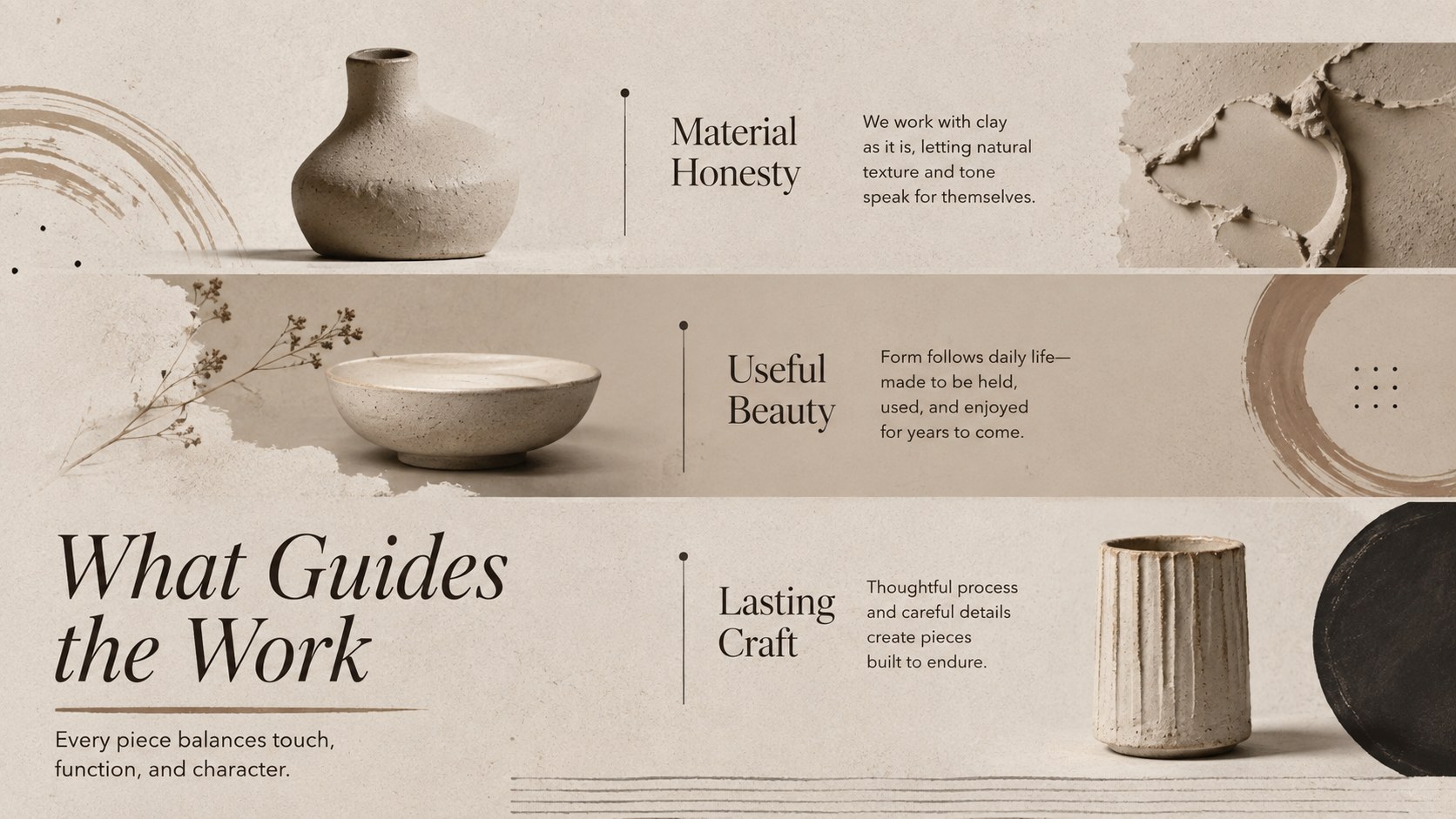
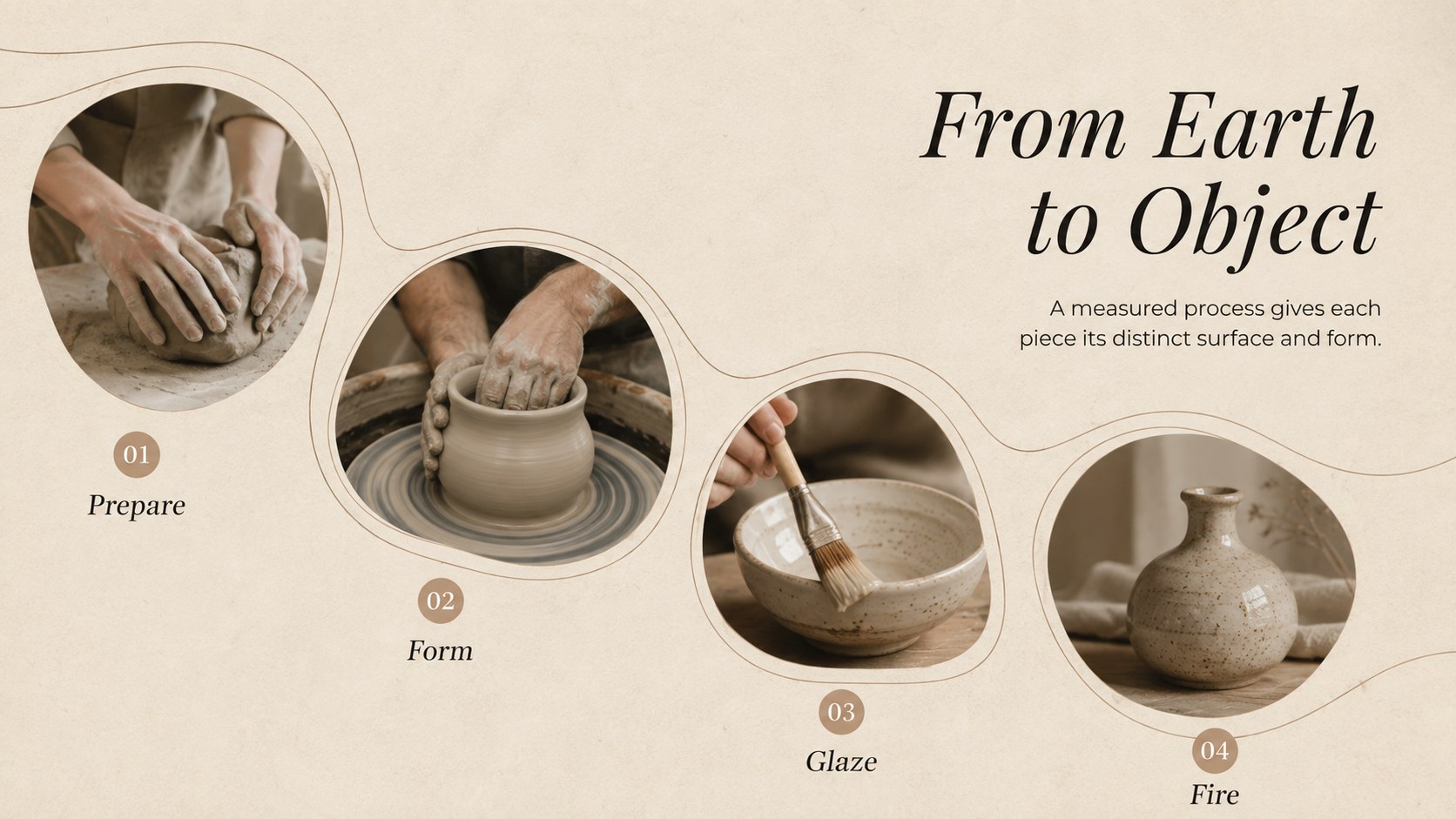
Shape a polished visual narrative with this artisan ceramics portfolio theme for PowerPoint and Google Slides. Warm nude backgrounds, deep brown details, and crisp black typography create a calm gallery-like setting where handmade objects and thoughtful ideas take center stage. Its restrained editorial style works equally well for a ceramic artist portfolio presentation, a studio introduction, or a refined creative business pitch.
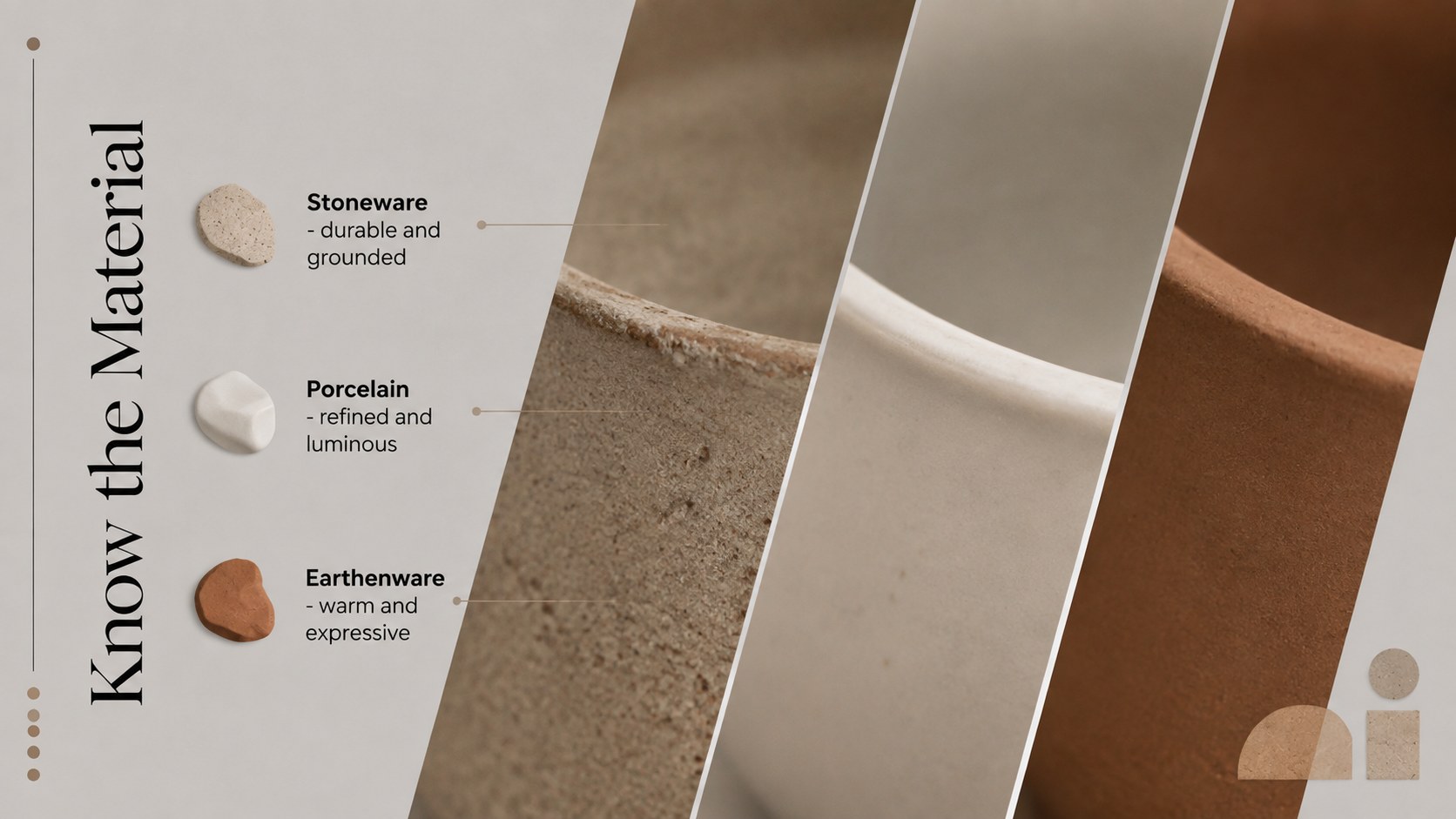
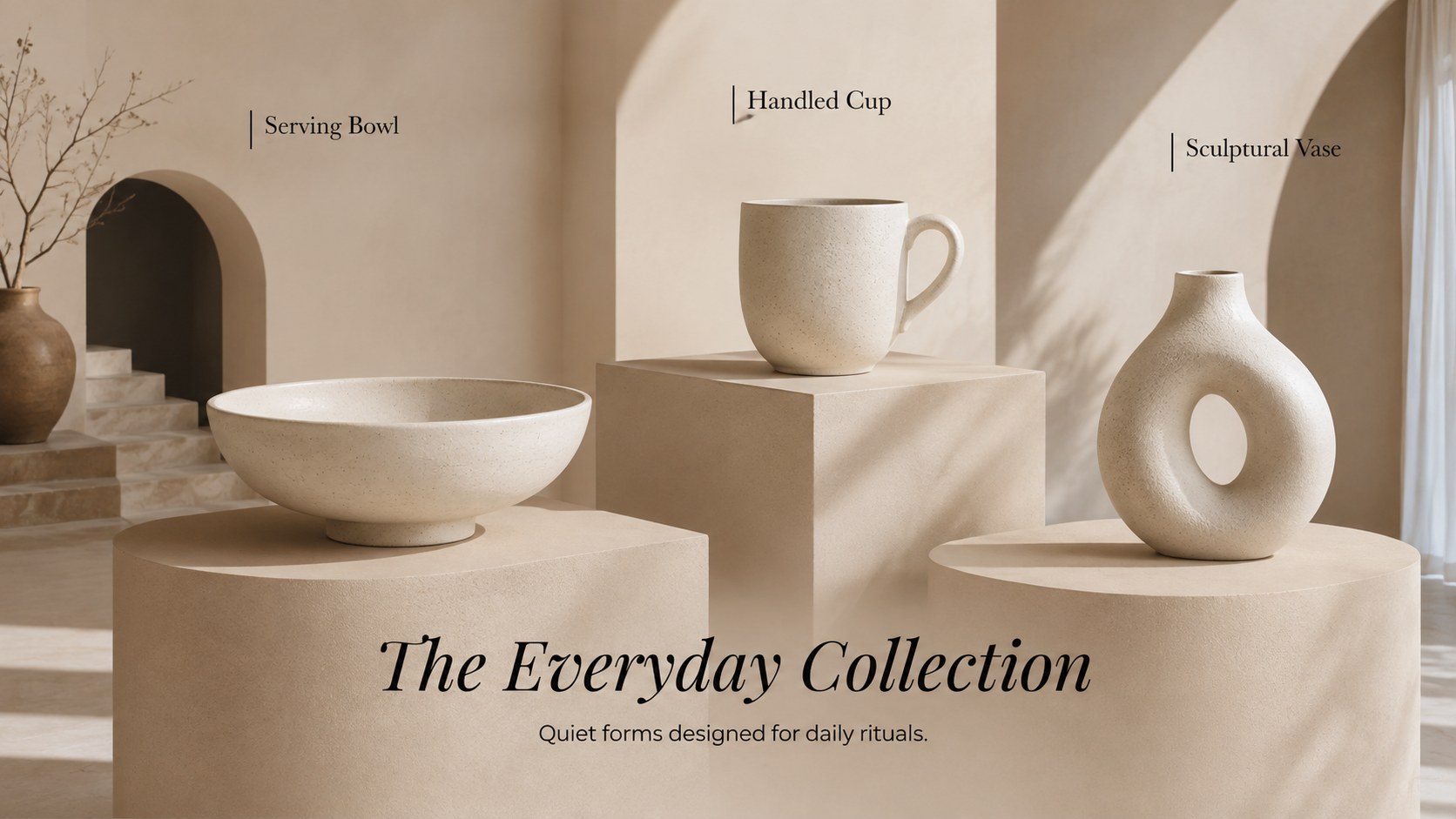
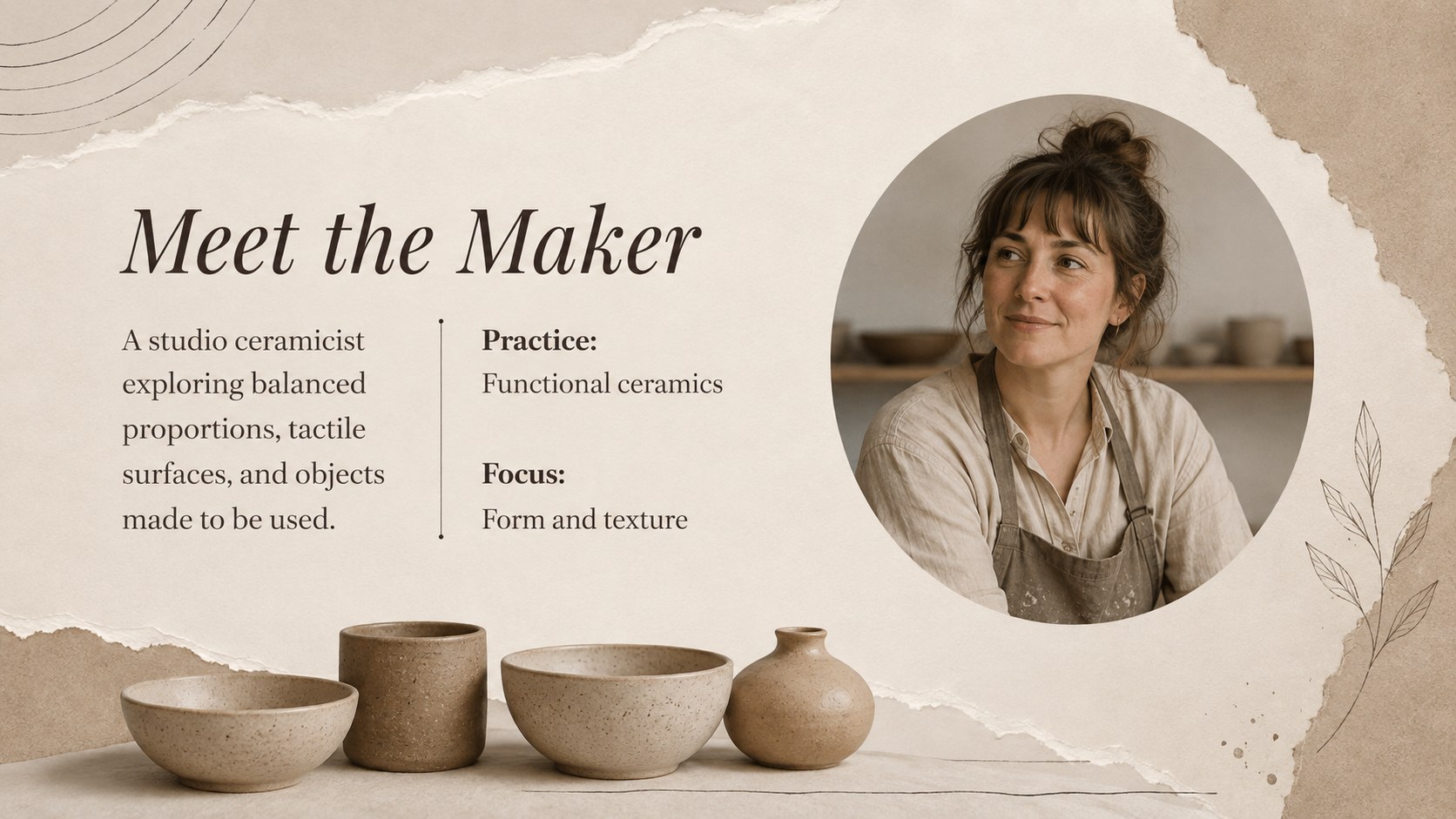
The deck includes more than 25 adaptable layouts for opening statements, artist profiles, collection highlights, process explanations, material studies, timelines, comparisons, testimonials, and closing information. Photo-led pages provide room for vessel imagery and workshop details, while structured text layouts help you explain techniques without overcrowding the screen. Charts, frames, shapes, transitions, and editable visual elements support clear storytelling throughout this minimal ceramics presentation template.
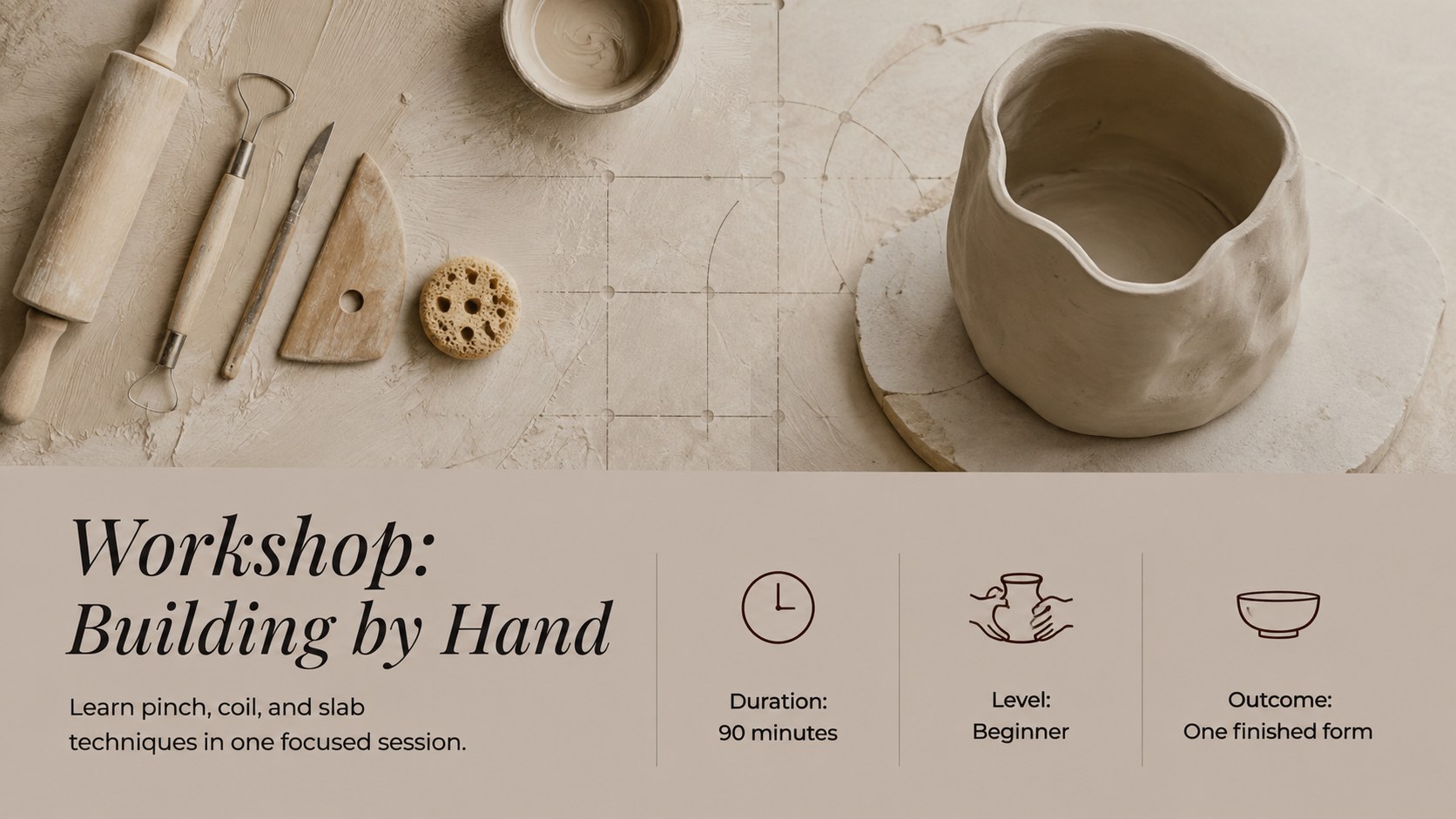
Use the theme to develop pottery workshop course slides, introduce a new tableware collection, document a firing process, or present a short college project. It is designed for ceramicists, art educators, design students, independent studios, creative agencies, and marketing teams seeking a sophisticated but approachable format. Customize the fonts, colors, photographs, and layout elements directly in PowerPoint or Google Slides to match your subject, audience, and brand identity.
Perfect for: ceramic artist portfolio; pottery workshop lesson; studio business introduction; tableware collection launch; college ceramics project; handmade product showcase.
Frequently asked questions
Can I edit the colors and typography? Yes. The nude, brown, and black palette can be adjusted using the theme and formatting controls in PowerPoint or Google Slides. You can also replace the display and body fonts to suit your studio or project identity.
Practical details
Yes. The nude, brown, and black palette can be adjusted using the theme and formatting controls in PowerPoint or Google Slides. You can also replace the display and body fonts to suit your studio or project identity.
The template is designed for PowerPoint and Google Slides. Layouts, text, images, shapes, and color elements remain editable on both platforms.
Replace the sample images through the picture placeholders or crop tools in your chosen platform. For a consistent portfolio, use photographs with similar lighting, backgrounds, and image proportions.
Yes. The process, timeline, comparison, and materials layouts can be adapted for demonstrations, short courses, and college lessons. Speaker notes may also be added for instructions or discussion prompts.
Keep exploring
15Build an engaging World UFO Day session with this flying saucer history lesson deck, featuring retro green-and-brown slides for PowerPoint and Google Slides.
 15
15Plan a lively animal-learning journey with this jungle zoo adventure lesson deck, ready to customize in PowerPoint and Google Slides for young learners.
 16
16Turn environmental research into a clear story with a Watercolor Ecology Presentation Theme for PowerPoint and Google Slides in calming green and blue.
 16
16Build focused fashion, literature, and humanities presentations with the Red Triangle Editorial Theme, editable in PowerPoint and Google Slides.
 15
15Turn streaming stats, favorite tracks, and concert highlights into a bold annual listening recap slide deck for PowerPoint and Google Slides.
 15
15Turn highlights, milestones, and favorite moments into a colorful year in review slide deck with bold 3D graphics for PowerPoint and Google Slides.
 3
3Build a credible endorsement with Standout Colleague Recommendation Letter Slides, featuring colorful prompts for skills, achievements, and team impact.
 4
4Build clear beginner sessions with an ice hockey fundamentals training deck for coaches, PE teachers, and clubs, ready for PowerPoint and Google Slides.