
 15
15presentation
Flying Saucer History Lesson Deck
Build an engaging World UFO Day session with this flying saucer history lesson deck, featuring retro green-and-brown slides for PowerPoint and Google Slides.
Google SlidesPowerPoint
presentation · English
Build a clear, disciplined briefing with this armed forces conduct training deck for ethics instruction, leadership sessions, and unit review.

Design notes
The Armed Forces Conduct Training Deck helps instructors communicate the principles behind honorable service, responsible leadership, and sound decision-making. Its restrained beige-and-red palette, formal typography, and uncluttered layouts support serious conversations without overwhelming the material. Use this military ethics training presentation to turn broad standards into practical guidance for everyday service.
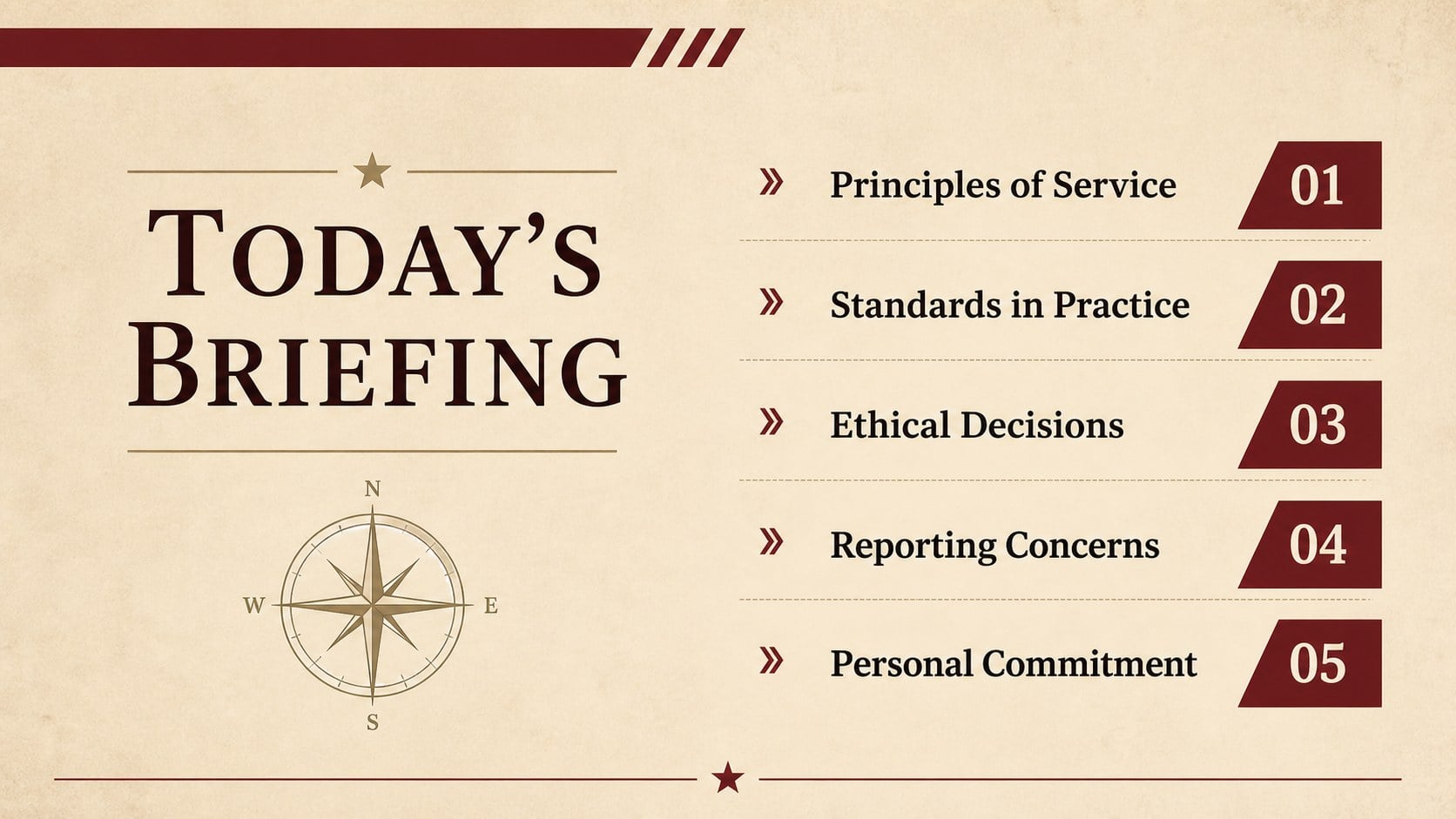
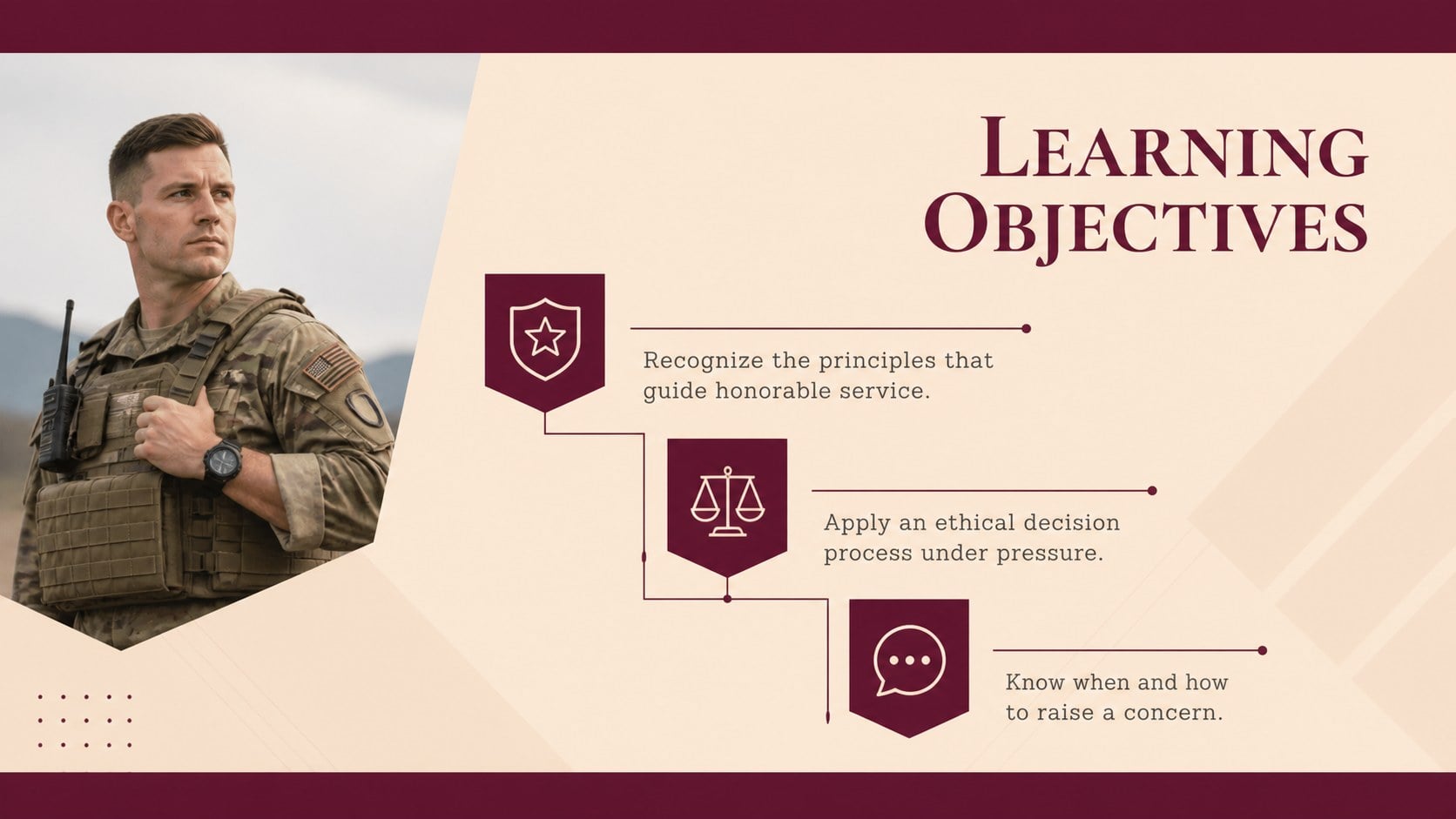
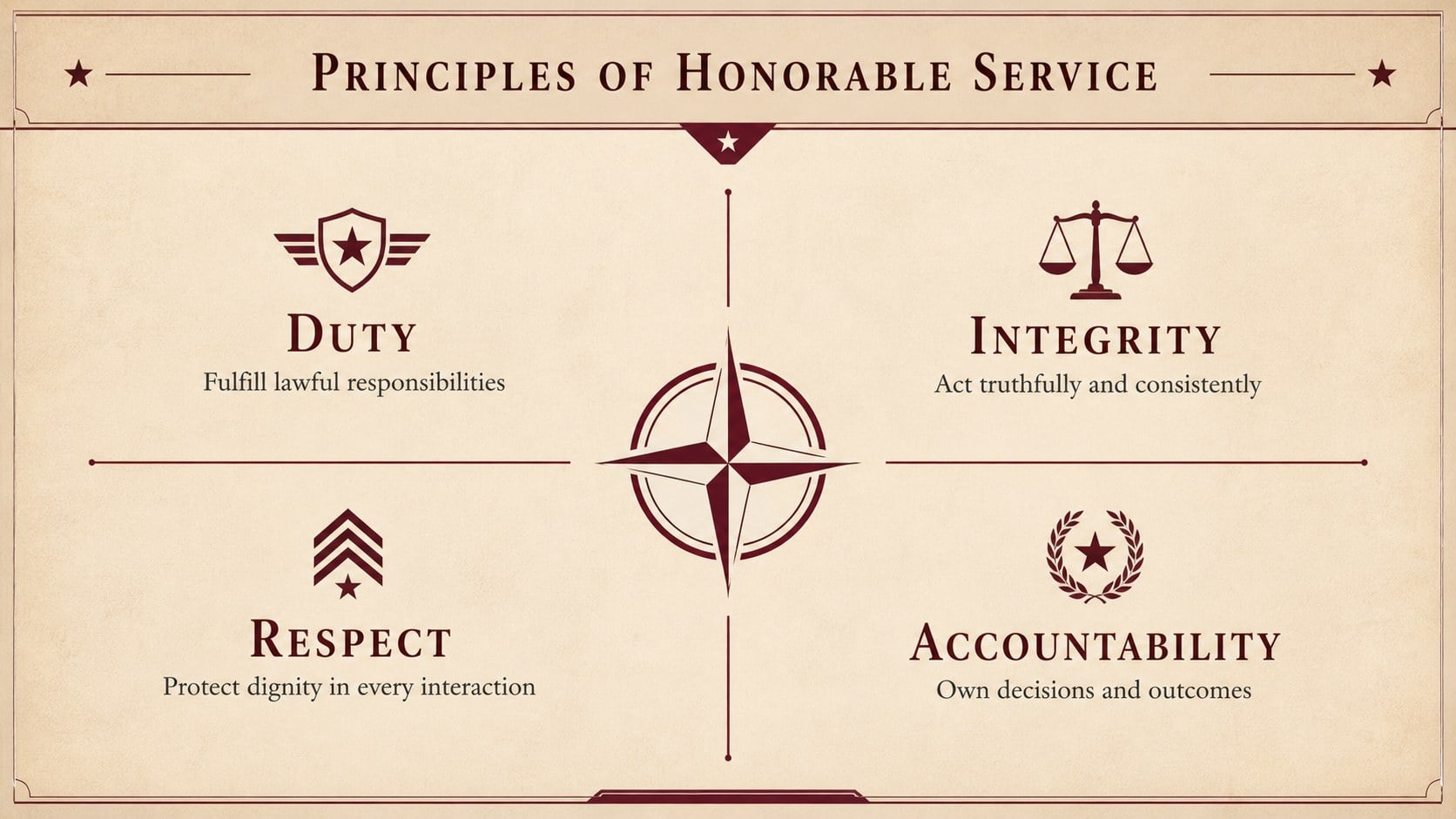
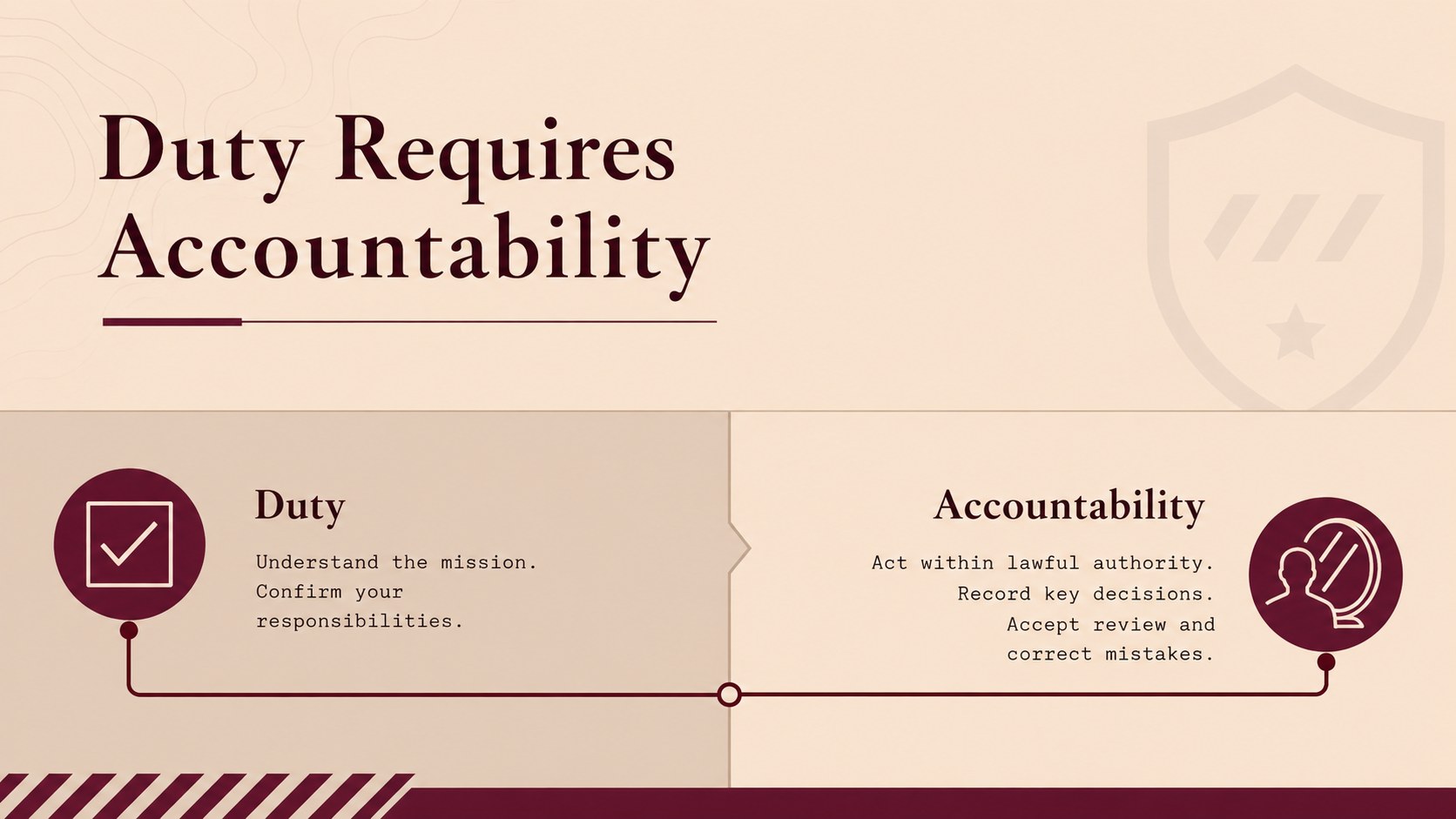
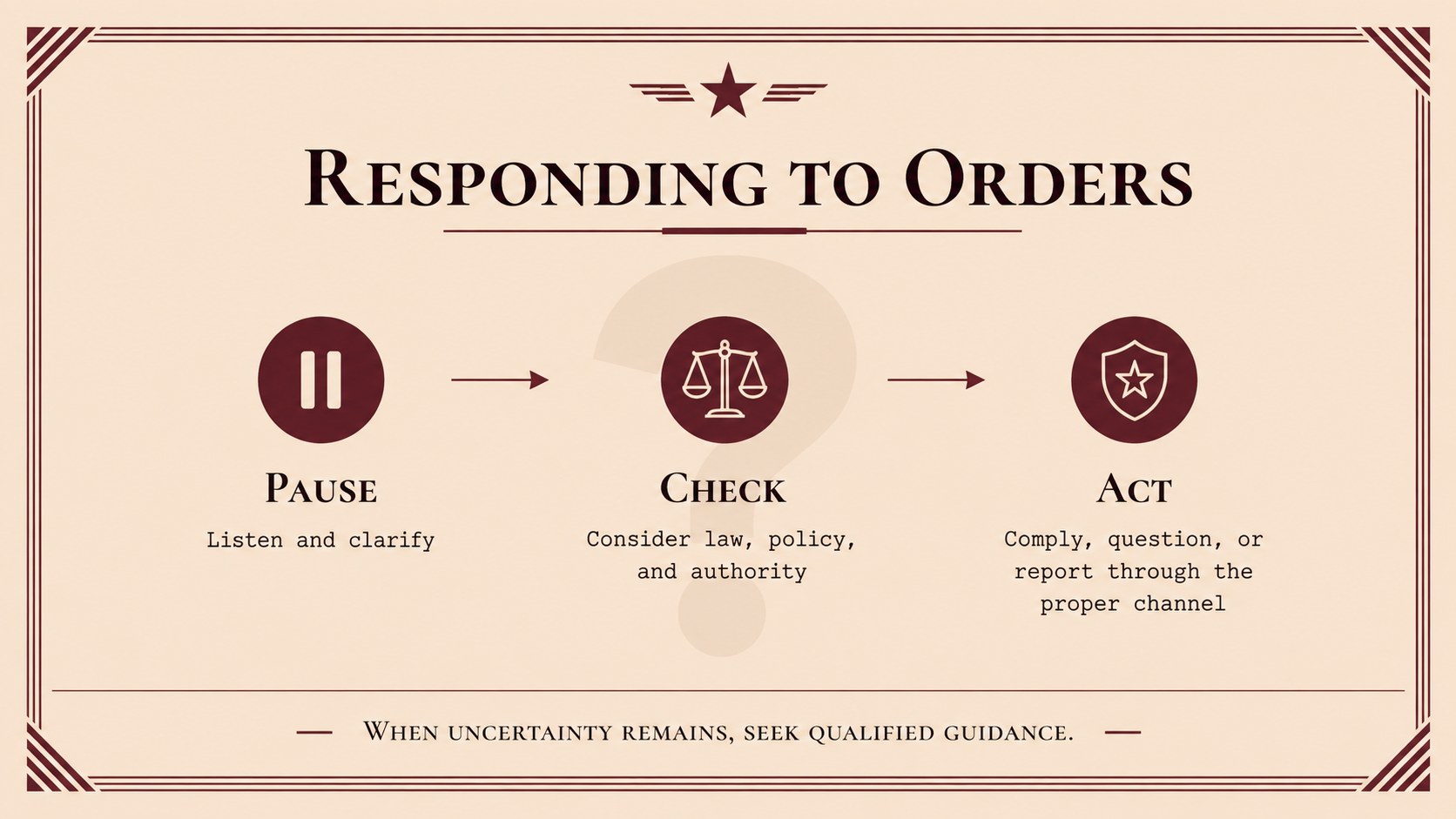
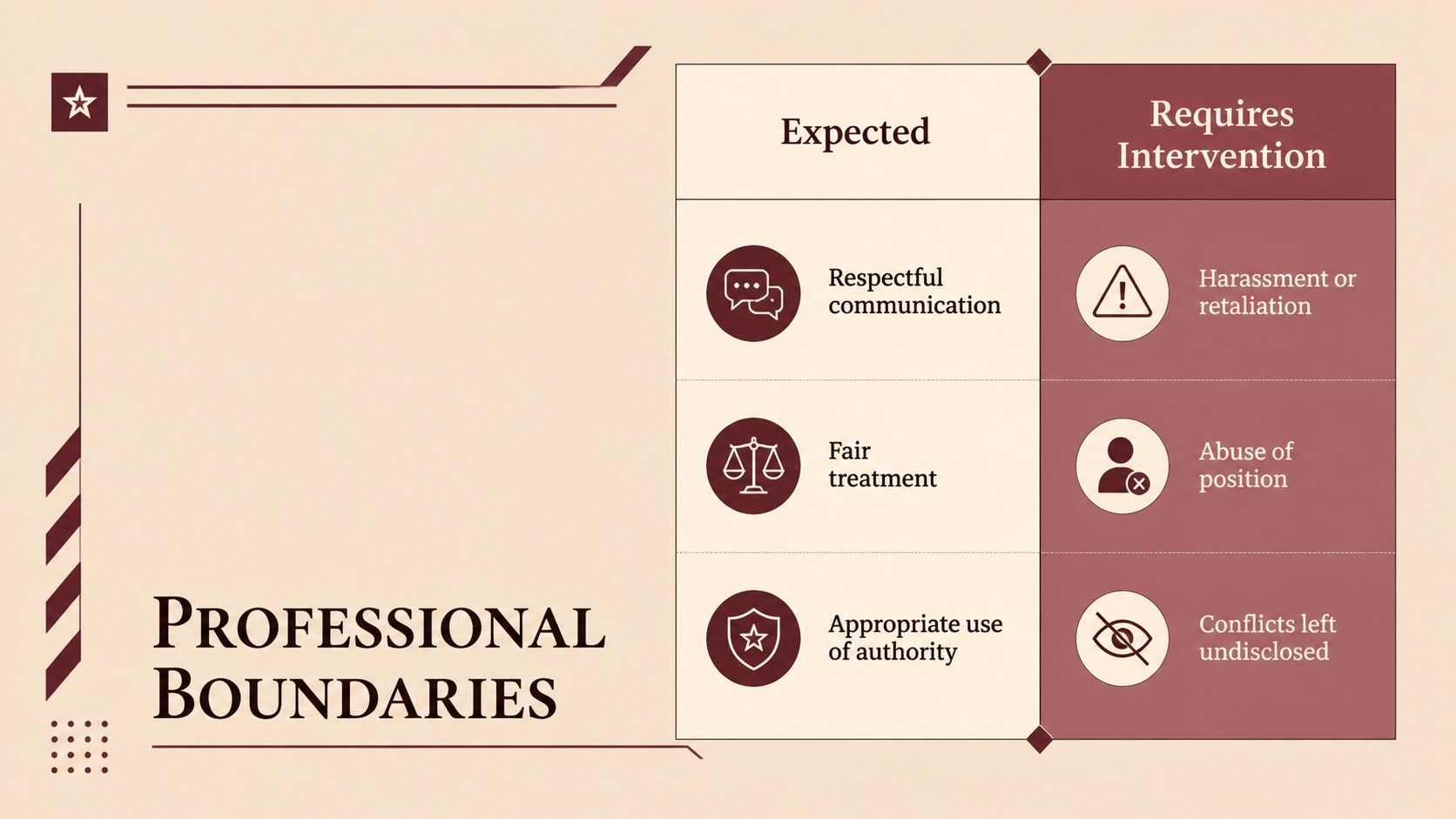
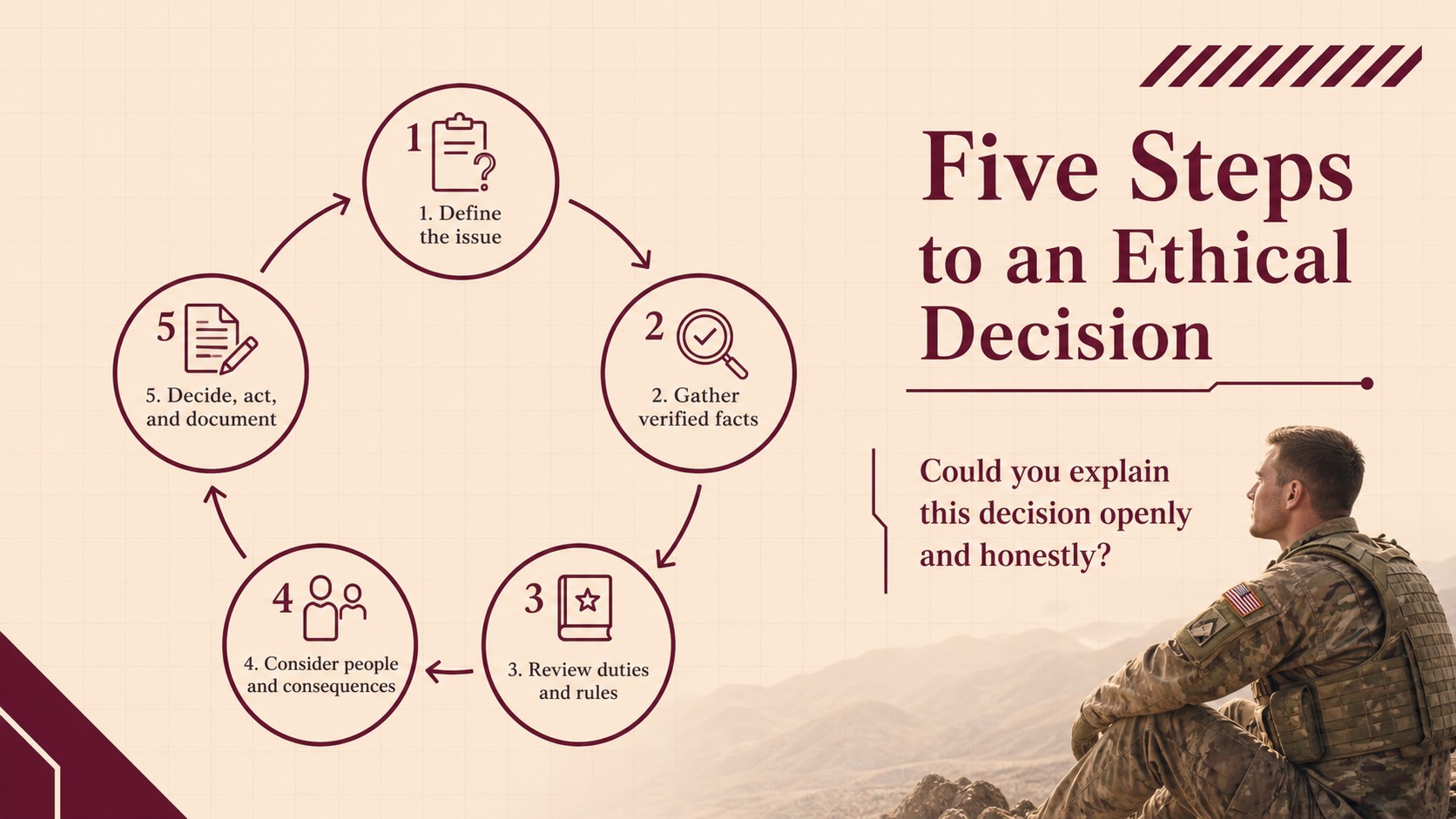
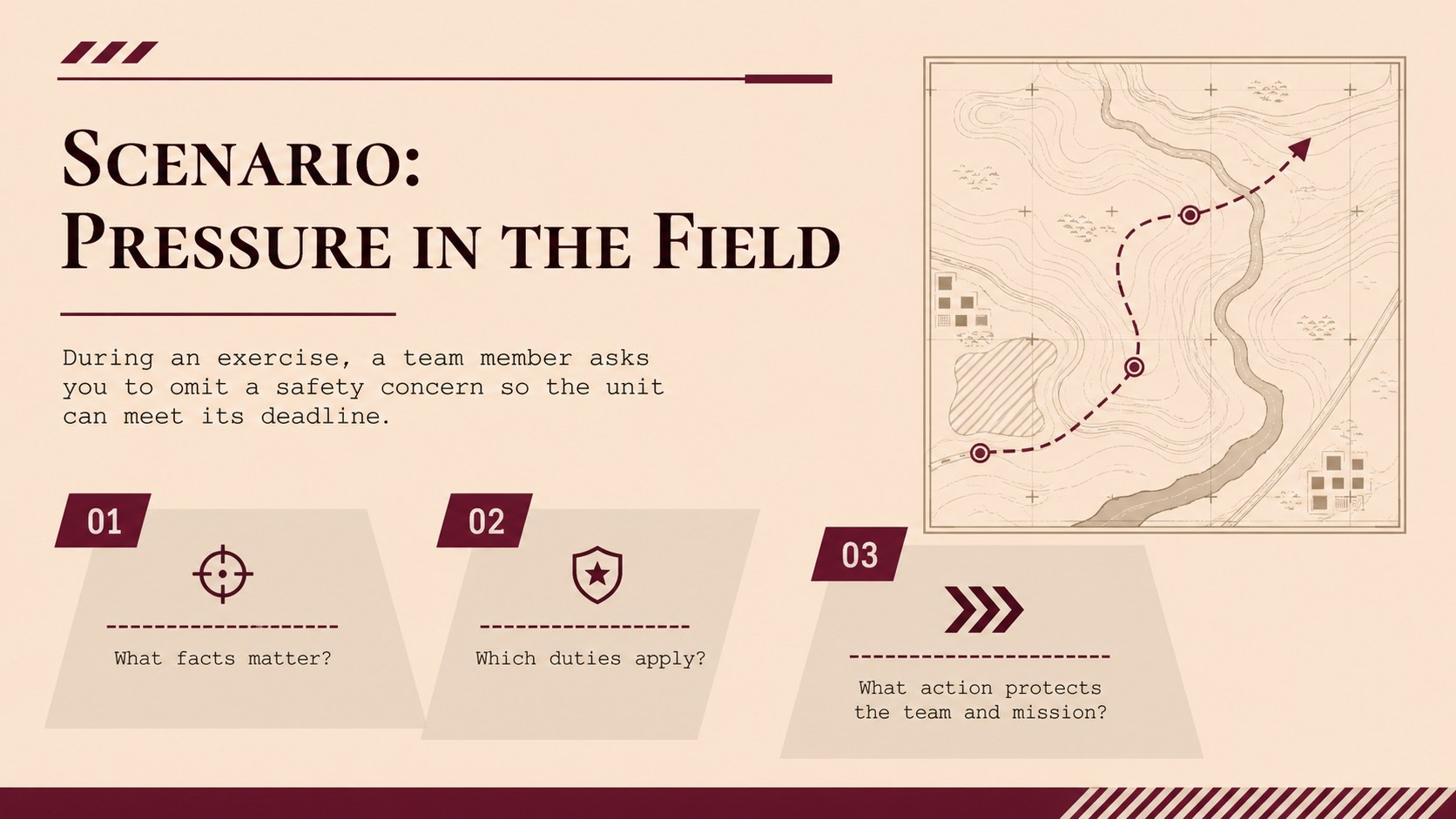
The 15-slide sequence includes an opening overview, learning objectives, core principles, duty and accountability guidance, lawful order considerations, professional boundaries, reporting procedures, and scenario-based discussion prompts. A decision framework, leadership responsibilities, personal commitment exercise, and closing recap provide a coherent path from instruction to reflection. Charts, timelines, comparison layouts, and concise text panels can be adapted to match a unit, academy, or organizational policy.
This armed forces conduct training deck is suited to commanders, military educators, ethics facilitators, academy instructors, and professional development teams. It works particularly well as a service member conduct workshop, an armed forces standards briefing, or a refresher session before deployment and leadership exercises. Every slide is editable in PowerPoint and Google Slides, allowing presenters to adjust terminology, examples, colors, and supporting notes while preserving the deck's disciplined minimalist style.
Perfect for: new recruit ethics orientation; unit standards refresher; command leadership seminar; pre-deployment conduct briefing; military academy classroom lesson; professional responsibility workshop.
Frequently asked questions
Can I edit this deck in PowerPoint and Google Slides? Yes. All text, colors, shapes, diagrams, and image placeholders can be edited in PowerPoint or Google Slides. Some font spacing or transitions may require minor adjustment when moving between platforms.
Practical details
Yes. All text, colors, shapes, diagrams, and image placeholders can be edited in PowerPoint or Google Slides. Some font spacing or transitions may require minor adjustment when moving between platforms.
Yes. Replace the sample principles, scenarios, reporting steps, and terminology with the policies used by your branch, academy, or unit. Review the final material against current official guidance before presenting it.
Use the theme color controls in PowerPoint or Google Slides to update the accent red, beige backgrounds, and neutral text colors. Keep strong contrast between headings and backgrounds to preserve readability.
Yes. The deck provides scenario prompts, a decision framework, reflection questions, and a personal commitment exercise. Facilitators can expand these slides with role-specific examples or small-group activities.
Keep exploring
15Build an engaging World UFO Day session with this flying saucer history lesson deck, featuring retro green-and-brown slides for PowerPoint and Google Slides.
 15
15Plan a lively animal-learning journey with this jungle zoo adventure lesson deck, ready to customize in PowerPoint and Google Slides for young learners.
 16
16Turn environmental research into a clear story with a Watercolor Ecology Presentation Theme for PowerPoint and Google Slides in calming green and blue.
 16
16Build focused fashion, literature, and humanities presentations with the Red Triangle Editorial Theme, editable in PowerPoint and Google Slides.
 15
15Turn streaming stats, favorite tracks, and concert highlights into a bold annual listening recap slide deck for PowerPoint and Google Slides.
 15
15Turn highlights, milestones, and favorite moments into a colorful year in review slide deck with bold 3D graphics for PowerPoint and Google Slides.
 3
3Build a credible endorsement with Standout Colleague Recommendation Letter Slides, featuring colorful prompts for skills, achievements, and team impact.
 4
4Build clear beginner sessions with an ice hockey fundamentals training deck for coaches, PE teachers, and clubs, ready for PowerPoint and Google Slides.