
 15
15presentation
Flying Saucer History Lesson Deck
Build an engaging World UFO Day session with this flying saucer history lesson deck, featuring retro green-and-brown slides for PowerPoint and Google Slides.
Google SlidesPowerPoint
presentation · English
Engage students with Architecture Foundations Classroom Slides covering design principles, building styles, and landmark analysis in PowerPoint and Google…
Design notes
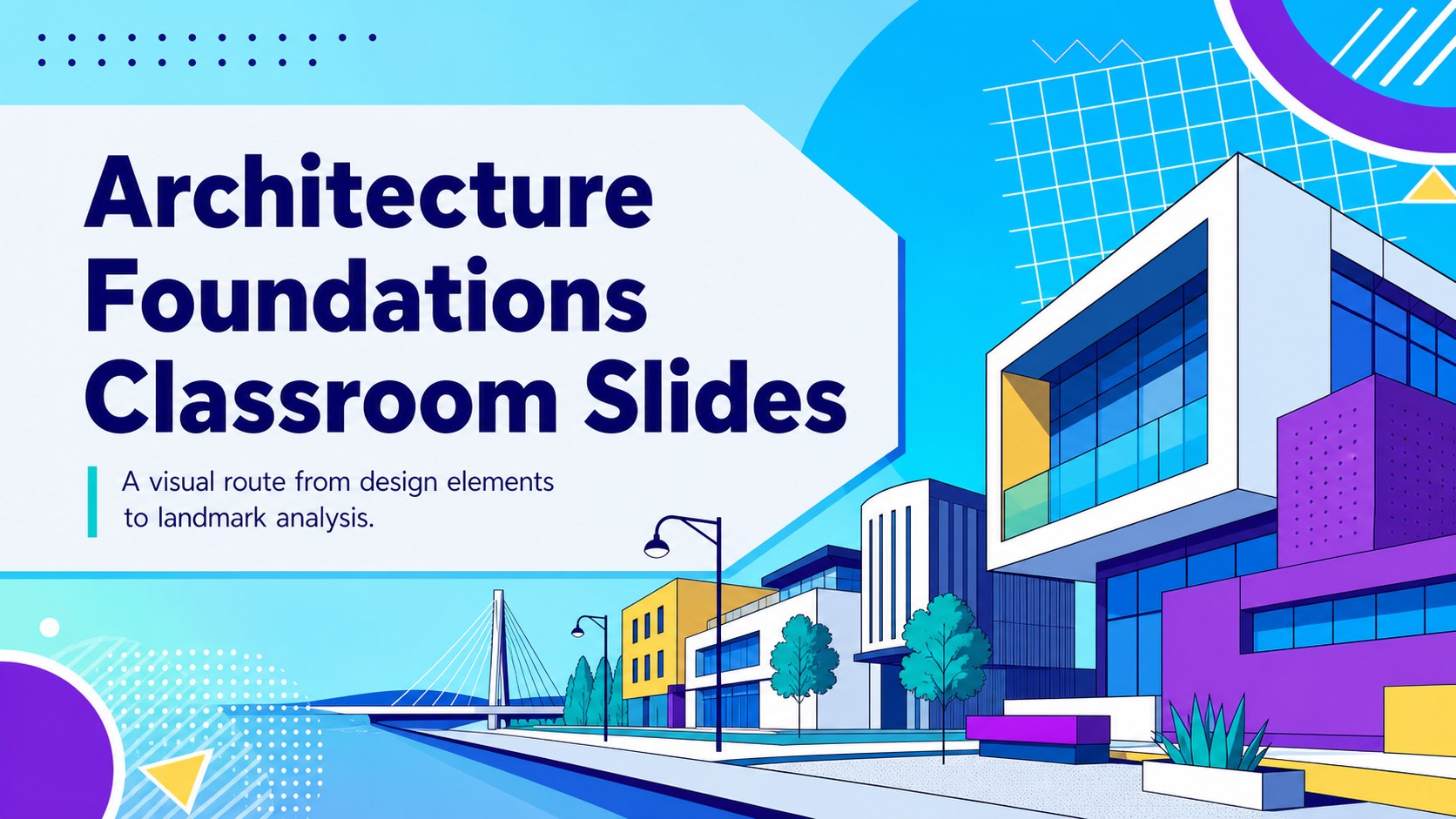
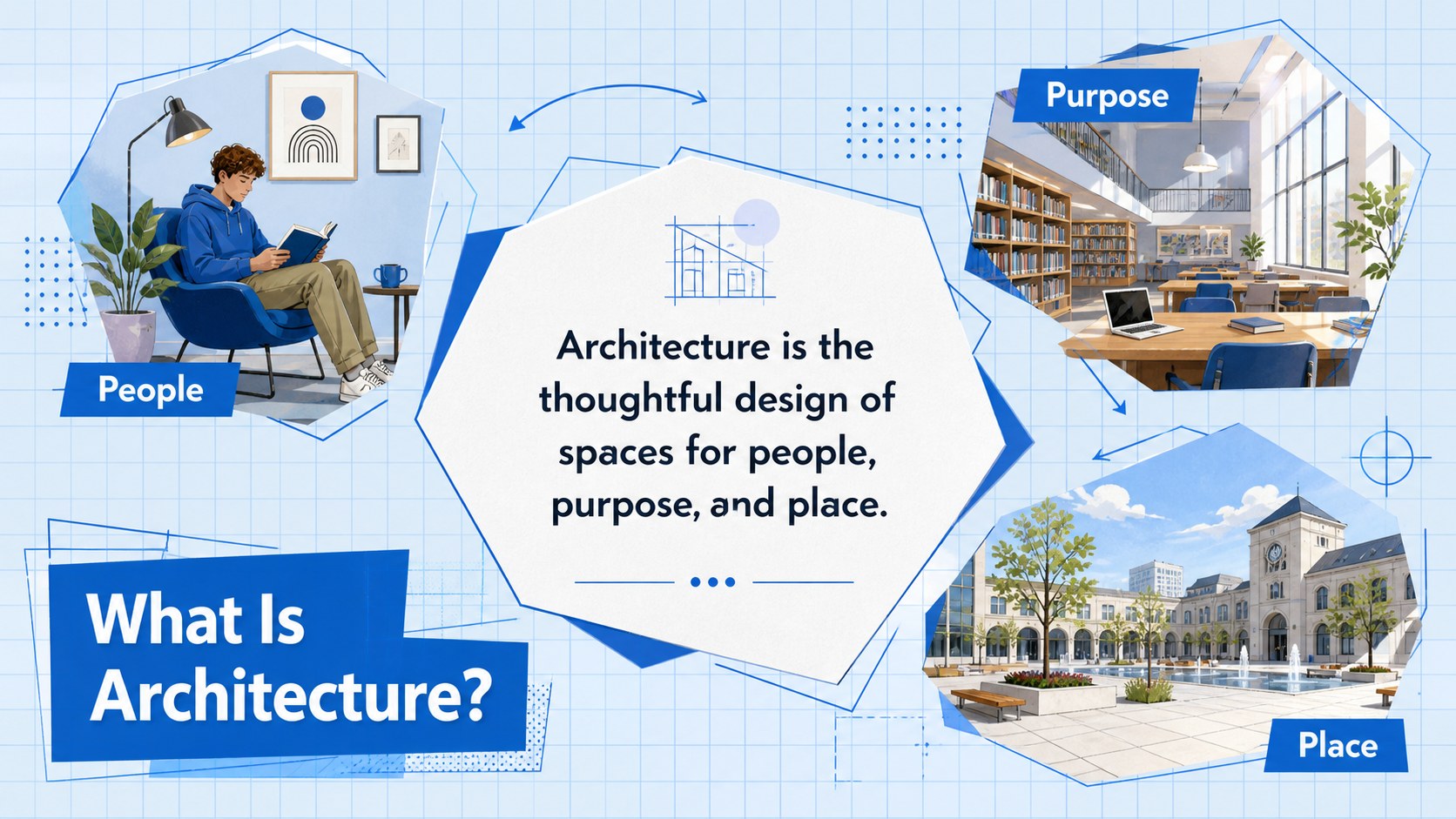
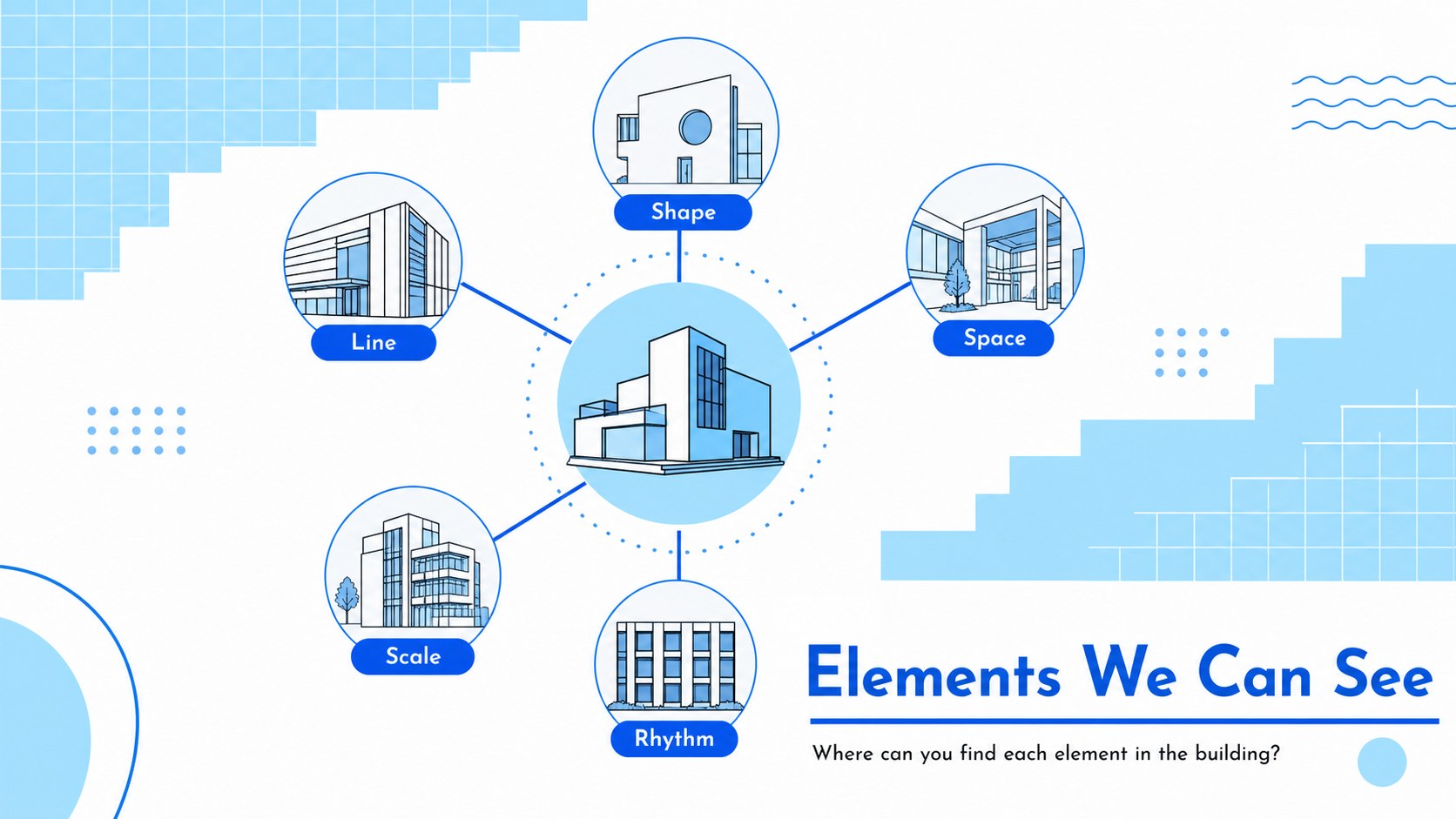
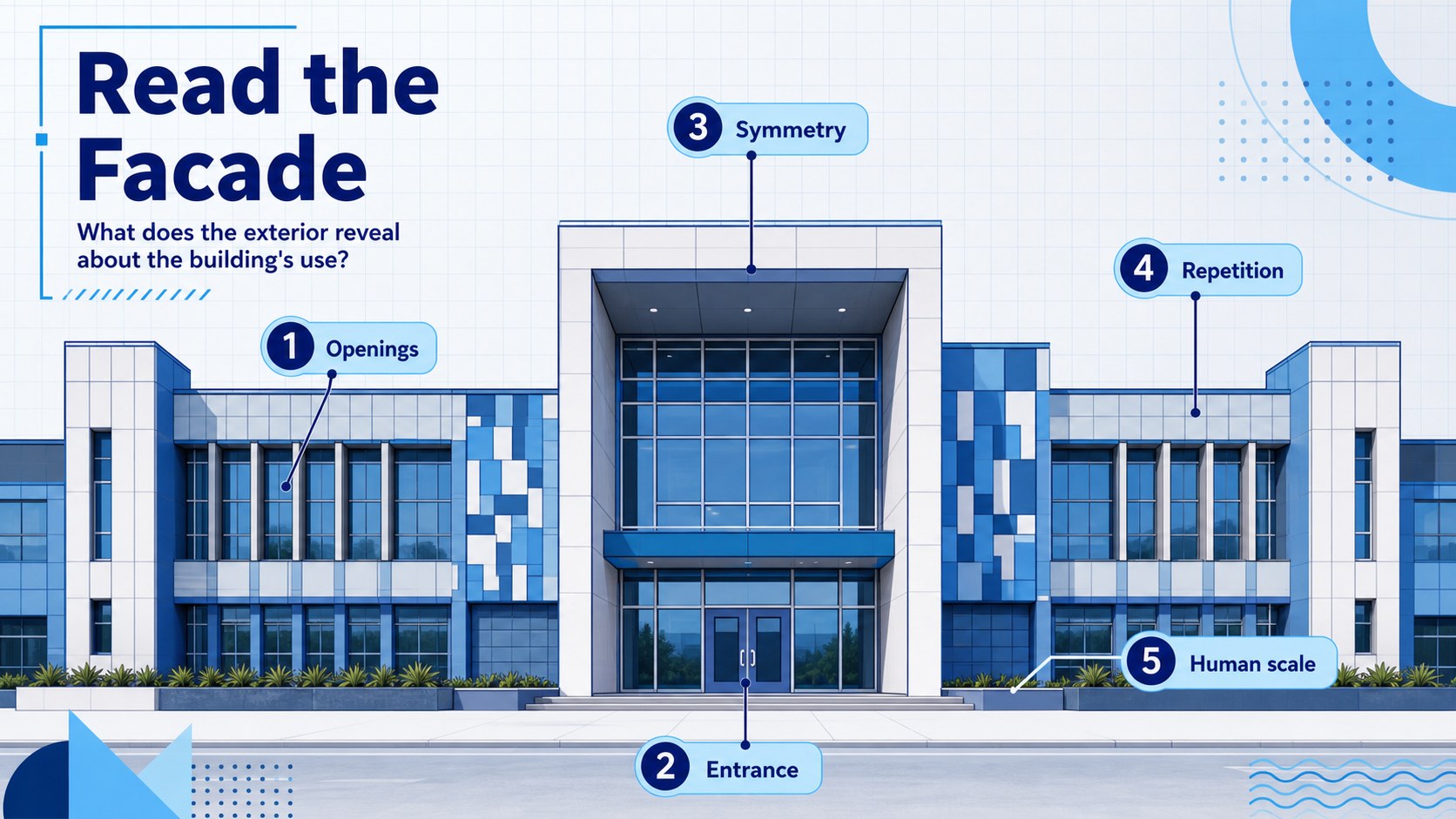
Architecture Foundations Classroom Slides turn essential design concepts into a lively, visual learning experience. Created for educators introducing the built environment, this blue illustrated deck helps students connect architectural ideas with the buildings and public spaces they encounter every day. Use it as an architecture basics lesson template in PowerPoint or Google Slides.
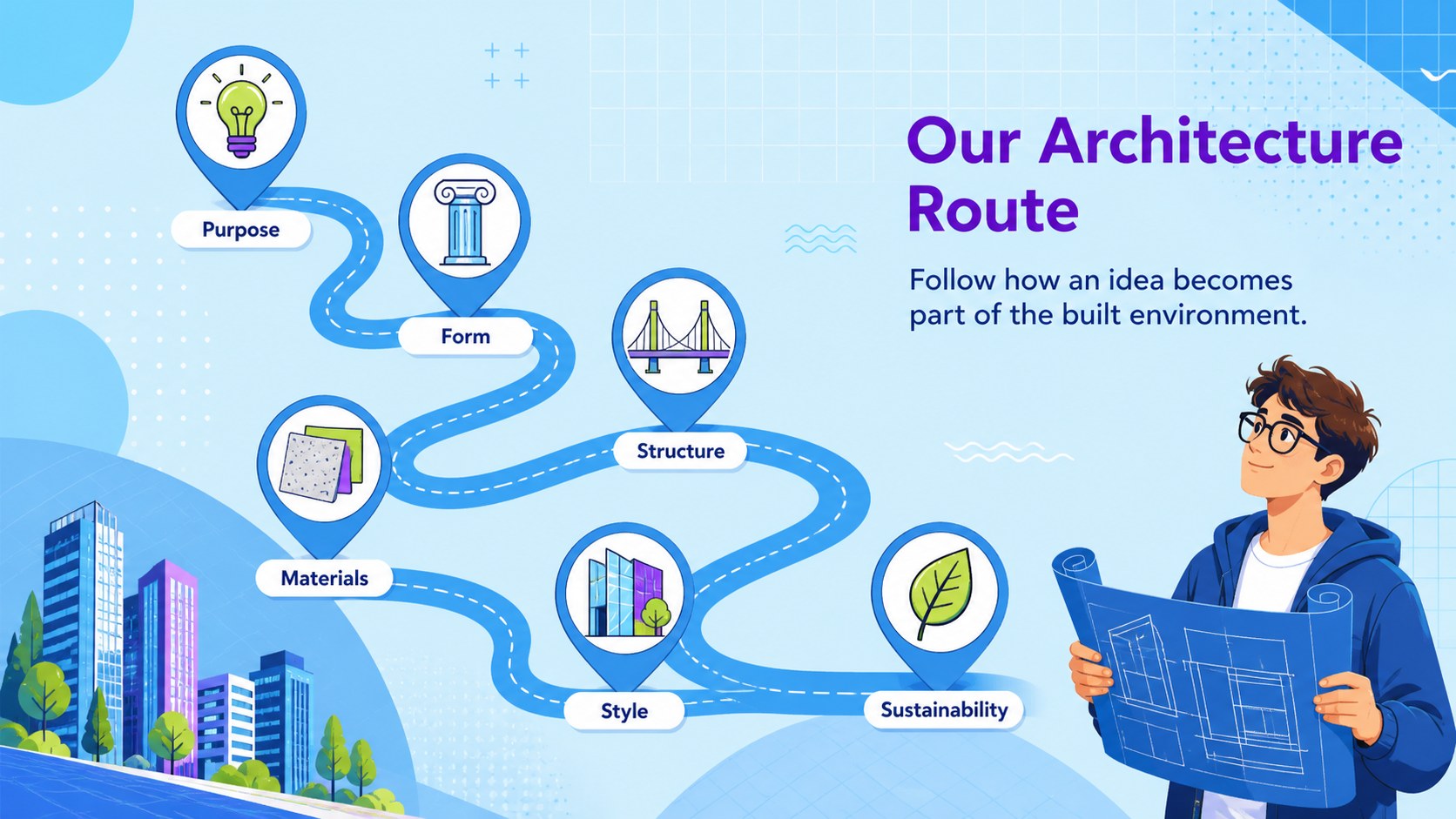
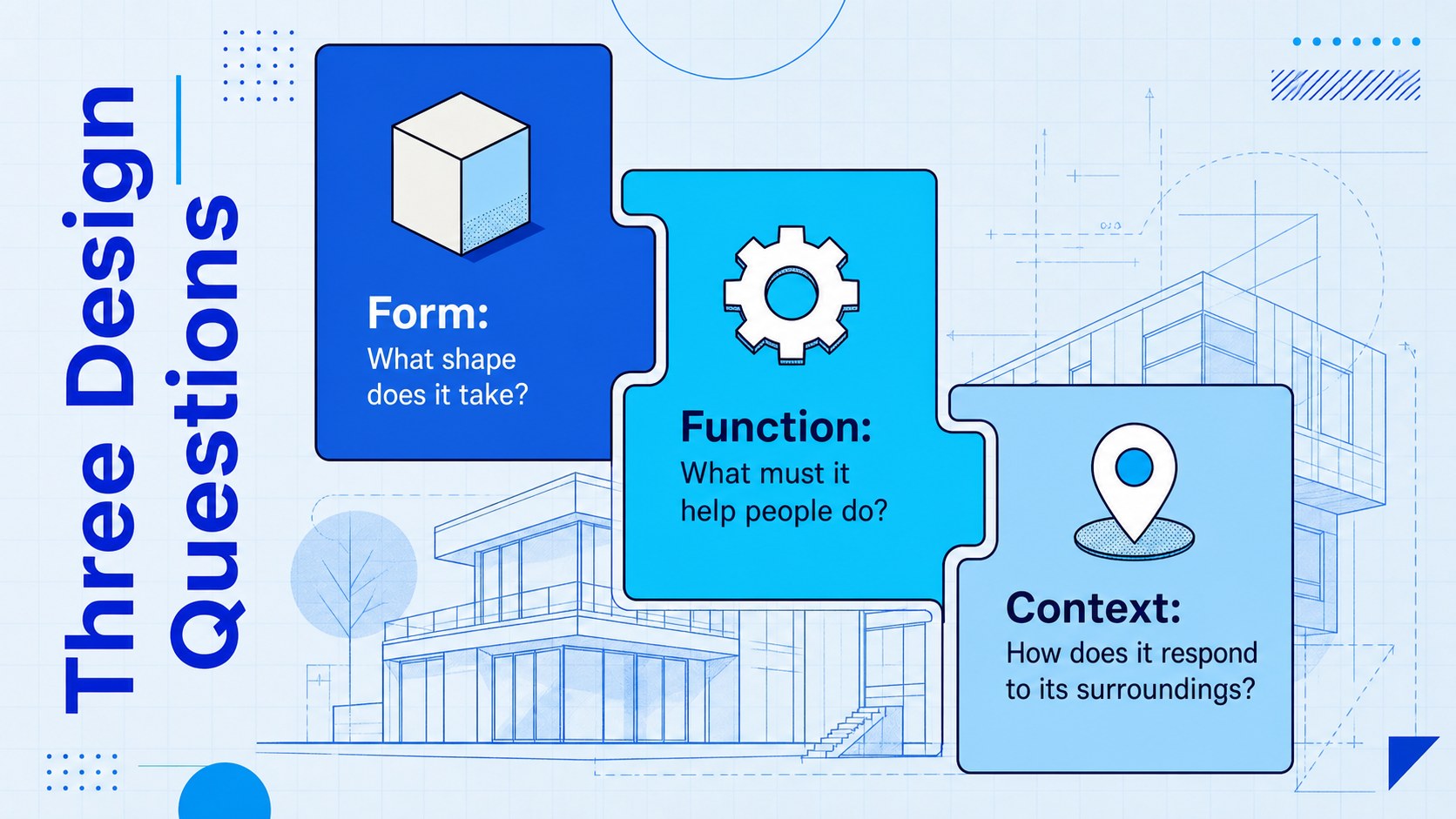
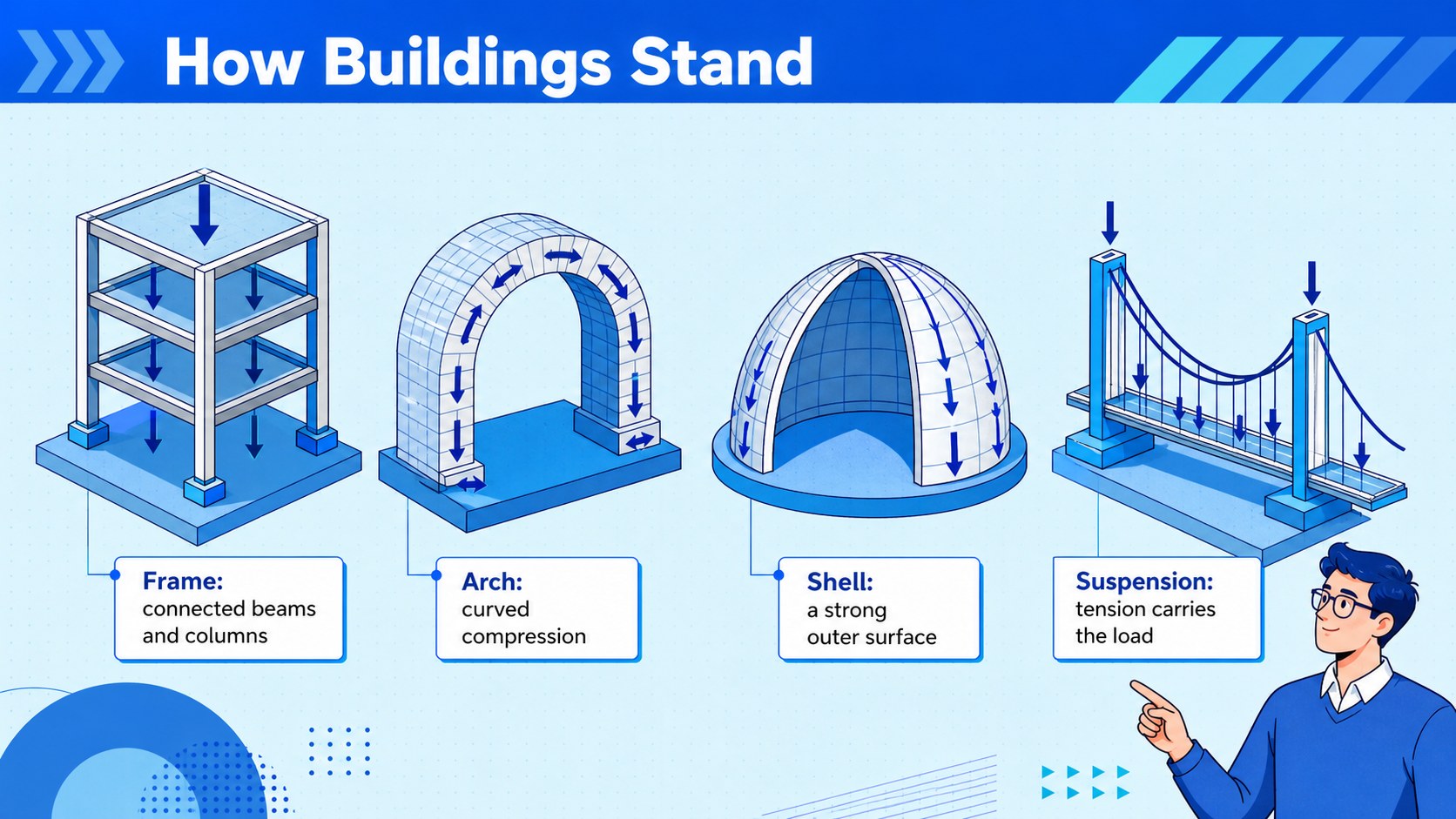
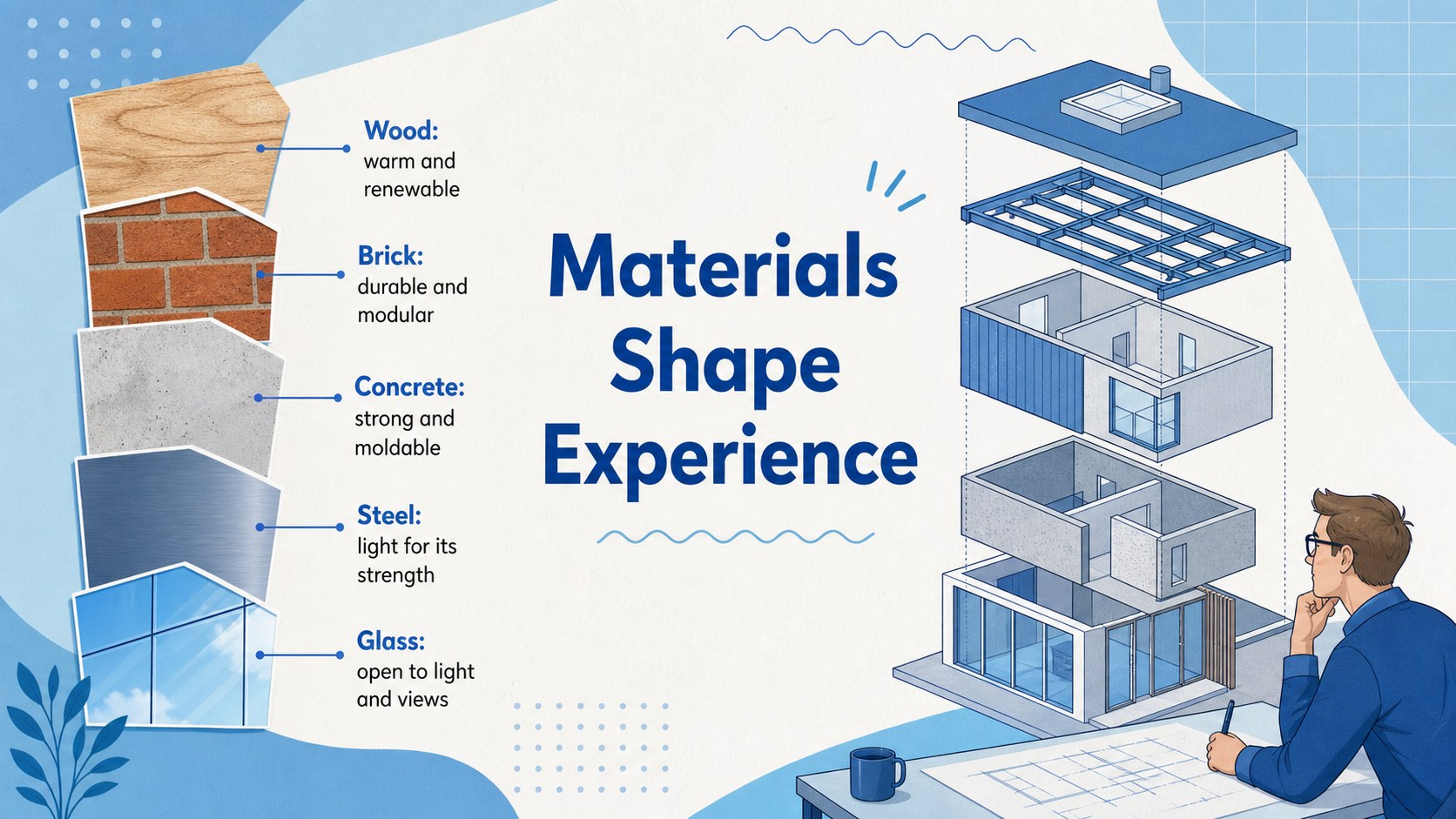
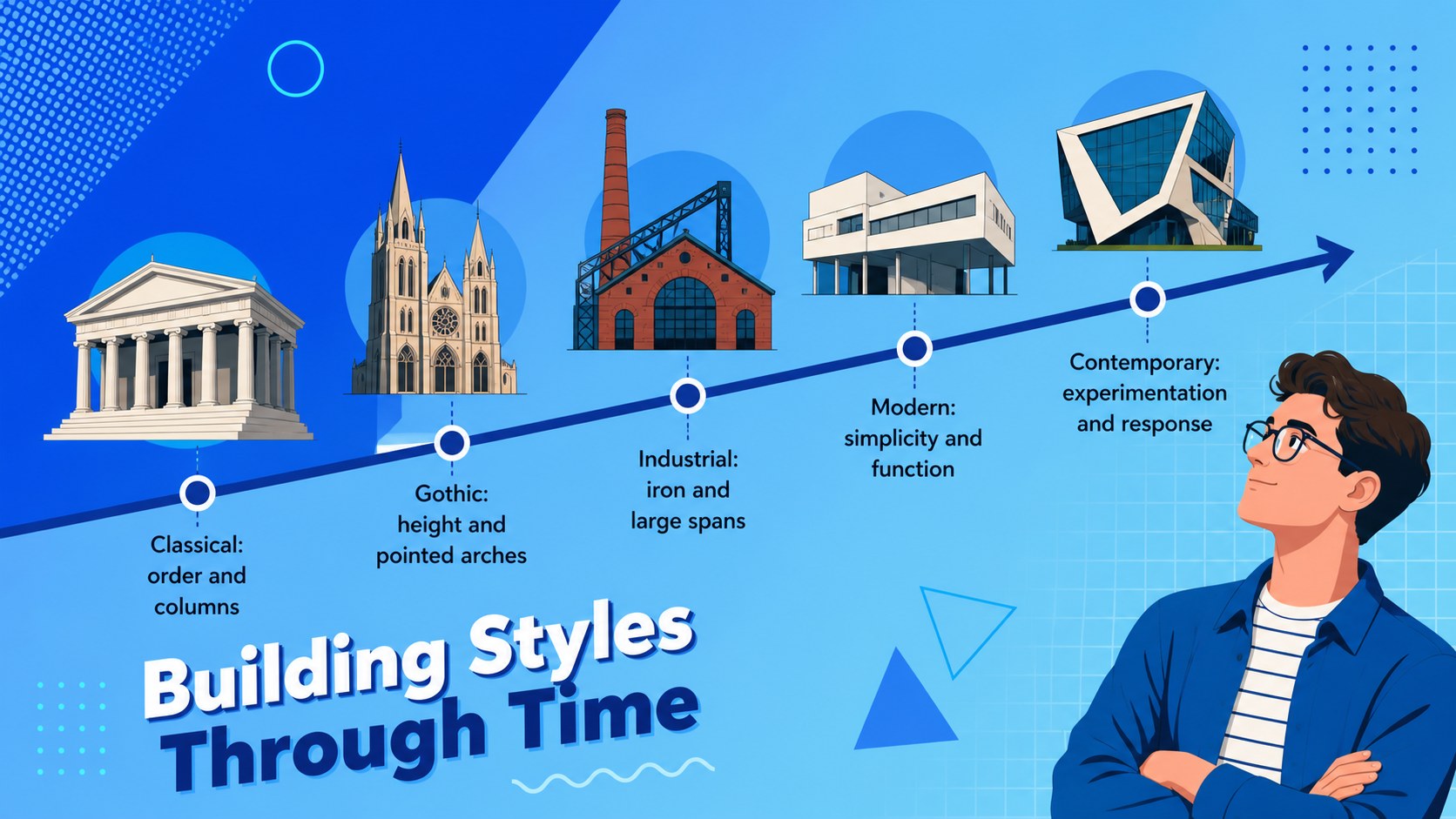
The presentation moves from form, function, and context to structural systems, materials, building styles, facade analysis, and sustainable design. Ready-made diagrams, discussion prompts, comparison layouts, a design challenge, and a short knowledge check support both instruction and participation. Geometric illustrations, bright blue gradients, bold shapes, and clean Josefin Sans typography give the architectural design presentation for students an energetic pop-art character without making the information difficult to scan.
These building styles classroom slides work well for middle school, high school, introductory art and design courses, architecture clubs, and interdisciplinary lessons connecting history, engineering, geography, or environmental studies. Teachers can replace examples, adjust questions, insert local landmarks, and reorganize sections for a single class or a longer unit. Every layout is editable, allowing colors, text, photographs, diagrams, and speaker notes to be adapted while preserving a consistent visual system.
Perfect for: introductory architecture lesson; building styles classroom unit; landmark analysis activity; art and design course; architecture club workshop; sustainable building discussion.
Frequently asked questions
Can I edit these architecture lesson slides? Yes. Text, colors, diagrams, images, and activity prompts can be changed to match your curriculum, student age group, or local architectural examples.
Practical details
Yes. Text, colors, diagrams, images, and activity prompts can be changed to match your curriculum, student age group, or local architectural examples.
The template is designed for PowerPoint and Google Slides. Layouts remain editable in both platforms, although minor font or animation differences may occur.
Yes. Replace the sample imagery with photographs of nearby landmarks, streets, or student-selected buildings, then update the analysis prompts to fit each example.
The visual explanations and short prompts suit introductory learners, while the comparison and design challenge slides can be expanded for older students. Teachers can simplify terminology or add technical detail as needed.
Keep exploring
15Build an engaging World UFO Day session with this flying saucer history lesson deck, featuring retro green-and-brown slides for PowerPoint and Google Slides.
 15
15Plan a lively animal-learning journey with this jungle zoo adventure lesson deck, ready to customize in PowerPoint and Google Slides for young learners.
 16
16Turn environmental research into a clear story with a Watercolor Ecology Presentation Theme for PowerPoint and Google Slides in calming green and blue.
 16
16Build focused fashion, literature, and humanities presentations with the Red Triangle Editorial Theme, editable in PowerPoint and Google Slides.
 15
15Turn streaming stats, favorite tracks, and concert highlights into a bold annual listening recap slide deck for PowerPoint and Google Slides.
 15
15Turn highlights, milestones, and favorite moments into a colorful year in review slide deck with bold 3D graphics for PowerPoint and Google Slides.
 3
3Build a credible endorsement with Standout Colleague Recommendation Letter Slides, featuring colorful prompts for skills, achievements, and team impact.
 4
4Build clear beginner sessions with an ice hockey fundamentals training deck for coaches, PE teachers, and clubs, ready for PowerPoint and Google Slides.