
 15
15presentation
Flying Saucer History Lesson Deck
Build an engaging World UFO Day session with this flying saucer history lesson deck, featuring retro green-and-brown slides for PowerPoint and Google Slides.
Google SlidesPowerPoint
presentation · English
Trace architectural eras with a vintage collage slide deck in red, beige, and black. Compare design movements, edit every element, and present with ease.
Design notes
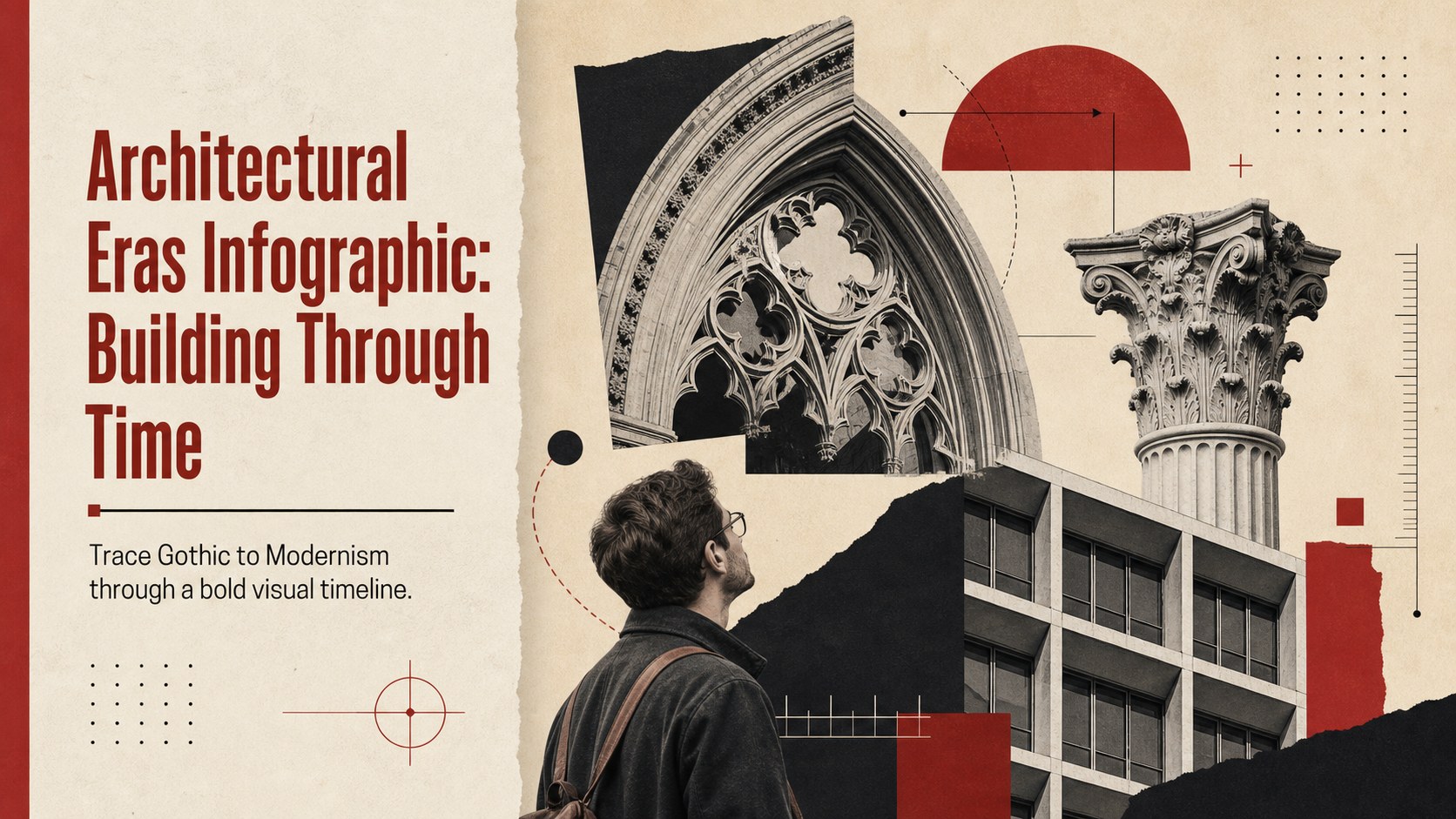
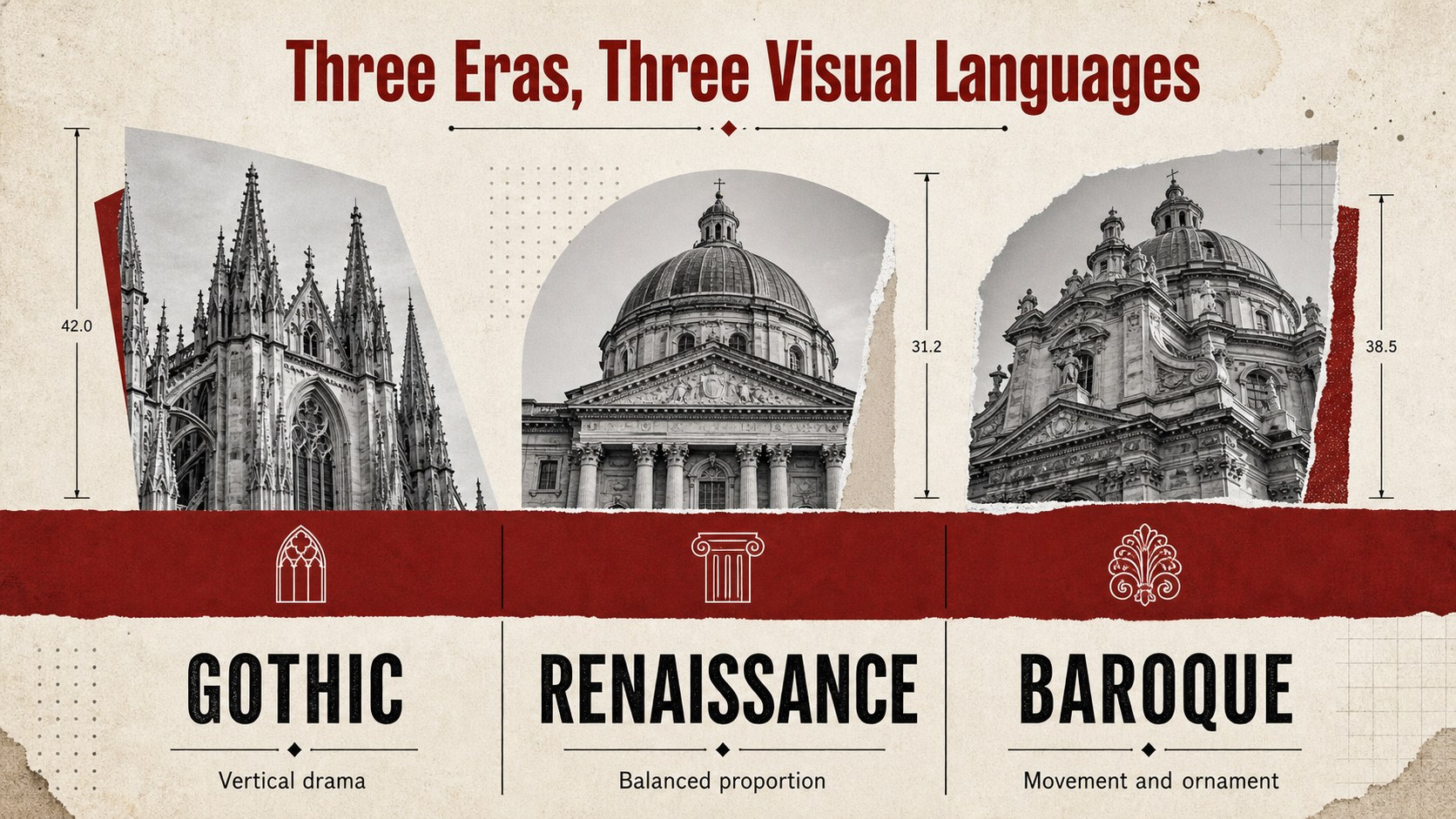
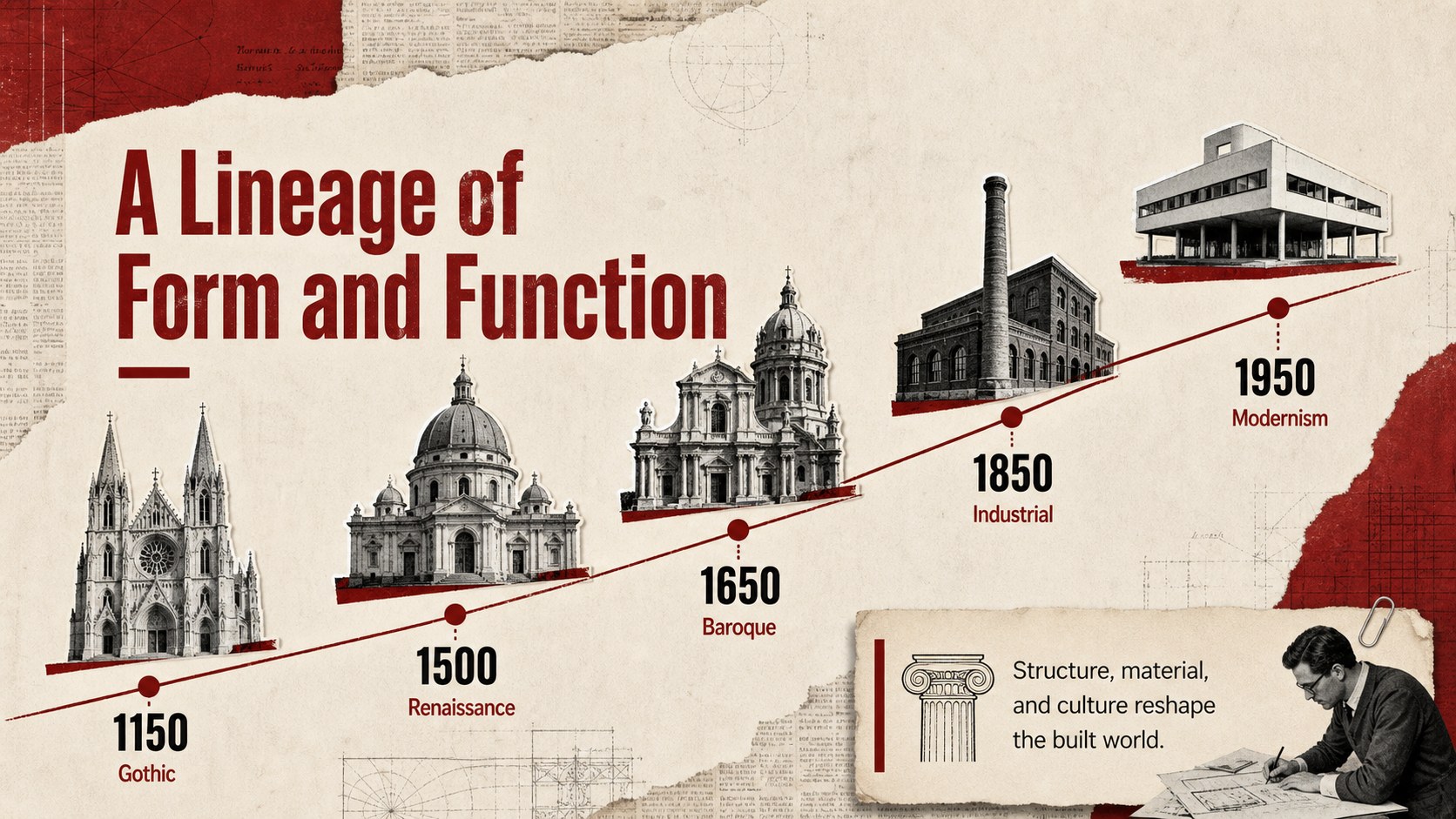
Trace the evolution of built environments with an architectural eras infographic designed for clear visual storytelling. From Gothic arches and Renaissance symmetry to Modernist geometry, this vintage collage presentation turns architectural history into an easy-to-follow sequence of forms, materials, and defining details. Red, beige, and black create a distinctive editorial palette while preserving strong contrast for classroom and presentation use.
Inside, you’ll find ready-to-edit 16:9 slides for introducing major design movements, comparing visual characteristics, and highlighting landmark ideas. The layouts combine cut-paper textures, framed image areas, labels, timeline structures, and flexible text blocks. Use the deck as an architectural history classroom resource, a visual architecture timeline, or a concise reference for a design studies lecture. Every element can be adjusted to suit your lesson, research, or speaking style.
The template works well for students, teachers, architecture researchers, museum educators, and creative professionals preparing an architectural styles comparison. Customize fonts, images, captions, and color accents, Google Slides, or PowerPoint, then export or share in the format your audience needs.
Perfect for: architecture history lesson; design movements lecture; student research presentation; museum education workshop; architectural styles comparison.
Frequently asked questions
Can I edit the text and images in this template? Yes. Replace the sample wording, captions, photos, and labels with your own material. Layout elements, colors, and typography can also be adjusted to match your project.
Practical details
Yes. Replace the sample wording, captions, photos, and labels with your own material. Layout elements, colors, and typography can also be adjusted to match your project.
The template is designed for, Google Slides, and PowerPoint. You can present from those platforms or export the finished deck to formats such as PDF.
Yes. The red, beige, and black palette is part of the visual direction, but each color can be changed when you need stronger brand alignment or accessibility contrast.
Yes. The comparison layouts and timeline structure work well for lessons on architectural history and design movements. Add local examples, notes, or discussion prompts to tailor it to your class.
Keep exploring
15Build an engaging World UFO Day session with this flying saucer history lesson deck, featuring retro green-and-brown slides for PowerPoint and Google Slides.
 15
15Plan a lively animal-learning journey with this jungle zoo adventure lesson deck, ready to customize in PowerPoint and Google Slides for young learners.
 16
16Turn environmental research into a clear story with a Watercolor Ecology Presentation Theme for PowerPoint and Google Slides in calming green and blue.
 16
16Build focused fashion, literature, and humanities presentations with the Red Triangle Editorial Theme, editable in PowerPoint and Google Slides.
 15
15Turn streaming stats, favorite tracks, and concert highlights into a bold annual listening recap slide deck for PowerPoint and Google Slides.
 15
15Turn highlights, milestones, and favorite moments into a colorful year in review slide deck with bold 3D graphics for PowerPoint and Google Slides.
 3
3Build a credible endorsement with Standout Colleague Recommendation Letter Slides, featuring colorful prompts for skills, achievements, and team impact.
 4
4Build clear beginner sessions with an ice hockey fundamentals training deck for coaches, PE teachers, and clubs, ready for PowerPoint and Google Slides.