
 15
15presentation
Flying Saucer History Lesson Deck
Build an engaging World UFO Day session with this flying saucer history lesson deck, featuring retro green-and-brown slides for PowerPoint and Google Slides.
Google SlidesPowerPoint
presentation · English
Organize April 2027 with a flexible monthly planner for appointments, deadlines, family events, and personal goals in Google Slides or PowerPoint.
Design notes
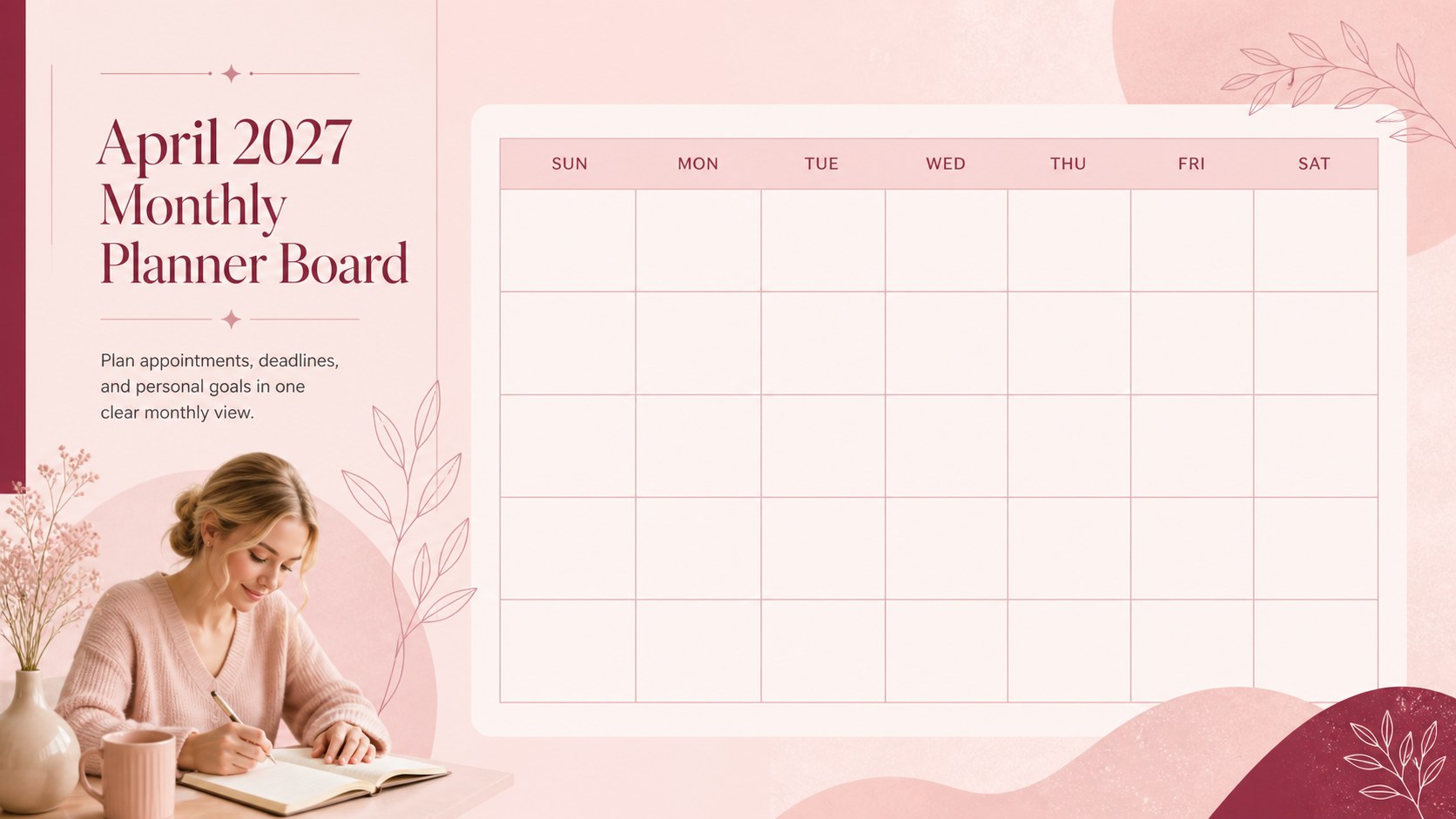
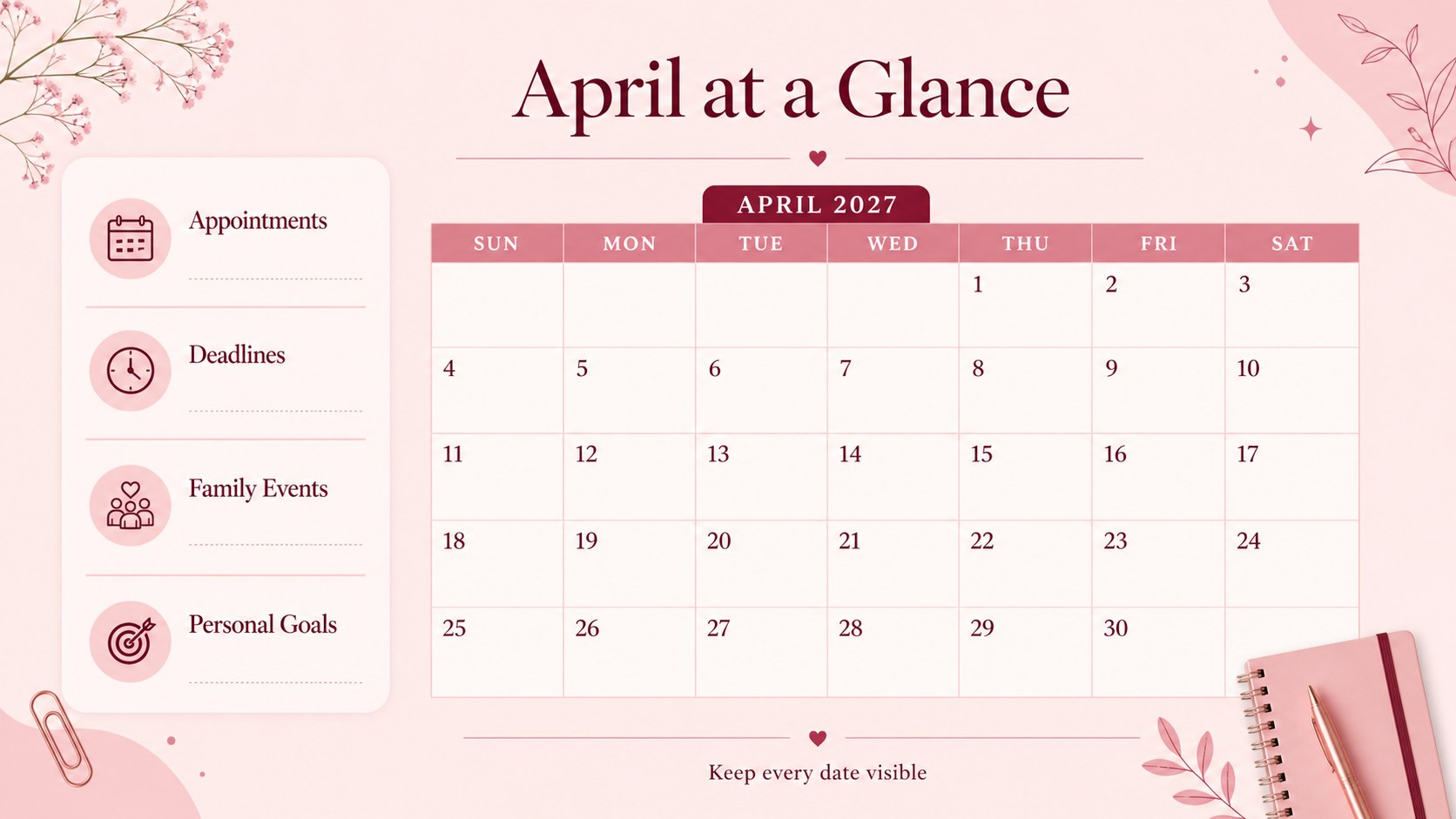
April 2027 Monthly Planner Board is a practical, customizable way to organize the month across work, school, household responsibilities, and personal priorities. Its clean landscape format keeps important dates visible without making a busy schedule feel crowded. Use the layout as a printable April 2027 calendar, a digital planning board, or a flexible presentation page for sharing upcoming commitments.
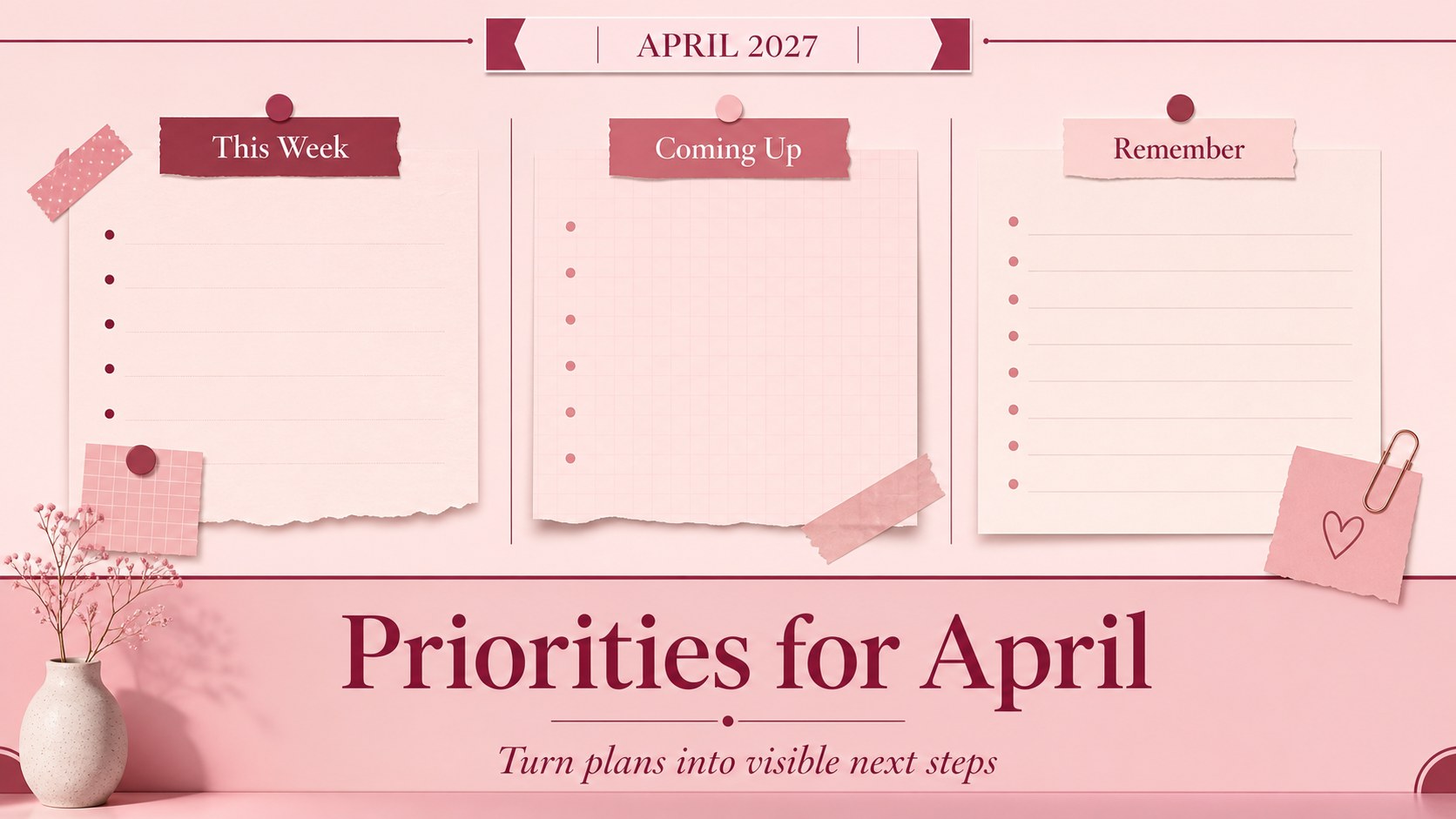
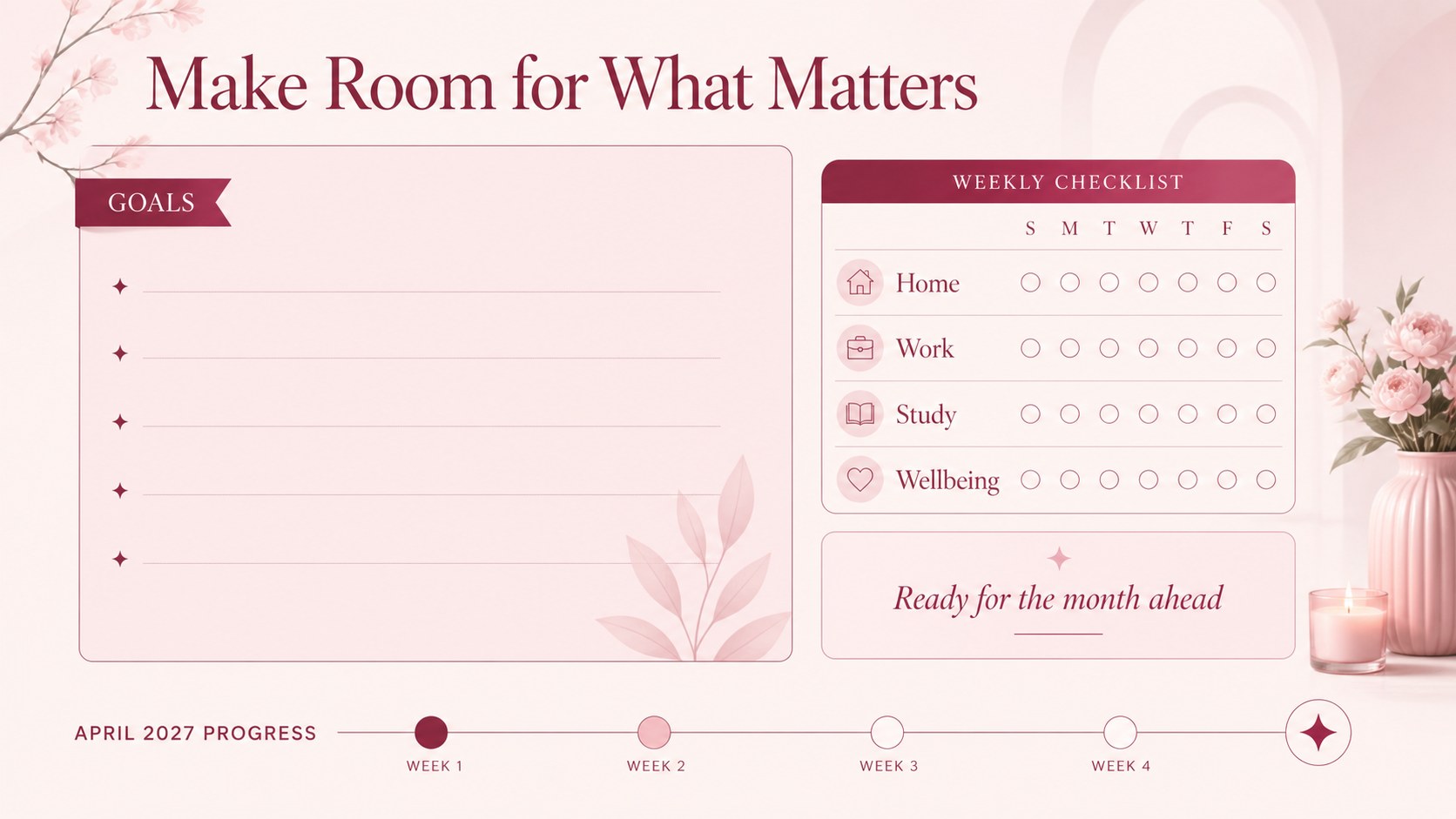
What’s inside includes a monthly overview, dedicated areas for appointments and deadlines, space for reminders and special occasions, and planning sections for goals or weekly priorities. The editable design works in Google Slides and PowerPoint, with simple tools for changing text, colors, icons, and layout elements. You can also add charts, frames, shapes, animations, and transitions when the planner needs to become more visual.
This template is useful for students mapping coursework, professionals managing meetings, families coordinating activities, and individuals building routines. It also works as an April 2027 appointment tracker or a monthly planner for busy families. Share a digital copy with collaborators, export it for printing, or keep a personalized version for everyday reference.
Perfect for: student coursework planning; office meeting coordination; family activity scheduling; personal goal tracking; household appointment management.
Frequently asked questions
Can I edit the April 2027 Monthly Planner Board? Yes. You can replace the text, move elements, adjust colors, and add notes or icons to match your schedule. The layout is designed for quick updates throughout the month.
Practical details
Yes. You can replace the text, move elements, adjust colors, and add notes or icons to match your schedule. The layout is designed for quick updates throughout the month.
The template is compatible with Google Slides, Microsoft PowerPoint. You can edit it digitally, share it with collaborators, or export it as a PDF for printing.
Yes. The pink theme can be adapted with your preferred shades while keeping the same elegant visual style. You can also change fonts, decorative shapes, and accent colors.
Yes. Its landscape A4 layout can be prepared for printing or exported as a digital calendar. Review the page margins and printer settings before producing a final paper copy.
Keep exploring
15Build an engaging World UFO Day session with this flying saucer history lesson deck, featuring retro green-and-brown slides for PowerPoint and Google Slides.
 15
15Plan a lively animal-learning journey with this jungle zoo adventure lesson deck, ready to customize in PowerPoint and Google Slides for young learners.
 16
16Turn environmental research into a clear story with a Watercolor Ecology Presentation Theme for PowerPoint and Google Slides in calming green and blue.
 16
16Build focused fashion, literature, and humanities presentations with the Red Triangle Editorial Theme, editable in PowerPoint and Google Slides.
 15
15Turn streaming stats, favorite tracks, and concert highlights into a bold annual listening recap slide deck for PowerPoint and Google Slides.
 15
15Turn highlights, milestones, and favorite moments into a colorful year in review slide deck with bold 3D graphics for PowerPoint and Google Slides.
 3
3Build a credible endorsement with Standout Colleague Recommendation Letter Slides, featuring colorful prompts for skills, achievements, and team impact.
 4
4Build clear beginner sessions with an ice hockey fundamentals training deck for coaches, PE teachers, and clubs, ready for PowerPoint and Google Slides.