
 15
15presentation
Flying Saucer History Lesson Deck
Build an engaging World UFO Day session with this flying saucer history lesson deck, featuring retro green-and-brown slides for PowerPoint and Google Slides.
Google SlidesPowerPoint
presentation · English
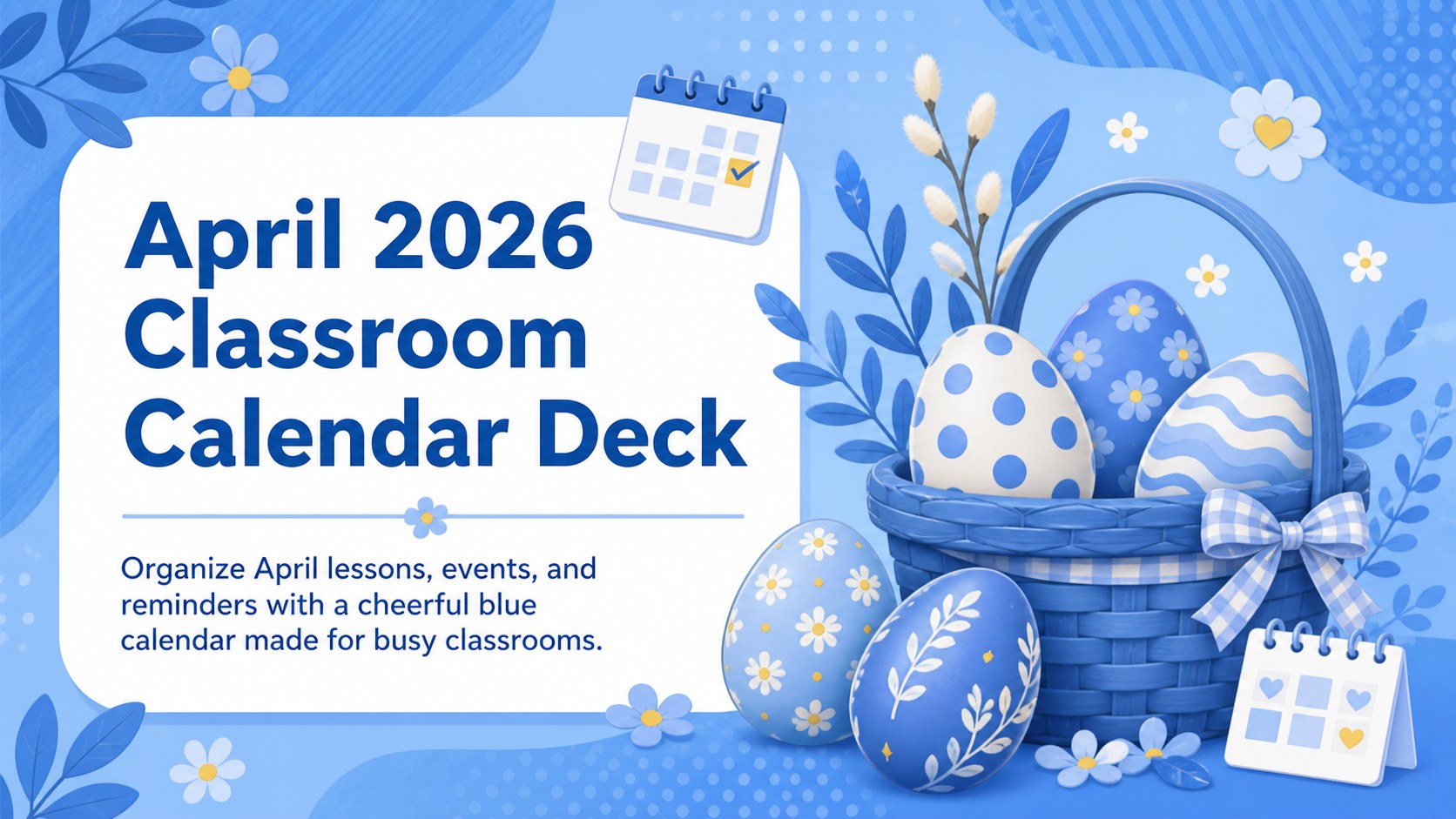
Plan lessons and seasonal activities with an April 2026 classroom calendar deck featuring editable daily layouts, playful Easter details, and cool blue tones.
Design notes
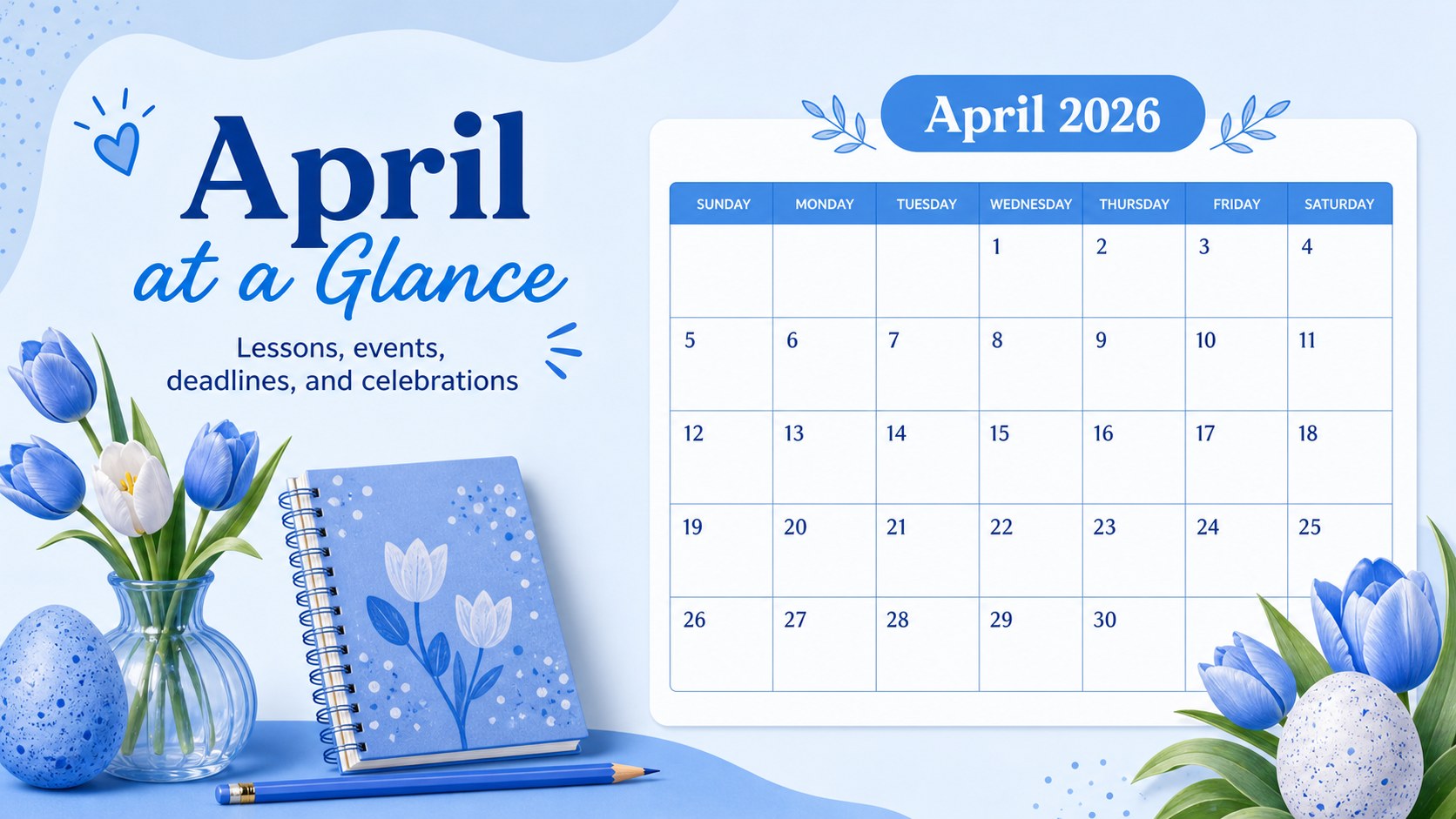
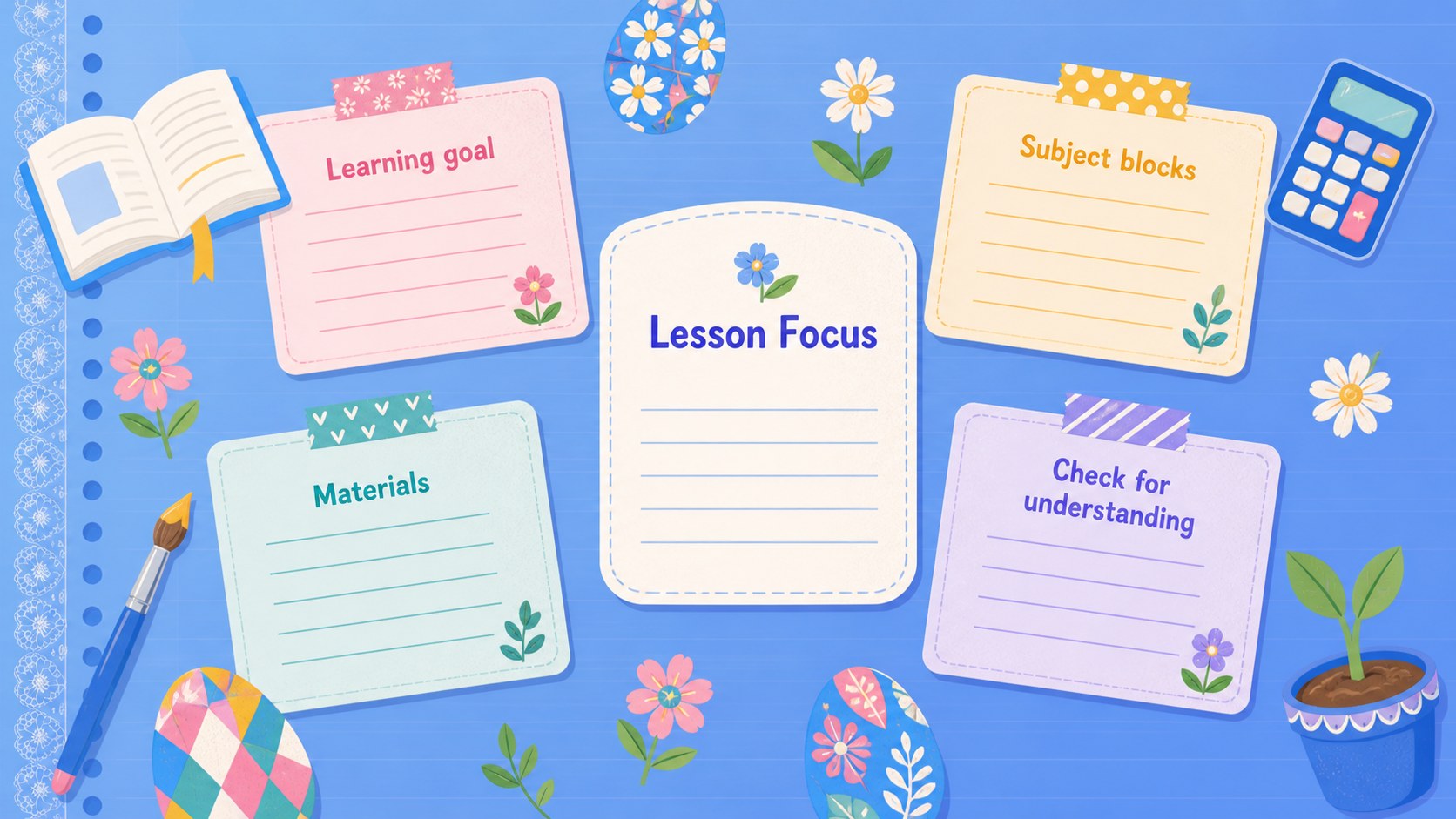
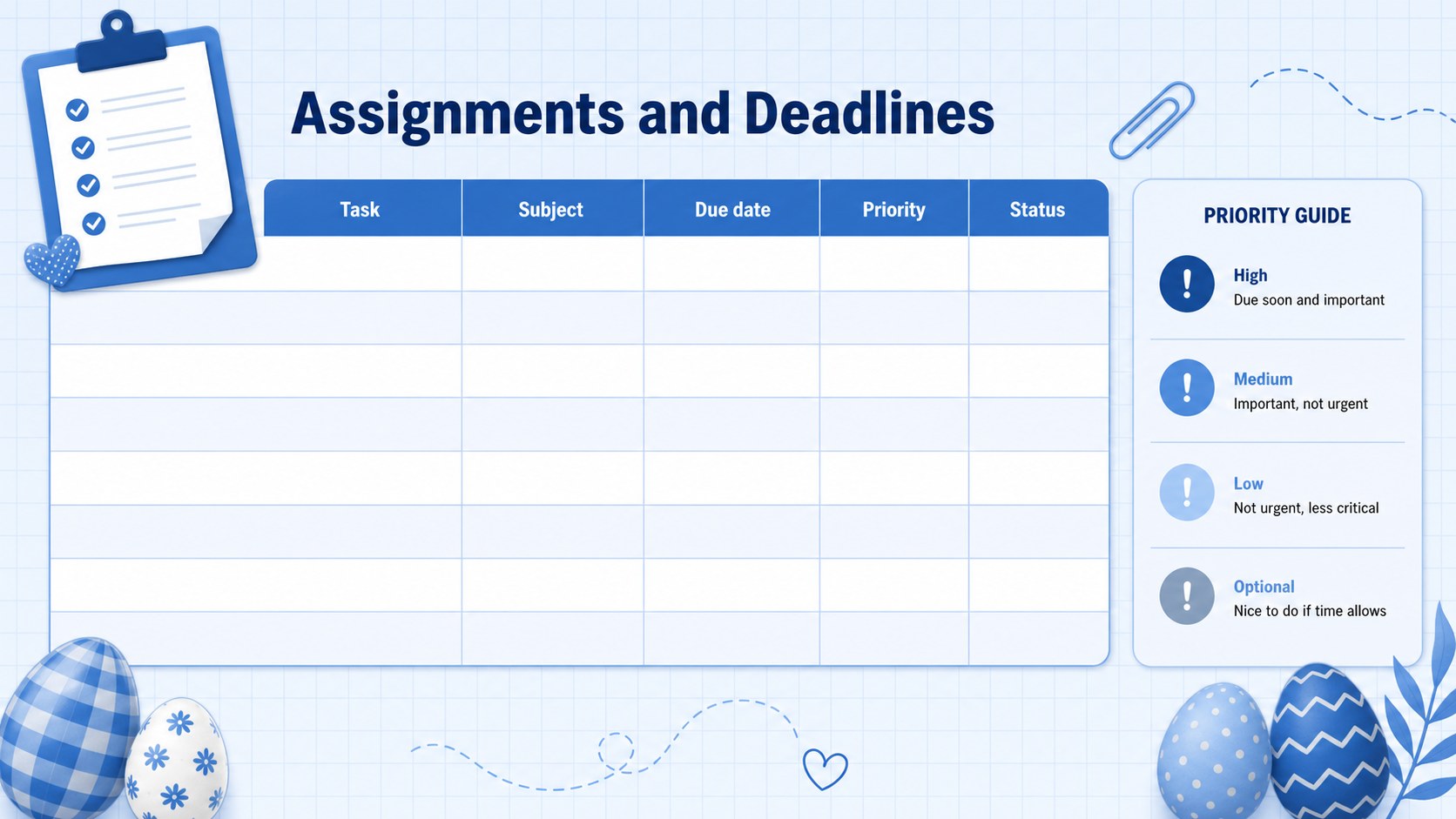
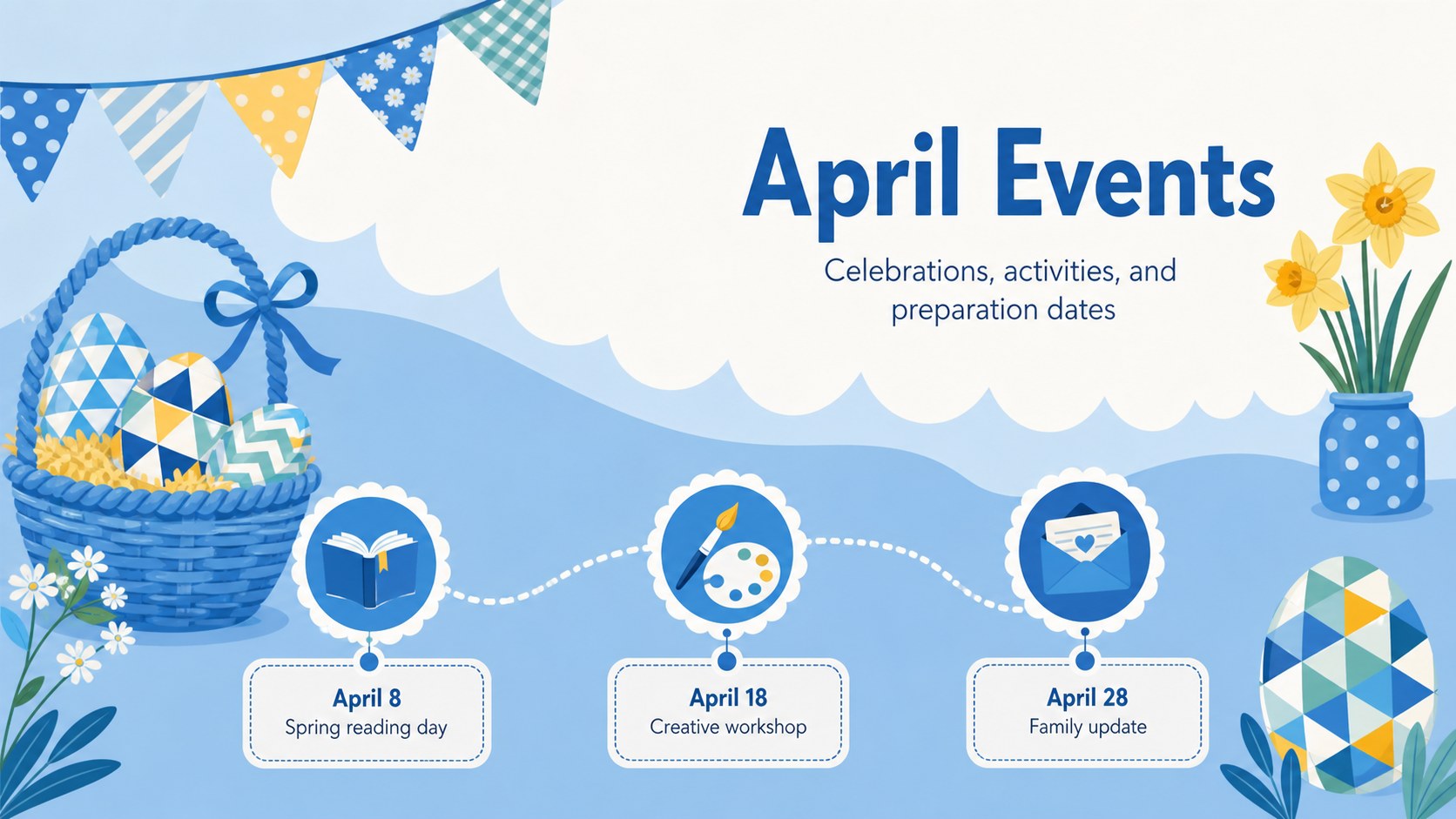
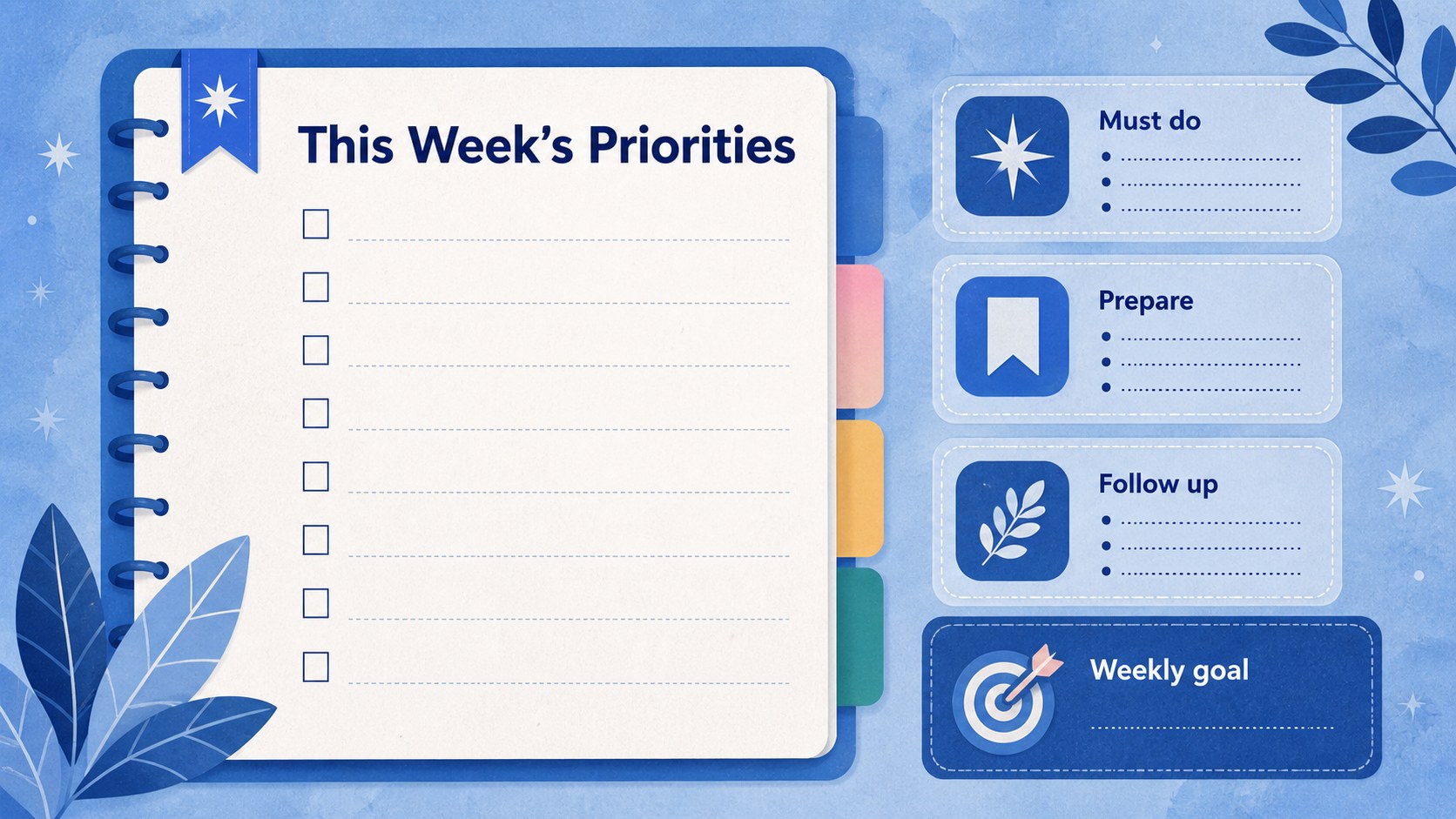
Bring structure to a busy spring schedule with the April 2026 classroom calendar deck. Designed for teachers, tutors, and school coordinators, this presentation combines practical planning space with playful Easter egg patterns and a refreshing blue palette. Use it to display daily lessons, assignment deadlines, celebrations, testing dates, or family reminders without crowding the screen.
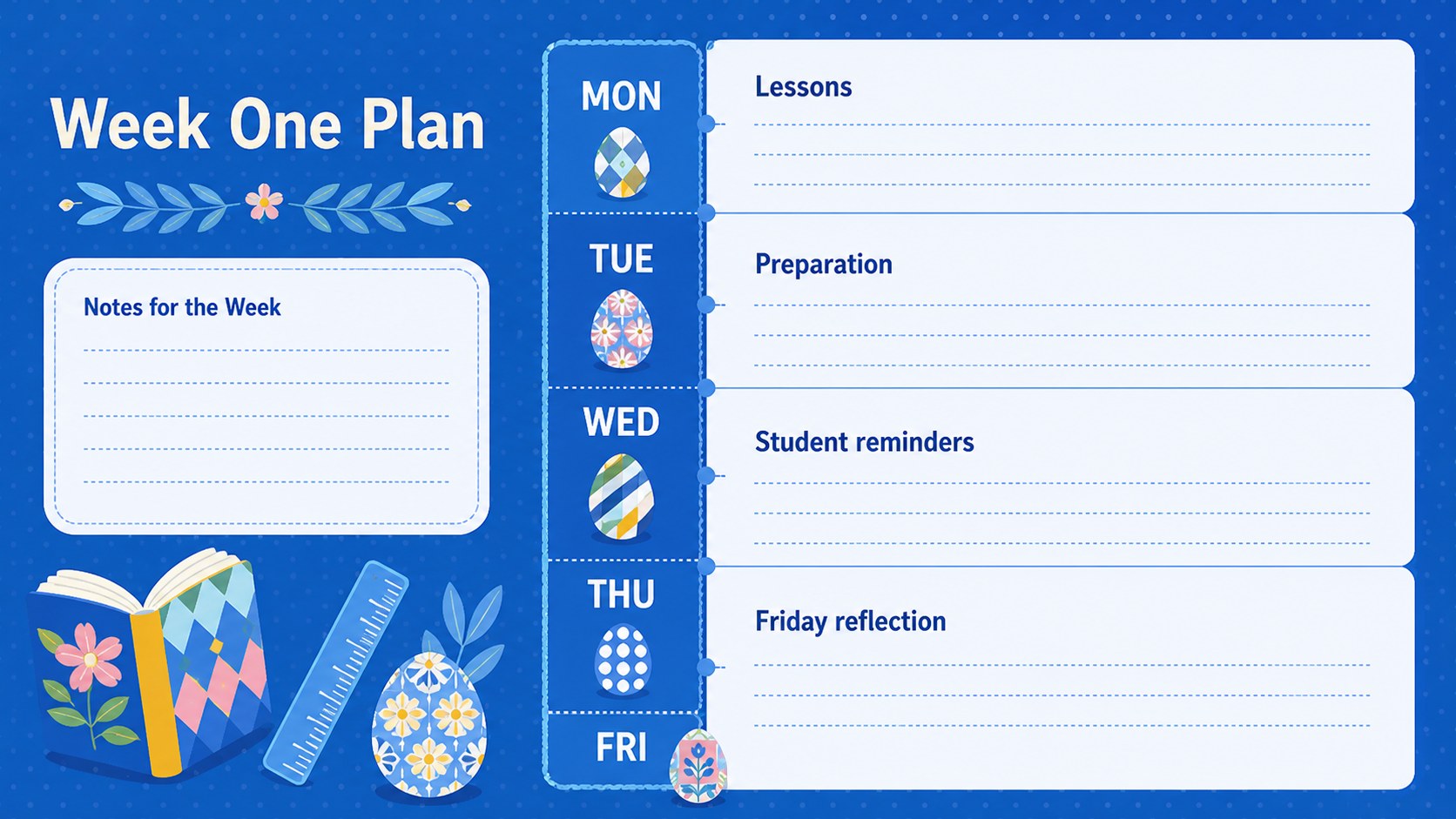
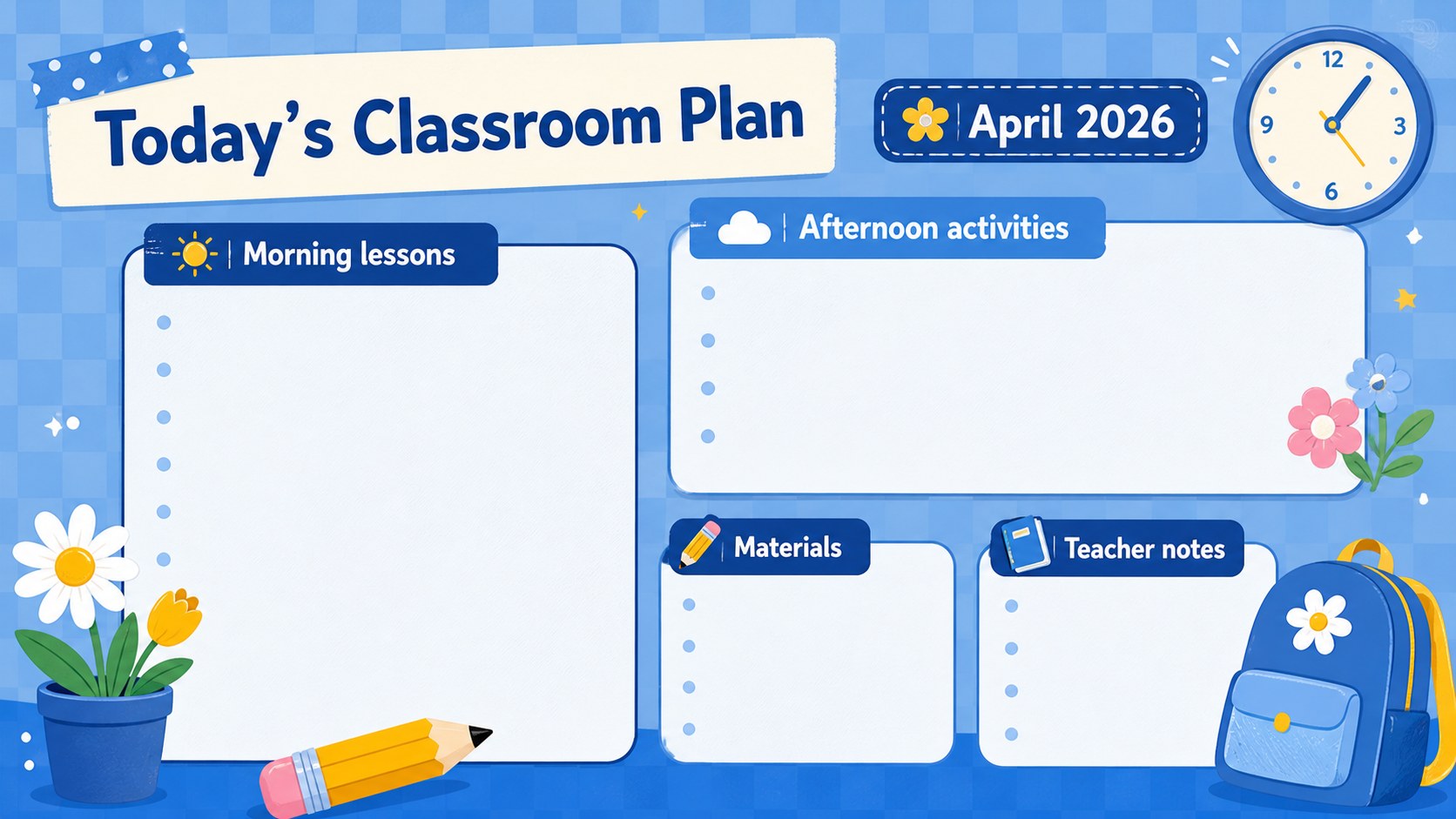
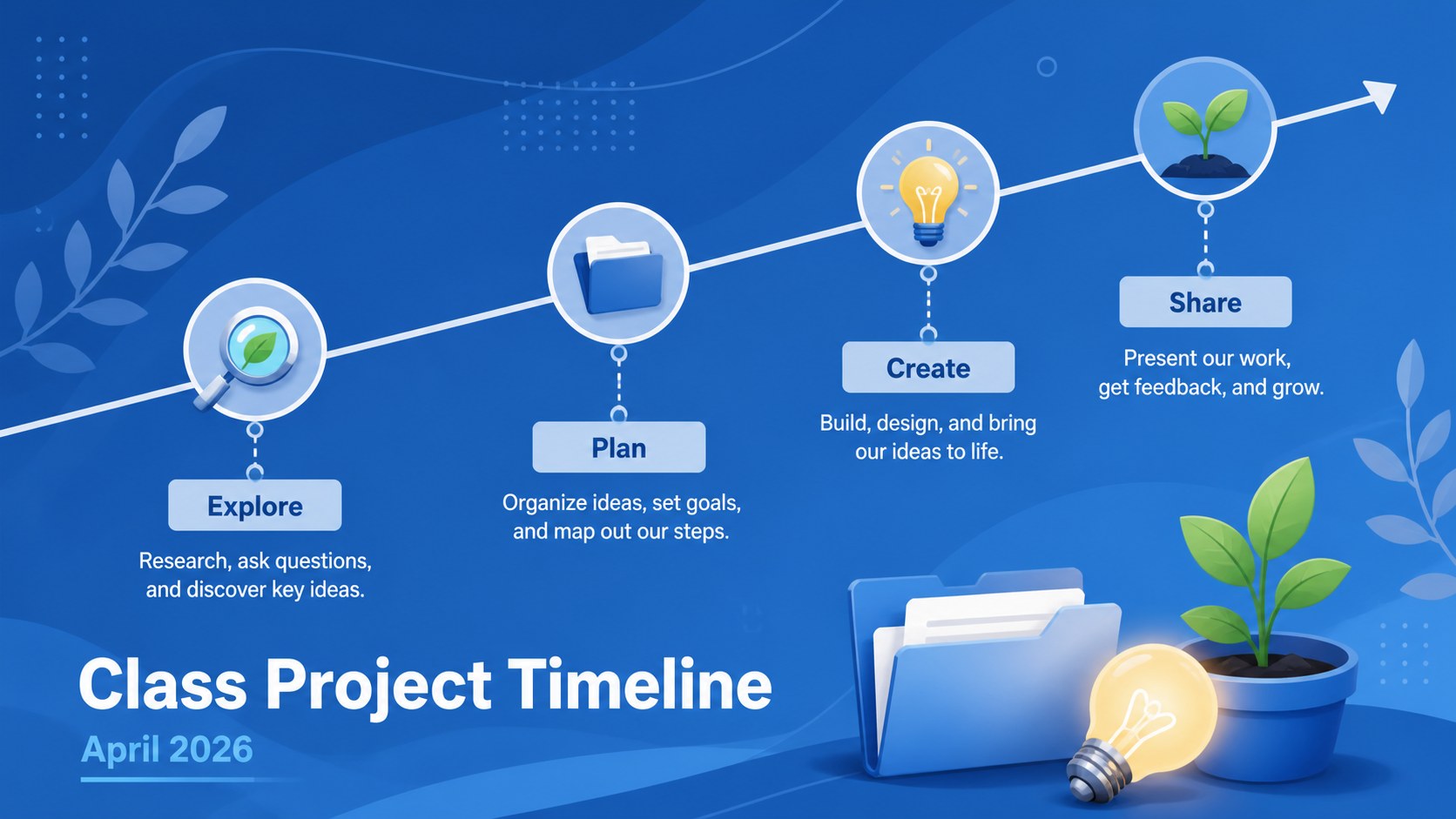
The deck includes more than 25 editable layouts for monthly overviews, weekday schedules, daily priorities, event announcements, checklists, timelines, notes, and reflection prompts. Its illustrated April lesson planner pages can be adapted with your own dates, subjects, icons, photos, and classroom colors. Charts, shapes, frames, animations, and transitions provide additional ways to organize information while keeping each slide clear and engaging.
This blue Easter calendar presentation works in Google Slides and PowerPoint, making it suitable for classroom screens, virtual learning, staff planning, or printable handouts. Drag-and-drop editing offers quick access to graphics, fonts, audio, video, presenter notes, and collaboration tools. PowerPoint and Google Slides users can also revise text, duplicate layouts, and share the finished schedule in common formats.
Whether you need a spring classroom schedule template for one week or the entire month, these slides offer a flexible starting point. Josefin Sans and Roboto typography support the friendly geometric style while preserving readability for students, colleagues, and families.
Perfect for: daily classroom agenda; April lesson planning; school event scheduling; assignment deadline tracking; family calendar sharing; spring activity planning.
Frequently asked questions
Practical details
Yes. All date labels, lesson entries, reminders, and activity fields are editable, so you can adapt the calendar to your timetable or school schedule.
The template is designed for Google Slides, Microsoft PowerPoint. Some animations, fonts, or transitions may vary slightly between platforms.
Yes. You can recolor backgrounds, replace decorative elements, change fonts, and add your own icons or photos while retaining the calendar structure.
The layouts can be exported as PDF files or images for printing. Review printer margins and background settings before producing classroom handouts.
Keep exploring
15Build an engaging World UFO Day session with this flying saucer history lesson deck, featuring retro green-and-brown slides for PowerPoint and Google Slides.
 15
15Plan a lively animal-learning journey with this jungle zoo adventure lesson deck, ready to customize in PowerPoint and Google Slides for young learners.
 16
16Turn environmental research into a clear story with a Watercolor Ecology Presentation Theme for PowerPoint and Google Slides in calming green and blue.
 16
16Build focused fashion, literature, and humanities presentations with the Red Triangle Editorial Theme, editable in PowerPoint and Google Slides.
 15
15Turn streaming stats, favorite tracks, and concert highlights into a bold annual listening recap slide deck for PowerPoint and Google Slides.
 15
15Turn highlights, milestones, and favorite moments into a colorful year in review slide deck with bold 3D graphics for PowerPoint and Google Slides.
 3
3Build a credible endorsement with Standout Colleague Recommendation Letter Slides, featuring colorful prompts for skills, achievements, and team impact.
 4
4Build clear beginner sessions with an ice hockey fundamentals training deck for coaches, PE teachers, and clubs, ready for PowerPoint and Google Slides.