
 15
15presentation
Flying Saucer History Lesson Deck
Build an engaging World UFO Day session with this flying saucer history lesson deck, featuring retro green-and-brown slides for PowerPoint and Google Slides.
Google SlidesPowerPoint
presentation · English
Celebrate students, staff, and volunteers with an appreciation award certificate deck featuring 15 colorful slides for PowerPoint and Google Slides.
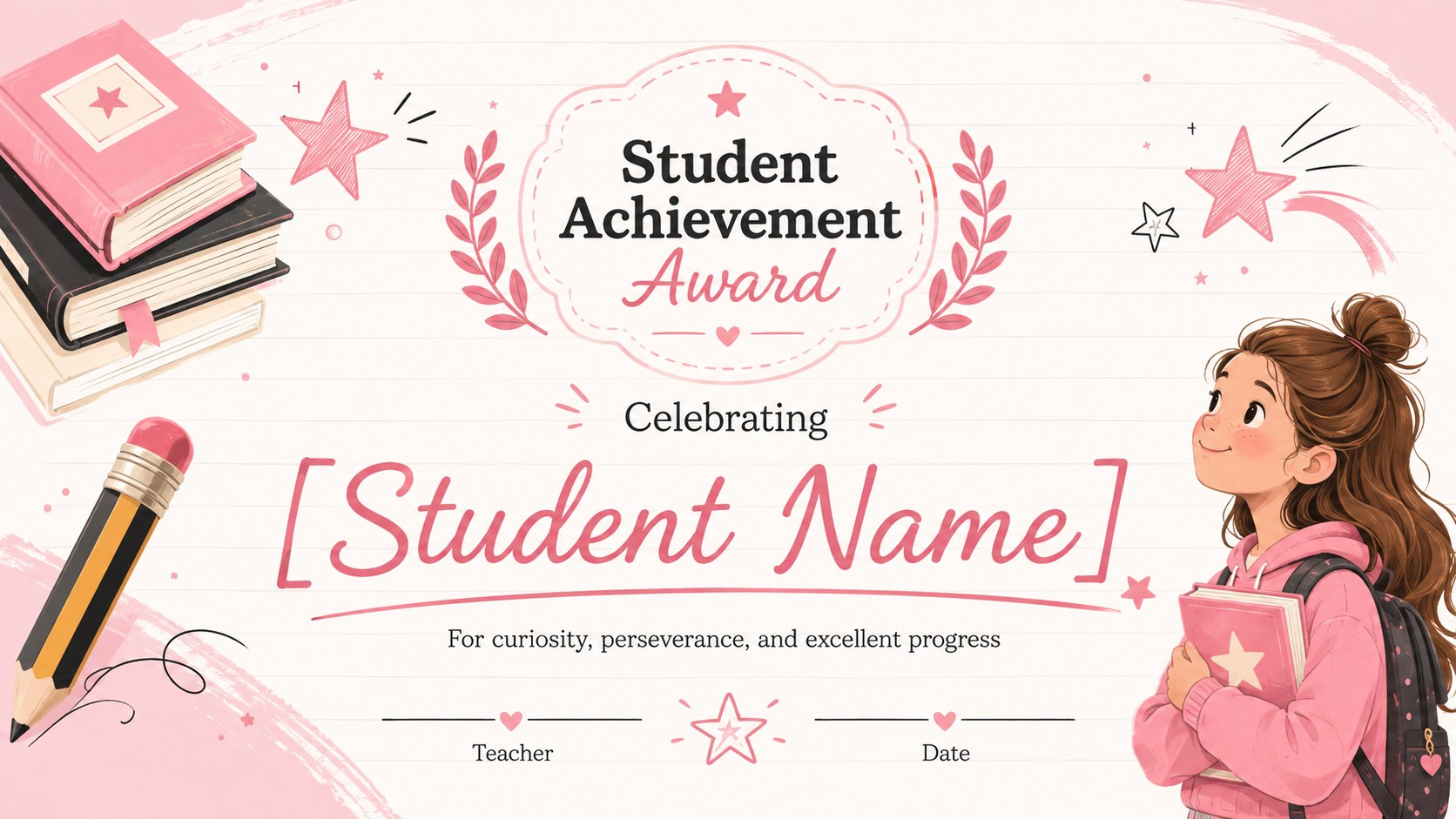
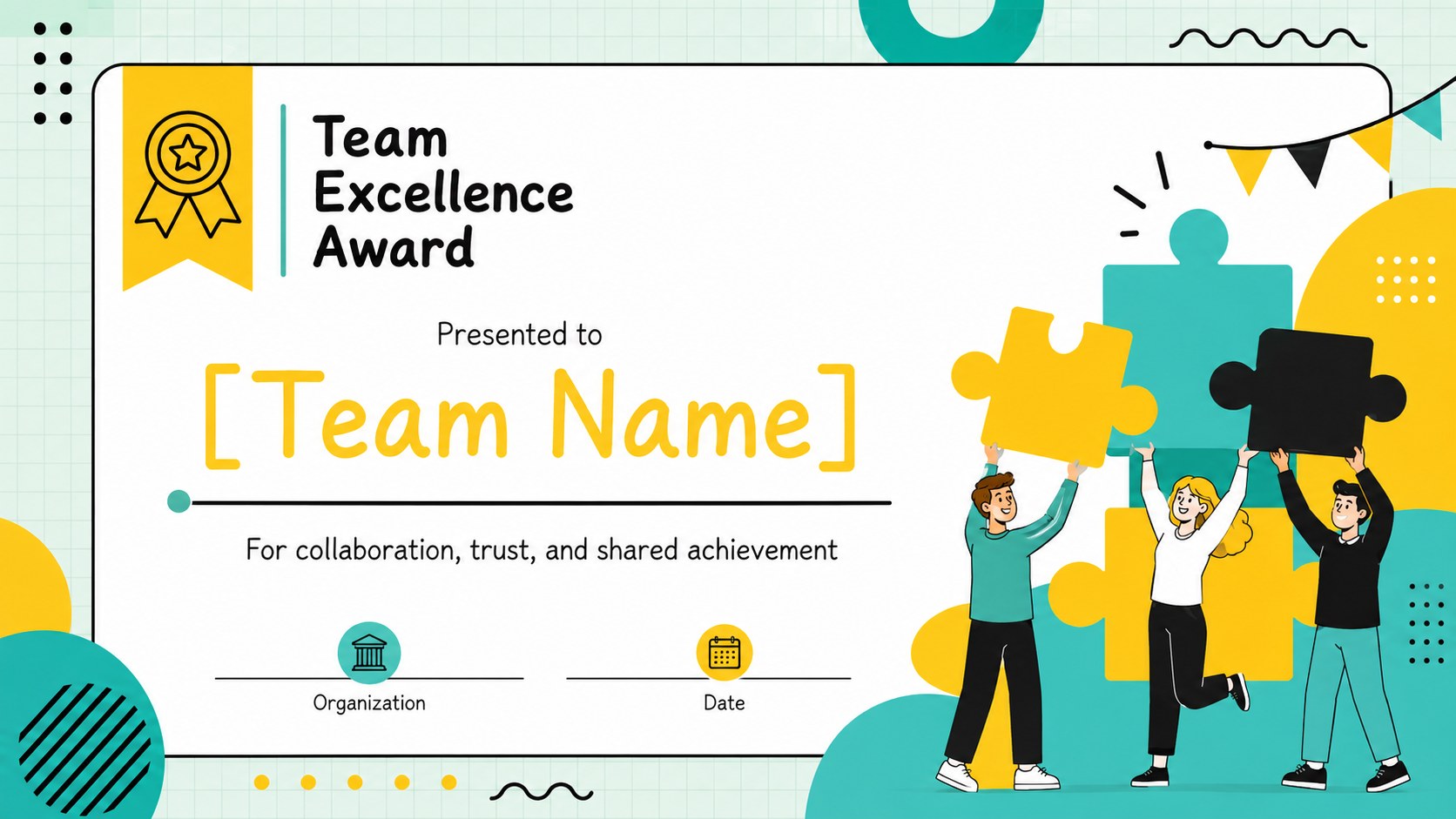
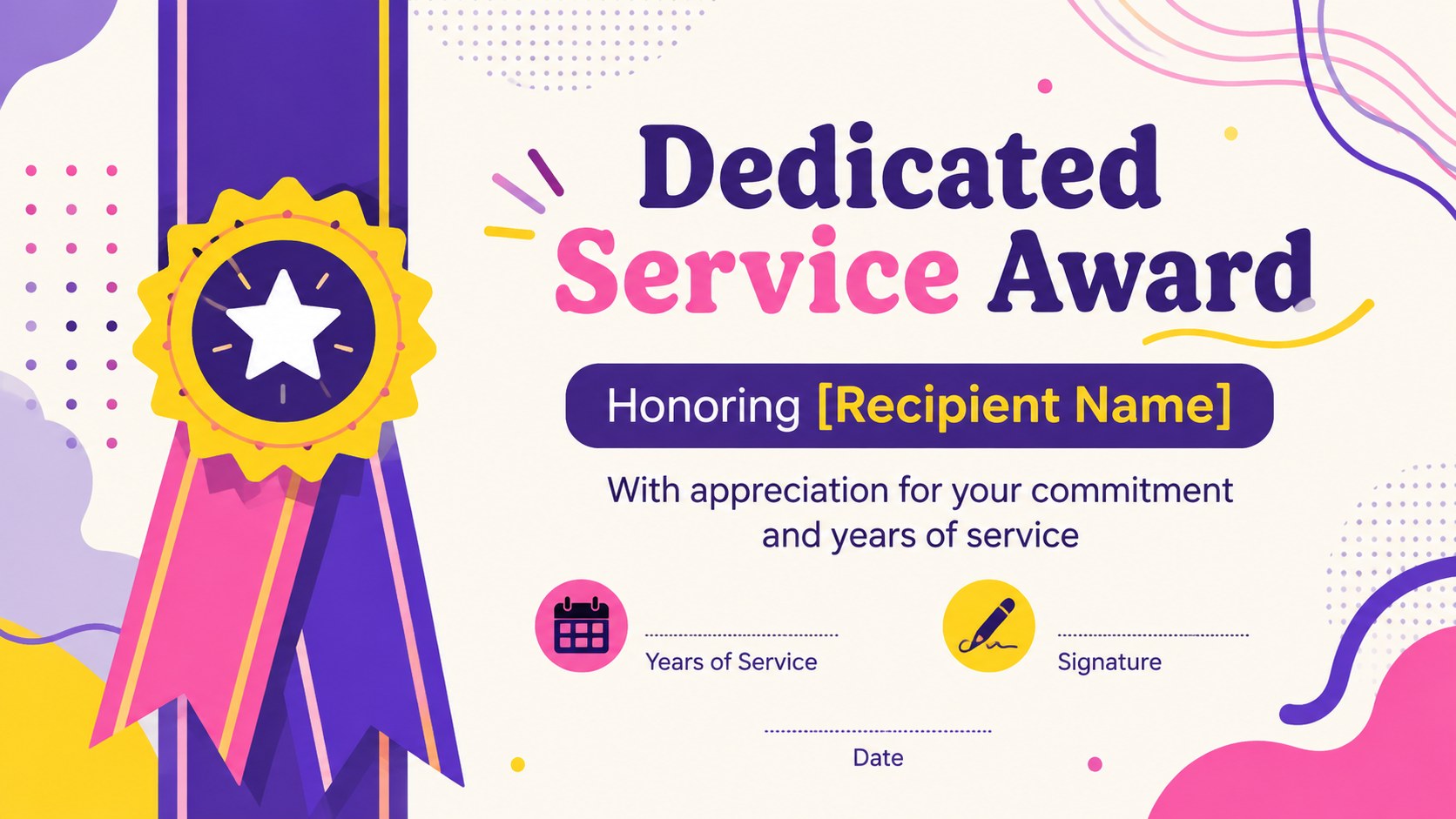
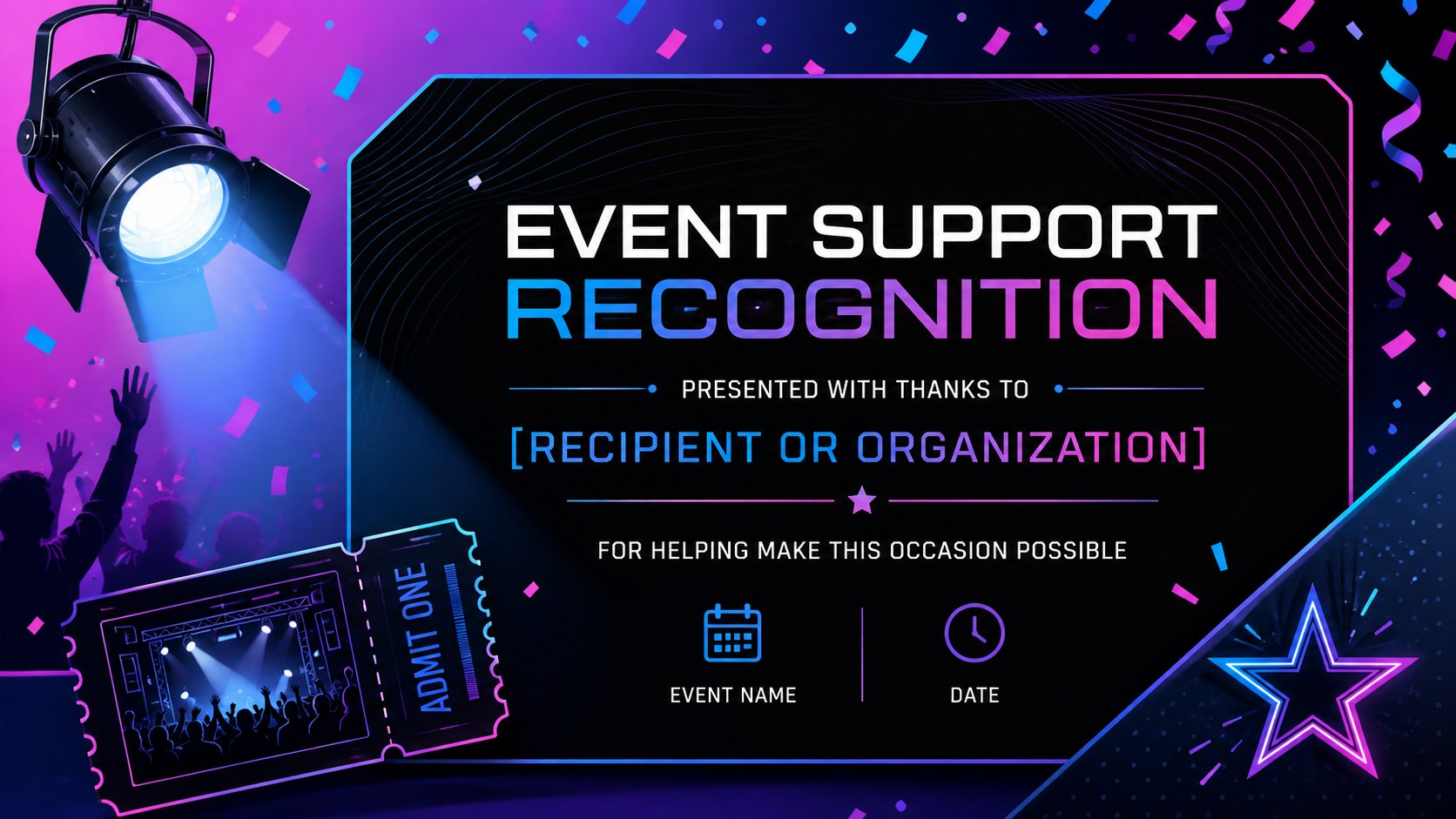

Design notes
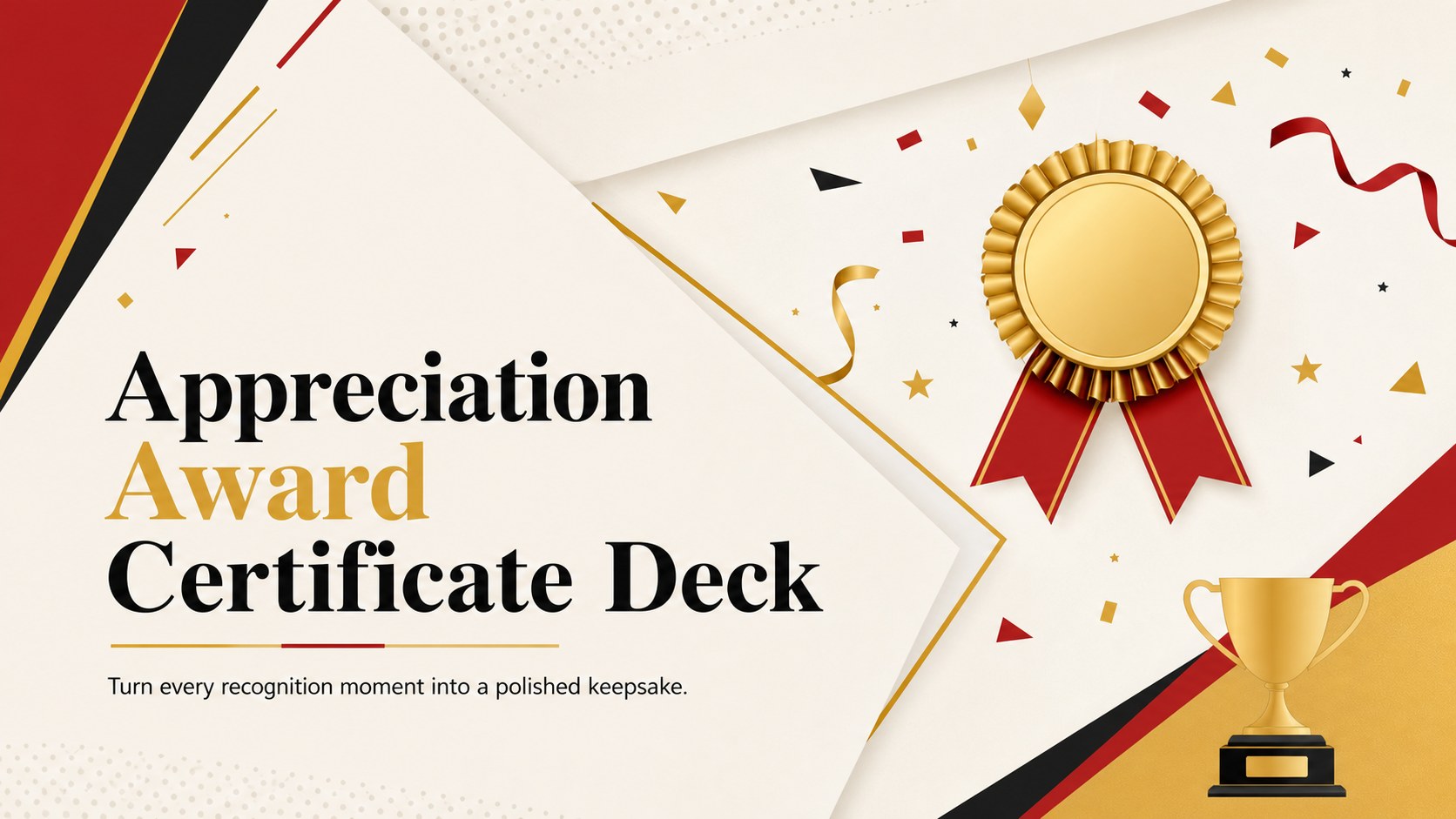
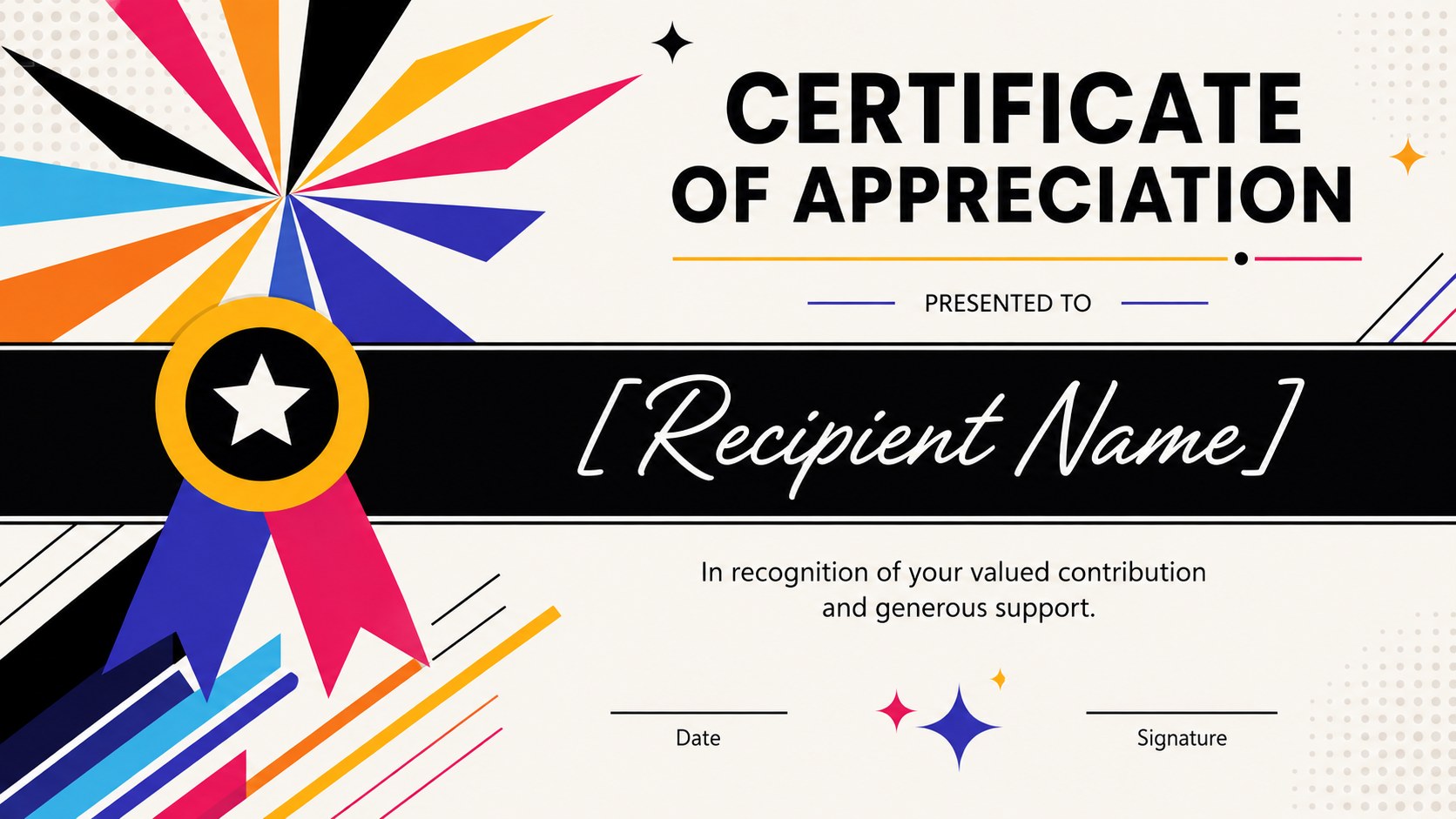
Celebrate meaningful contributions with an appreciation award certificate deck designed to make recognition feel personal and polished. Its energetic multicolored palette, bold geometric details, and elegant typography create a cheerful presentation style that works equally well for formal ceremonies and informal celebrations. Every layout can be adapted in PowerPoint or Google Slides without specialist design software.
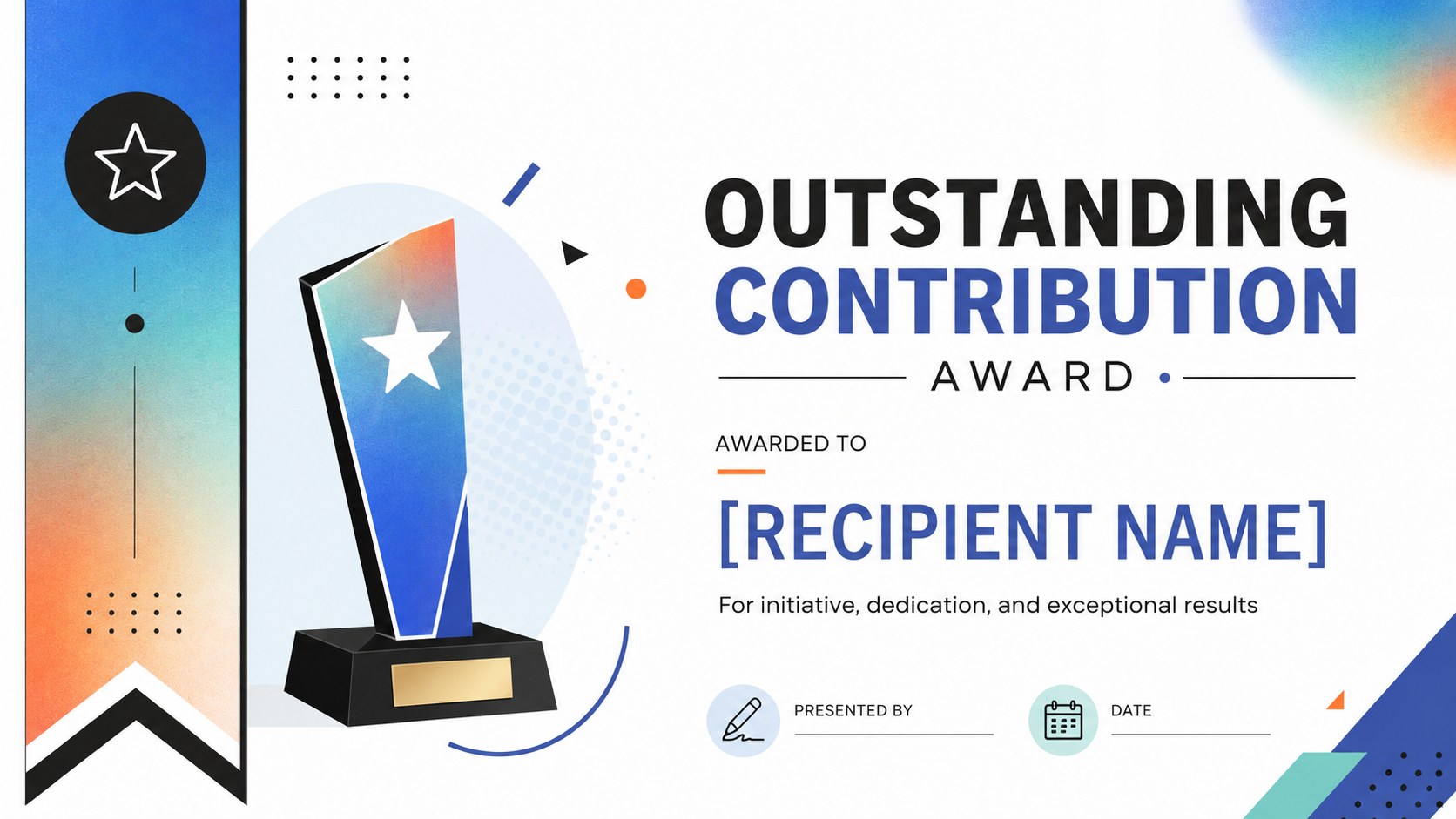
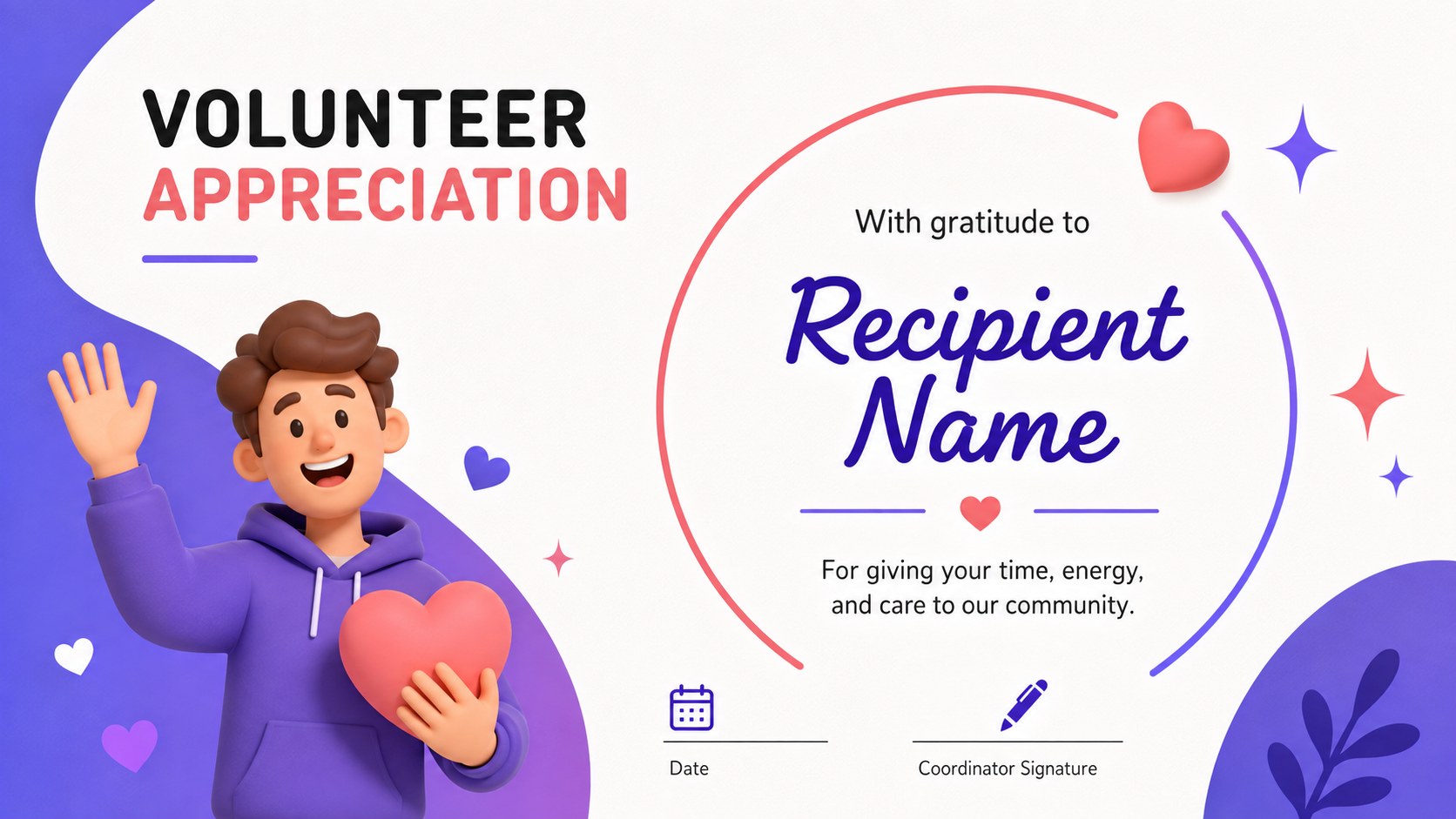
Inside are 15 widescreen slides covering employee accomplishments, volunteer service, student success, leadership, mentoring, teamwork, community impact, event support, and milestone recognition. The collection functions as both a colorful certificate template for PowerPoint and a set of Google Slides recognition certificates. Replace names, award descriptions, dates, signatures, colors, and organization details, then present the certificates on screen or export selected pages for printing.
This appreciation award certificate deck is suited to teachers, school administrators, nonprofit coordinators, HR teams, managers, club leaders, and event organizers. Use the volunteer recognition certificate presentation for an appreciation ceremony, adapt the student achievement certificate deck for classroom awards, or create coordinated honors for an entire workplace team. Distinct certificate styles provide variety while maintaining a unified visual identity across the event. The deck also includes planning and closing layouts that help introduce an awards session, organize recognition categories, and finish the presentation with a warm expression of gratitude.
Perfect for: employee recognition ceremony; student achievement awards; volunteer appreciation event; team excellence celebration; mentor recognition program; community service honors.
Frequently asked questions
Can I edit the recipient names and award wording? Yes. Names, titles, achievement descriptions, dates, and signature lines can be replaced directly in PowerPoint or Google Slides. You can duplicate any certificate layout when several recipients need the same award.
Practical details
Yes. Names, titles, achievement descriptions, dates, and signature lines can be replaced directly in PowerPoint or Google Slides. You can duplicate any certificate layout when several recipients need the same award.
The deck is designed for Microsoft PowerPoint and Google Slides. Both platforms allow you to customize the text, colors, shapes, and placement of organization details.
Yes. After personalizing a certificate, export the selected slide as a high-quality PDF and choose the appropriate print scaling for your paper. A print preview is recommended to confirm margins before producing multiple copies.
Replace the accent colors with your brand palette and add your organization name in the designated text areas. You can also adjust fonts and signature labels while retaining the deck's geometric visual style.
Keep exploring
15Build an engaging World UFO Day session with this flying saucer history lesson deck, featuring retro green-and-brown slides for PowerPoint and Google Slides.
 15
15Plan a lively animal-learning journey with this jungle zoo adventure lesson deck, ready to customize in PowerPoint and Google Slides for young learners.
 16
16Turn environmental research into a clear story with a Watercolor Ecology Presentation Theme for PowerPoint and Google Slides in calming green and blue.
 16
16Build focused fashion, literature, and humanities presentations with the Red Triangle Editorial Theme, editable in PowerPoint and Google Slides.
 15
15Turn streaming stats, favorite tracks, and concert highlights into a bold annual listening recap slide deck for PowerPoint and Google Slides.
 15
15Turn highlights, milestones, and favorite moments into a colorful year in review slide deck with bold 3D graphics for PowerPoint and Google Slides.
 3
3Build a credible endorsement with Standout Colleague Recommendation Letter Slides, featuring colorful prompts for skills, achievements, and team impact.
 4
4Build clear beginner sessions with an ice hockey fundamentals training deck for coaches, PE teachers, and clubs, ready for PowerPoint and Google Slides.