
 15
15presentation
Flying Saucer History Lesson Deck
Build an engaging World UFO Day session with this flying saucer history lesson deck, featuring retro green-and-brown slides for PowerPoint and Google Slides.
Google SlidesPowerPoint
presentation · English
Build a memorable progress recap with an annual milestone infographic featuring playful corporate doodles, vivid accents, and fully editable layouts.
Design notes
Turn a busy year into a story people can understand at a glance with this annual milestone infographic. Designed for clear reflection and upbeat reporting, it combines an organized business aesthetic with original hand-drawn details. Beige, black, white, yellow, and pink create a balanced palette that feels professional without becoming overly formal.
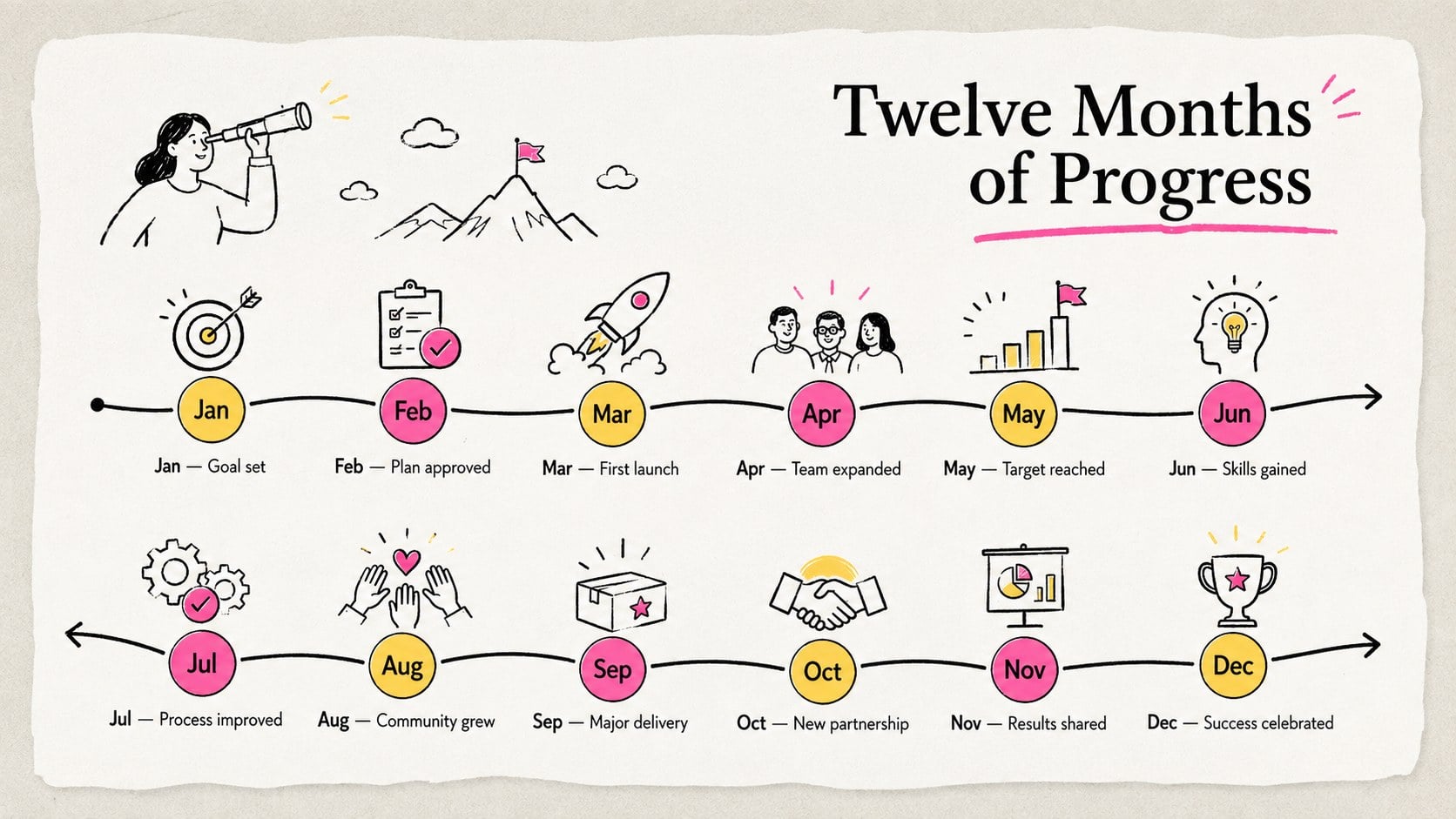
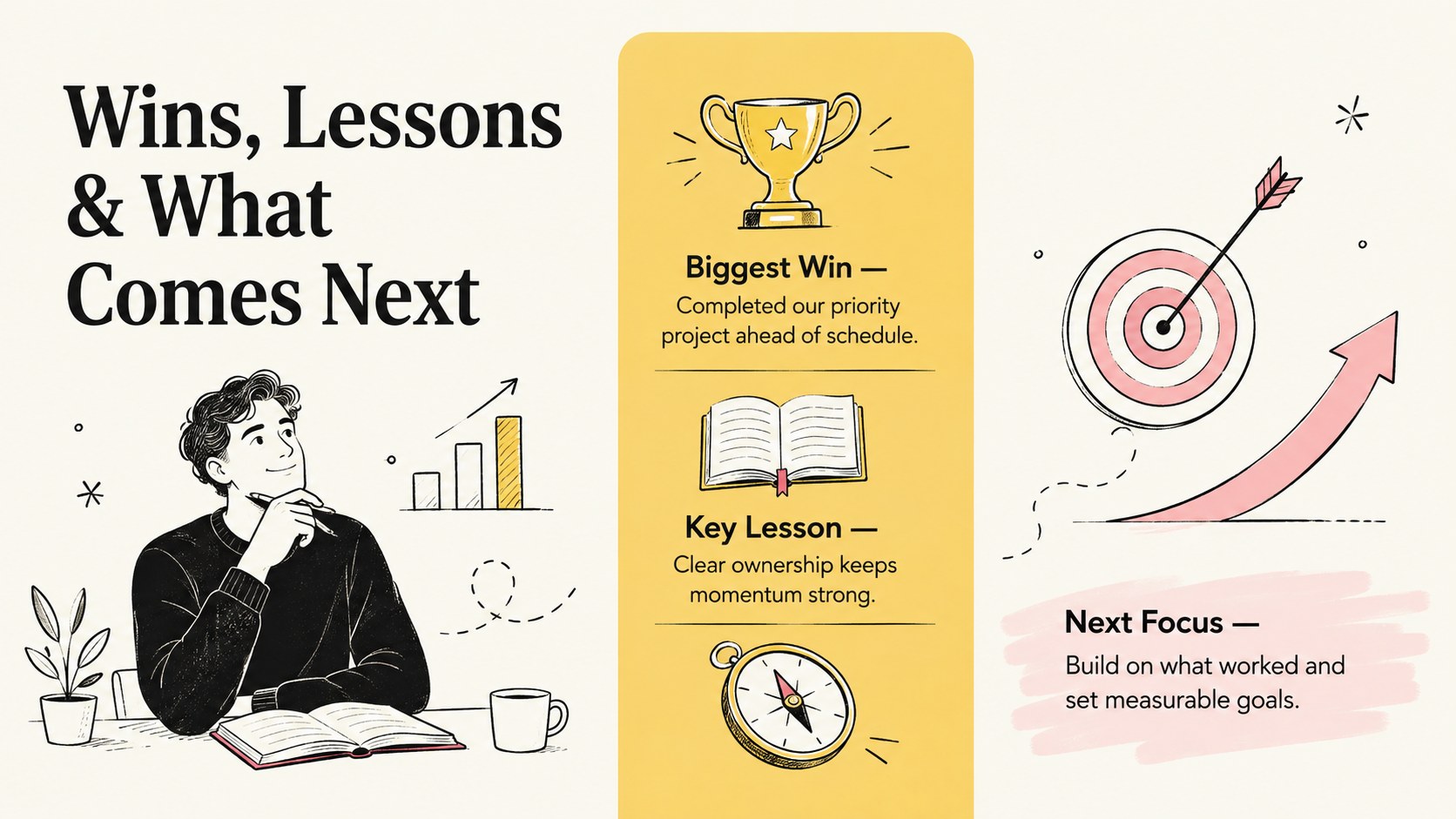
The template includes three coordinated layouts for presenting an annual overview, a month-by-month journey, and key lessons or achievements. Use it as a yearly achievements infographic template to record project launches, career developments, personal goals, memorable events, or measurable results. Editable text areas, timeline markers, icons, shapes, and color accents make it easy to adapt the design to your own story. The layouts work especially well as monthly milestone recap slides or an annual business wins visual for meetings and reports.
This resource is suited to managers, project teams, freelancers, students, educators, and individuals preparing a thoughtful end-of-year summary. Every element can be customized in PowerPoint or Google Slides, including fonts, colors, labels, illustrations, and milestone descriptions. Keep the complete twelve-month structure, focus on a single project cycle, or replace the monthly entries with departments, goals, or campaign phases. The result is a concise visual record that makes progress easy to scan, share, and remember.
Perfect for: team achievements recap; annual project review; personal progress summary; department milestone report; student year reflection.
Frequently asked questions
Can I edit this infographic in PowerPoint and Google Slides? Yes. The text, colors, shapes, icons, and timeline entries can be edited in both PowerPoint and Google Slides.
Practical details
Yes. The text, colors, shapes, icons, and timeline entries can be edited in both PowerPoint and Google Slides.
Yes. Rename the twelve entries as phases, departments, goals, campaigns, or any other sequence that fits your report. You can also remove unused entries for a shorter timeline.
Replace the accent colors, typefaces, illustrations, and labels with your organization’s visual standards. Keep strong contrast between the background, headings, and body text to preserve readability.
Yes. The layouts can feature travel, learning, wellness goals, celebrations, creative projects, or other personal milestones alongside professional achievements.
Keep exploring
15Build an engaging World UFO Day session with this flying saucer history lesson deck, featuring retro green-and-brown slides for PowerPoint and Google Slides.
 15
15Plan a lively animal-learning journey with this jungle zoo adventure lesson deck, ready to customize in PowerPoint and Google Slides for young learners.
 16
16Turn environmental research into a clear story with a Watercolor Ecology Presentation Theme for PowerPoint and Google Slides in calming green and blue.
 16
16Build focused fashion, literature, and humanities presentations with the Red Triangle Editorial Theme, editable in PowerPoint and Google Slides.
 15
15Turn streaming stats, favorite tracks, and concert highlights into a bold annual listening recap slide deck for PowerPoint and Google Slides.
 15
15Turn highlights, milestones, and favorite moments into a colorful year in review slide deck with bold 3D graphics for PowerPoint and Google Slides.
 3
3Build a credible endorsement with Standout Colleague Recommendation Letter Slides, featuring colorful prompts for skills, achievements, and team impact.
 4
4Build clear beginner sessions with an ice hockey fundamentals training deck for coaches, PE teachers, and clubs, ready for PowerPoint and Google Slides.