
 15
15presentation
Flying Saucer History Lesson Deck
Build an engaging World UFO Day session with this flying saucer history lesson deck, featuring retro green-and-brown slides for PowerPoint and Google Slides.
Google SlidesPowerPoint
presentation · English
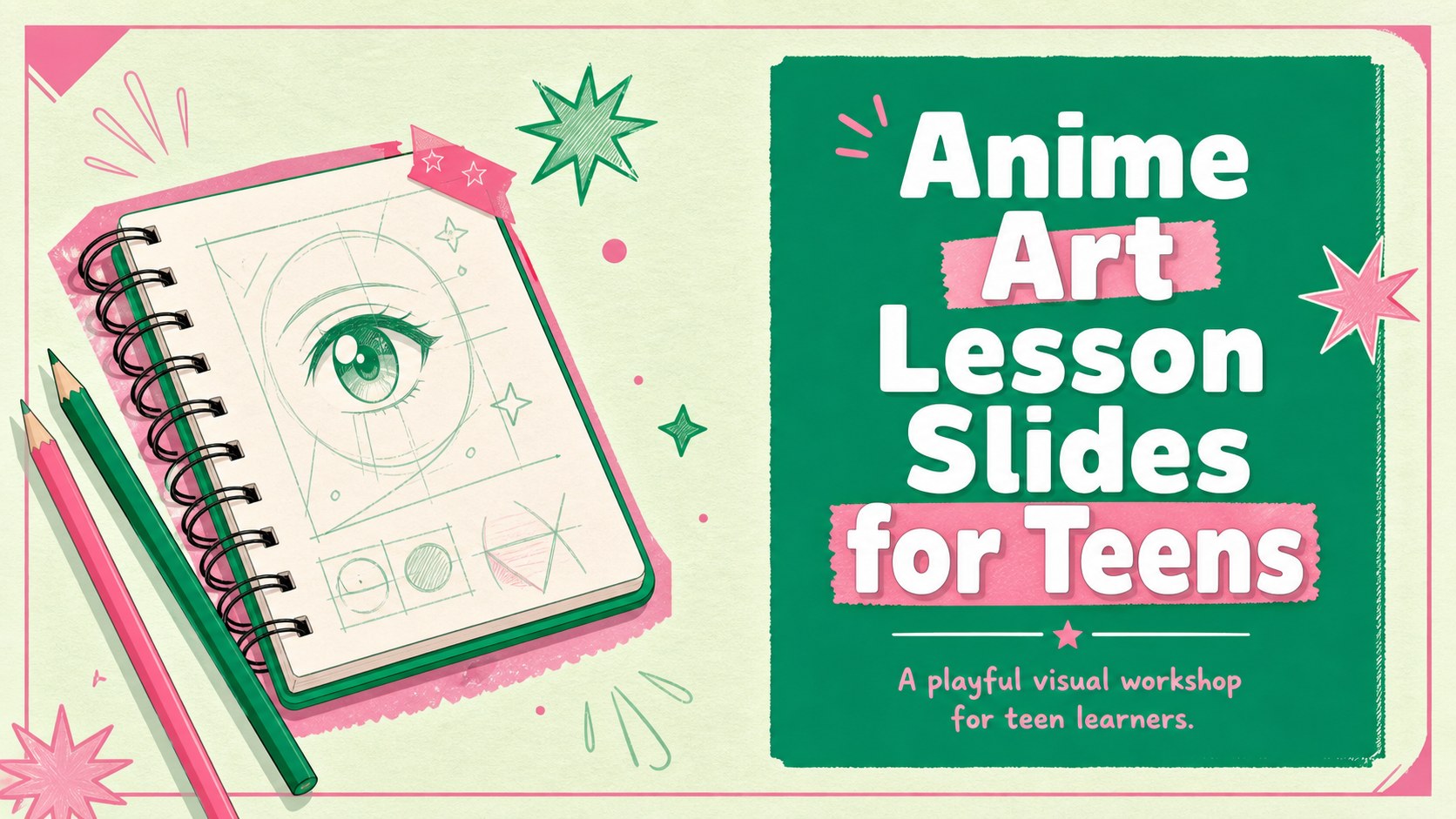
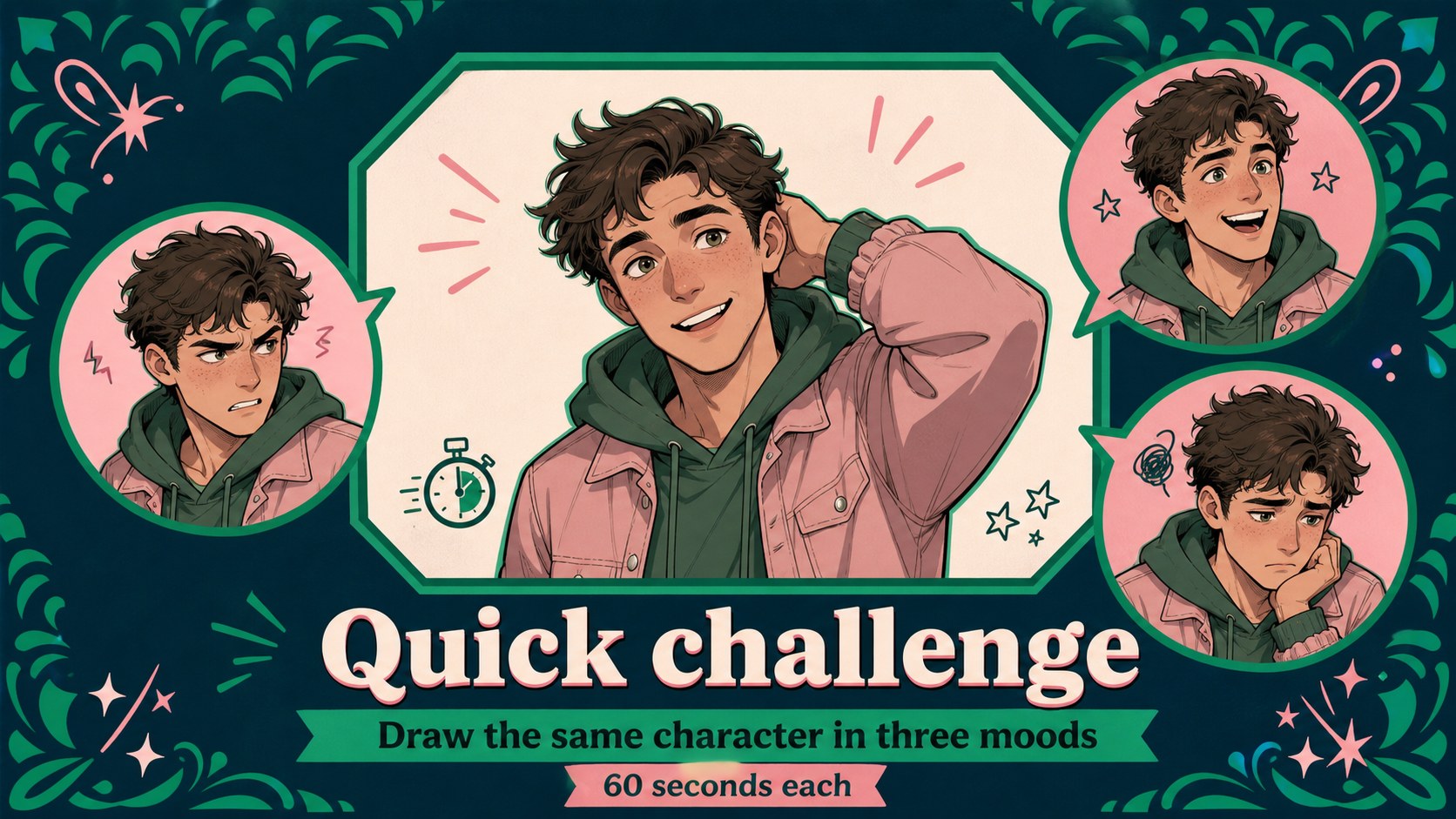
Teach anime illustration with colorful lesson slides for teens, featuring playful green and pink layouts, editable activities, examples, and visual prompts.
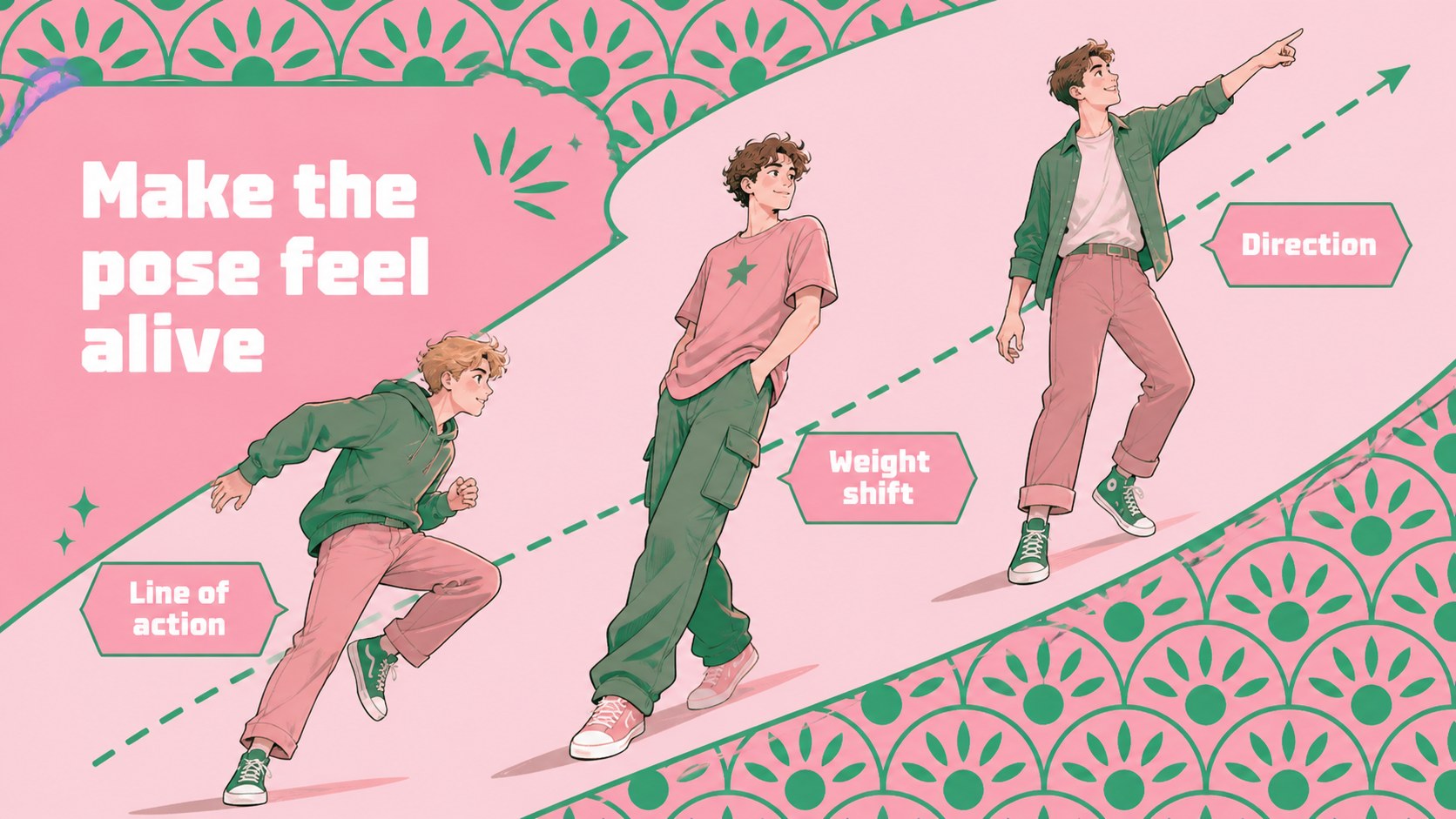
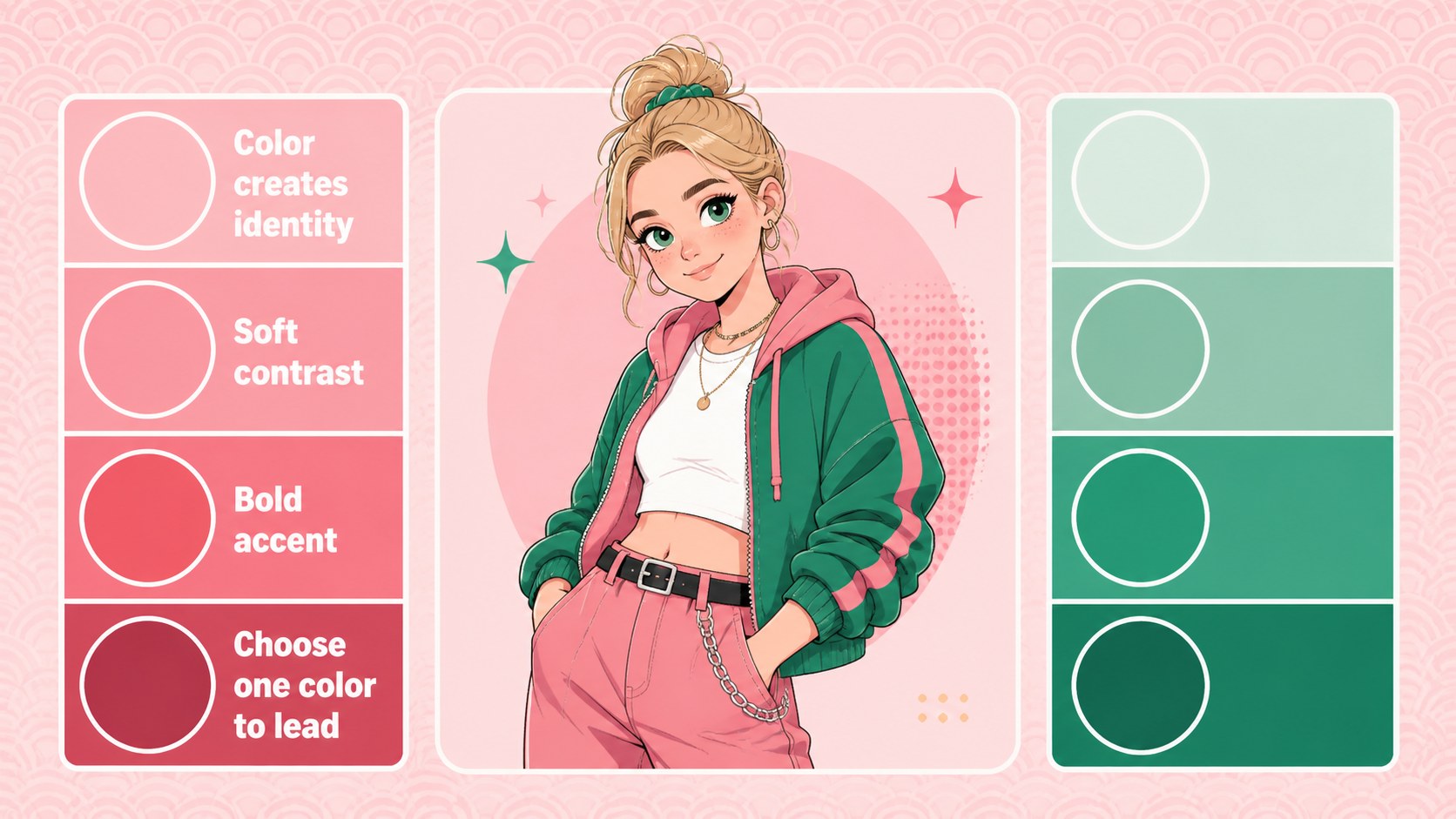
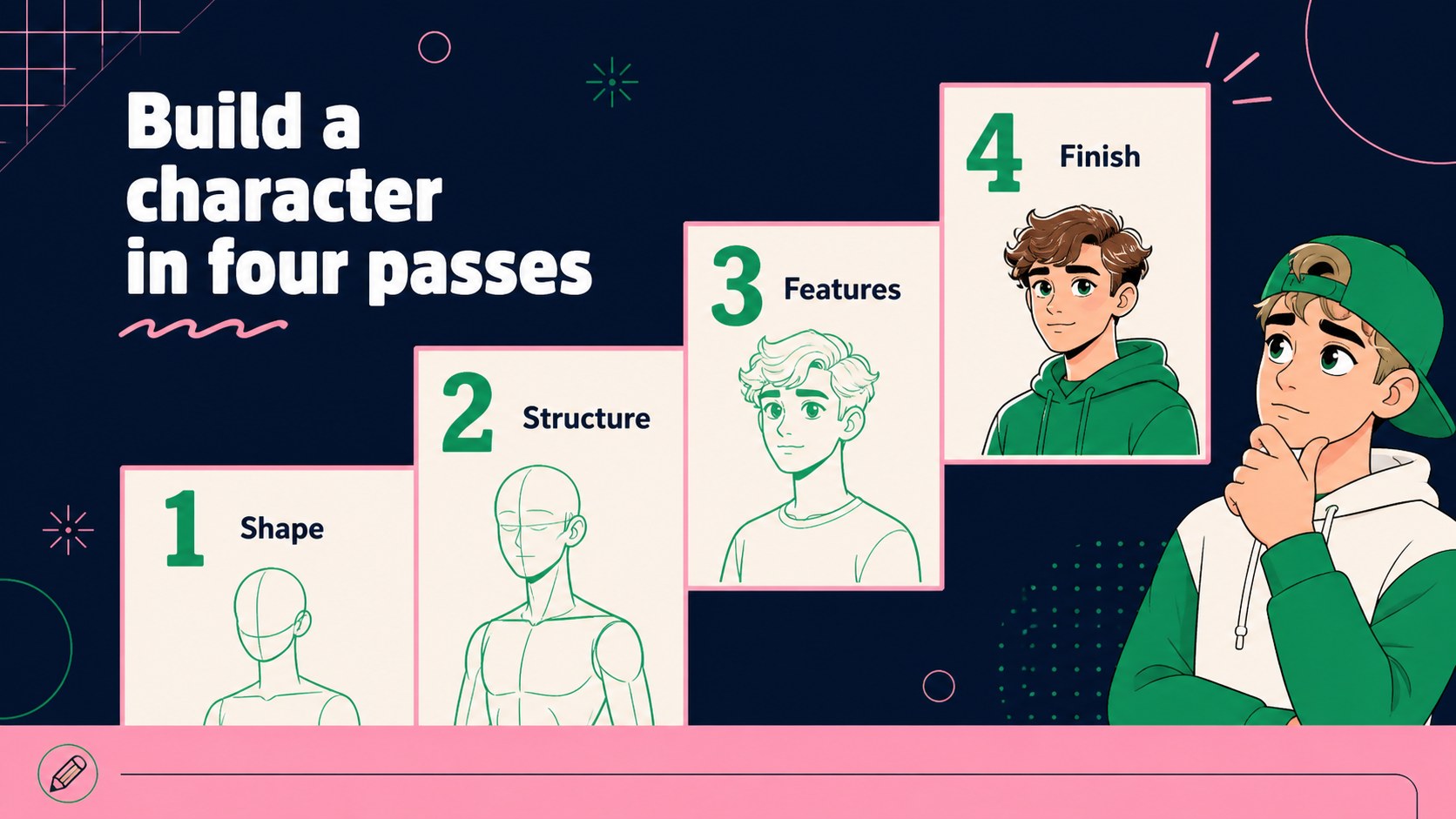
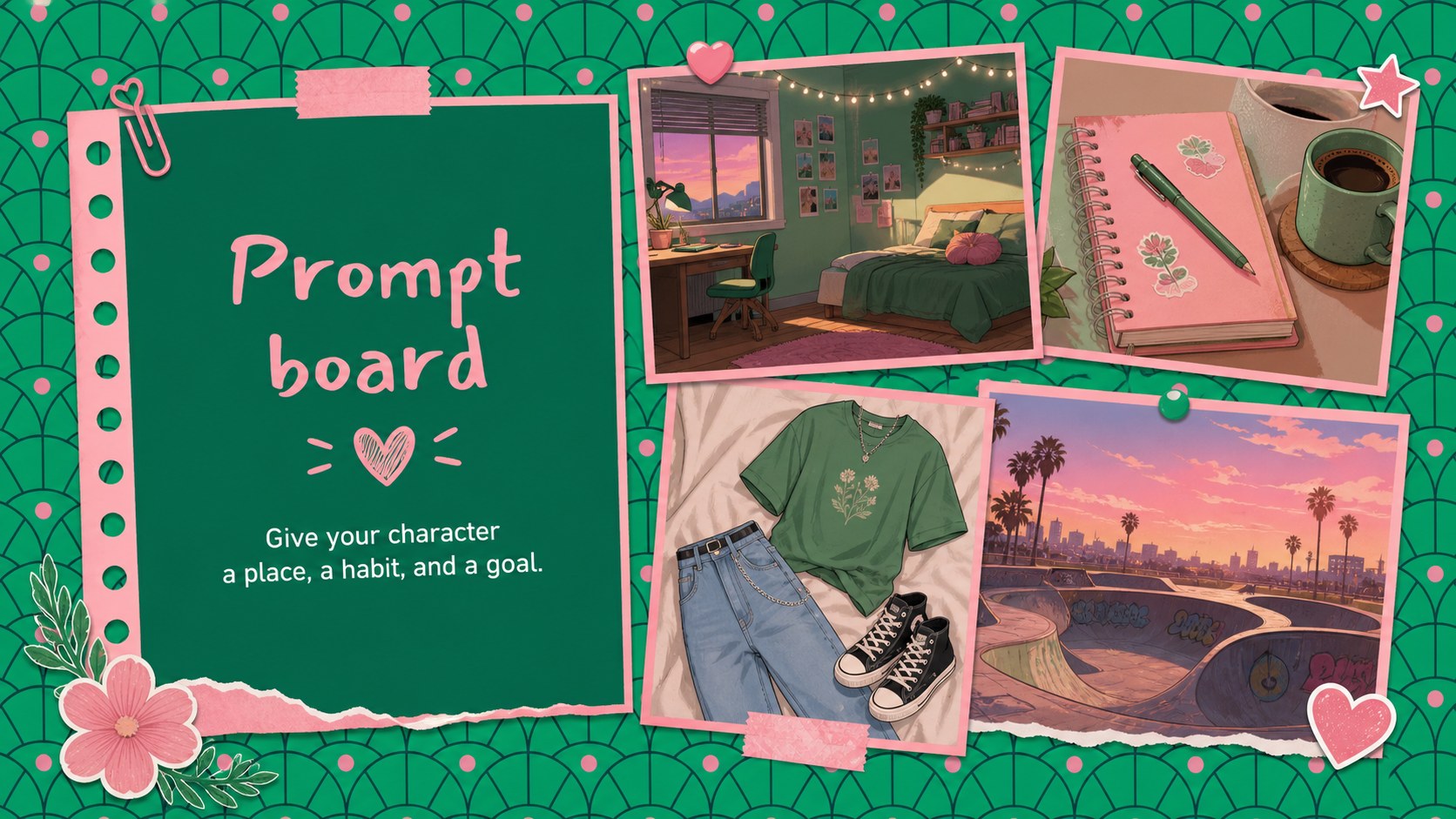
Design notes
Make an art lesson feel active and approachable with Anime Art Lesson Slides for Teens, a playful presentation template built around expressive Japanese anime aesthetics. The green and pink palette, rounded illustrations, and energetic visual rhythm help teachers introduce drawing concepts without making the material feel overly formal.
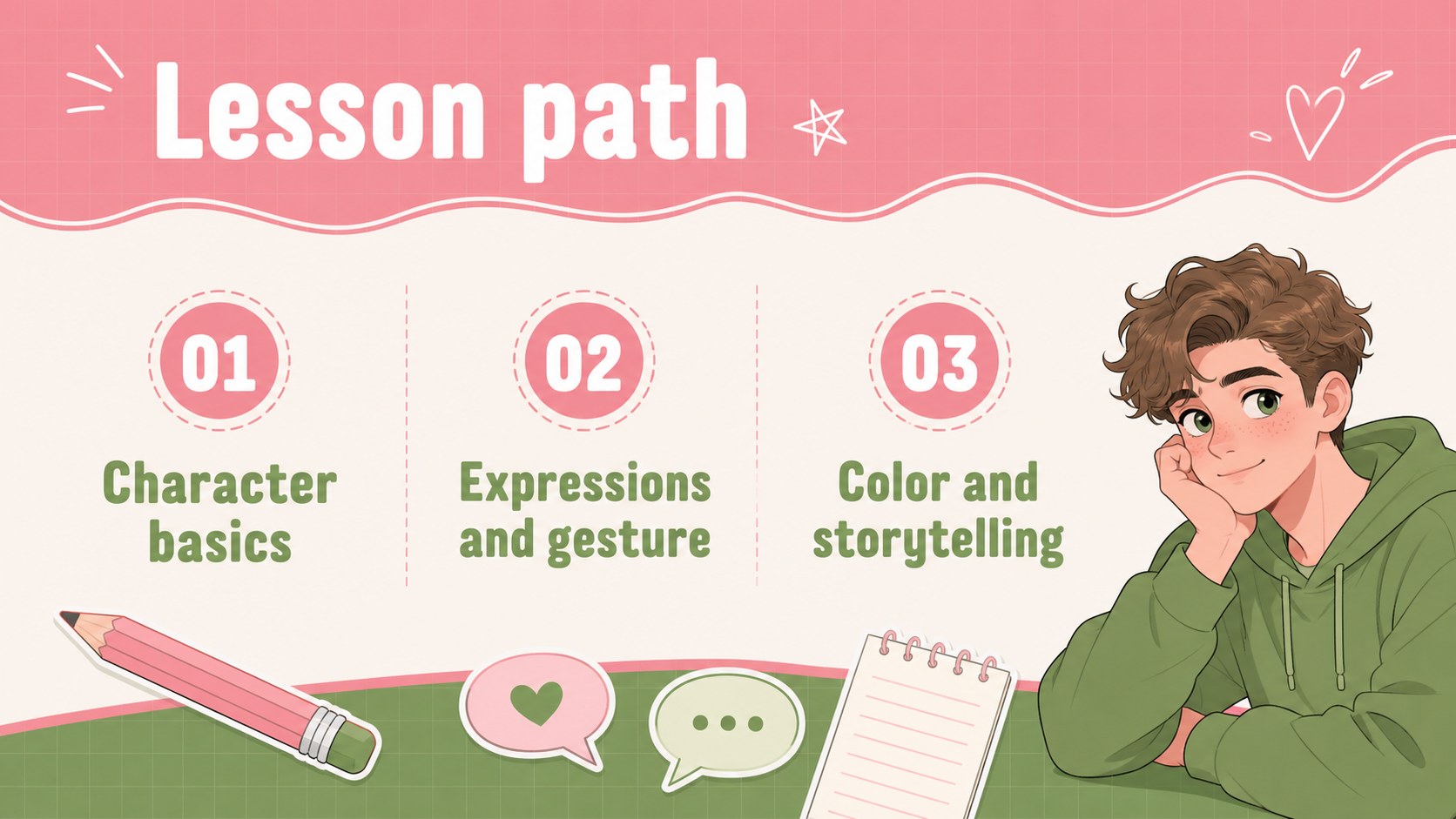
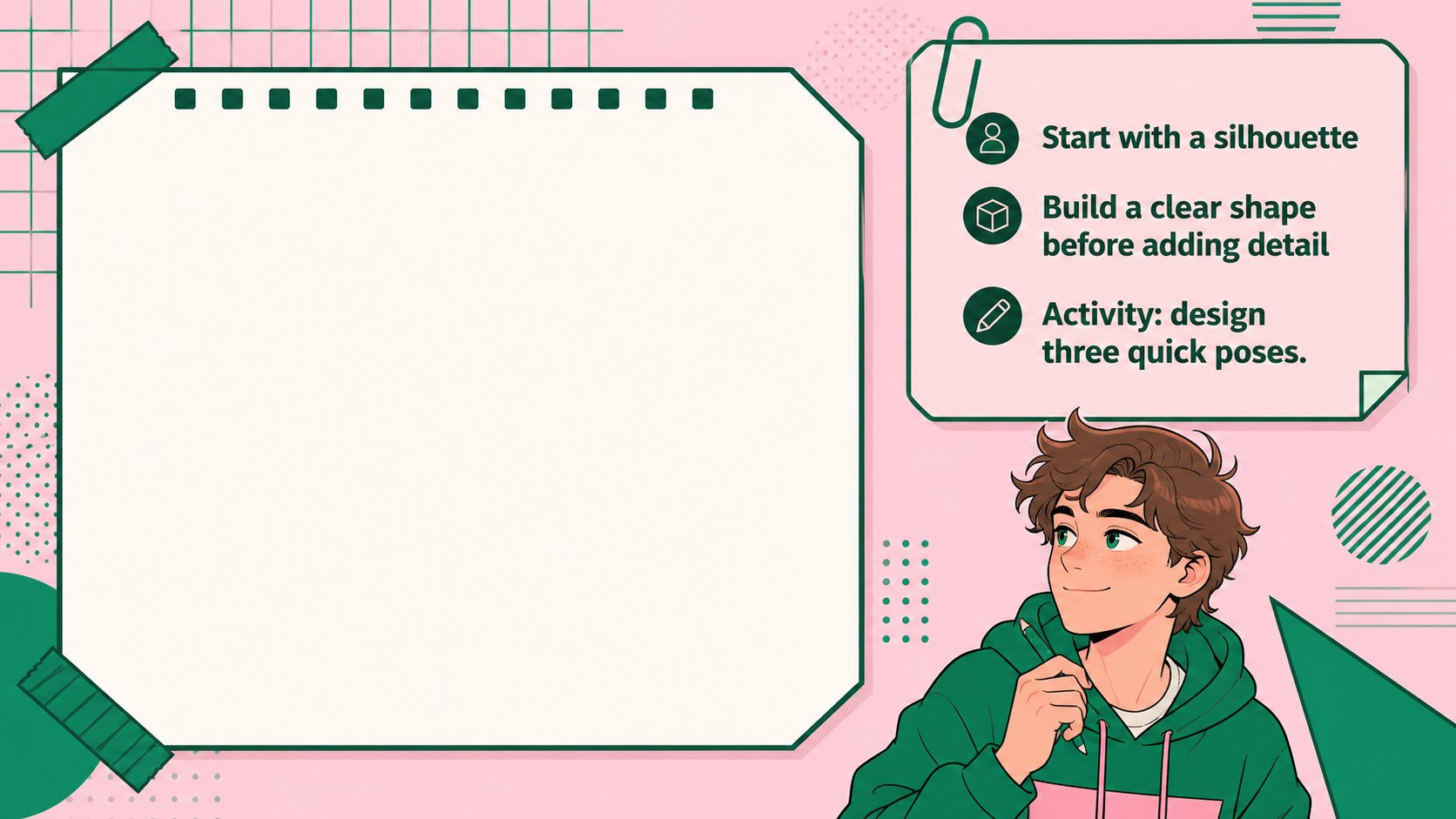
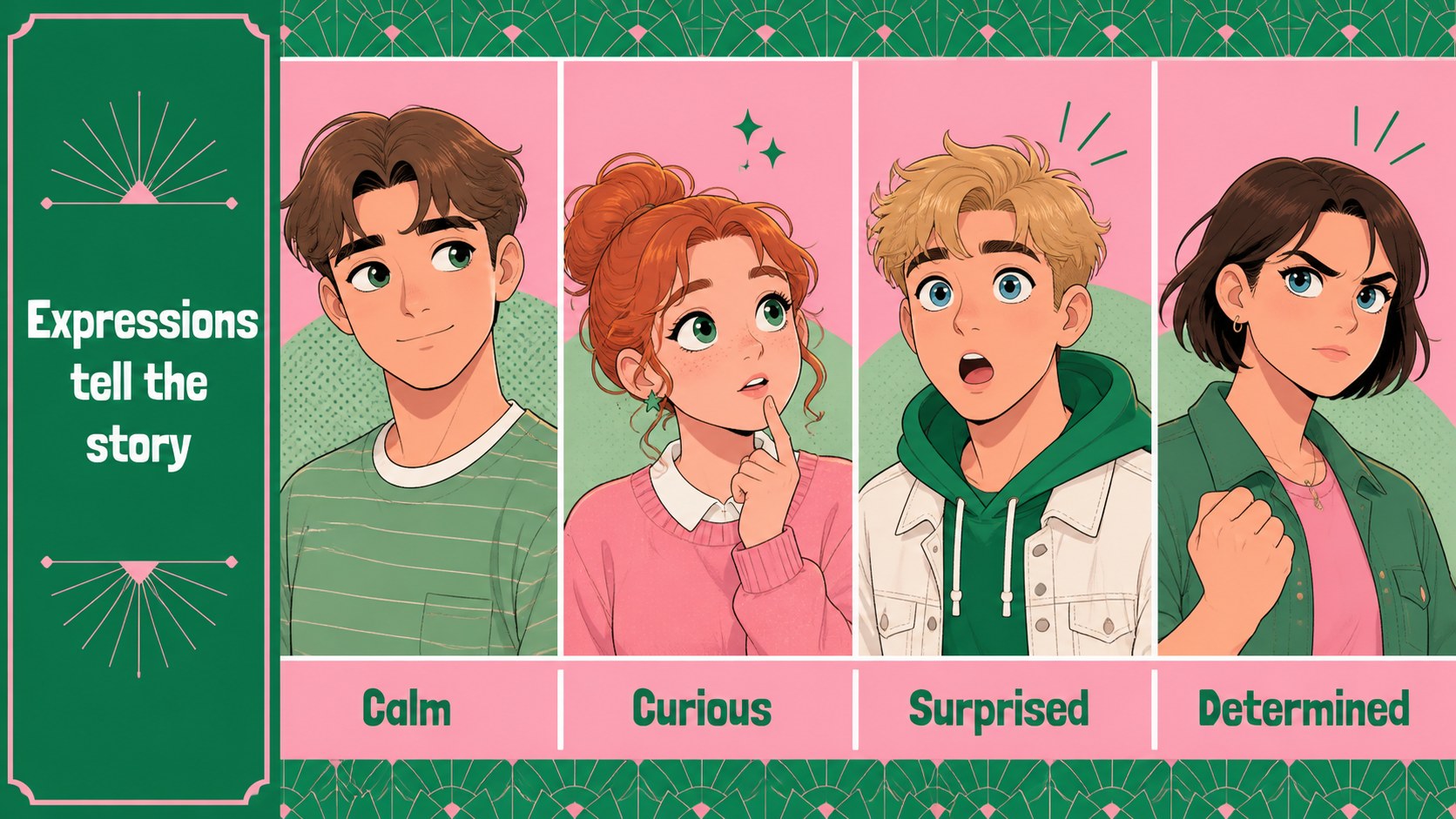
Inside, you will find editable layouts for class objectives, visual references, character-building exercises, step-by-step demonstrations, comparison pages, discussion prompts, and student activities. The structure works well for explaining facial expressions, gesture drawing, color choices, storytelling, and visual identity. It can also support an anime character design workshop, a classroom presentation about Japanese pop culture, or a student portfolio review.
This deck is designed for high-school art teachers, creative educators, tutors, and youth program leaders who need engaging anime art lesson slides for classroom use. It is available for Google Slides and PowerPoint, so you can adjust text, illustrations, diagrams, and examples to fit your curriculum. Use the supplied layouts as a complete lesson or combine individual pages with your own artwork. Bungee and Nunito keep the typography friendly, legible, and energetic while preserving the bright illustrated style.
Perfect for: high-school anime drawing lesson; anime character design classroom presentation; Japanese pop culture art class; teen illustration workshop; student portfolio review.
Frequently asked questions
Can I edit the text and artwork? Yes. Text, colors, shapes, charts, and many visual elements can be customized. Replace the sample examples with your own student exercises, references, or artwork.
Practical details
Yes. Text, colors, shapes, charts, and many visual elements can be customized. Replace the sample examples with your own student exercises, references, or artwork.
The template works with Google Slides and PowerPoint. Choose the platform that fits your classroom workflow and export or share the finished presentation in the format you need.
Yes. The layouts are designed for teen learners and can support topics such as character design, expressions, gesture, color, and visual storytelling. Teachers can simplify or expand the activities for different skill levels.
Yes. Each page can stand alone, so you can build a short activity, a full class lesson, or a portfolio presentation from the layouts. Duplicate slides when you need additional examples or exercises.
Keep exploring
15Build an engaging World UFO Day session with this flying saucer history lesson deck, featuring retro green-and-brown slides for PowerPoint and Google Slides.
 15
15Plan a lively animal-learning journey with this jungle zoo adventure lesson deck, ready to customize in PowerPoint and Google Slides for young learners.
 16
16Turn environmental research into a clear story with a Watercolor Ecology Presentation Theme for PowerPoint and Google Slides in calming green and blue.
 16
16Build focused fashion, literature, and humanities presentations with the Red Triangle Editorial Theme, editable in PowerPoint and Google Slides.
 15
15Turn streaming stats, favorite tracks, and concert highlights into a bold annual listening recap slide deck for PowerPoint and Google Slides.
 15
15Turn highlights, milestones, and favorite moments into a colorful year in review slide deck with bold 3D graphics for PowerPoint and Google Slides.
 3
3Build a credible endorsement with Standout Colleague Recommendation Letter Slides, featuring colorful prompts for skills, achievements, and team impact.
 4
4Build clear beginner sessions with an ice hockey fundamentals training deck for coaches, PE teachers, and clubs, ready for PowerPoint and Google Slides.