
 15
15presentation
Flying Saucer History Lesson Deck
Build an engaging World UFO Day session with this flying saucer history lesson deck, featuring retro green-and-brown slides for PowerPoint and Google Slides.
Google SlidesPowerPoint
presentation · English
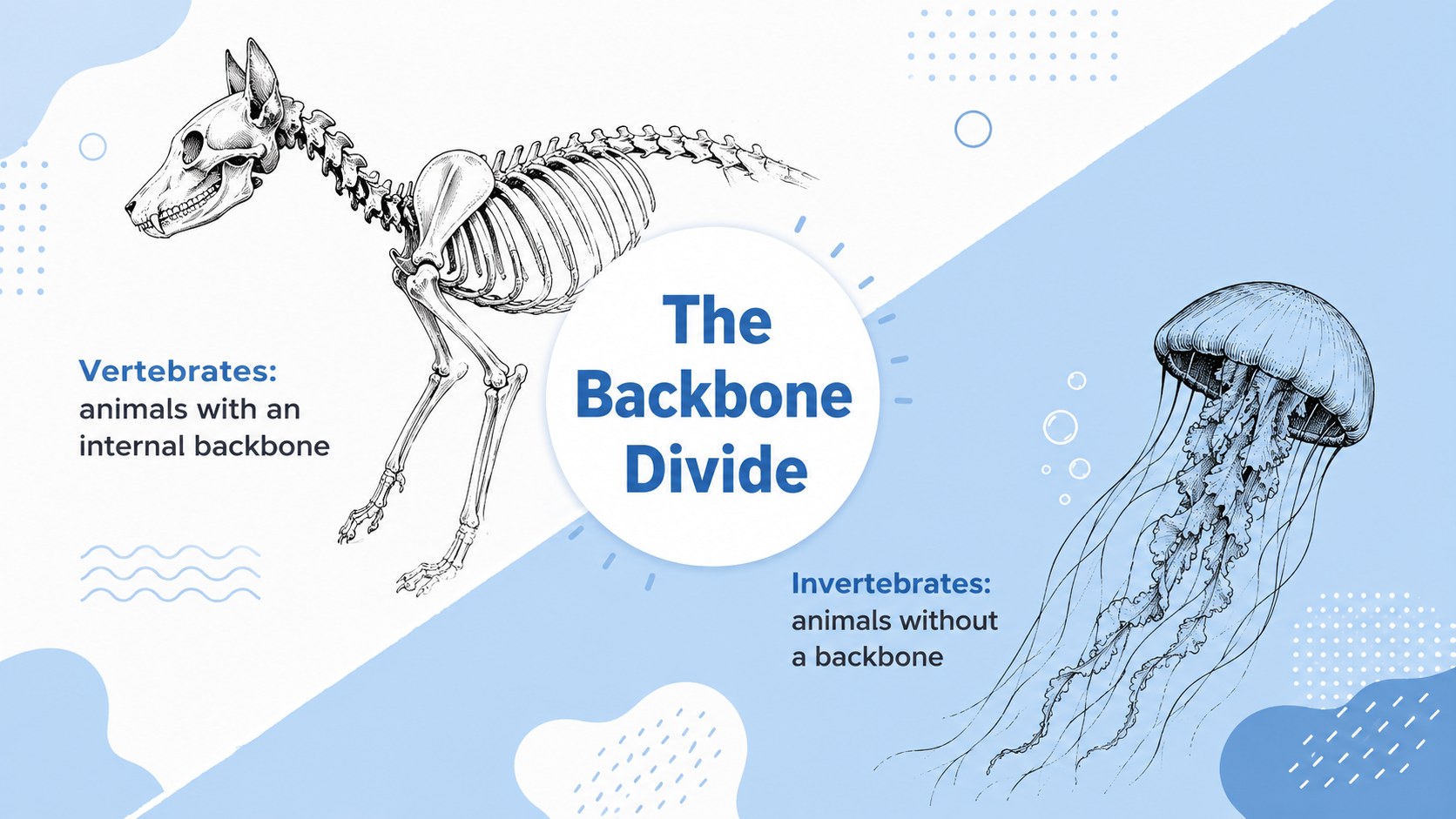
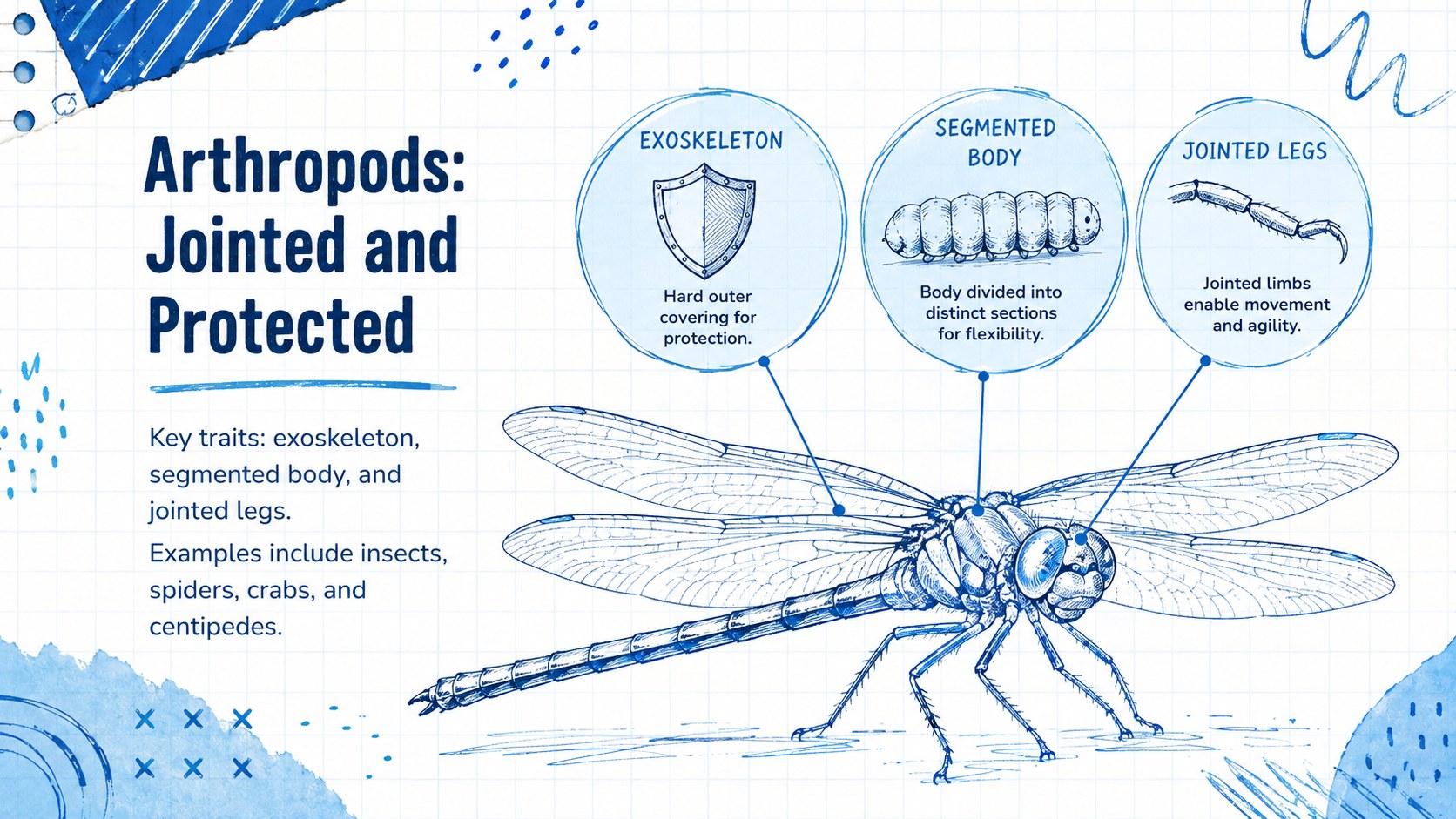
Teach vertebrates and invertebrates with an animal classification biology lesson deck featuring playful sketches and editable blue-and-white layouts.
Design notes
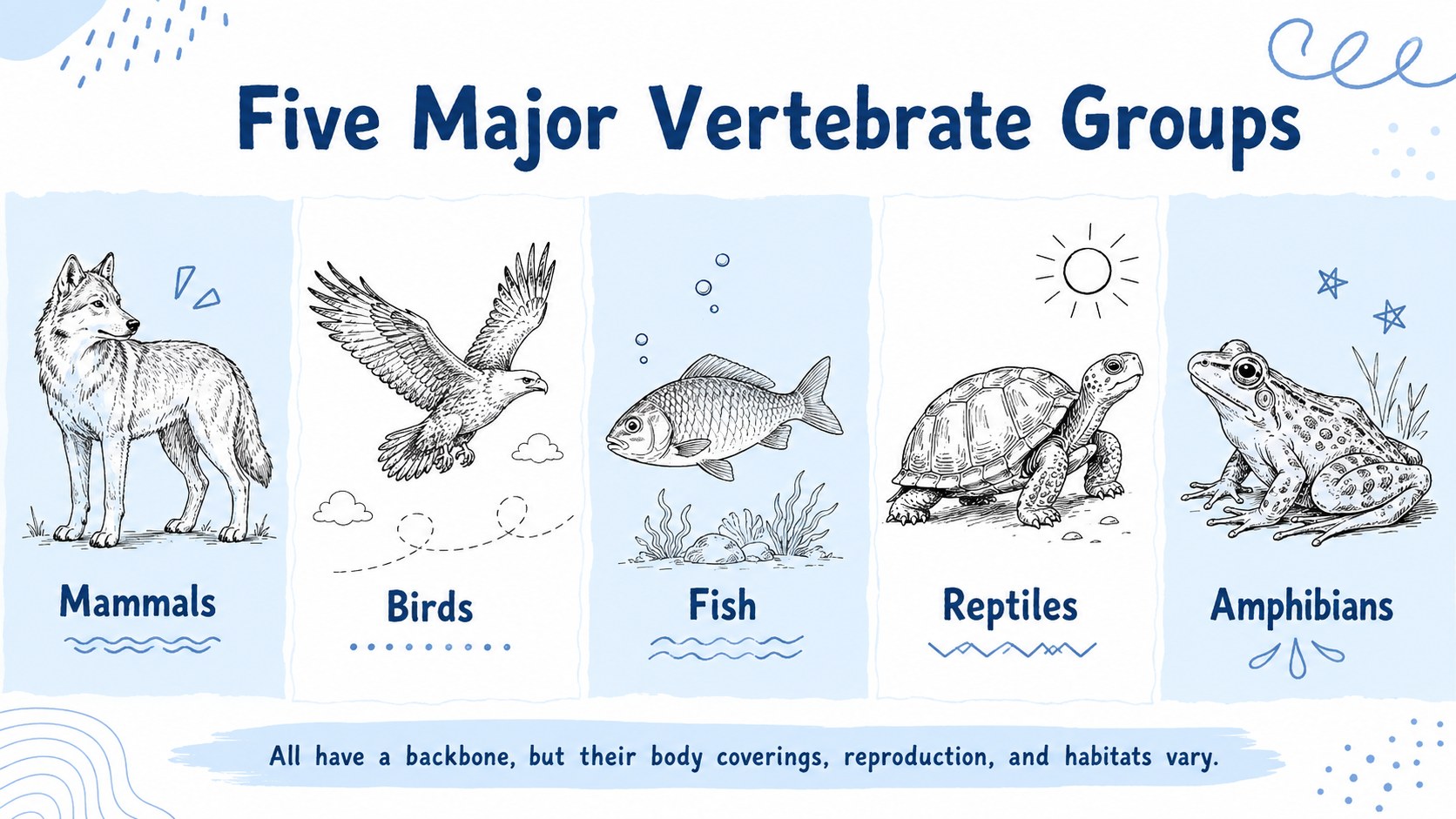
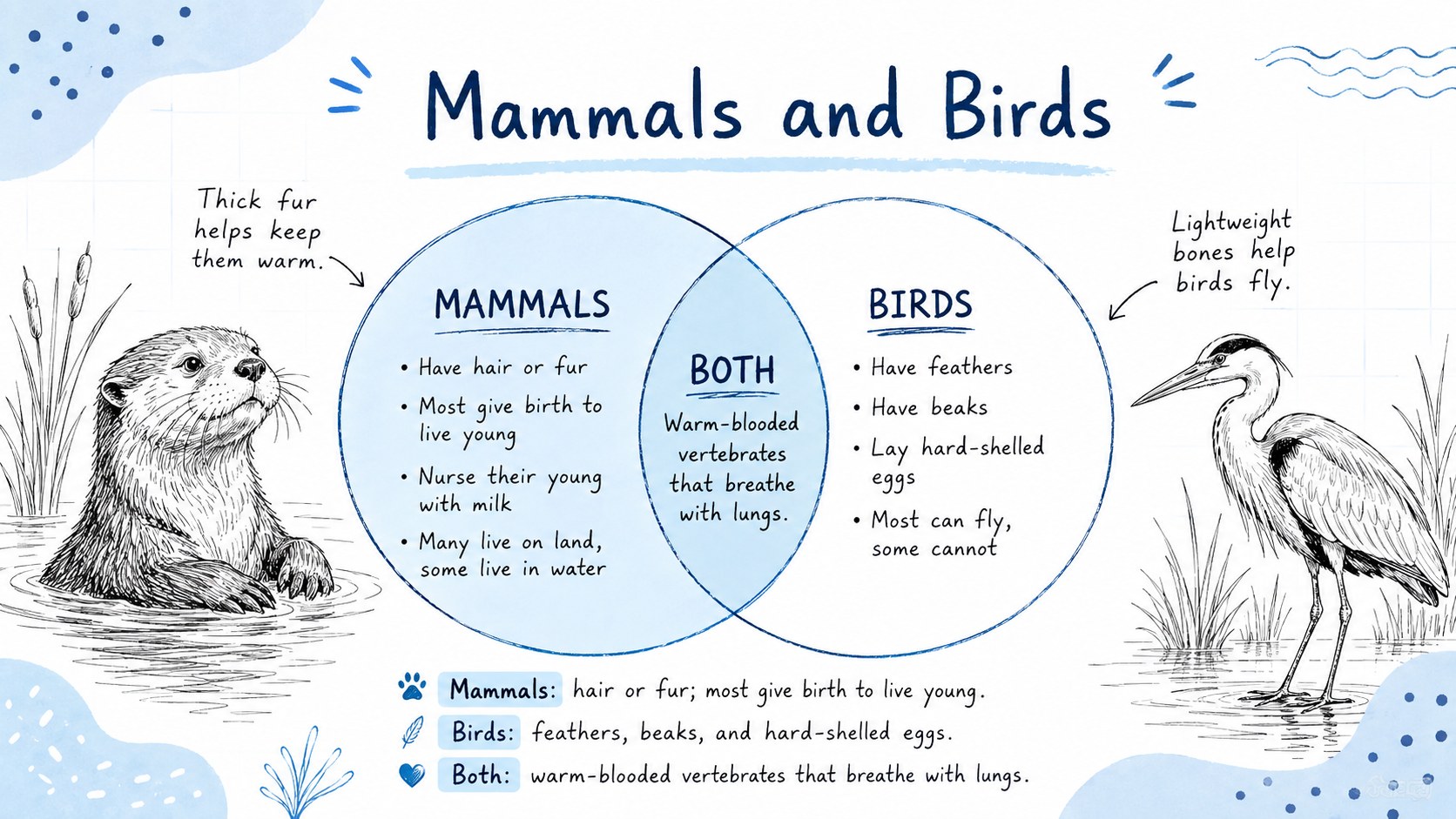
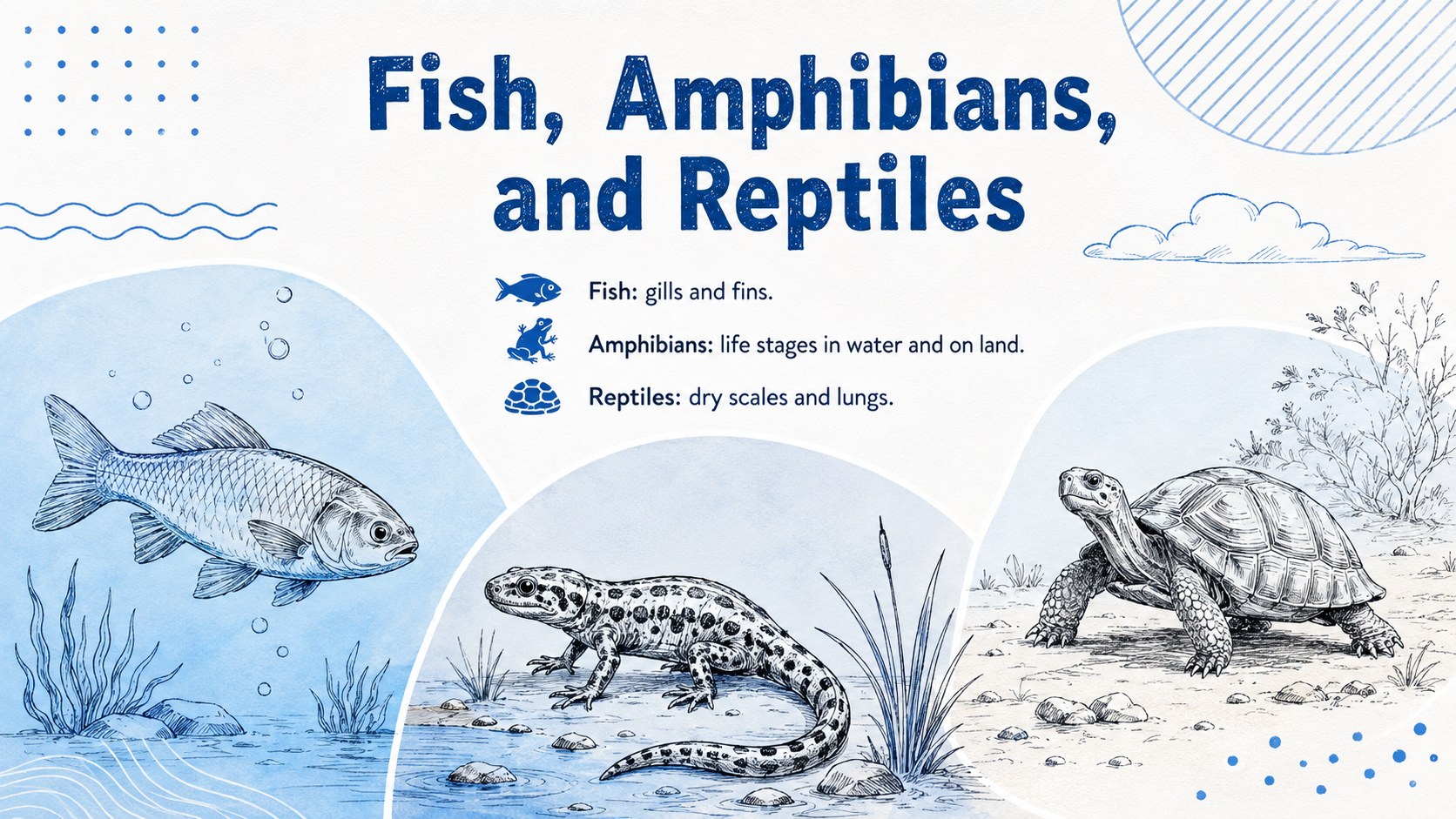
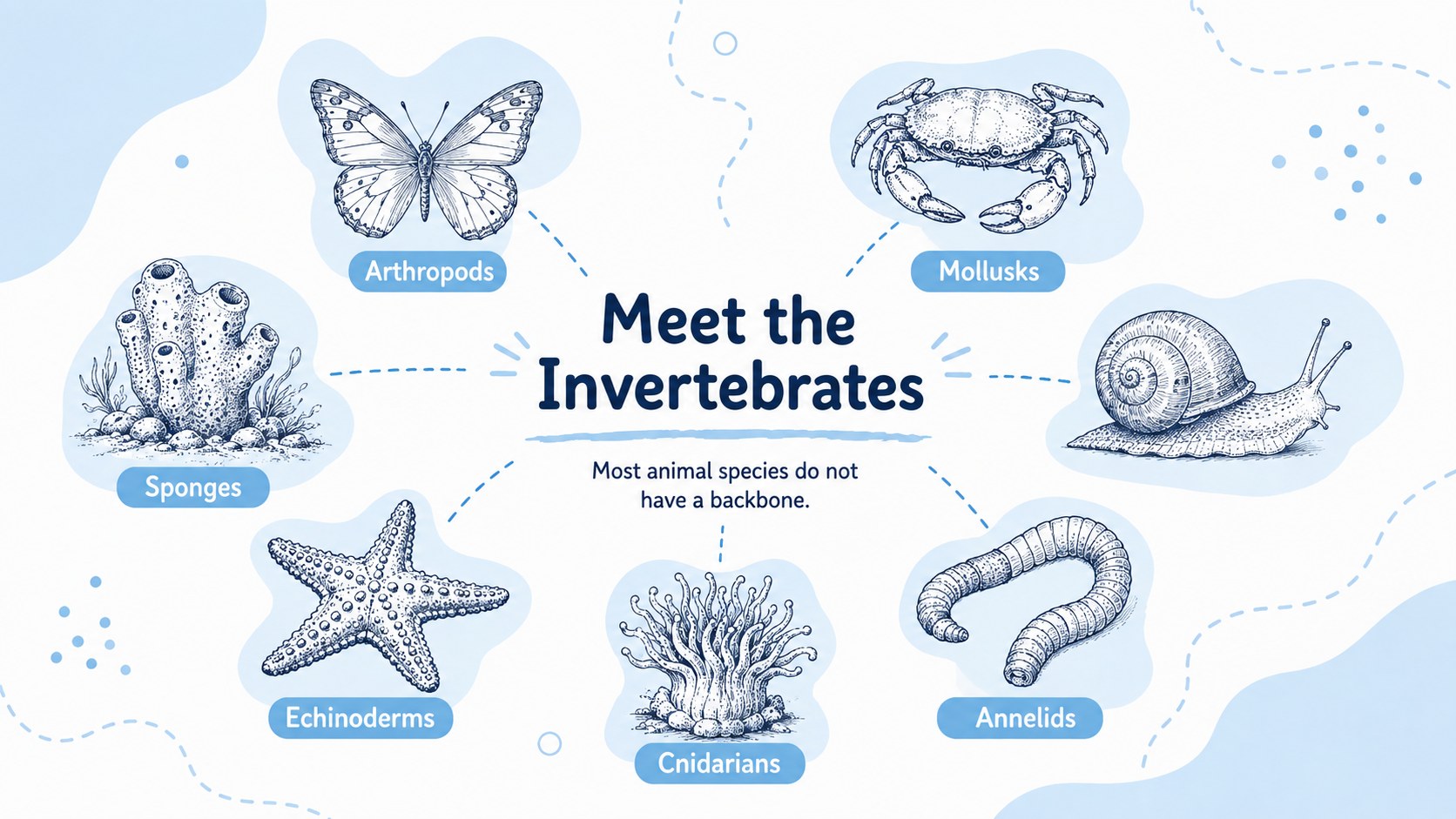
Make taxonomy easier to understand with this animal classification biology lesson deck for PowerPoint and Google Slides. Its playful hand-drawn illustrations, spacious white backgrounds, and soft blue accents create an inviting setting for exploring vertebrates, invertebrates, habitats, and defining physical traits.
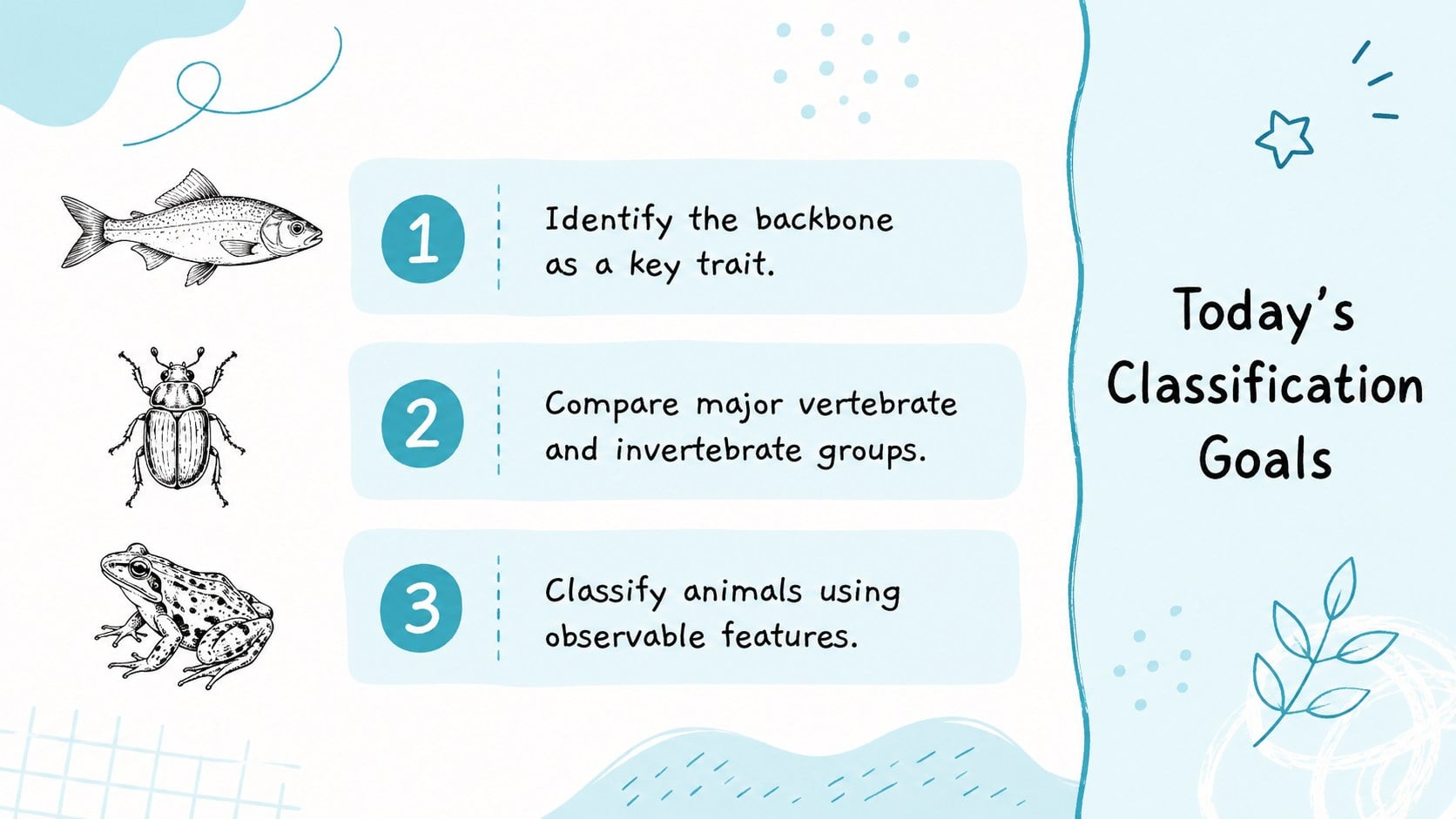
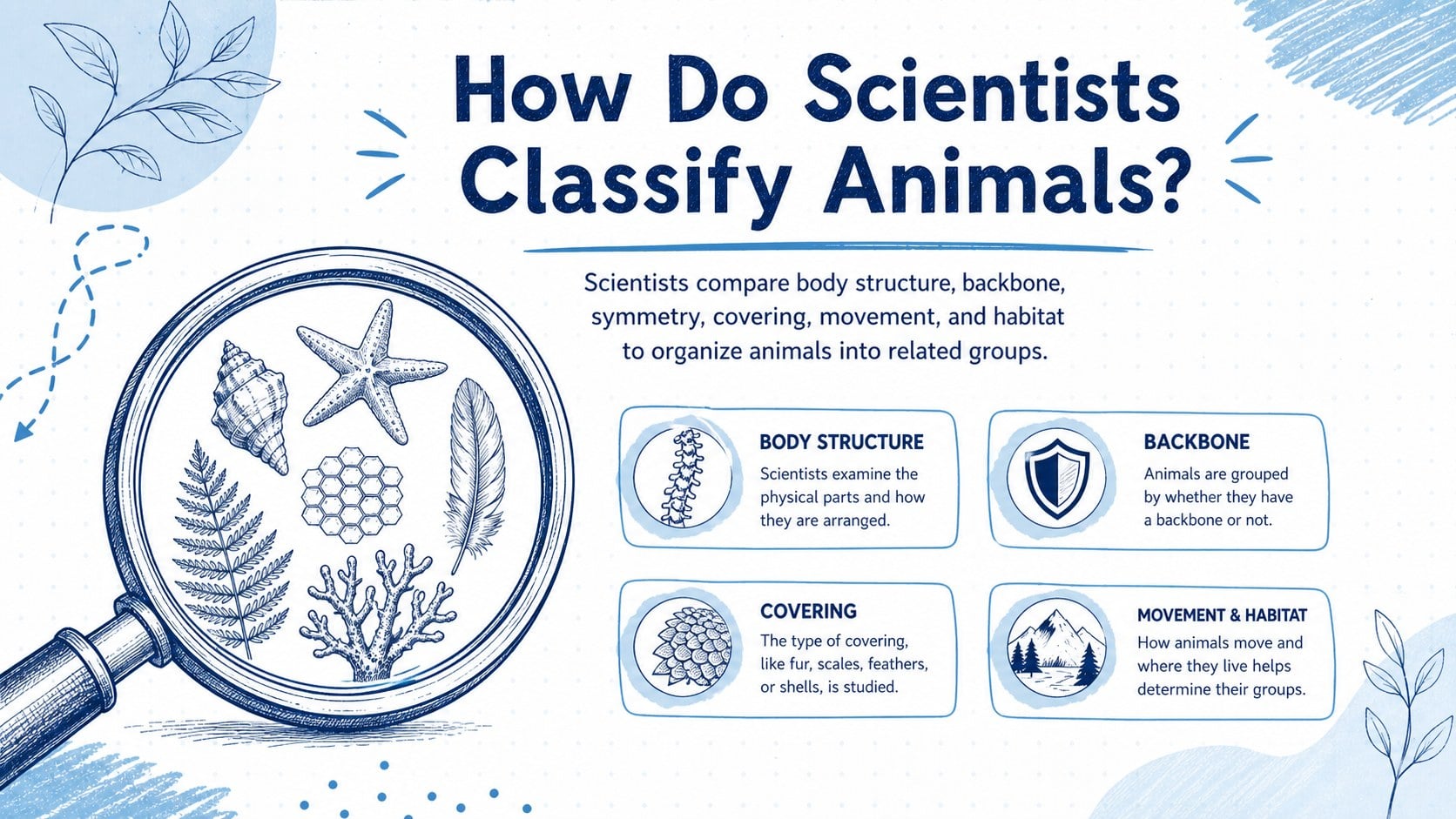
The deck includes layouts for lesson objectives, classification criteria, vertebrate groups, major invertebrate groups, comparison charts, habitat examples, review questions, and a closing summary. Teachers can adapt the vertebrates and invertebrates lesson slides with their own terminology, examples, diagrams, or curriculum standards. A ready-made animal groups comparison presentation also helps students recognize patterns such as backbones, body coverings, symmetry, and common environments.
Designed for elementary and middle school science, the slides work well for direct instruction, independent research, group discussion, project presentations, and review sessions. Use the animal taxonomy classroom presentation as a complete lesson or select individual layouts to support an existing biology unit. Text, colors, illustrations, and slide order can be edited in PowerPoint or Google Slides, making the resource flexible for different grade levels and teaching approaches. The minimalist sketch style keeps attention on the content while giving educators enough visual variety to explain, compare, question, and recap.
Perfect for: elementary animal classification lesson; middle school biology review; vertebrate group comparison; invertebrate research project; animal taxonomy classroom activity.
Frequently asked questions
Can I edit the animal names, examples, and diagrams? Yes. All text, shapes, colors, and image placements can be adjusted so the lesson matches your curriculum, terminology, and grade level.
Practical details
Yes. All text, shapes, colors, and image placements can be adjusted so the lesson matches your curriculum, terminology, and grade level.
The deck is designed for Microsoft PowerPoint and Google Slides. Open it in either platform to present, duplicate layouts, and customize the lesson content.
Yes. You can remove, reorder, or duplicate slides to create a shorter introduction, a focused comparison activity, or a complete animal classification unit.
Replace technical definitions with shorter language, enlarge the animal illustrations, and reduce the number of groups presented at one time. The review and sorting slides can also be simplified into guided class activities.
Keep exploring
15Build an engaging World UFO Day session with this flying saucer history lesson deck, featuring retro green-and-brown slides for PowerPoint and Google Slides.
 15
15Plan a lively animal-learning journey with this jungle zoo adventure lesson deck, ready to customize in PowerPoint and Google Slides for young learners.
 16
16Turn environmental research into a clear story with a Watercolor Ecology Presentation Theme for PowerPoint and Google Slides in calming green and blue.
 16
16Build focused fashion, literature, and humanities presentations with the Red Triangle Editorial Theme, editable in PowerPoint and Google Slides.
 15
15Turn streaming stats, favorite tracks, and concert highlights into a bold annual listening recap slide deck for PowerPoint and Google Slides.
 15
15Turn highlights, milestones, and favorite moments into a colorful year in review slide deck with bold 3D graphics for PowerPoint and Google Slides.
 3
3Build a credible endorsement with Standout Colleague Recommendation Letter Slides, featuring colorful prompts for skills, achievements, and team impact.
 4
4Build clear beginner sessions with an ice hockey fundamentals training deck for coaches, PE teachers, and clubs, ready for PowerPoint and Google Slides.