
 15
15presentation
Flying Saucer History Lesson Deck
Build an engaging World UFO Day session with this flying saucer history lesson deck, featuring retro green-and-brown slides for PowerPoint and Google Slides.
Google SlidesPowerPoint
presentation · English
Build clear, nonpartisan election briefings with an American Voting Insights Deck featuring editable red-and-blue visuals for PowerPoint and Google Slides.

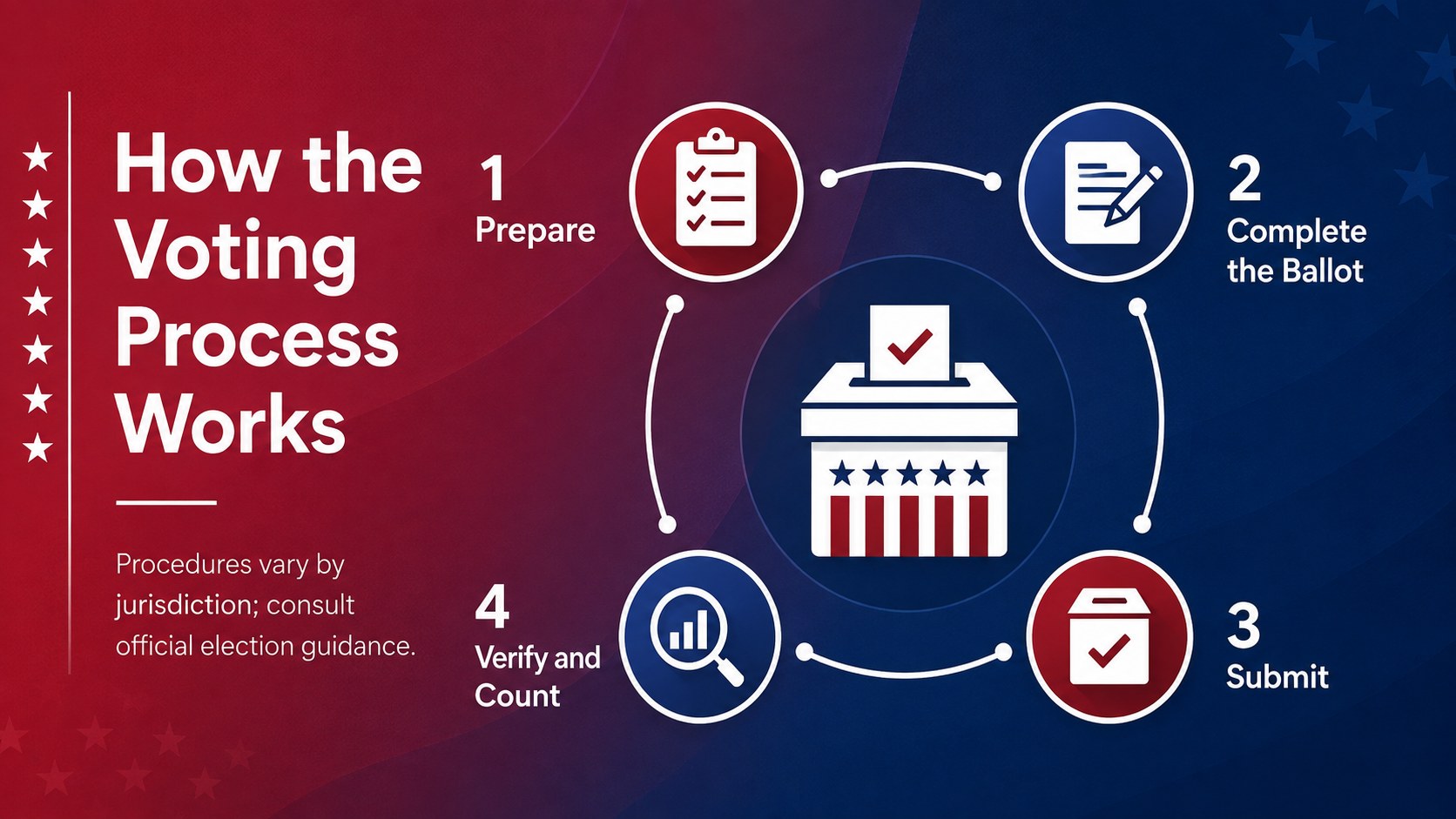
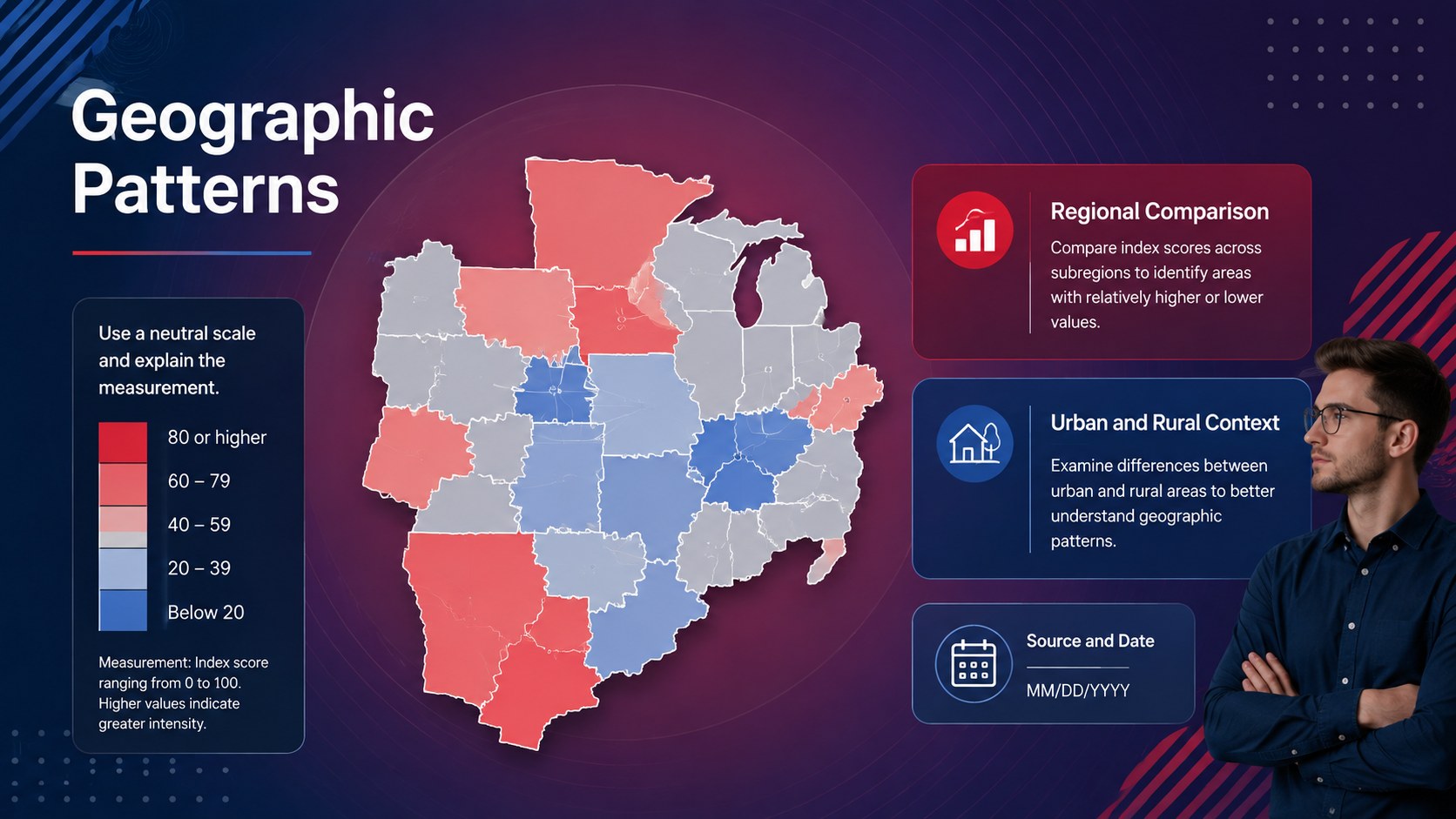
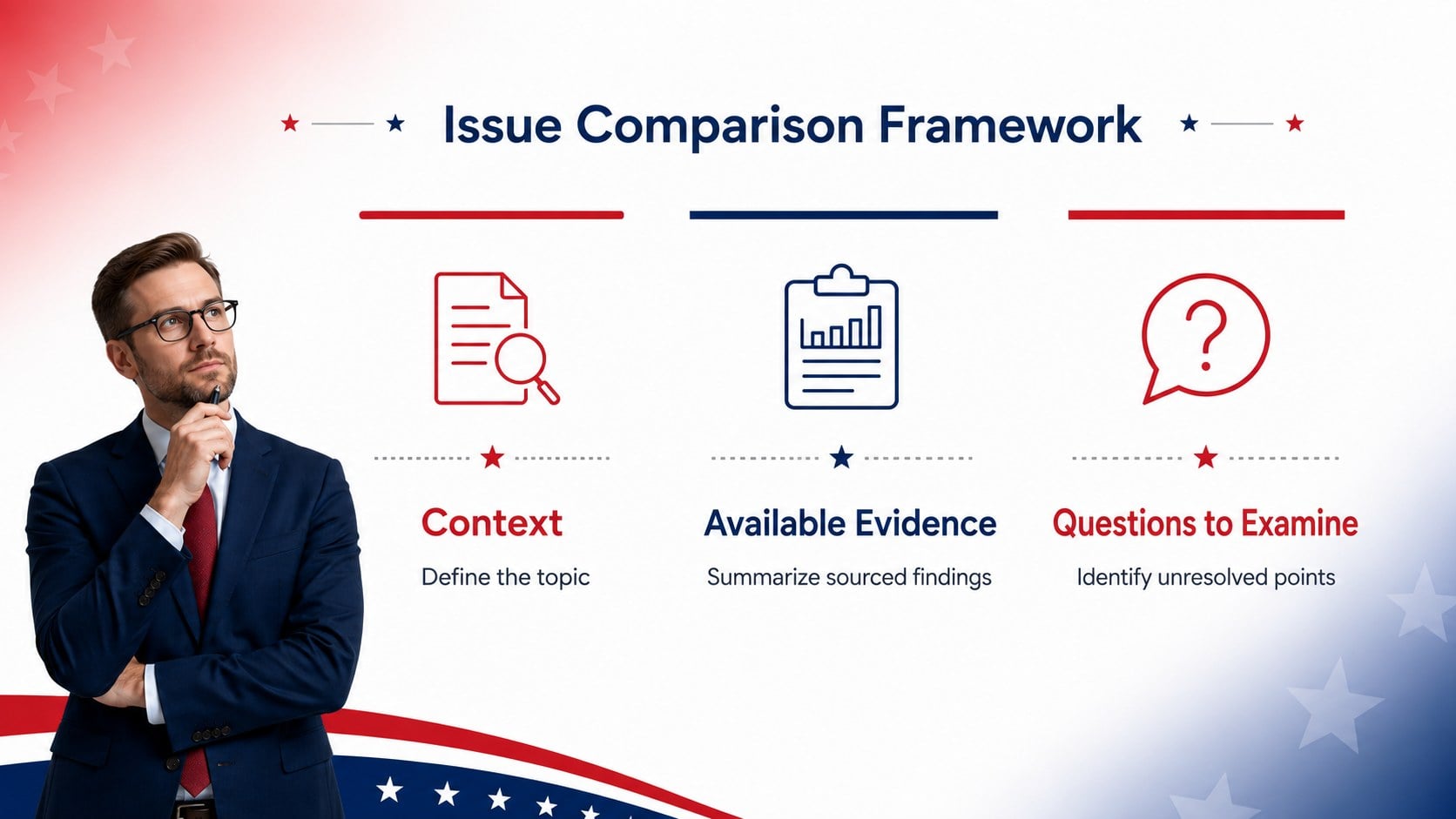
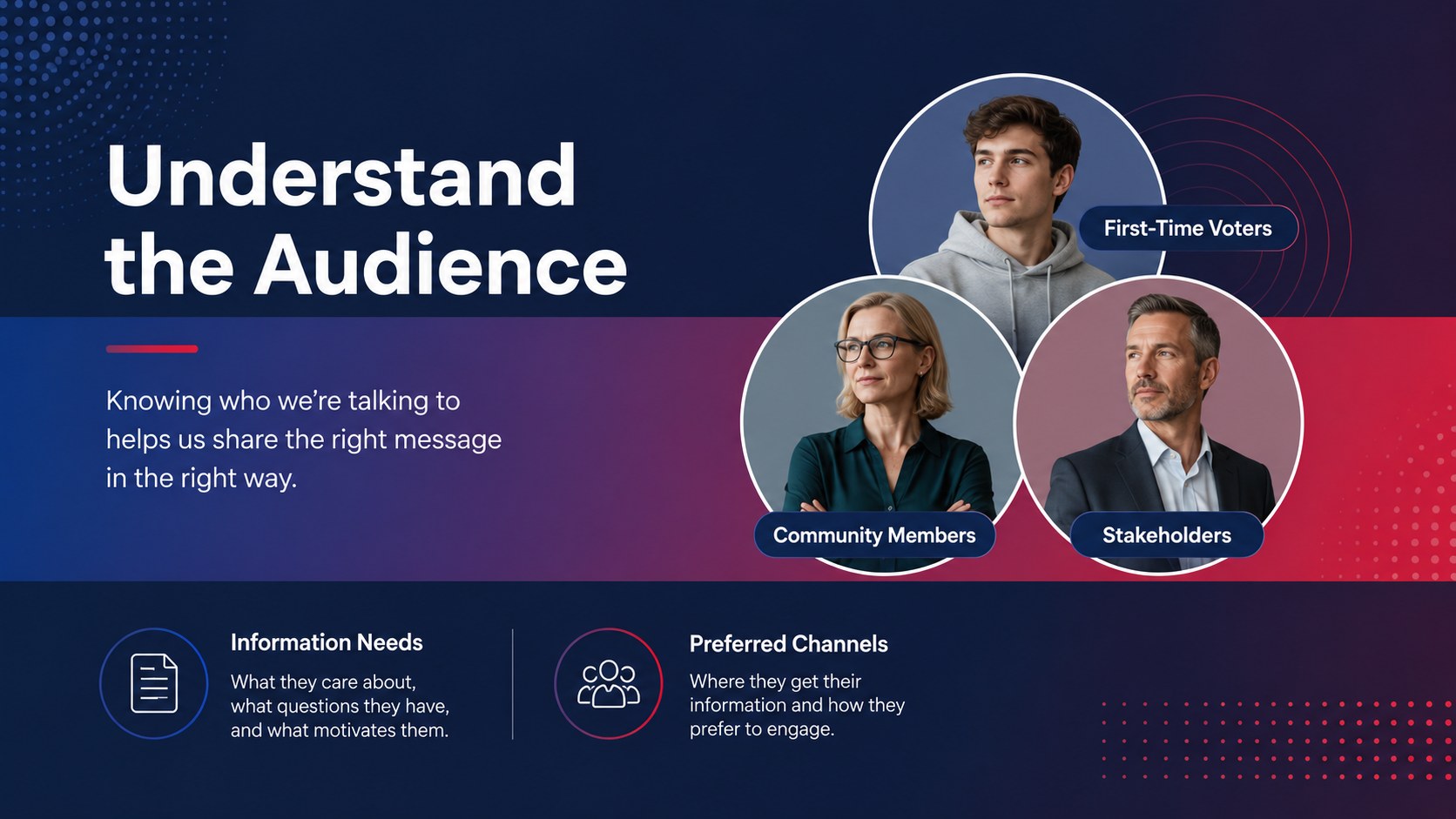
Design notes
Turn election-related information into a focused visual narrative with the American Voting Insights Deck. Its bold red-and-blue gradients, crisp typography, and structured layouts create a modern setting for presenting voting topics without distracting from the message. Every slide can be adapted for local, state, or national contexts while maintaining a balanced, professional tone.
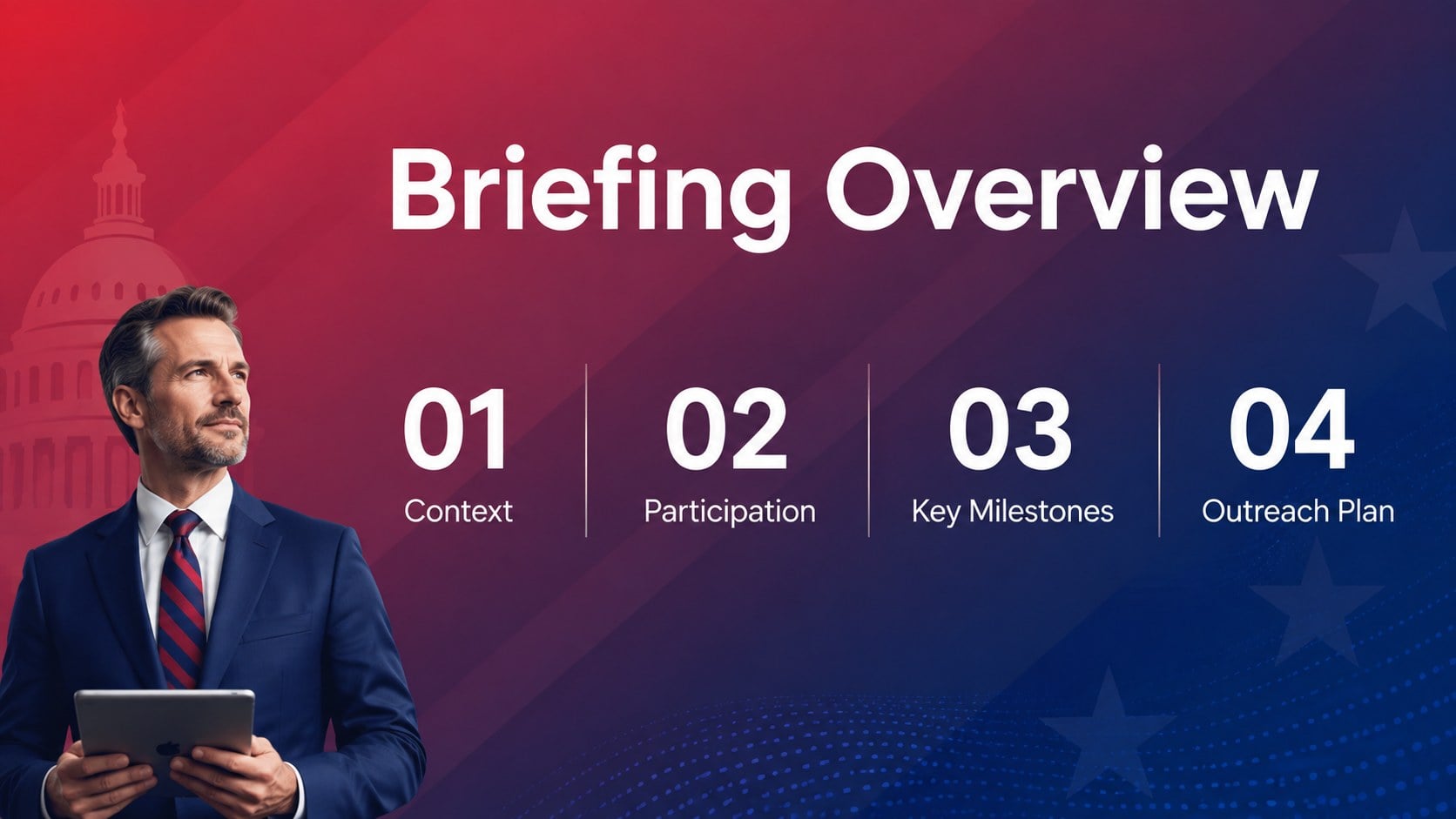
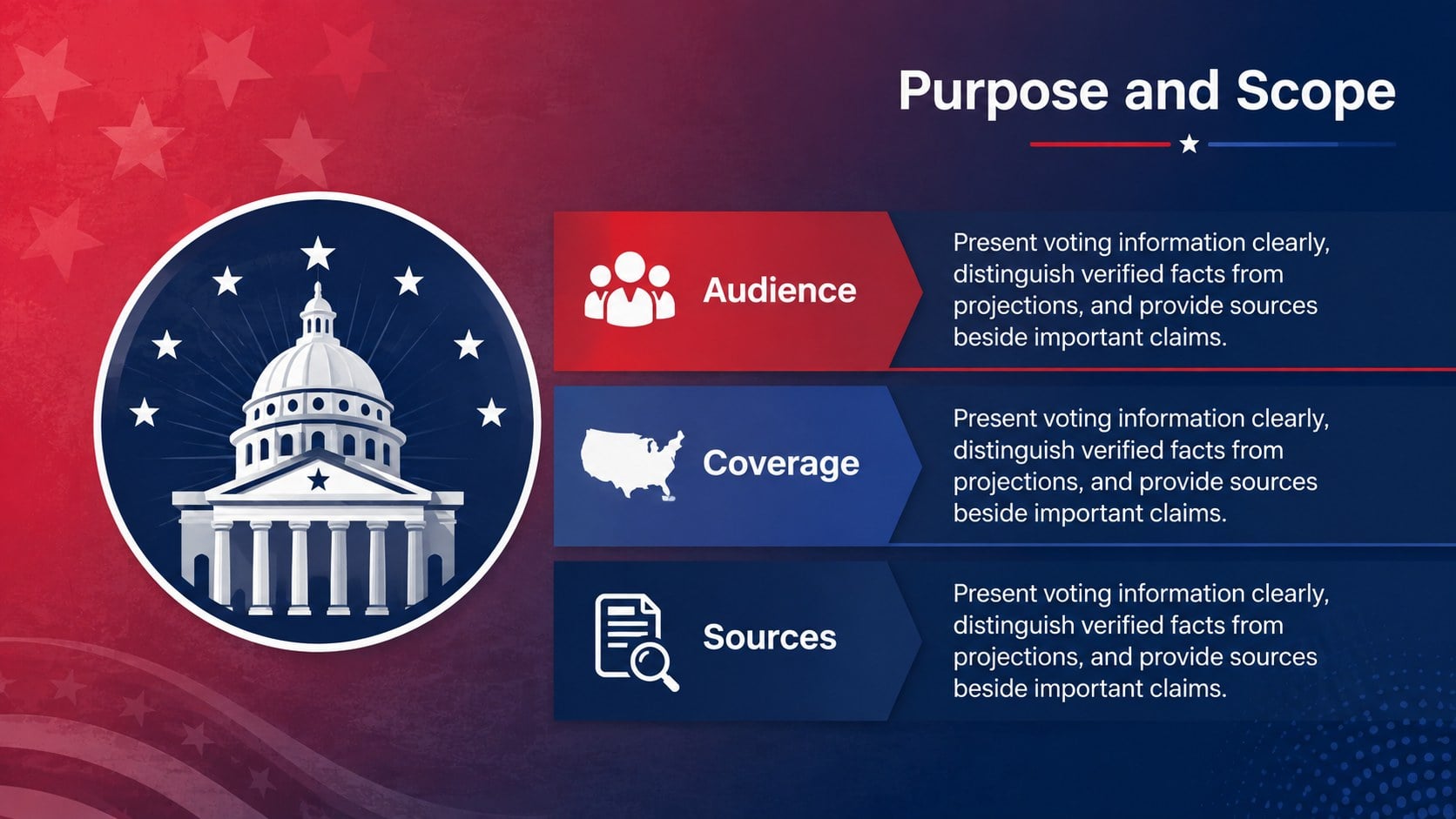
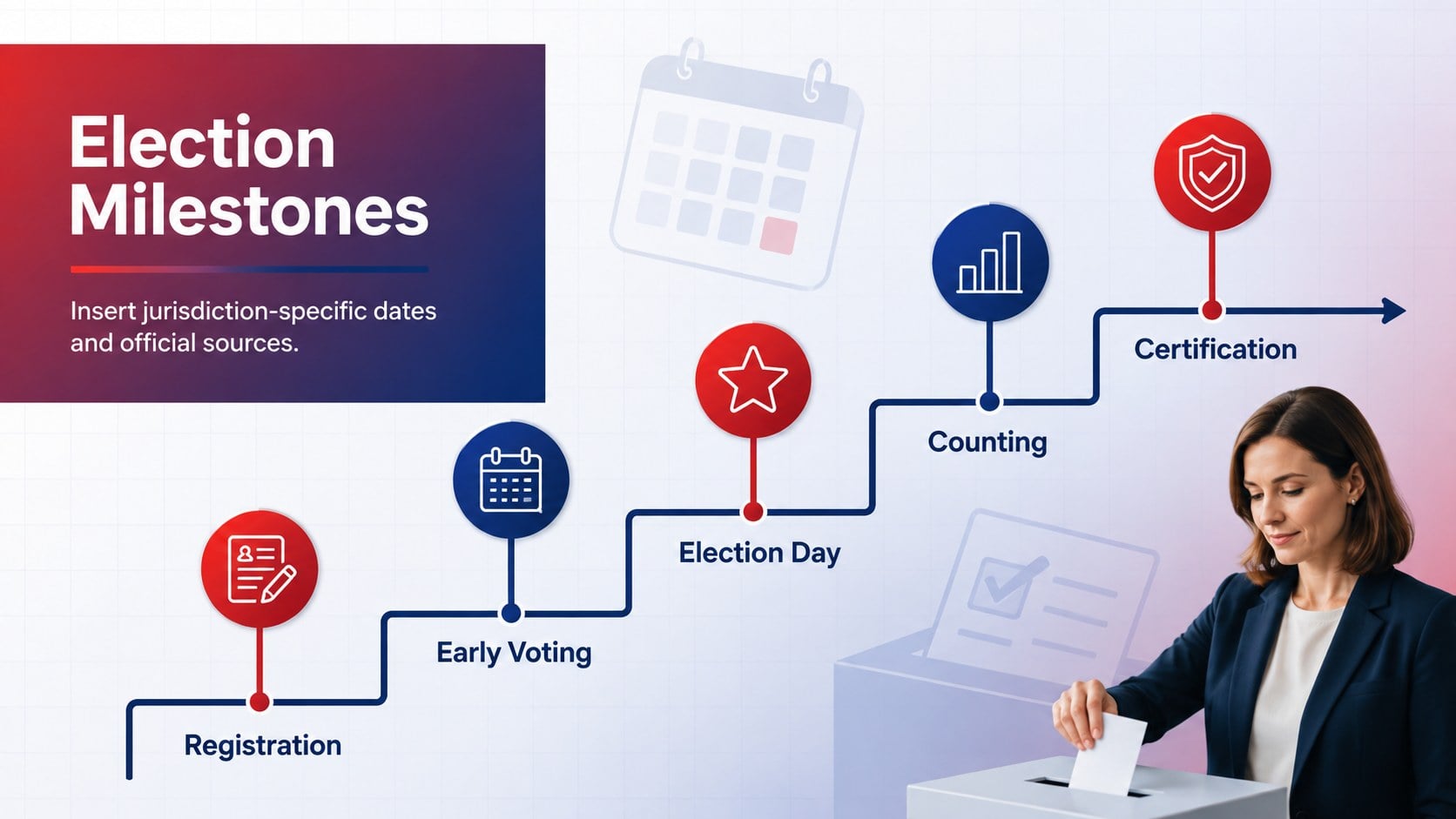
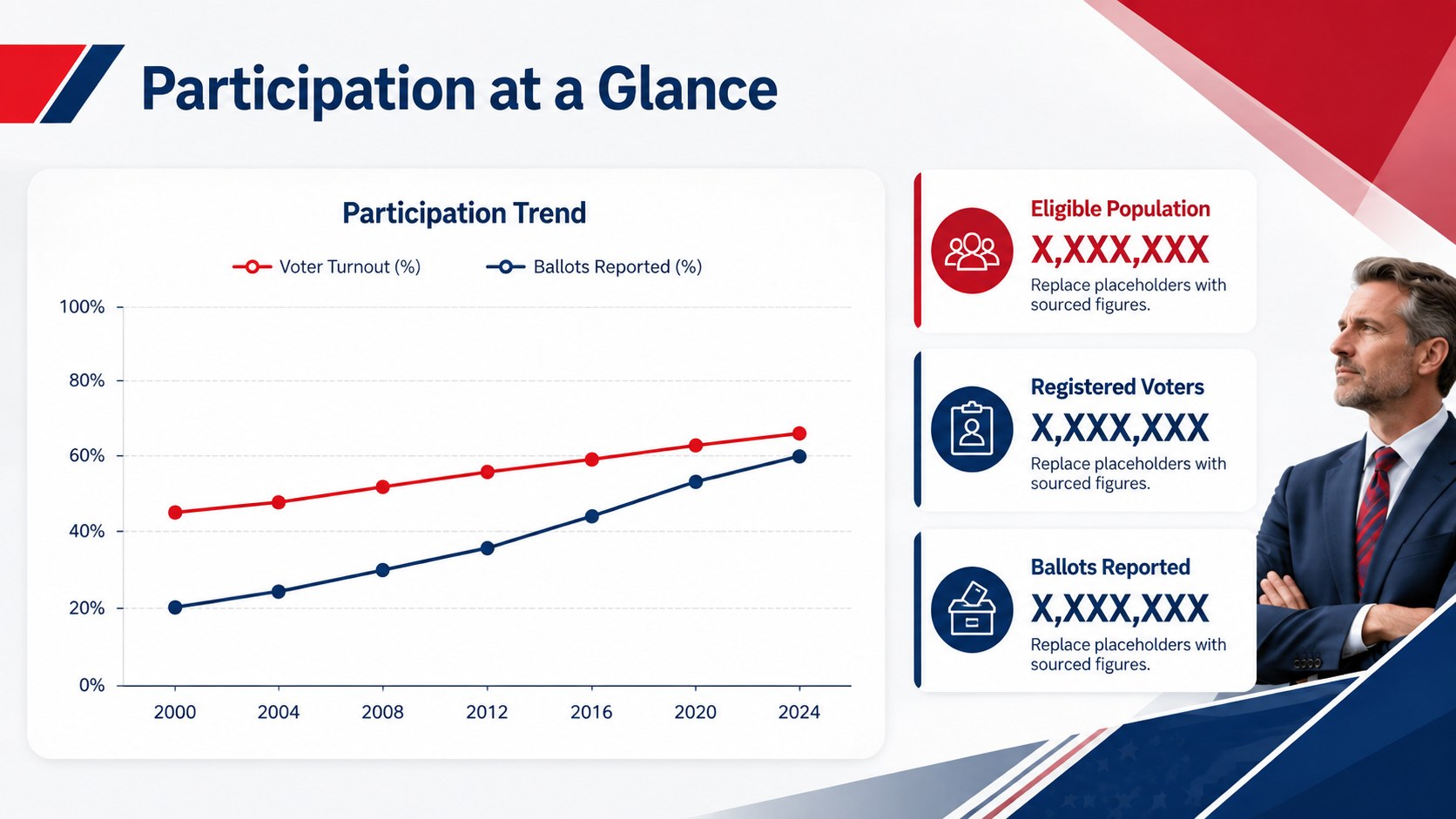
The 15-slide collection includes layouts for an agenda, electoral milestones, voter participation data, issue comparisons, geographic trends, audience profiles, outreach planning, key dates, and final takeaways. Use the editable charts, maps, timelines, statistics, and text areas to build nonpartisan election briefing slides or an election night results slide deck. The coordinated visual system makes it easy to organize detailed material while keeping headings, data points, and supporting notes readable.
Designed for educators, policy teams, journalists, civic organizations, researchers, and business professionals, this template works in PowerPoint and Google Slides. It can support classroom instruction, conference presentations, internal planning sessions, public information meetings, or voting process explainer slides. Adjust the wording, colors, icons, and data displays to fit your subject, then add citations directly beside relevant figures or claims. The flexible 16:9 format is suitable for projected presentations, virtual meetings, and exported PDF handouts.
Perfect for: civic education workshop; election data briefing; voter outreach planning; political science lesson; election night reporting; public affairs seminar.
Frequently asked questions
Can I edit the charts and text in this deck? Yes. The headings, body copy, shapes, colors, and chart content are designed to be customized. Replace the sample figures with verified data and place citations near any statistics or factual claims.
Practical details
Yes. The headings, body copy, shapes, colors, and chart content are designed to be customized. Replace the sample figures with verified data and place citations near any statistics or factual claims.
The template is intended for PowerPoint and Google Slides. Some fonts, transitions, or chart formatting may vary slightly when the file is moved between platforms.
Yes. You can update the theme colors to suit a civic organization, classroom, newsroom, or public-sector brand. Maintain sufficient contrast so labels and data remain readable.
Yes. Its layouts can present procedures, timelines, participation data, and issue summaries in a nonpartisan format. Review all added language and sources to ensure the finished presentation remains accurate and balanced.
Keep exploring
15Build an engaging World UFO Day session with this flying saucer history lesson deck, featuring retro green-and-brown slides for PowerPoint and Google Slides.
 15
15Plan a lively animal-learning journey with this jungle zoo adventure lesson deck, ready to customize in PowerPoint and Google Slides for young learners.
 16
16Turn environmental research into a clear story with a Watercolor Ecology Presentation Theme for PowerPoint and Google Slides in calming green and blue.
 16
16Build focused fashion, literature, and humanities presentations with the Red Triangle Editorial Theme, editable in PowerPoint and Google Slides.
 15
15Turn streaming stats, favorite tracks, and concert highlights into a bold annual listening recap slide deck for PowerPoint and Google Slides.
 15
15Turn highlights, milestones, and favorite moments into a colorful year in review slide deck with bold 3D graphics for PowerPoint and Google Slides.
 3
3Build a credible endorsement with Standout Colleague Recommendation Letter Slides, featuring colorful prompts for skills, achievements, and team impact.
 4
4Build clear beginner sessions with an ice hockey fundamentals training deck for coaches, PE teachers, and clubs, ready for PowerPoint and Google Slides.