
 15
15presentation
Flying Saucer History Lesson Deck
Build an engaging World UFO Day session with this flying saucer history lesson deck, featuring retro green-and-brown slides for PowerPoint and Google Slides.
Google SlidesPowerPoint
presentation · English
Build engaging history lessons with an American Revolution classroom story deck featuring editable timelines, battle maps, and discussion prompts.
Design notes
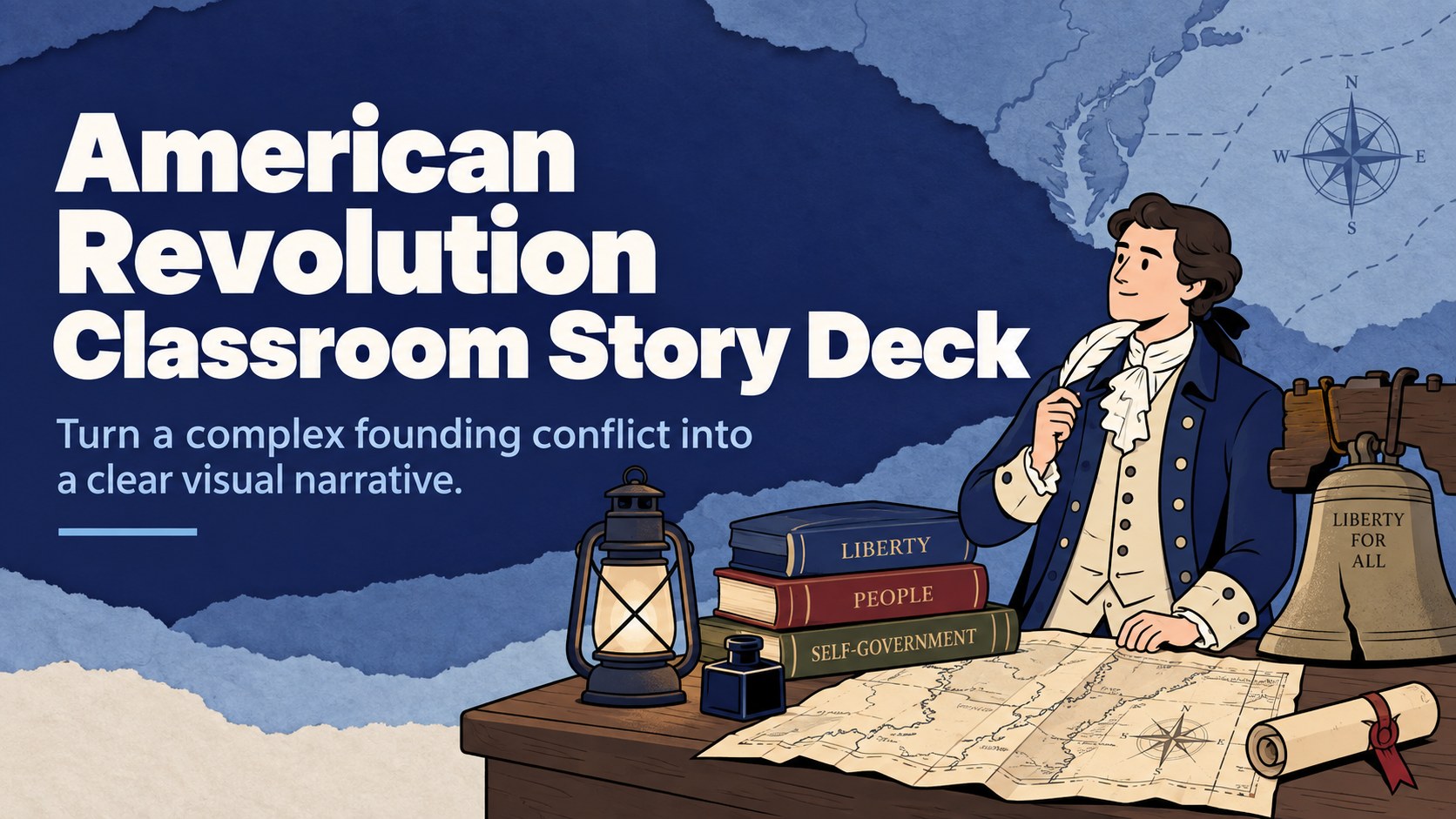
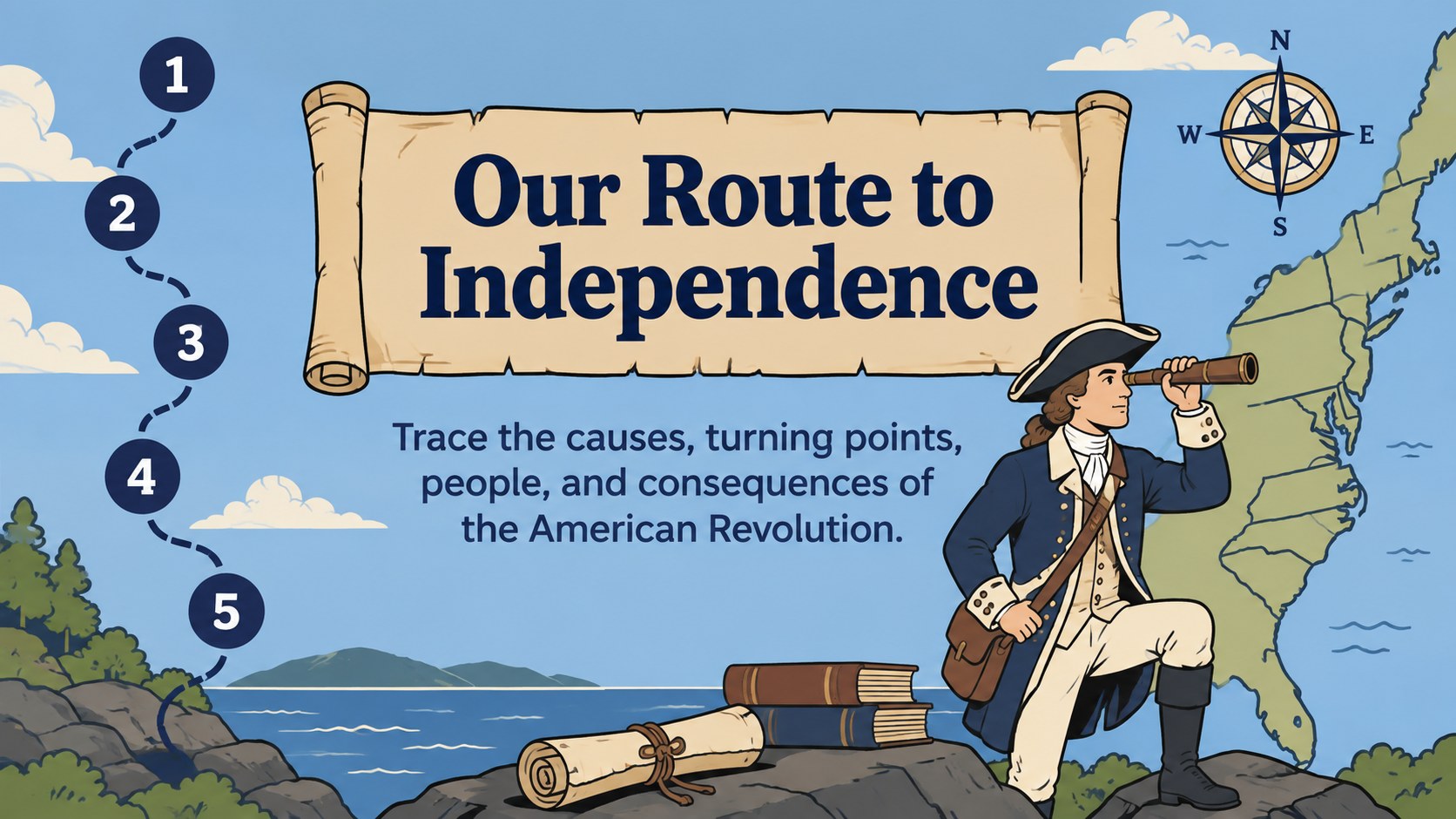
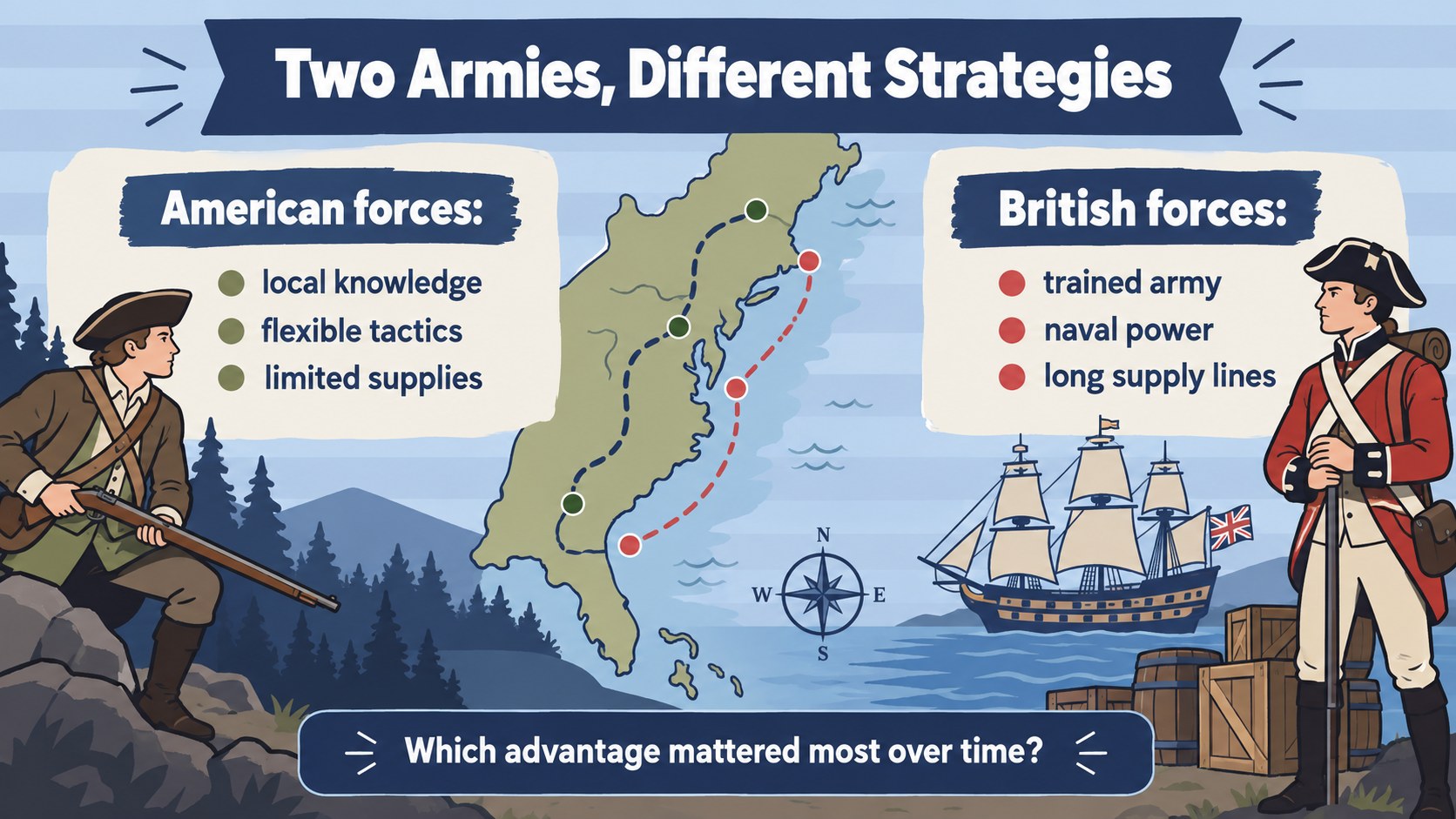
Turn the struggle for American independence into a focused classroom narrative with this American Revolution classroom story deck. Its illustrated blue design balances historical character with clear, modern layouts, helping educators explain political tensions, military turning points, and competing perspectives without overwhelming students.
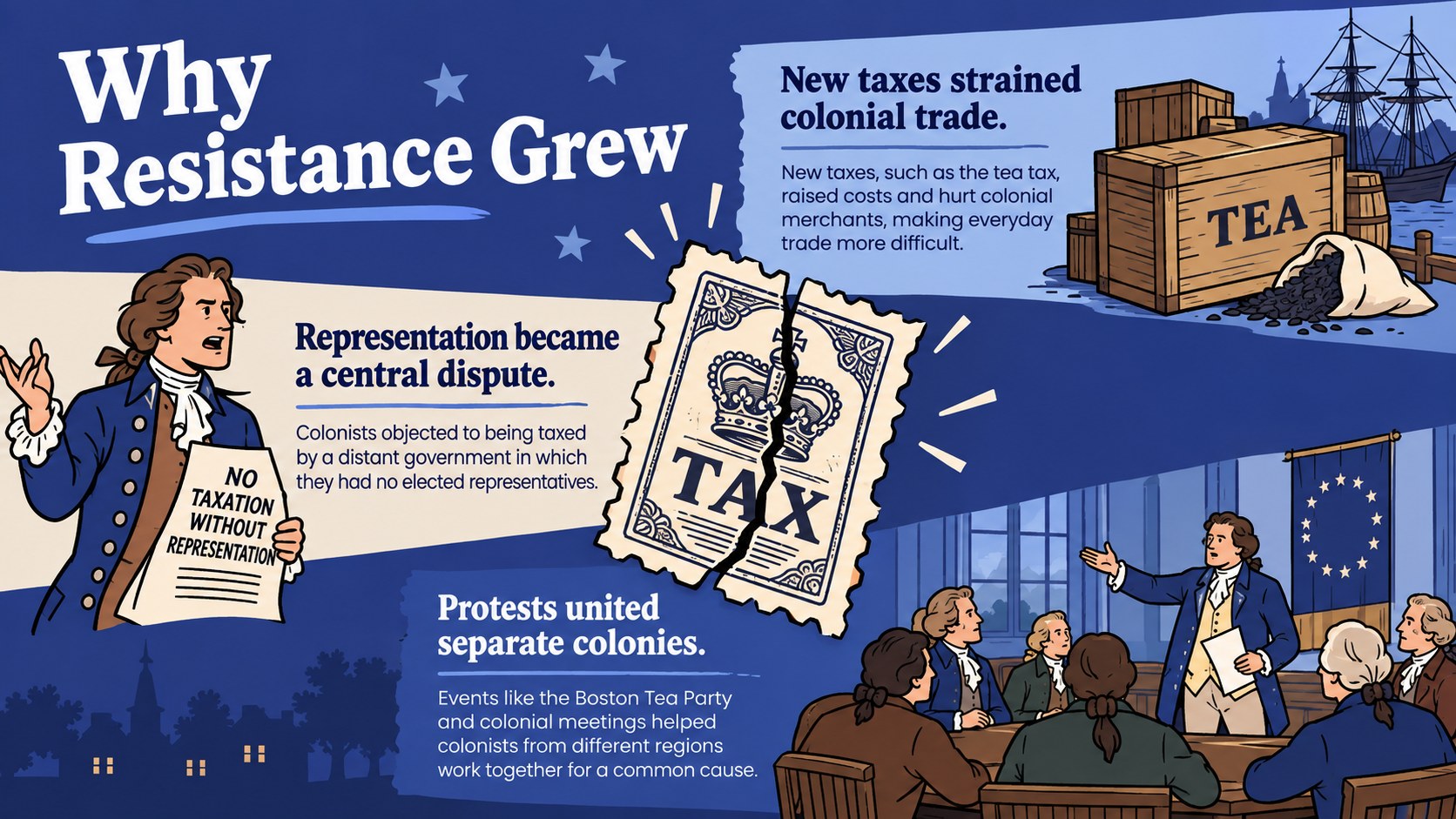
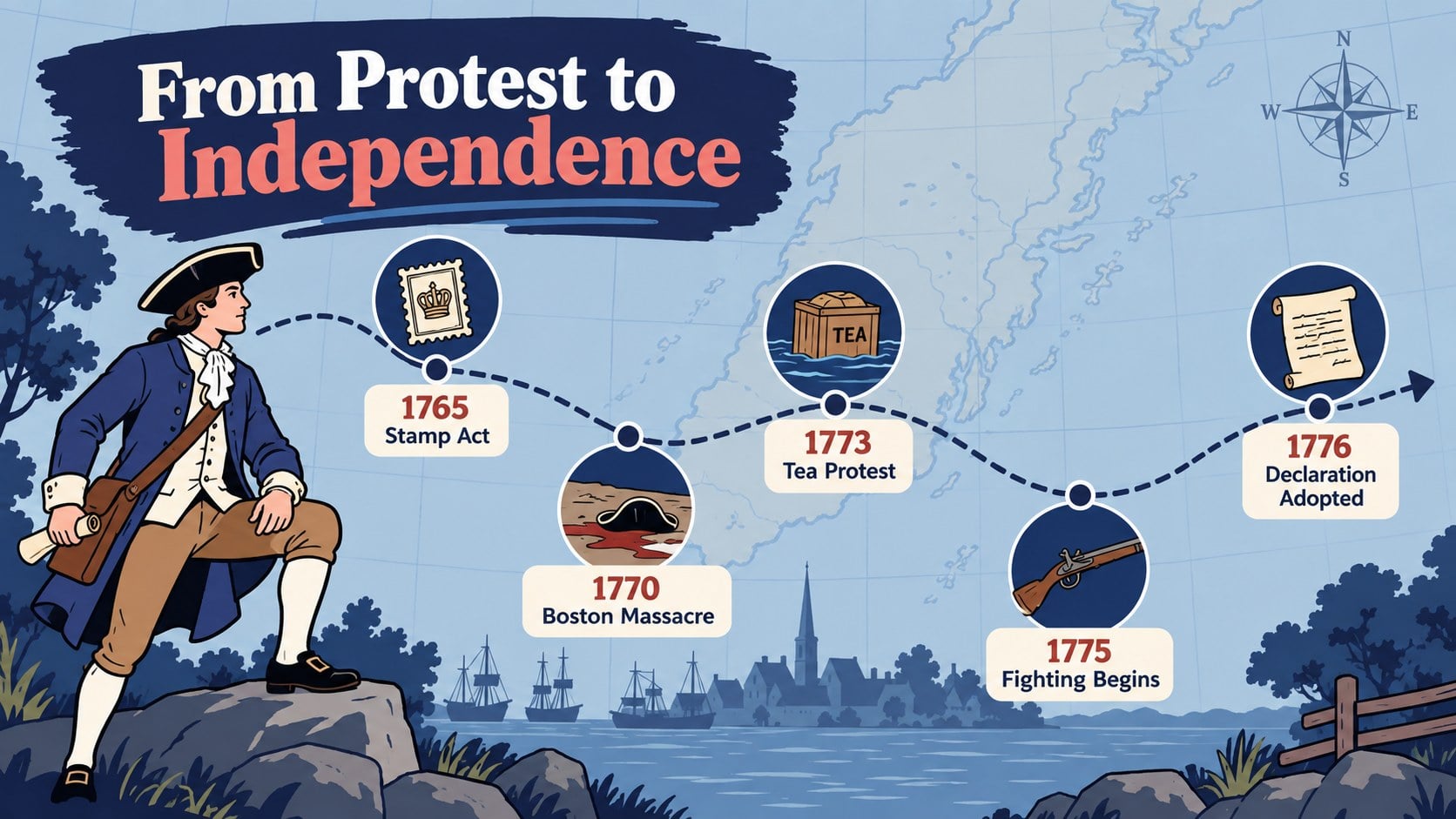
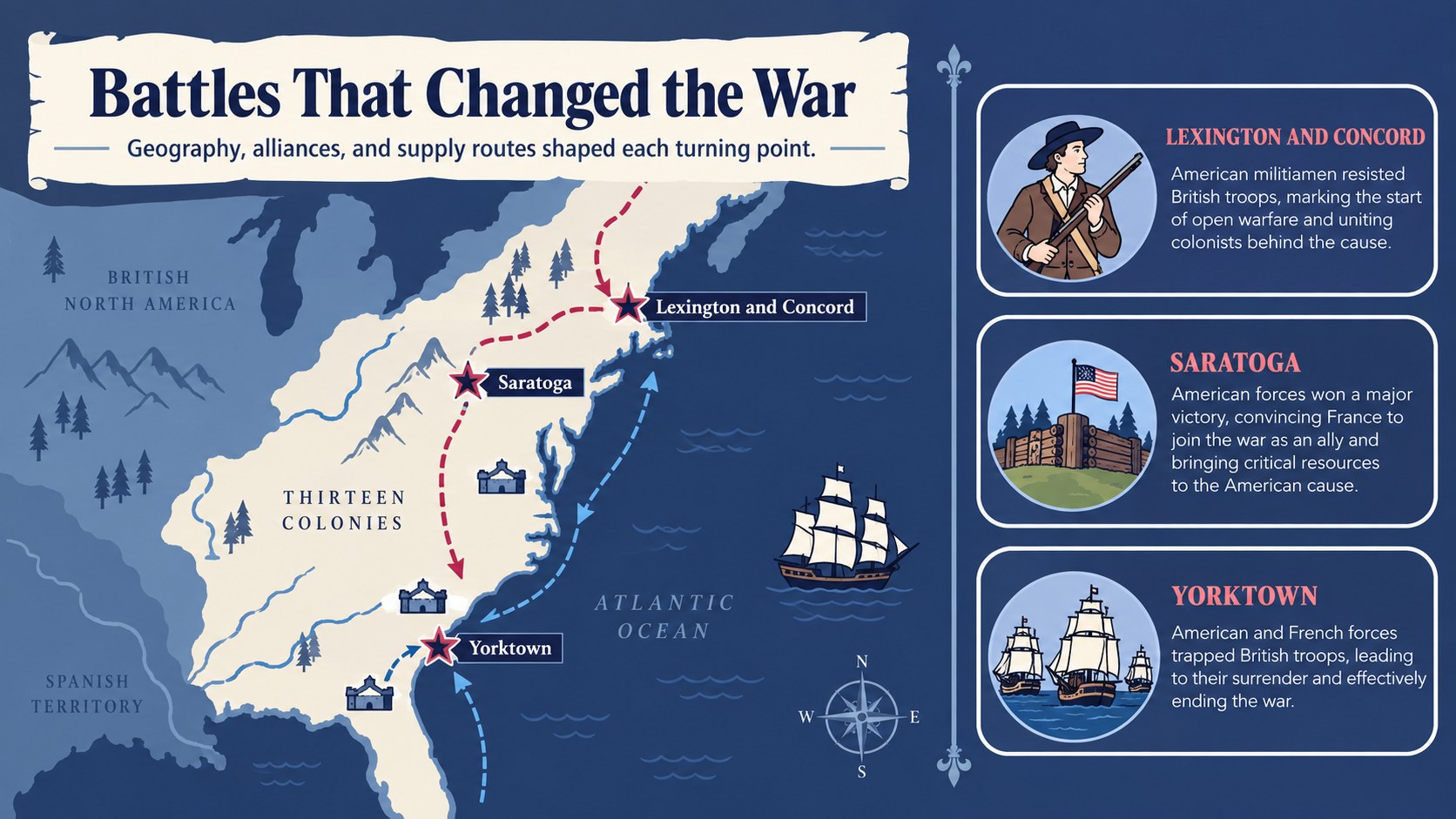
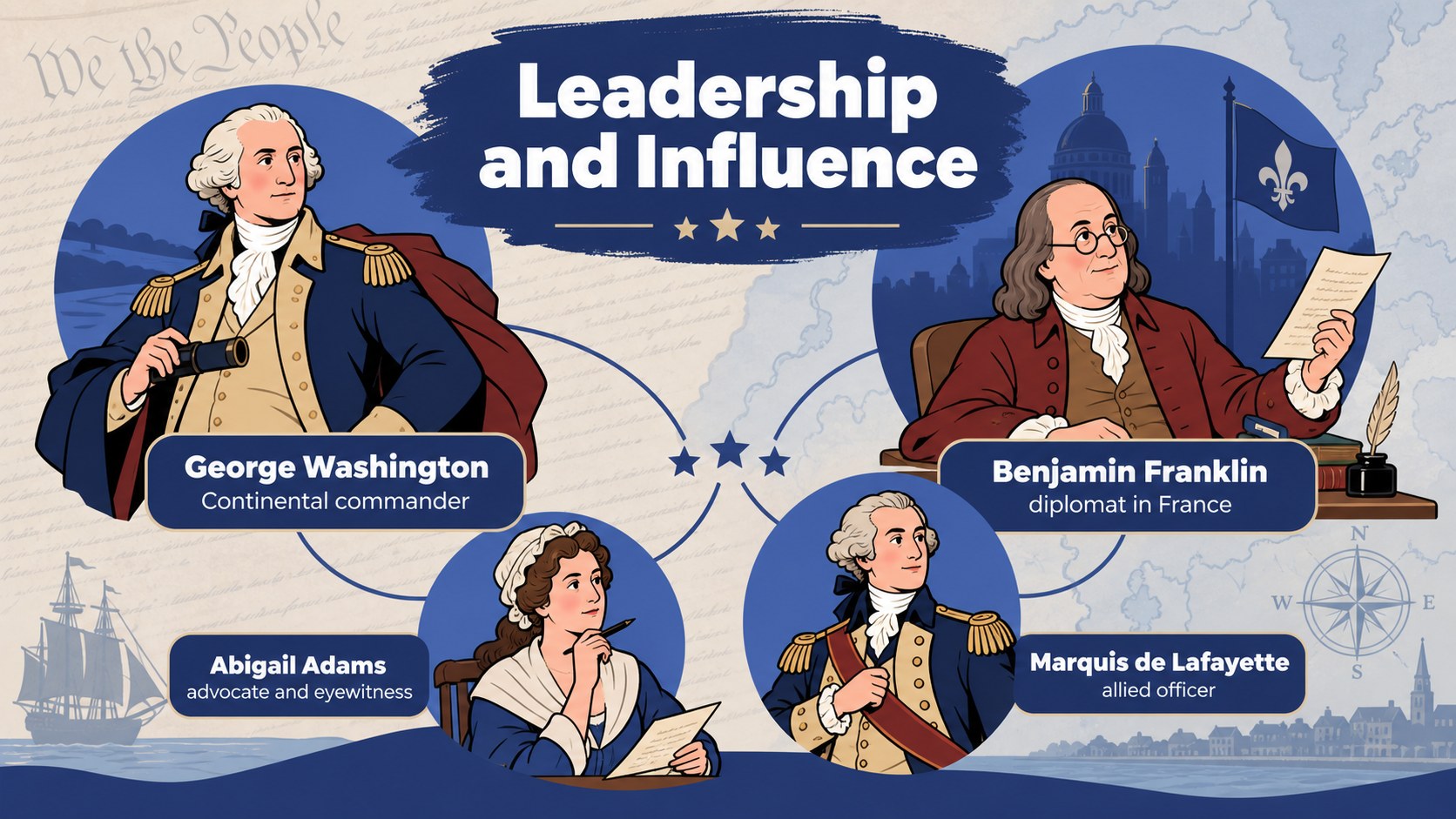
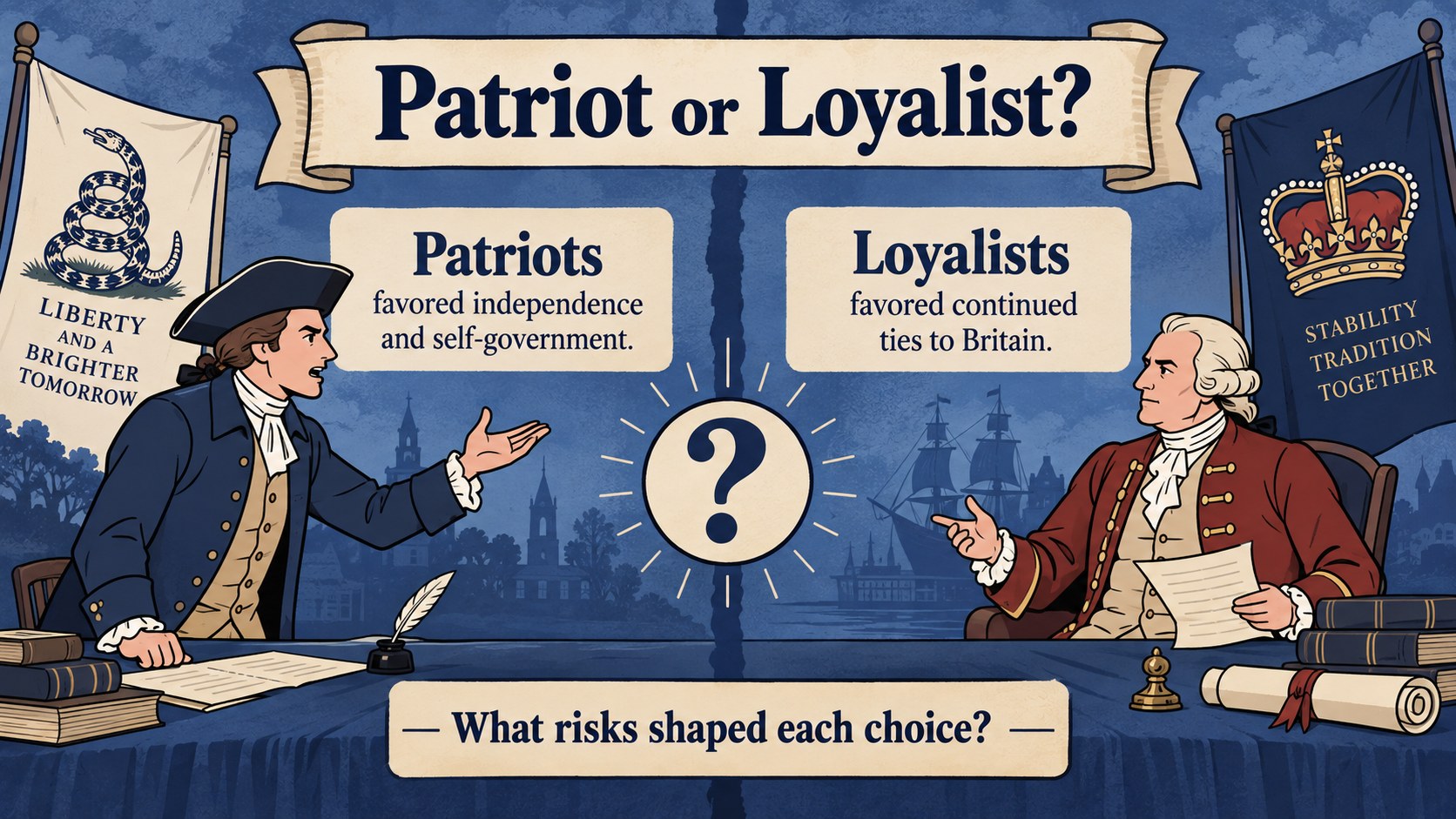
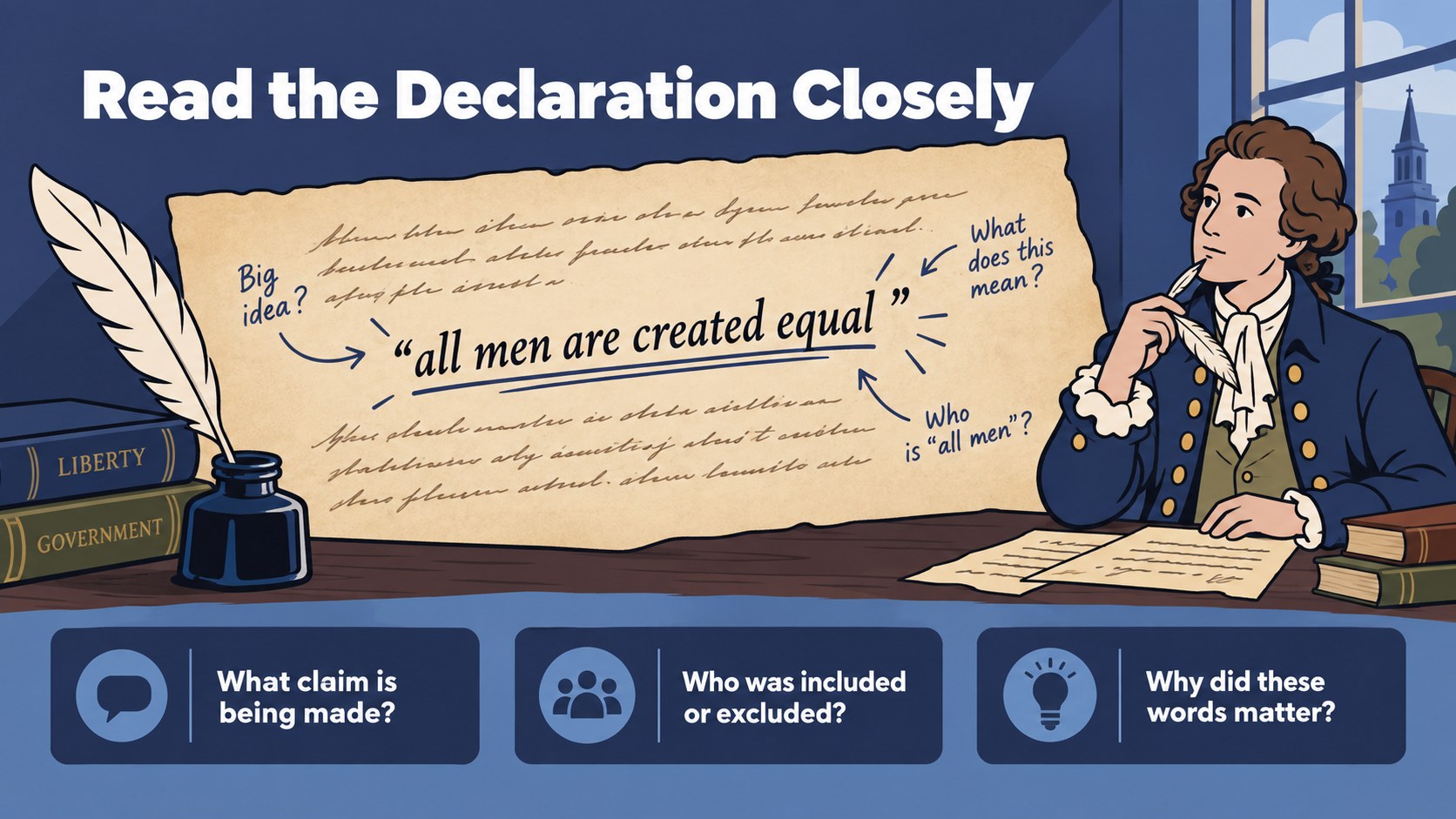
The 15-slide deck includes an opening overview, learning goals, a causes-and-consequences diagram, a revolutionary war timeline presentation, battle map layouts, key figure profiles, primary-source discussion prompts, and a closing reflection. Use the comparison slide to examine Patriot and Loyalist viewpoints, the data layout to present troop or population estimates, and the vocabulary page to reinforce essential terms. Every layout can be adapted into American Revolution lesson slides for a single class period or a longer history unit.
Designed for middle school, high school, and introductory college instruction, the template also suits museum workshops, homeschool activities, and student research reports. Teachers can customize text, colors, maps, and illustrations in PowerPoint or Google Slides, making it a practical editable colonial history PowerPoint for in-person and online teaching. Add local curriculum standards, replace sample questions, or reorganize sections to match your lesson sequence. The visual system remains consistent across maps, timelines, profiles, and discussion activities, giving students a coherent path from the roots of resistance to independence and the war's lasting impact.
Perfect for: American Revolution history lesson; Revolutionary War unit introduction; Patriot and Loyalist classroom debate; Colonial America student report; Museum education workshop; Homeschool history activity.
Frequently asked questions
Can I edit every slide in this history deck? Yes. The headings, body text, maps, timelines, colors, and illustrated elements can be adjusted to fit your curriculum and class level.
Practical details
Yes. The headings, body text, maps, timelines, colors, and illustrated elements can be adjusted to fit your curriculum and class level.
The deck is designed for PowerPoint and Google Slides. Some fonts or transitions may render slightly differently between platforms, so review the final presentation before teaching.
Yes. Select only the timeline, battle map, key figures, and reflection slides for a compact lesson, or use all 15 slides for a complete unit overview.
Simplify the vocabulary and discussion questions for younger learners, or add primary-source excerpts and historiographical questions for advanced classes. Speaker notes can hold citations, teaching cues, and optional extension activities.
Keep exploring
15Build an engaging World UFO Day session with this flying saucer history lesson deck, featuring retro green-and-brown slides for PowerPoint and Google Slides.
 15
15Plan a lively animal-learning journey with this jungle zoo adventure lesson deck, ready to customize in PowerPoint and Google Slides for young learners.
 16
16Turn environmental research into a clear story with a Watercolor Ecology Presentation Theme for PowerPoint and Google Slides in calming green and blue.
 16
16Build focused fashion, literature, and humanities presentations with the Red Triangle Editorial Theme, editable in PowerPoint and Google Slides.
 15
15Turn streaming stats, favorite tracks, and concert highlights into a bold annual listening recap slide deck for PowerPoint and Google Slides.
 15
15Turn highlights, milestones, and favorite moments into a colorful year in review slide deck with bold 3D graphics for PowerPoint and Google Slides.
 3
3Build a credible endorsement with Standout Colleague Recommendation Letter Slides, featuring colorful prompts for skills, achievements, and team impact.
 4
4Build clear beginner sessions with an ice hockey fundamentals training deck for coaches, PE teachers, and clubs, ready for PowerPoint and Google Slides.