
 15
15presentation
Flying Saucer History Lesson Deck
Build an engaging World UFO Day session with this flying saucer history lesson deck, featuring retro green-and-brown slides for PowerPoint and Google Slides.
Google SlidesPowerPoint
presentation · English
Build sharper Amazon growth strategy deck presentations with editable grey and orange slides for market analysis, business planning, and leadership reviews.






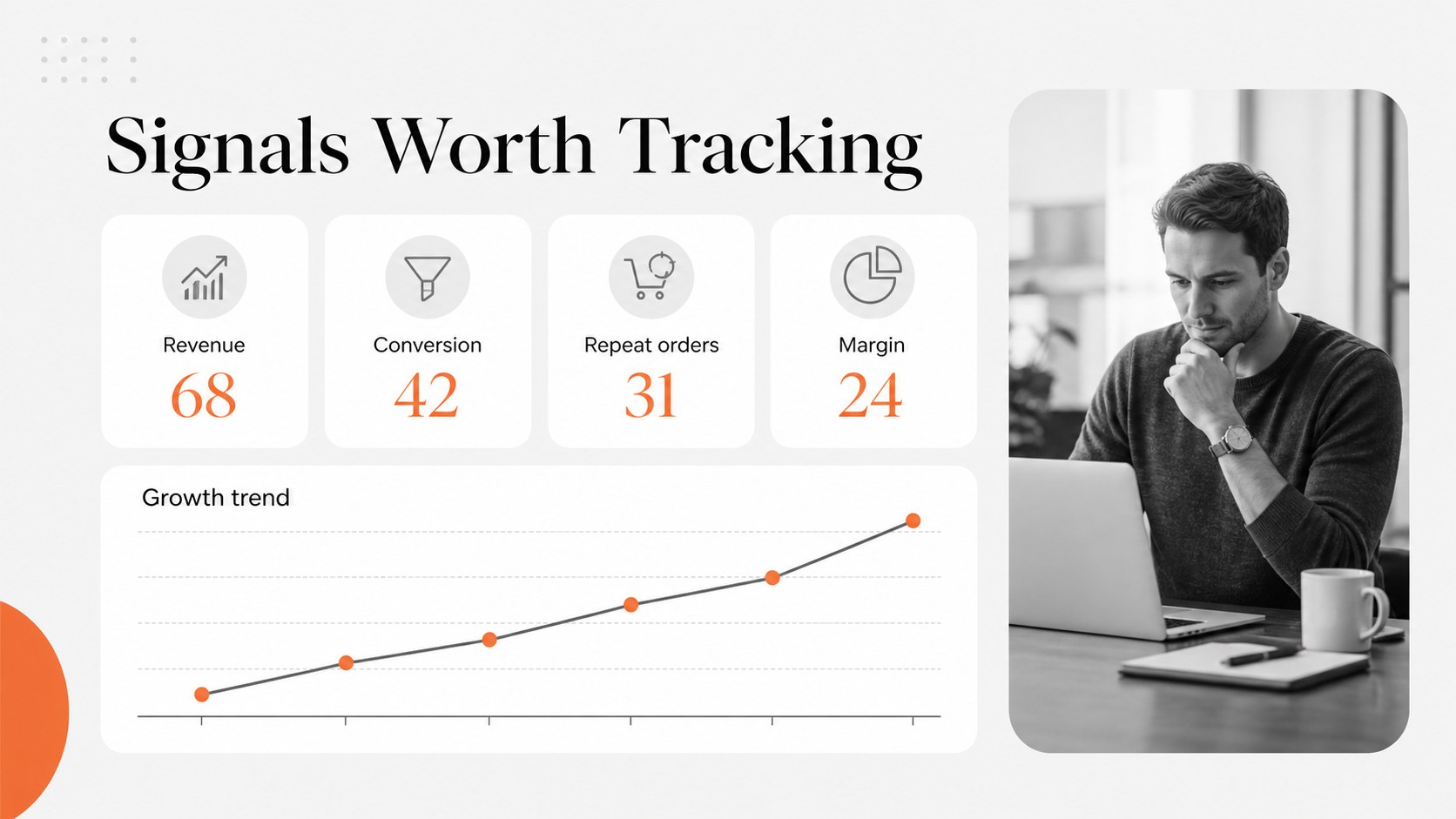

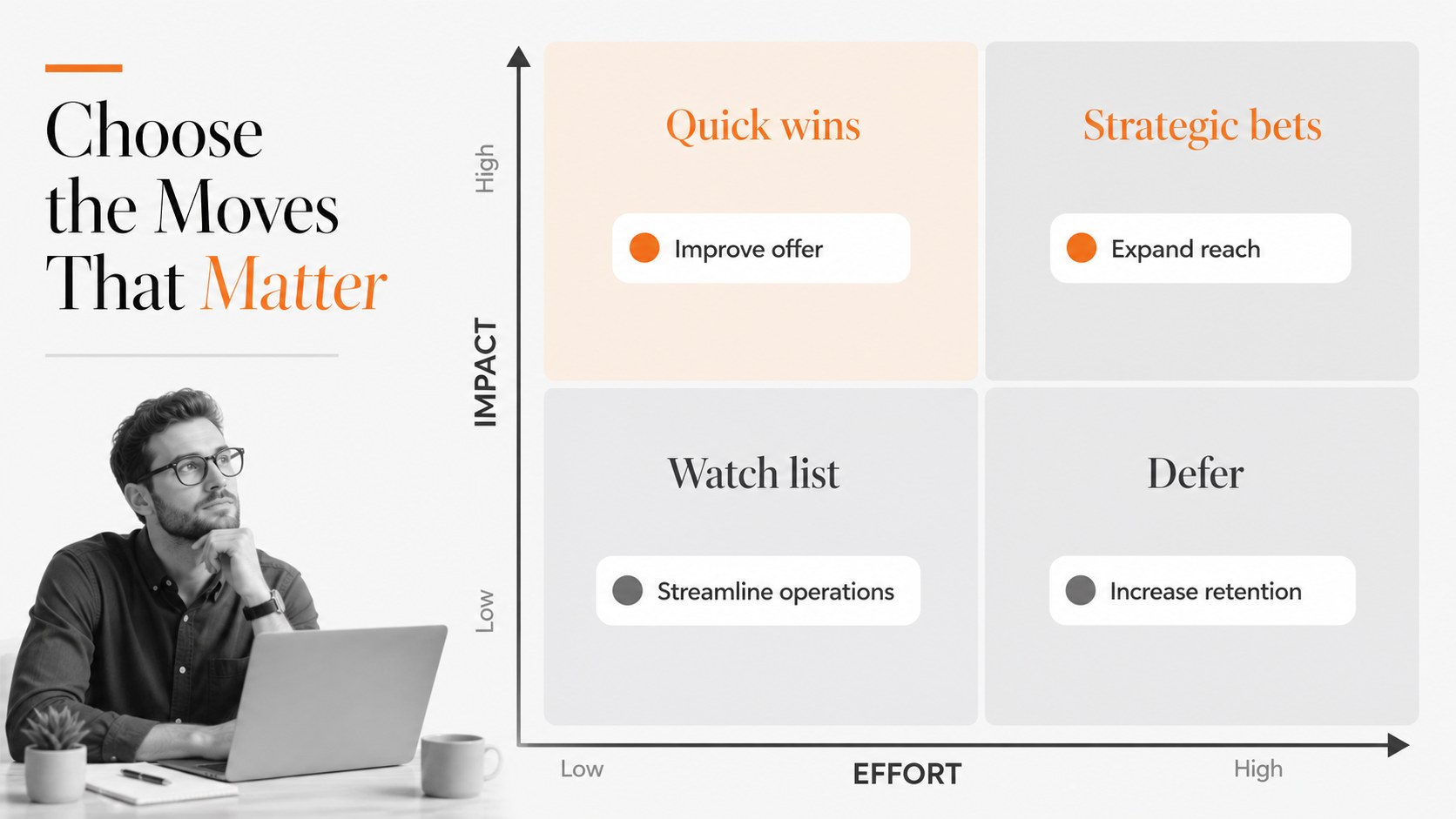
Design notes
Make strategic business conversations easier to follow with an Amazon growth strategy deck built for clear thinking and confident delivery. Its restrained grey foundation and bright orange accents create a polished corporate look that helps priorities, market signals, and growth opportunities stand out without overwhelming the audience. Use the layouts to shape a persuasive story for leadership meetings, stakeholder updates, or investor discussions.
Inside, you will find 20 editable 16:9 slides with space for strategic objectives, competitive observations, market analysis, operating priorities, sales initiatives, and next-step actions. Add charts, comparison tables, timelines, process diagrams, imagery, and concise talking points using ’s drag-and-drop editor. The single-font system uses Montserrat for a consistent, contemporary finish, while animation and transition tools can add energy to a live presentation. Export your finished work for PowerPoint or Google Slides, or share it directly from.
This business growth strategy deck suits founders, consultants, marketing teams, sales leaders, analysts, and corporate planners who need a practical framework for explaining where a business stands and how it can move forward. Adapt the content for an ecommerce expansion plan, an executive strategy review, or an Amazon marketplace performance presentation.
Perfect for: Amazon marketplace expansion review; ecommerce investor pitch; executive growth planning meeting; competitive market analysis; sales strategy workshop.
Frequently asked questions
Can I edit this deck? Yes. The layouts, text, colors, charts, shapes, and images can be adjusted’s editor. You can also duplicate slides or remove sections that do not fit your presentation.
Practical details
Yes. The layouts, text, colors, charts, shapes, and images can be adjusted’s editor. You can also duplicate slides or remove sections that do not fit your presentation.
Yes. Open the template, then use Share and See all to choose PowerPoint or Google Drive. will export a PPTX file or save an editable copy to your Google Drive.
Yes. The structure can support marketplace performance reviews, ecommerce expansion plans, product portfolio discussions, and channel strategy updates. Replace the sample figures and headings with your own business data.
Yes. lets you update the document colors and apply a different palette to individual elements. Keep orange for emphasis if you want to preserve the original visual hierarchy.
Keep exploring
15Build an engaging World UFO Day session with this flying saucer history lesson deck, featuring retro green-and-brown slides for PowerPoint and Google Slides.
 15
15Plan a lively animal-learning journey with this jungle zoo adventure lesson deck, ready to customize in PowerPoint and Google Slides for young learners.
 16
16Turn environmental research into a clear story with a Watercolor Ecology Presentation Theme for PowerPoint and Google Slides in calming green and blue.
 16
16Build focused fashion, literature, and humanities presentations with the Red Triangle Editorial Theme, editable in PowerPoint and Google Slides.
 15
15Turn streaming stats, favorite tracks, and concert highlights into a bold annual listening recap slide deck for PowerPoint and Google Slides.
 15
15Turn highlights, milestones, and favorite moments into a colorful year in review slide deck with bold 3D graphics for PowerPoint and Google Slides.
 3
3Build a credible endorsement with Standout Colleague Recommendation Letter Slides, featuring colorful prompts for skills, achievements, and team impact.
 4
4Build clear beginner sessions with an ice hockey fundamentals training deck for coaches, PE teachers, and clubs, ready for PowerPoint and Google Slides.