
 15
15presentation
Flying Saucer History Lesson Deck
Build an engaging World UFO Day session with this flying saucer history lesson deck, featuring retro green-and-brown slides for PowerPoint and Google Slides.
Google SlidesPowerPoint
presentation · English
Build an informed conversation with this alzheimer's education deck for symptoms, care planning, research, and community support in a violet visual style.




Design notes
Make difficult health information easier to understand with this alzheimer's education deck. Its violet, purple, blue, and black visual system creates a serious but approachable setting for conversations about memory loss, diagnosis, treatment, caregiving, and research. The layouts are designed to support both classroom explanation and practical community communication.
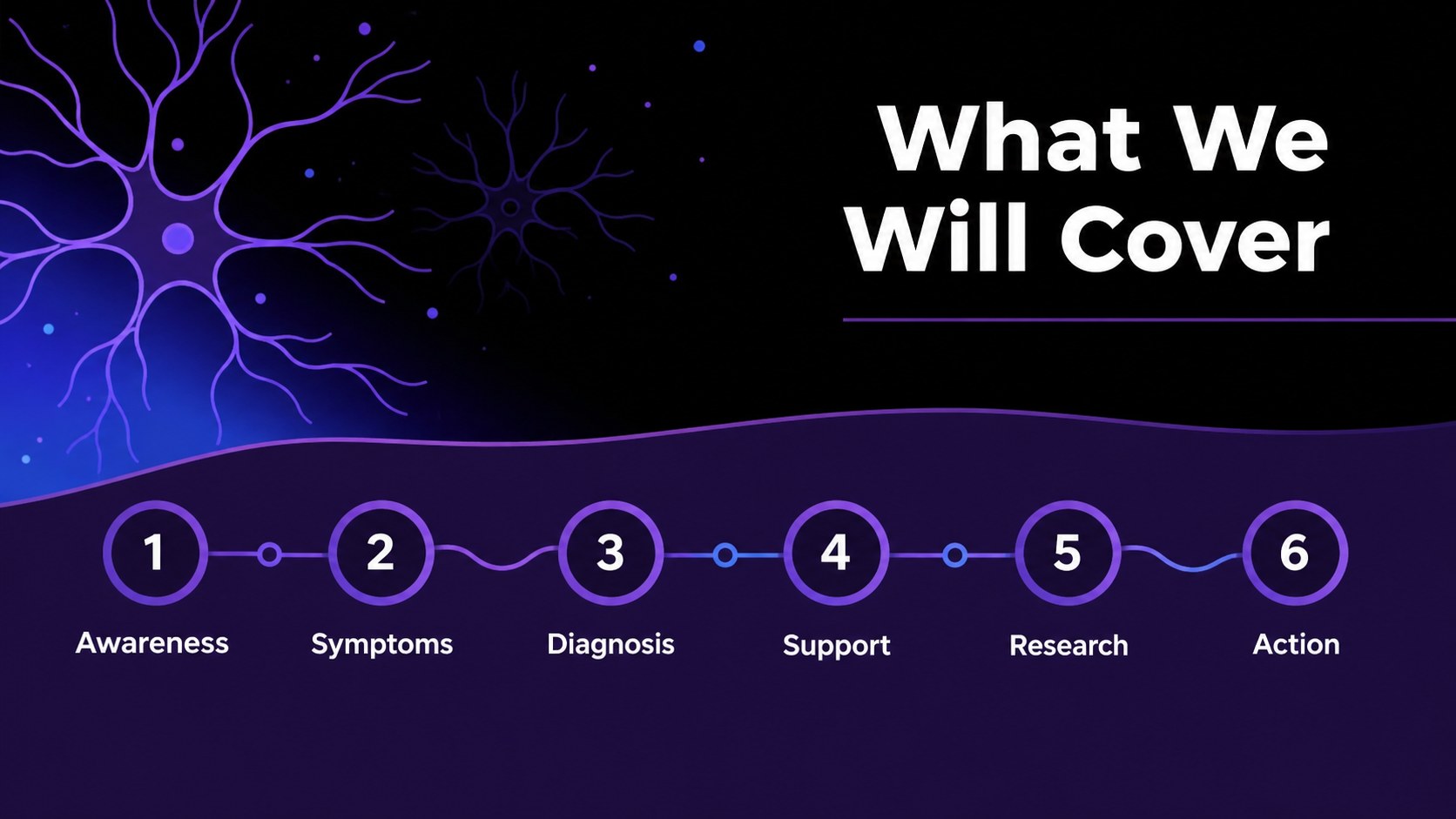
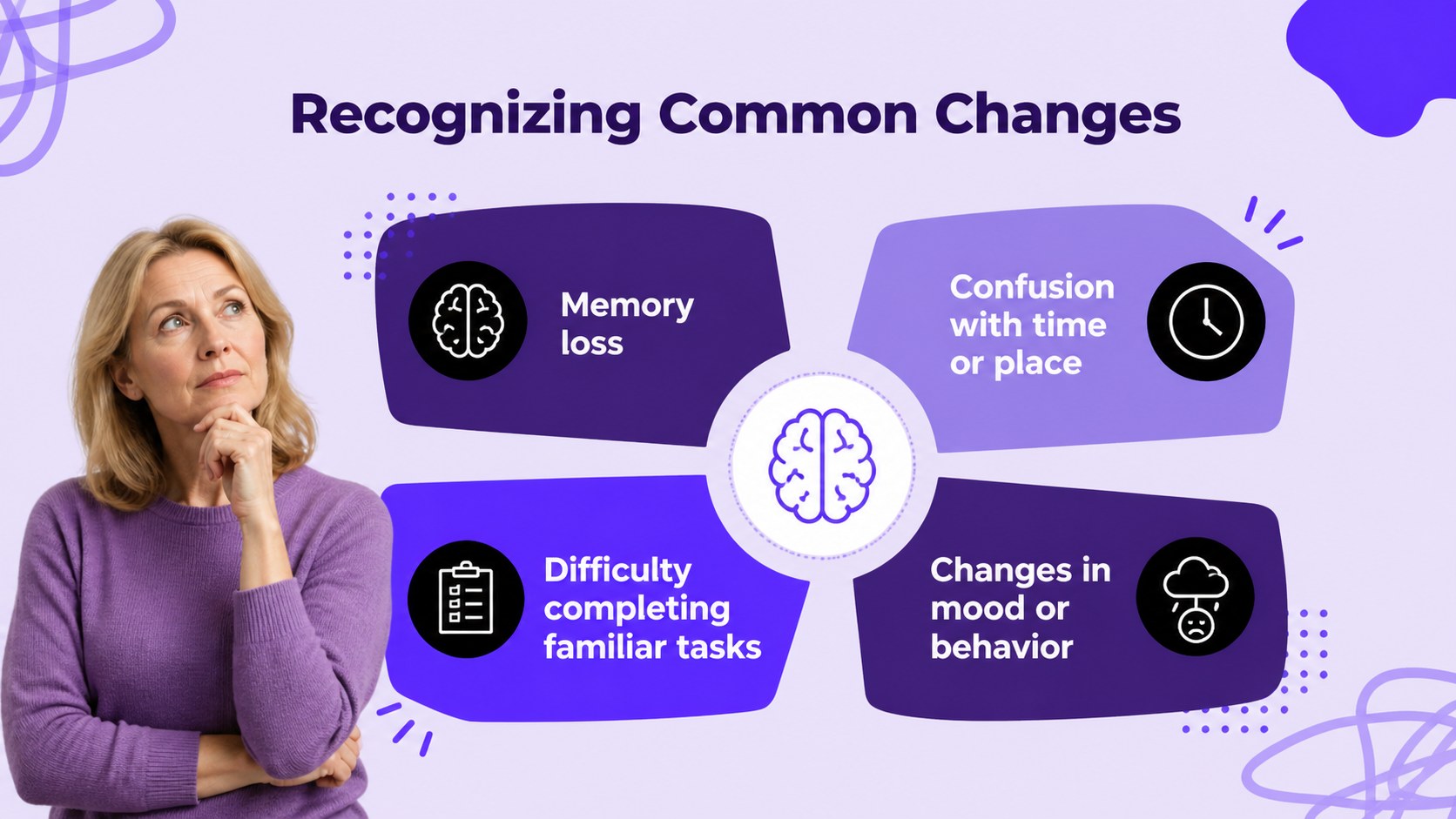
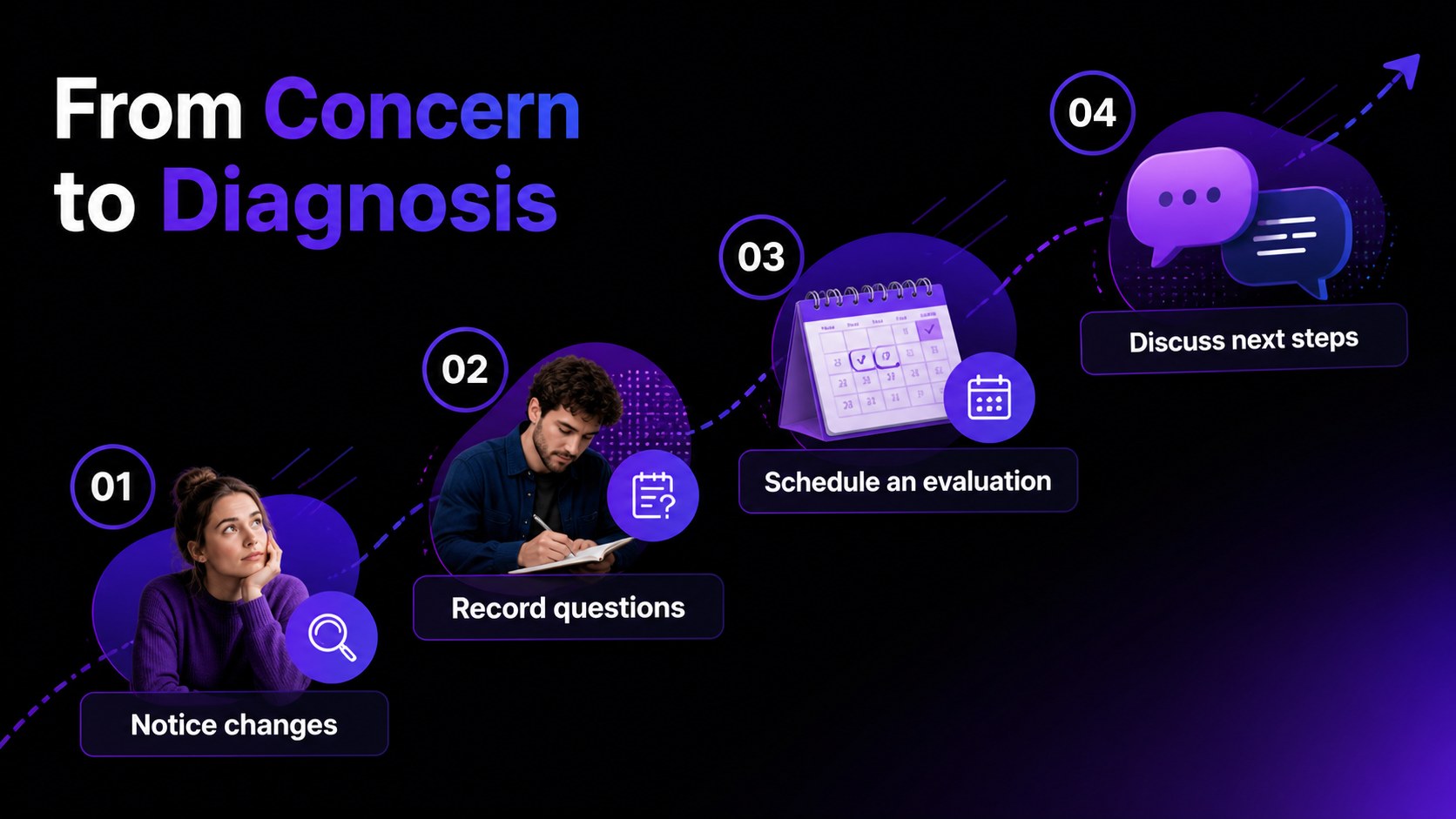
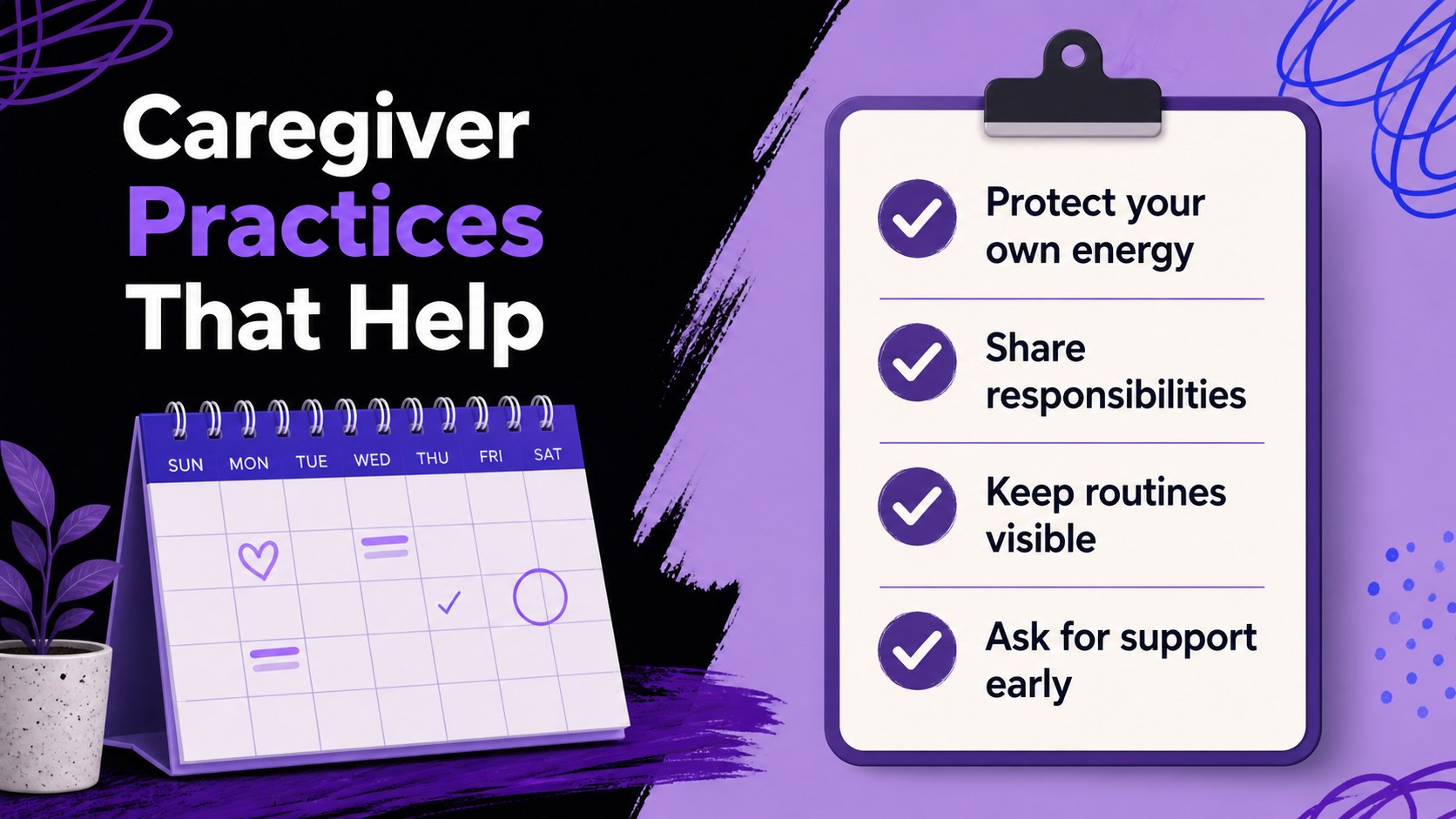
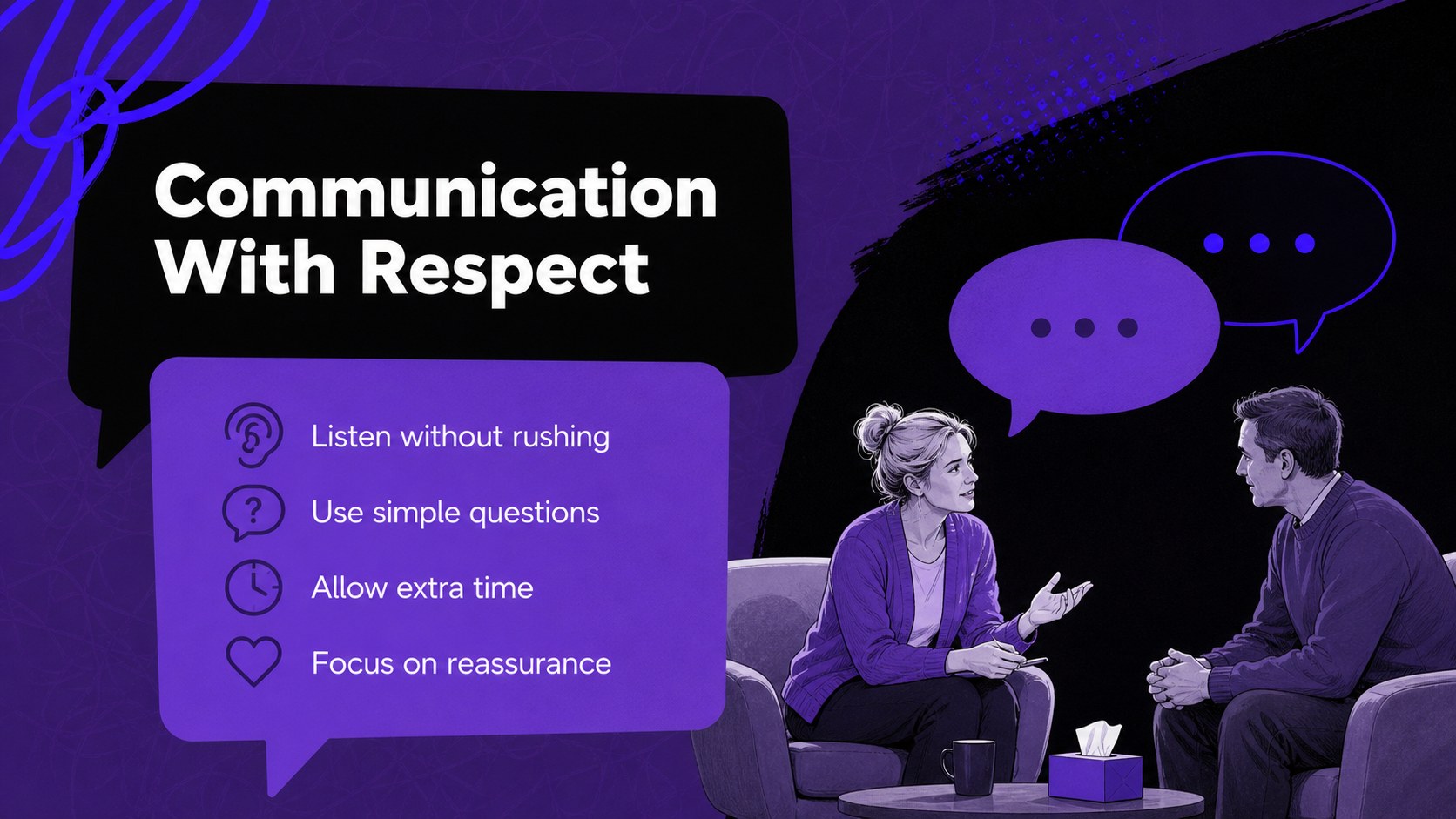
Inside, you will find a cover, agenda, symptom overview, risk-factor section, diagnosis journey, treatment and support pages, caregiver guidance, communication advice, data visualizations, research highlights, resource mapping, an action plan, myth-versus-fact content, and a closing slide. Use the prebuilt charts, timelines, comparison layouts, and image areas to organize an alzheimer's caregiver presentation or shape a focused dementia awareness workshop.
The template suits medical educators, nonprofit teams, healthcare professionals, student presenters, caregivers, and public health organizers. Edit the wording, statistics, icons, imagery, and typography, then export the finished presentation for PowerPoint or Google Slides. You can adapt the structure for an alzheimer's support group presentation, a staff training session, a patient-family meeting, or a research briefing while keeping the visual identity consistent.
Perfect for: caregiver support group; medical staff training; community health workshop; student health presentation; nonprofit awareness event.
Frequently asked questions
Can I edit this deck? Yes. The template is designed for editing, so you can replace text, images, icons, charts, and colors through the browser-based editor. You can also export the completed presentation as a PowerPoint file or save it to Google Drive for Google Slides.
Practical details
Yes. The template is designed for editing, so you can replace text, images, icons, charts, and colors through the browser-based editor. You can also export the completed presentation as a PowerPoint file or save it to Google Drive for Google Slides.
Yes. Replace the sample figures and research references with current, verified sources that fit your audience. The deck includes chart, timeline, and text layouts that make it easier to present updated information clearly.
It works for healthcare educators, nonprofit organizers, students, caregivers, public health teams, and community facilitators. Adjust the language and level of detail for professional training, family education, or general awareness.
Yes. lets you update the document colors and apply a different font combination while preserving the layout. Keeping the purple, violet, blue, and black accents maintains the original visual character, but the editable design can be adapted to your organization.
Keep exploring
15Build an engaging World UFO Day session with this flying saucer history lesson deck, featuring retro green-and-brown slides for PowerPoint and Google Slides.
 15
15Plan a lively animal-learning journey with this jungle zoo adventure lesson deck, ready to customize in PowerPoint and Google Slides for young learners.
 16
16Turn environmental research into a clear story with a Watercolor Ecology Presentation Theme for PowerPoint and Google Slides in calming green and blue.
 16
16Build focused fashion, literature, and humanities presentations with the Red Triangle Editorial Theme, editable in PowerPoint and Google Slides.
 15
15Turn streaming stats, favorite tracks, and concert highlights into a bold annual listening recap slide deck for PowerPoint and Google Slides.
 15
15Turn highlights, milestones, and favorite moments into a colorful year in review slide deck with bold 3D graphics for PowerPoint and Google Slides.
 3
3Build a credible endorsement with Standout Colleague Recommendation Letter Slides, featuring colorful prompts for skills, achievements, and team impact.
 4
4Build clear beginner sessions with an ice hockey fundamentals training deck for coaches, PE teachers, and clubs, ready for PowerPoint and Google Slides.