
 15
15presentation
Flying Saucer History Lesson Deck
Build an engaging World UFO Day session with this flying saucer history lesson deck, featuring retro green-and-brown slides for PowerPoint and Google Slides.
Google SlidesPowerPoint
presentation · English
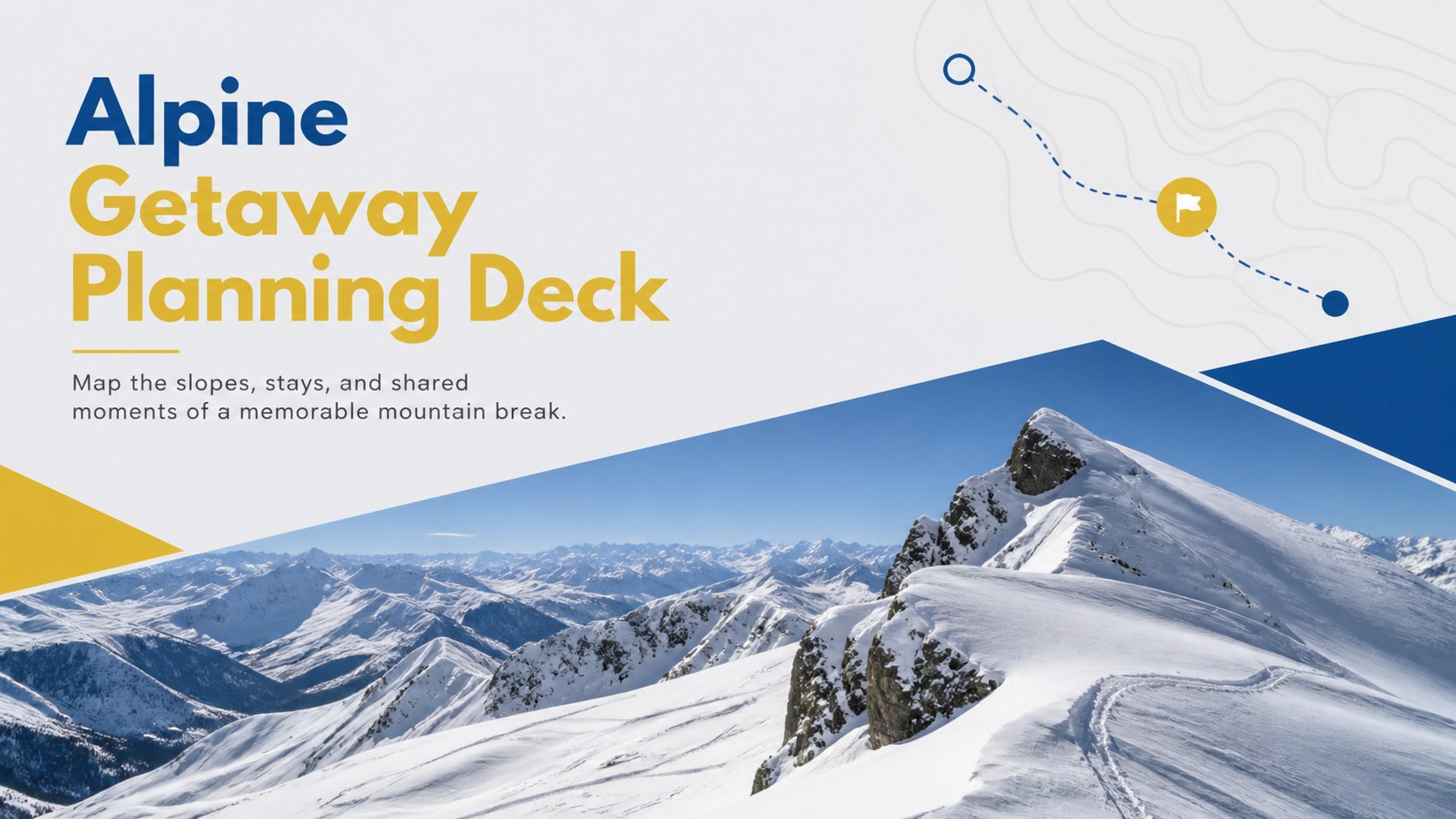
Build a polished winter trip story with the Alpine Getaway Planning Deck, featuring editable blue, grey, and yellow layouts for PowerPoint and Google Slides.


Design notes
Turn mountain plans into an inviting visual story with the Alpine Getaway Planning Deck. Designed in a clean blue, grey, and yellow palette, this adaptable presentation balances practical travel information with the excitement of snowy scenery. Use it as a winter vacation presentation template for organizing a group escape, introducing a resort, or sharing a personal trip recap.
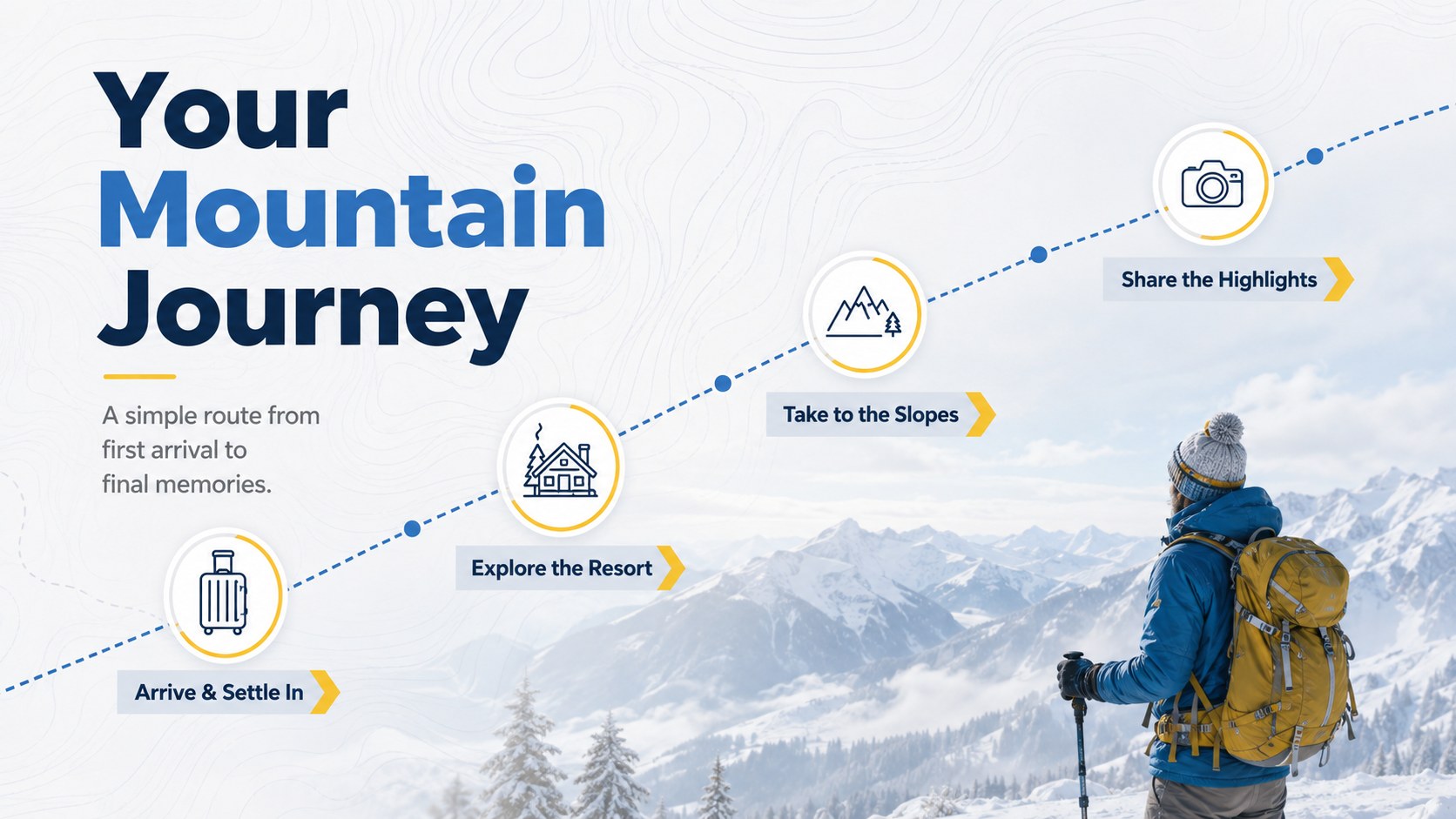
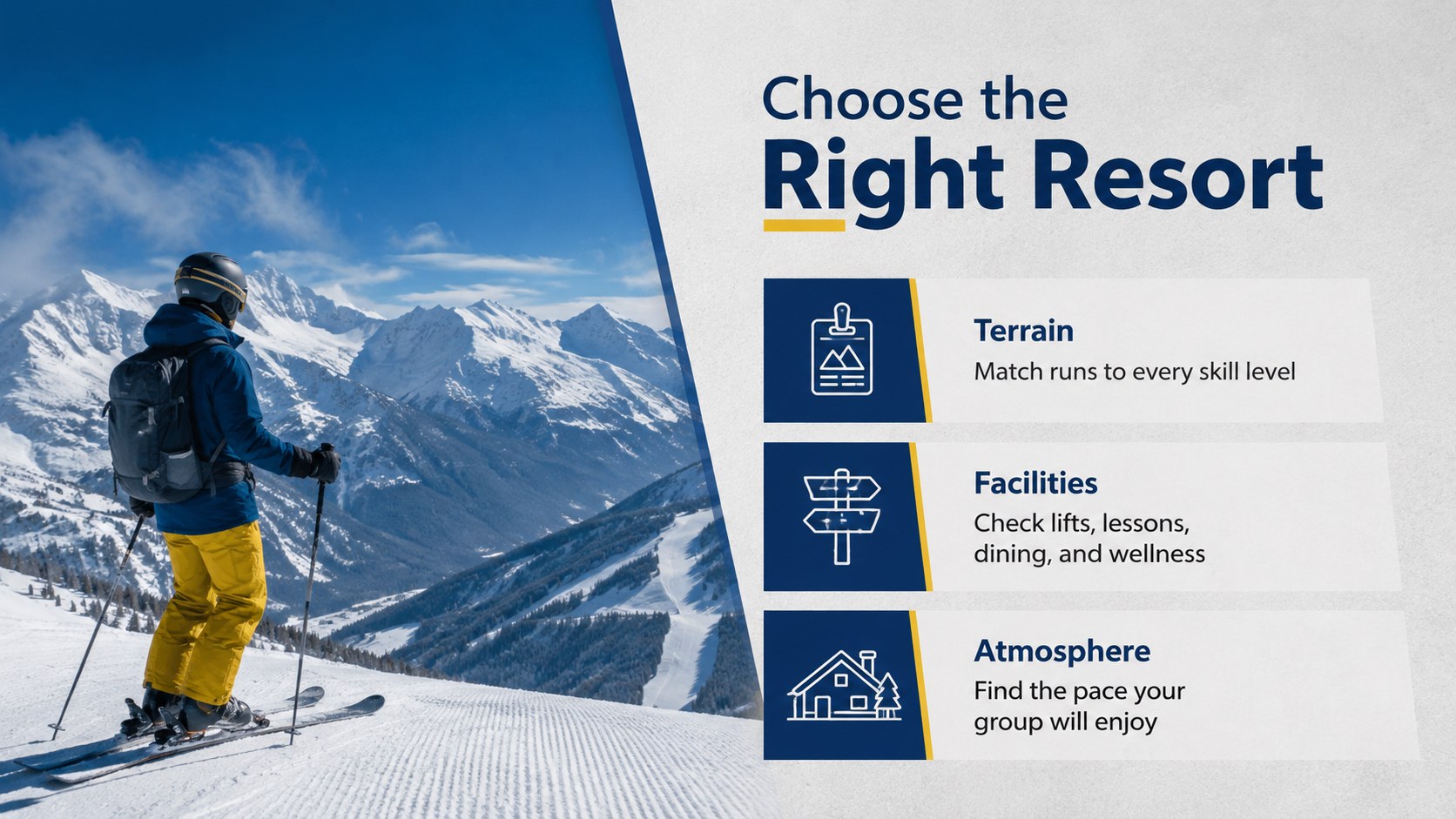
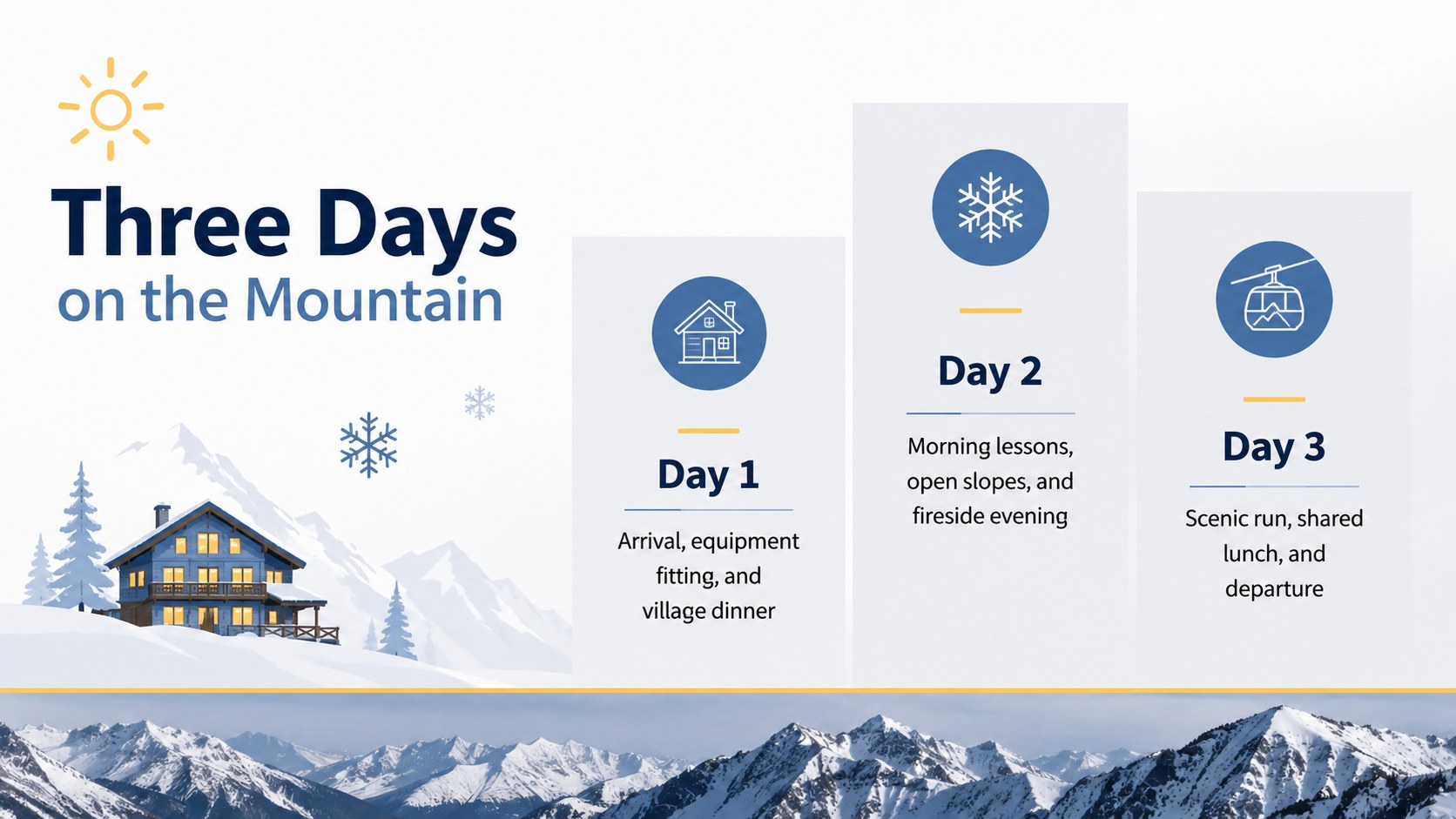
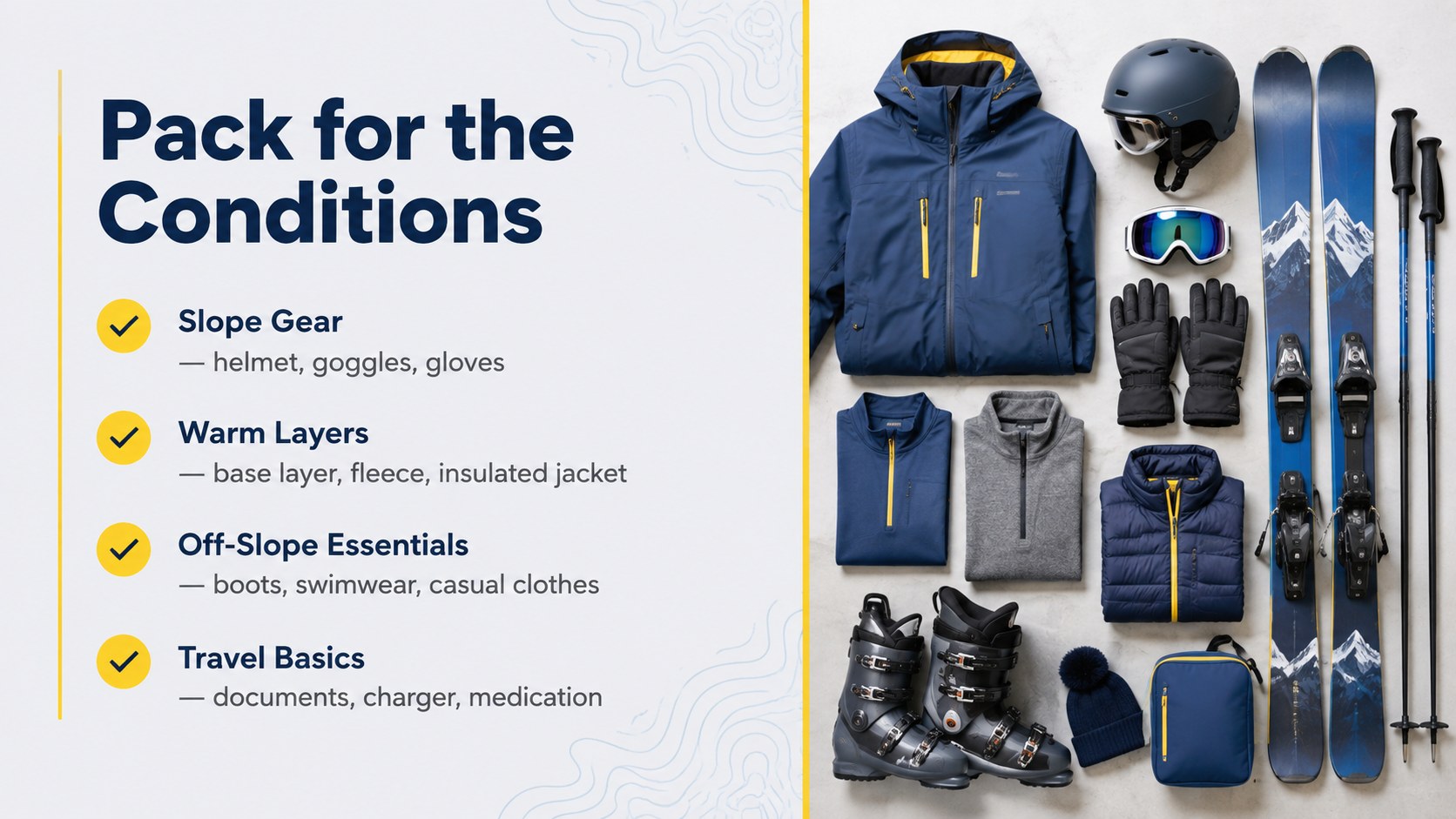
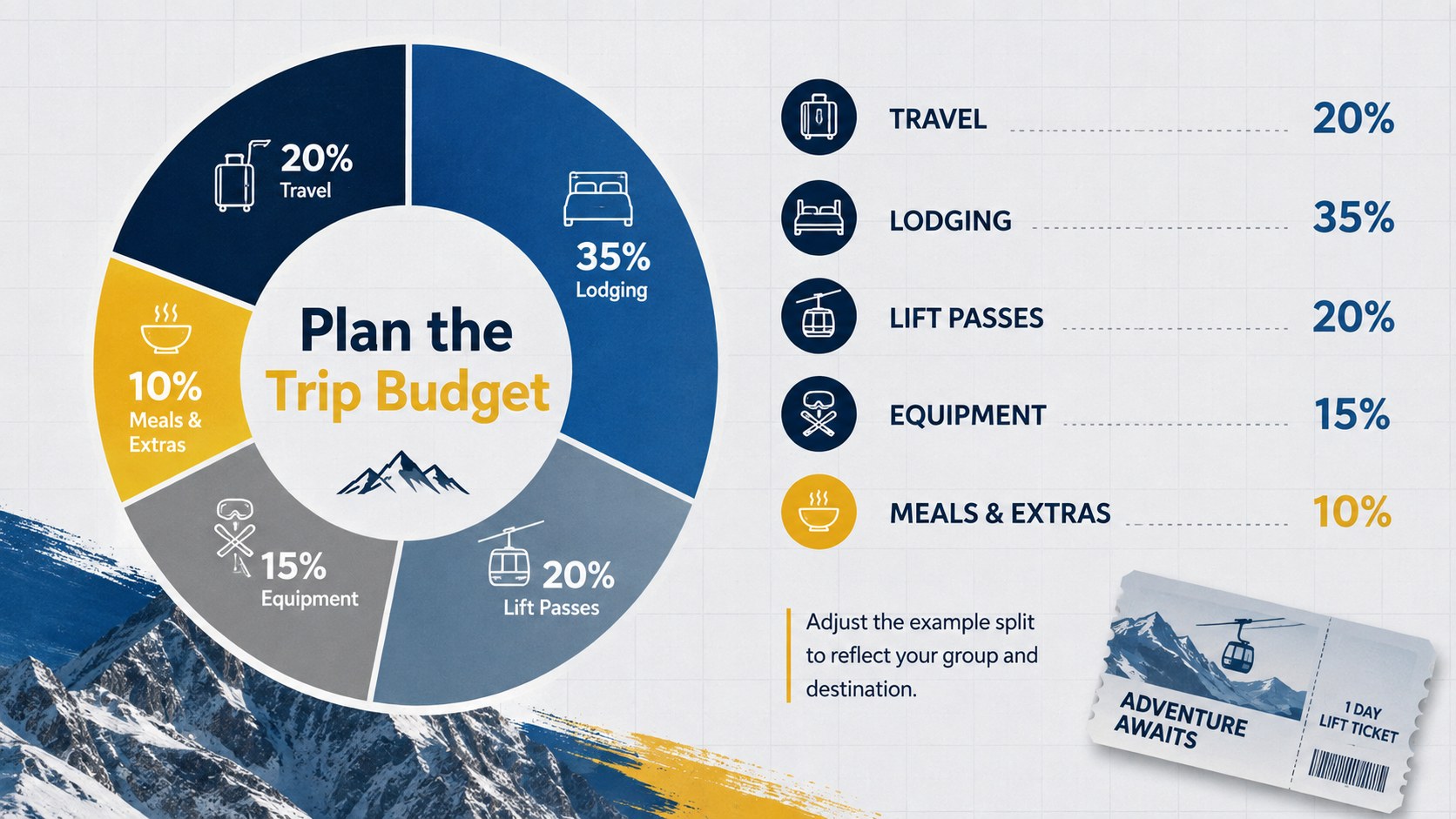
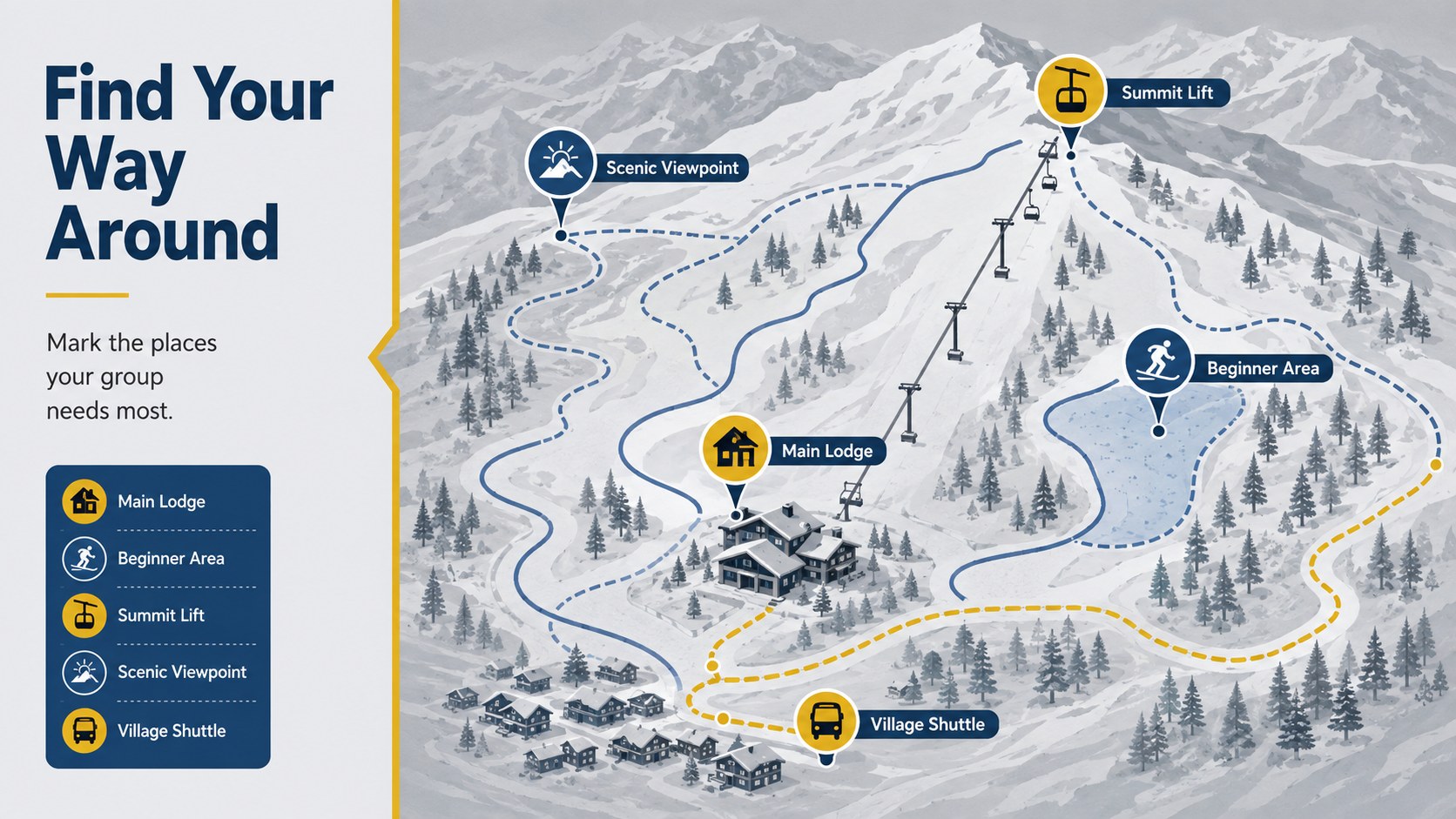
The deck includes more than 25 editable layouts for destinations, itineraries, accommodation details, ski activities, packing reminders, budgets, maps, photo highlights, and closing notes. Charts, timelines, image frames, icons, and modular text areas help you build a complete ski trip itinerary slide deck without starting from scratch. Lato and League Spartan typography keeps every page crisp and easy to scan, while the restrained visual style leaves plenty of room for your own photography.
Customize colors, replace images, move content blocks, and adjust headings directly in PowerPoint or Google Slides. The layouts work equally well as a mountain resort presentation theme for travel advisors, tourism teams, event organizers, families, schools, and groups planning a winter retreat. Whether you are comparing slopes, outlining daily activities, presenting costs, or collecting favorite memories, the deck provides a coherent framework that feels modern, energetic, and ready for the mountains.
Perfect for: group ski trip planning; mountain resort introduction; winter travel itinerary; school snow trip briefing; ski holiday photo recap; tourism campaign presentation.
Frequently asked questions
Can I edit this winter travel deck in PowerPoint? Yes. All text, colors, images, charts, and layout elements can be adjusted in PowerPoint to match your destination, schedule, or group.
Practical details
Yes. All text, colors, images, charts, and layout elements can be adjusted in PowerPoint to match your destination, schedule, or group.
Yes. Upload or open the presentation in Google Slides to edit it online, collaborate with others, and present from a browser.
Replace the sample photography with resort images, update the route and activity details, and apply the resort's approved colors. The modular layouts can also be reordered or removed to suit a shorter itinerary.
Yes. The photo layouts, timeline, highlights, and closing pages can be adapted into a winter travel recap for families, schools, clubs, or tourism teams.
Keep exploring
15Build an engaging World UFO Day session with this flying saucer history lesson deck, featuring retro green-and-brown slides for PowerPoint and Google Slides.
 15
15Plan a lively animal-learning journey with this jungle zoo adventure lesson deck, ready to customize in PowerPoint and Google Slides for young learners.
 16
16Turn environmental research into a clear story with a Watercolor Ecology Presentation Theme for PowerPoint and Google Slides in calming green and blue.
 16
16Build focused fashion, literature, and humanities presentations with the Red Triangle Editorial Theme, editable in PowerPoint and Google Slides.
 15
15Turn streaming stats, favorite tracks, and concert highlights into a bold annual listening recap slide deck for PowerPoint and Google Slides.
 15
15Turn highlights, milestones, and favorite moments into a colorful year in review slide deck with bold 3D graphics for PowerPoint and Google Slides.
 3
3Build a credible endorsement with Standout Colleague Recommendation Letter Slides, featuring colorful prompts for skills, achievements, and team impact.
 4
4Build clear beginner sessions with an ice hockey fundamentals training deck for coaches, PE teachers, and clubs, ready for PowerPoint and Google Slides.