
 15
15presentation
Flying Saucer History Lesson Deck
Build an engaging World UFO Day session with this flying saucer history lesson deck, featuring retro green-and-brown slides for PowerPoint and Google Slides.
Google SlidesPowerPoint
presentation · English
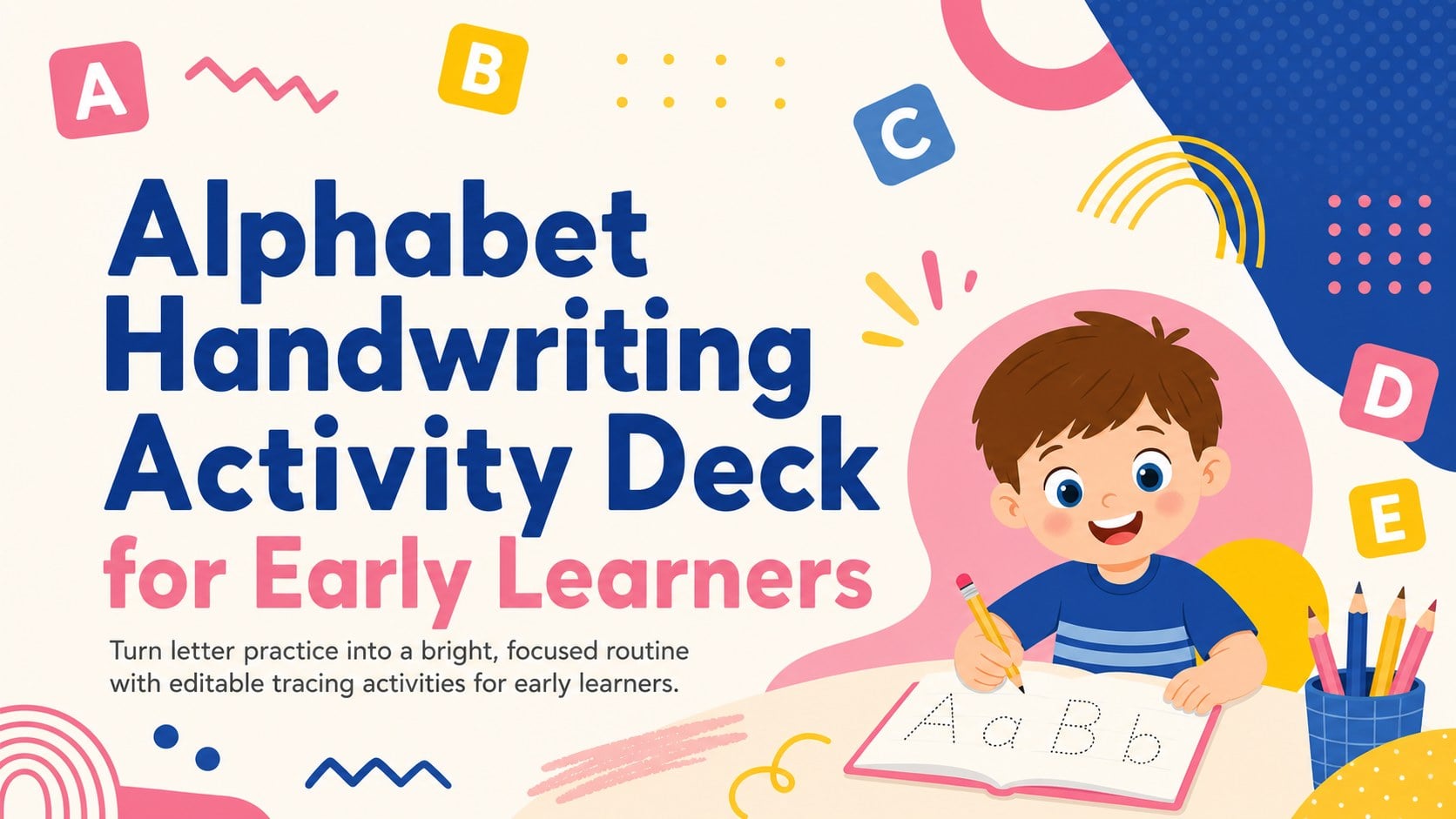
Build confident letter formation with an alphabet handwriting activity deck featuring tracing pages for preschool lessons in PowerPoint and Google Slides.
Design notes
Turn handwriting practice into an upbeat classroom routine with this alphabet handwriting activity deck. Bright pink, blue, and yellow shapes create a playful abstract setting while clear letter guides help children concentrate on strokes, direction, and spacing. The cheerful design brings visual energy to literacy lessons without crowding the activities.
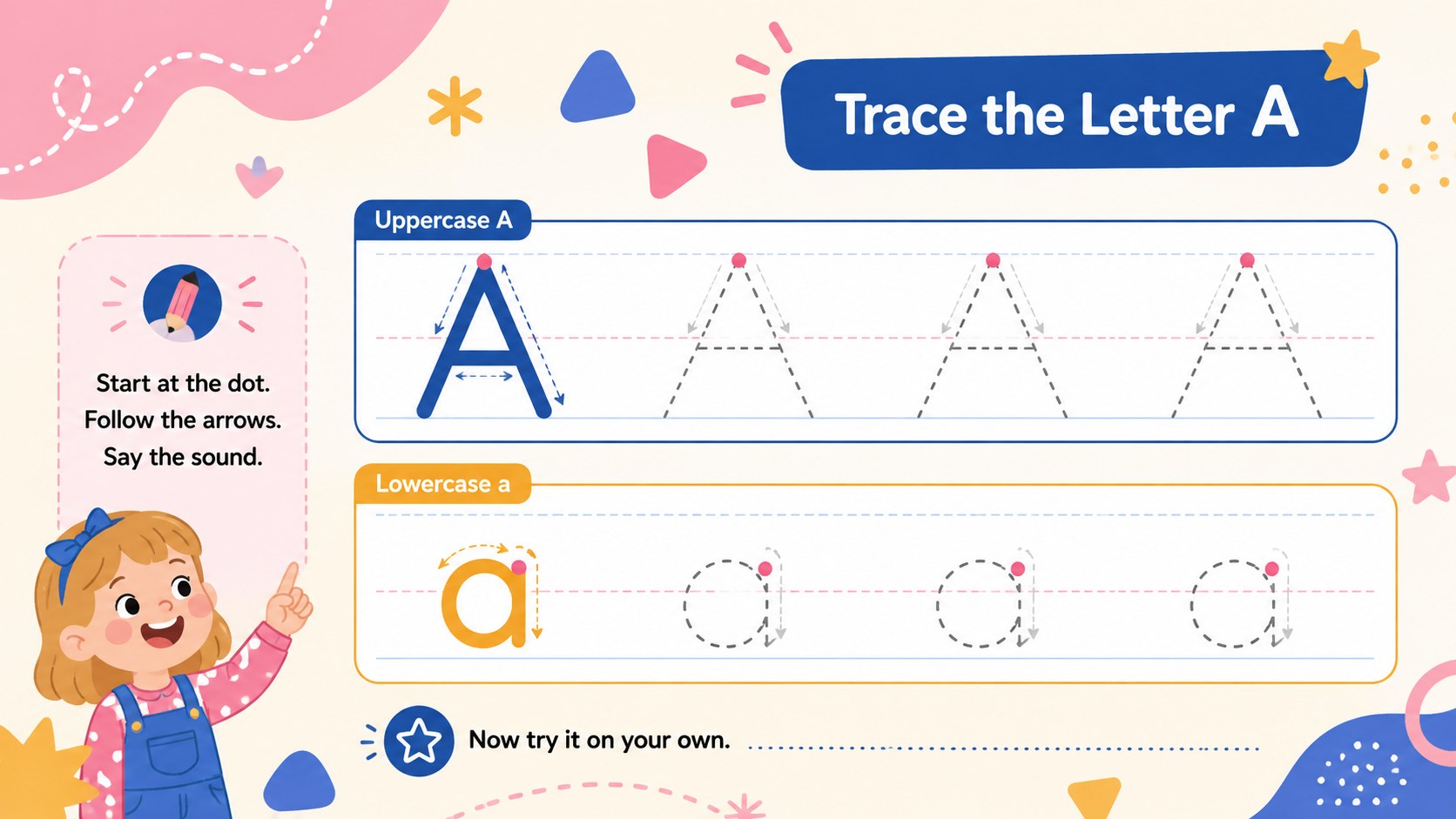
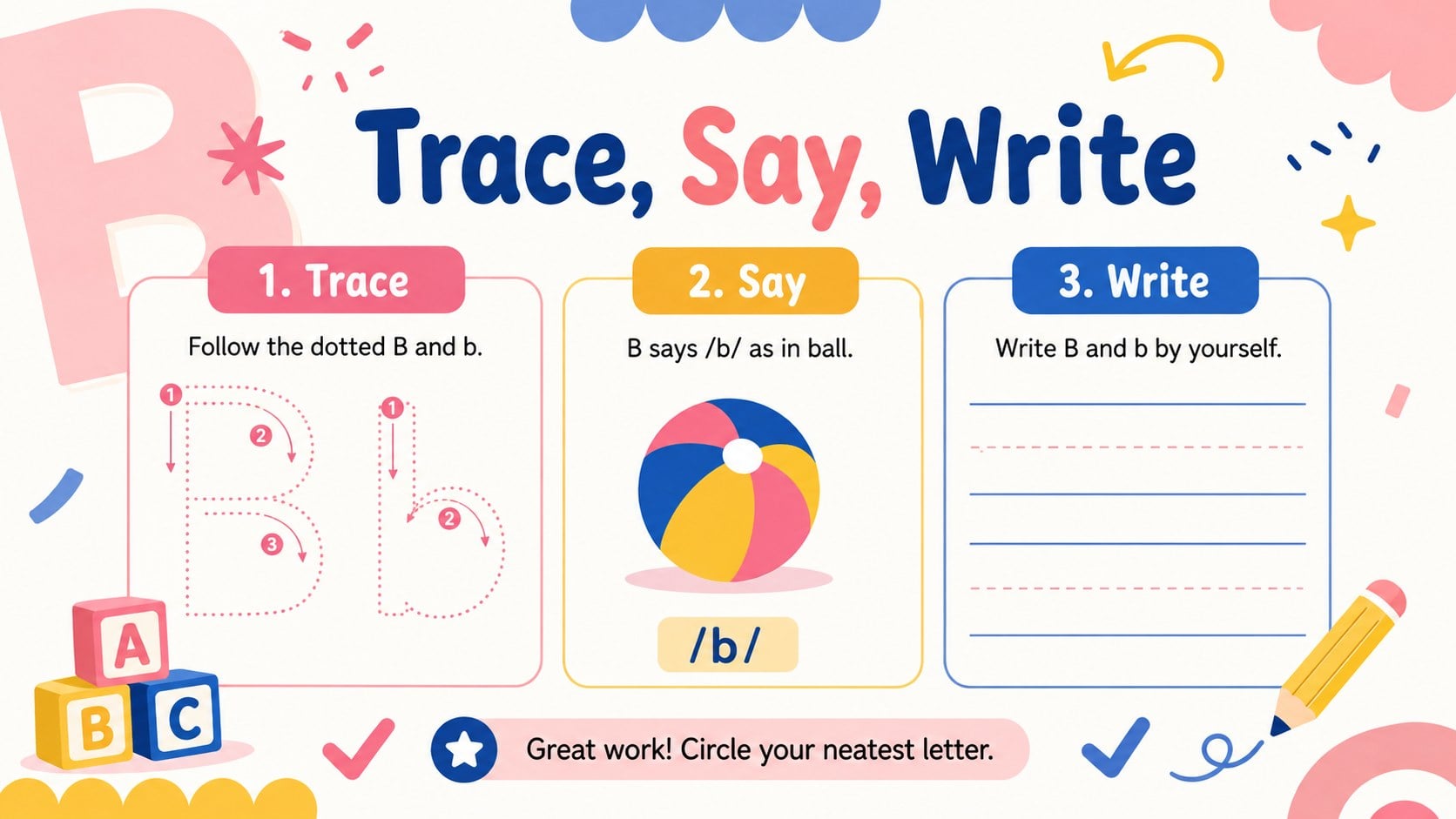
The deck includes three editable slides for introducing the activity, tracing uppercase and lowercase letters, and completing independent letter formation practice. Teachers can adjust instructions, duplicate tracing rows, replace sample letters, or add familiar words. Use the slides digitally for guided practice or print them as preschool letter formation worksheets for pencil work, literacy folders, and take-home review. These editable alphabet tracing slides work in both PowerPoint and Google Slides.
Designed for preschool teachers, kindergarten classrooms, early years specialists, tutors, and homeschooling families, the template supports whole-group demonstrations, learning stations, intervention sessions, and quiet practice. It also provides a flexible starting point for uppercase and lowercase tracing activities tailored to each learner's progress. Simple prompts encourage children to trace, say, and write each letter, helping lessons feel structured and approachable. Customize the deck with your preferred alphabet sequence, vocabulary, or handwriting style to create a reusable resource for developing early writing confidence.
Perfect for: preschool handwriting lesson; kindergarten literacy station; letter formation intervention; homeschool alphabet practice; printable classroom worksheet.
Frequently asked questions
Can I edit the letters and tracing instructions? Yes. Replace the sample letters, revise the directions, duplicate practice rows, and adjust the difficulty to match your teaching sequence.
Practical details
Yes. Replace the sample letters, revise the directions, duplicate practice rows, and adjust the difficulty to match your teaching sequence.
Yes. The slides are designed for editing and presenting in both PowerPoint and Google Slides, although minor font substitutions may depend on your installed fonts.
Yes. Export individual slides as PDF pages or print them directly using your preferred paper settings. Check the print preview first to confirm margins and scaling.
Change the letter size, remove selected tracing guides, or add picture and word examples. You can also duplicate slides to create separate uppercase, lowercase, or review sets.
Keep exploring
15Build an engaging World UFO Day session with this flying saucer history lesson deck, featuring retro green-and-brown slides for PowerPoint and Google Slides.
 15
15Plan a lively animal-learning journey with this jungle zoo adventure lesson deck, ready to customize in PowerPoint and Google Slides for young learners.
 16
16Turn environmental research into a clear story with a Watercolor Ecology Presentation Theme for PowerPoint and Google Slides in calming green and blue.
 16
16Build focused fashion, literature, and humanities presentations with the Red Triangle Editorial Theme, editable in PowerPoint and Google Slides.
 15
15Turn streaming stats, favorite tracks, and concert highlights into a bold annual listening recap slide deck for PowerPoint and Google Slides.
 15
15Turn highlights, milestones, and favorite moments into a colorful year in review slide deck with bold 3D graphics for PowerPoint and Google Slides.
 3
3Build a credible endorsement with Standout Colleague Recommendation Letter Slides, featuring colorful prompts for skills, achievements, and team impact.
 4
4Build clear beginner sessions with an ice hockey fundamentals training deck for coaches, PE teachers, and clubs, ready for PowerPoint and Google Slides.