
 15
15presentation
Flying Saucer History Lesson Deck
Build an engaging World UFO Day session with this flying saucer history lesson deck, featuring retro green-and-brown slides for PowerPoint and Google Slides.
Google SlidesPowerPoint
presentation · English
Build an airport security robotics pitch deck for investors and aviation partners with violet visuals, editable layouts, and PowerPoint or Google Slides…






Design notes
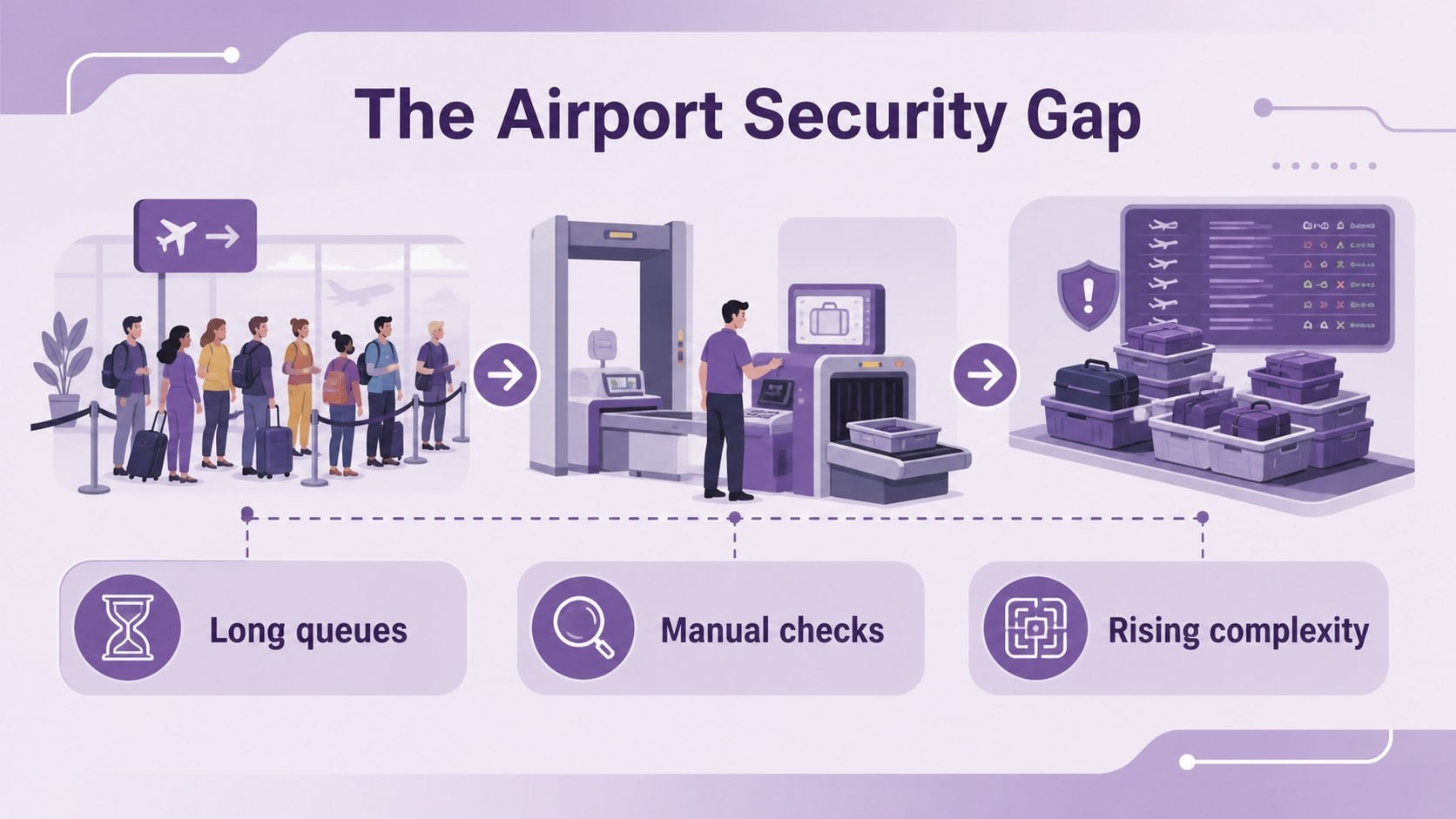
Turn an ambitious airport safety concept into a focused business story with this airport security robotics pitch deck. Designed for founders, aviation innovators, security teams, and technology consultants, it gives you a polished visual structure for explaining how autonomous detection systems can improve screening, reduce operational friction, and support smoother passenger movement.
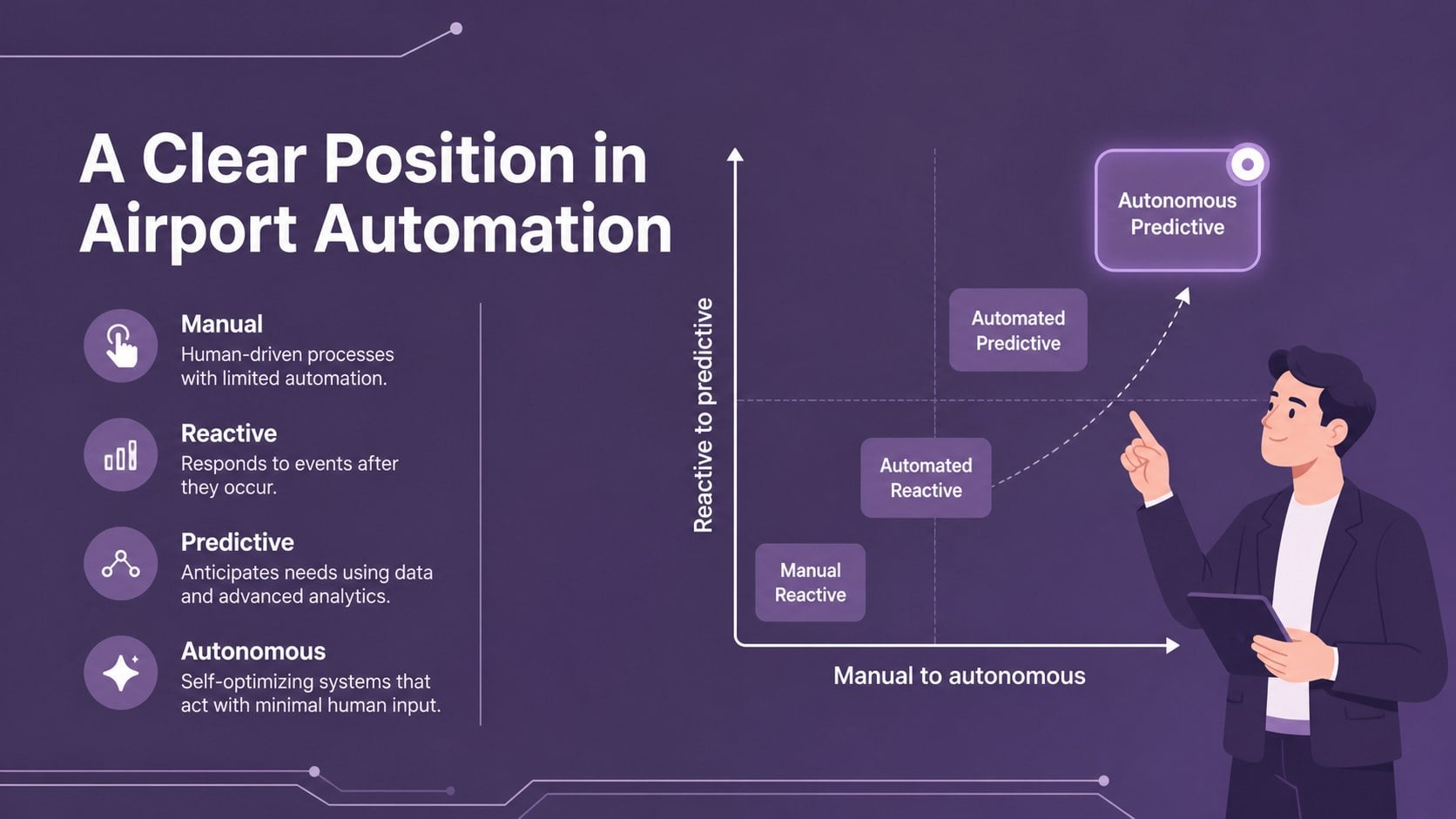
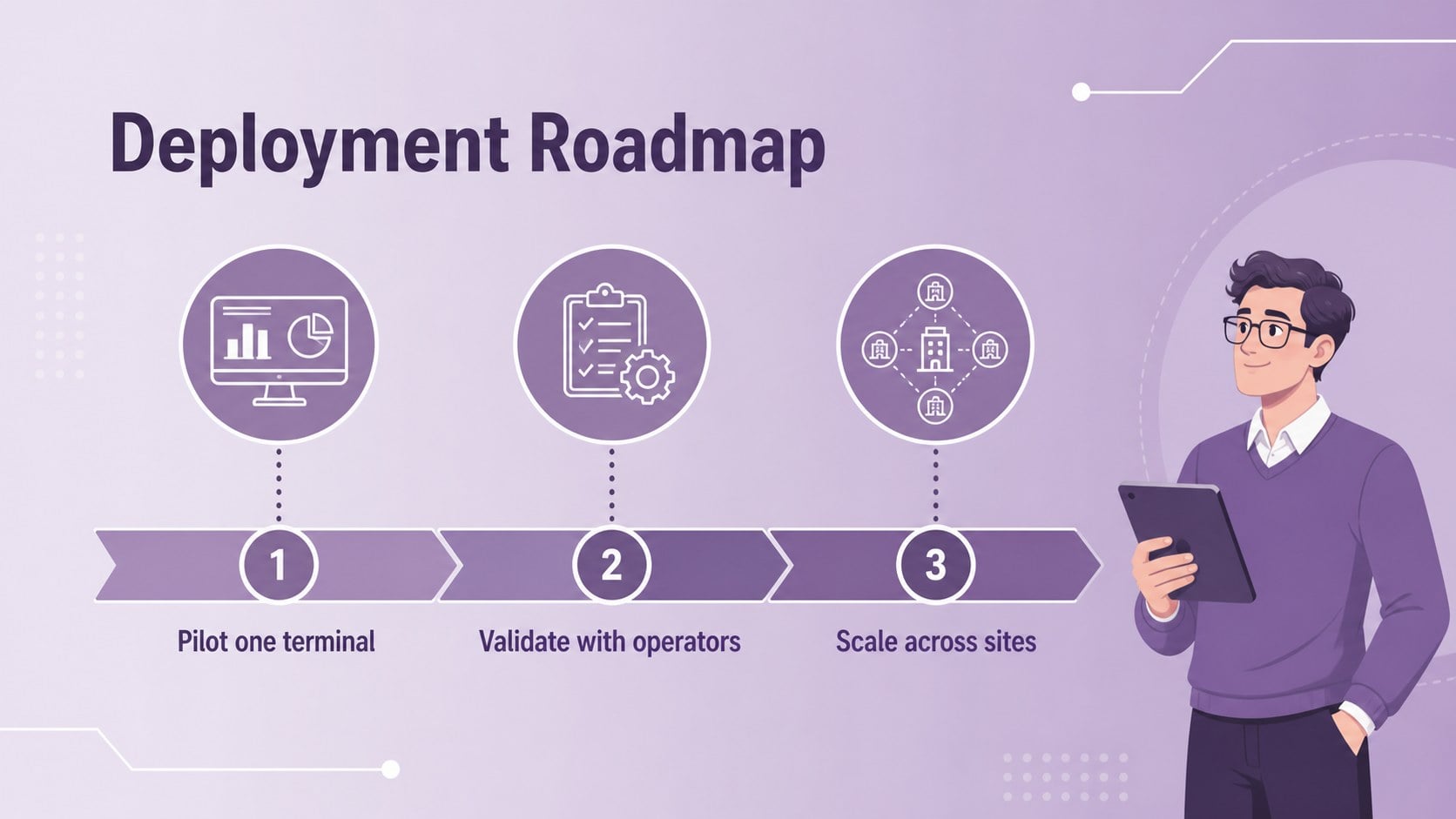
Inside, you will find 15 editable 16:9 slides for shaping an airport robotics investor presentation. Use the layouts for a company overview, airport security challenge, product concept, detection workflow, customer segments, competitive landscape, implementation roadmap, revenue model, traction metrics, and funding request. Clean line illustrations, violet accents, and restrained typography keep complex technology approachable while leaving room for diagrams, charts, and operational details.
The deck works well for startup investor pitch meetings, airport authority briefings, aviation technology demonstrations, and internal product planning. Edit the content in PowerPoint or Google Slides, replace the sample graphics with your own data, and adapt the sequence for a concise executive presentation or a deeper technical discussion. The visual system uses Roboto and Roboto Condensed with purple and violet as the primary colors.
Perfect for: startup investor pitch; airport authority briefing; aviation technology demo; security innovation proposal; internal product roadmap.
Frequently asked questions
Can I edit this deck in PowerPoint? Yes. The presentation is designed for PowerPoint and can be customized with your own text, charts, diagrams, colors, and imagery. Keep the 16:9 format for the intended layout.
Practical details
Yes. The presentation is designed for PowerPoint and can be customized with your own text, charts, diagrams, colors, and imagery. Keep the 16:9 format for the intended layout.
Yes, you can open and edit the presentation in Google Slides. Review fonts and spacing after import, then replace the sample data with your project details.
It is suited to airport security robotics, aviation automation, detection technology, and related safety solutions. The structure can support investor pitches, partner briefings, or product strategy meetings.
Yes. Update the theme colors to match your organization or product while preserving the original hierarchy. The layouts also support custom icons, process diagrams, metrics, and photographs.
Keep exploring
15Build an engaging World UFO Day session with this flying saucer history lesson deck, featuring retro green-and-brown slides for PowerPoint and Google Slides.
 15
15Plan a lively animal-learning journey with this jungle zoo adventure lesson deck, ready to customize in PowerPoint and Google Slides for young learners.
 16
16Turn environmental research into a clear story with a Watercolor Ecology Presentation Theme for PowerPoint and Google Slides in calming green and blue.
 16
16Build focused fashion, literature, and humanities presentations with the Red Triangle Editorial Theme, editable in PowerPoint and Google Slides.
 15
15Turn streaming stats, favorite tracks, and concert highlights into a bold annual listening recap slide deck for PowerPoint and Google Slides.
 15
15Turn highlights, milestones, and favorite moments into a colorful year in review slide deck with bold 3D graphics for PowerPoint and Google Slides.
 3
3Build a credible endorsement with Standout Colleague Recommendation Letter Slides, featuring colorful prompts for skills, achievements, and team impact.
 4
4Build clear beginner sessions with an ice hockey fundamentals training deck for coaches, PE teachers, and clubs, ready for PowerPoint and Google Slides.