
 15
15presentation
Flying Saucer History Lesson Deck
Build an engaging World UFO Day session with this flying saucer history lesson deck, featuring retro green-and-brown slides for PowerPoint and Google Slides.
Google SlidesPowerPoint
presentation · English
Build a polished civil aviation celebration theme for International Civil Aviation Day, with blue illustrated slides for flight history, global connections,…



Design notes
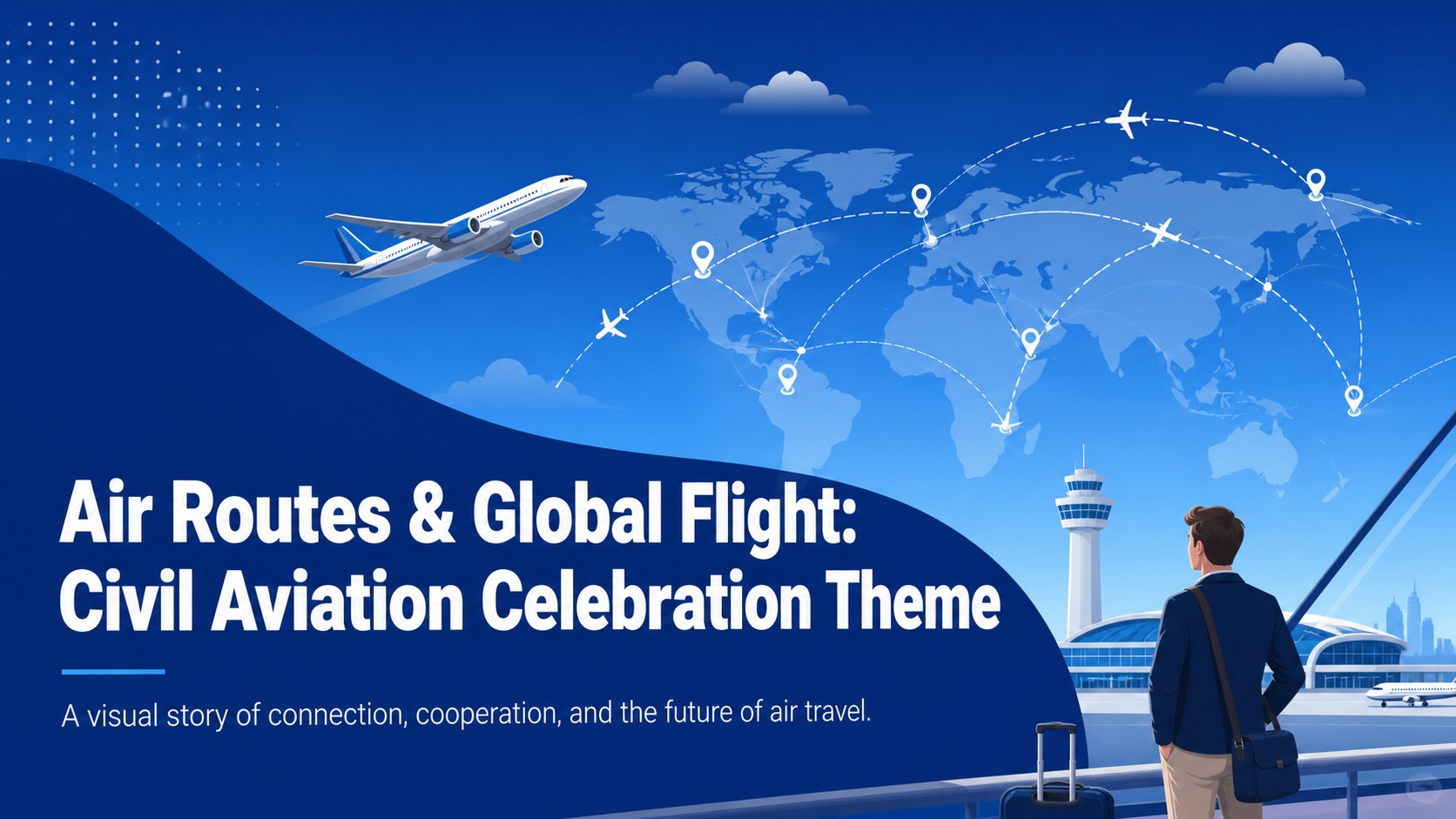
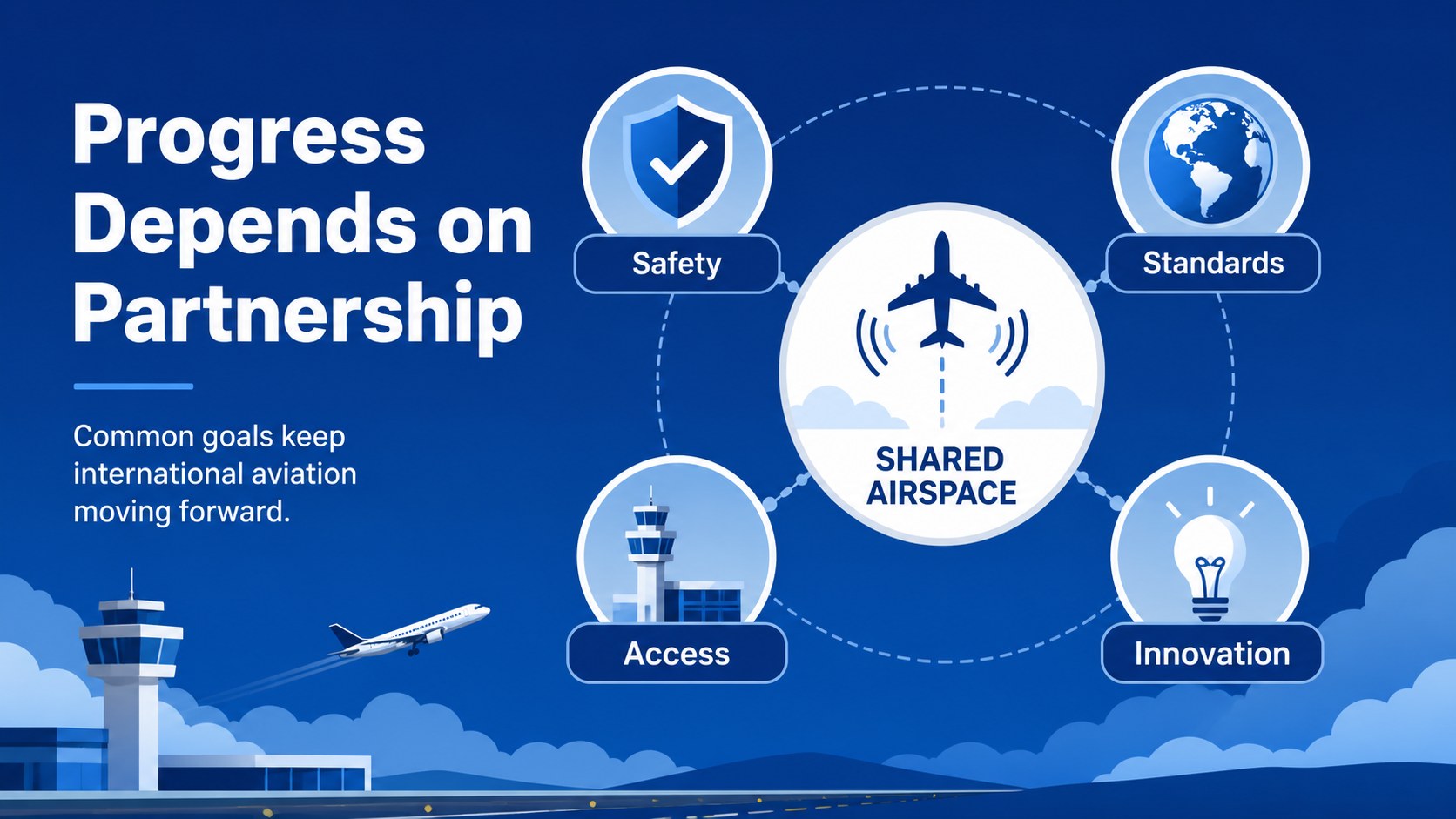
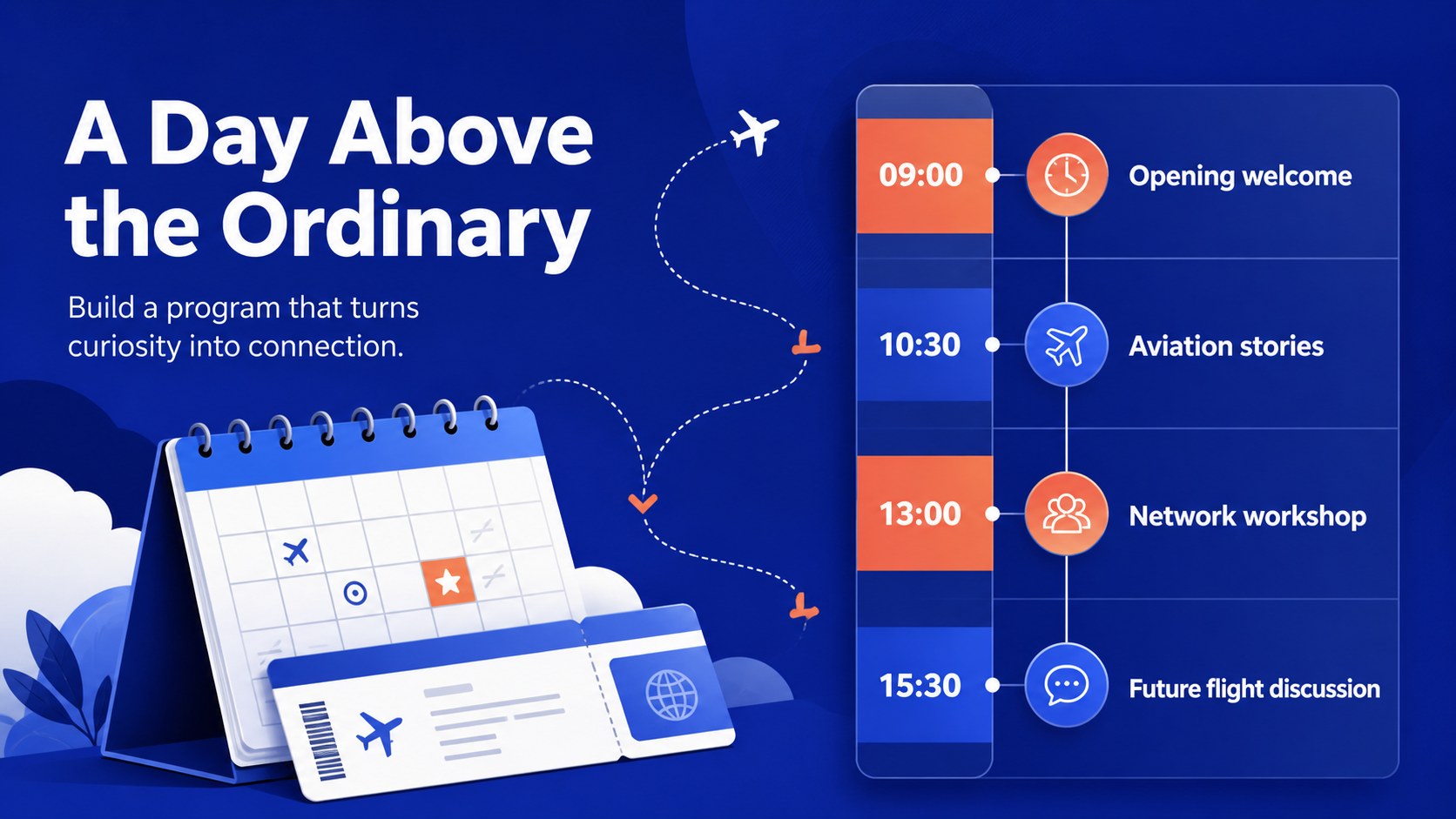
Air Routes & Global Flight: Civil Aviation Celebration Theme is a blue illustrated presentation template for exploring how aviation connects people, economies, and cultures. Use the civil aviation celebration theme to mark International Civil Aviation Day with a polished visual narrative that feels informative, modern, and approachable.
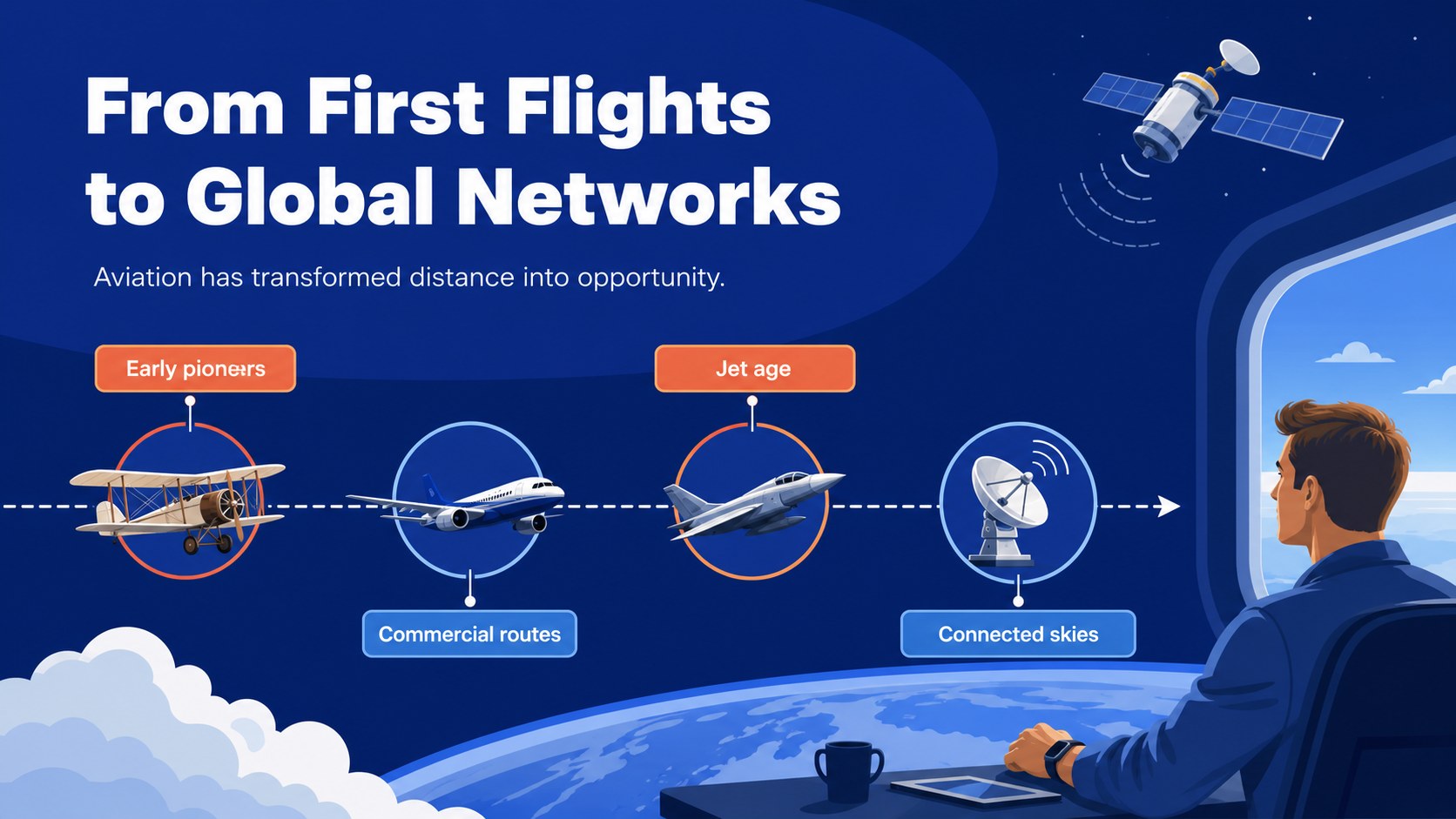
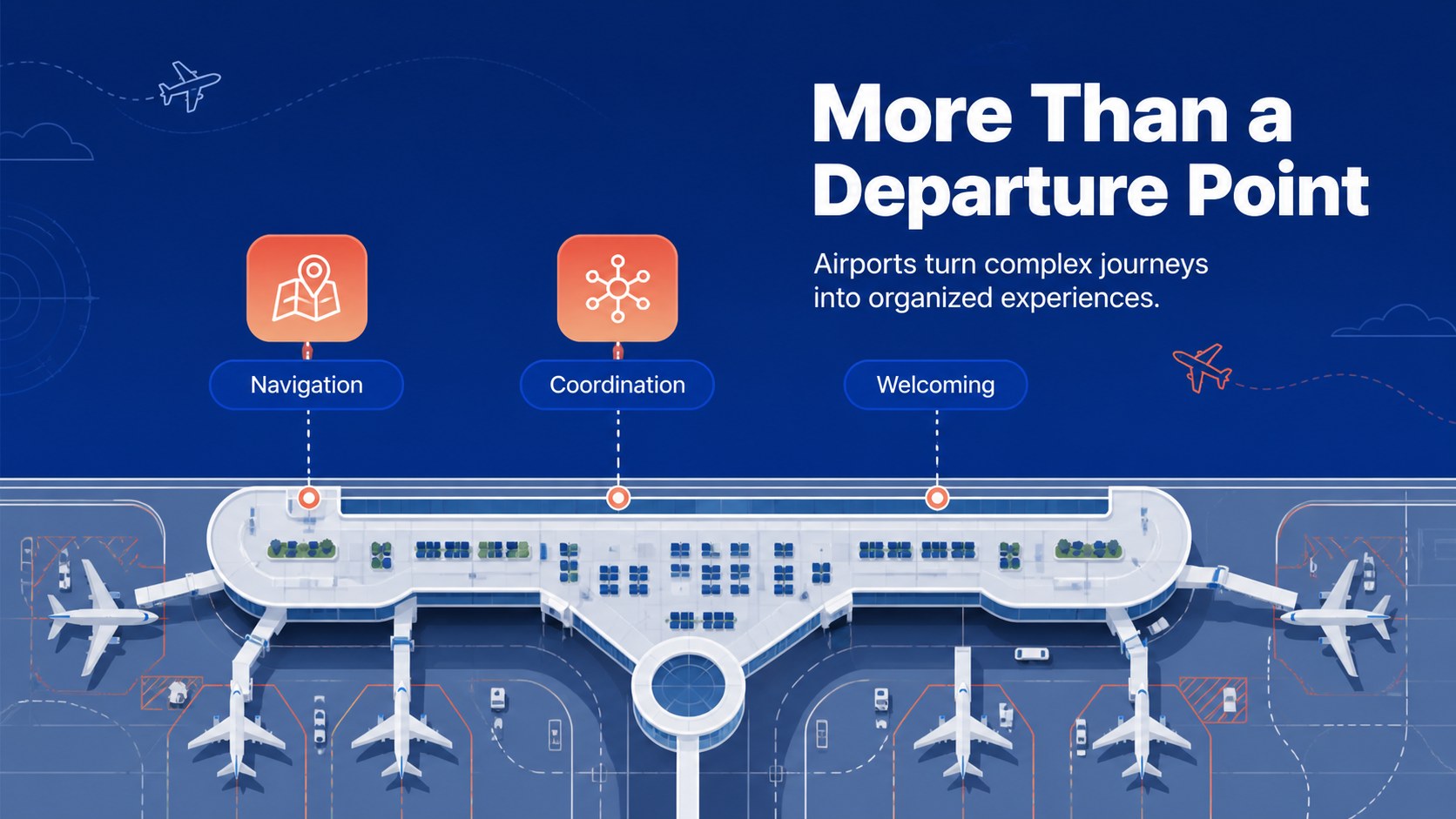
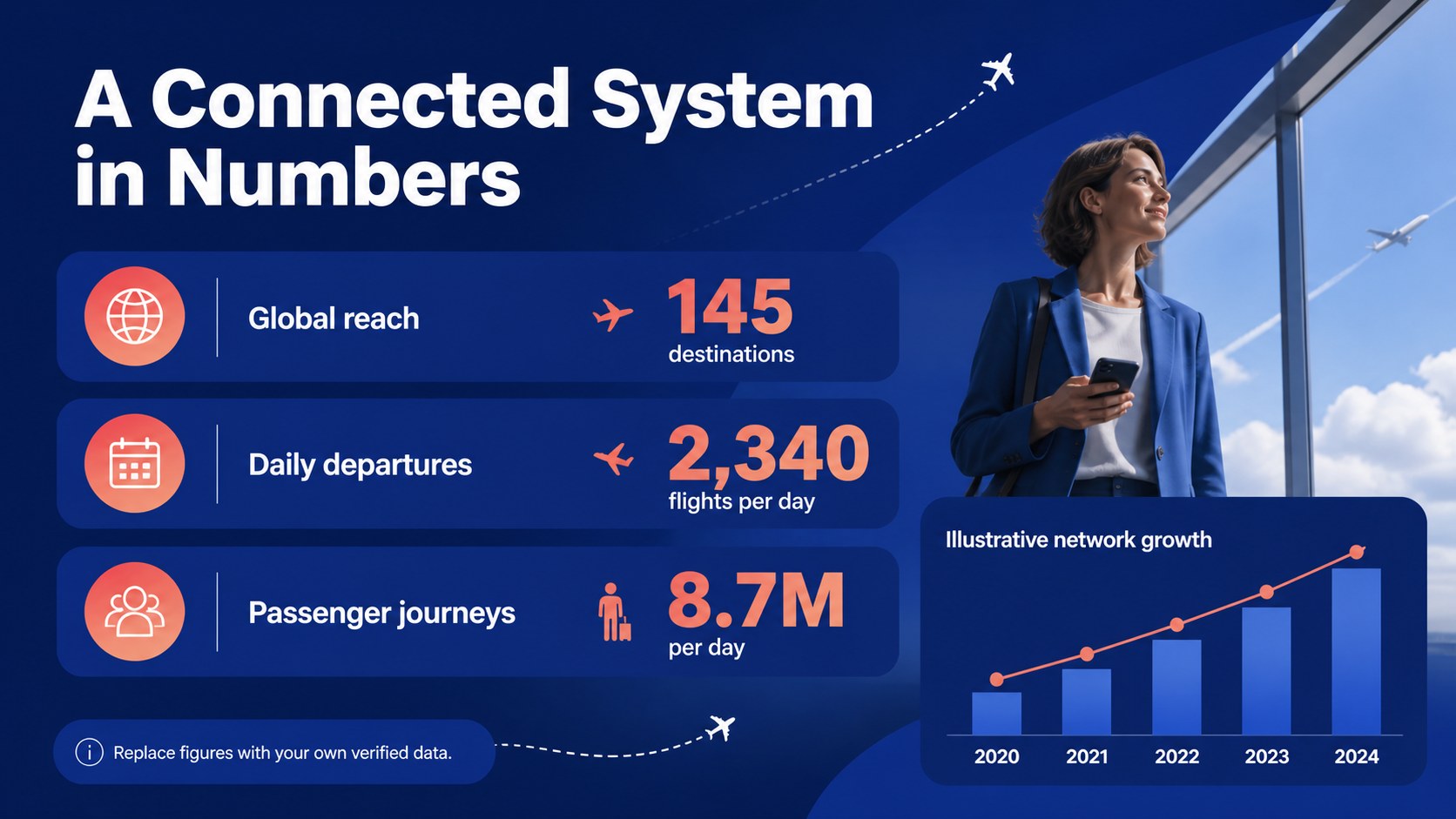
The deck includes 20 editable 16:9 slides with layouts for an opening message, aviation milestones, route maps, key figures, event schedules, industry perspectives, and future-focused conclusions. Add charts, photos, icons, timelines, and diagrams to explain airline networks, airport operations, air travel technology, or international cooperation. Its calm blue palette, clean typography, and lightweight illustrated details work well for formal briefings as well as classroom storytelling.
This aviation history presentation is suited to educators, airport communications teams, aviation associations, event organizers, travel researchers, and corporate speakers. Adapt the slides for a school lesson, a public awareness event, an industry conference, or a team presentation about the future of air transport. The template is compatible with PowerPoint and Google Slides, making it easy to revise text, adjust colors, replace imagery, and share the finished deck with collaborators.
Perfect for: International Civil Aviation Day event; aviation history classroom lesson; airport industry briefing; air transport conference talk; global flight network overview.
Frequently asked questions
Can I edit this template in PowerPoint? Yes. The presentation is designed for PowerPoint and can be customized with your own wording, images, charts, and speaker notes. You can also change the blue accent colors to match an event or organization.
Practical details
Yes. The presentation is designed for PowerPoint and can be customized with your own wording, images, charts, and speaker notes. You can also change the blue accent colors to match an event or organization.
Yes, you can open and edit the deck in Google Slides. Review fonts, animations, and image positioning after importing to ensure the presentation displays as intended.
The layouts support flight history, airport operations, airline networks, aviation milestones, international cooperation, and the future of air travel. They can also be adapted for event agendas, educational activities, or industry data.
Yes. Replace visual elements with airport photography, route maps, aircraft imagery, diagrams, or branded graphics. All editable text and design elements can be adjusted to fit your presentation.
Keep exploring
15Build an engaging World UFO Day session with this flying saucer history lesson deck, featuring retro green-and-brown slides for PowerPoint and Google Slides.
 15
15Plan a lively animal-learning journey with this jungle zoo adventure lesson deck, ready to customize in PowerPoint and Google Slides for young learners.
 16
16Turn environmental research into a clear story with a Watercolor Ecology Presentation Theme for PowerPoint and Google Slides in calming green and blue.
 16
16Build focused fashion, literature, and humanities presentations with the Red Triangle Editorial Theme, editable in PowerPoint and Google Slides.
 15
15Turn streaming stats, favorite tracks, and concert highlights into a bold annual listening recap slide deck for PowerPoint and Google Slides.
 15
15Turn highlights, milestones, and favorite moments into a colorful year in review slide deck with bold 3D graphics for PowerPoint and Google Slides.
 3
3Build a credible endorsement with Standout Colleague Recommendation Letter Slides, featuring colorful prompts for skills, achievements, and team impact.
 4
4Build clear beginner sessions with an ice hockey fundamentals training deck for coaches, PE teachers, and clubs, ready for PowerPoint and Google Slides.