
 15
15presentation
Flying Saucer History Lesson Deck
Build an engaging World UFO Day session with this flying saucer history lesson deck, featuring retro green-and-brown slides for PowerPoint and Google Slides.
Google SlidesPowerPoint
presentation · English
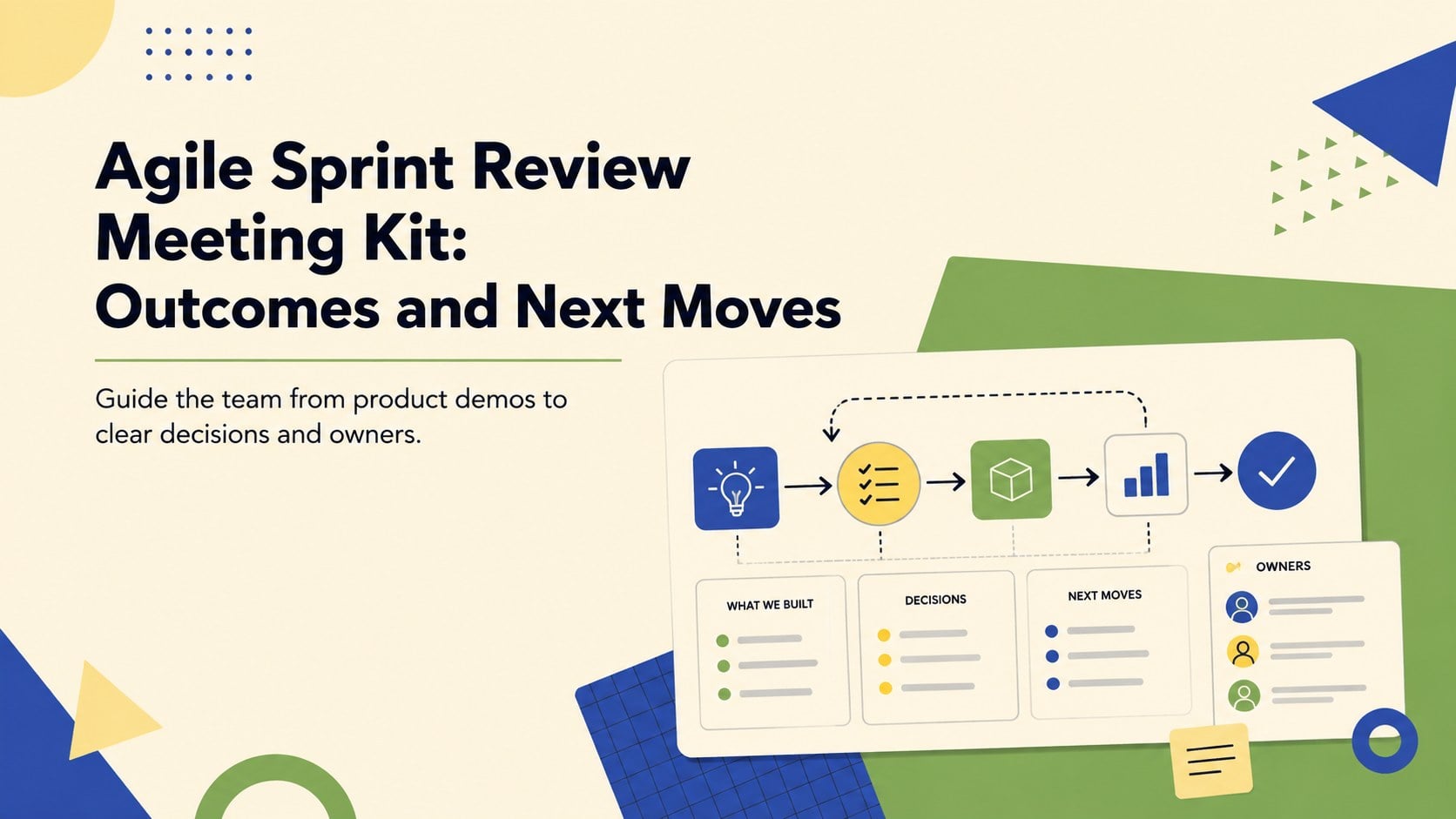
Turn updates into decisions with an agile sprint review meeting kit for demos, metrics, feedback, risks, and priorities in PowerPoint or Google Slides.
Design notes
Turn completed work into a focused conversation with this agile sprint review meeting kit. Its clean layouts, playful original illustrations, and lively mix of beige, yellow, green, and blue create an approachable setting without losing a professional business tone. Use it to keep stakeholders engaged while your team demonstrates the latest product increment and explains what changed during the sprint.
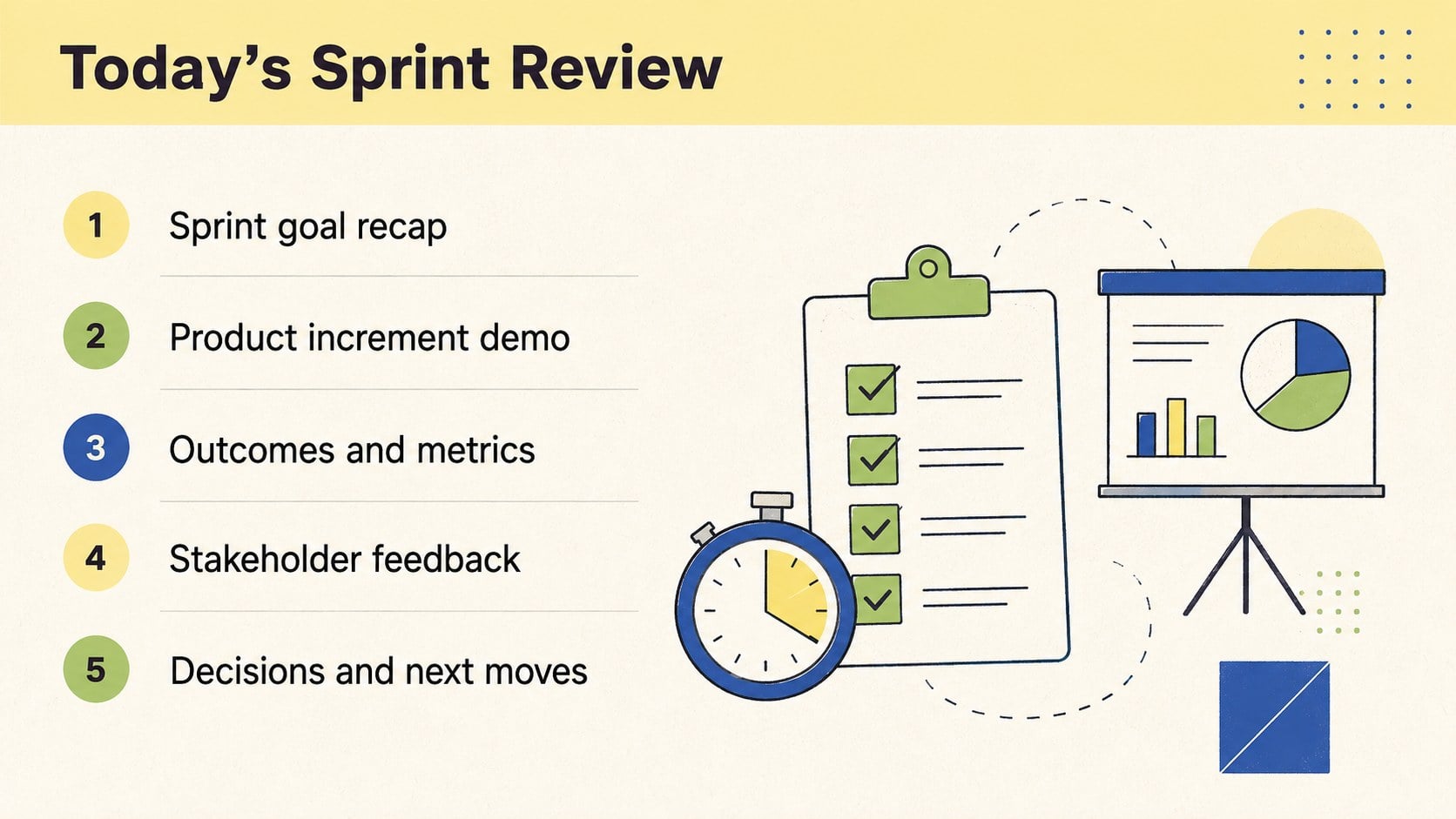
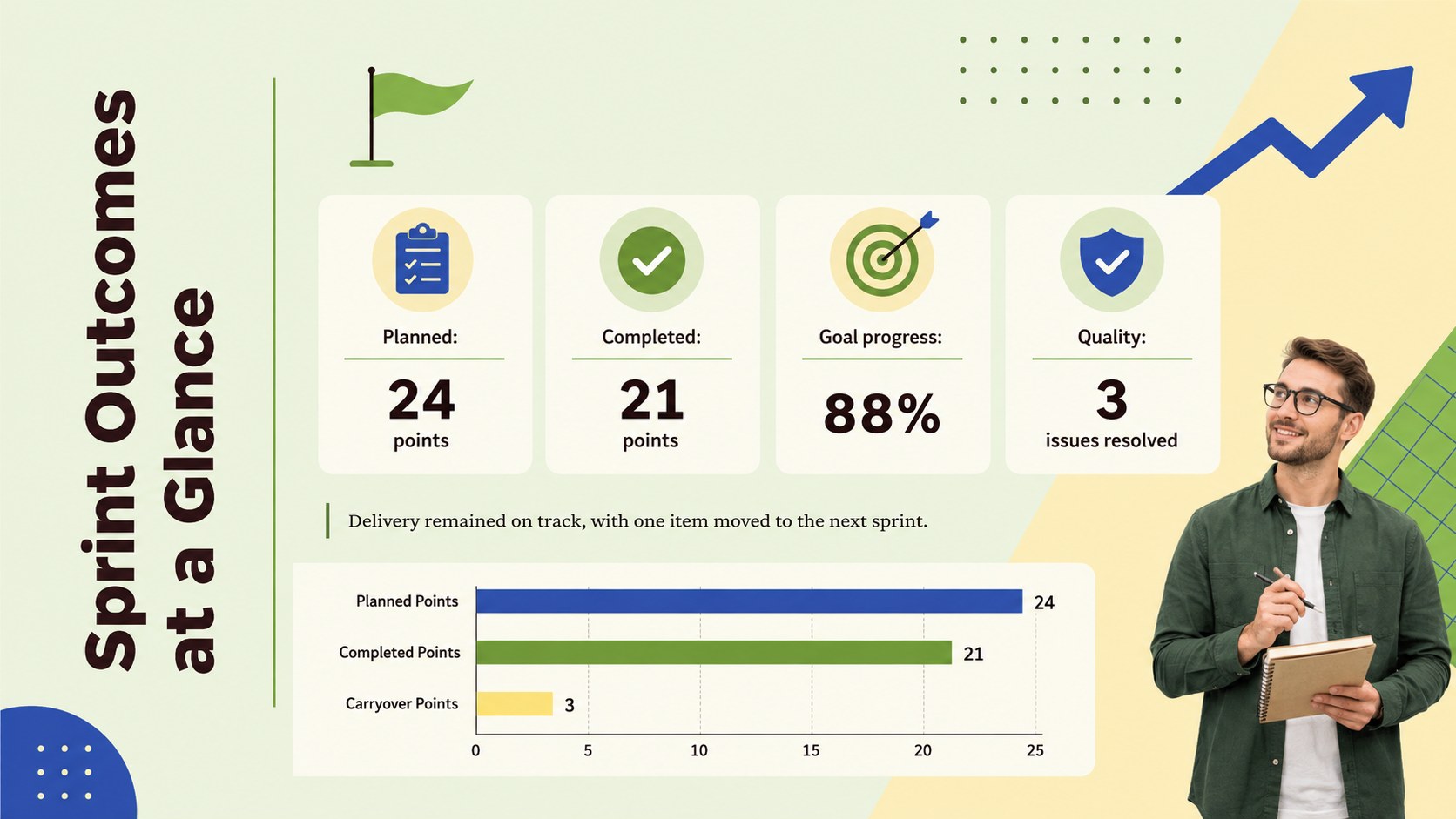
The deck includes layouts for the meeting agenda, sprint goals, delivered features, product screenshots, milestone updates, key performance indicators, stakeholder feedback, risks, dependencies, and upcoming priorities. A dedicated sprint outcomes and metrics template helps teams connect delivery data with practical decisions. You can also adapt the visual charts and summary sections into an agile sprint demo presentation for remote or in-person reviews.
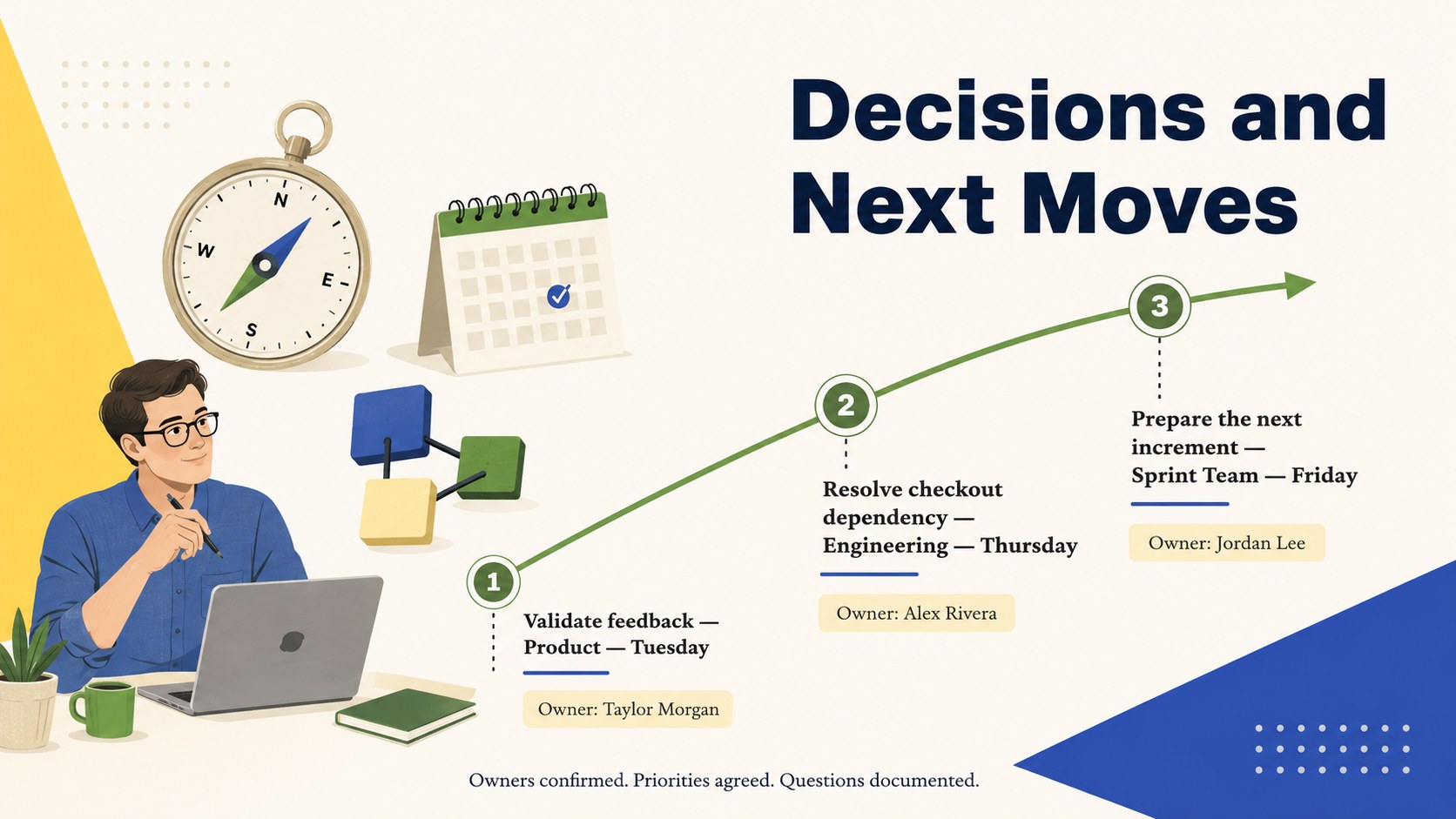
Designed for Scrum teams, product managers, project leaders, developers, designers, and business stakeholders, these scrum review meeting slides provide a clear structure for discussing progress without drifting into retrospective topics. Replace the sample wording, insert interface captures, adjust the palette, and add team-specific metrics in PowerPoint or Google Slides. All 17 widescreen layouts are editable, including shapes, text, charts, timelines, and illustrations. Use the final action section to record owners, deadlines, open questions, and priorities for the next sprint so the review ends with an agreed direction.
Perfect for: end-of-sprint product demo; stakeholder delivery review; remote Scrum review meeting; product increment showcase; sprint metrics briefing.
Frequently asked questions
Can I edit every part of the sprint review deck? Yes. Text, colors, shapes, charts, timelines, and illustration placement can be changed to match your sprint, product, and team.
Practical details
Yes. Text, colors, shapes, charts, timelines, and illustration placement can be changed to match your sprint, product, and team.
The slides are designed for PowerPoint and Google Slides. You can present directly, collaborate with colleagues, or export the finished deck to PDF.
Yes. Replace the sample image areas with interface captures and update the charts with velocity, completion, quality, adoption, or other relevant metrics.
Yes. Marketing, operations, design, and cross-functional teams can adapt the layouts for any iterative project that includes regular delivery reviews.
Keep exploring
15Build an engaging World UFO Day session with this flying saucer history lesson deck, featuring retro green-and-brown slides for PowerPoint and Google Slides.
 15
15Plan a lively animal-learning journey with this jungle zoo adventure lesson deck, ready to customize in PowerPoint and Google Slides for young learners.
 16
16Turn environmental research into a clear story with a Watercolor Ecology Presentation Theme for PowerPoint and Google Slides in calming green and blue.
 16
16Build focused fashion, literature, and humanities presentations with the Red Triangle Editorial Theme, editable in PowerPoint and Google Slides.
 15
15Turn streaming stats, favorite tracks, and concert highlights into a bold annual listening recap slide deck for PowerPoint and Google Slides.
 15
15Turn highlights, milestones, and favorite moments into a colorful year in review slide deck with bold 3D graphics for PowerPoint and Google Slides.
 3
3Build a credible endorsement with Standout Colleague Recommendation Letter Slides, featuring colorful prompts for skills, achievements, and team impact.
 4
4Build clear beginner sessions with an ice hockey fundamentals training deck for coaches, PE teachers, and clubs, ready for PowerPoint and Google Slides.