
 15
15presentation
Flying Saucer History Lesson Deck
Build an engaging World UFO Day session with this flying saucer history lesson deck, featuring retro green-and-brown slides for PowerPoint and Google Slides.
Google SlidesPowerPoint
presentation · English
Turn project lessons into clear next steps with an agile sprint reflection infographic deck for engaging team workshops in PowerPoint and Google Slides.
Design notes
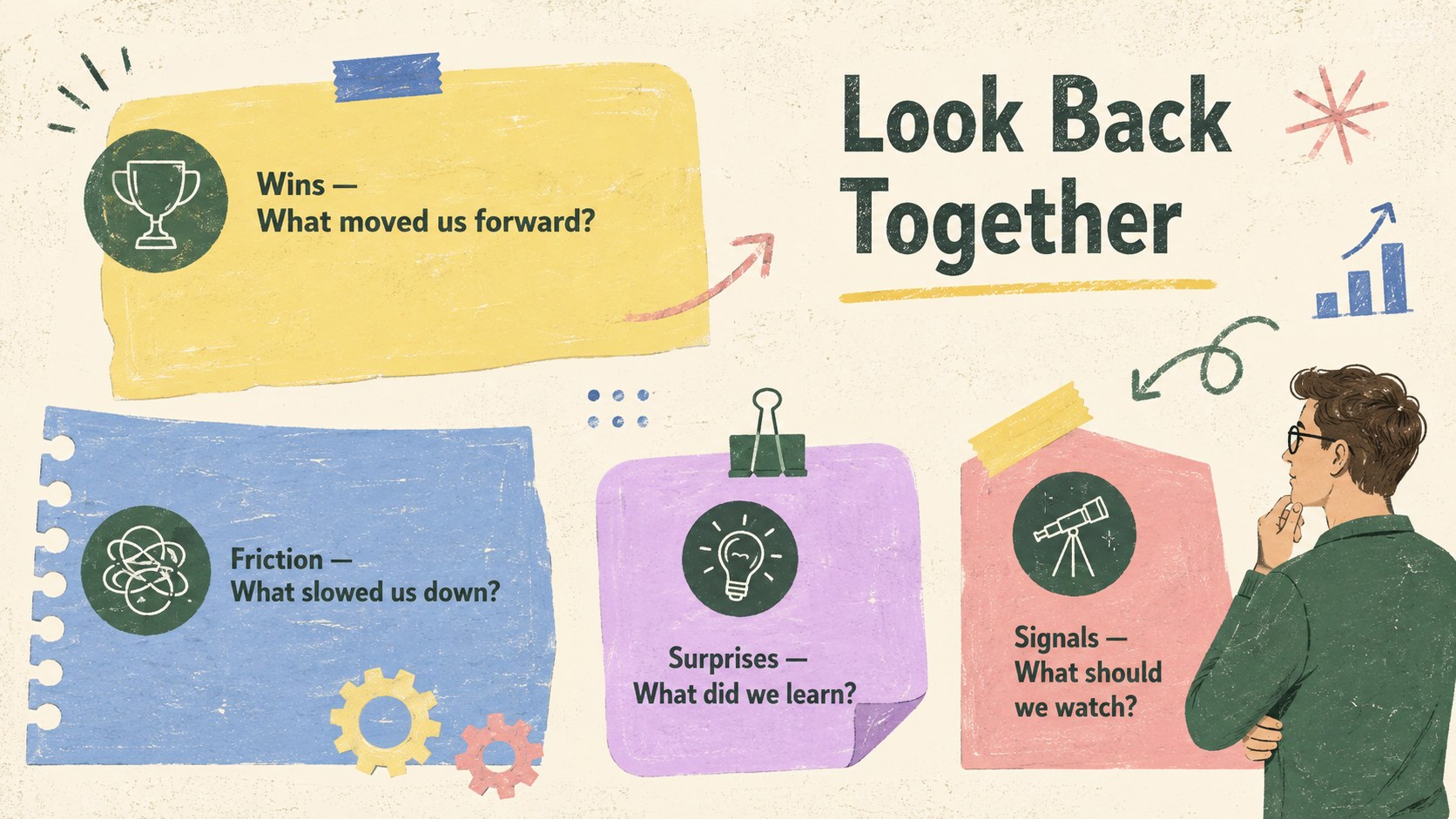
Make every debrief more focused with the Agile Sprint Reflection Infographic Deck, a colorful visual framework for turning recent work into useful decisions. Textured backgrounds, hand-drawn accents, bold labels, and lively sticky-note colors give the slides an approachable workshop feel while keeping priorities easy to scan. Use it as an agile sprint retrospective visual template when your team needs candid discussion without a dense, corporate-looking report.
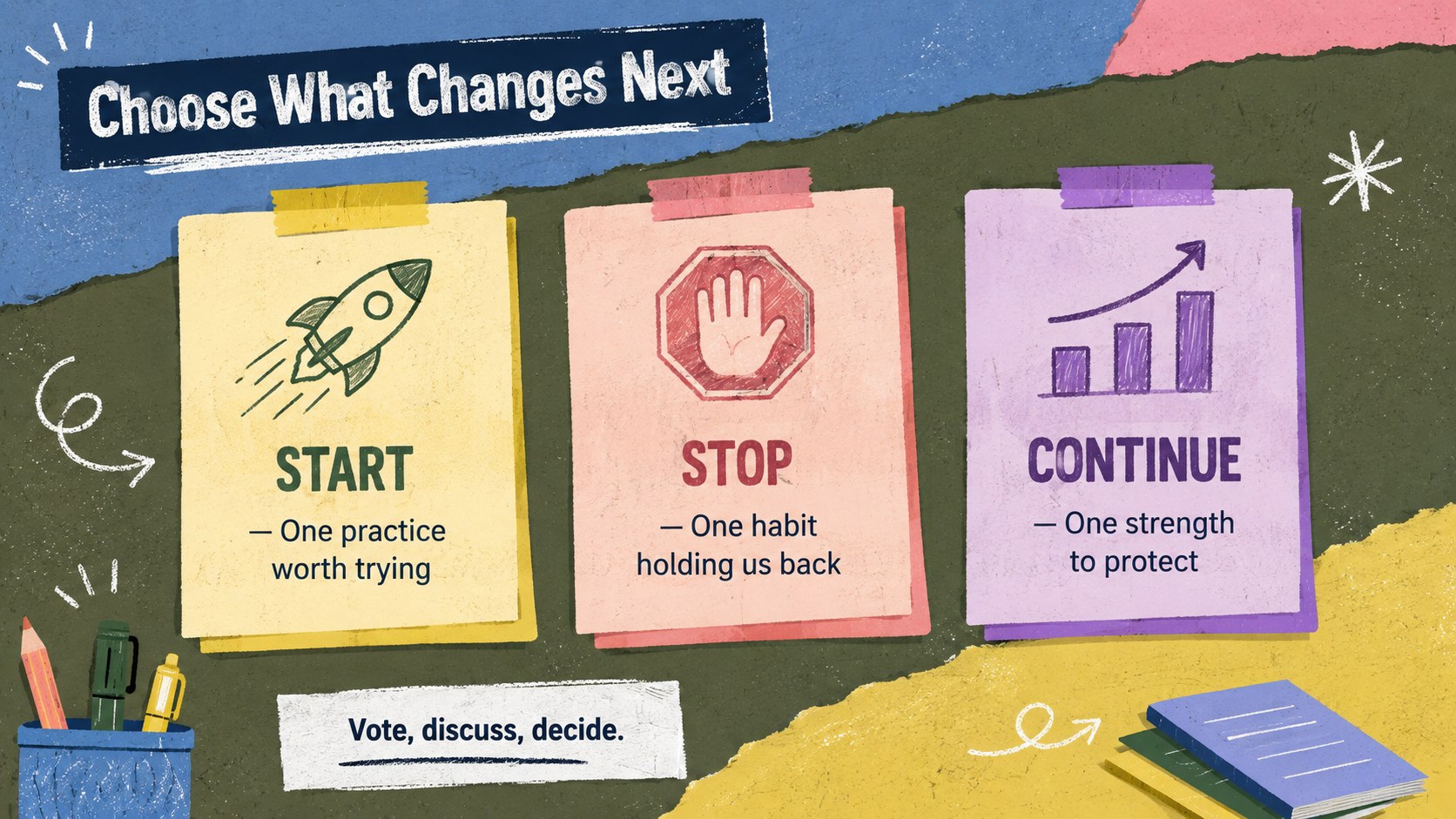
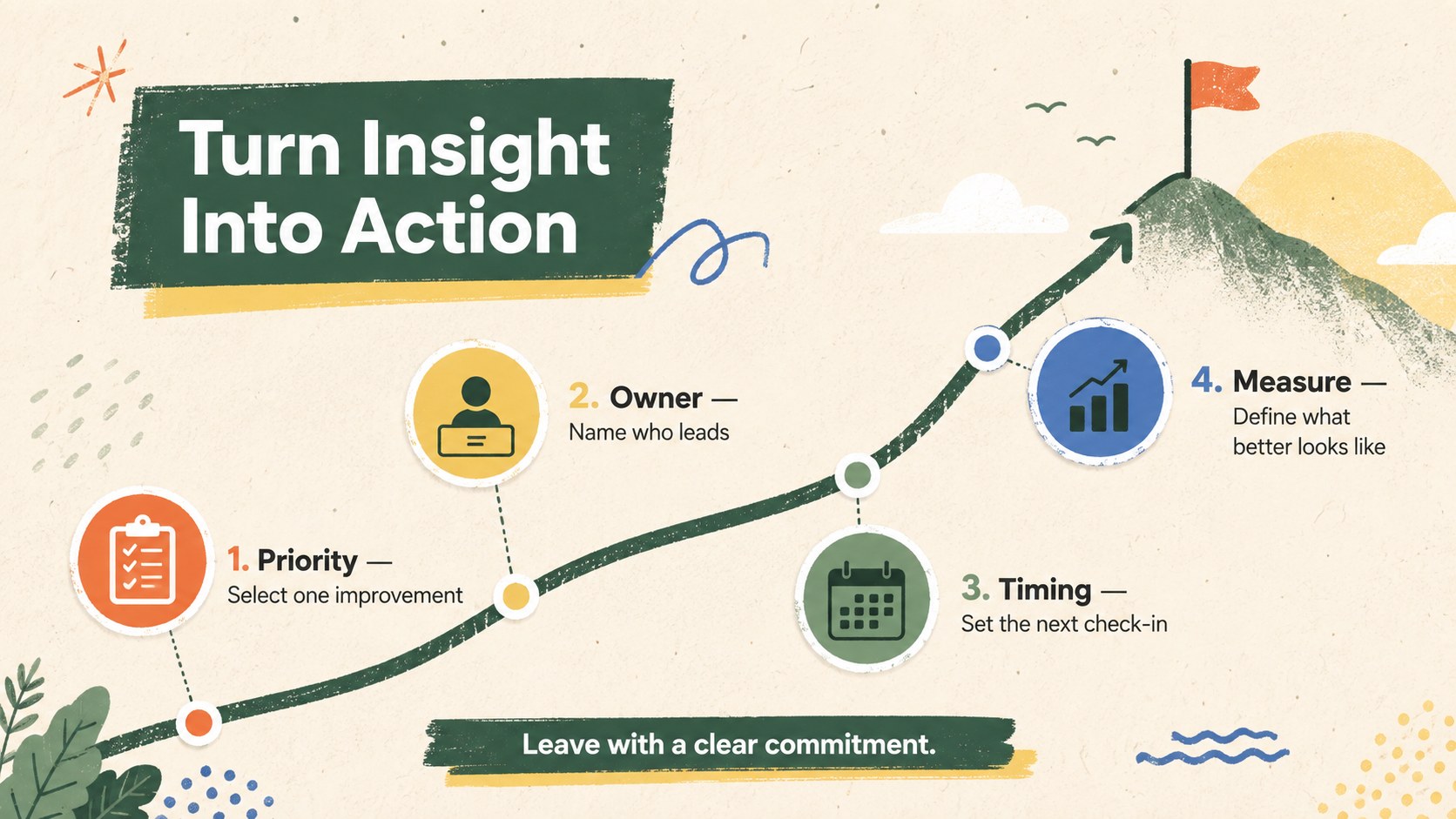
The editable layouts cover key moments in a productive review: highlights and obstacles, team observations, a Start-Stop-Continue exercise, patterns worth exploring, and an action plan with clear owners. Charts, shapes, icons, and text areas can be adapted in PowerPoint or Google Slides, making this a practical sprint lessons learned presentation for remote, hybrid, or in-room sessions. Rearrange sections, update colors, and add project metrics to match your workflow.
Scrum masters, project leads, product teams, consultants, and department managers can use the deck after a sprint, campaign, launch, or operational milestone. It also works as a project debrief Google Slides deck for facilitators who want to move smoothly from evidence to reflection and then to accountable next steps. The illustrated infographic style supports structured conversation without making the meeting feel rigid, helping teams recognize progress, surface friction, and leave with a concise improvement plan.
Perfect for: end-of-sprint team retrospective; project milestone debrief; product launch review; campaign performance reflection; continuous improvement workshop.
Frequently asked questions
Can I edit every part of the infographic deck? Yes. The headings, notes, diagrams, colors, icons, and action items can be changed to reflect your project and team process. You can also duplicate or remove sections to fit the length of your workshop.
Practical details
Yes. The headings, notes, diagrams, colors, icons, and action items can be changed to reflect your project and team process. You can also duplicate or remove sections to fit the length of your workshop.
The deck is designed for PowerPoint and Google Slides. Both platforms let you update the content, rearrange the layouts, and present the completed retrospective to your team.
Replace the sample observations with your own sprint results, then apply your organization’s colors, fonts, and approved icons. Add project metrics or team-specific categories while preserving the clear visual hierarchy.
Yes. The concise prompts and clearly separated sections are easy to share during a video call or collaborative review. A facilitator can reveal each topic in sequence and record agreed actions directly on the slides.
Keep exploring
15Build an engaging World UFO Day session with this flying saucer history lesson deck, featuring retro green-and-brown slides for PowerPoint and Google Slides.
 15
15Plan a lively animal-learning journey with this jungle zoo adventure lesson deck, ready to customize in PowerPoint and Google Slides for young learners.
 16
16Turn environmental research into a clear story with a Watercolor Ecology Presentation Theme for PowerPoint and Google Slides in calming green and blue.
 16
16Build focused fashion, literature, and humanities presentations with the Red Triangle Editorial Theme, editable in PowerPoint and Google Slides.
 15
15Turn streaming stats, favorite tracks, and concert highlights into a bold annual listening recap slide deck for PowerPoint and Google Slides.
 15
15Turn highlights, milestones, and favorite moments into a colorful year in review slide deck with bold 3D graphics for PowerPoint and Google Slides.
 3
3Build a credible endorsement with Standout Colleague Recommendation Letter Slides, featuring colorful prompts for skills, achievements, and team impact.
 4
4Build clear beginner sessions with an ice hockey fundamentals training deck for coaches, PE teachers, and clubs, ready for PowerPoint and Google Slides.