
 15
15presentation
Flying Saucer History Lesson Deck
Build an engaging World UFO Day session with this flying saucer history lesson deck, featuring retro green-and-brown slides for PowerPoint and Google Slides.
Google SlidesPowerPoint
presentation · English
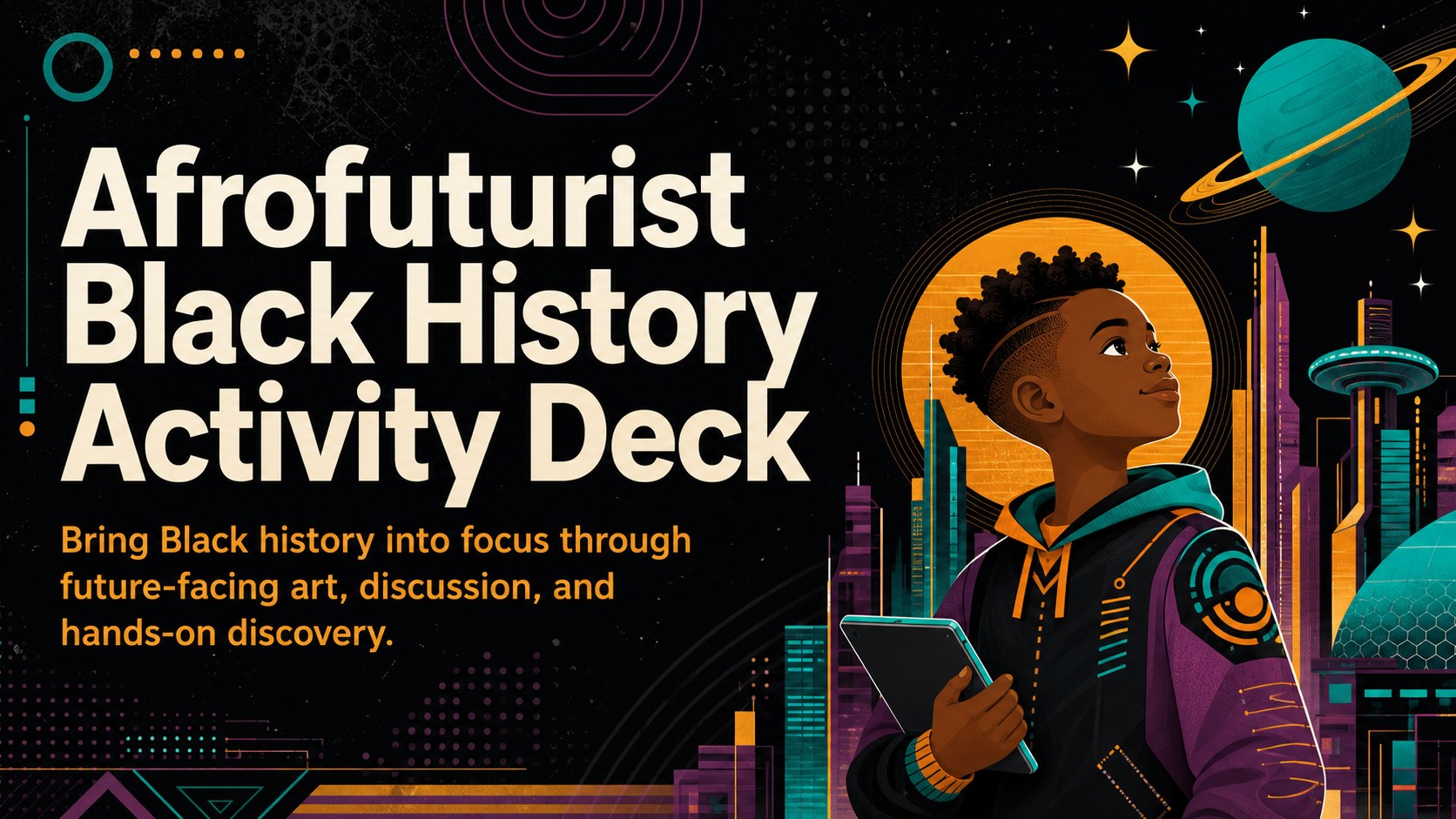
Turn heritage lessons into active learning with an Afrofuturist Black History activity deck for elementary classrooms, ready for PowerPoint and Google Slides.


Design notes
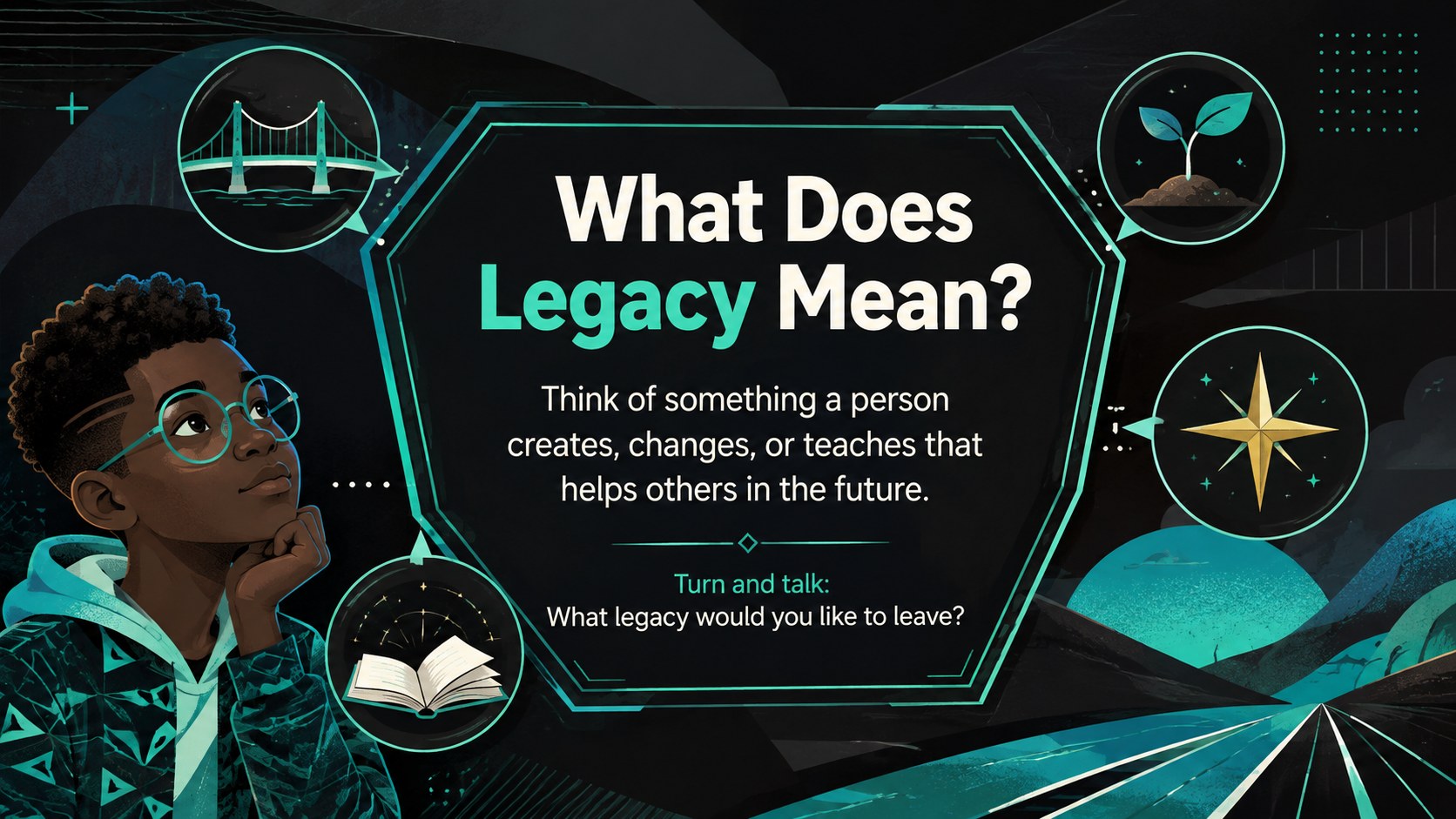
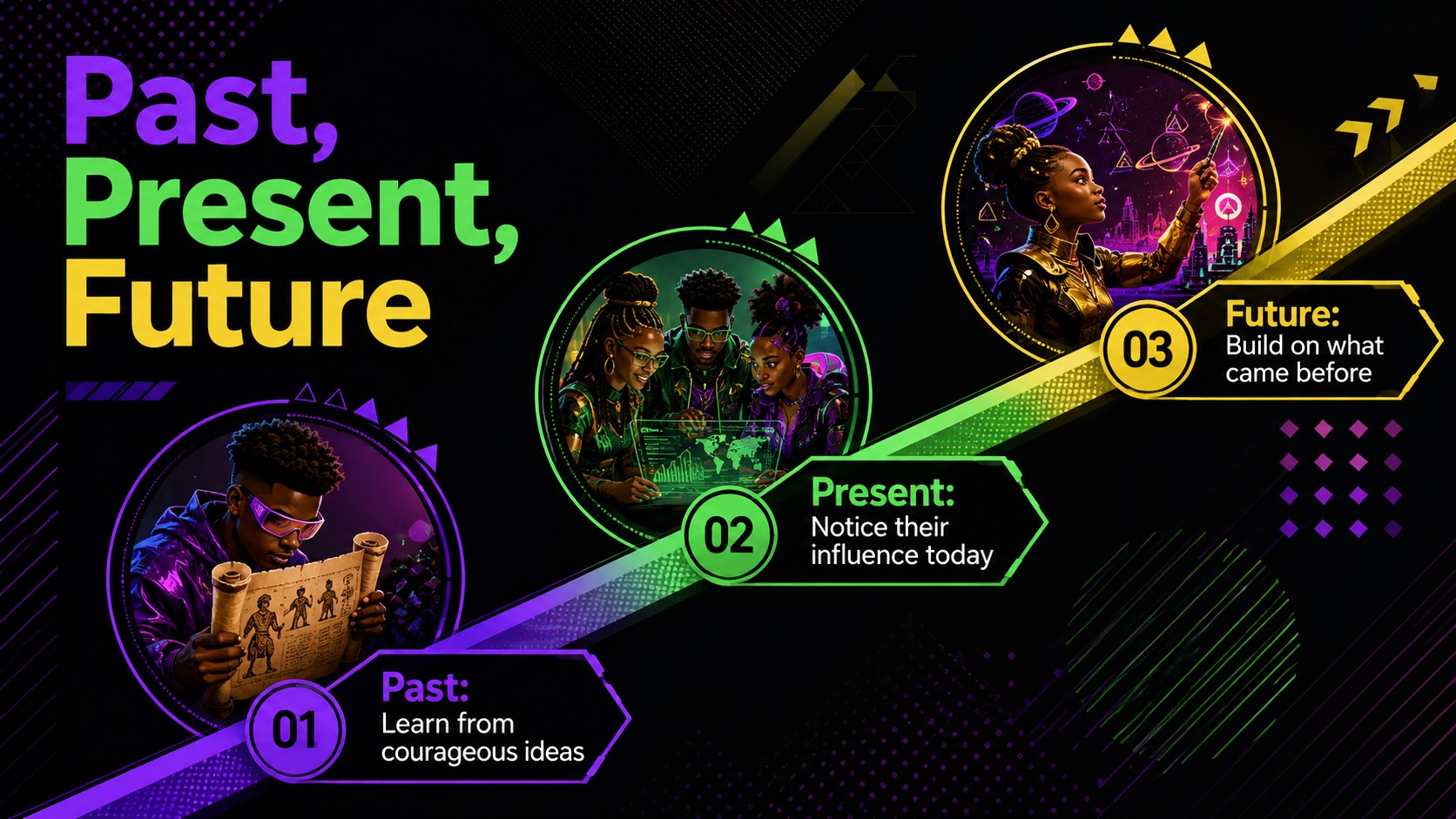
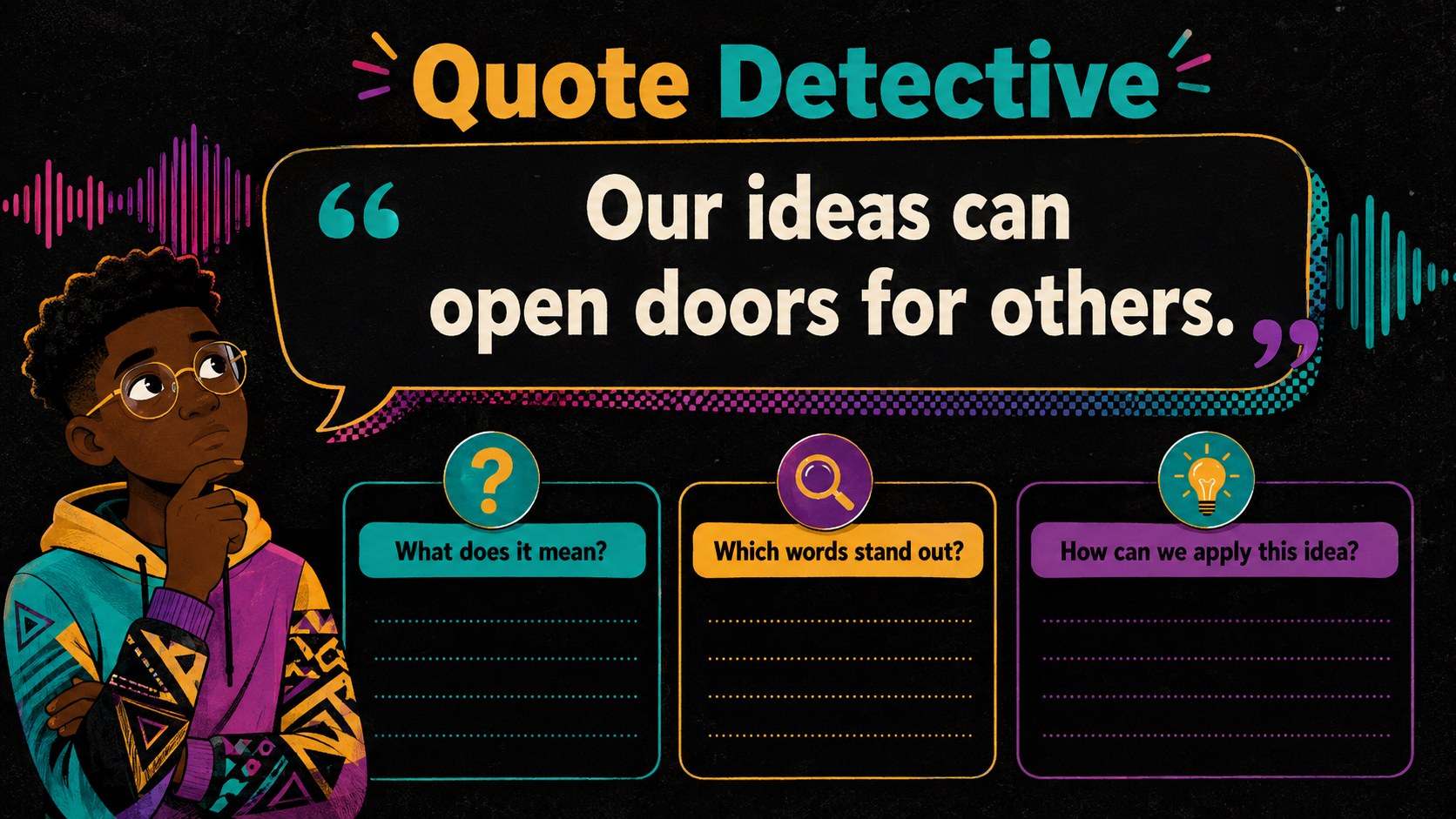
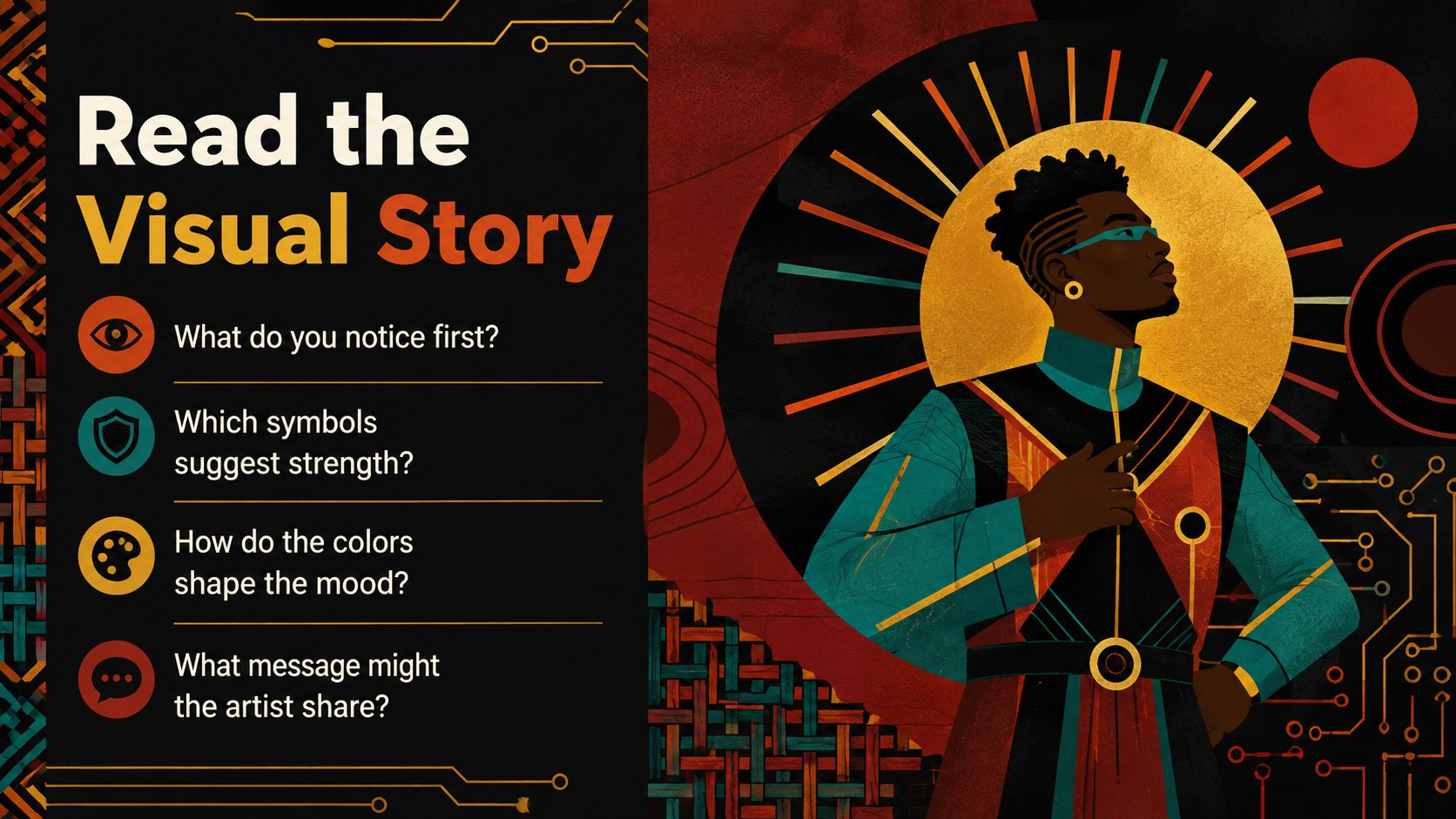
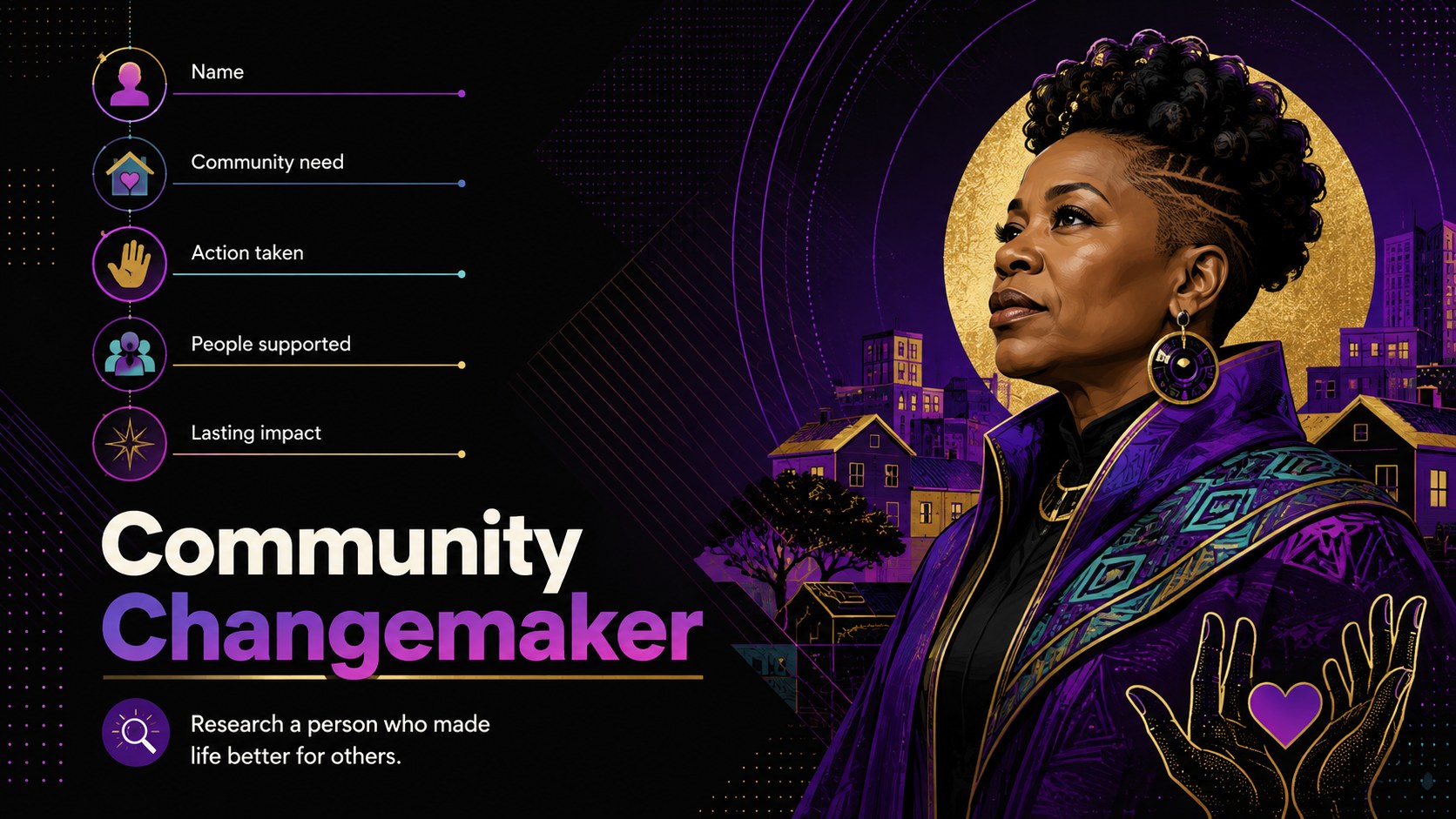
Invite young learners to explore achievement, creativity, and community with the Afrofuturist Black History activity deck. Bold black backgrounds, energetic color accents, textured illustrations, and future-facing visuals create an exciting setting for age-appropriate learning. These afrofuturist Black History slides for kids help teachers move naturally between storytelling, discussion, and independent reflection.
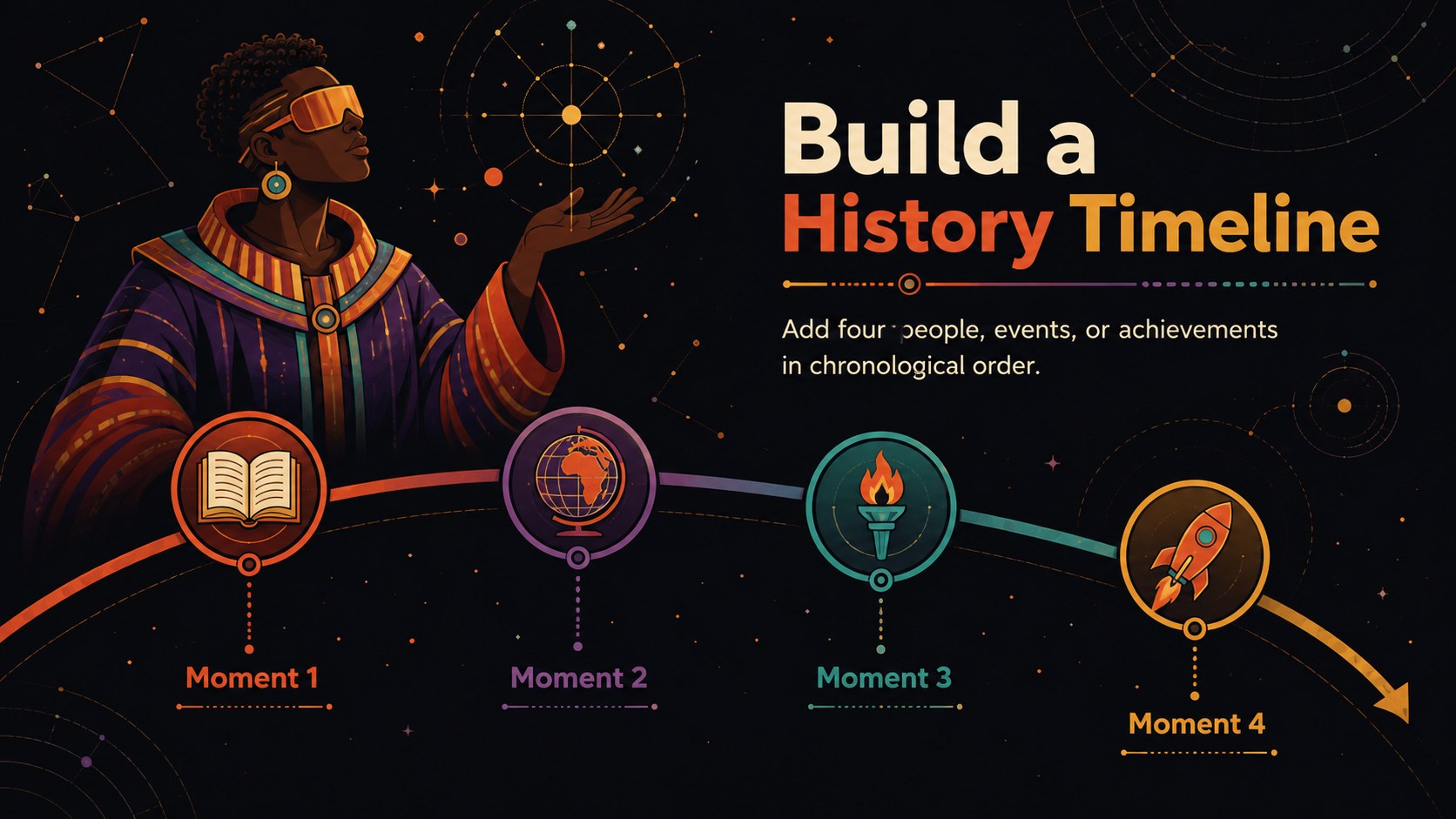
Inside, educators will find adaptable layouts for lesson goals, vocabulary, historical timelines, notable achievements, quote analysis, matching challenges, group research, creative invention prompts, and exit reflections. Use the black inventors classroom discussion slides to introduce innovation, then guide students toward imagining solutions for the future. Clear content areas leave room for names, dates, images, and teacher-selected facts without making the slides feel crowded.
Designed as an elementary Black heritage lesson presentation, this deck works well for social studies classes, library programs, heritage celebrations, and interdisciplinary projects. Teachers can revise the wording, replace images, adjust colors, or reorder activities in PowerPoint and Google Slides. The lively illustrated style supports whole-class instruction while remaining flexible enough for learning stations, collaborative assignments, or student-led presentations.
Perfect for: elementary social studies lesson; Black History Month classroom activity; school heritage celebration; library learning workshop; student research presentation; Black inventors discussion.
Frequently asked questions
Can I edit this activity deck in PowerPoint? Yes. Open the PPTX file in PowerPoint to revise text, move illustrations, add classroom facts, and reorder activities. You can also duplicate layouts to create additional exercises.
Practical details
Yes. Open the PPTX file in PowerPoint to revise text, move illustrations, add classroom facts, and reorder activities. You can also duplicate layouts to create additional exercises.
Yes. Upload the presentation to Google Drive and open it with Google Slides. Review font substitutions and animation timing after importing so each layout displays as intended.
Yes. Simplify vocabulary and shorten response prompts for younger learners, or add research questions and source analysis for older students. The editable layouts support both individual and group work.
Yes. Replace the sample portraits, names, dates, and achievements with figures connected to your curriculum. Keep image licensing and factual accuracy in mind when adding new classroom materials.
Keep exploring
15Build an engaging World UFO Day session with this flying saucer history lesson deck, featuring retro green-and-brown slides for PowerPoint and Google Slides.
 15
15Plan a lively animal-learning journey with this jungle zoo adventure lesson deck, ready to customize in PowerPoint and Google Slides for young learners.
 16
16Turn environmental research into a clear story with a Watercolor Ecology Presentation Theme for PowerPoint and Google Slides in calming green and blue.
 16
16Build focused fashion, literature, and humanities presentations with the Red Triangle Editorial Theme, editable in PowerPoint and Google Slides.
 15
15Turn streaming stats, favorite tracks, and concert highlights into a bold annual listening recap slide deck for PowerPoint and Google Slides.
 15
15Turn highlights, milestones, and favorite moments into a colorful year in review slide deck with bold 3D graphics for PowerPoint and Google Slides.
 3
3Build a credible endorsement with Standout Colleague Recommendation Letter Slides, featuring colorful prompts for skills, achievements, and team impact.
 4
4Build clear beginner sessions with an ice hockey fundamentals training deck for coaches, PE teachers, and clubs, ready for PowerPoint and Google Slides.