
 15
15presentation
Flying Saucer History Lesson Deck
Build an engaging World UFO Day session with this flying saucer history lesson deck, featuring retro green-and-brown slides for PowerPoint and Google Slides.
Google SlidesPowerPoint
presentation · English
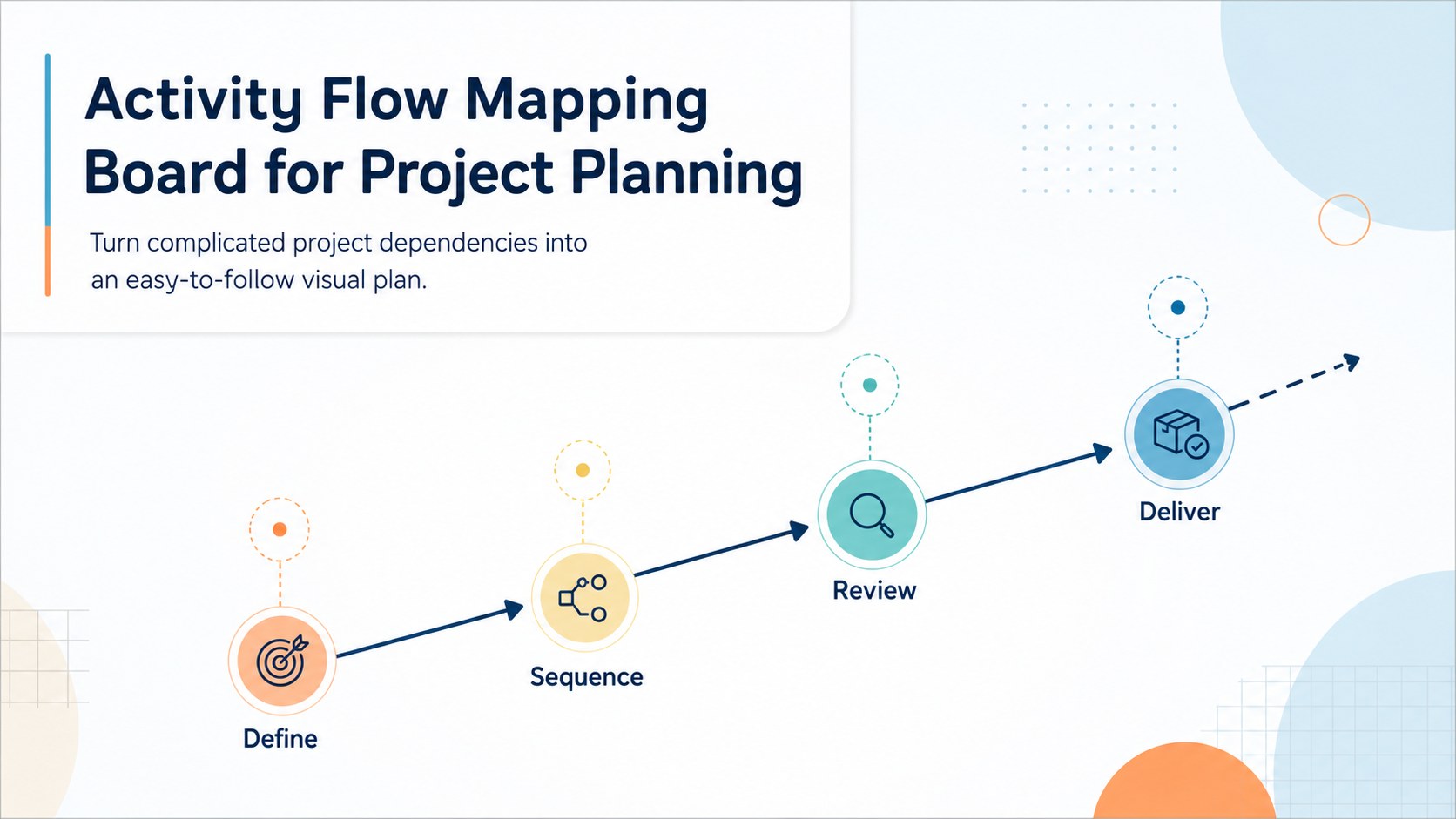
Build an activity flow mapping board for project planning with clear arrows, dependencies, and milestones in a customizable blue and orange layout.
Design notes
Build an activity flow mapping board for project planning with a clean whiteboard layout designed to make project logic easier to explain. Blue and orange accents, soft pastel details, and directional arrows help teams trace tasks from one activity to the next without overwhelming the audience. Use it for project briefings, classroom assignments, operations workshops, or collaborative planning sessions.
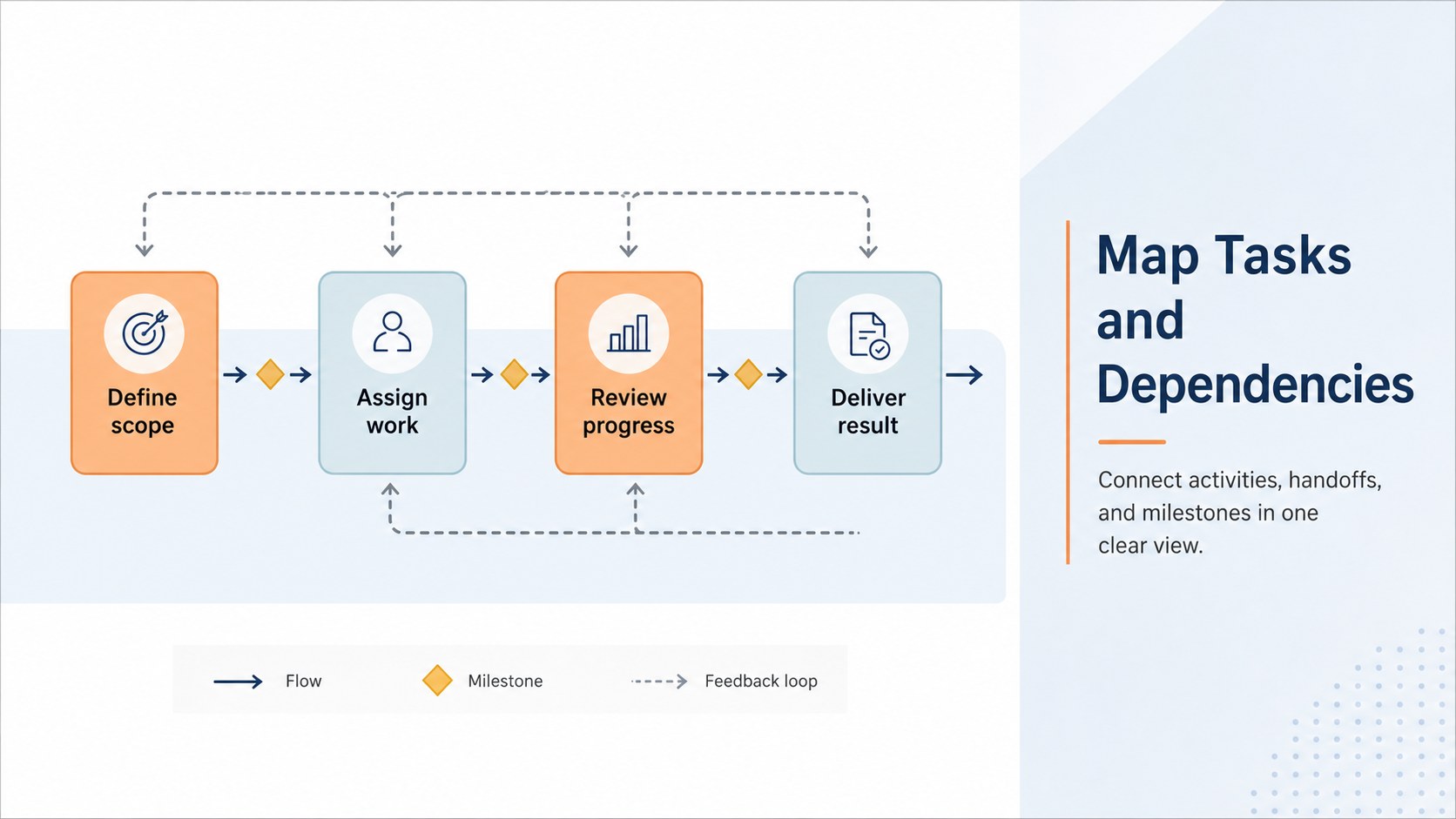
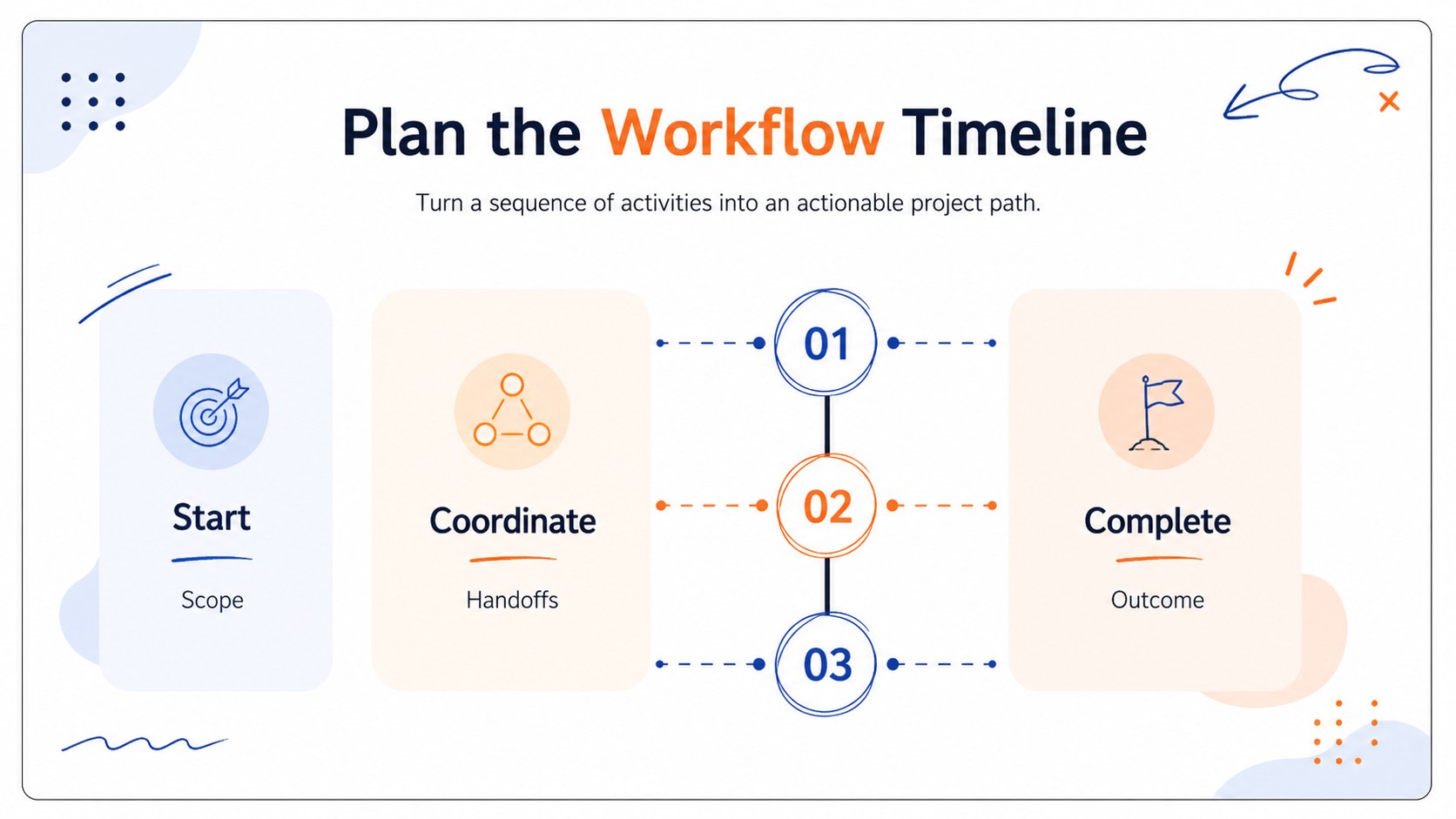
Inside the template, you’ll find three editable 16:9 slides for outlining activities, showing task dependencies, and presenting a workflow timeline board. The visual system supports an activity on arrow diagram approach, making it simple to connect tasks, milestones, and decision points. Reposition arrows, duplicate shapes, adjust labels, and add your own notes to create a clear project dependency mapping view.
This template suits project managers, business students, consultants, team leads, and educators who need to communicate a sequence of work quickly. provides drag-and-drop editing, presentation animations, icons, images, audio, notes, and real-time collaboration. Open the design, then export it as a PowerPoint file or save an editable copy to Google Drive for sharing and continued editing.
Perfect for: project kickoff workshop; operations process review; student project scheduling; consulting client briefing; team dependency mapping.
Frequently asked questions
Can I edit this activity flow mapping board? Yes. The slides are designed for editing, so you can change text, colors, arrows, shapes, and layout elements with drag-and-drop controls. You can also duplicate components to expand the workflow.
Practical details
Yes. The slides are designed for editing, so you can change text, colors, arrows, shapes, and layout elements with drag-and-drop controls. You can also duplicate components to expand the workflow.
Open the template first, then export it as a PowerPoint file or save it to Google Drive as an editable Google Slides presentation. Some -specific effects may need adjustment after export.
The layout works well for presenting a focused sequence of activities, milestones, and handoffs. For very large projects, split the workflow across multiple copies of the slides or simplify the view into major phases.
Yes. lets you replace the blue, orange, and pastel accents with your own brand colors while preserving the arrow-based visual hierarchy. You can also update fonts and add icons or notes for your audience.
Keep exploring
15Build an engaging World UFO Day session with this flying saucer history lesson deck, featuring retro green-and-brown slides for PowerPoint and Google Slides.
 15
15Plan a lively animal-learning journey with this jungle zoo adventure lesson deck, ready to customize in PowerPoint and Google Slides for young learners.
 16
16Turn environmental research into a clear story with a Watercolor Ecology Presentation Theme for PowerPoint and Google Slides in calming green and blue.
 16
16Build focused fashion, literature, and humanities presentations with the Red Triangle Editorial Theme, editable in PowerPoint and Google Slides.
 15
15Turn streaming stats, favorite tracks, and concert highlights into a bold annual listening recap slide deck for PowerPoint and Google Slides.
 15
15Turn highlights, milestones, and favorite moments into a colorful year in review slide deck with bold 3D graphics for PowerPoint and Google Slides.
 3
3Build a credible endorsement with Standout Colleague Recommendation Letter Slides, featuring colorful prompts for skills, achievements, and team impact.
 4
4Build clear beginner sessions with an ice hockey fundamentals training deck for coaches, PE teachers, and clubs, ready for PowerPoint and Google Slides.