
 15
15presentation
Flying Saucer History Lesson Deck
Build an engaging World UFO Day session with this flying saucer history lesson deck, featuring retro green-and-brown slides for PowerPoint and Google Slides.
Google SlidesPowerPoint
presentation · English
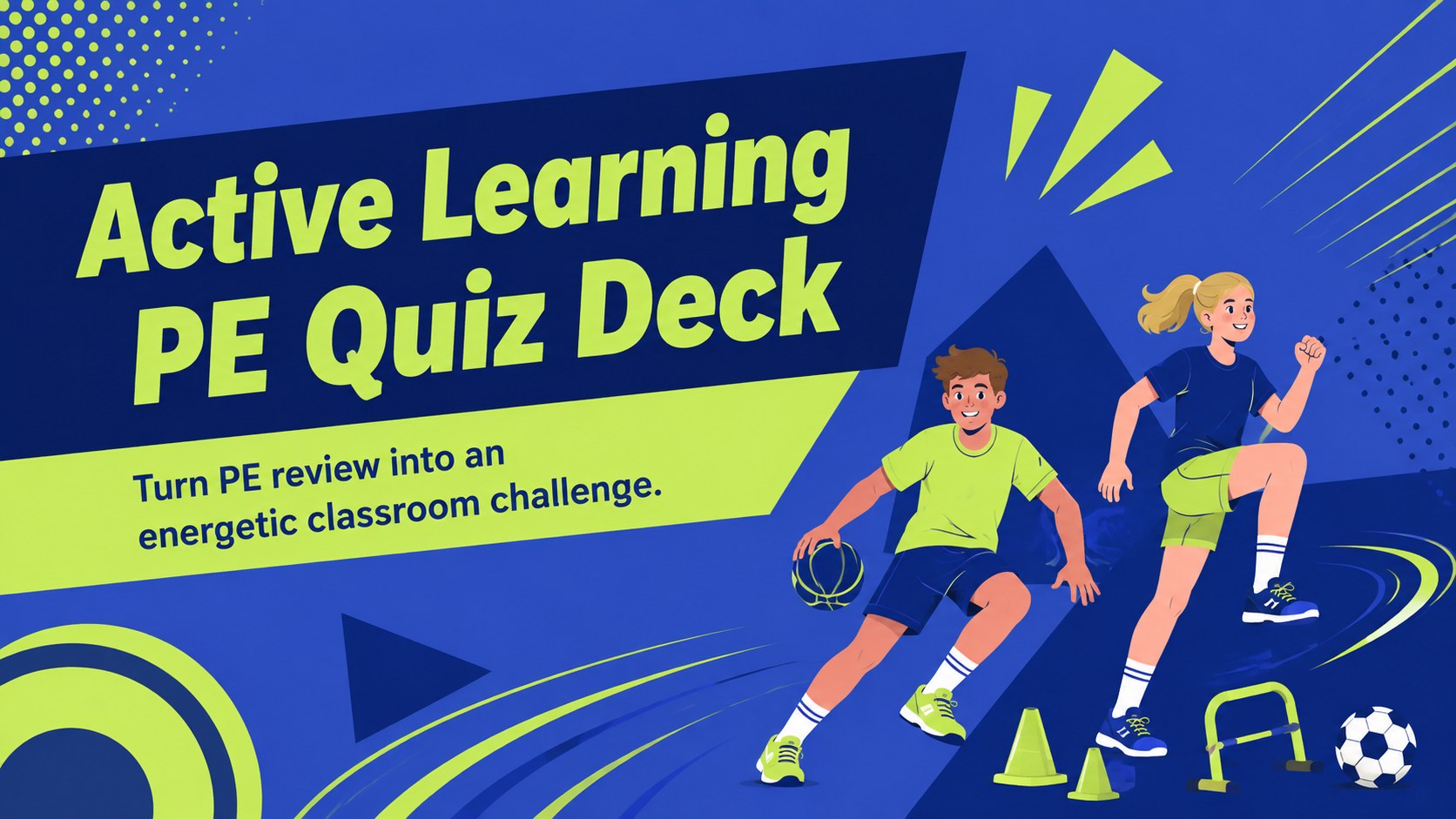
Make movement lessons more interactive with an active learning PE quiz deck in vivid blue and lime, ready to edit in PowerPoint and Google Slides.
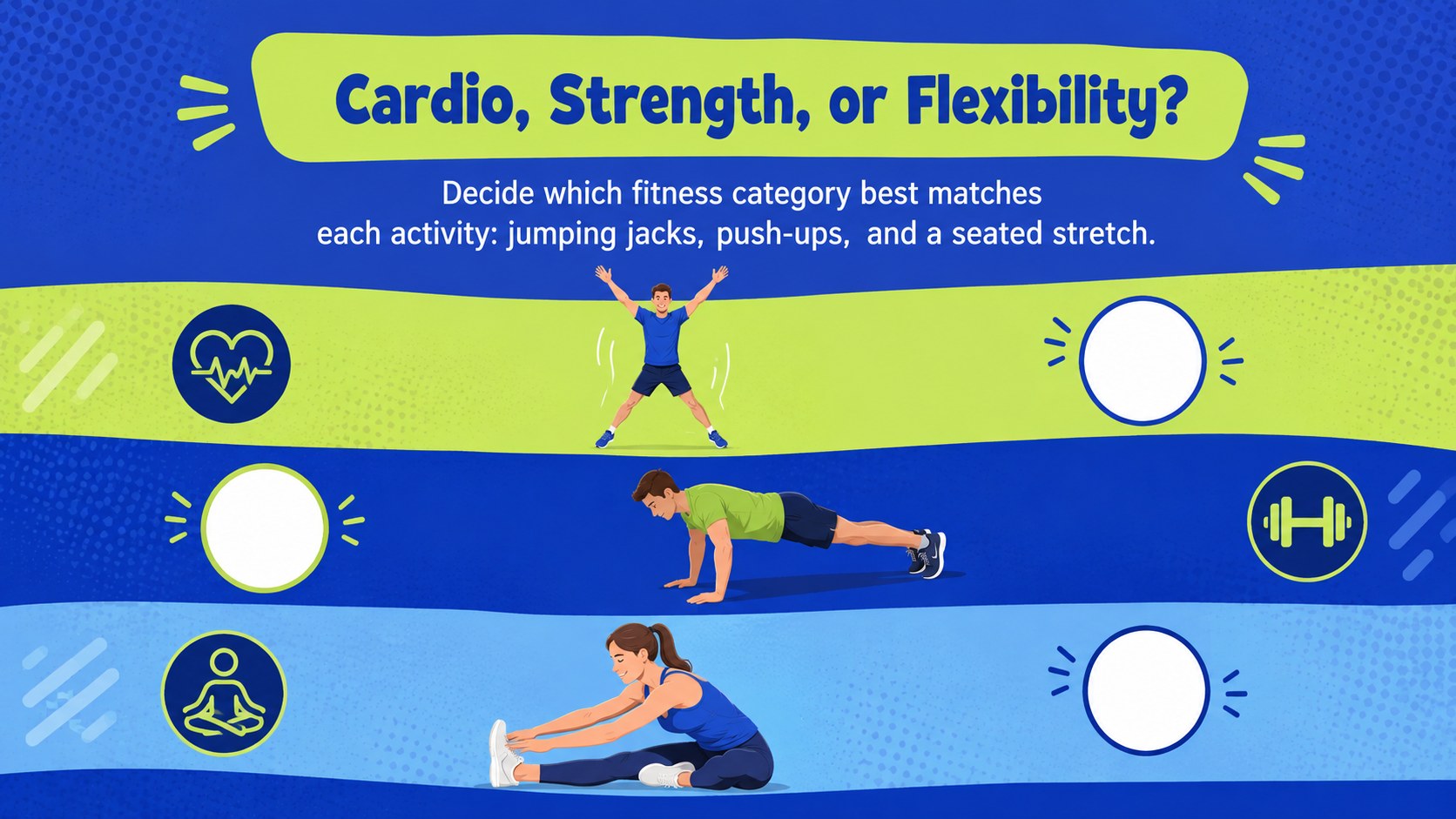
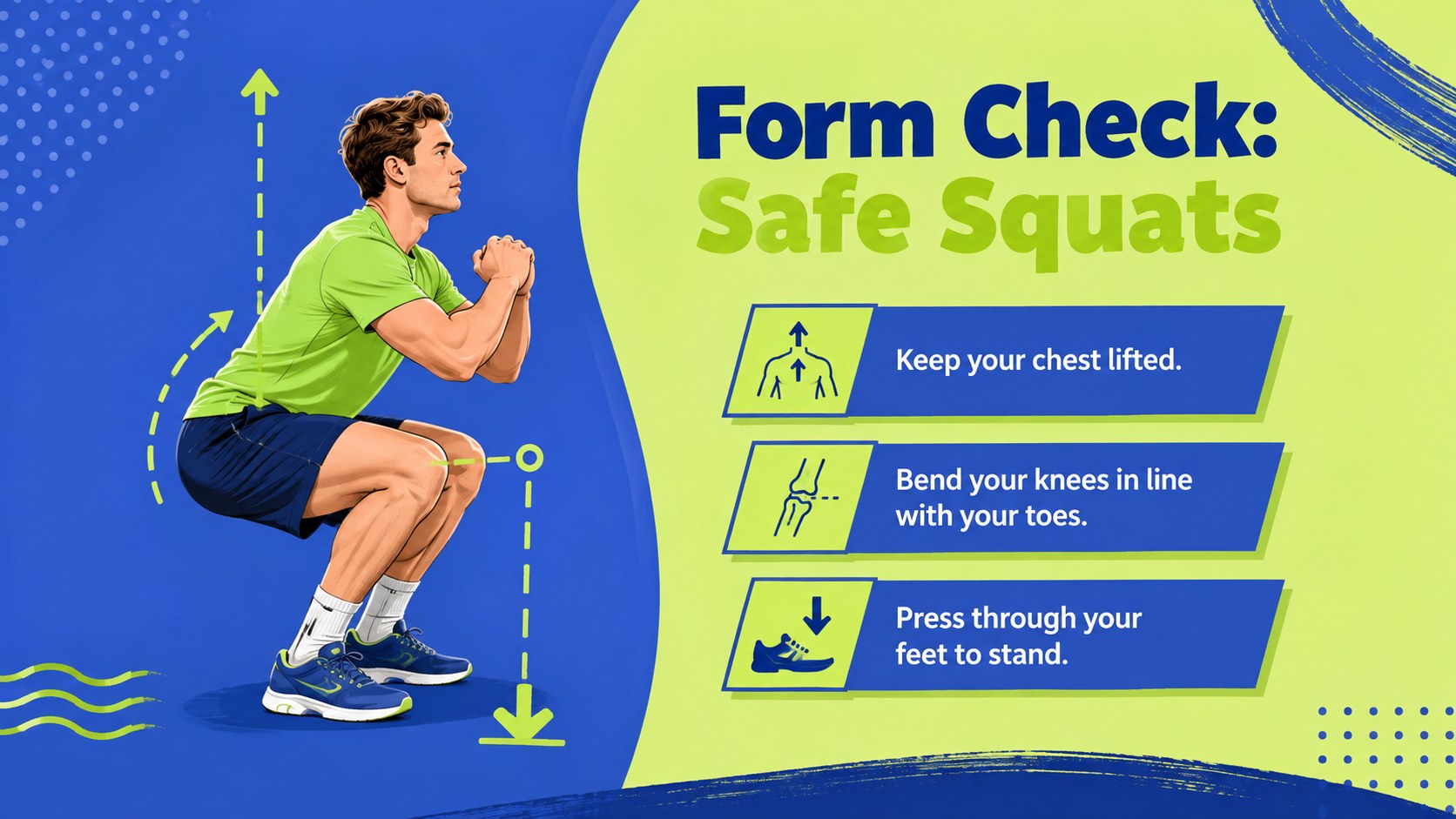
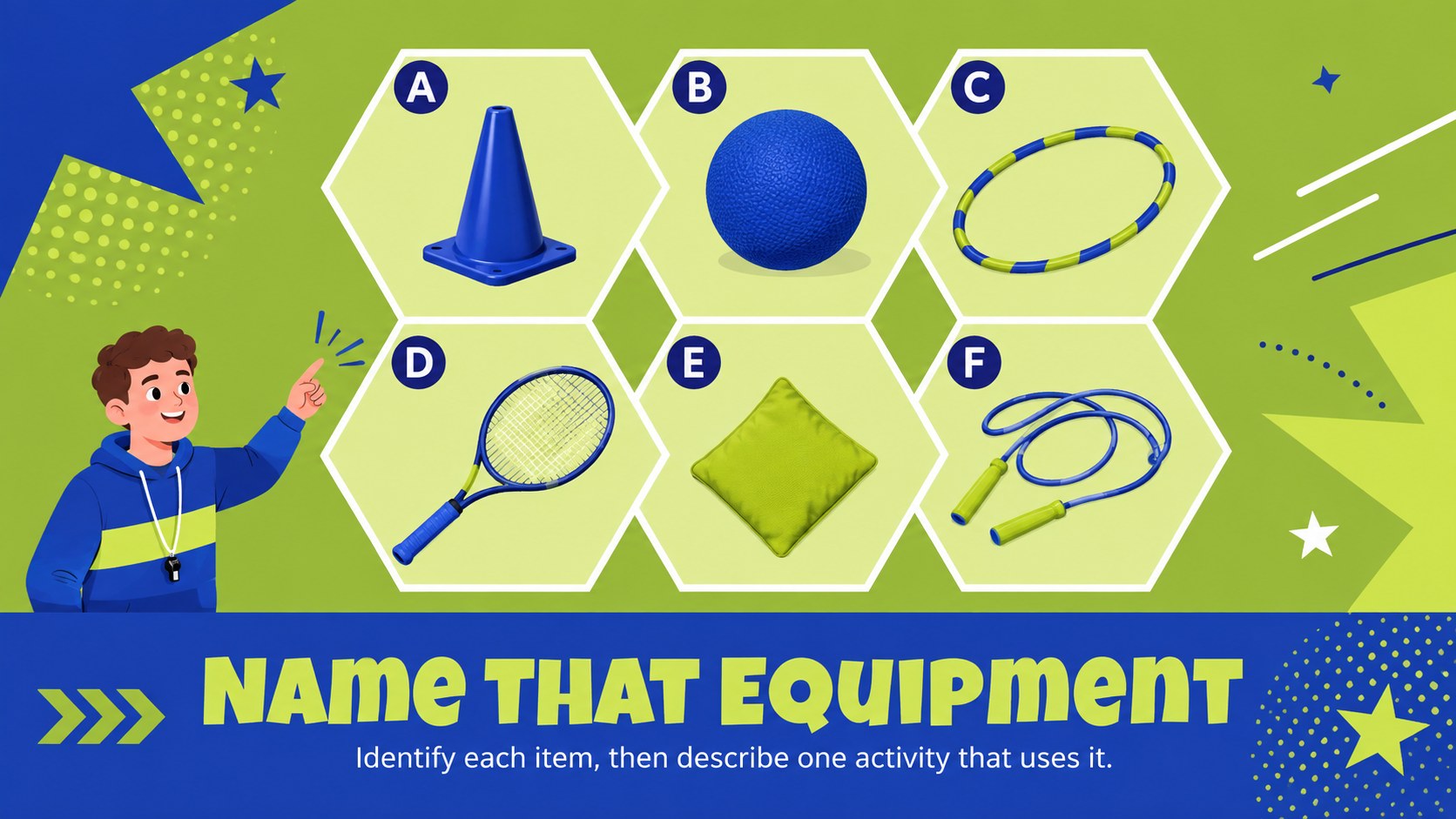
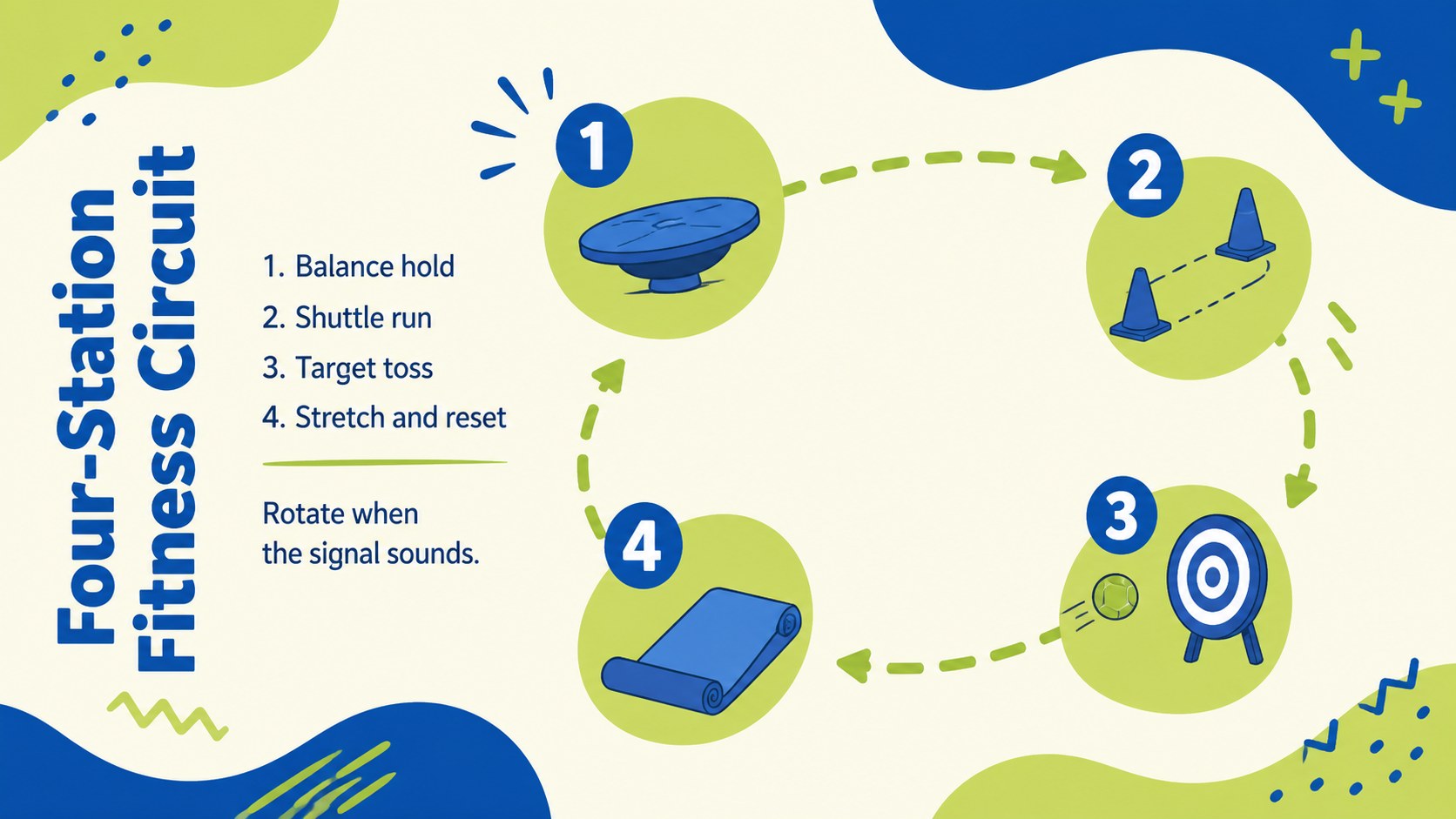
Design notes
Bring energy and purposeful participation to class with this active learning PE quiz deck. A vivid blue, green, and lime palette pairs with playful geometric illustrations to make movement topics approachable without losing classroom clarity. Use the slides to introduce an activity, check understanding, or finish a lesson with a fast-paced review.
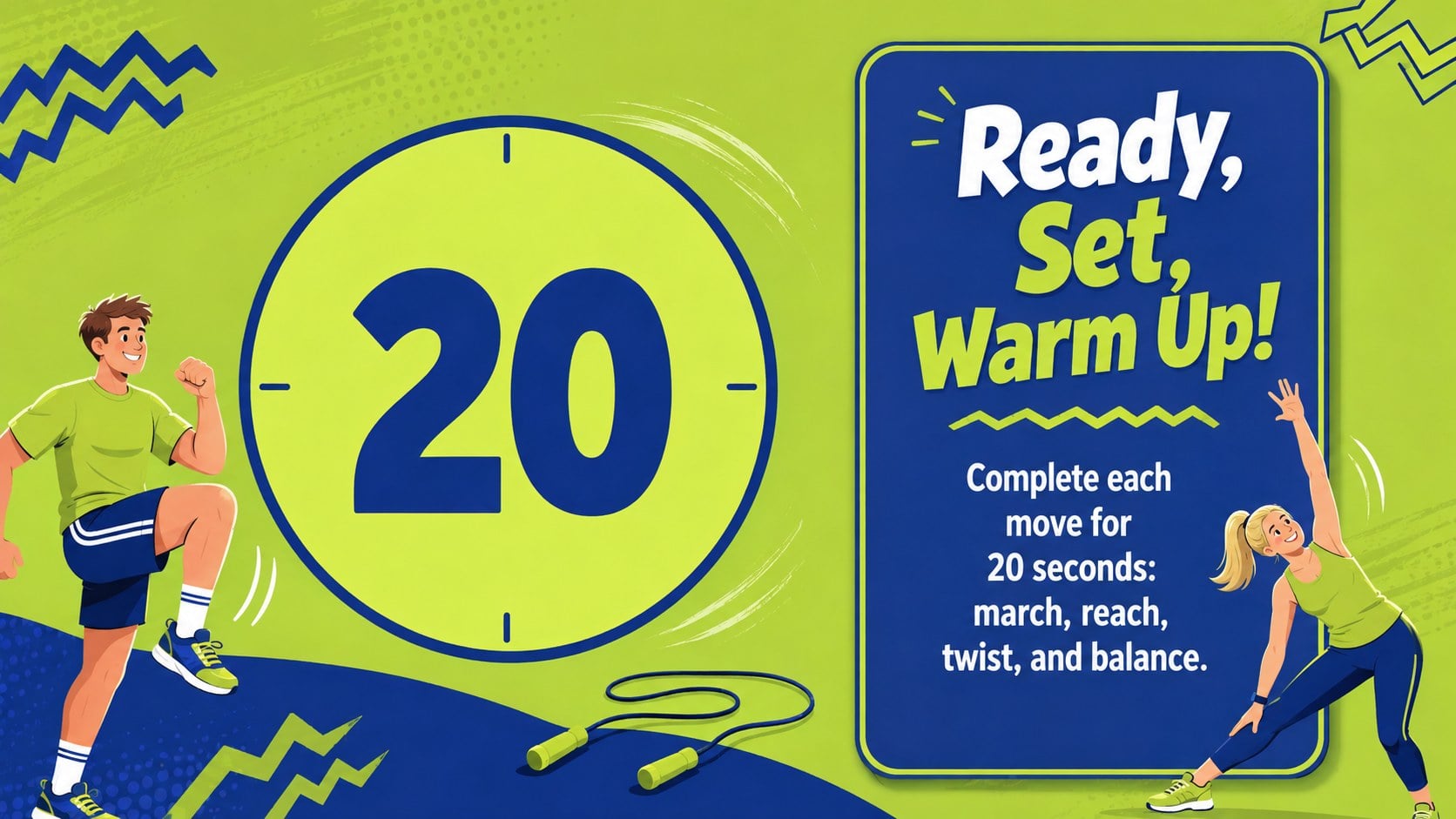
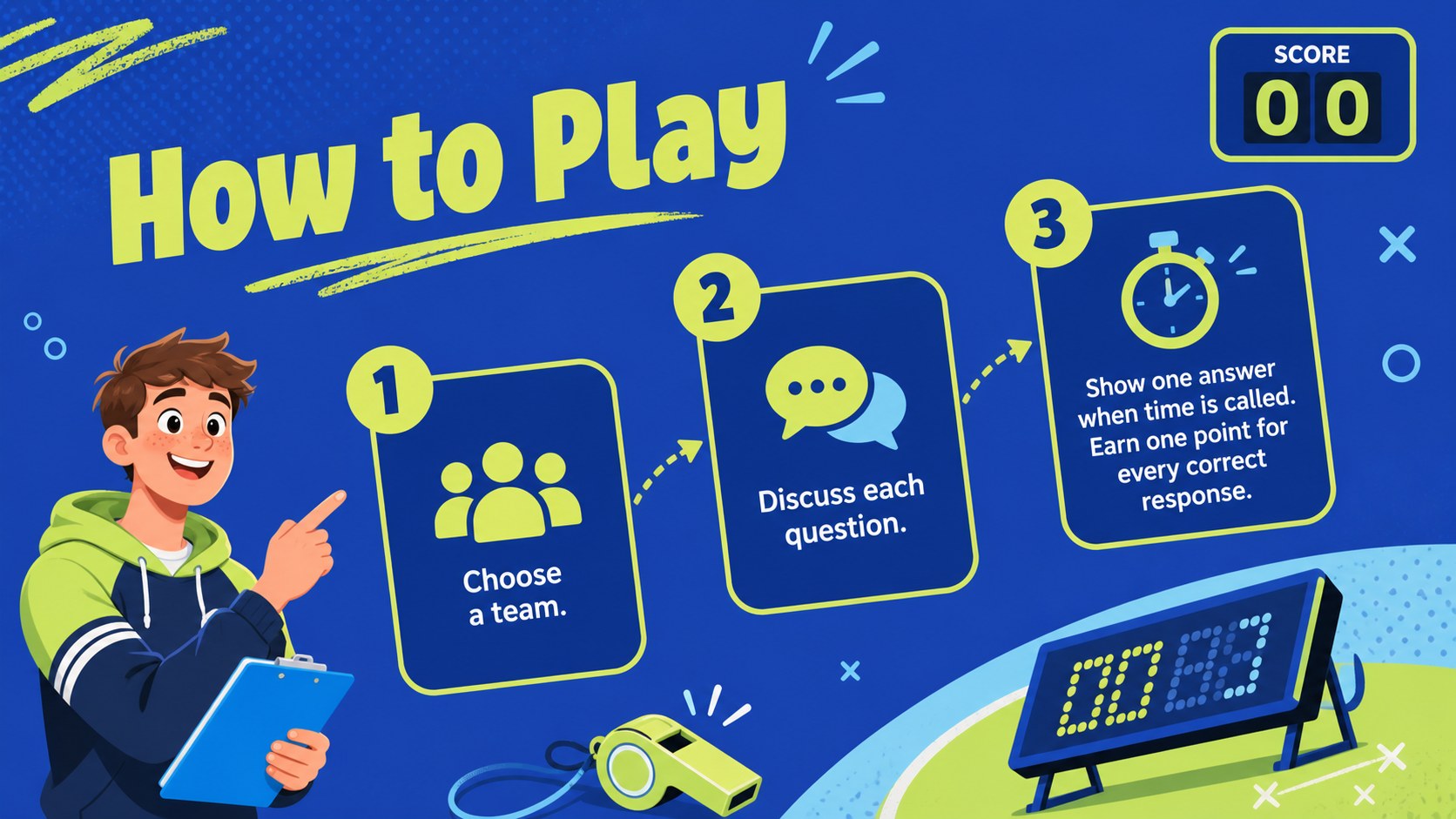
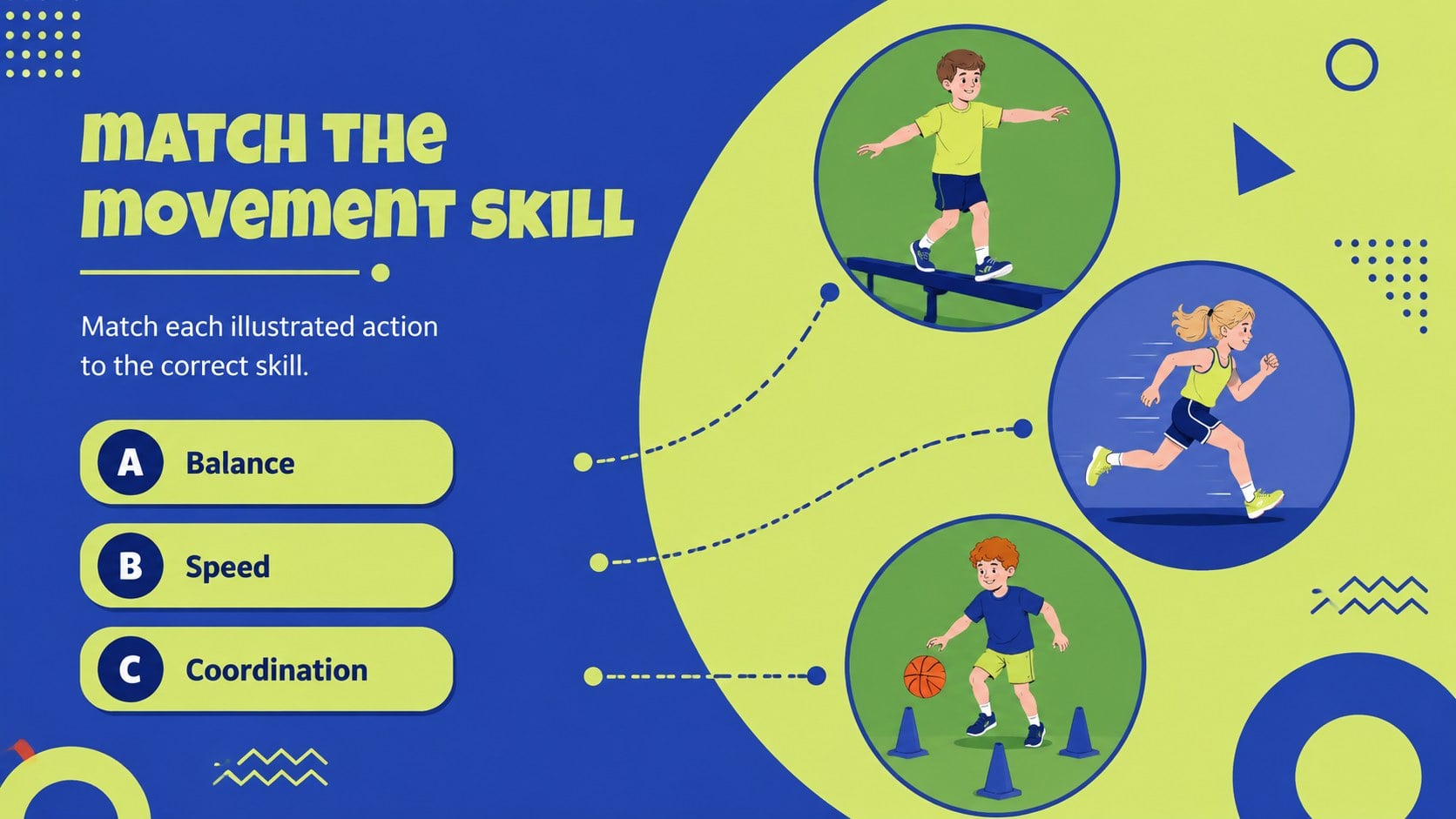
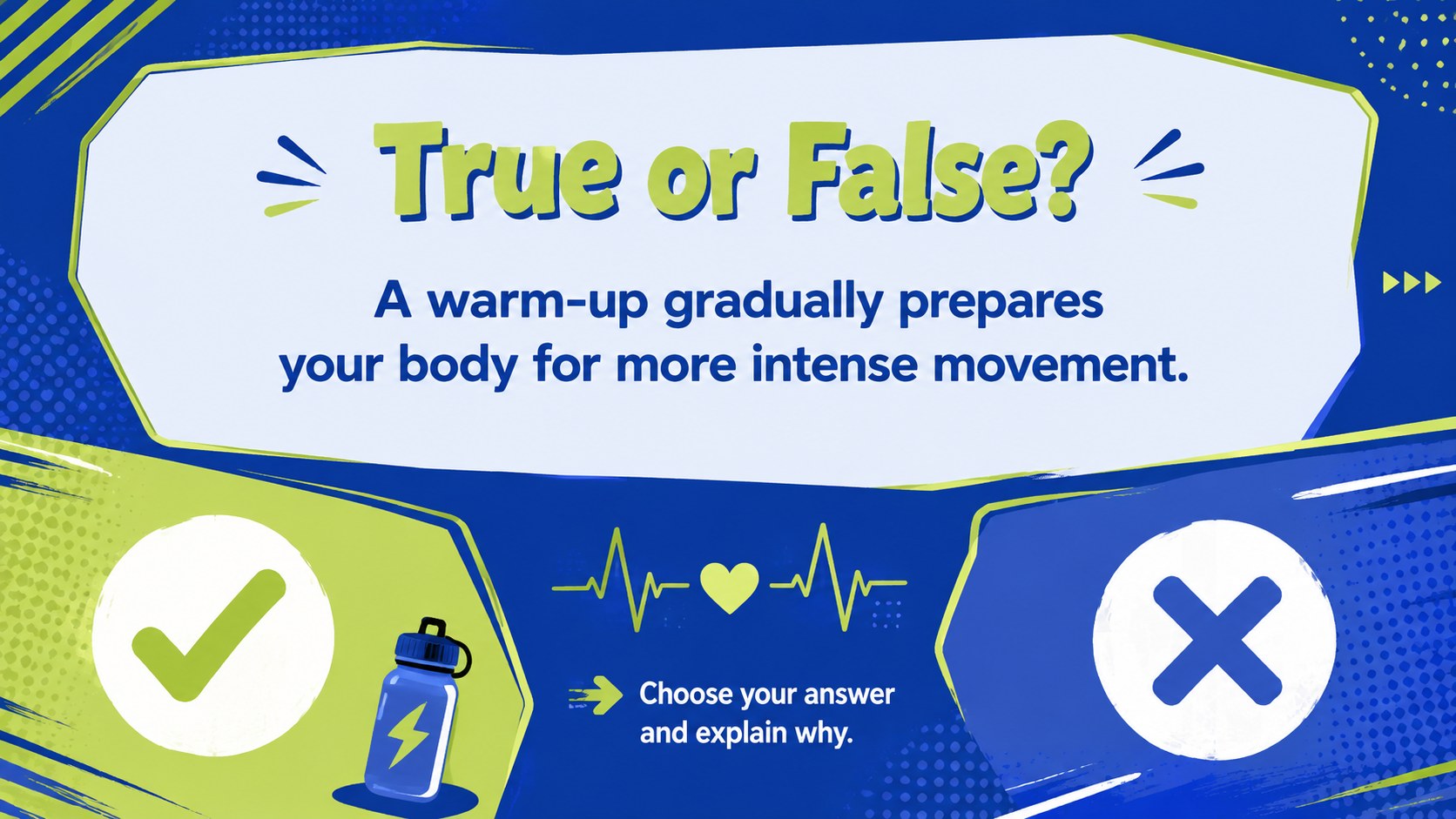
Inside, educators will find prompts for warm-ups, movement matching, fitness categories, equipment recognition, exercise form, teamwork, hydration, and personal reflection. The varied layouts support multiple-choice questions, true-or-false rounds, station challenges, visual comparisons, and answer discussions. This interactive physical education quiz template also includes a simple progress chart and recap page, giving teachers flexible options for individual, team, or whole-class participation.
Designed for elementary and middle school PE teachers, classroom educators, coaches, and activity leaders, the deck works well as an elementary PE review game or a movement skills classroom presentation. Every page can be adapted in PowerPoint or Google Slides, so instructions, difficulty levels, illustrations, and answer choices can match your students and curriculum. The high-contrast colors, large headings, and organized content areas remain easy to follow on classroom screens, while the upbeat visual style keeps attention focused on healthy movement and practical learning.
Perfect for: PE lesson warm-up; movement skills review; team fitness quiz; exercise form assessment; indoor activity lesson; health and fitness recap.
Frequently asked questions
Can I edit the questions and answer choices? Yes. All question text, answer options, instructions, and labels can be changed to suit your curriculum, age group, or activity level.
Practical details
Yes. All question text, answer options, instructions, and labels can be changed to suit your curriculum, age group, or activity level.
The template is designed for Microsoft PowerPoint and Google Slides. Layouts, colors, text, and graphics can be adjusted in either platform.
Yes. You can replace the theme colors with school colors or another high-contrast palette while keeping the illustrated visual system consistent.
The layouts work especially well for elementary and middle school learners. Teachers can simplify vocabulary for younger students or add more advanced fitness concepts for older classes.
Keep exploring
15Build an engaging World UFO Day session with this flying saucer history lesson deck, featuring retro green-and-brown slides for PowerPoint and Google Slides.
 15
15Plan a lively animal-learning journey with this jungle zoo adventure lesson deck, ready to customize in PowerPoint and Google Slides for young learners.
 16
16Turn environmental research into a clear story with a Watercolor Ecology Presentation Theme for PowerPoint and Google Slides in calming green and blue.
 16
16Build focused fashion, literature, and humanities presentations with the Red Triangle Editorial Theme, editable in PowerPoint and Google Slides.
 15
15Turn streaming stats, favorite tracks, and concert highlights into a bold annual listening recap slide deck for PowerPoint and Google Slides.
 15
15Turn highlights, milestones, and favorite moments into a colorful year in review slide deck with bold 3D graphics for PowerPoint and Google Slides.
 3
3Build a credible endorsement with Standout Colleague Recommendation Letter Slides, featuring colorful prompts for skills, achievements, and team impact.
 4
4Build clear beginner sessions with an ice hockey fundamentals training deck for coaches, PE teachers, and clubs, ready for PowerPoint and Google Slides.