
 15
15presentation
Flying Saucer History Lesson Deck
Build an engaging World UFO Day session with this flying saucer history lesson deck, featuring retro green-and-brown slides for PowerPoint and Google Slides.
Google SlidesPowerPoint
presentation · English
Use academic progress summary slides to present grades, skills, and semester outcomes in a polished red, blue, and green format for college reviews.
Design notes
Academic progress summary slides help faculty communicate student outcomes clearly without turning an academic review into a dense spreadsheet. This modern, minimal deck uses restrained red, blue, and green accents to organize grades, competencies, observations, and recommendations. Its polished layouts work equally well for individual evaluations and concise departmental reporting.
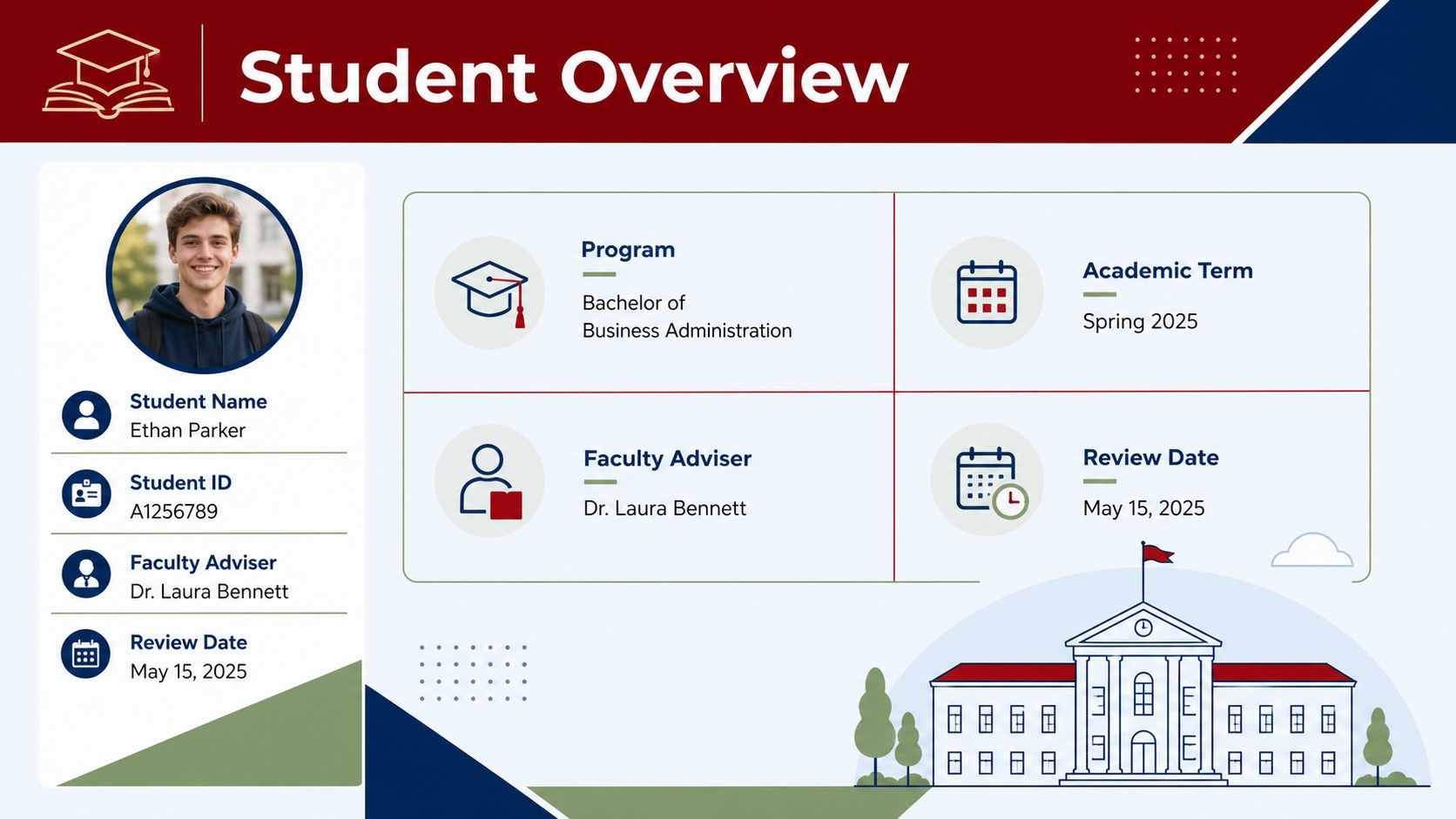
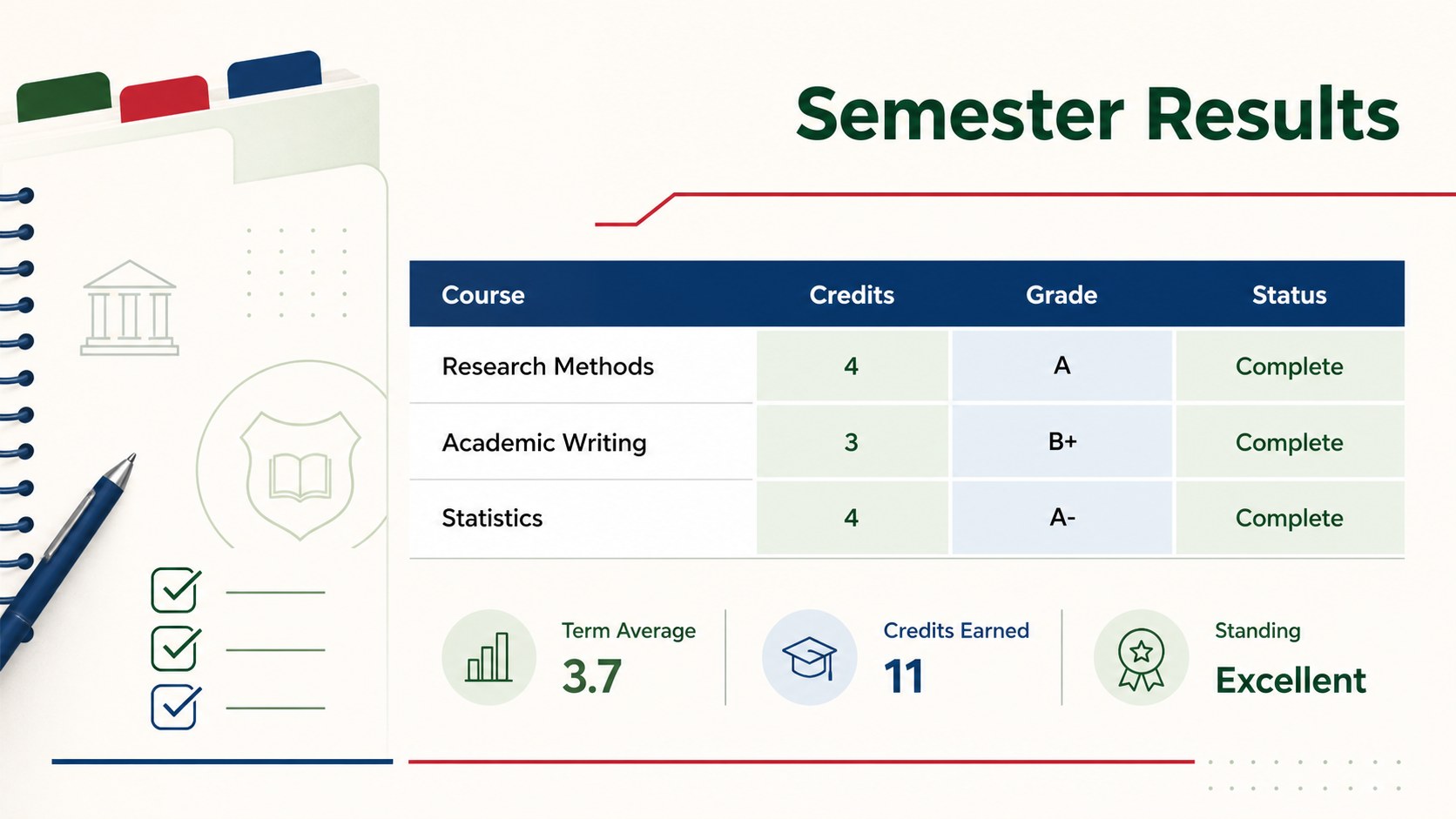
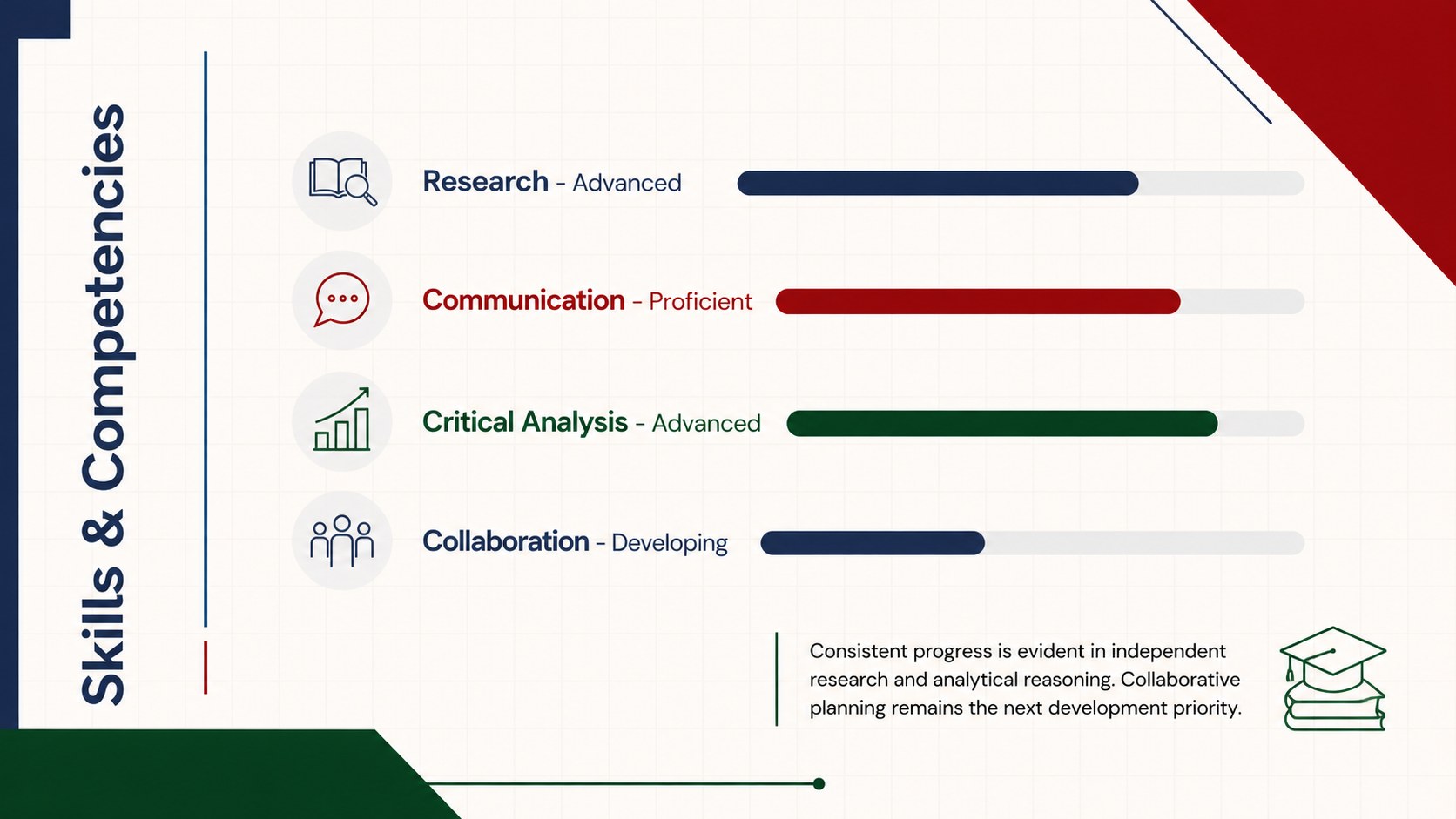
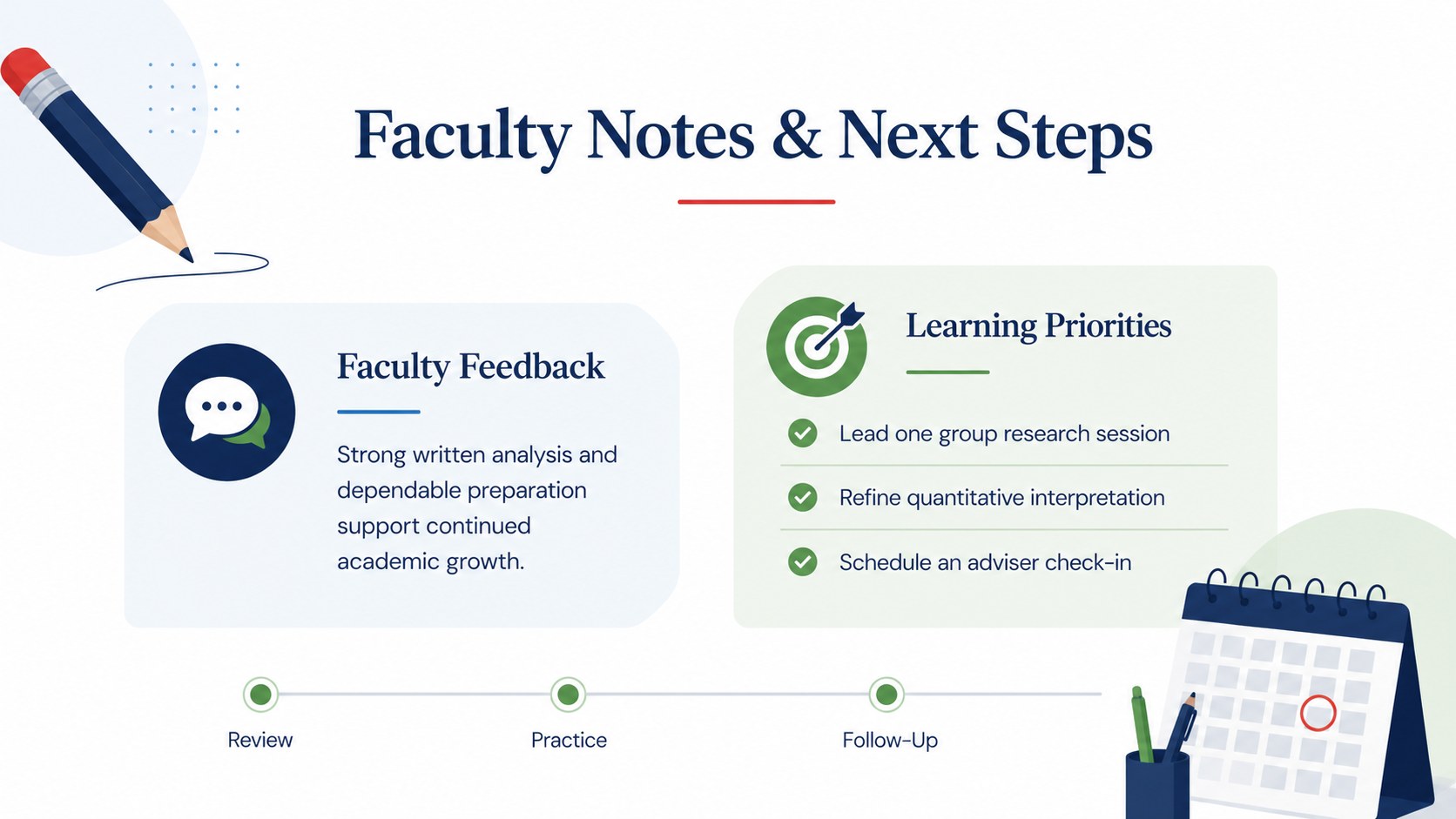
The five-slide collection includes a title page, student overview, semester results table, skills assessment, and faculty notes with next steps. Every layout can be adapted in PowerPoint or Google Slides, allowing instructors to revise labels, scores, course details, colors, and written feedback. Charts, tables, rating indicators, and structured text areas provide a practical foundation for an editable college grade report presentation or a university student evaluation deck.
Designed for professors, academic advisers, program coordinators, and student support teams, the deck is suitable for semester conferences, progress interventions, scholarship reviews, and advising appointments. It can also serve as a faculty academic review presentation when staff need to discuss achievement patterns or document learning goals. The clean typography and balanced spacing keep attention on the evidence, while the classic color palette gives each page a formal but approachable character. Use the slides as a complete report or select individual layouts for a broader academic meeting.
Perfect for: semester student review; academic advising meeting; faculty performance conference; scholarship progress evaluation; student support intervention.
Frequently asked questions
Can I edit the grading categories and score ranges? Yes. All labels, grades, rating scales, tables, and feedback fields can be changed to match your institution's assessment system. You can also duplicate sections when additional subjects or competencies are needed.
Practical details
Yes. All labels, grades, rating scales, tables, and feedback fields can be changed to match your institution's assessment system. You can also duplicate sections when additional subjects or competencies are needed.
The slides are designed for PowerPoint and Google Slides. Fonts, colors, text, and layout elements can be adjusted in either platform.
Yes. Replace the sample course details and competency labels with criteria for arts, sciences, business, technical, or professional programs. The red, blue, and green accents can also be reassigned to departments or performance levels.
Yes. The layouts focus on an individual student's grades, skills, faculty observations, and next steps. For cohort reporting, duplicate the relevant pages or replace individual values with aggregated results.
Keep exploring
15Build an engaging World UFO Day session with this flying saucer history lesson deck, featuring retro green-and-brown slides for PowerPoint and Google Slides.
 15
15Plan a lively animal-learning journey with this jungle zoo adventure lesson deck, ready to customize in PowerPoint and Google Slides for young learners.
 16
16Turn environmental research into a clear story with a Watercolor Ecology Presentation Theme for PowerPoint and Google Slides in calming green and blue.
 16
16Build focused fashion, literature, and humanities presentations with the Red Triangle Editorial Theme, editable in PowerPoint and Google Slides.
 15
15Turn streaming stats, favorite tracks, and concert highlights into a bold annual listening recap slide deck for PowerPoint and Google Slides.
 15
15Turn highlights, milestones, and favorite moments into a colorful year in review slide deck with bold 3D graphics for PowerPoint and Google Slides.
 3
3Build a credible endorsement with Standout Colleague Recommendation Letter Slides, featuring colorful prompts for skills, achievements, and team impact.
 4
4Build clear beginner sessions with an ice hockey fundamentals training deck for coaches, PE teachers, and clubs, ready for PowerPoint and Google Slides.