
 15
15presentation
Flying Saucer History Lesson Deck
Build an engaging World UFO Day session with this flying saucer history lesson deck, featuring retro green-and-brown slides for PowerPoint and Google Slides.
Google SlidesPowerPoint
presentation · English
Plan projects, routines, and reflections with a 90s digital diary planner deck of crisp white retro layouts for PowerPoint and Google Slides.
Design notes
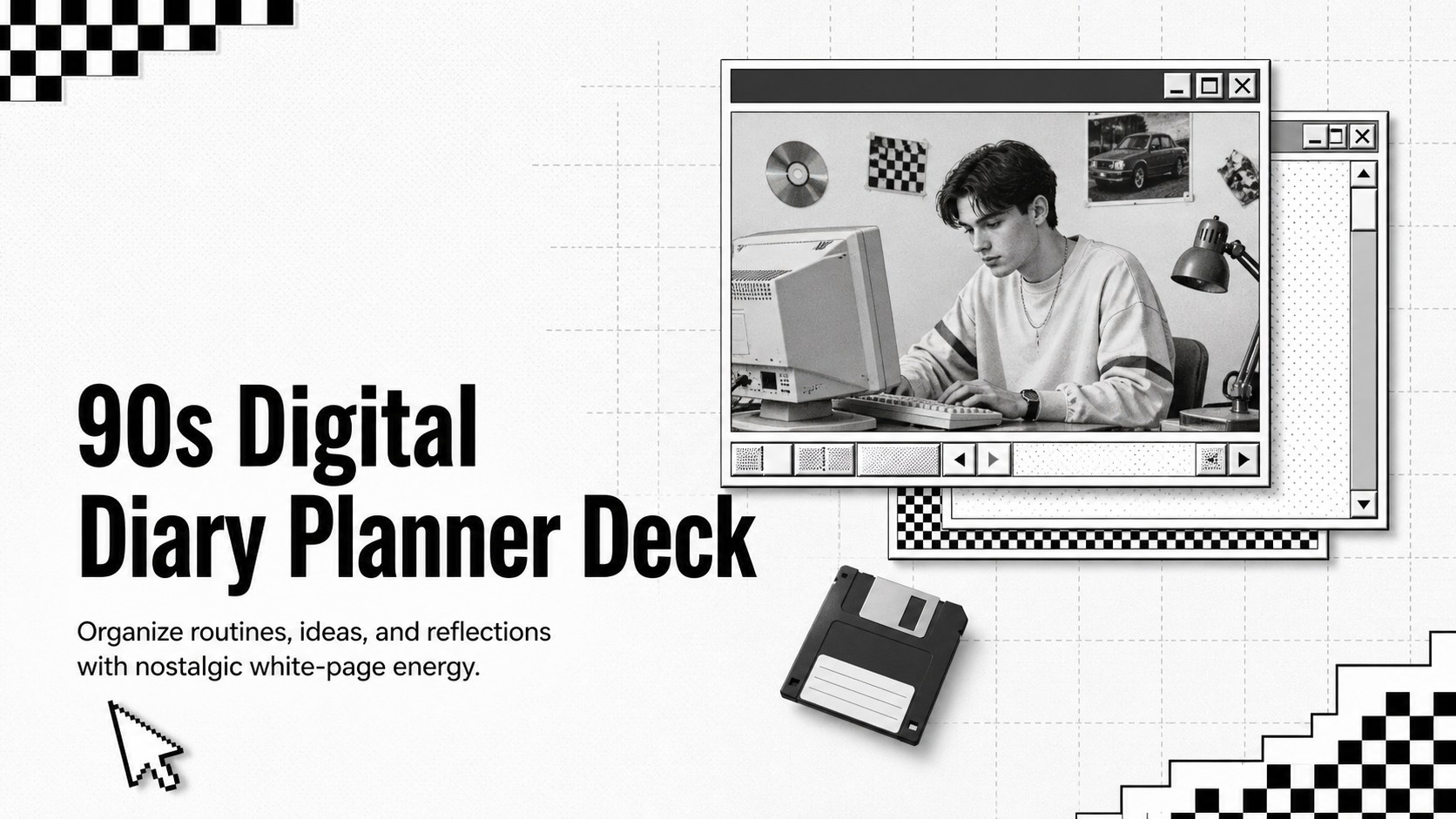
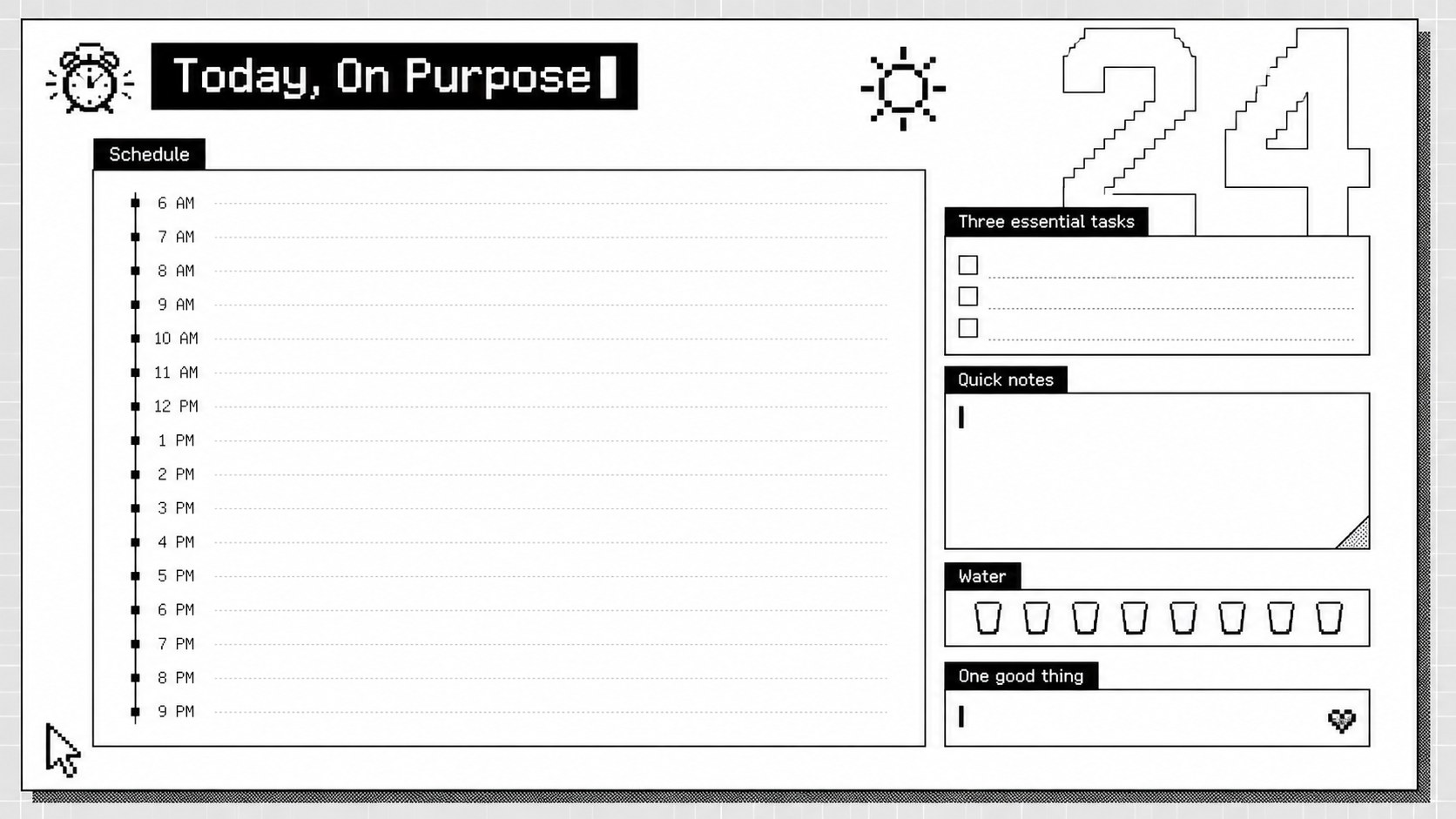
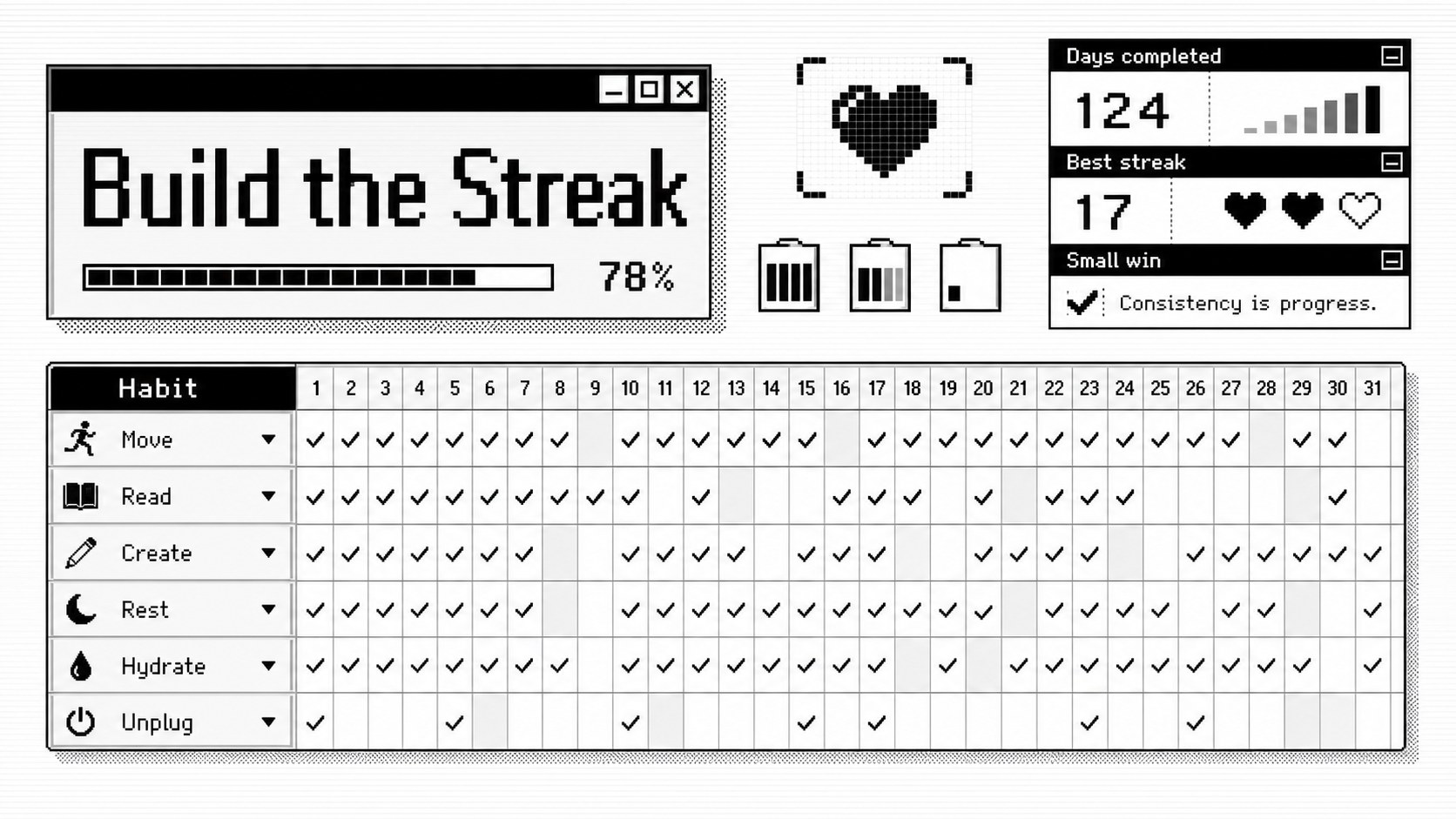
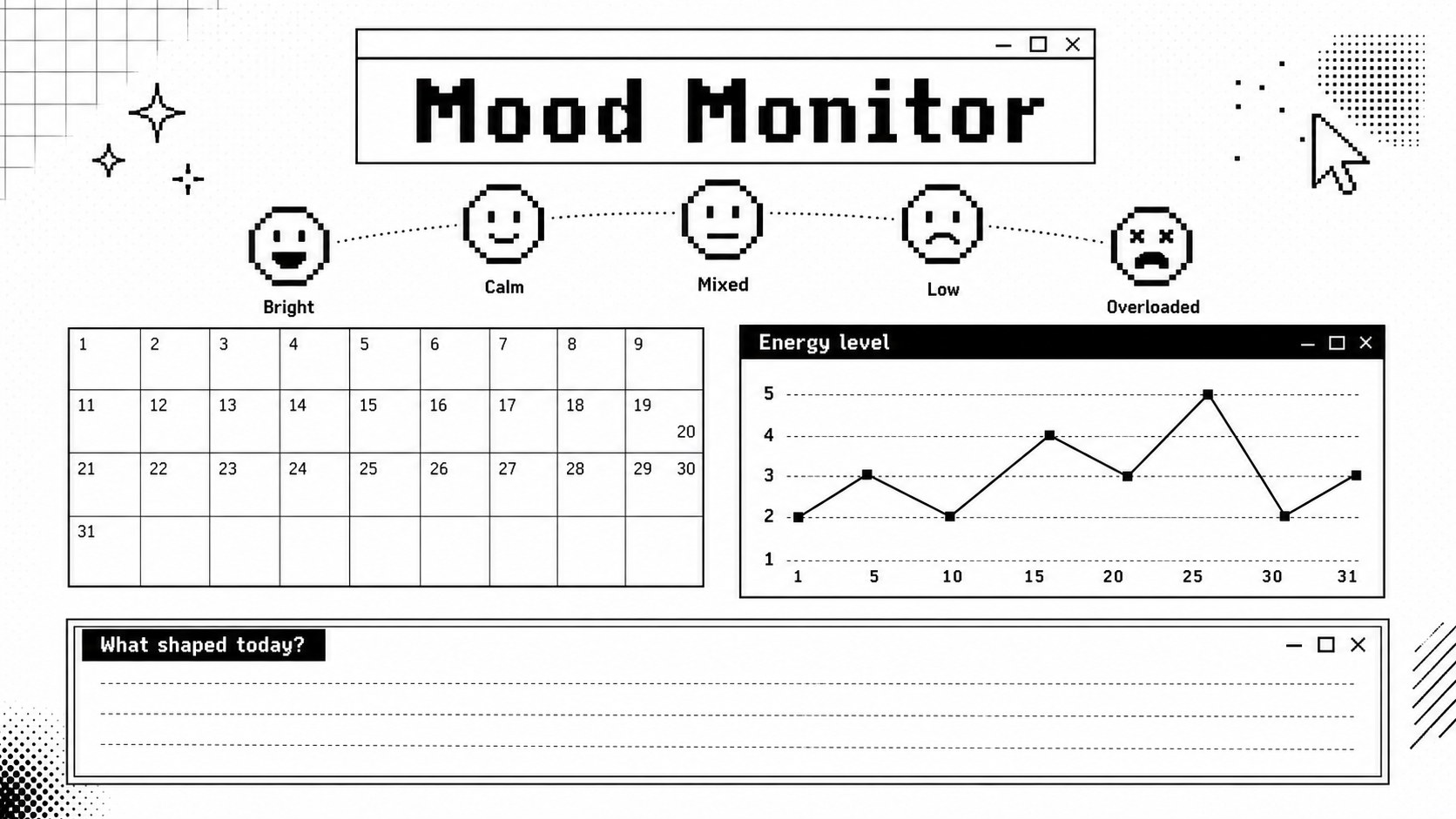
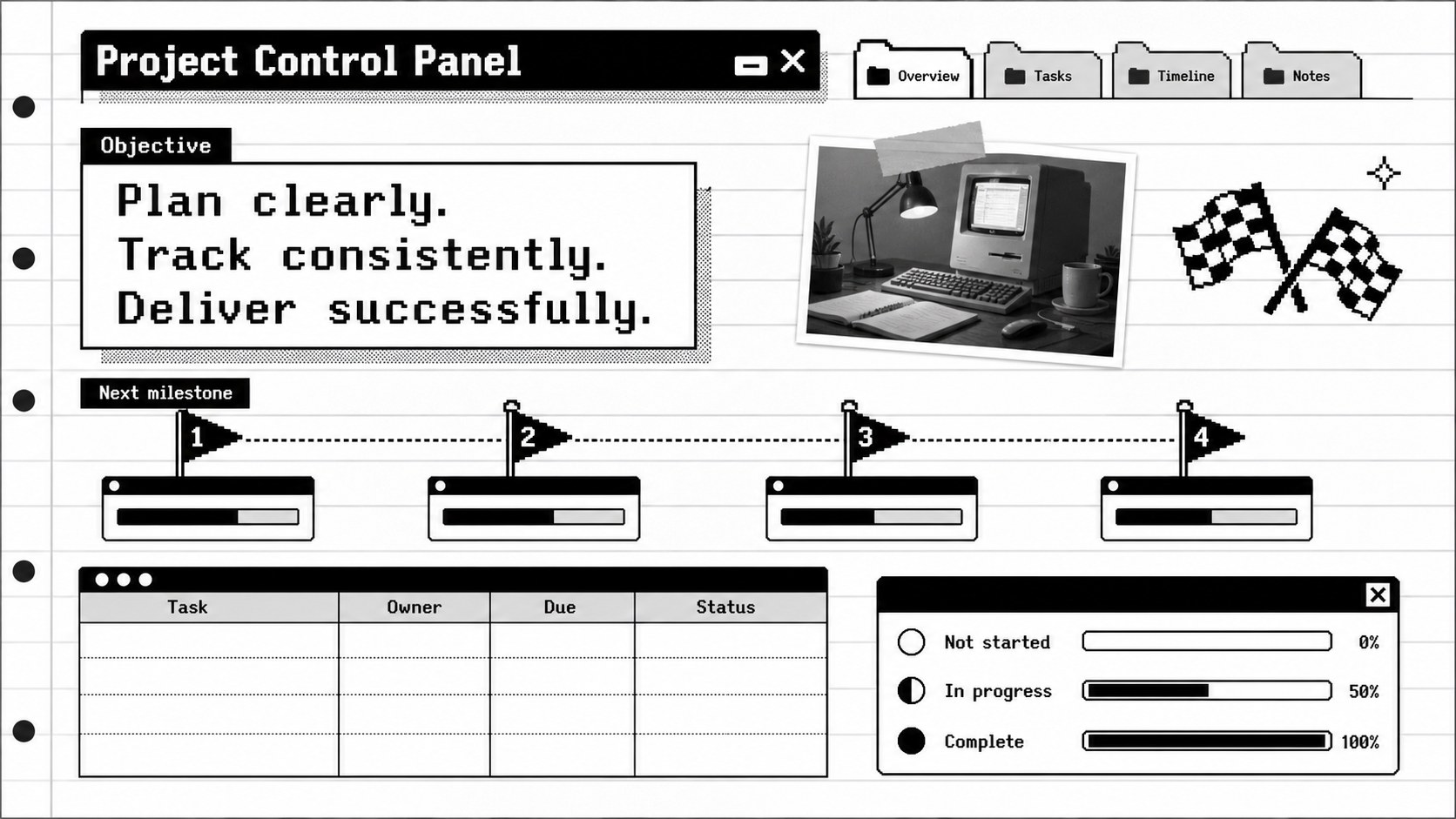
Bring order to busy days with a 90s digital diary planner deck that combines functional organization with nostalgic computer-era details. Crisp white pages, bold editorial type, pixel-inspired accents, and playful interface graphics give the presentation a distinctive retro identity without sacrificing readability.
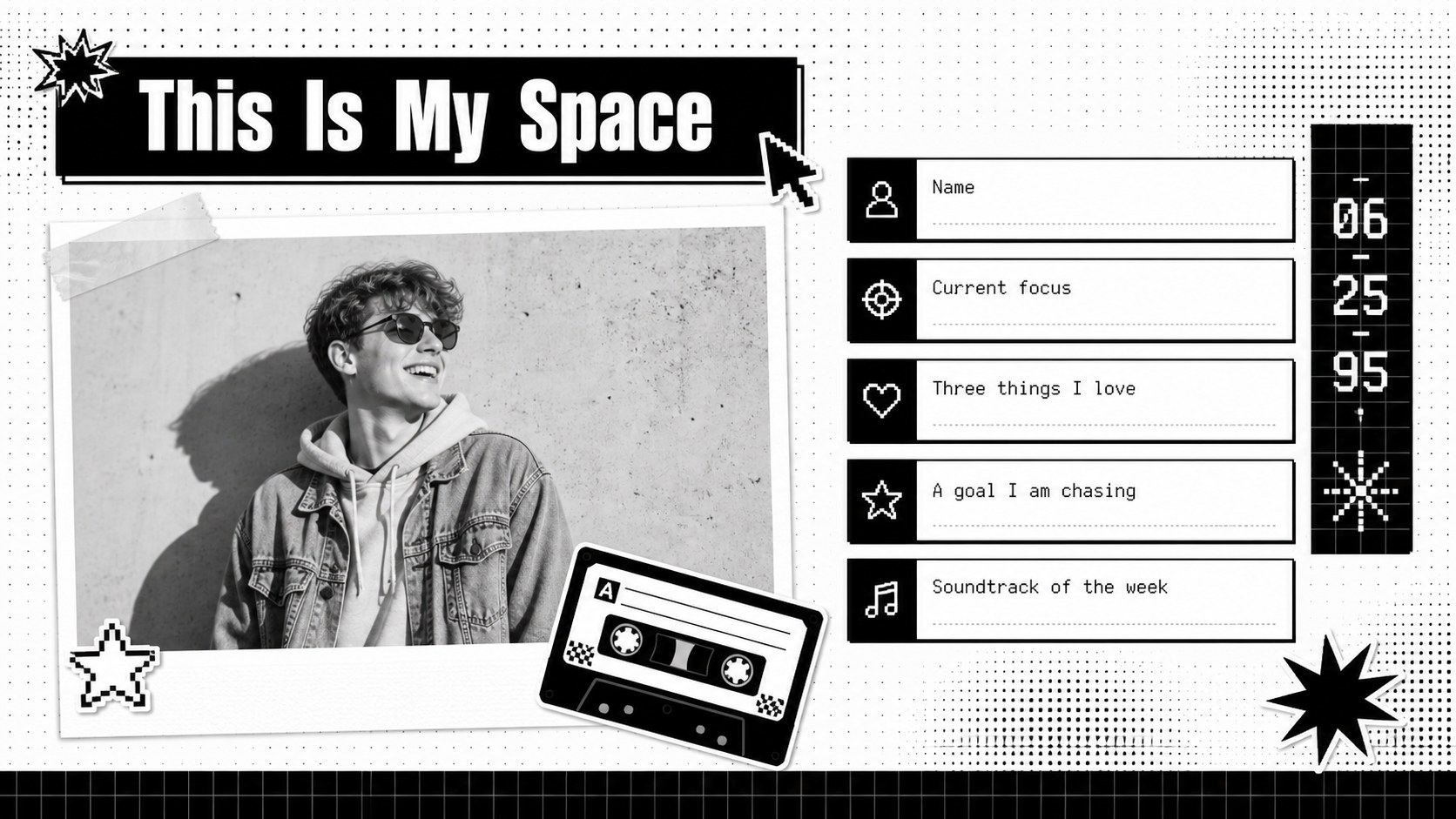
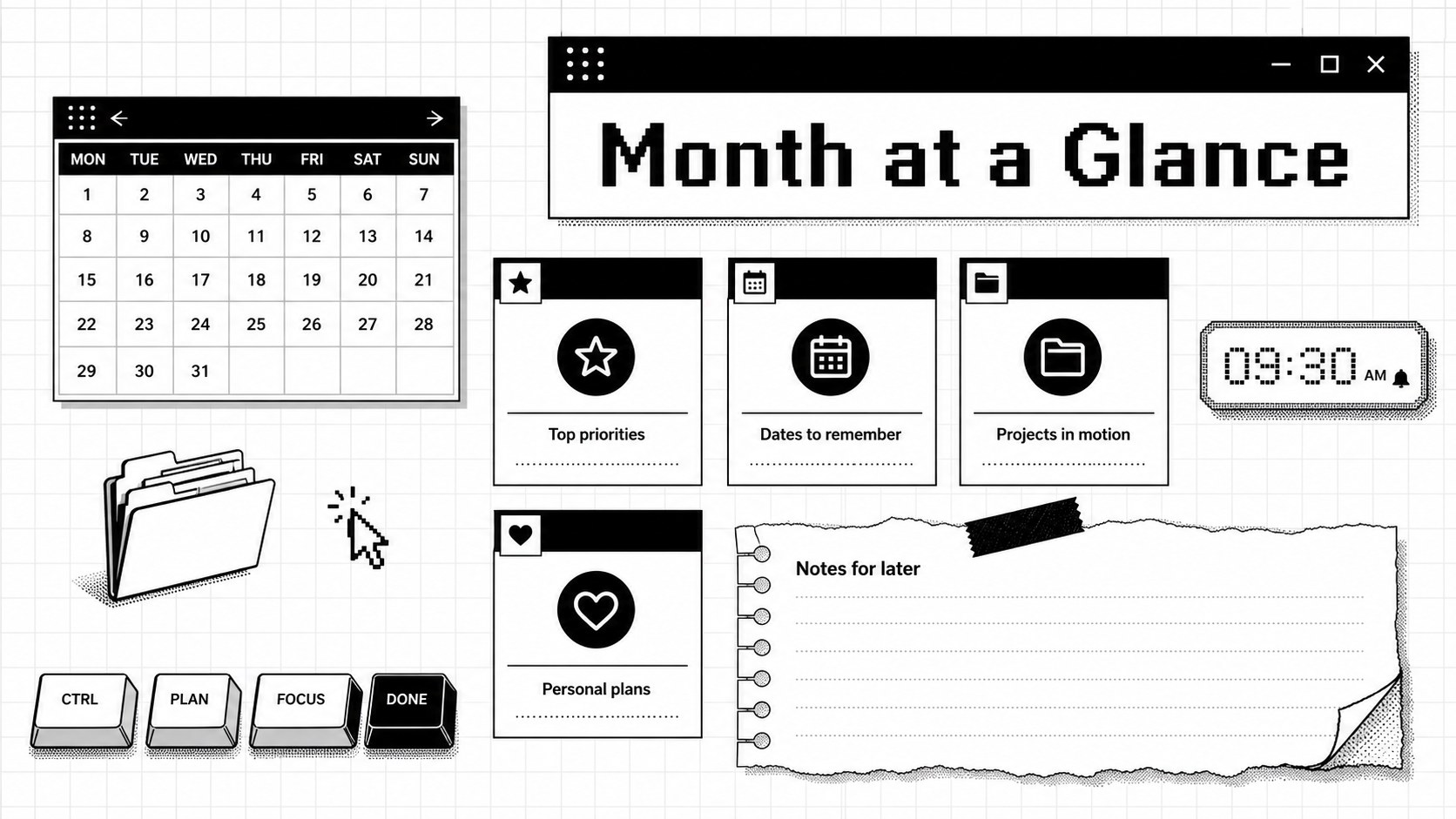
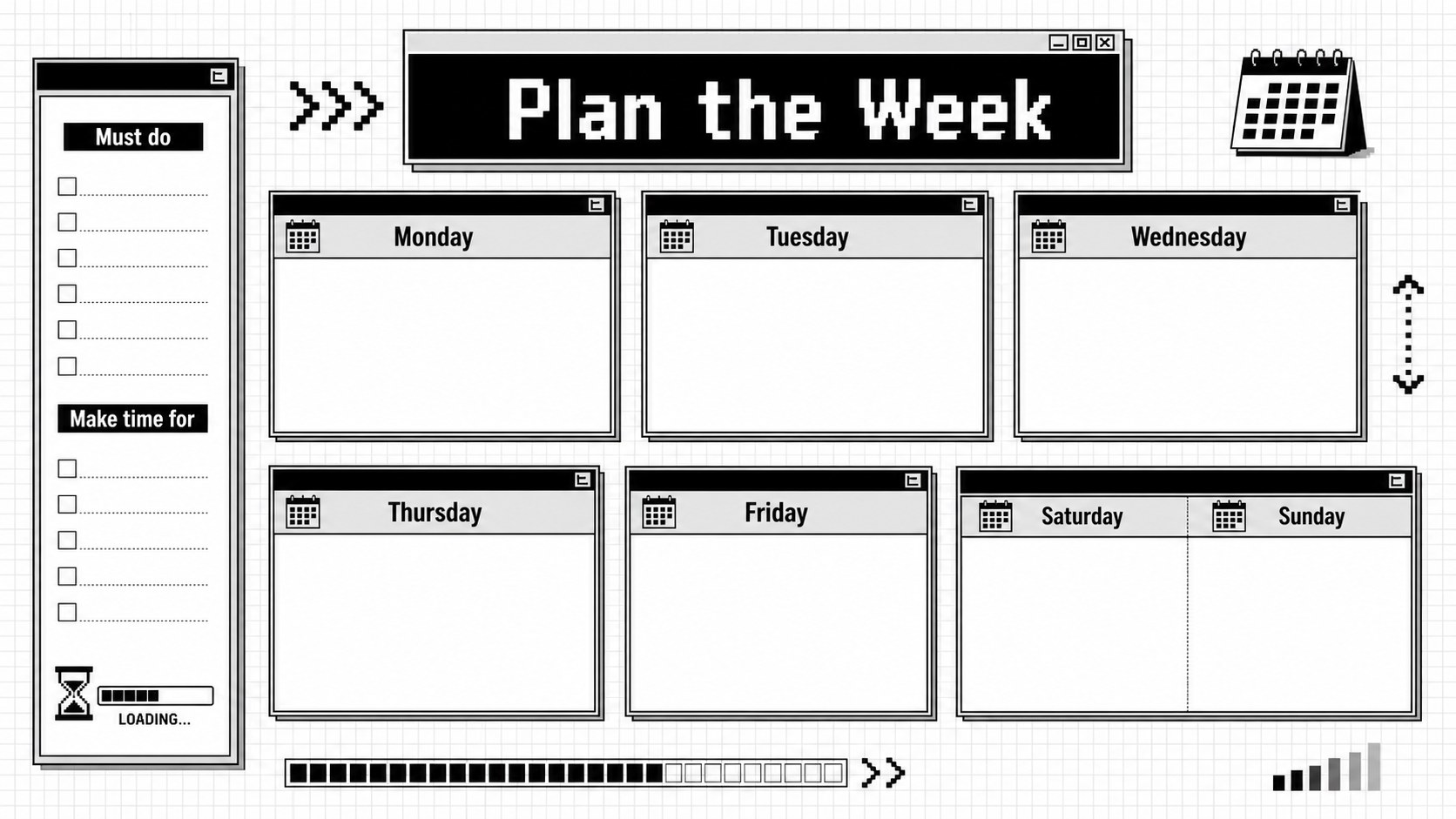
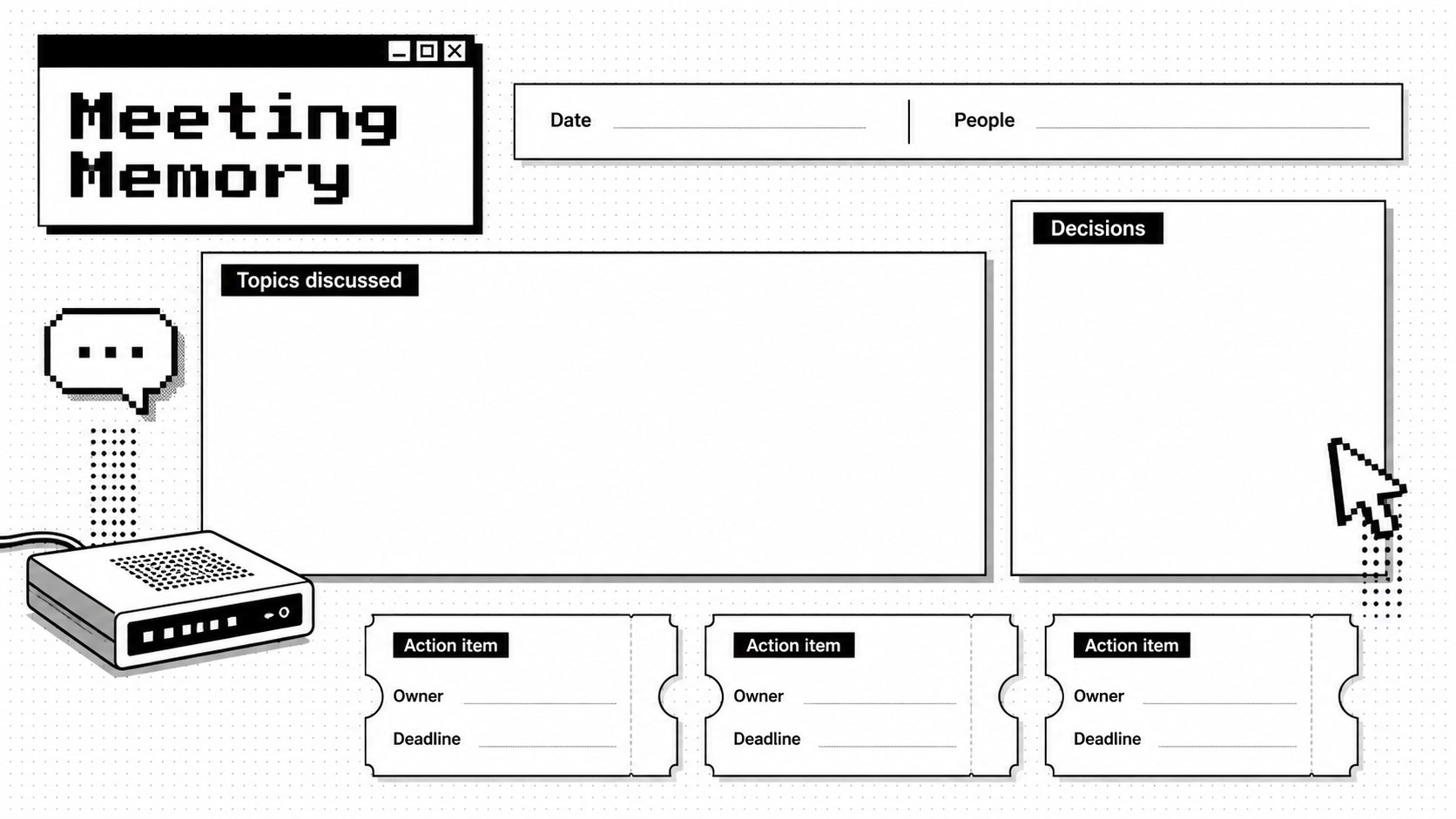
Inside, you will find coordinated layouts for personal introductions, monthly priorities, weekly schedules, daily tasks, habit tracking, mood check-ins, project notes, meeting records, timelines, and reflective journal entries. Use the pixel inspired weekly planner slides to map deadlines, turn the editable mood tracker slides into a visual wellbeing log, or adapt the notebook pages for classes and creative work. Every layout can be personalized with your own text, dates, images, icons, and section labels.
This 90s planner Google Slides theme is designed for students, professionals, teachers, content creators, and anyone who prefers a visual approach to organization. It also works in PowerPoint, making it suitable for private journaling, academic planning, team coordination, and digital scrapbook projects. Adjust the typography and monochrome accents while preserving the airy white palette, then duplicate pages as your schedule or journal grows. The result is a flexible personal organizer that feels nostalgic, focused, and ready for everyday use.
Perfect for: semester study planning; weekly personal organization; creative project journaling; habit and mood tracking; team meeting notes; digital scrapbook creation.
Frequently asked questions
Can I edit every page in this diary planner? Yes. Text, dates, section labels, shapes, and image placeholders can be changed to match your schedule or journaling system. You can also duplicate or remove layouts as your planner develops.
Practical details
Yes. Text, dates, section labels, shapes, and image placeholders can be changed to match your schedule or journaling system. You can also duplicate or remove layouts as your planner develops.
The deck is designed for Microsoft PowerPoint and Google Slides. Import behavior can vary slightly, so check font availability and transitions after opening it on your preferred platform.
Replace the sample entries, add personal photos, and adjust the pixel icons or grayscale accents. Keeping the white background and bold display typography will preserve the 1990s digital character.
Yes. Students can build study schedules and reflection logs, while professionals can organize projects, meeting notes, deadlines, and weekly priorities. The layouts are flexible enough for individual or shared planning.
Keep exploring
15Build an engaging World UFO Day session with this flying saucer history lesson deck, featuring retro green-and-brown slides for PowerPoint and Google Slides.
 15
15Plan a lively animal-learning journey with this jungle zoo adventure lesson deck, ready to customize in PowerPoint and Google Slides for young learners.
 16
16Turn environmental research into a clear story with a Watercolor Ecology Presentation Theme for PowerPoint and Google Slides in calming green and blue.
 16
16Build focused fashion, literature, and humanities presentations with the Red Triangle Editorial Theme, editable in PowerPoint and Google Slides.
 15
15Turn streaming stats, favorite tracks, and concert highlights into a bold annual listening recap slide deck for PowerPoint and Google Slides.
 15
15Turn highlights, milestones, and favorite moments into a colorful year in review slide deck with bold 3D graphics for PowerPoint and Google Slides.
 3
3Build a credible endorsement with Standout Colleague Recommendation Letter Slides, featuring colorful prompts for skills, achievements, and team impact.
 4
4Build clear beginner sessions with an ice hockey fundamentals training deck for coaches, PE teachers, and clubs, ready for PowerPoint and Google Slides.