
 15
15presentation
Flying Saucer History Lesson Deck
Build an engaging World UFO Day session with this flying saucer history lesson deck, featuring retro green-and-brown slides for PowerPoint and Google Slides.
Google SlidesPowerPoint
presentation · English
Use 3D self-development infographic slides to map goals, milestones, habits, and next steps in colorful layouts for PowerPoint and Google Slides.

Design notes
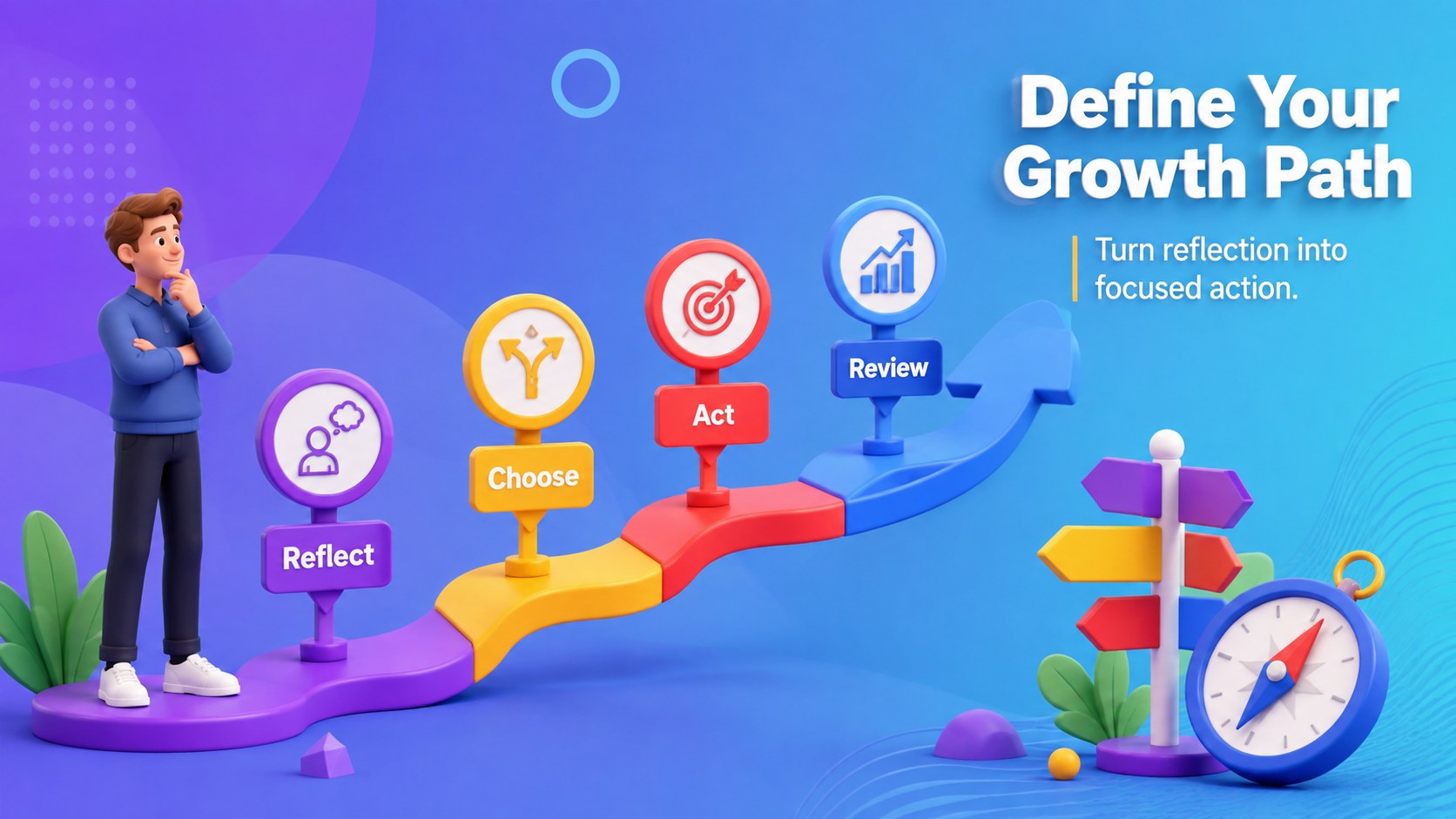
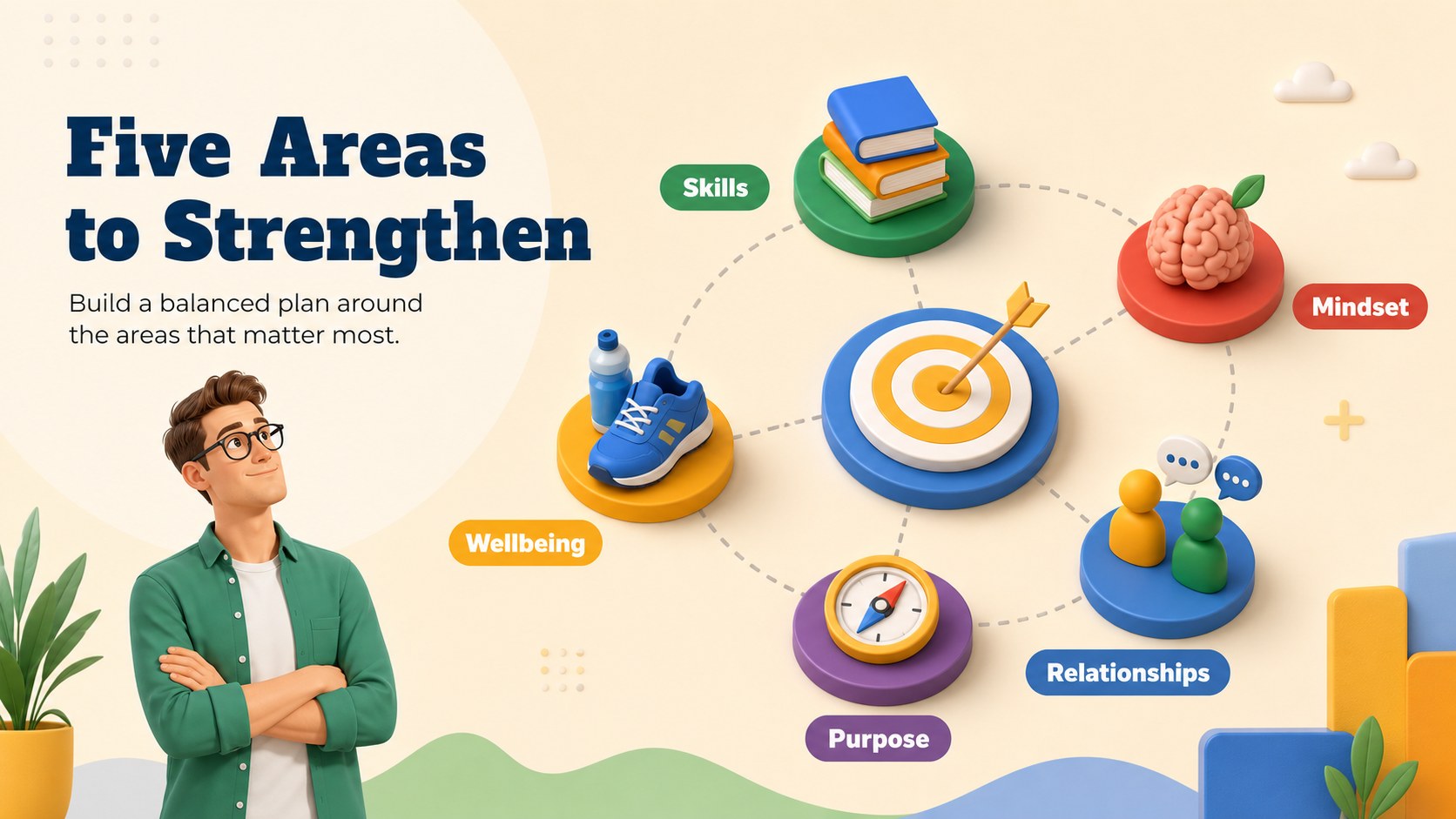
3D self-development infographic slides turn personal goals and workplace development topics into an engaging visual story. Designed for professionals, coaches, educators, and workshop leaders, this colorful deck helps audiences understand where they are, what they want to improve, and which actions can move them forward.
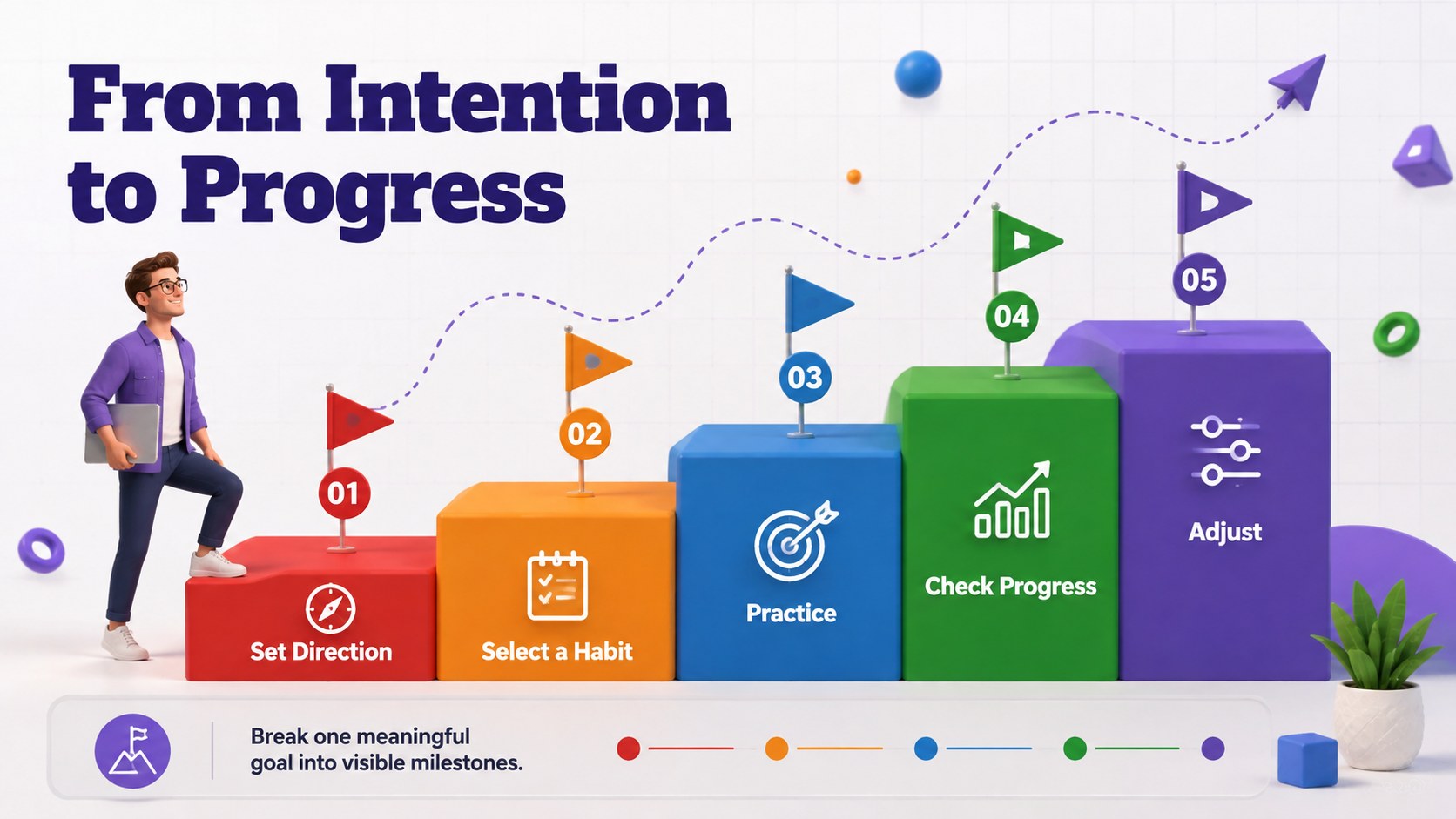
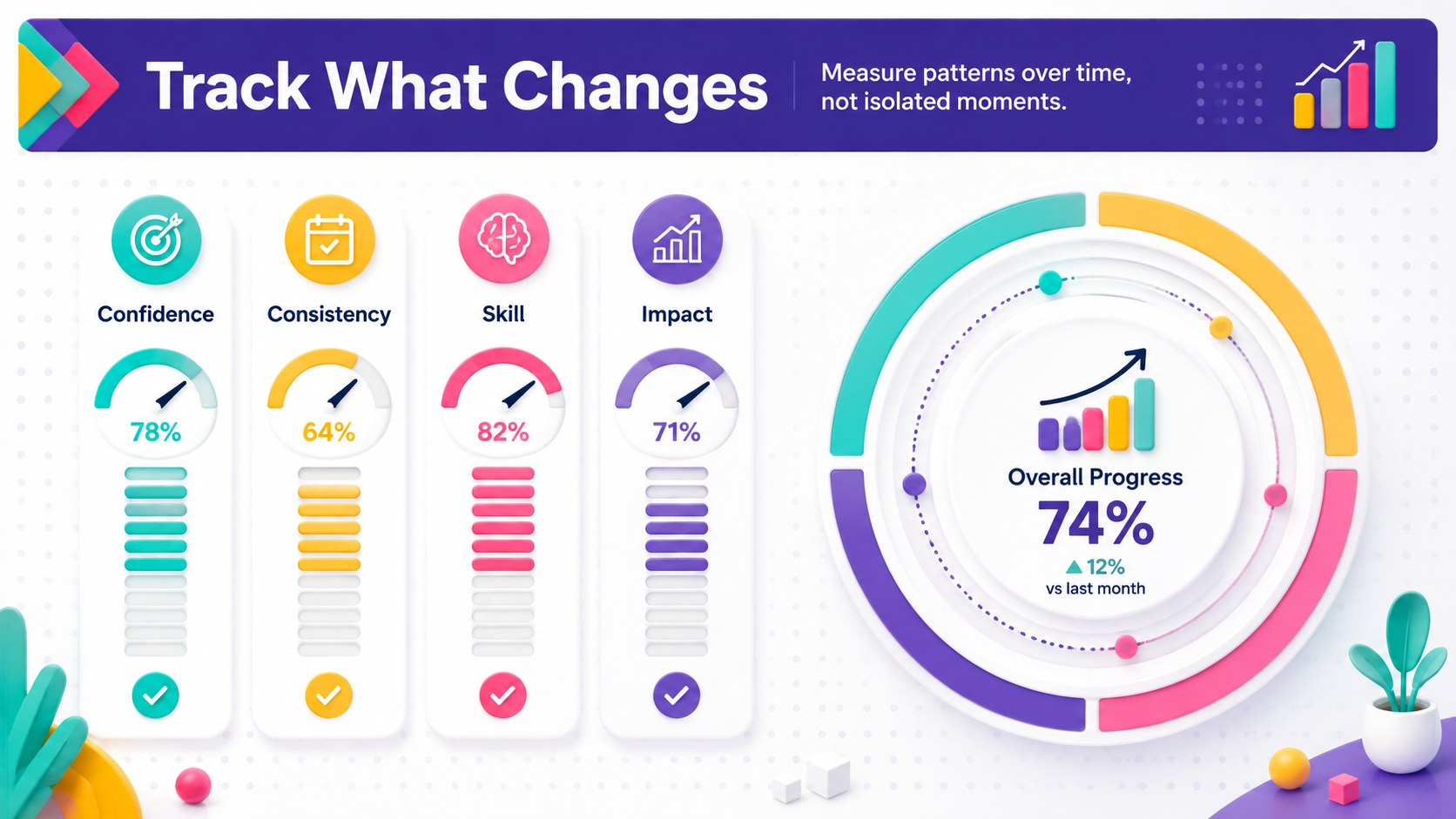
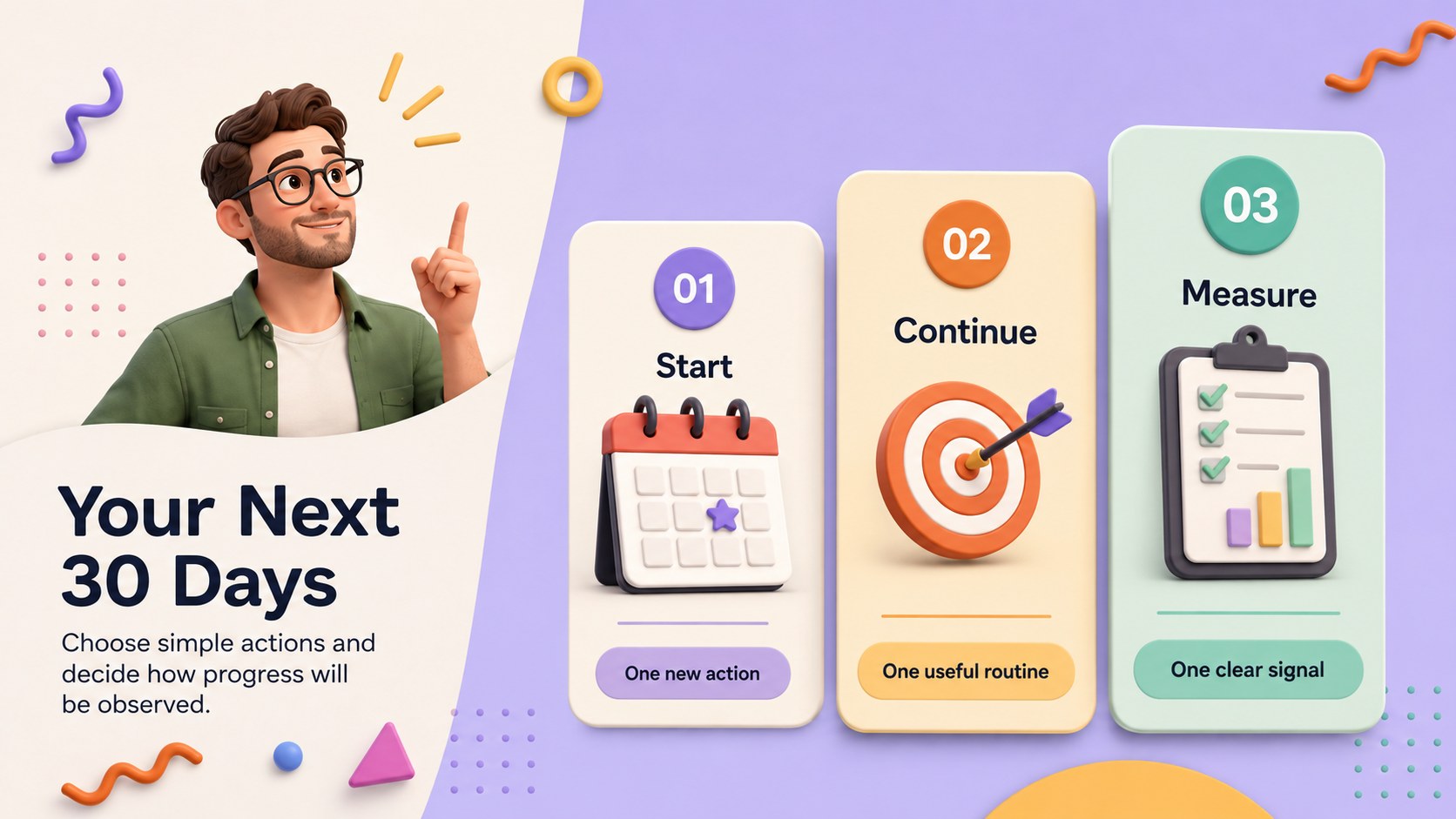
Inside are six coordinated 16:9 layouts covering a development journey, areas of focus, practical milestones, progress indicators, and a 30-day action plan. Use the deck as a self improvement infographic template, adapt it into goal setting process slides, or create a concise career growth roadmap presentation. Bright colors, dimensional illustrations, and clearly structured content keep each idea approachable without losing a polished business tone.
Every slide can be edited in PowerPoint or Google Slides. Replace the sample wording, adjust colors, rearrange shapes, and add your own goals, measurements, or coaching prompts. The layouts work well for employee development meetings, leadership training, classroom reflection, mentoring sessions, wellness workshops, and independent planning. Present the complete sequence as a guided exercise or select individual diagrams to support a larger training deck.
Perfect for: employee development workshop; career coaching session; leadership training exercise; student reflection activity; personal goal review.
Frequently asked questions
Can I edit every part of the slides? Yes. The text, colors, shapes, diagrams, and visual elements can be customized to match your development framework or organization.
Practical details
Yes. The text, colors, shapes, diagrams, and visual elements can be customized to match your development framework or organization.
The template is designed for PowerPoint and Google Slides. Formatting may vary slightly by platform, so review fonts and animations before presenting.
Yes. Replace the sample prompts with role-specific goals, competencies, milestones, and review dates to create a practical coaching resource.
Change the accent colors through the theme or individual shape controls in your presentation software. Keep strong contrast between text and backgrounds to preserve readability.
Keep exploring
15Build an engaging World UFO Day session with this flying saucer history lesson deck, featuring retro green-and-brown slides for PowerPoint and Google Slides.
 15
15Plan a lively animal-learning journey with this jungle zoo adventure lesson deck, ready to customize in PowerPoint and Google Slides for young learners.
 16
16Turn environmental research into a clear story with a Watercolor Ecology Presentation Theme for PowerPoint and Google Slides in calming green and blue.
 16
16Build focused fashion, literature, and humanities presentations with the Red Triangle Editorial Theme, editable in PowerPoint and Google Slides.
 15
15Turn streaming stats, favorite tracks, and concert highlights into a bold annual listening recap slide deck for PowerPoint and Google Slides.
 15
15Turn highlights, milestones, and favorite moments into a colorful year in review slide deck with bold 3D graphics for PowerPoint and Google Slides.
 3
3Build a credible endorsement with Standout Colleague Recommendation Letter Slides, featuring colorful prompts for skills, achievements, and team impact.
 4
4Build clear beginner sessions with an ice hockey fundamentals training deck for coaches, PE teachers, and clubs, ready for PowerPoint and Google Slides.