
 15
15presentation
Flying Saucer History Lesson Deck
Build an engaging World UFO Day session with this flying saucer history lesson deck, featuring retro green-and-brown slides for PowerPoint and Google Slides.
Google SlidesPowerPoint
presentation · English
Turn geometry into a visual lesson with 3D Measurement and Scale Math Slides, an editable classroom deck for PowerPoint and Google Slides.
Design notes
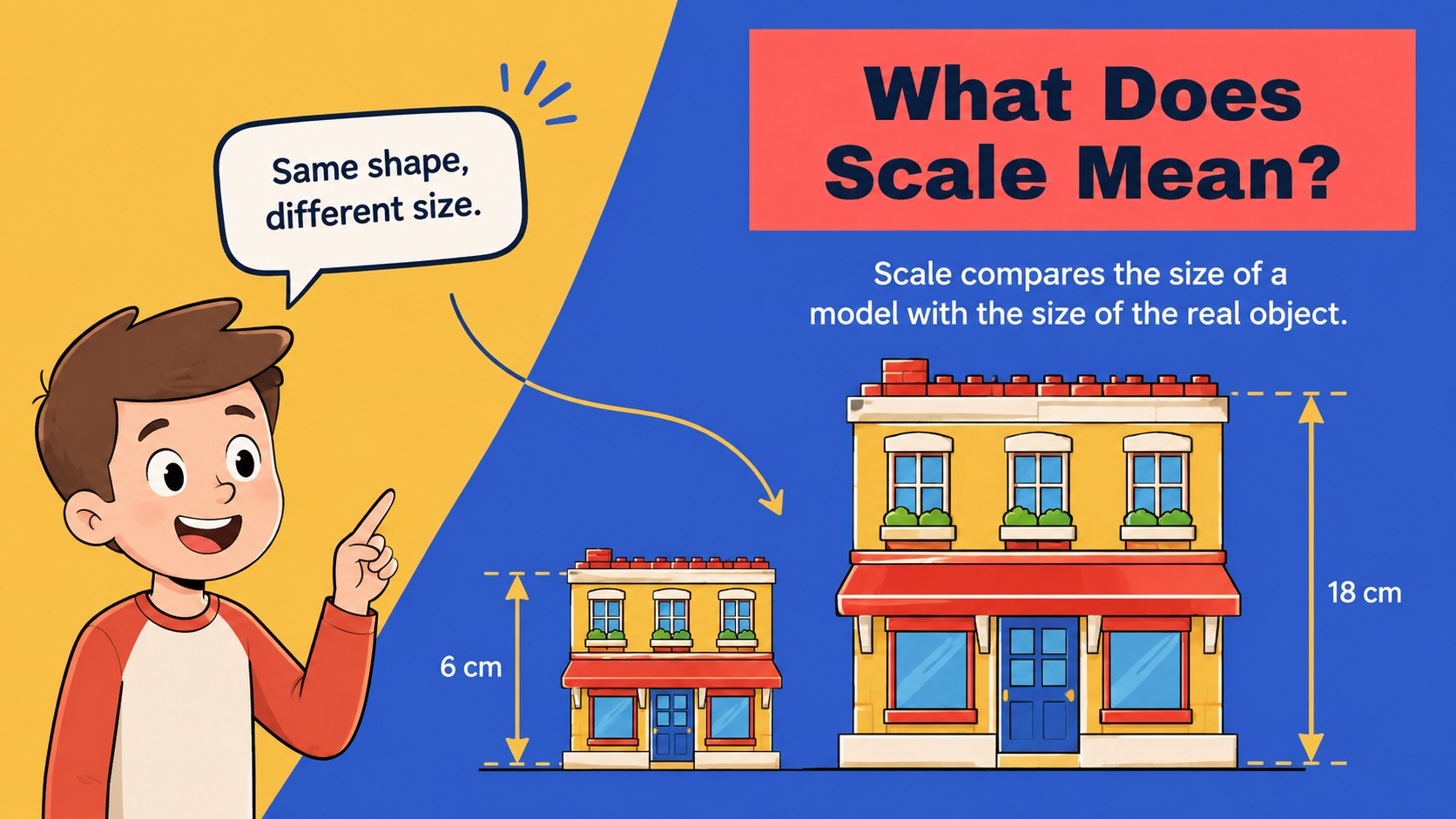
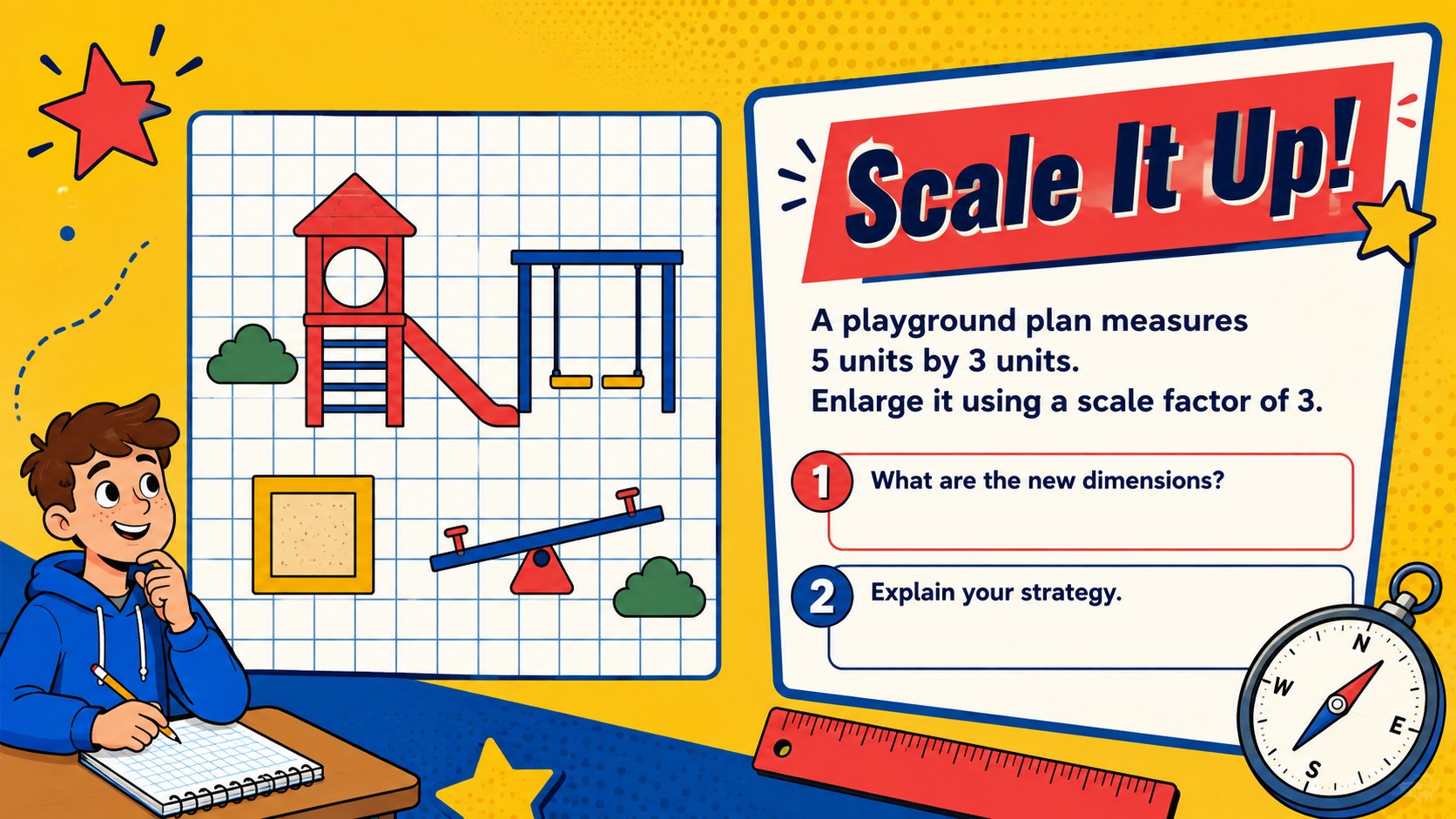
Make dimensions and scaled objects easier to understand with 3D Measurement and Scale Math Slides. Designed as an elementary geometry presentation, this colorful deck uses clear diagrams, friendly illustrations, and guided questions to turn abstract ideas into visual classroom activities. Its energetic red, yellow, and blue palette keeps lessons bright without distracting from the mathematics.
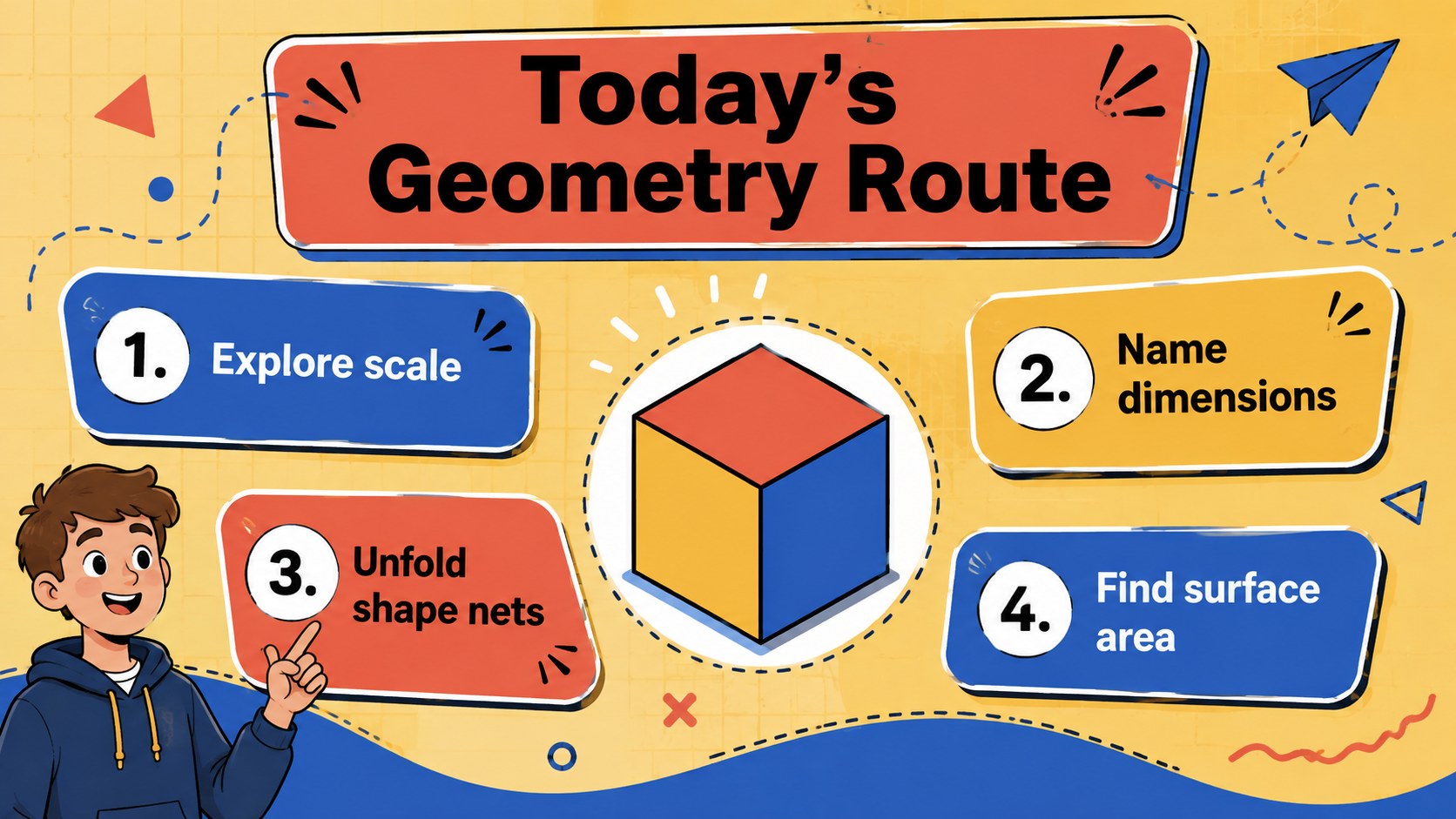
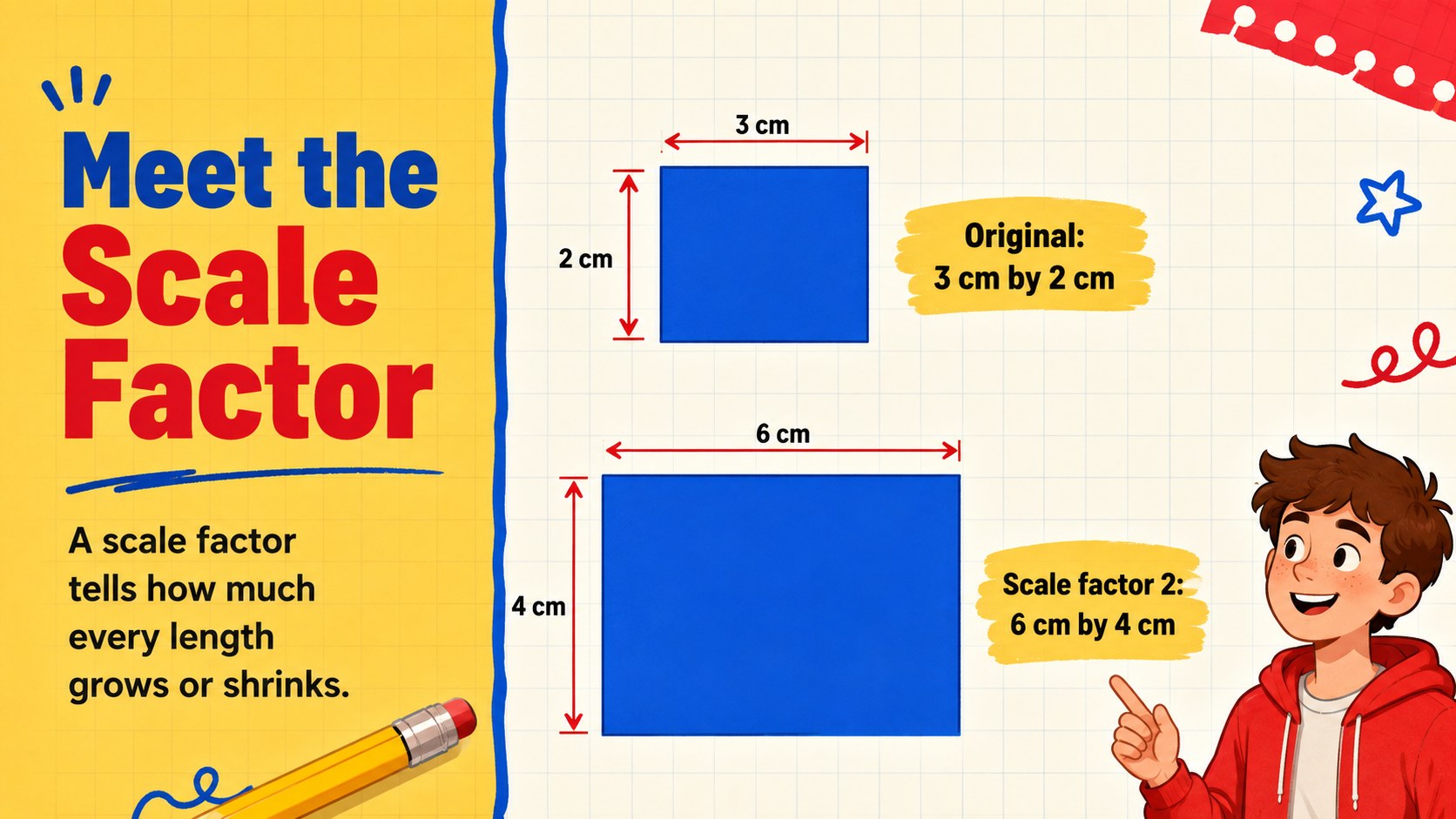
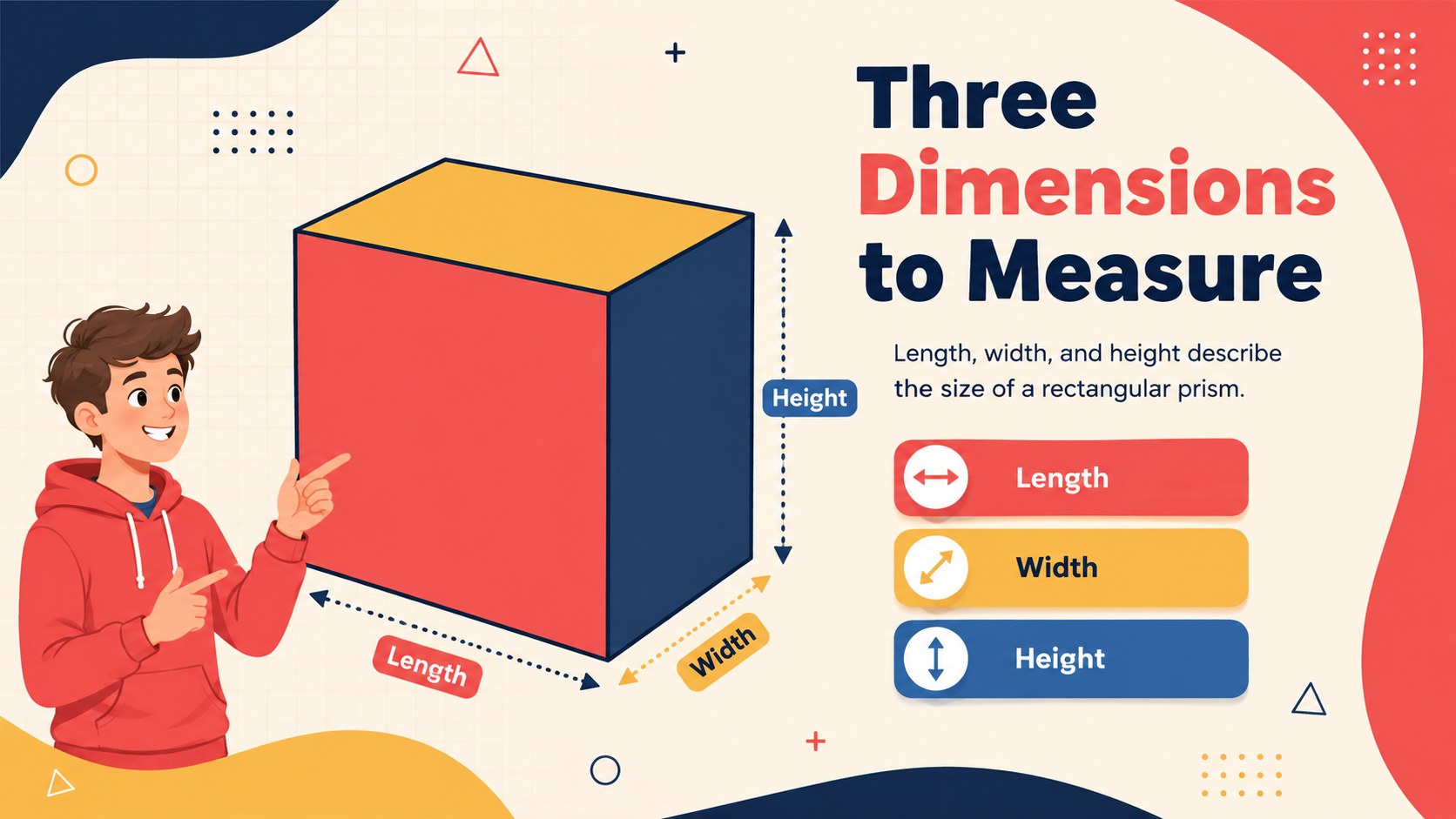
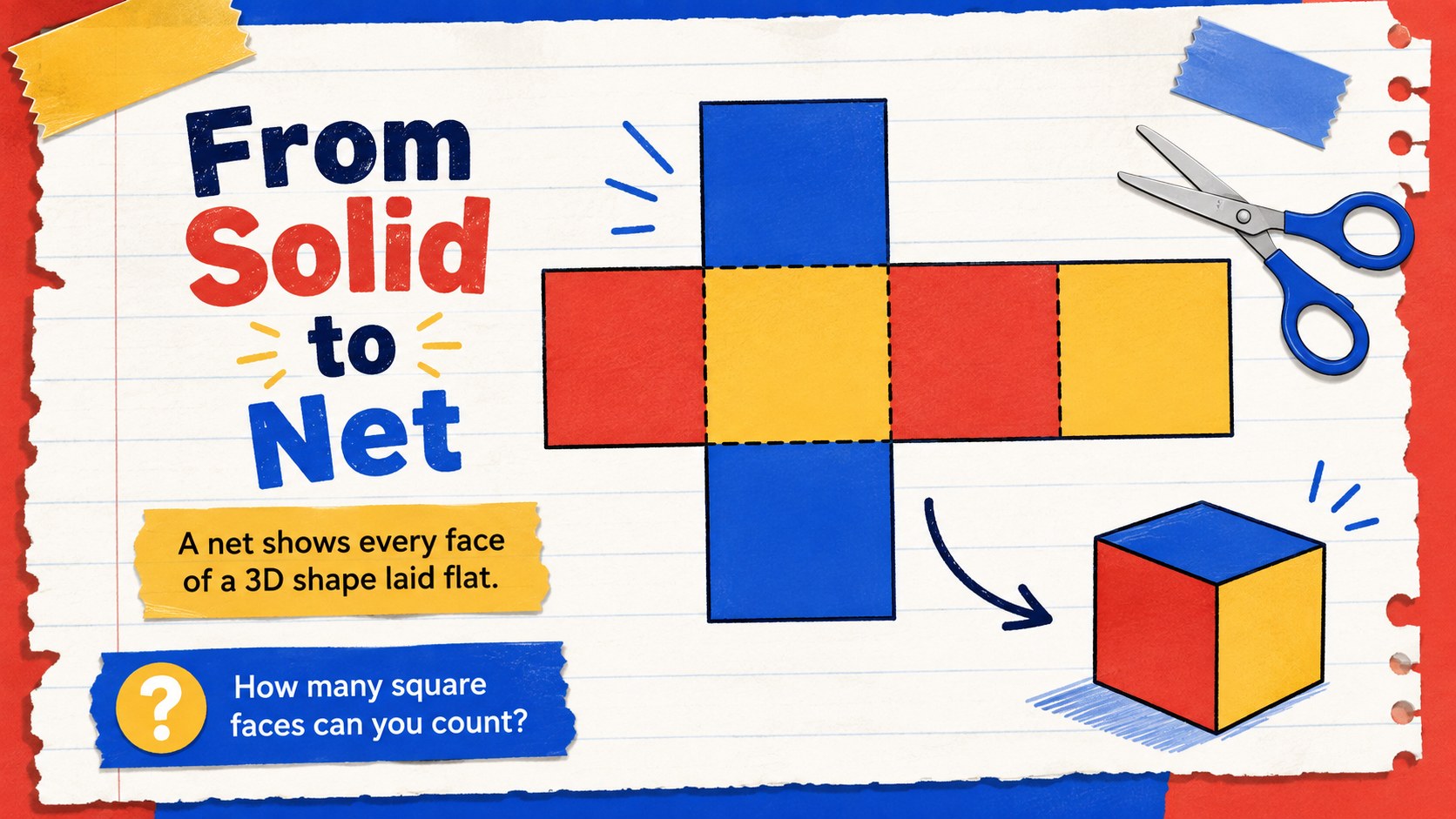
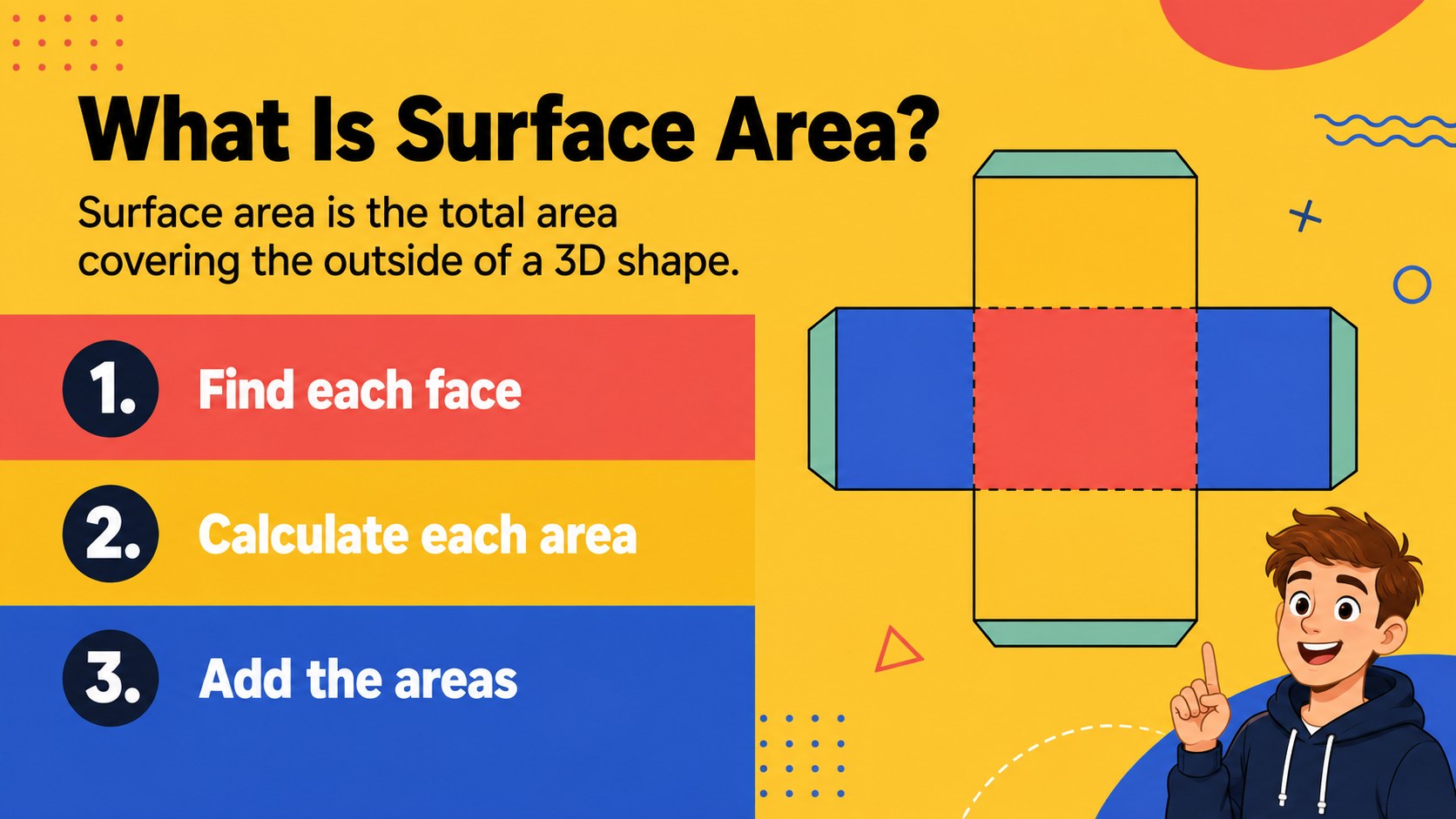
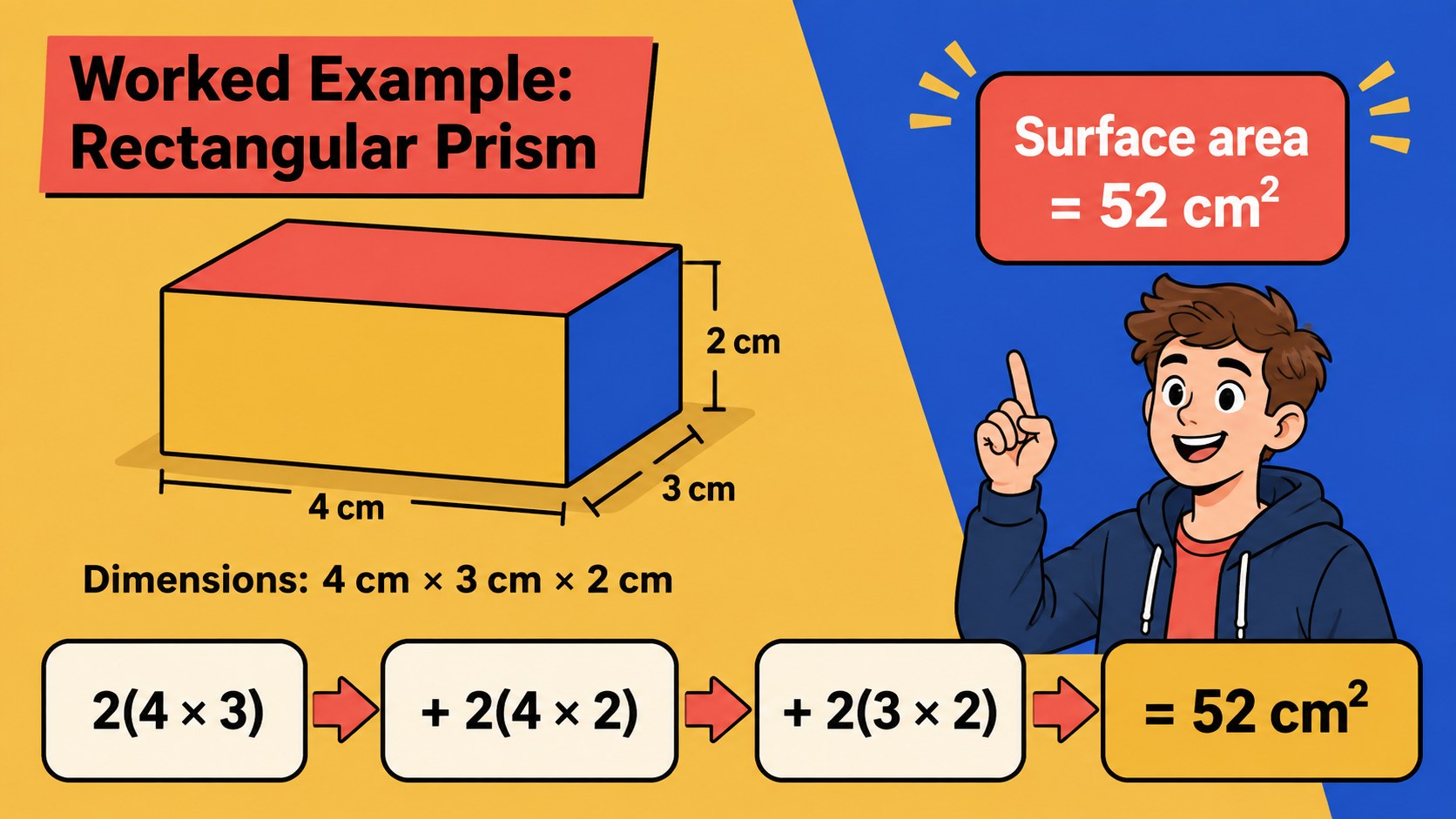
Inside, teachers will find an opening discussion, a scale-factor introduction, labeled shape diagrams, net-building examples, step-by-step surface area calculations, partner prompts, and quick knowledge checks. The sequence supports teaching scale factor to kids before moving into length, width, height, faces, units, and total surface area. Dedicated surface area practice slides provide room for worked examples as well as independent problem solving.
Use the deck for whole-class instruction, small-group review, math stations, intervention sessions, or homework discussion. Every slide can be edited in PowerPoint and Google Slides, allowing educators to replace measurements, adjust questions, change diagrams, or match the pacing of their curriculum. The 16:9 layout is ready for classroom screens and interactive whiteboards, while the illustrated design works especially well for upper-elementary learners beginning to explore measurement and three-dimensional geometry.
Perfect for: whole-class geometry lesson; surface area guided practice; scale factor math station; small-group intervention; interactive whiteboard review.
Frequently asked questions
Which presentation platforms support this template? The deck is designed for PowerPoint and Google Slides. Its widescreen 16:9 format works well on classroom projectors, displays, and interactive whiteboards.
Practical details
The deck is designed for PowerPoint and Google Slides. Its widescreen 16:9 format works well on classroom projectors, displays, and interactive whiteboards.
Yes. Teachers can replace dimensions, rewrite questions, duplicate activities, and adapt the worked examples to their grade level or curriculum.
Yes. The red, yellow, and blue palette, typography, diagrams, and decorative elements are editable. You can simplify the visuals or apply your school's preferred colors.
It is best suited to upper-elementary students who are beginning to work with scale, three-dimensional shapes, nets, and surface area. Individual slides can also be adapted for review in later grades.
Keep exploring
15Build an engaging World UFO Day session with this flying saucer history lesson deck, featuring retro green-and-brown slides for PowerPoint and Google Slides.
 15
15Plan a lively animal-learning journey with this jungle zoo adventure lesson deck, ready to customize in PowerPoint and Google Slides for young learners.
 16
16Turn environmental research into a clear story with a Watercolor Ecology Presentation Theme for PowerPoint and Google Slides in calming green and blue.
 16
16Build focused fashion, literature, and humanities presentations with the Red Triangle Editorial Theme, editable in PowerPoint and Google Slides.
 15
15Turn streaming stats, favorite tracks, and concert highlights into a bold annual listening recap slide deck for PowerPoint and Google Slides.
 15
15Turn highlights, milestones, and favorite moments into a colorful year in review slide deck with bold 3D graphics for PowerPoint and Google Slides.
 3
3Build a credible endorsement with Standout Colleague Recommendation Letter Slides, featuring colorful prompts for skills, achievements, and team impact.
 4
4Build clear beginner sessions with an ice hockey fundamentals training deck for coaches, PE teachers, and clubs, ready for PowerPoint and Google Slides.