
 15
15presentation
Flying Saucer History Lesson Deck
Build an engaging World UFO Day session with this flying saucer history lesson deck, featuring retro green-and-brown slides for PowerPoint and Google Slides.
Google SlidesPowerPoint
presentation · English
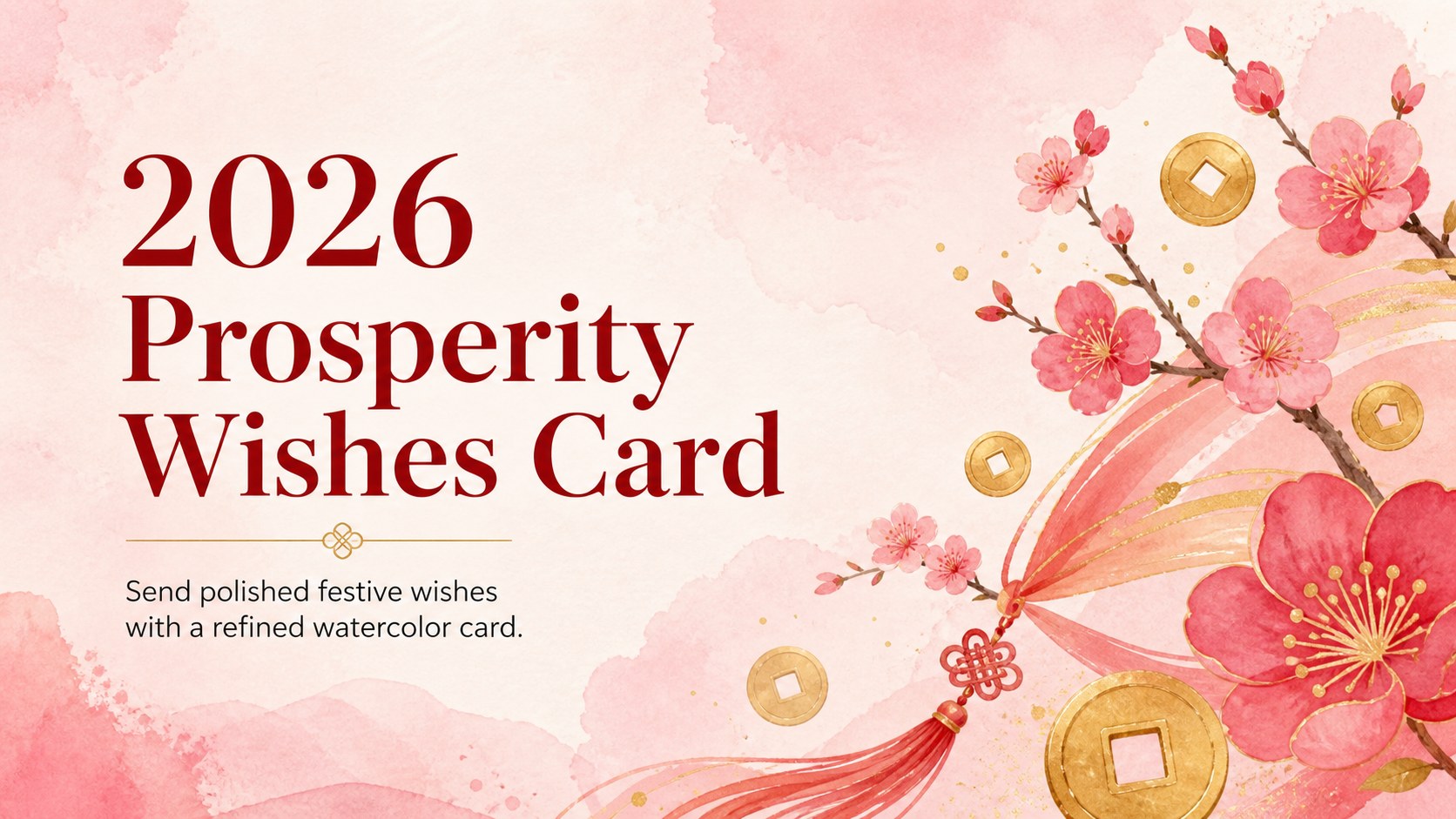
Share heartfelt 2026 prosperity wishes with an elegant watercolor card for PowerPoint and Google Slides, featuring editable red, pink, and gold details.



Design notes
Welcome the Year of the Horse with a graceful 2026 prosperity greeting card made for warm, memorable messages. Soft watercolor details, vivid red accents, and touches of gold create a festive design that feels celebratory without becoming overly busy. Use it to send family wishes, thank clients, announce a community event, or share a polished digital greeting with friends.
Inside, you’ll find four editable 16:9 presentation slides with coordinated layouts for a cover message, a personal note, a blessings-and-wishes panel, and a closing greeting. The flexible format works as a red and gold holiday card template while the pink watercolor palette adds a gentle, contemporary finish. Replace the sample wording, adjust the colors, add a logo-free signature, or export your finished design as a printable or shareable image.
This Chinese New Year digital greeting is suitable for households, schools, cultural organizations, small businesses, and social media teams. It is easy to edit in PowerPoint and Google Slides, with organized text areas and adaptable decorative elements. Add a family name, company message, event details, or watercolor Lunar New Year wishes without rebuilding the composition from scratch.
Perfect for: family New Year message; client appreciation greeting; school cultural celebration; community event announcement; social media holiday post.
Frequently asked questions
Can I edit the 2026 prosperity greeting card in PowerPoint? Yes. Open the template in PowerPoint and replace the sample text, adjust editable shapes, and personalize the decorative details. You can also export the finished card as a PDF or image for sharing.
Practical details
Yes. Open the template in PowerPoint and replace the sample text, adjust editable shapes, and personalize the decorative details. You can also export the finished card as a PDF or image for sharing.
Yes, the deck is compatible with Google Slides. Upload the PowerPoint file, then edit the text, colors, and layout directly in your browser.
The text and design elements are customizable, so you can add a family name, business message, event information, or personal blessing. The red, pink, and gold palette can also be adjusted to suit your occasion.
Yes. Create the design in PowerPoint or Google Slides, then download it as a high-resolution PDF or image. For physical printing, check the export settings and choose paper dimensions that match your intended format.
Keep exploring
15Build an engaging World UFO Day session with this flying saucer history lesson deck, featuring retro green-and-brown slides for PowerPoint and Google Slides.
 15
15Plan a lively animal-learning journey with this jungle zoo adventure lesson deck, ready to customize in PowerPoint and Google Slides for young learners.
 16
16Turn environmental research into a clear story with a Watercolor Ecology Presentation Theme for PowerPoint and Google Slides in calming green and blue.
 16
16Build focused fashion, literature, and humanities presentations with the Red Triangle Editorial Theme, editable in PowerPoint and Google Slides.
 15
15Turn streaming stats, favorite tracks, and concert highlights into a bold annual listening recap slide deck for PowerPoint and Google Slides.
 15
15Turn highlights, milestones, and favorite moments into a colorful year in review slide deck with bold 3D graphics for PowerPoint and Google Slides.
 3
3Build a credible endorsement with Standout Colleague Recommendation Letter Slides, featuring colorful prompts for skills, achievements, and team impact.
 4
4Build clear beginner sessions with an ice hockey fundamentals training deck for coaches, PE teachers, and clubs, ready for PowerPoint and Google Slides.