
 15
15presentation
Breast Cancer Awareness Bulletin Deck
Build a clear breast cancer awareness bulletin with bold pink-and-red slides for campaign news, screening reminders, impact data, and community updates.
Google SlidesPowerPoint
presentation · English
Promote classes with a yoga workshop marketing presentation featuring playful beige, pink, and purple illustrations for PowerPoint and Google Slides.

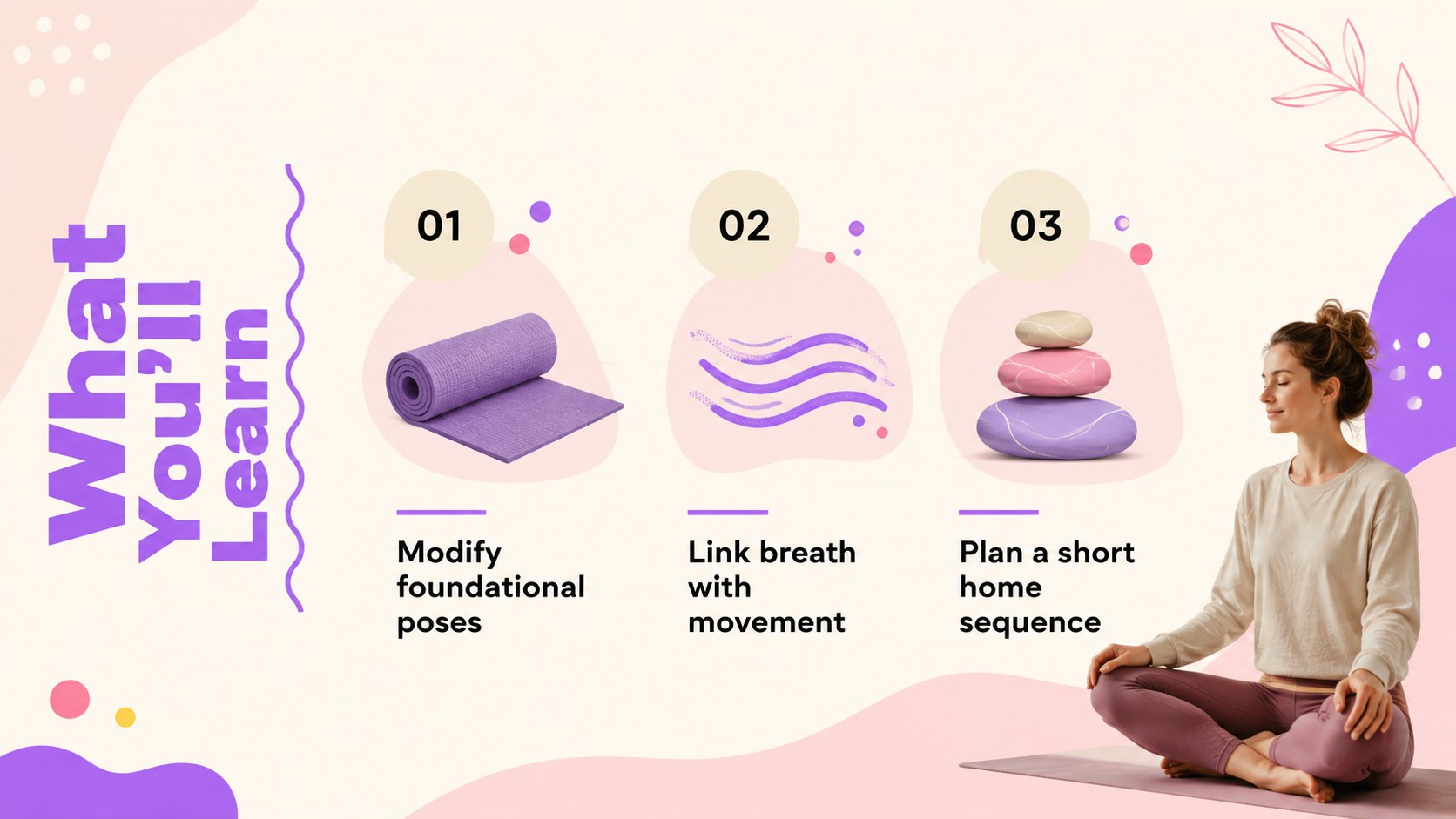
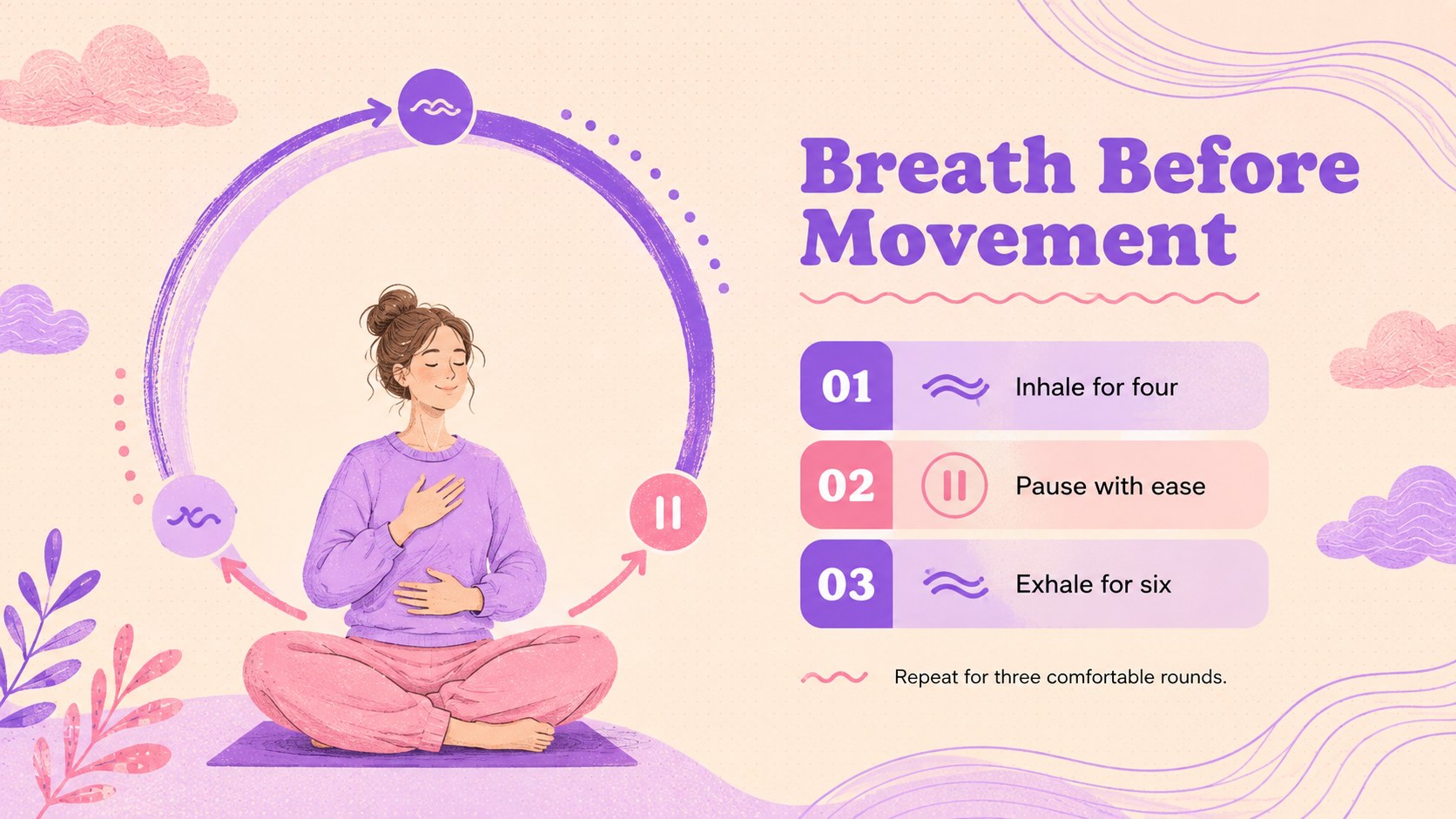
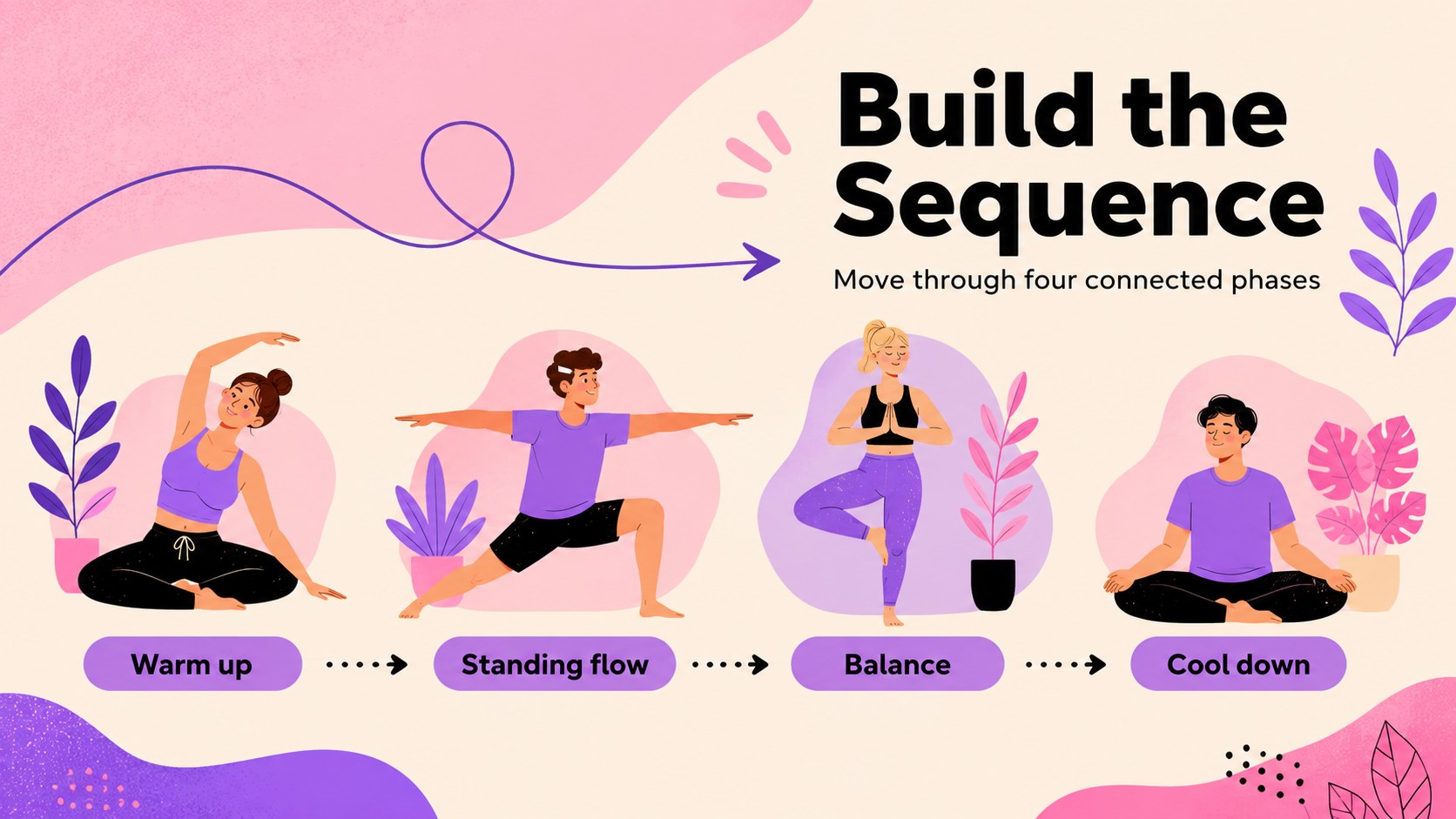

Design notes
Turn your next wellness event into a clear, inviting experience with this yoga workshop marketing presentation. Its playful illustrations, organic shapes, and balanced beige, pink, and purple palette create a warm visual identity without losing the structure needed for professional communication. Customize the deck in PowerPoint or Google Slides to match your studio, teaching style, and session format.
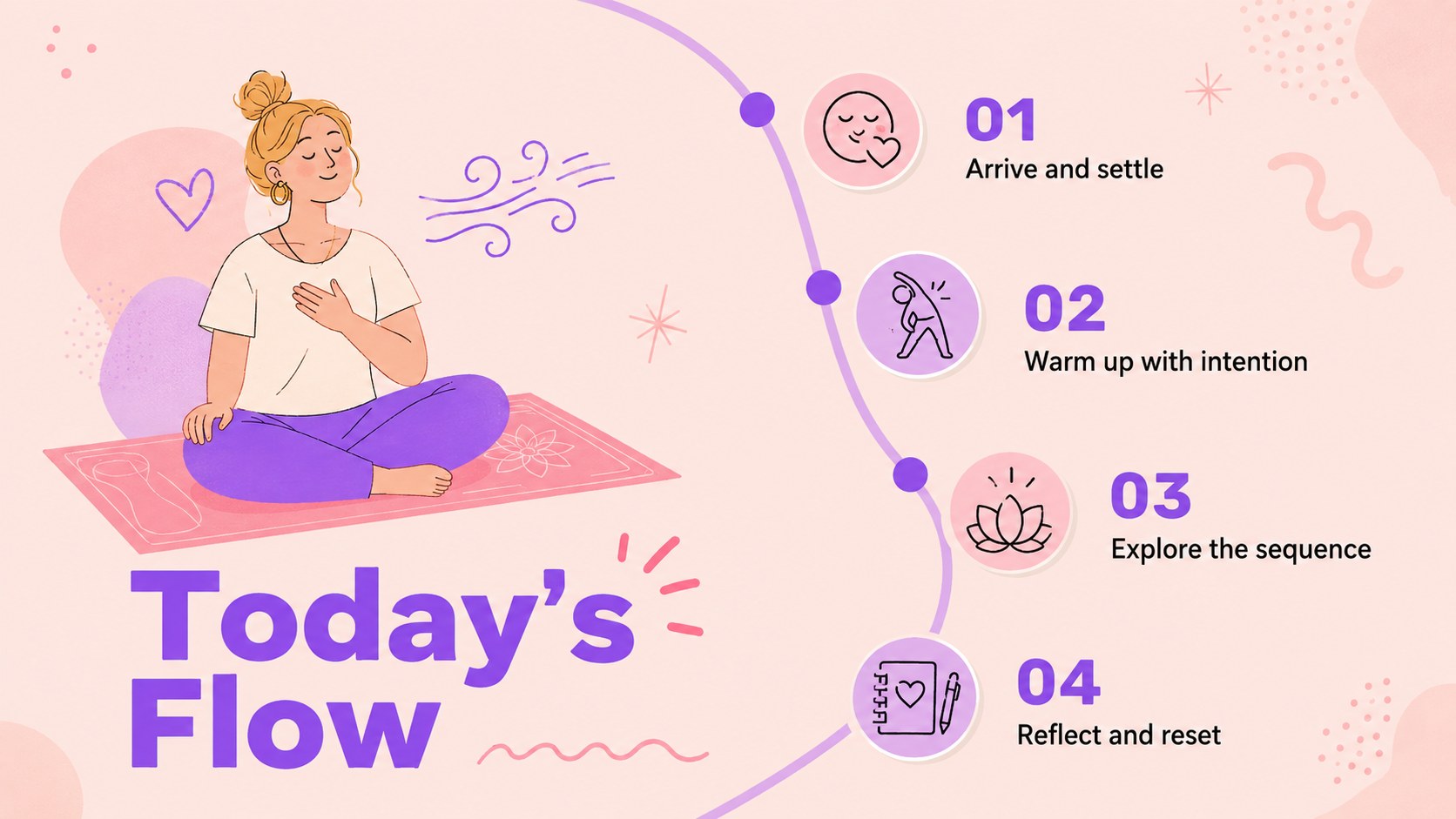
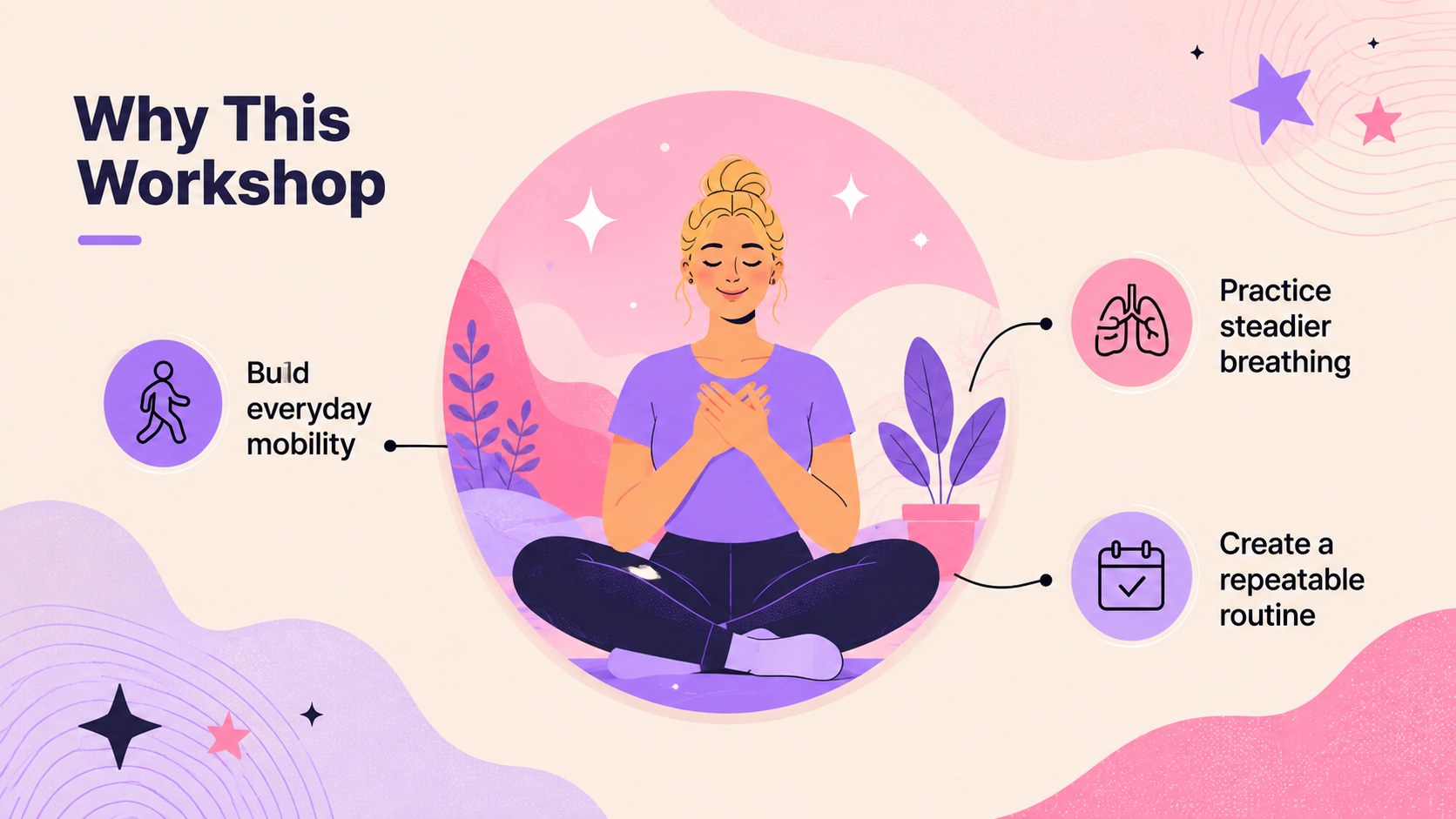
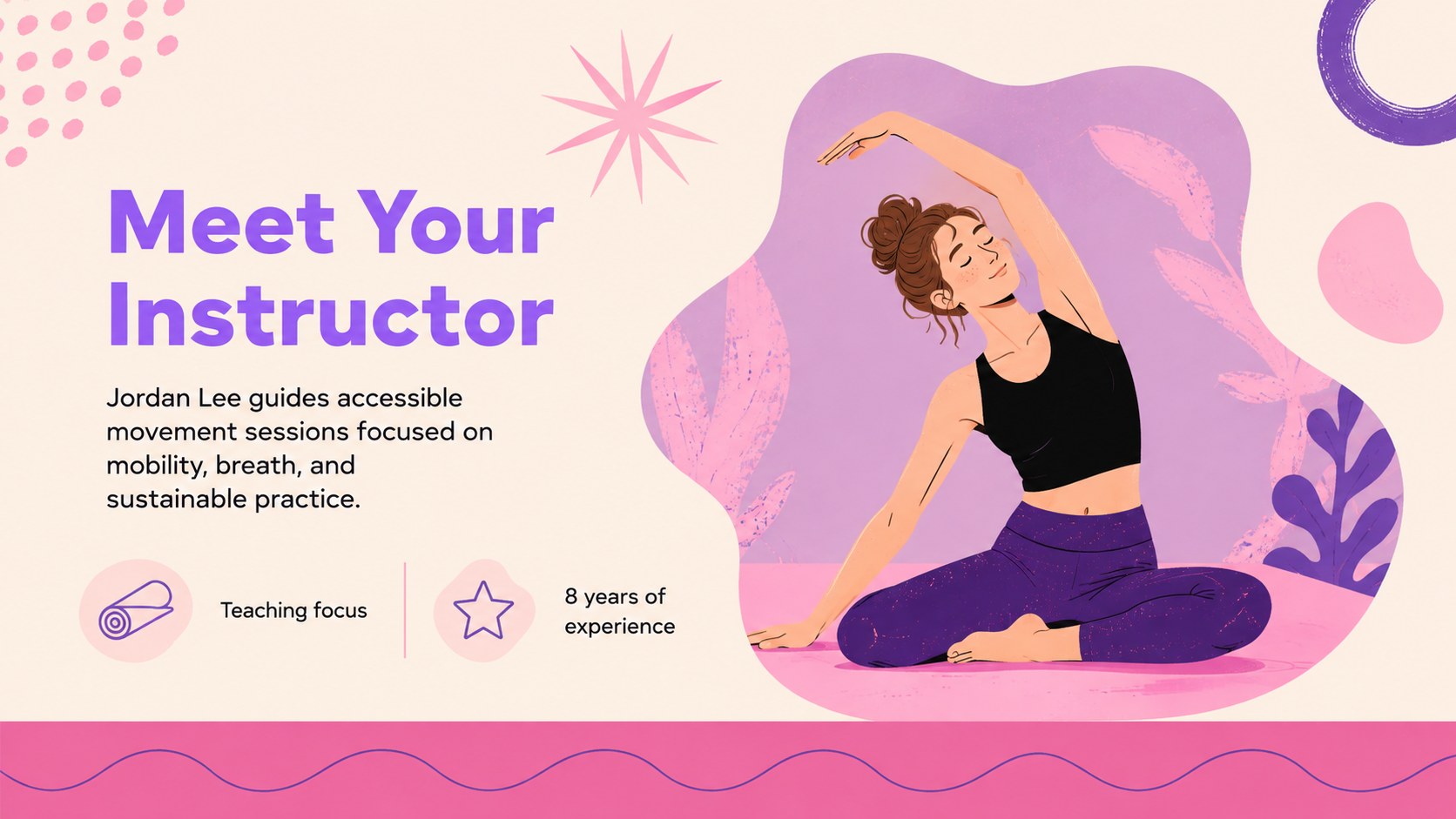
The layouts cover workshop goals, instructor introductions, benefits, breathing guidance, pose highlights, class schedules, participant preparation, registration details, and promotional calls to action. Use the visual sequence as a yoga class promotion presentation, adapt it into a pastel yoga workshop template for community events, or build a concise wellness event marketing deck for studio partners. Charts, timelines, image spaces, and organized text sections make both teaching and promotion easier to follow.
This presentation is designed for yoga instructors, wellness coaches, studio managers, fitness educators, retreat organizers, and community program leaders. It works equally well for beginner sessions, themed classes, workplace wellness events, and teacher-led courses. Replace the sample wording, adjust the colors, add your own photography, and rearrange the slides to create a polished campaign or workshop guide that feels personal to your audience.
Perfect for: yoga studio workshop promotion; beginner class orientation; community wellness event; corporate mindfulness session; yoga instructor course overview.
Frequently asked questions
Can I edit the presentation in PowerPoint and Google Slides? Yes. All slide text, colors, illustrations, and layout elements can be adjusted in PowerPoint or Google Slides. Some font rendering or transitions may vary slightly between the two platforms.
Practical details
Yes. All slide text, colors, illustrations, and layout elements can be adjusted in PowerPoint or Google Slides. Some font rendering or transitions may vary slightly between the two platforms.
Replace the sample copy with your class details, instructor biography, schedule, pricing, and registration information. You can also add studio photos, update the palette, and move or remove sections to suit your program.
Yes. The deck includes layouts for learning goals, breathing guidance, pose instruction, sequencing, schedules, and participant preparation. These sections can support both an in-person class and an online session.
Yes. Select the event overview, benefits, schedule, instructor, registration, and closing layouts to create a shorter campaign deck. The remaining instructional slides can be hidden or deleted without affecting the design.
Keep exploring
15Build a clear breast cancer awareness bulletin with bold pink-and-red slides for campaign news, screening reminders, impact data, and community updates.
 15
15Build a clear World Cancer Day message with this global cancer awareness campaign deck, featuring editable blue-green layouts for PowerPoint and Google Slides.
 4
4Document wound findings, treatment decisions, and healing progress with clinical wound evaluation slides for nurses in PowerPoint and Google Slides.
 14
14Plan a clear donor campaign with this blood donation awareness presentation, featuring editable beige-and-red visuals for PowerPoint and Google Slides.
 15
15Build a Kidney Health Awareness Campaign Deck with blue illustrated slides for prevention tips, risk education, screening events, and outreach.
 15
15Build an actionable training session with this fitness program workshop deck, using energetic yellow geometry and editable PowerPoint and Google Slides layouts.
 15
15Equip health teams with this malaria prevention education deck for workshops, community outreach, and policy briefings in PowerPoint or Google Slides.
 15
15Teach, inspire, and celebrate with our Plant-Powered Vegetarian Day Lesson Deck, featuring cheerful editable visuals for PowerPoint and Google Slides.