
 15
15presentation
College Essay Thesis Builder Slides
Build stronger academic arguments with a college essay thesis builder featuring guided examples, revision prompts, and editable PowerPoint and Google Slides.
Google SlidesPowerPoint
presentation · English
Teach, inspire, and celebrate with our Plant-Powered Vegetarian Day Lesson Deck, featuring cheerful editable visuals for PowerPoint and Google Slides.
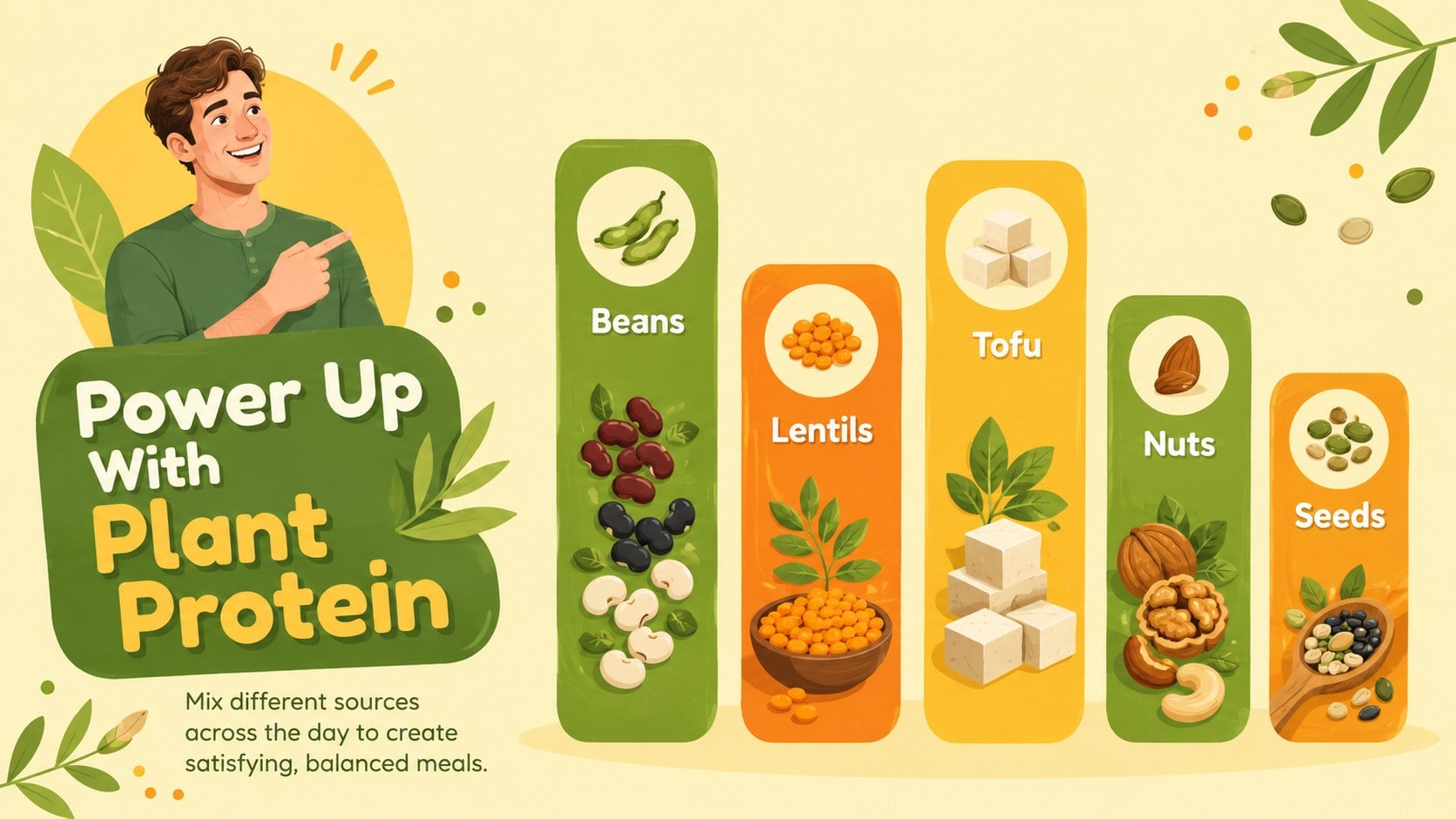
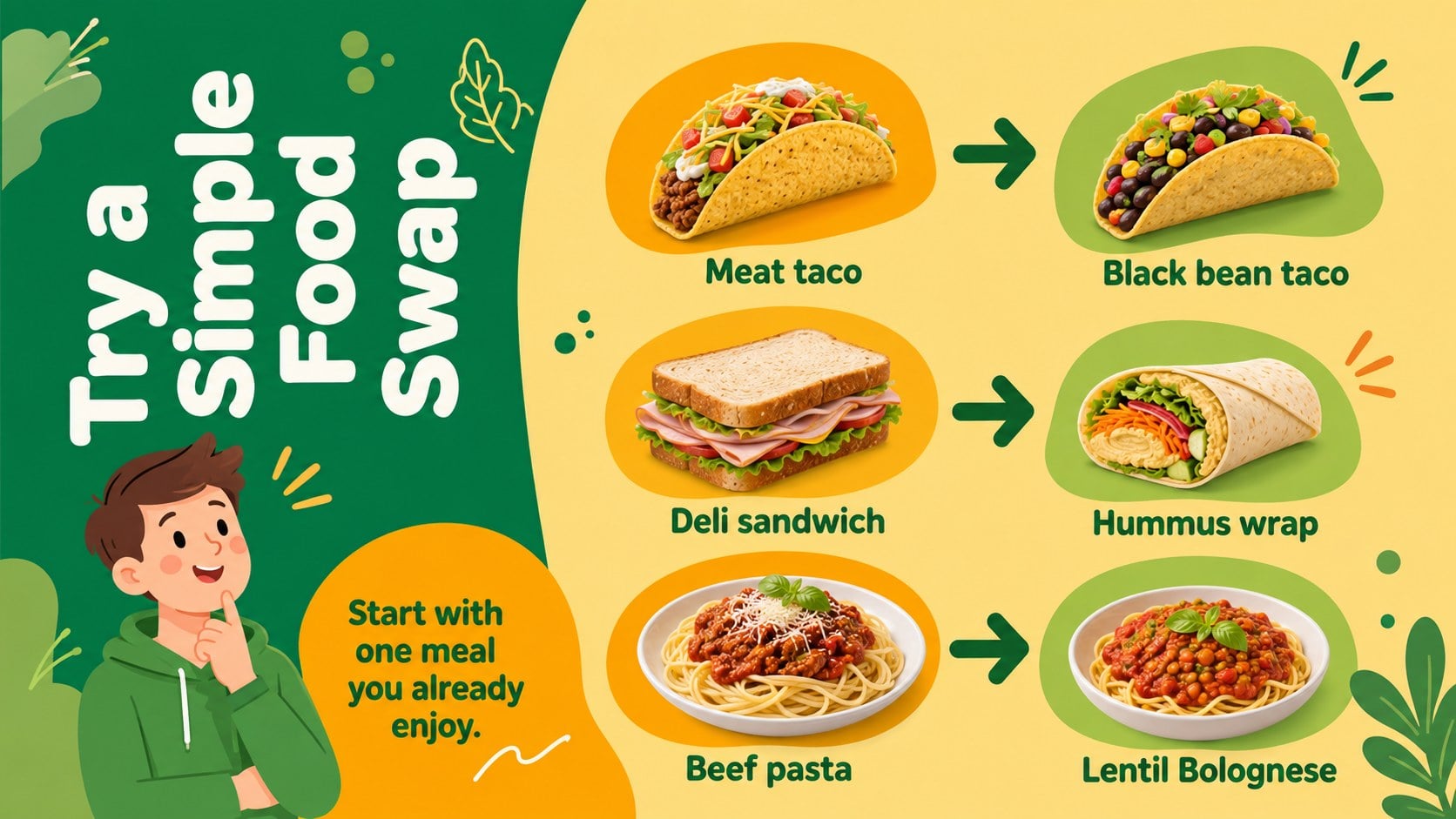
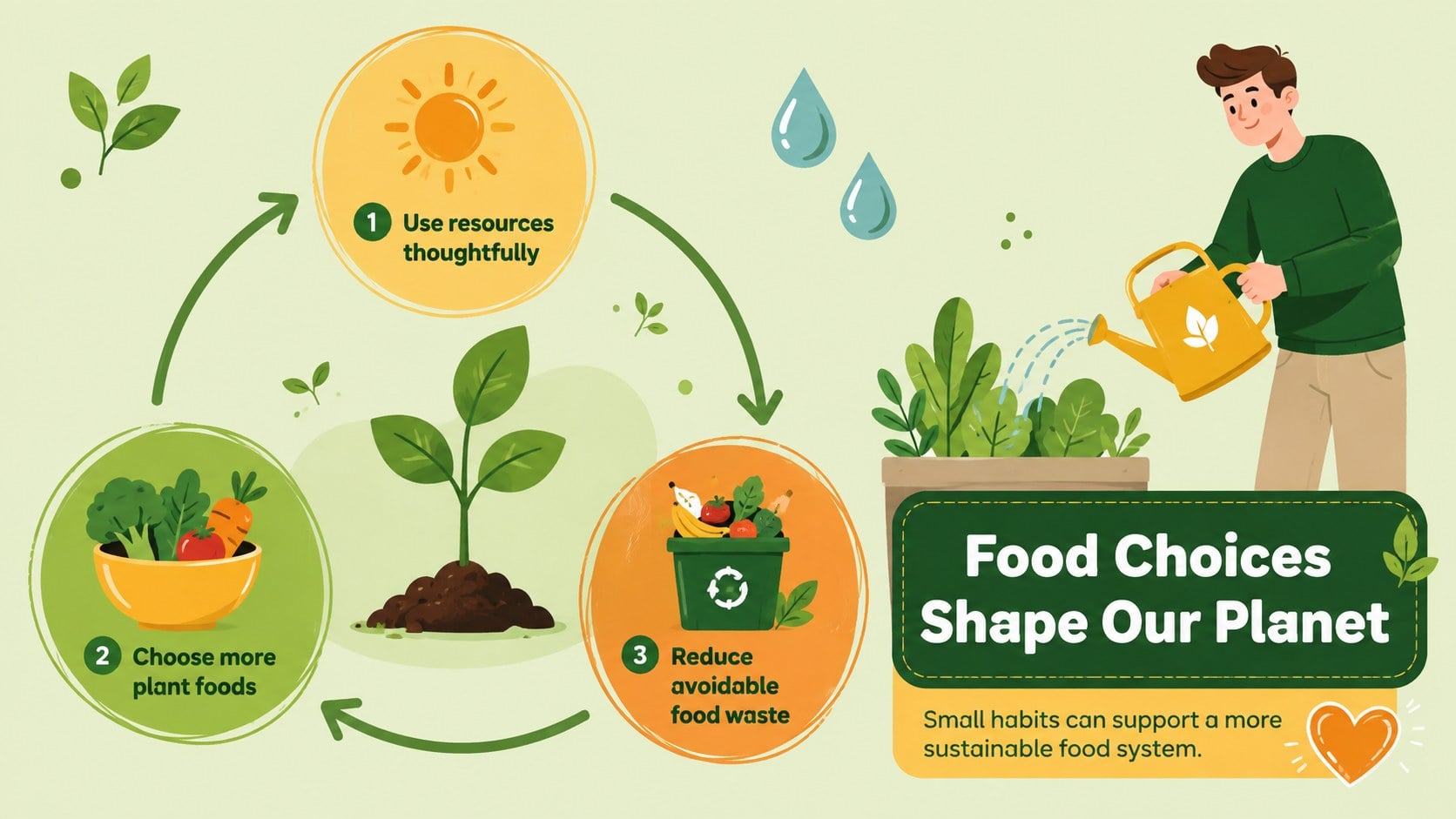
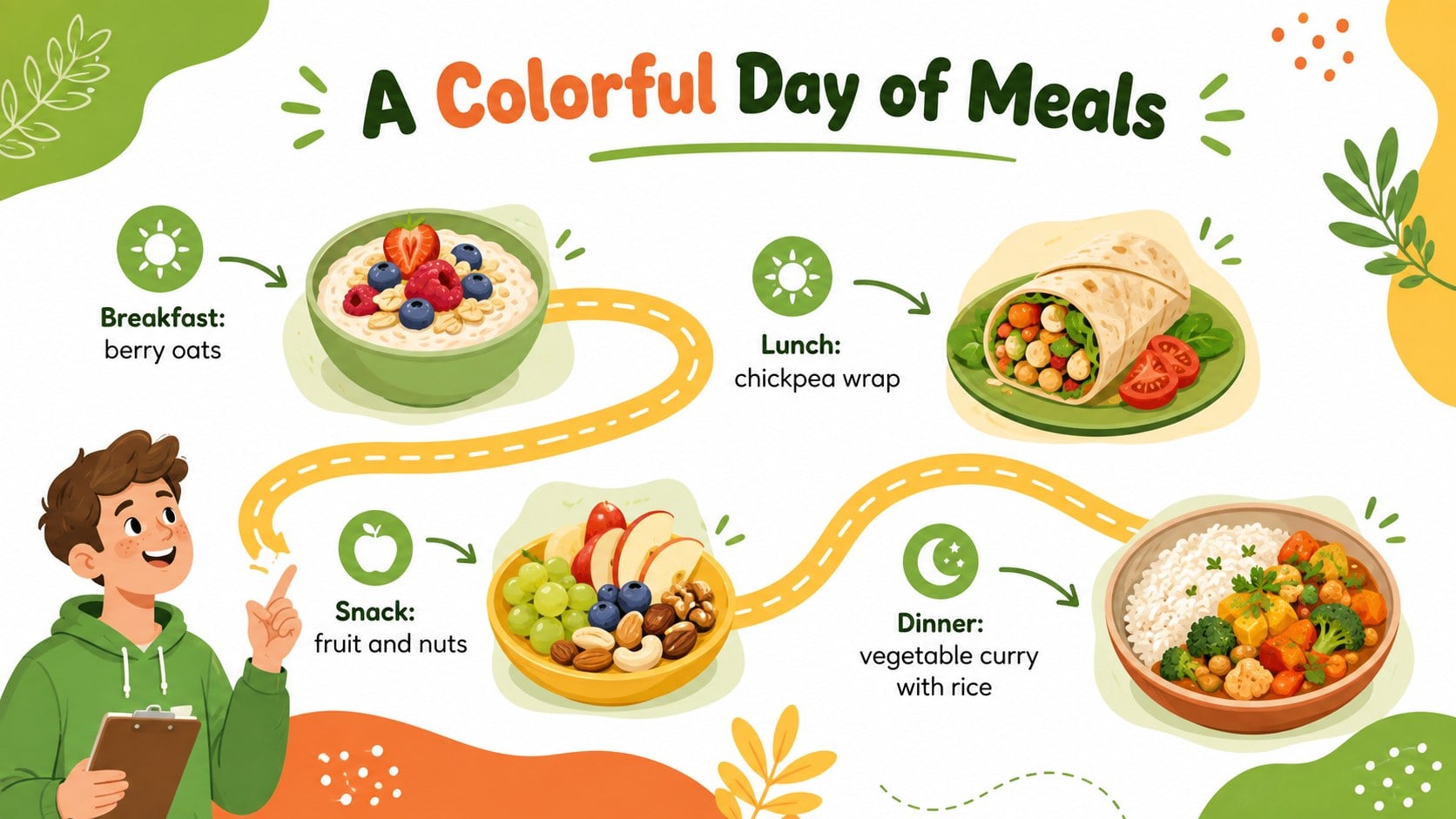
Design notes
Bring food education to life with the Plant-Powered Vegetarian Day Lesson Deck, a cheerful presentation designed for lessons, community events, and wellness conversations. Bright green, sunny yellow, and warm orange accents create an upbeat atmosphere, while playful vegetable illustrations make each topic approachable and memorable.
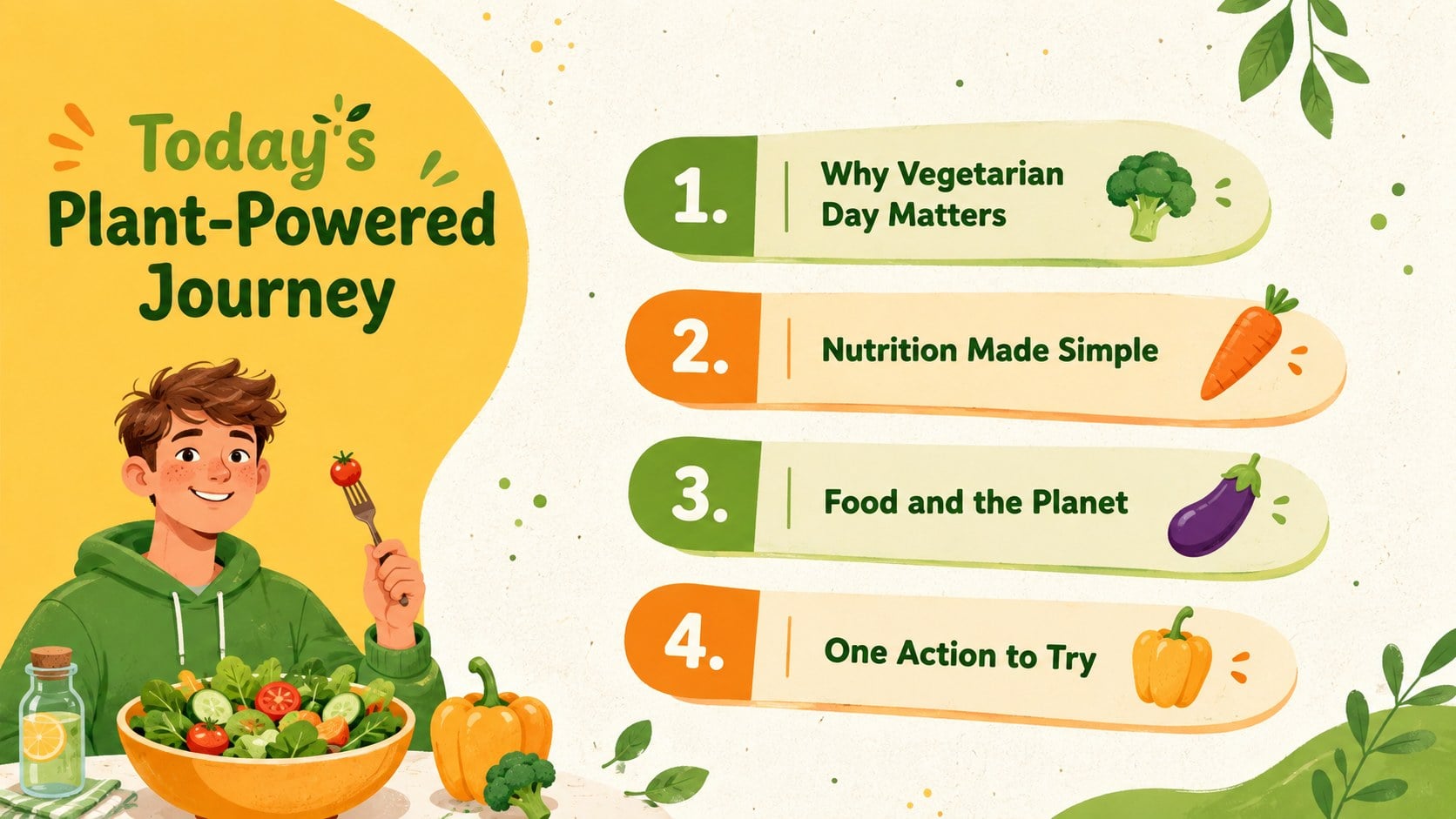
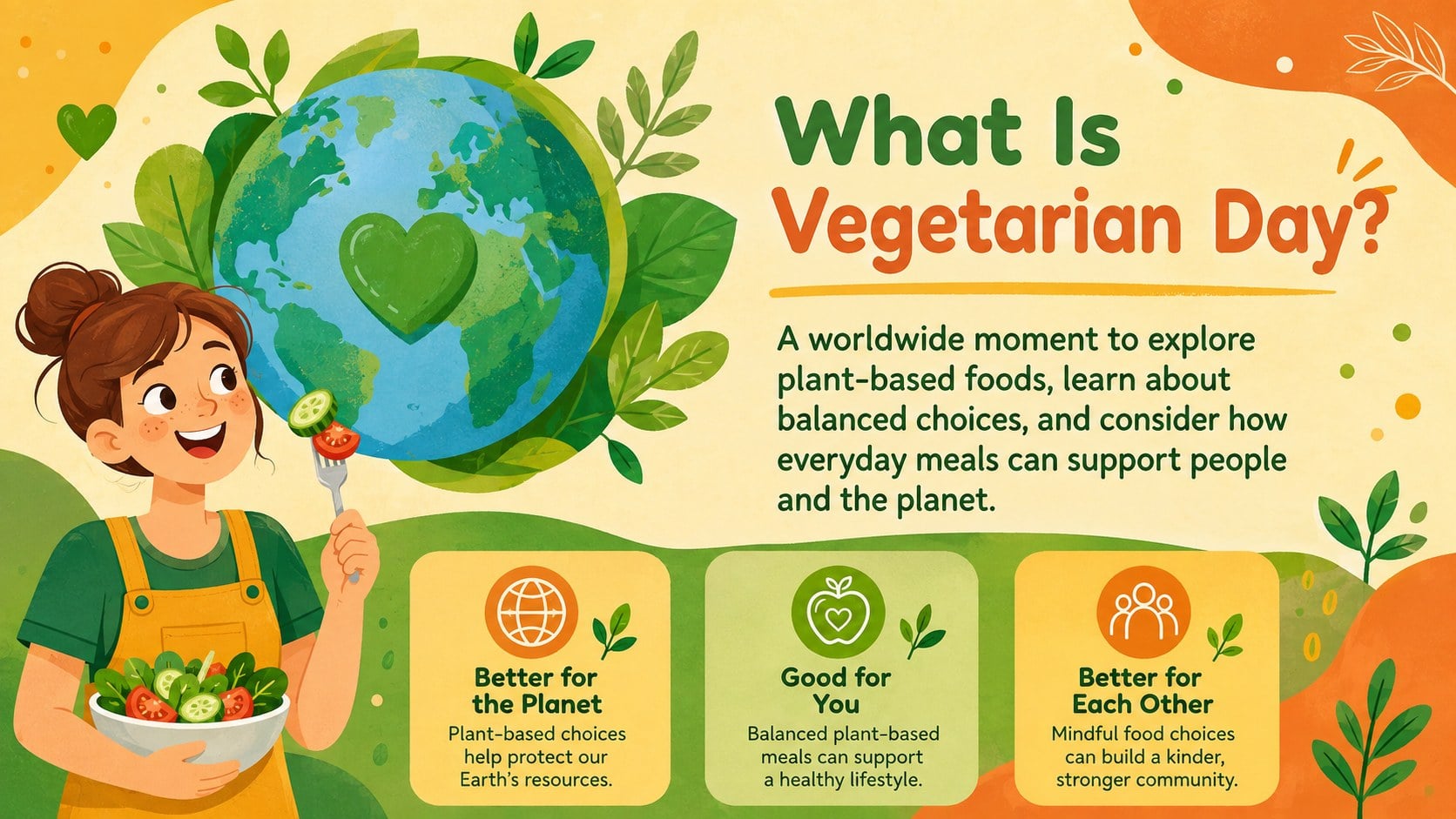
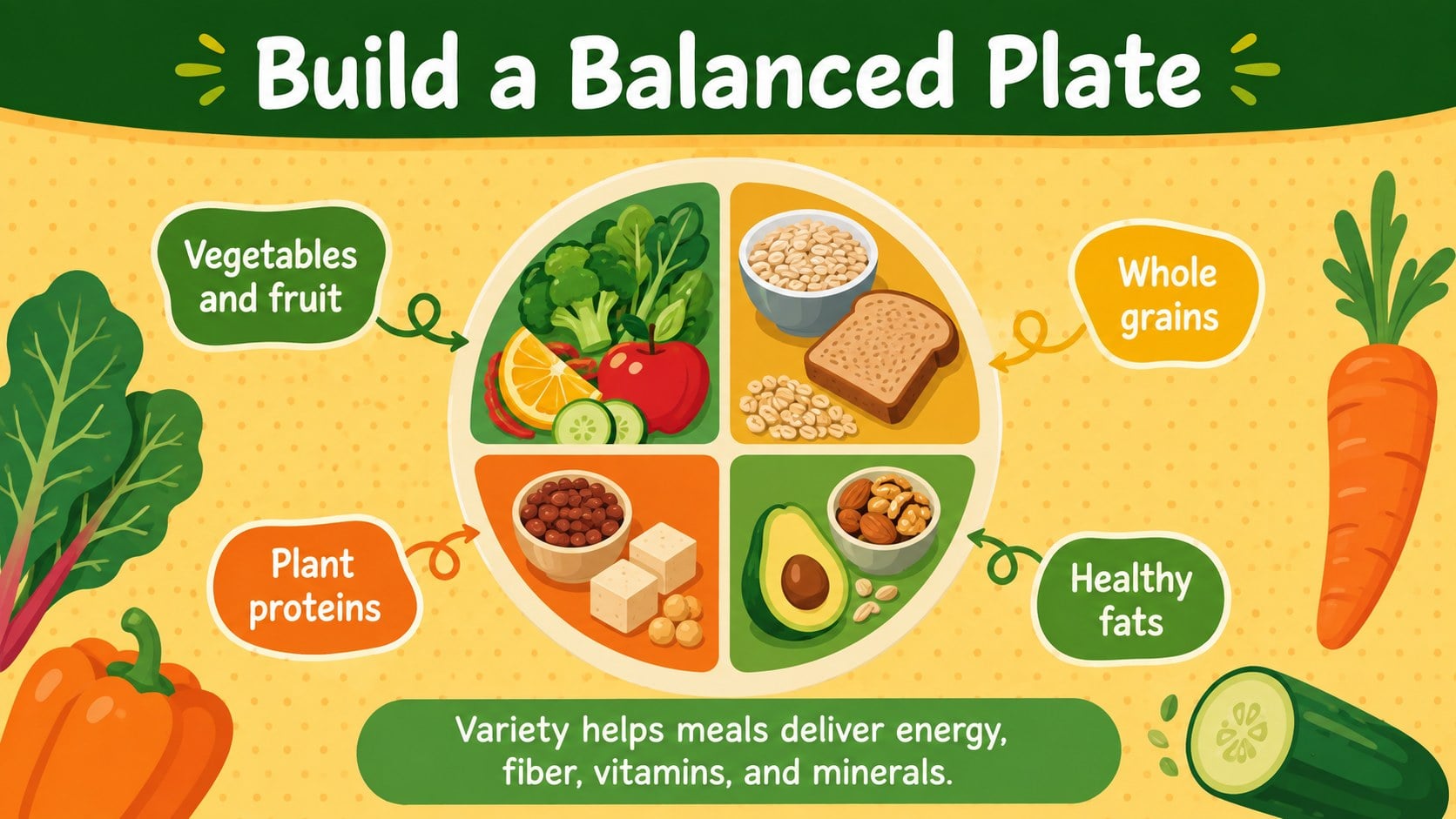
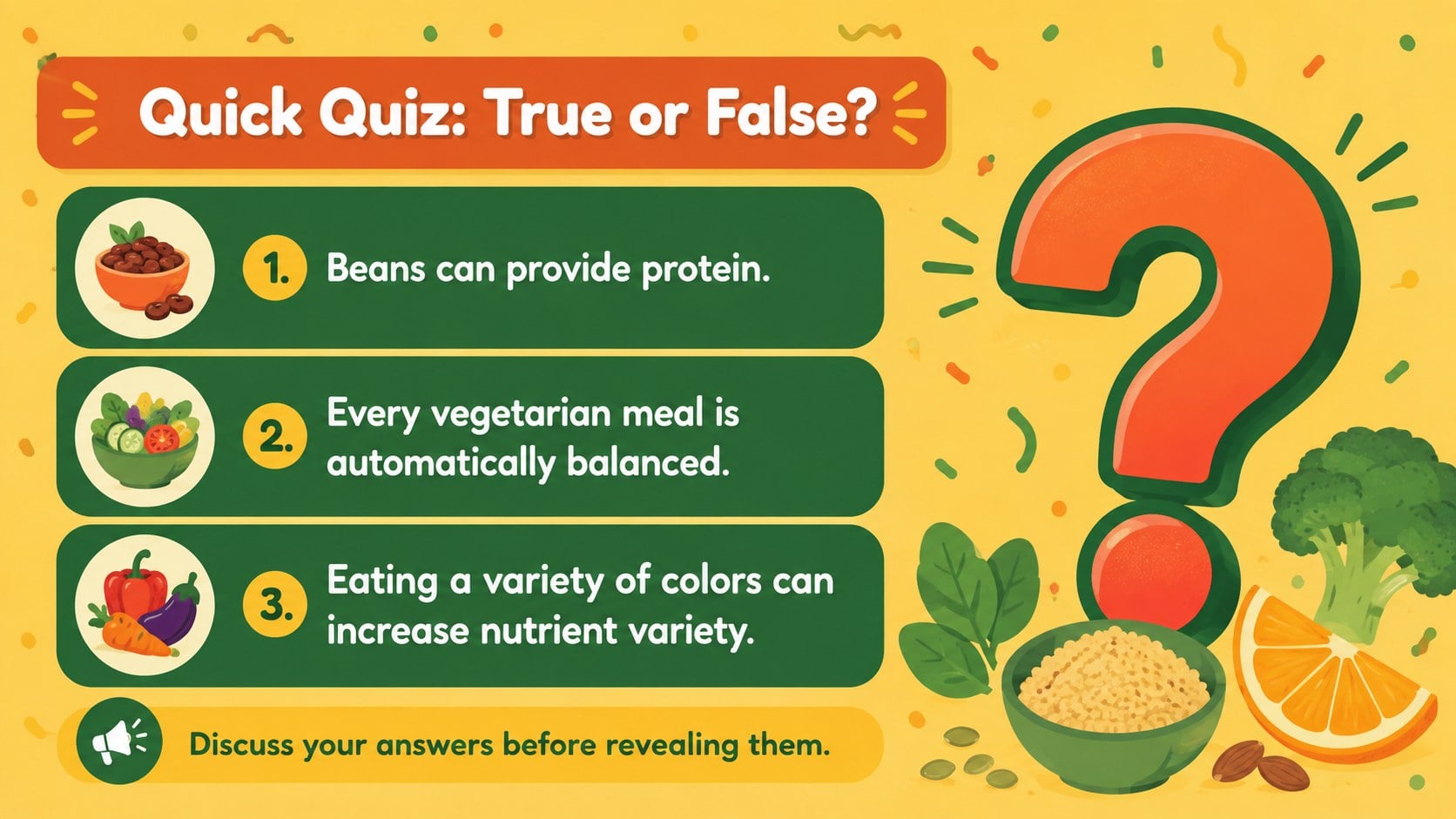
The deck includes layouts for an opening message, lesson agenda, vegetarianism overview, nutrition highlights, environmental benefits, protein sources, balanced meal ideas, simple food swaps, a classroom quiz, and an action plan. Use it as a World Vegetarian Day classroom presentation or adapt the content into a vegetarian nutrition education deck for workshops and public programs. Charts, comparison layouts, timelines, and visual lists help speakers communicate practical information without overwhelming the audience.
Teachers can build an interactive plant-based eating lesson, nutritionists can introduce balanced dietary choices, and event organizers can prepare an accessible awareness talk. It also works well for school clubs, workplace wellness teams, cooking groups, and community health educators. Every slide can be edited in PowerPoint or Google Slides, allowing you to replace text, adjust the green, yellow, and orange palette, add local facts, and tailor activities to different age groups. The friendly illustrated style keeps the subject welcoming while providing enough structure for a clear, informative presentation.
Perfect for: World Vegetarian Day school lesson; community nutrition workshop; workplace wellness presentation; plant-based cooking class; healthy eating awareness event.
Frequently asked questions
Can I edit every part of this presentation? Yes. You can change the wording, colors, fonts, illustrations, charts, and layout elements to match your lesson or event. Duplicate or remove slides to create the right presentation length.
Practical details
Yes. You can change the wording, colors, fonts, illustrations, charts, and layout elements to match your lesson or event. Duplicate or remove slides to create the right presentation length.
The deck is designed for Microsoft PowerPoint and Google Slides. Some fonts, transitions, or spacing may vary slightly between the two platforms, so review the slides before presenting.
Yes. Shorten the explanations, use familiar food examples, and turn the quiz and meal-planning layouts into guided classroom activities. The colorful illustrated design is suitable for child-friendly instruction.
Replace the sample facts with guidance appropriate to your audience and region, then add your own meal examples or dietary resources. Keep medical or nutritional claims aligned with advice from qualified professionals.
Keep exploring
15Build stronger academic arguments with a college essay thesis builder featuring guided examples, revision prompts, and editable PowerPoint and Google Slides.
 15
15Build an engaging World UFO Day session with this flying saucer history lesson deck, featuring retro green-and-brown slides for PowerPoint and Google Slides.
 14
14Plan a memorable Lunar New Year campaign with the 2036 Dragon Year Celebration Theme, featuring bold red-and-yellow slides for lessons and events.
 15
15Build a thoughtful classroom discussion with this interfaith awareness lesson deck, featuring editable blue-and-white slides for PowerPoint and Google Slides.
 15
15Use this environmental awareness lesson deck to teach climate action through illustrated activities, discussion prompts, and ready-to-edit visuals.
 15
15Build playful lessons and party stories with a kid-friendly zombie celebration theme in purple, green and pastel blue for PowerPoint and Google Slides.
 15
15Build eerie lessons, campaigns, and story pitches with an undead survival scenario theme featuring editable slides for PowerPoint and Google Slides.
 16
16Turn environmental research into a clear story with a Watercolor Ecology Presentation Theme for PowerPoint and Google Slides in calming green and blue.