
 15
15presentation
Yoga Workshop Marketing Presentation
Promote classes with a yoga workshop marketing presentation featuring playful beige, pink, and purple illustrations for PowerPoint and Google Slides.
Google SlidesPowerPoint
presentation · English
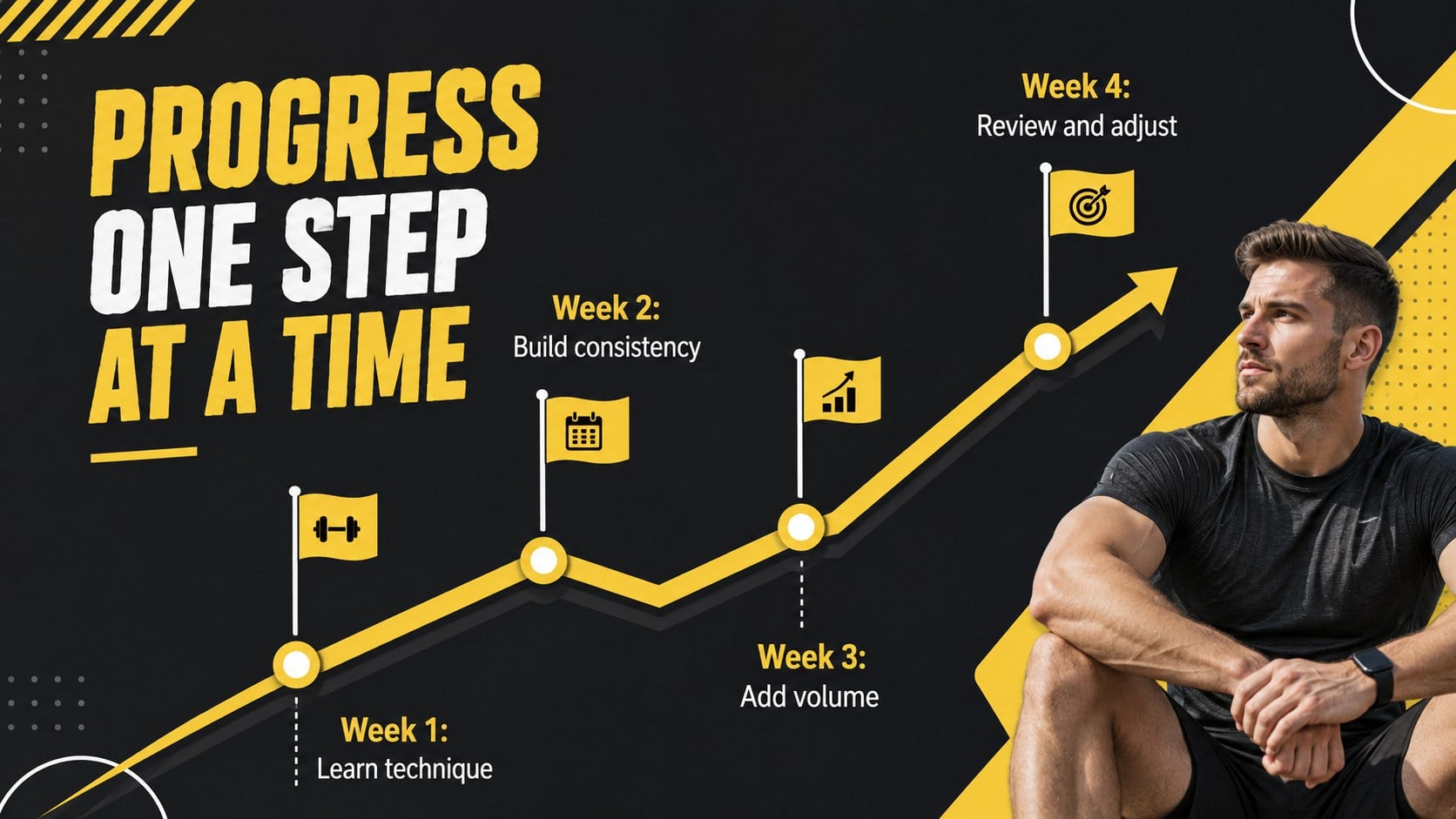
Build an actionable training session with this fitness program workshop deck, using energetic yellow geometry and editable PowerPoint and Google Slides…
Design notes
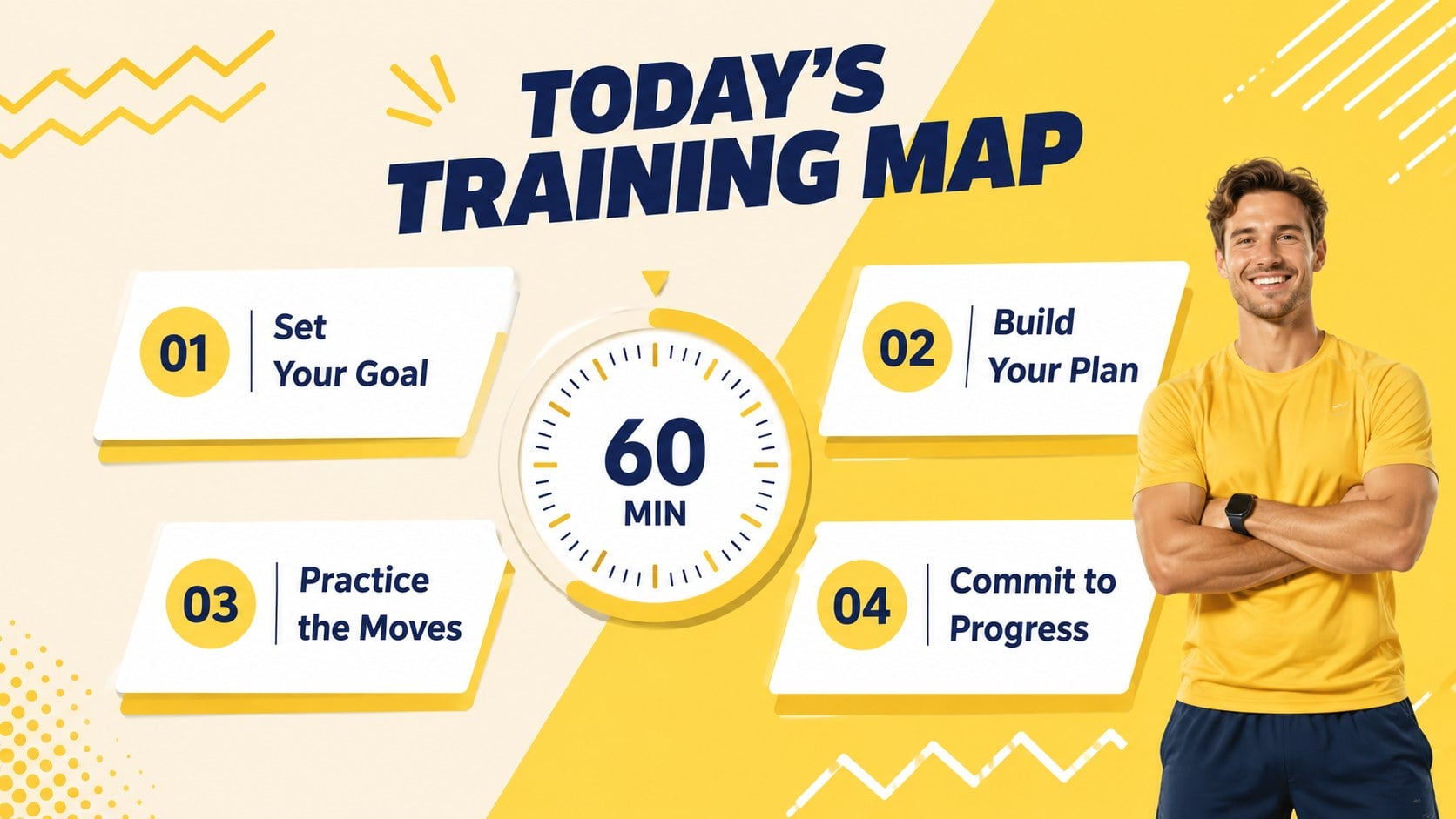
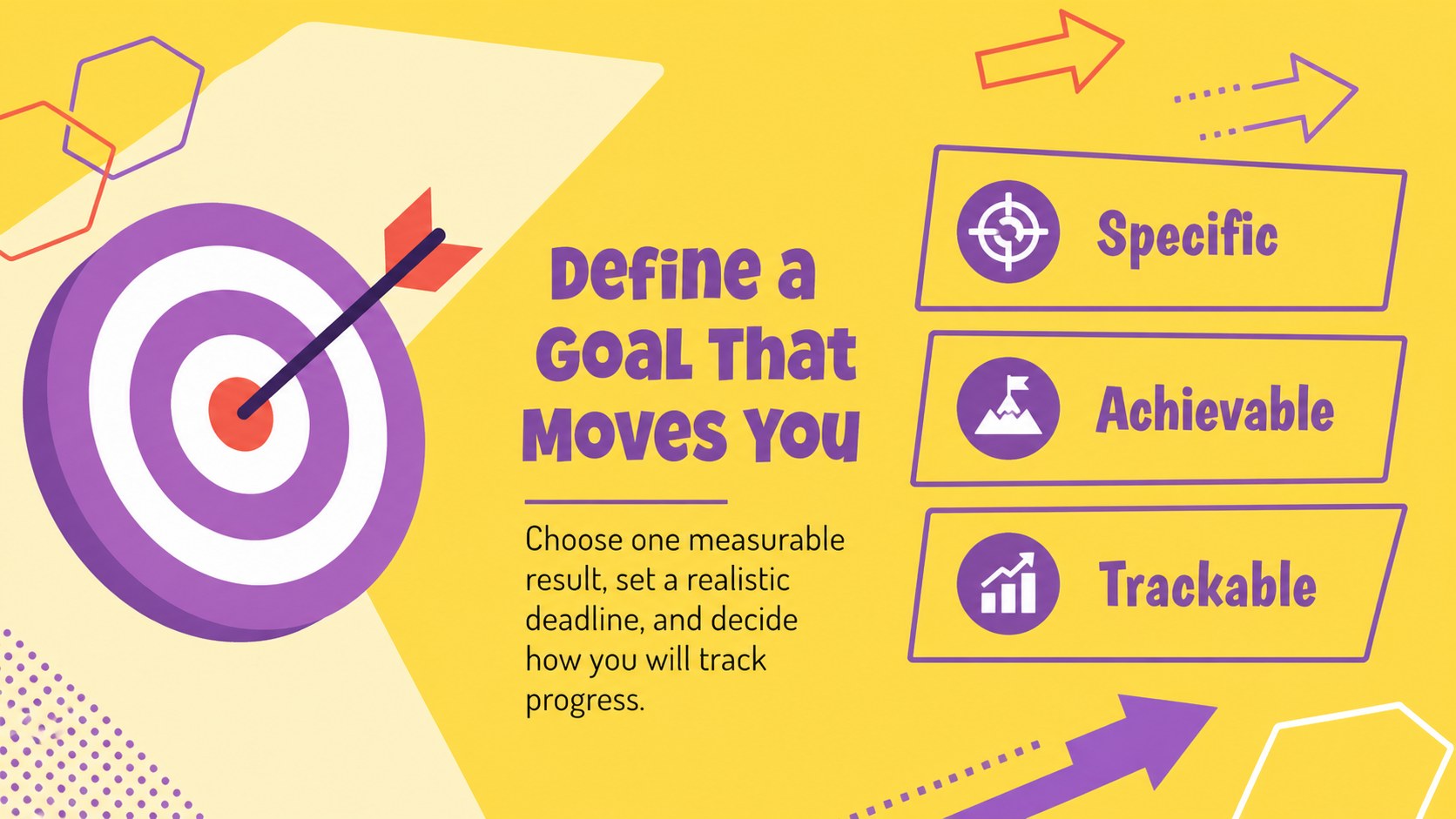
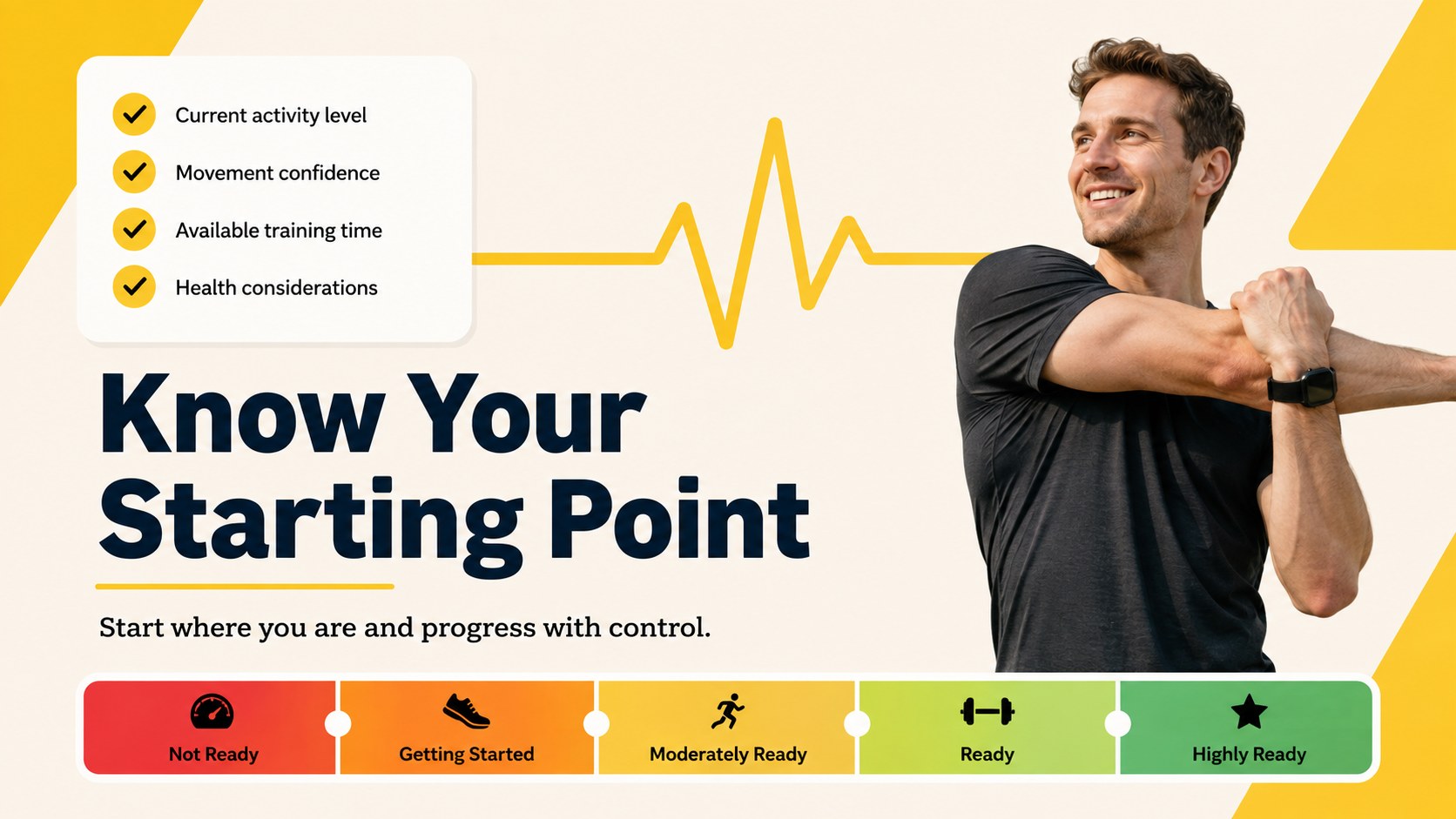
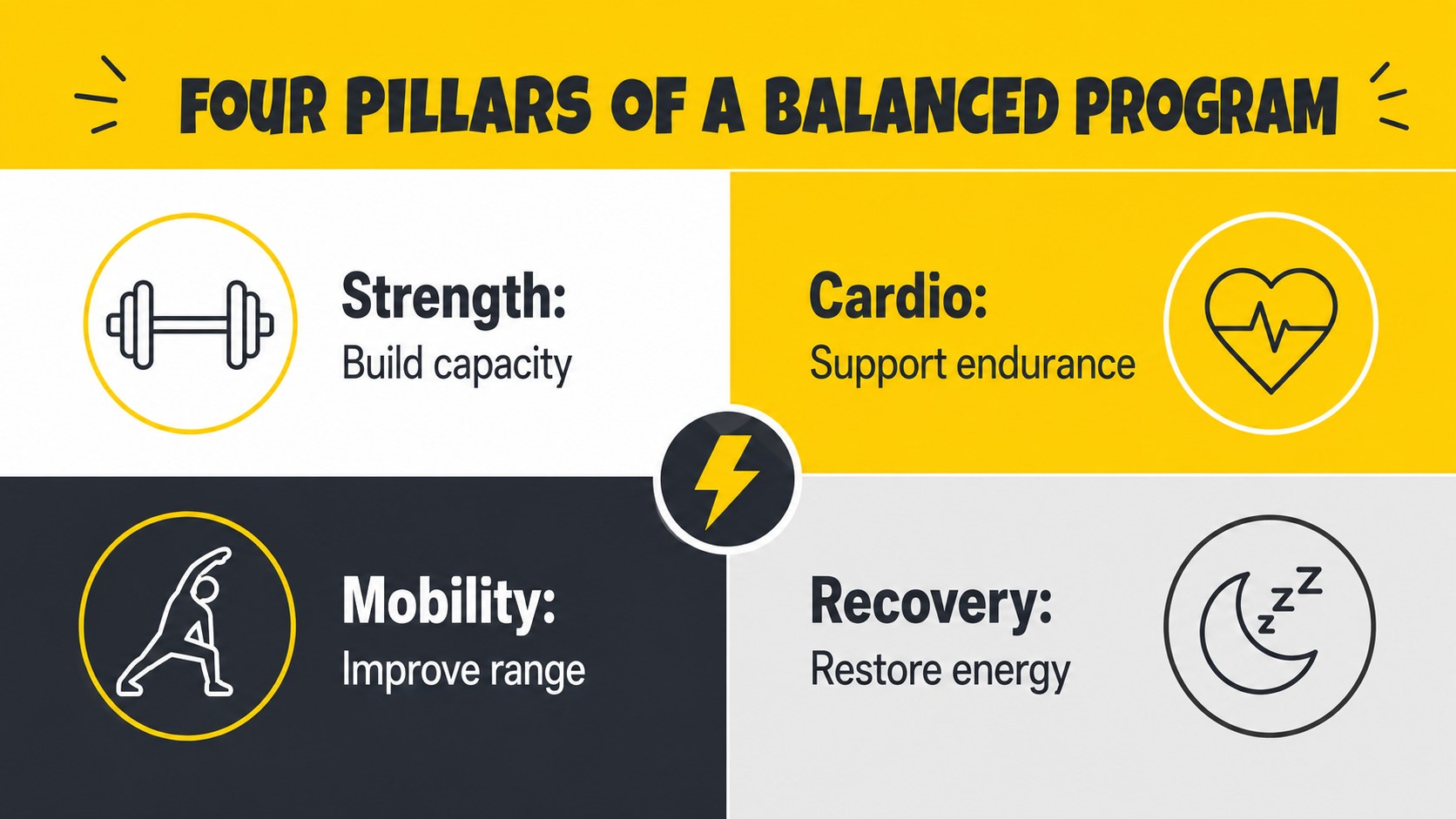
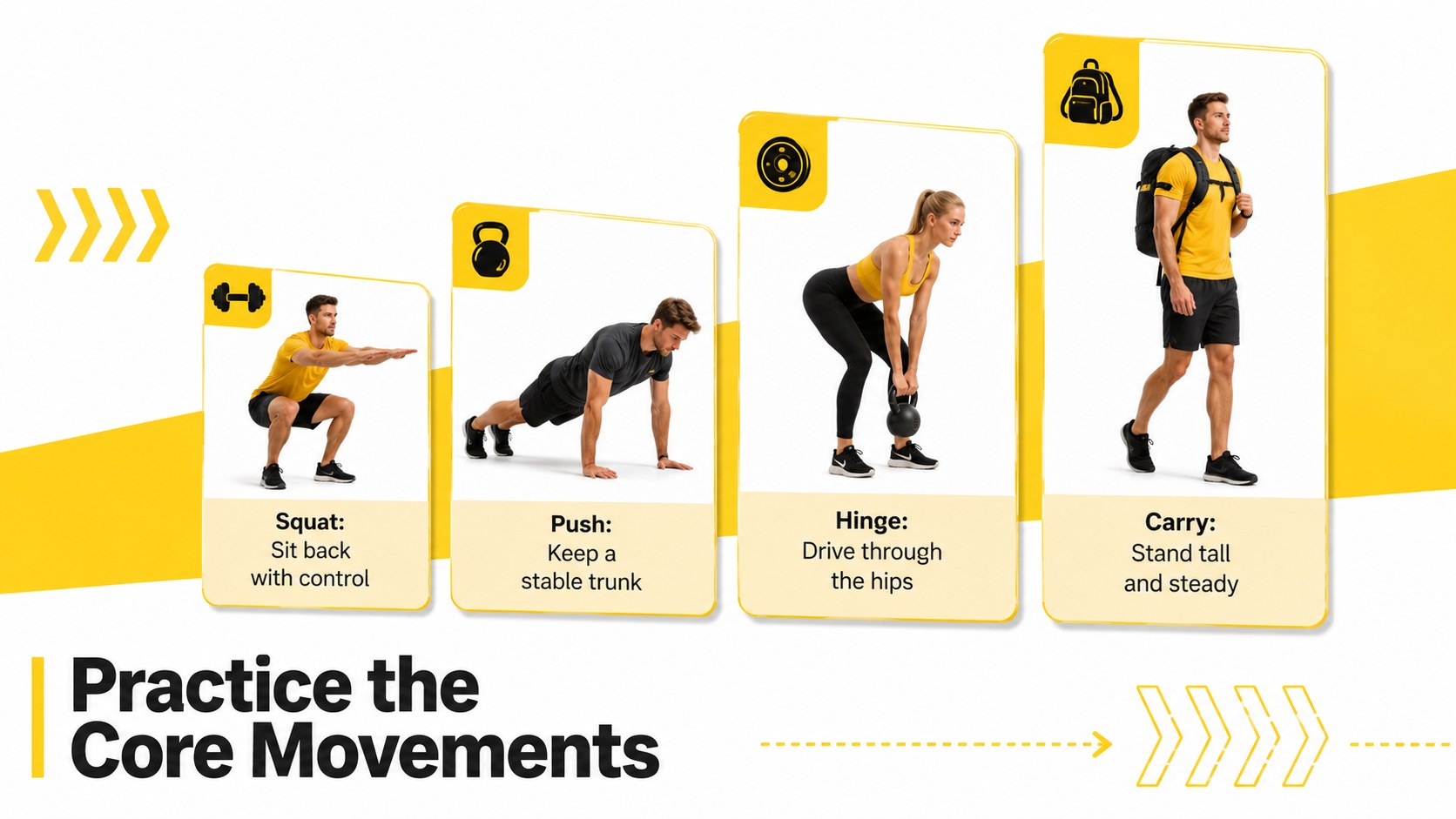
This fitness program workshop deck helps presenters turn exercise concepts into a clear, participatory session. Its energetic yellow palette, bold geometric details, and upbeat typography create momentum without making practical information difficult to scan. Use the editable layouts to introduce training goals, assess starting points, explain movement principles, and guide participants toward a realistic routine.
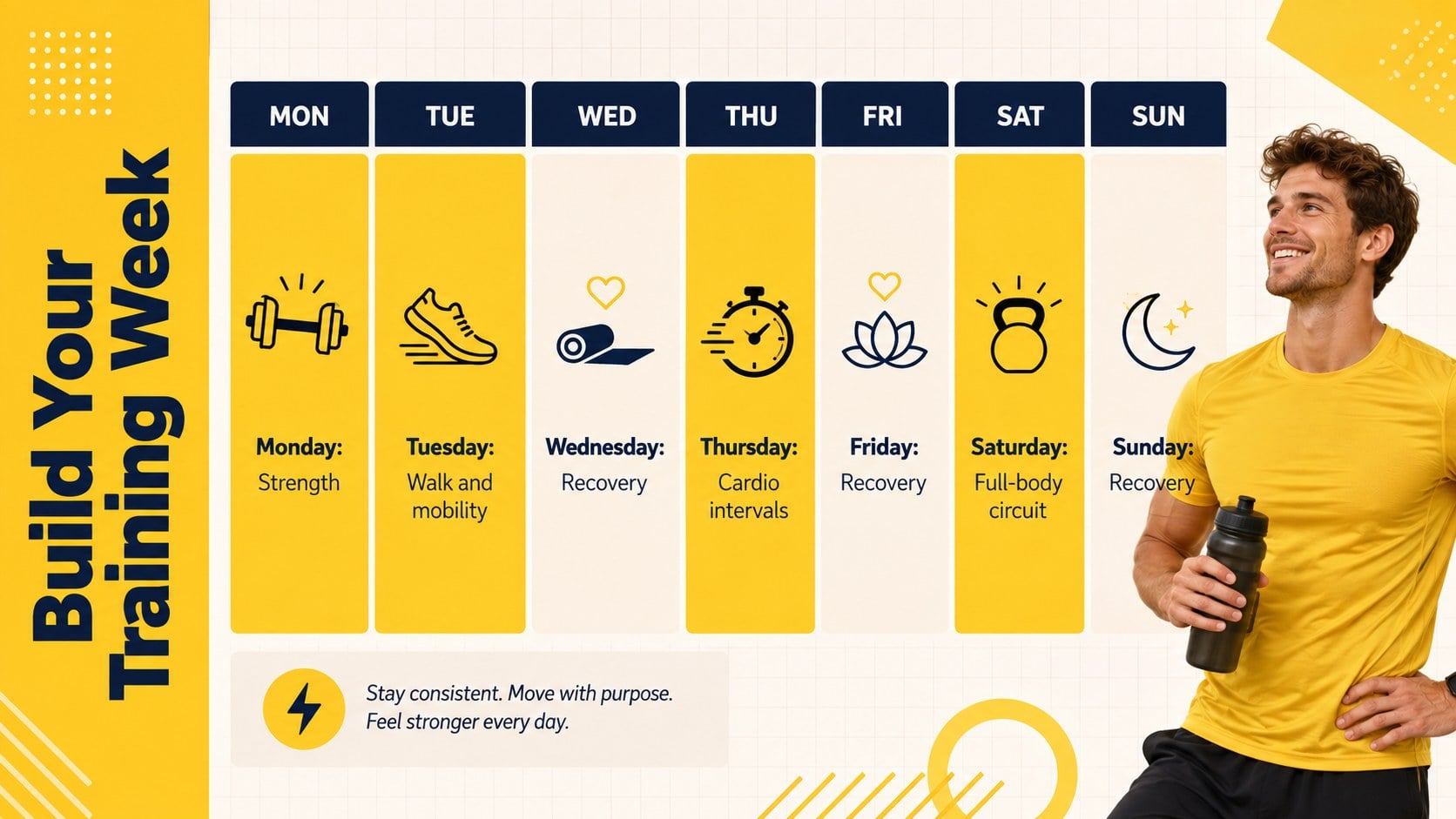
Inside, you will find space for a session agenda, fitness objectives, weekly schedules, exercise demonstrations, intensity guidance, progression milestones, habit tracking, recovery advice, and personal action plans. Chart and comparison layouts make this a useful yellow fitness presentation template for discussing performance data or adapting activities to different ability levels. The structure also works well as exercise planning workshop slides for group programs, community classes, and workplace wellness events.
The deck is designed for personal trainers, gym instructors, PE teachers, health coaches, and wellness coordinators who need an organized visual framework. It can also serve as a personal trainer class presentation for onboarding new clients or introducing a short fitness challenge. Every slide can be customized in PowerPoint or Google Slides, allowing you to change wording, colors, images, schedules, and exercise examples while preserving the lively geometric style.
Perfect for: personal trainer onboarding session; beginner exercise planning workshop; gym member orientation; workplace wellness seminar; PE fitness goal lesson; community training challenge.
Frequently asked questions
Can I edit the workout schedules and exercise examples? Yes. All schedule labels, activity descriptions, goals, and exercise examples can be replaced with your own content. You can also duplicate or remove sections to match the length of your program.
Practical details
Yes. All schedule labels, activity descriptions, goals, and exercise examples can be replaced with your own content. You can also duplicate or remove sections to match the length of your program.
The deck is designed for PowerPoint and Google Slides. Font rendering, image placement, and animations may vary slightly between the two platforms, so review the final presentation before delivering it.
Yes. You can change the yellow accents, background colors, typefaces, photographs, and geometric graphics. For a cohesive result, apply your revised colors and fonts consistently across the slide master or theme settings.
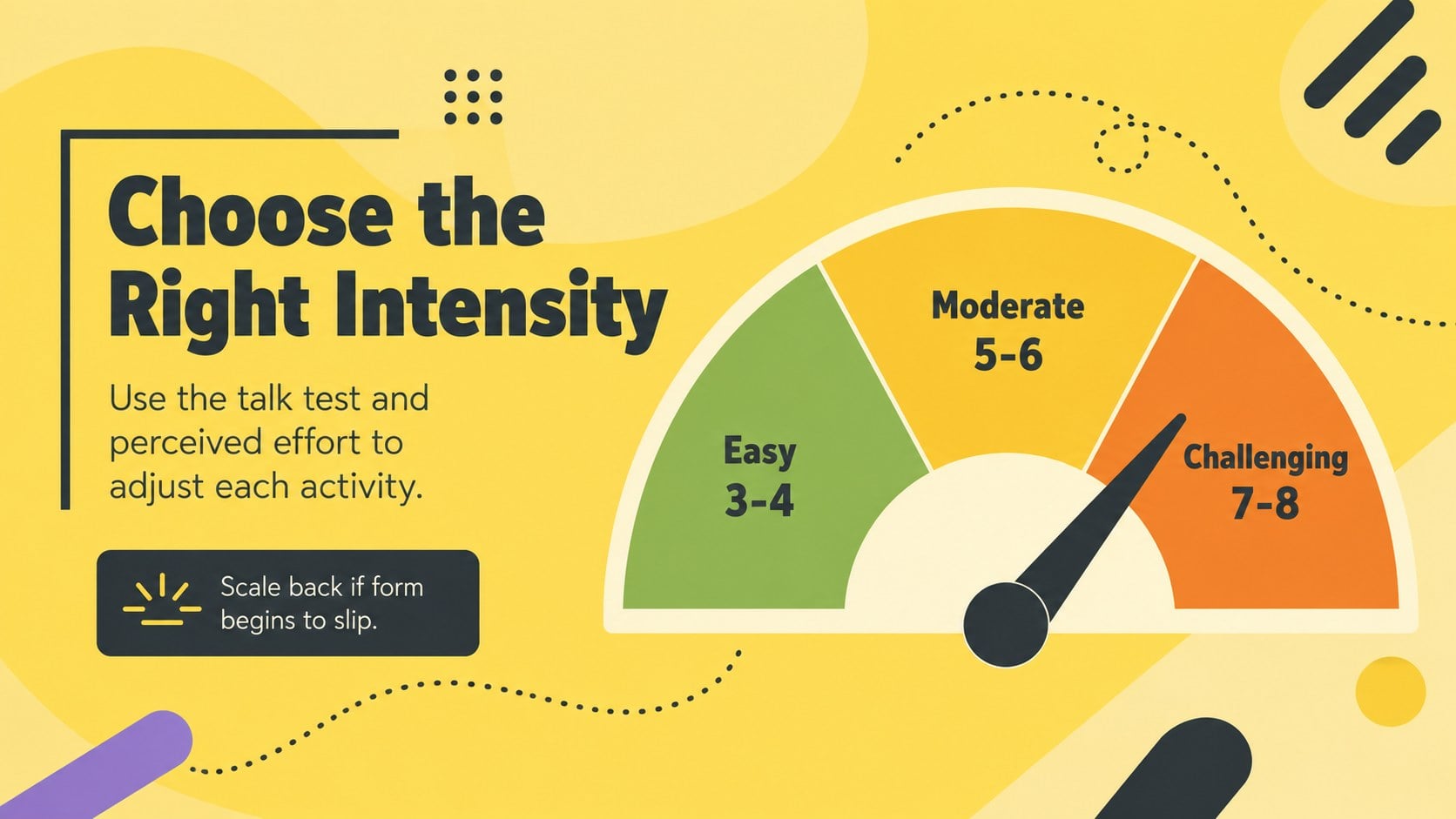
Yes. The layouts support beginner, intermediate, and advanced exercise options, including intensity scales and progression plans. Replace the sample guidance with instructions reviewed by a qualified fitness or health professional.
Keep exploring
15Promote classes with a yoga workshop marketing presentation featuring playful beige, pink, and purple illustrations for PowerPoint and Google Slides.
 15
15Build a clear breast cancer awareness bulletin with bold pink-and-red slides for campaign news, screening reminders, impact data, and community updates.
 15
15Build a clear World Cancer Day message with this global cancer awareness campaign deck, featuring editable blue-green layouts for PowerPoint and Google Slides.
 4
4Document wound findings, treatment decisions, and healing progress with clinical wound evaluation slides for nurses in PowerPoint and Google Slides.
 14
14Plan a clear donor campaign with this blood donation awareness presentation, featuring editable beige-and-red visuals for PowerPoint and Google Slides.
 15
15Build a Kidney Health Awareness Campaign Deck with blue illustrated slides for prevention tips, risk education, screening events, and outreach.
 15
15Equip health teams with this malaria prevention education deck for workshops, community outreach, and policy briefings in PowerPoint or Google Slides.
 15
15Teach, inspire, and celebrate with our Plant-Powered Vegetarian Day Lesson Deck, featuring cheerful editable visuals for PowerPoint and Google Slides.