
 14
14presentation
2036 Dragon Year Celebration Theme
Plan a memorable Lunar New Year campaign with the 2036 Dragon Year Celebration Theme, featuring bold red-and-yellow slides for lessons and events.
Google SlidesPowerPoint
presentation · English
Build a heartfelt holiday tribute with Worker Recognition Labor Day Slides, featuring bold red, yellow, and blue art for PowerPoint and Google Slides.





Design notes
Worker Recognition Labor Day Slides offer an upbeat way to celebrate the people, skills, and teamwork behind everyday progress. Bold red, yellow, and blue illustrations give the presentation a cheerful holiday feel while keeping appreciation at the center of the story. Use the deck in PowerPoint or Google Slides to create a message that feels personal, energetic, and easy to follow.
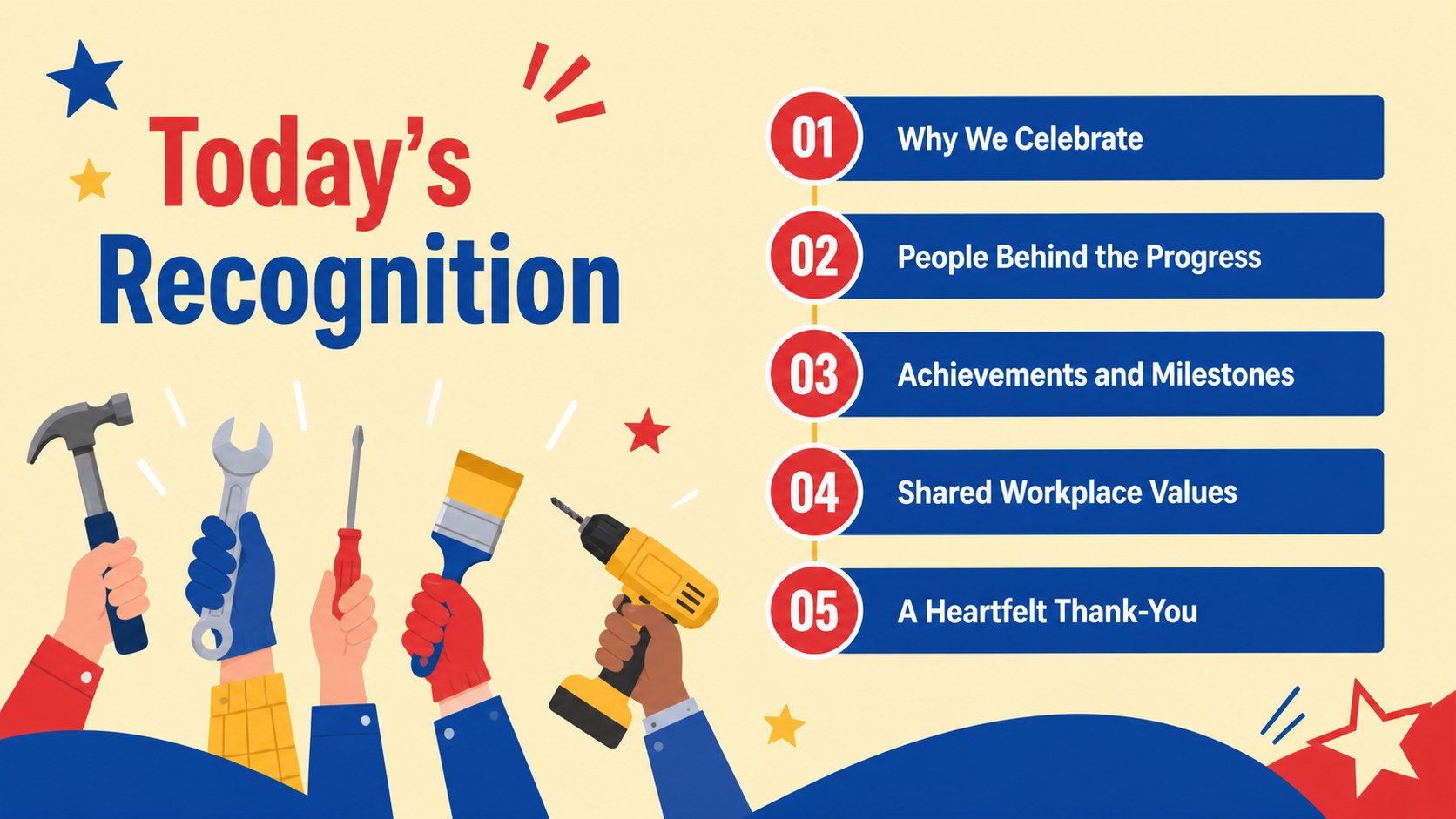
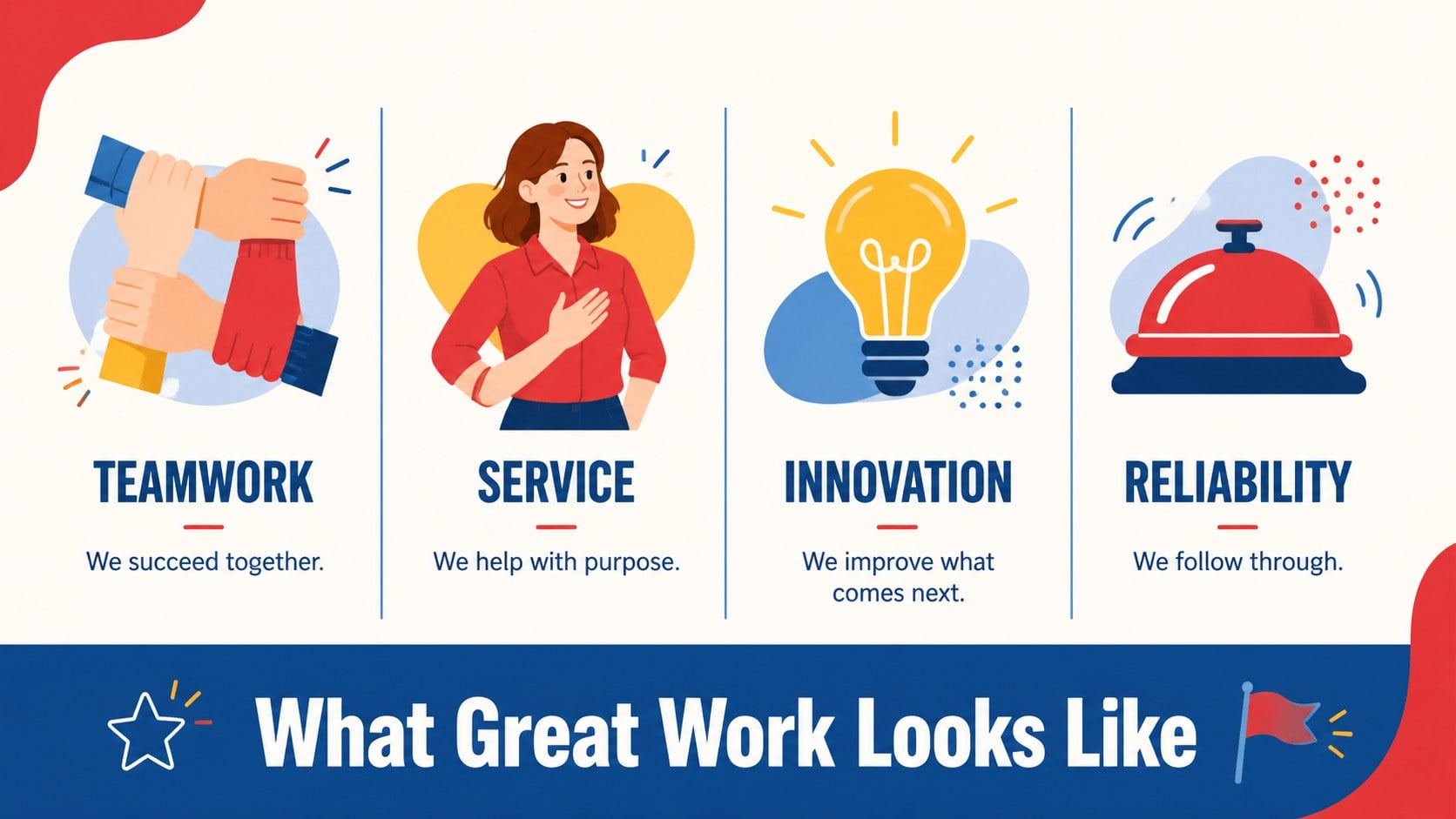
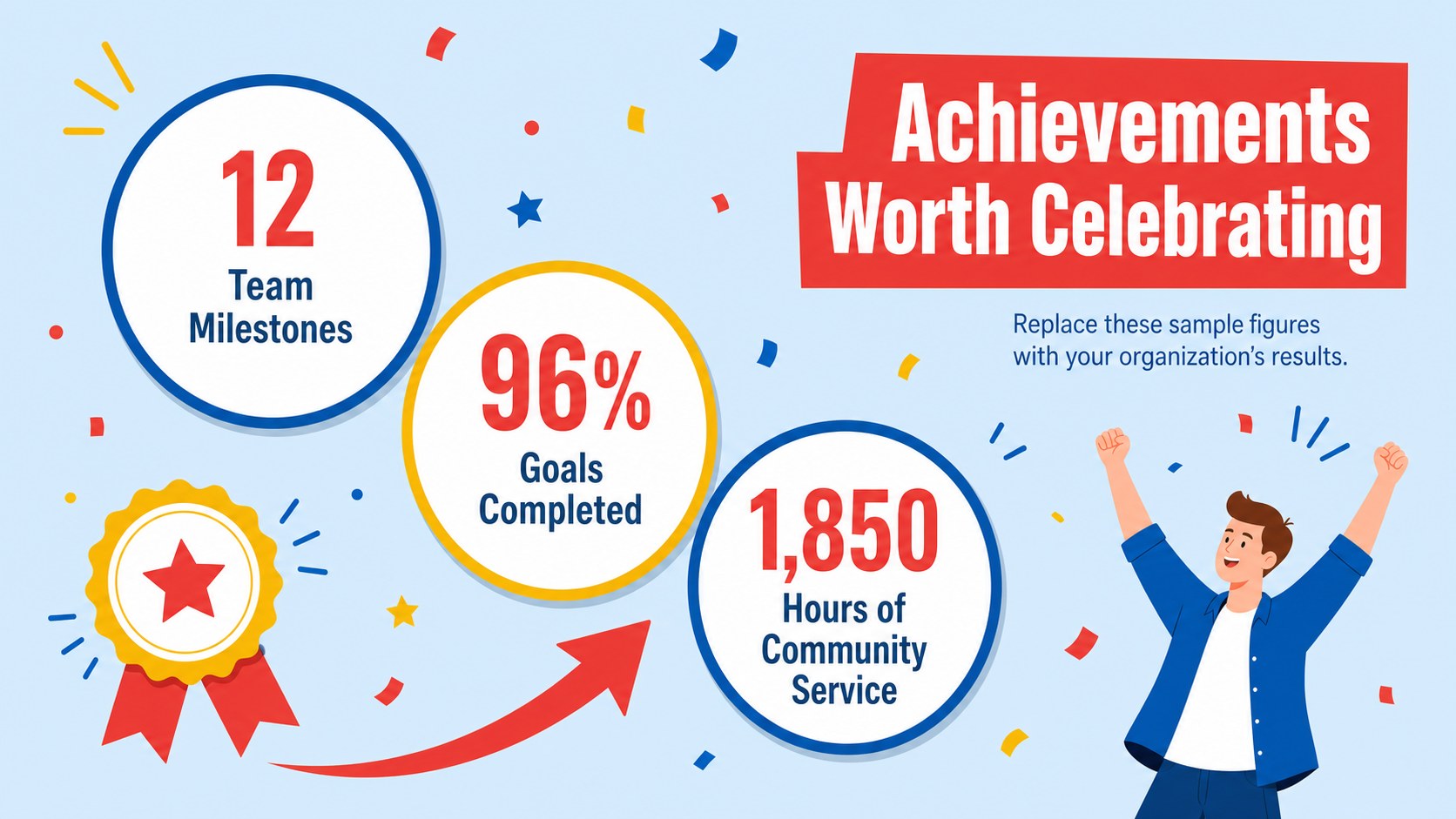
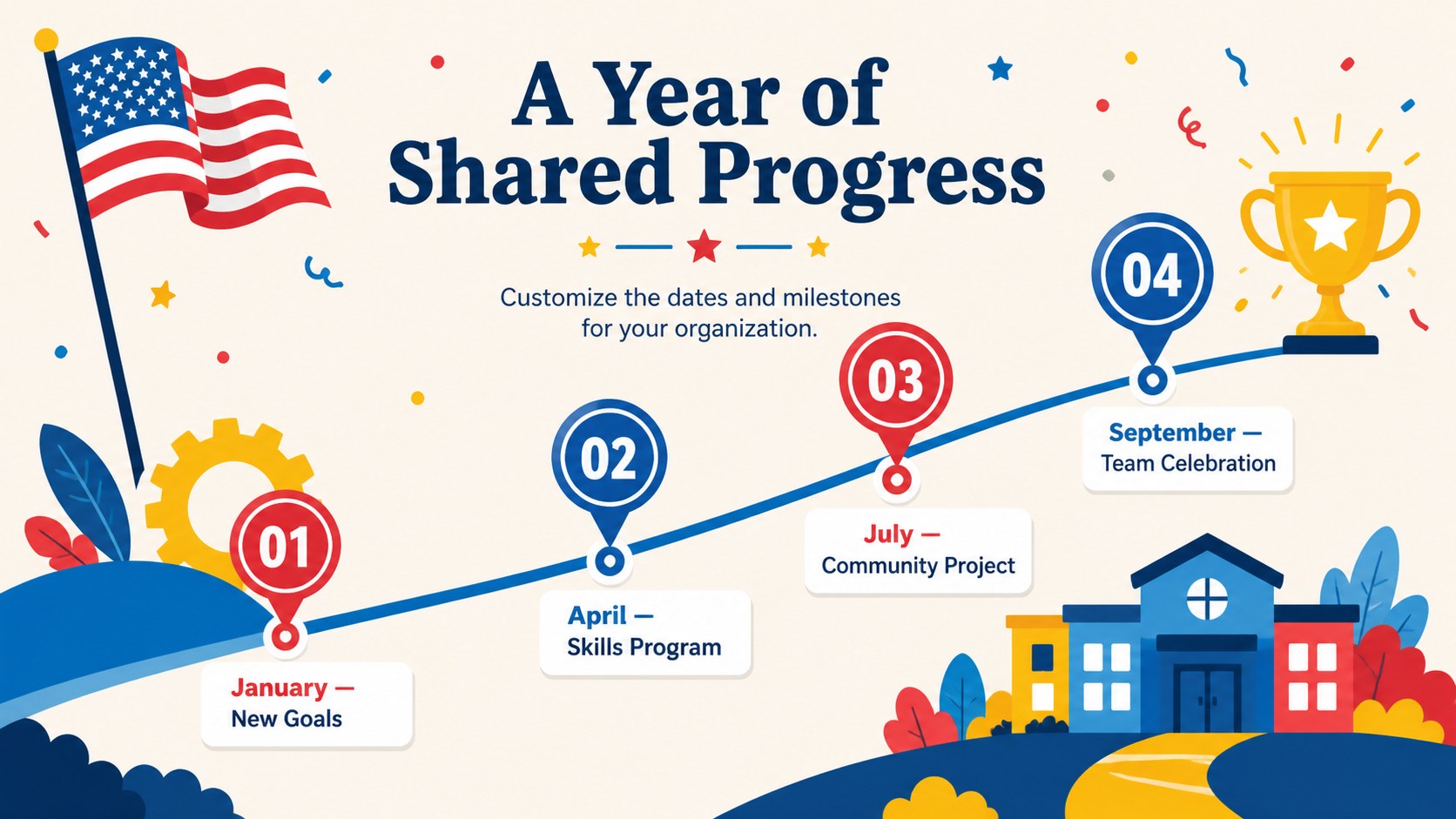
Inside, you will find layouts for an opening tribute, holiday background, team introductions, achievement highlights, employee quotes, workplace values, event details, and a closing thank-you. Visual timelines, statistics, and recognition spotlights help turn a simple greeting into a complete worker recognition presentation template. Every slide uses a clear 16:9 format with editable text, colors, shapes, and image areas.
This labor day presentation for employees suits HR teams, managers, small businesses, unions, public organizations, and community groups. Teachers can also adapt it as labor day classroom slides covering occupations, teamwork, and the history of the holiday. Replace the sample wording with names, milestones, photos, or local event information, then present live or share the finished file digitally. The friendly illustrated style works equally well for an office gathering, school discussion, staff newsletter, recognition ceremony, or social media recap.
Perfect for: staff appreciation meeting; Labor Day classroom lesson; workplace recognition ceremony; community holiday event; employee newsletter presentation.
Frequently asked questions
Can I edit these slides in PowerPoint and Google Slides? Yes. The layouts are designed for PowerPoint and Google Slides, where you can update text, colors, illustrations, and image placeholders. Some transitions or fonts may require minor adjustments when moving between platforms.
Practical details
Yes. The layouts are designed for PowerPoint and Google Slides, where you can update text, colors, illustrations, and image placeholders. Some transitions or fonts may require minor adjustments when moving between platforms.
Replace the sample names, quotes, milestones, and statistics with details from your organization. You can also add staff photos, department colors, event information, or a short message from leadership.
Yes. Teachers can turn the recognition layouts into slides about occupations, workplace safety, labor history, community helpers, or teamwork. Simplify the text and add age-appropriate discussion questions as needed.
The 16:9 slides are optimized for screens, virtual meetings, and classroom displays. You can also export selected pages as PDF files or images for handouts, email announcements, and social posts.
Keep exploring
14Plan a memorable Lunar New Year campaign with the 2036 Dragon Year Celebration Theme, featuring bold red-and-yellow slides for lessons and events.
 15
15Build playful lessons and party stories with a kid-friendly zombie celebration theme in purple, green and pastel blue for PowerPoint and Google Slides.
 15
15Build eerie lessons, campaigns, and story pitches with an undead survival scenario theme featuring editable slides for PowerPoint and Google Slides.
 3
3Share festive messages with a Lunar Horse New Year Wishes Theme, featuring bold red-and-yellow layouts for PowerPoint and Google Slides celebrations.
 15
15Bring zodiac traditions to life with a Lunar Snake Festival Presentation featuring 15 cheerful red illustrated slides for PowerPoint and Google Slides.
 6
6Honor teams and individuals with an Orange Year-End Recognition Certificate Set featuring six editable designs for PowerPoint and Google Slides.
 14
14Honor the people behind the headlines with a World Sports Press Appreciation Deck for PowerPoint and Google Slides, styled in crisp, modern green.
 15
15Teach, inspire, and celebrate with our Plant-Powered Vegetarian Day Lesson Deck, featuring cheerful editable visuals for PowerPoint and Google Slides.