
 15
15presentation
College Essay Thesis Builder Slides
Build stronger academic arguments with a college essay thesis builder featuring guided examples, revision prompts, and editable PowerPoint and Google Slides.
Google SlidesPowerPoint
presentation · English
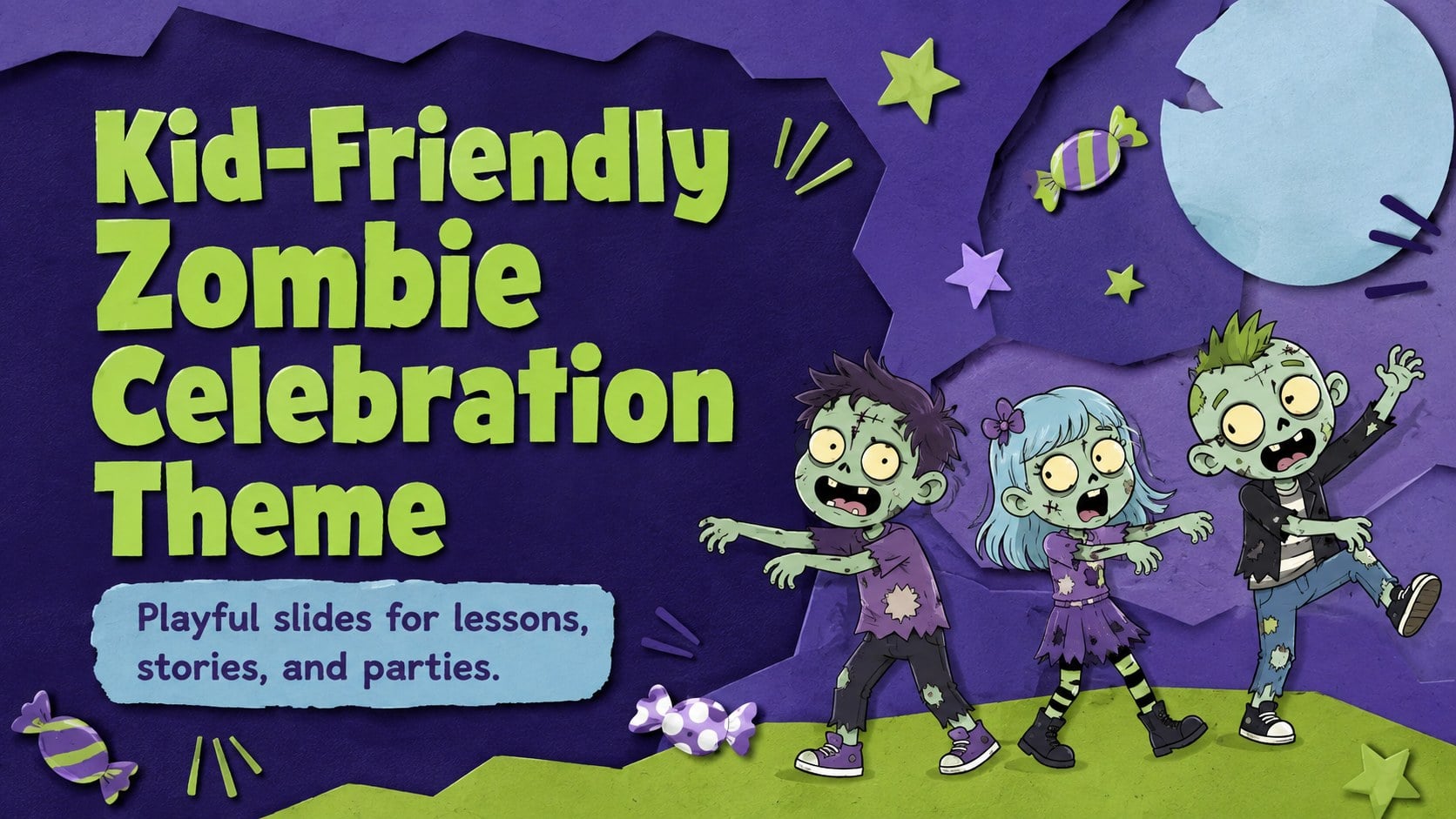
Build playful lessons and party stories with a kid-friendly zombie celebration theme in purple, green and pastel blue for PowerPoint and Google Slides.
Design notes
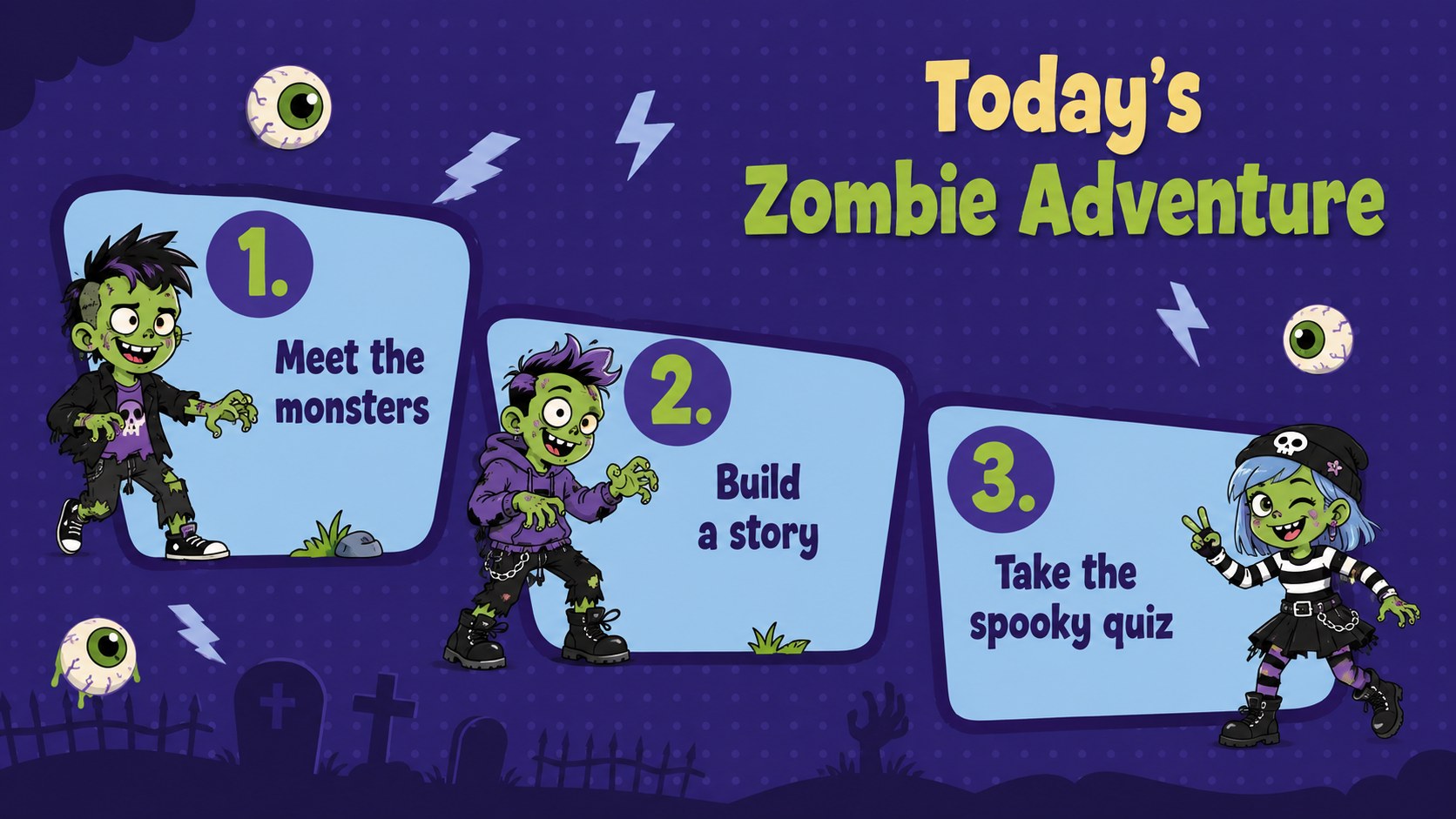
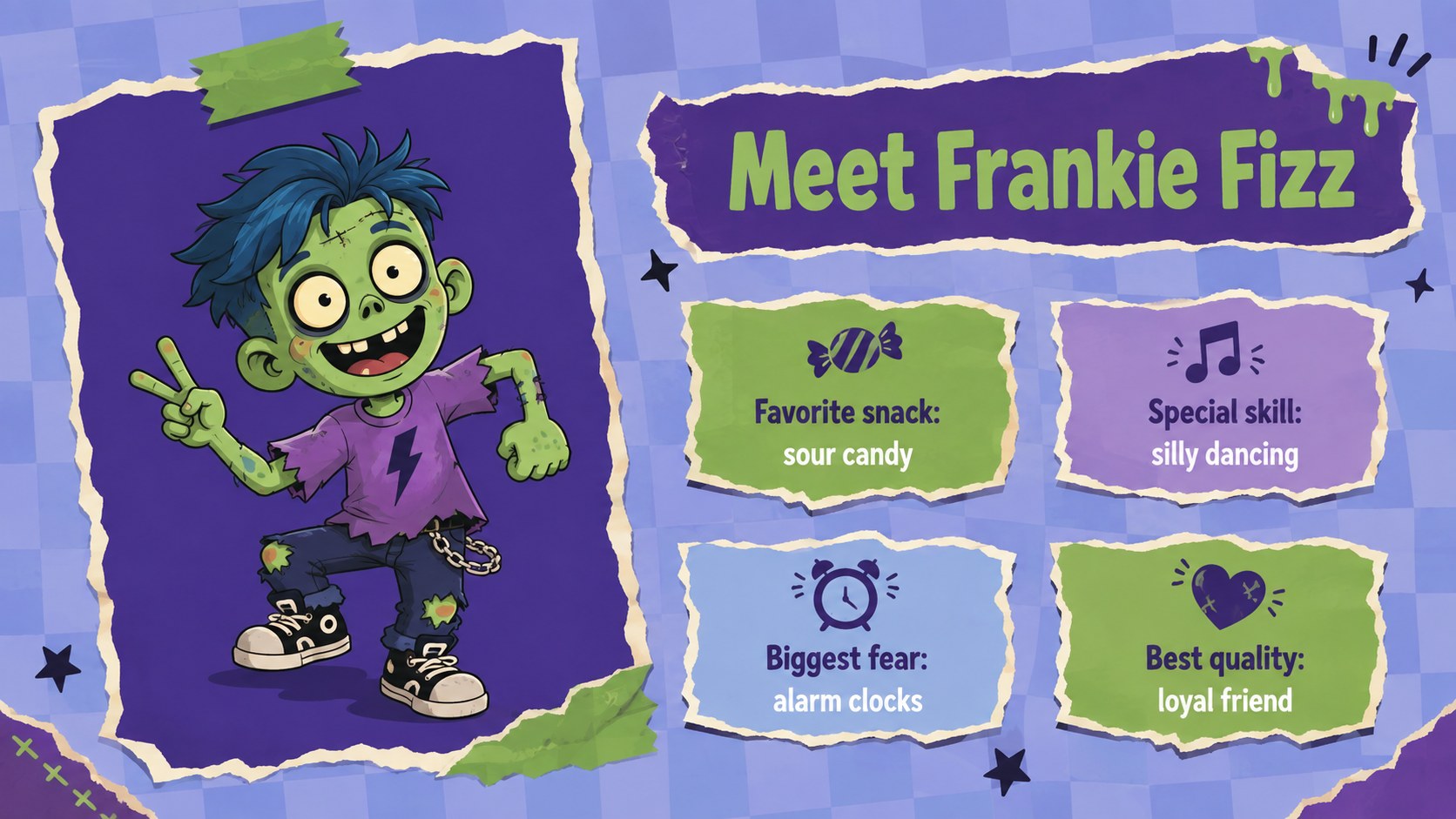
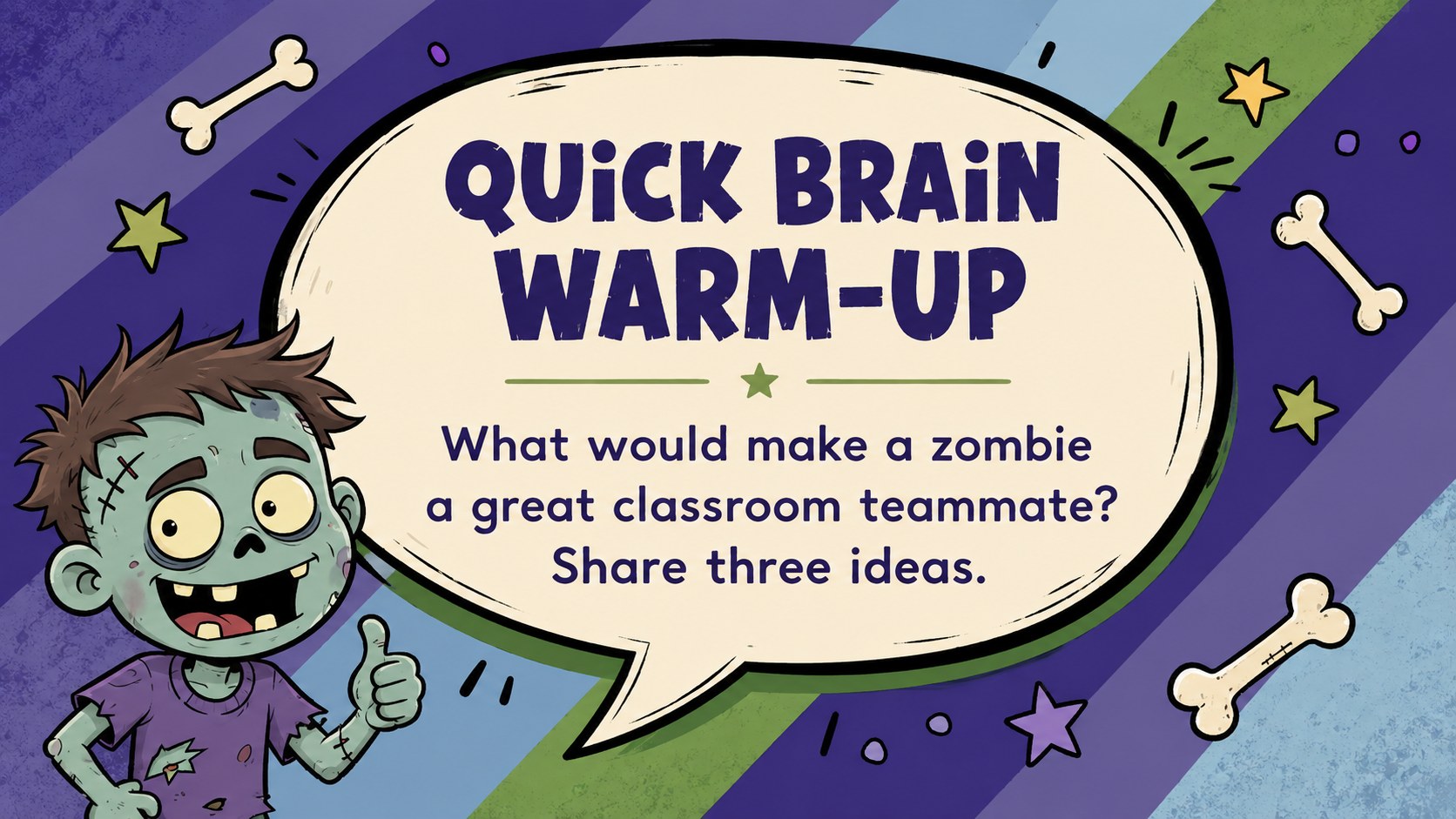
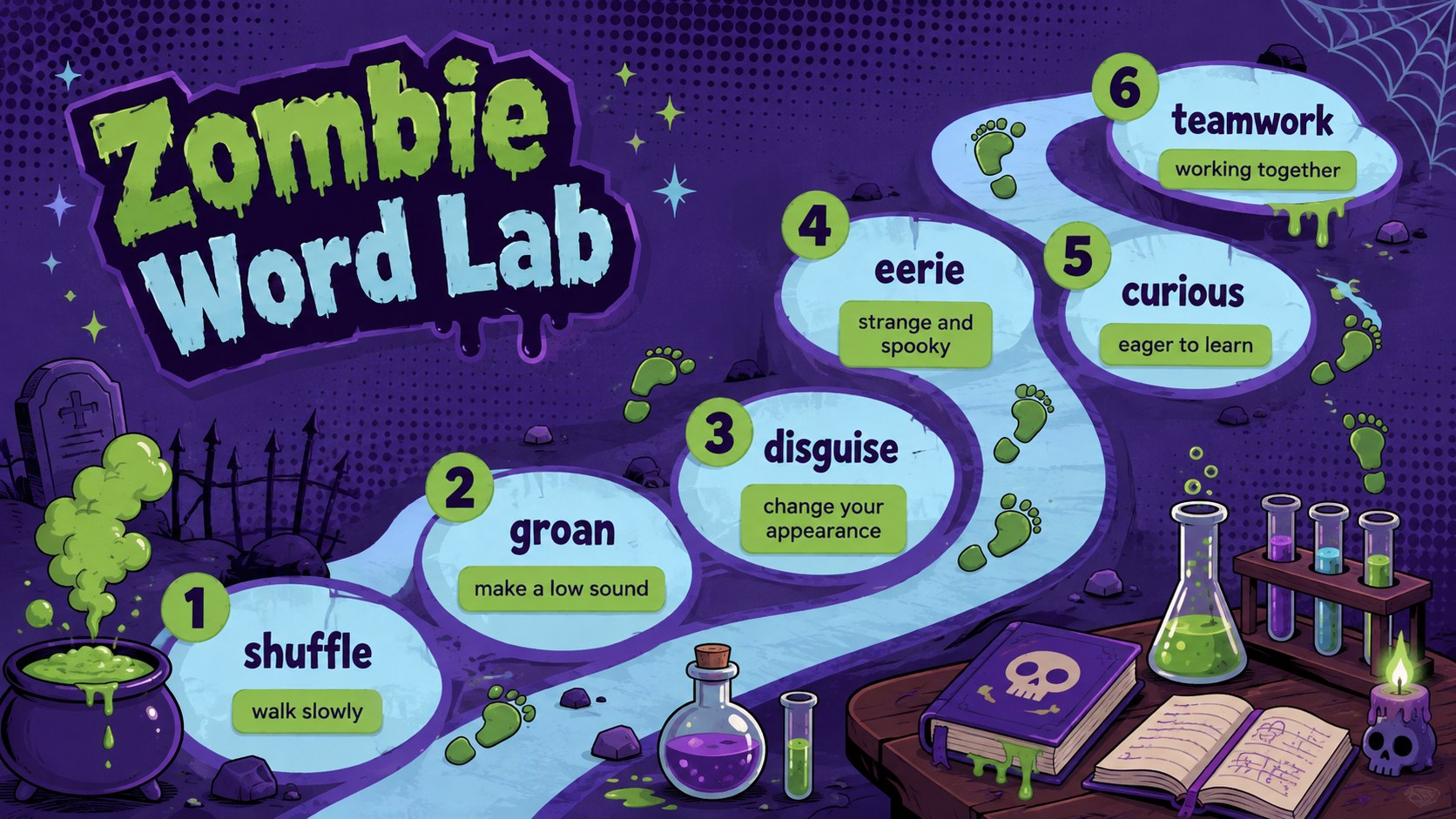
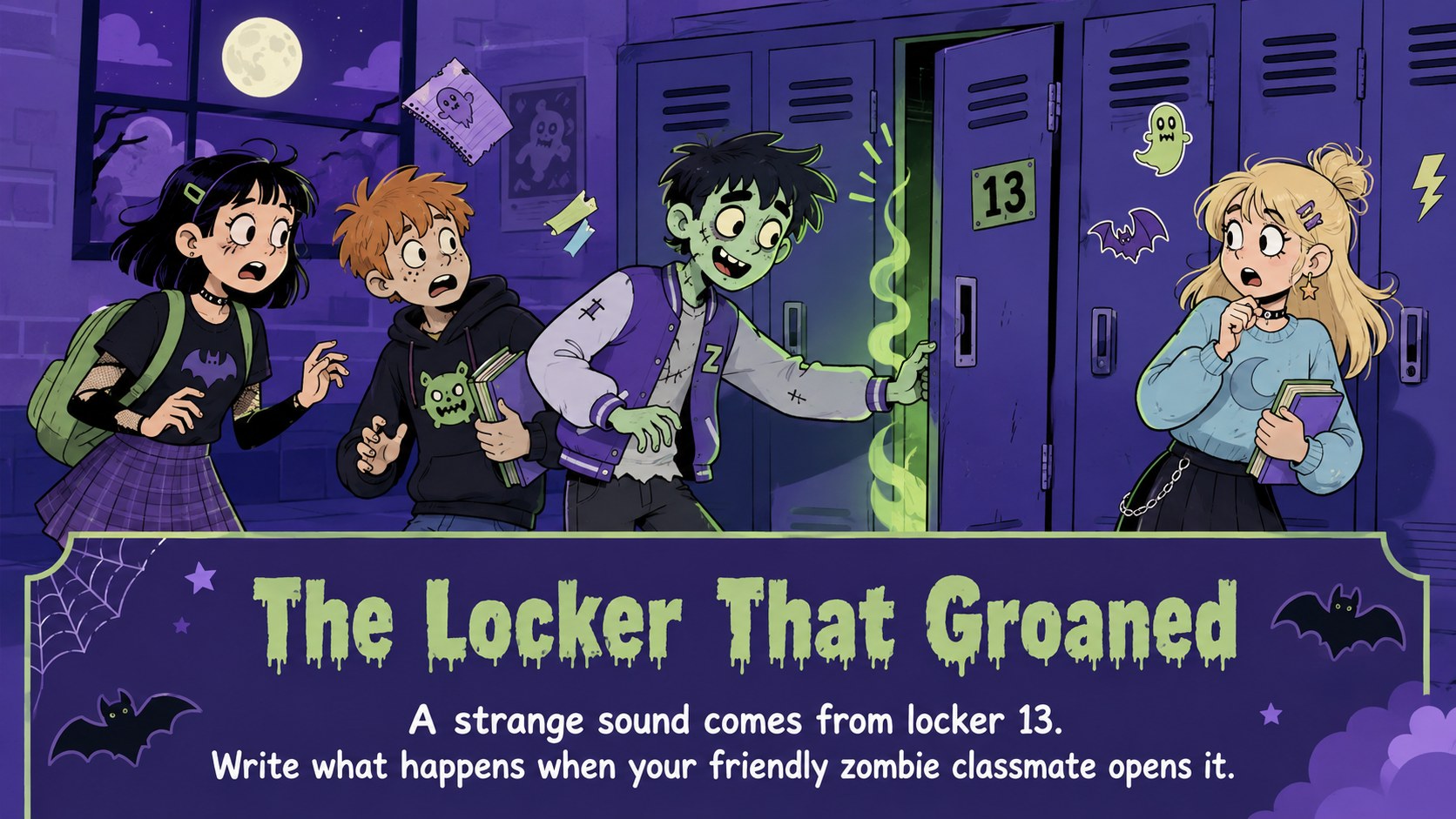
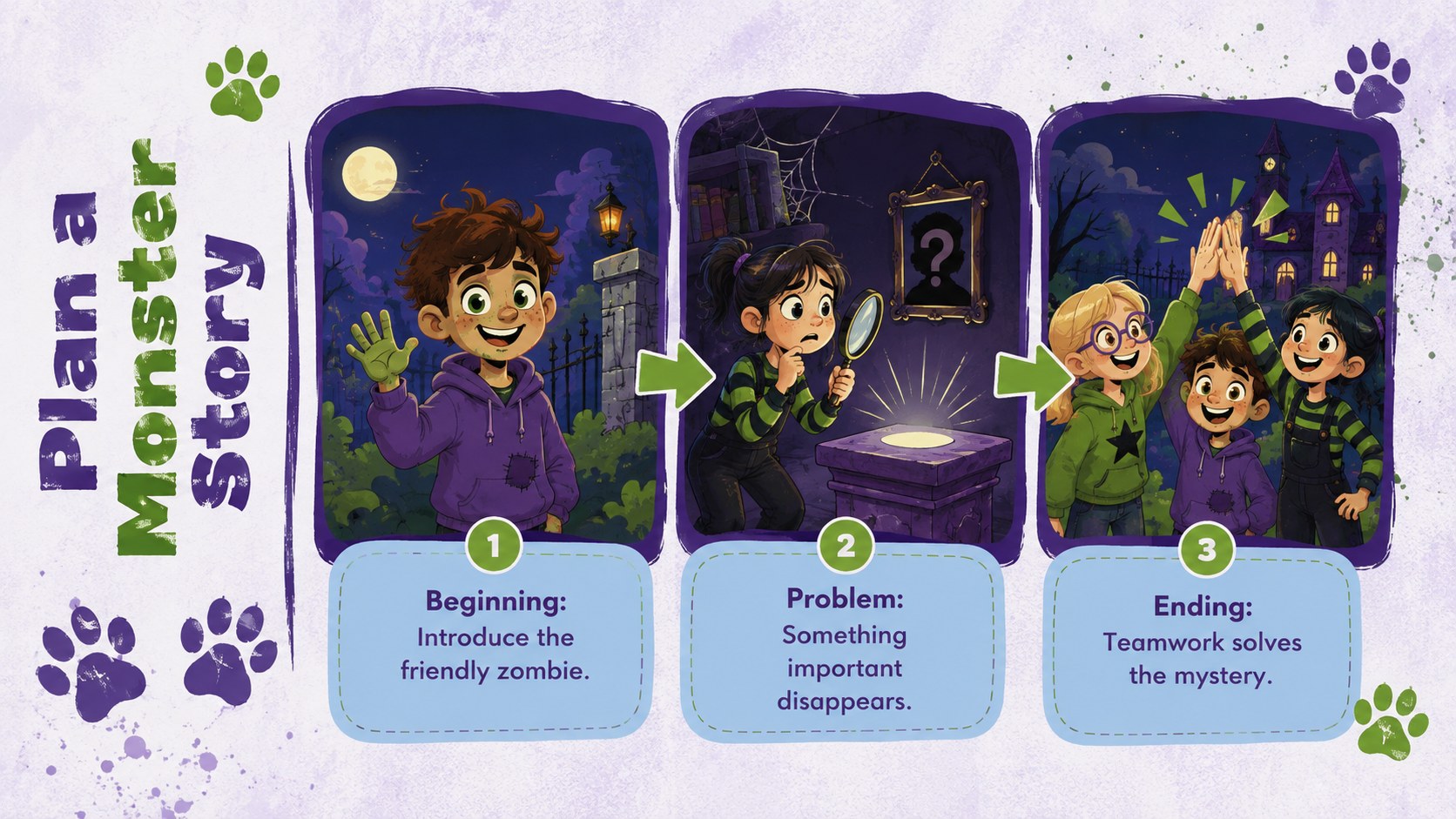
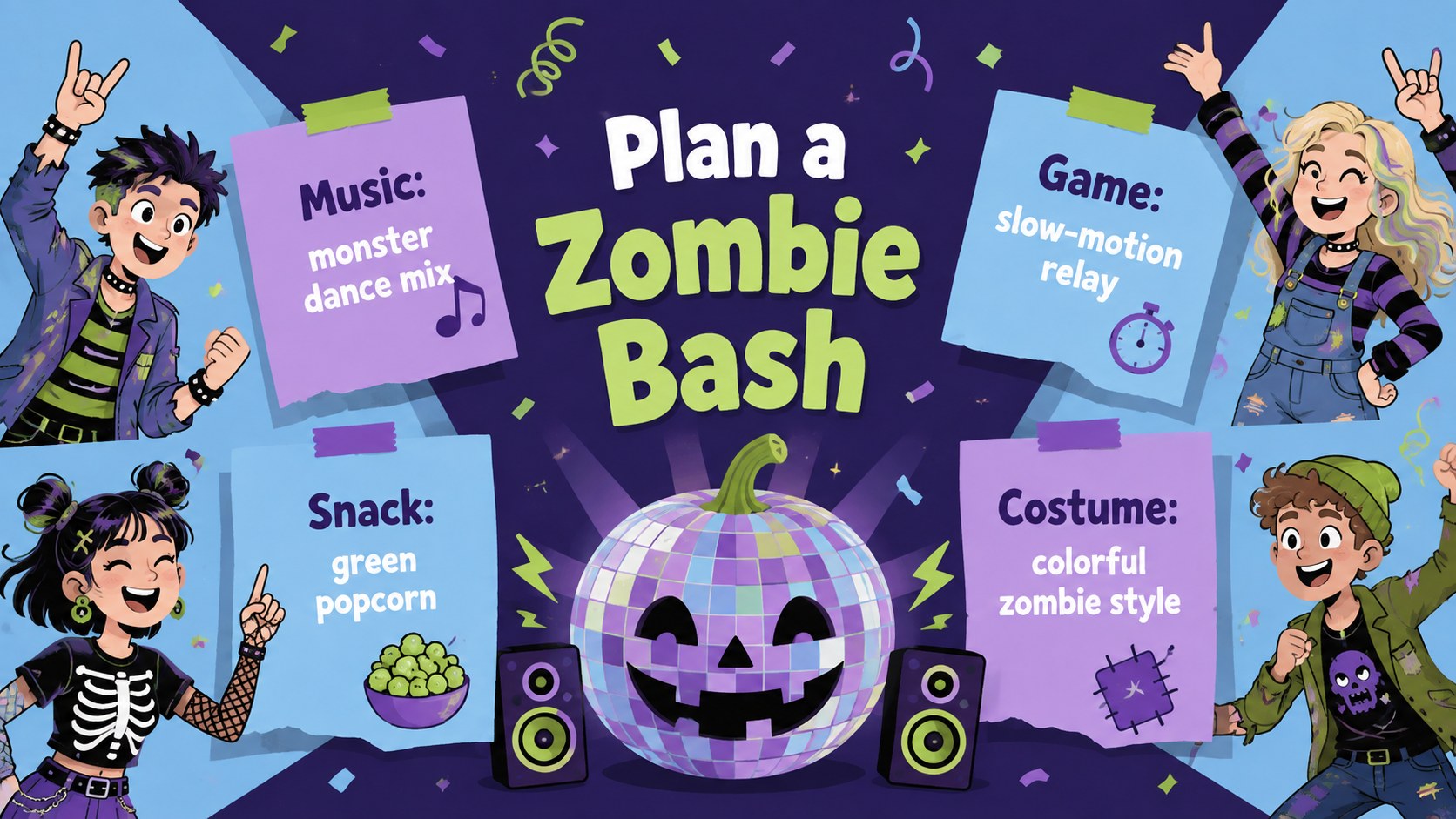
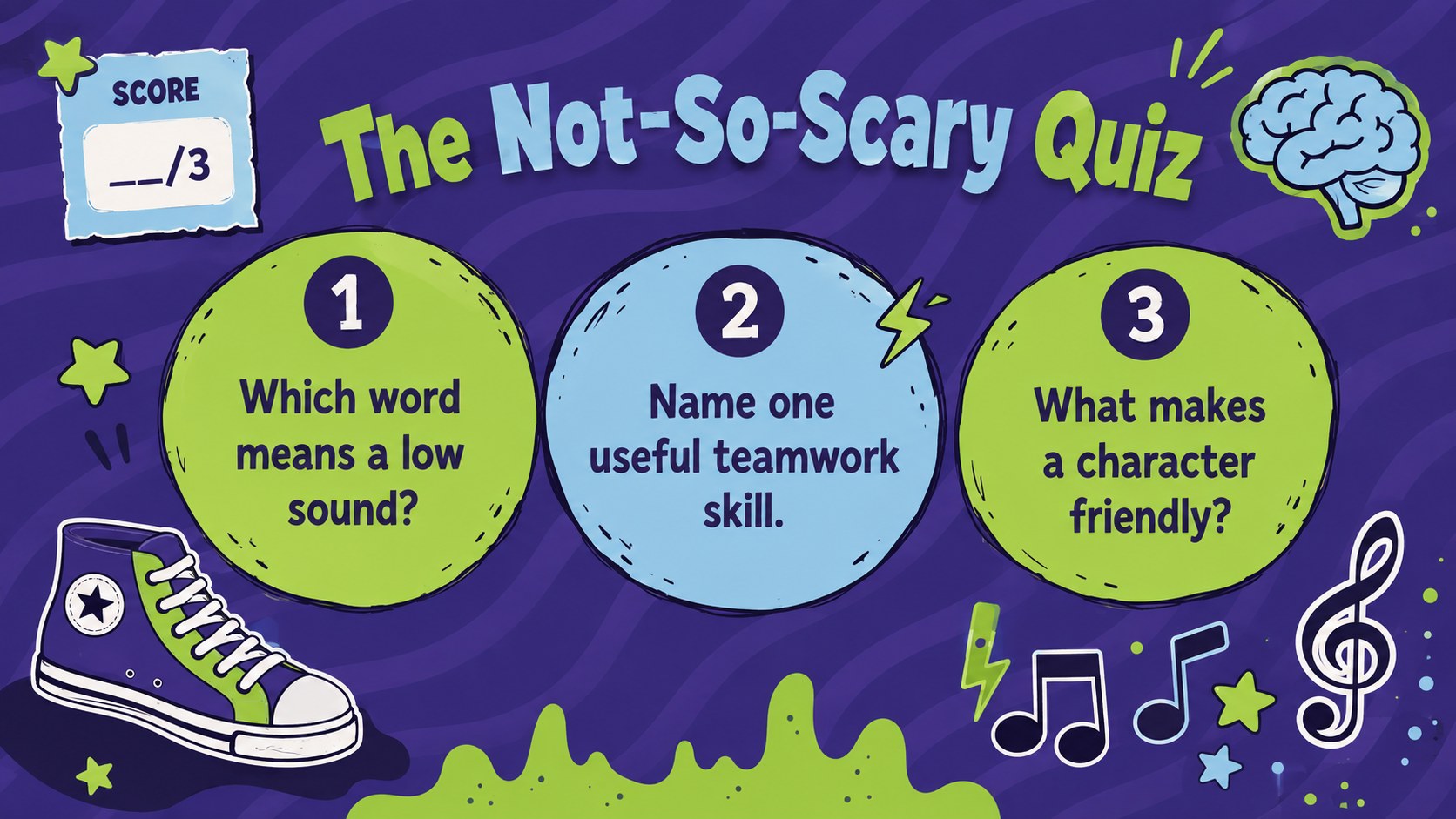
Bring lighthearted spooky energy to the screen with this kid-friendly zombie celebration theme. Designed around cheerful cartoon monsters, playful typography, and a lively mix of purple, green, and pastel blue, the deck makes Zombie Day feel amusing rather than frightening. Use it as a cartoon zombie classroom slides set, a party presentation, or an imaginative storytelling resource.
The presentation includes layouts for an opening activity, event schedule, character introductions, vocabulary, story prompts, quizzes, comparisons, timelines, and closing messages. Adapt the structured pages into a zombie day school activity deck or use the visual layouts to create social posts and illustrated storybook scenes. Editable text, colors, graphics, and page order make it easy to shape the material around a particular age group or event.
Teachers can build seasonal lessons for elementary, middle, or high school students, while families and activity leaders can prepare games, party plans, and creative writing sessions. Marketing teams can also turn the purple and green Halloween slide theme into playful campaign concepts for youth-focused events. Every layout is prepared for editing in PowerPoint and Google Slides, giving presenters a flexible starting point for educational, promotional, and entertainment projects.
Perfect for: Zombie Day classroom lesson; kids Halloween party plan; creative writing activity; illustrated monster story; youth event promotion.
Frequently asked questions
Can I edit the characters and slide text? Yes. You can replace the sample wording, adjust the colors, move decorative elements, and add your own character artwork to suit the lesson or event.
Practical details
Yes. You can replace the sample wording, adjust the colors, move decorative elements, and add your own character artwork to suit the lesson or event.
The deck is designed for PowerPoint and Google Slides. Some fonts or animations may vary slightly between the two platforms, so review the final presentation before sharing it.
Yes. Simplify the prompts and vocabulary for younger learners, or add deeper discussion questions and longer writing activities for middle and high school students.
Use the theme color controls in PowerPoint or Google Slides to update the purple, green, and pastel blue accents. Maintain strong contrast between text and backgrounds so every slide remains readable.
Keep exploring
15Build stronger academic arguments with a college essay thesis builder featuring guided examples, revision prompts, and editable PowerPoint and Google Slides.
 15
15Build an engaging World UFO Day session with this flying saucer history lesson deck, featuring retro green-and-brown slides for PowerPoint and Google Slides.
 14
14Plan a memorable Lunar New Year campaign with the 2036 Dragon Year Celebration Theme, featuring bold red-and-yellow slides for lessons and events.
 15
15Build a thoughtful classroom discussion with this interfaith awareness lesson deck, featuring editable blue-and-white slides for PowerPoint and Google Slides.
 15
15Use this environmental awareness lesson deck to teach climate action through illustrated activities, discussion prompts, and ready-to-edit visuals.
 15
15Build eerie lessons, campaigns, and story pitches with an undead survival scenario theme featuring editable slides for PowerPoint and Google Slides.
 16
16Turn environmental research into a clear story with a Watercolor Ecology Presentation Theme for PowerPoint and Google Slides in calming green and blue.
 15
15Build a clear World Cancer Day message with this global cancer awareness campaign deck, featuring editable blue-green layouts for PowerPoint and Google Slides.