
 14
14presentation
2036 Dragon Year Celebration Theme
Plan a memorable Lunar New Year campaign with the 2036 Dragon Year Celebration Theme, featuring bold red-and-yellow slides for lessons and events.
Google SlidesPowerPoint
presentation · English
Share festive messages with a Lunar Horse New Year Wishes Theme, featuring bold red-and-yellow layouts for PowerPoint and Google Slides celebrations.

Design notes
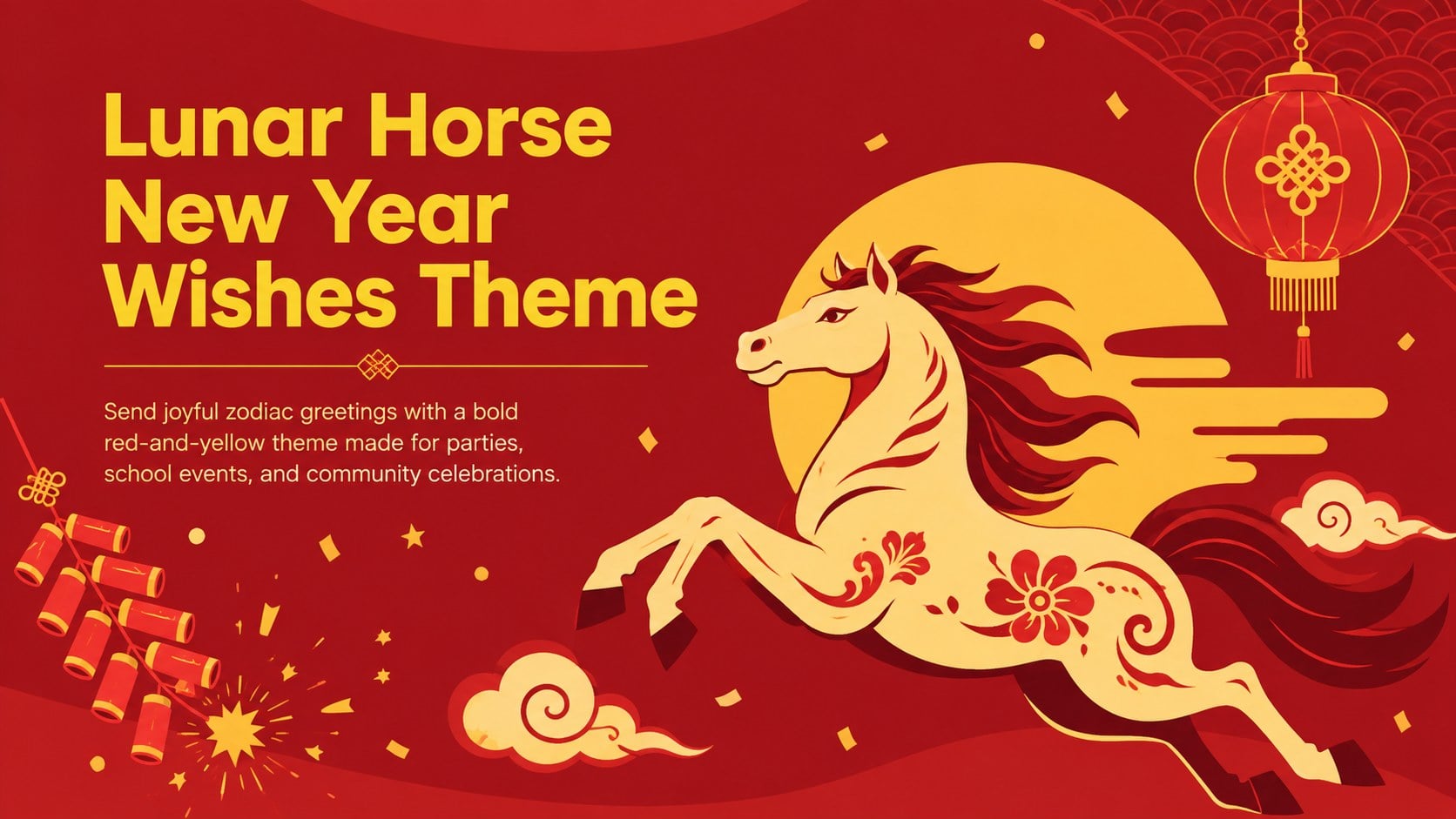
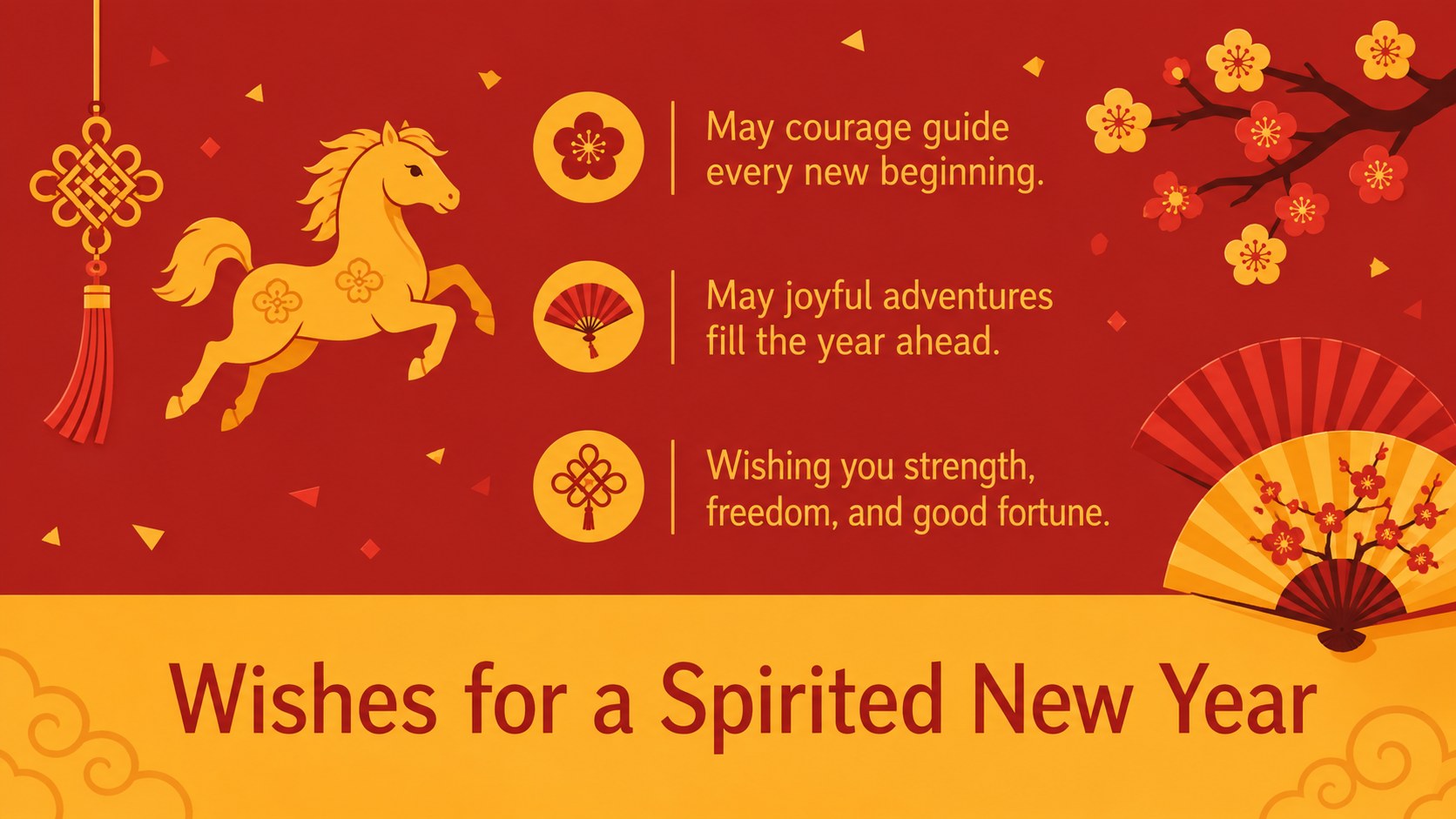
Welcome the season with the Lunar Horse New Year Wishes Theme, a lively collection of greeting slides inspired by the energy, confidence, and adventurous spirit associated with the horse zodiac. Bold red backgrounds, sunny yellow accents, modern flat illustrations, and clean typography give every message a warm and festive presence without making the layout feel crowded.
The theme includes a celebratory cover, a flexible wishes layout, and an event greeting slide for sharing dates, messages, or invitations. Use the ready-made text as a starting point, then adjust the wording, fonts, colors, and arrangement in PowerPoint or Google Slides. These red and yellow Chinese zodiac slides work equally well on a presentation screen, in a digital greeting, or as exported images for online sharing. The layouts also provide space for translated greetings, organization details, family names, and short cultural notes.
Designed for families, teachers, community organizers, cultural groups, and event hosts, this lunar new year horse presentation template can support classroom celebrations, workplace greetings, neighborhood festivals, and private parties. It is also a practical choice for anyone creating editable Lunar New Year event slides with a cheerful, contemporary look. Add personal wishes, replace the illustrations, or adapt the final slide into an invitation while keeping the coordinated visual style consistent throughout.
Perfect for: family Lunar New Year greeting; school zodiac celebration; community festival announcement; workplace holiday message; horse zodiac party invitation.
Frequently asked questions
Can I edit the greetings and event details? Yes. Replace the sample wording with personal wishes, names, dates, translated greetings, or venue information directly in the slide editor. Text size and placement can also be adjusted for longer messages.
Practical details
Yes. Replace the sample wording with personal wishes, names, dates, translated greetings, or venue information directly in the slide editor. Text size and placement can also be adjusted for longer messages.
The theme is designed for Microsoft PowerPoint and Google Slides. After editing, you can present it as a slideshow or export individual slides as images or PDF pages.
Yes. The background, accent shapes, typography, and illustrations can be recolored to match a school, organization, or event identity. Keeping strong red and yellow accents will preserve the intended festive character.
Yes. Add the event date, time, location, and RSVP details to the greeting or announcement layout. The finished slide can then be exported for email, social media, or display screens.
Keep exploring
14Plan a memorable Lunar New Year campaign with the 2036 Dragon Year Celebration Theme, featuring bold red-and-yellow slides for lessons and events.
 15
15Build playful lessons and party stories with a kid-friendly zombie celebration theme in purple, green and pastel blue for PowerPoint and Google Slides.
 15
15Build eerie lessons, campaigns, and story pitches with an undead survival scenario theme featuring editable slides for PowerPoint and Google Slides.
 15
15Bring zodiac traditions to life with a Lunar Snake Festival Presentation featuring 15 cheerful red illustrated slides for PowerPoint and Google Slides.
 6
6Honor teams and individuals with an Orange Year-End Recognition Certificate Set featuring six editable designs for PowerPoint and Google Slides.
 14
14Honor the people behind the headlines with a World Sports Press Appreciation Deck for PowerPoint and Google Slides, styled in crisp, modern green.
 15
15Teach, inspire, and celebrate with our Plant-Powered Vegetarian Day Lesson Deck, featuring cheerful editable visuals for PowerPoint and Google Slides.
 15
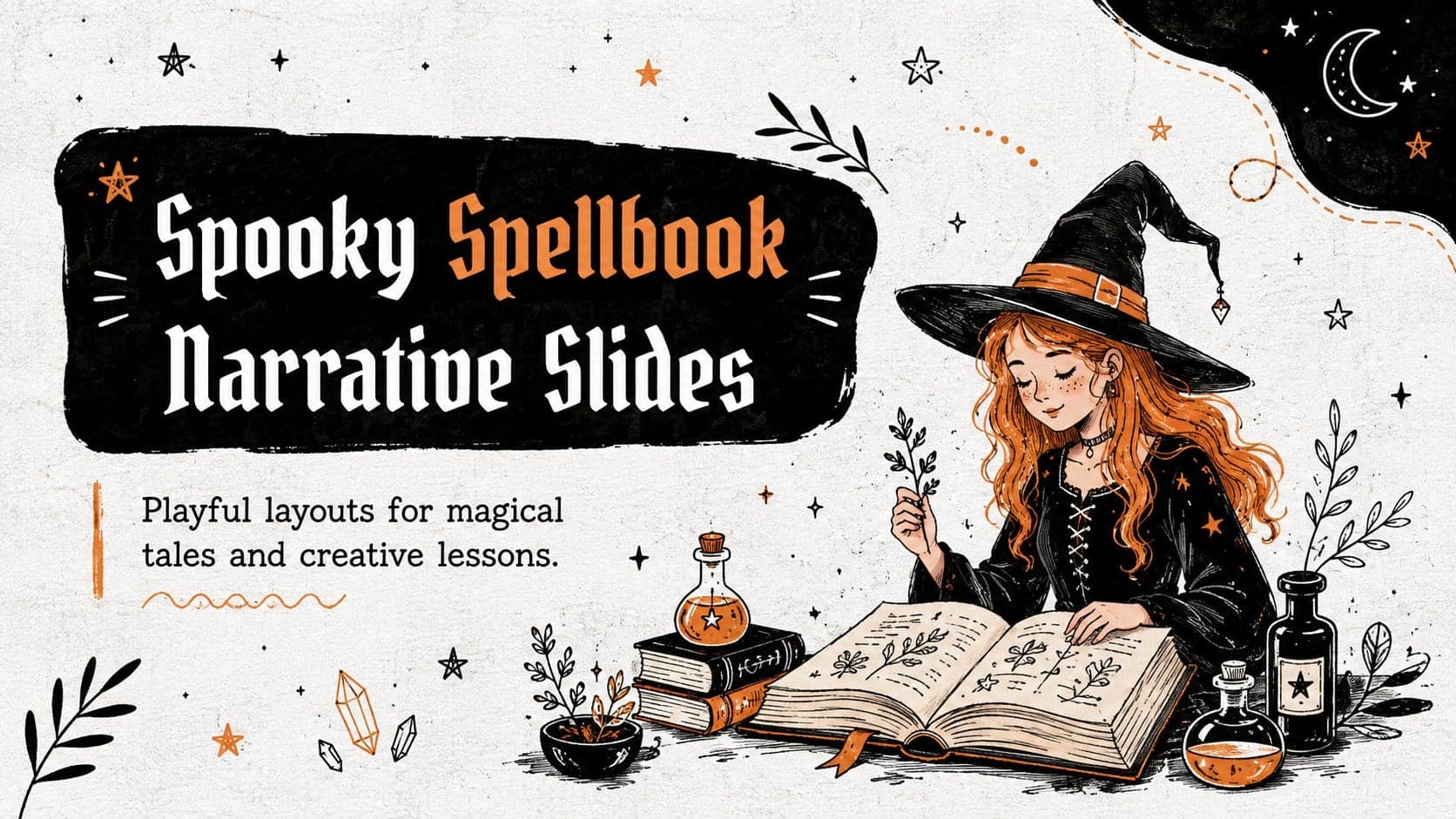
15Bring lessons and Halloween tales to life with Spooky Spellbook Narrative Slides, an editable black, white, and orange deck for PowerPoint and Google Slides.