
 15
15presentation
Yoga Workshop Marketing Presentation
Promote classes with a yoga workshop marketing presentation featuring playful beige, pink, and purple illustrations for PowerPoint and Google Slides.
Google SlidesPowerPoint
presentation · English
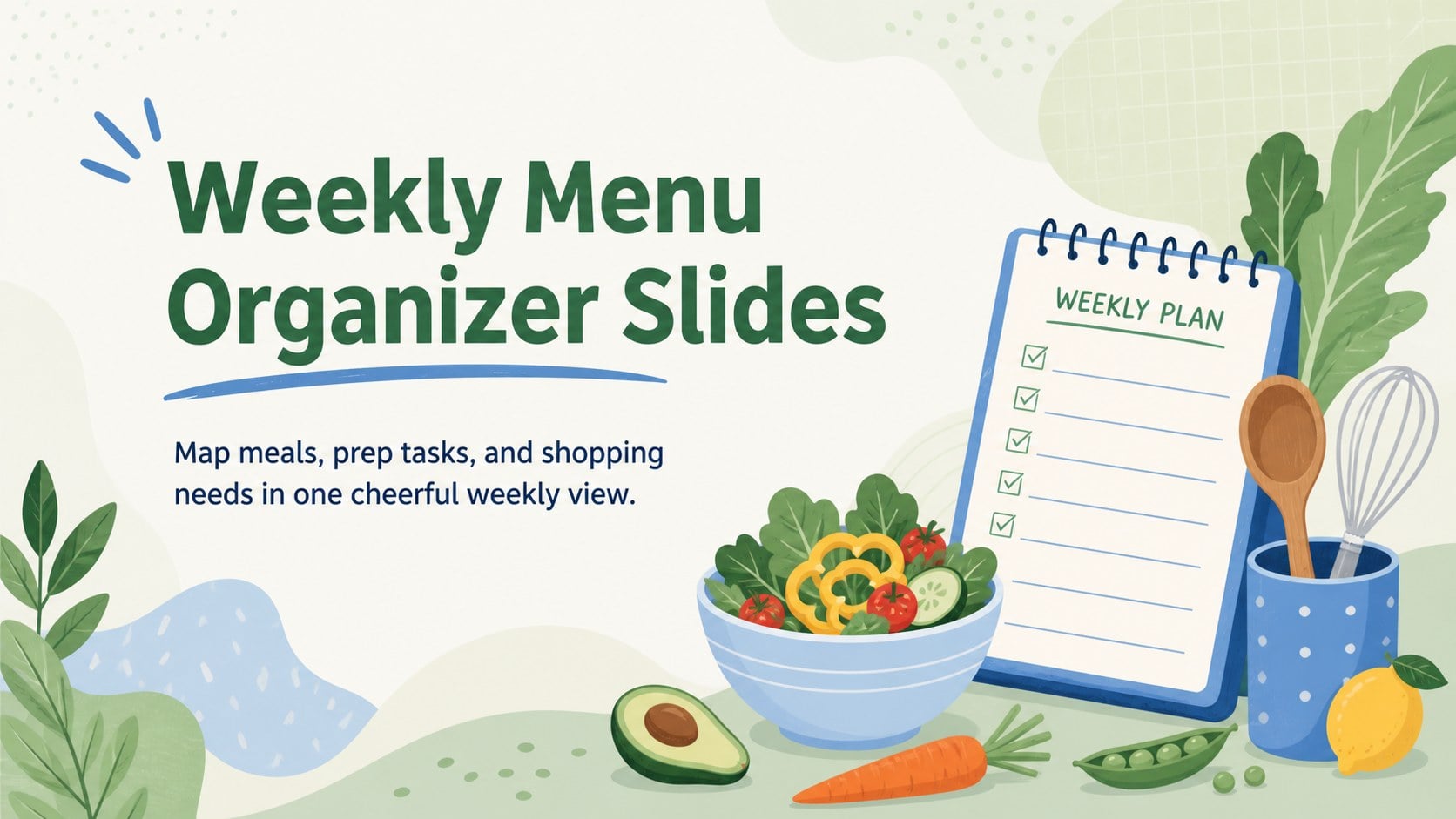
Build calmer food routines with Weekly Menu Organizer Slides, a green-and-blue illustrated deck for menus, grocery lists, meal prep, and nutrition goals.
Design notes
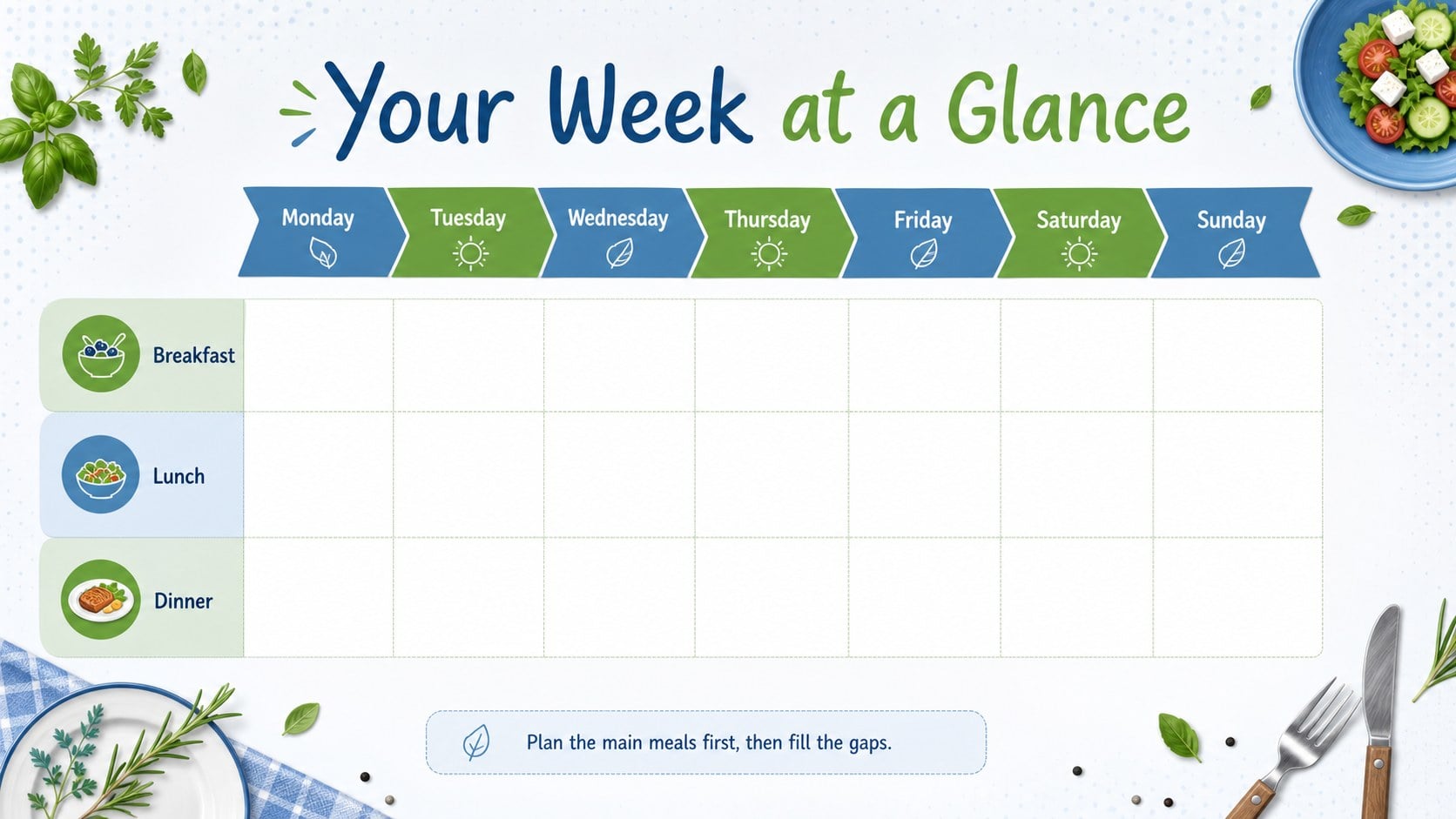
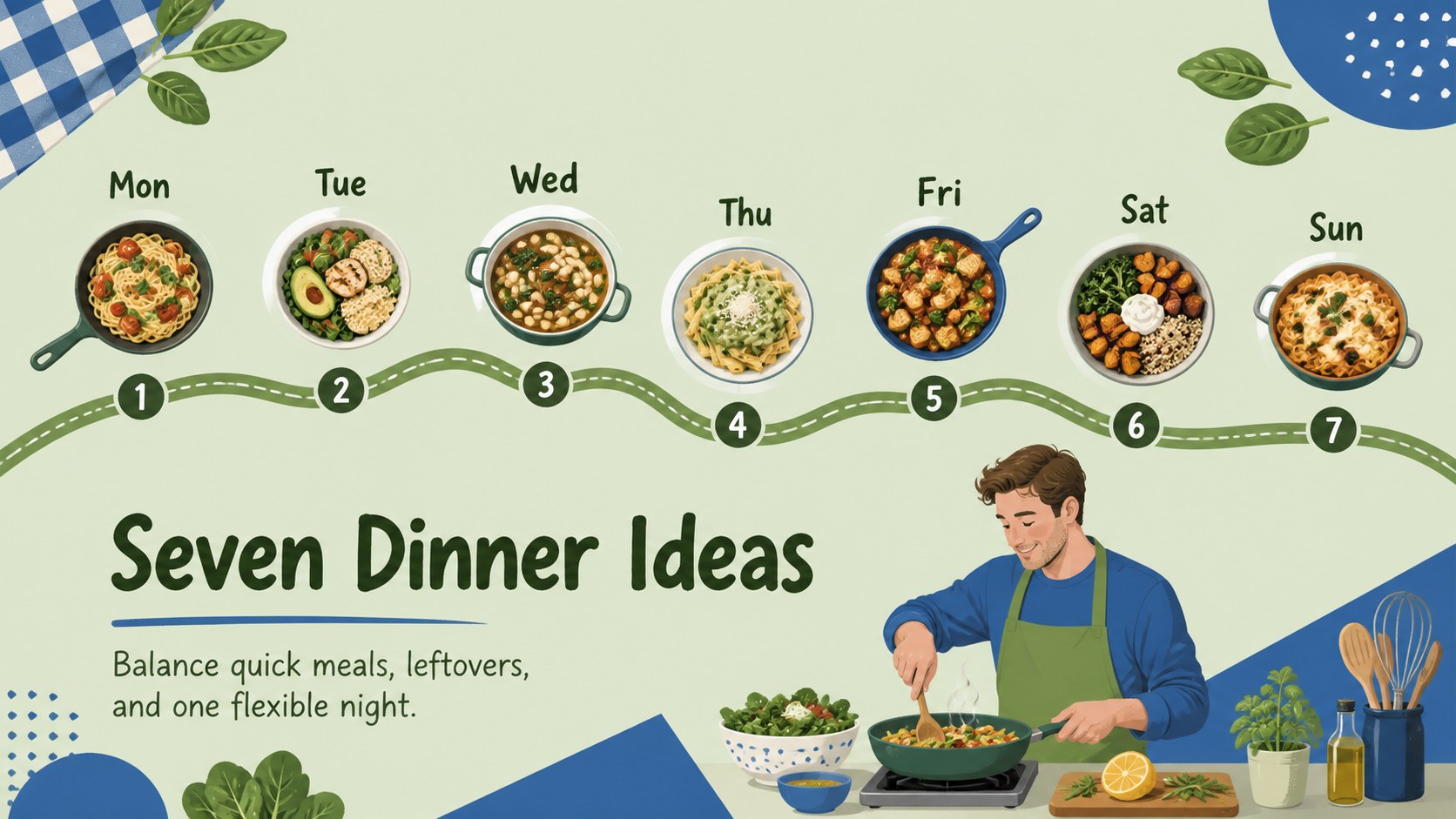
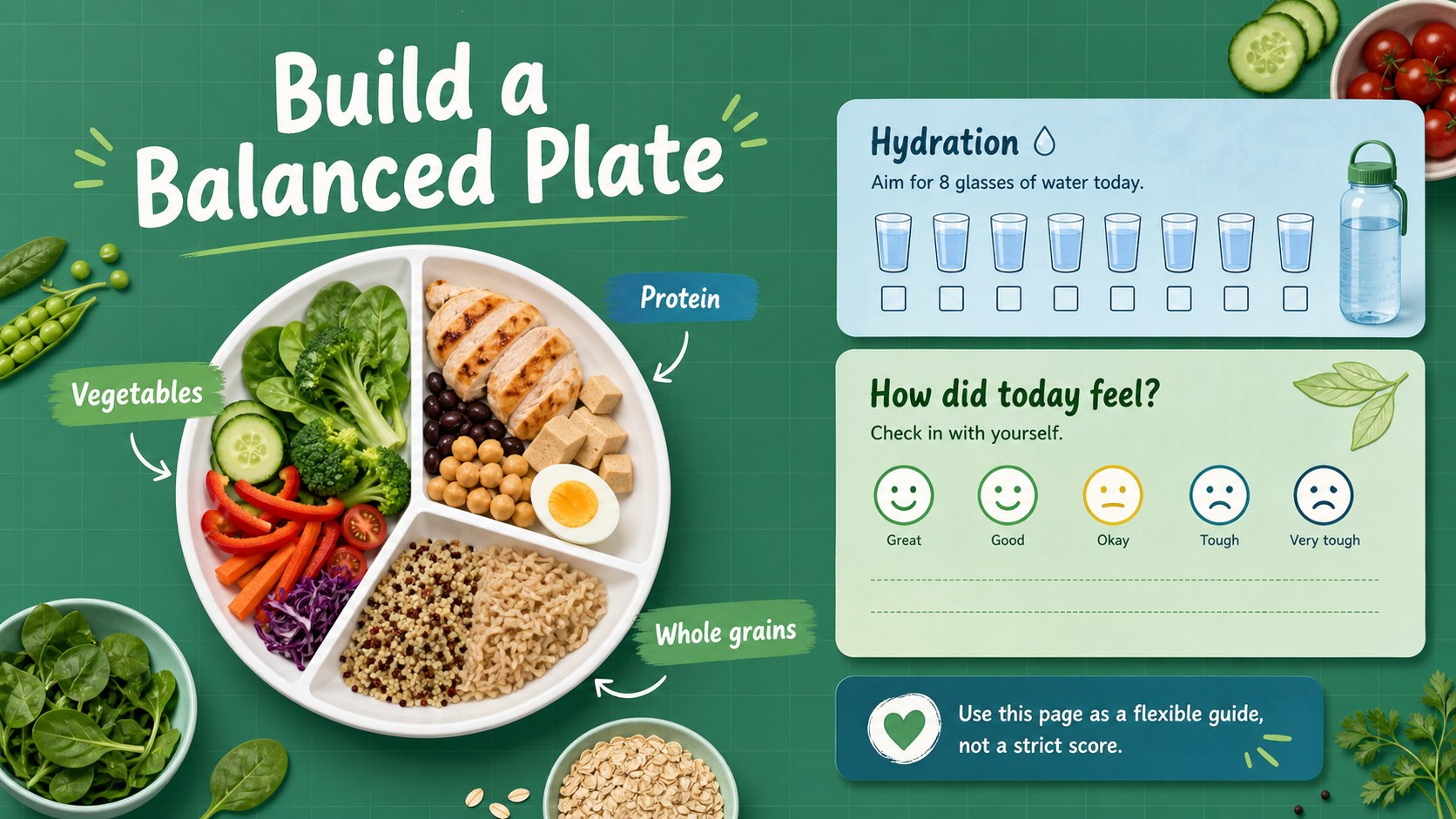
Weekly Menu Organizer Slides bring menus, shopping notes, preparation tasks, and food goals into one practical presentation. The modern illustrated design combines fresh green and blue tones with playful culinary details, creating a friendly planning system that remains easy to scan throughout a busy week.
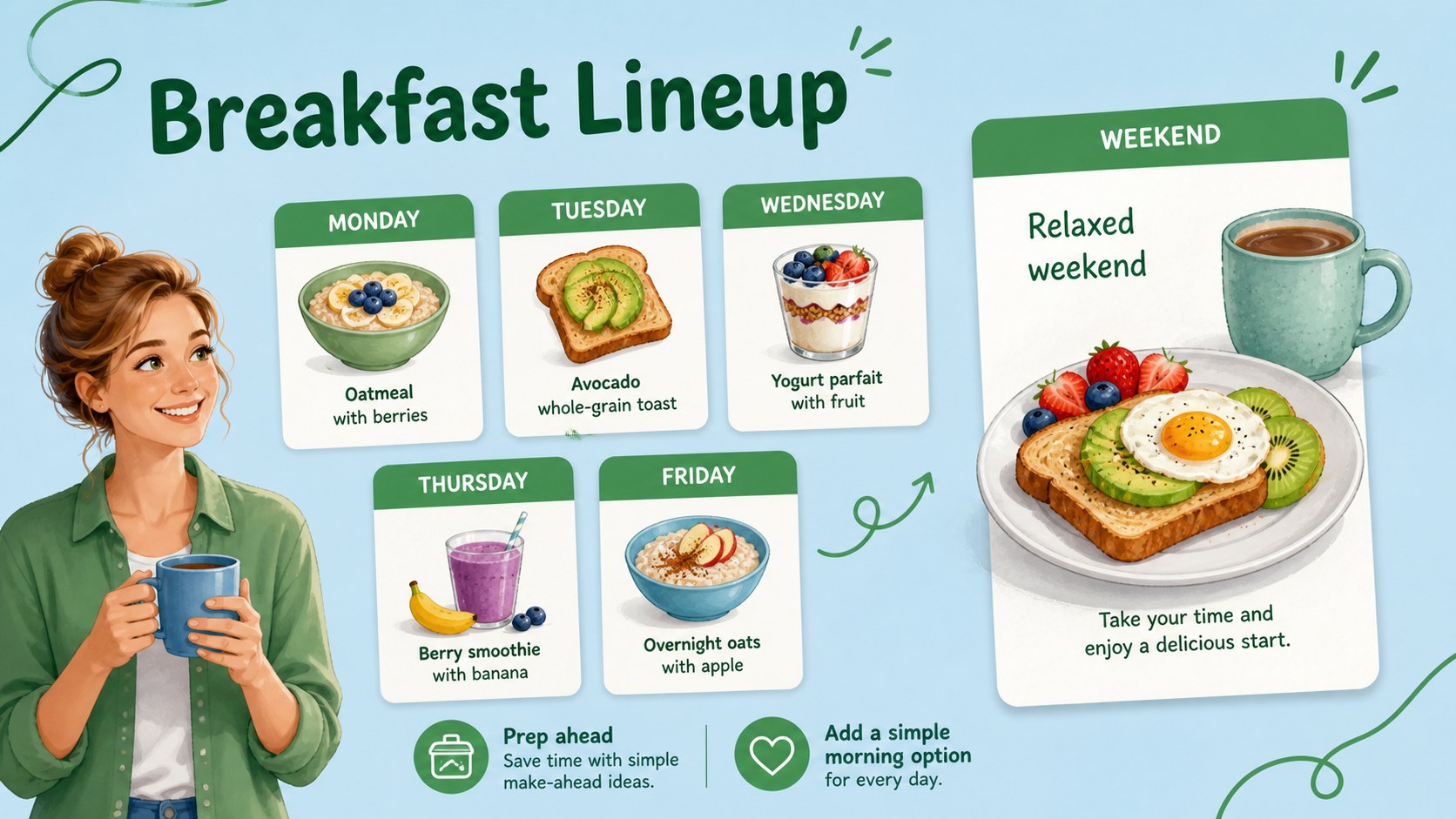
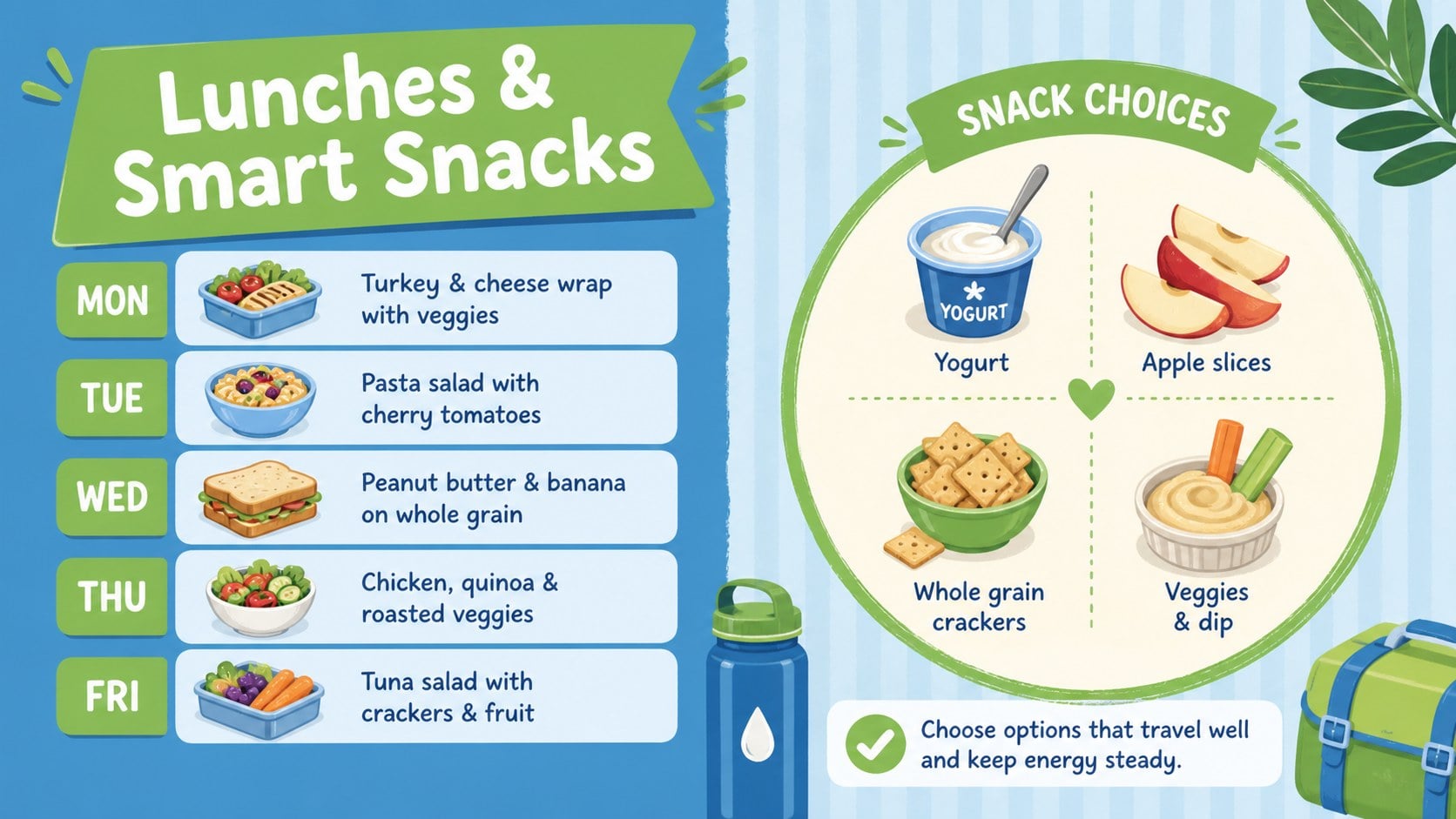
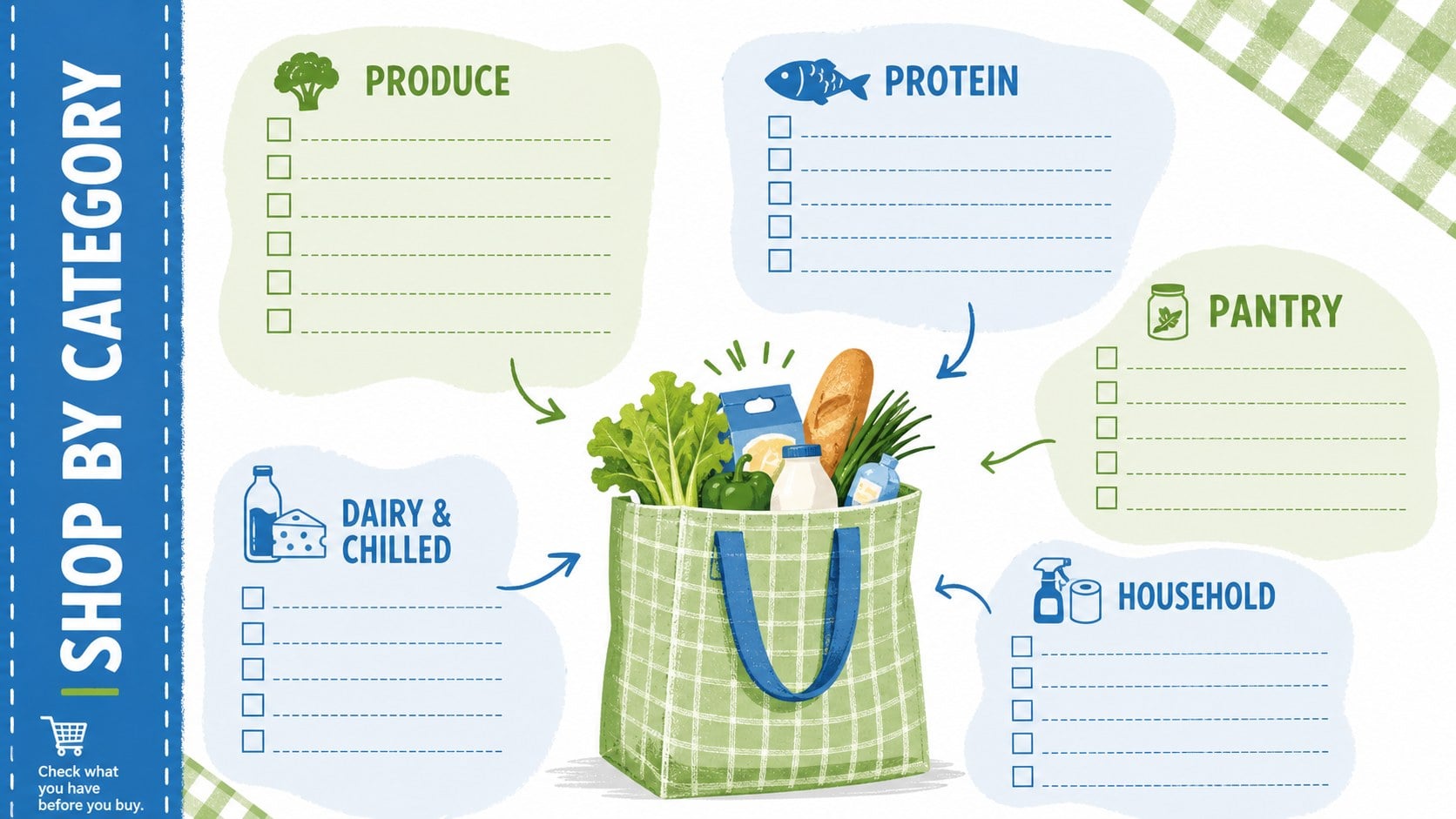
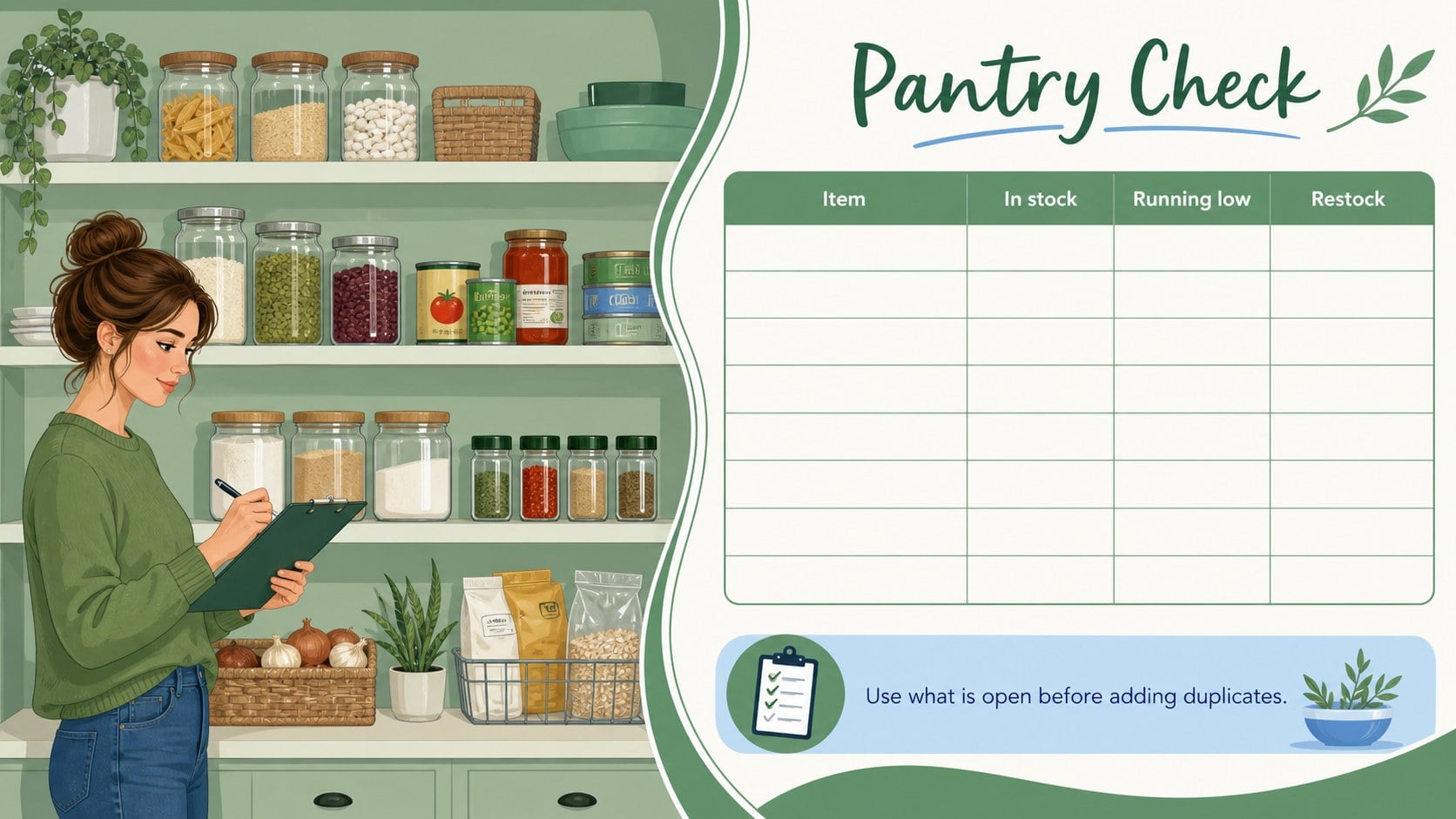
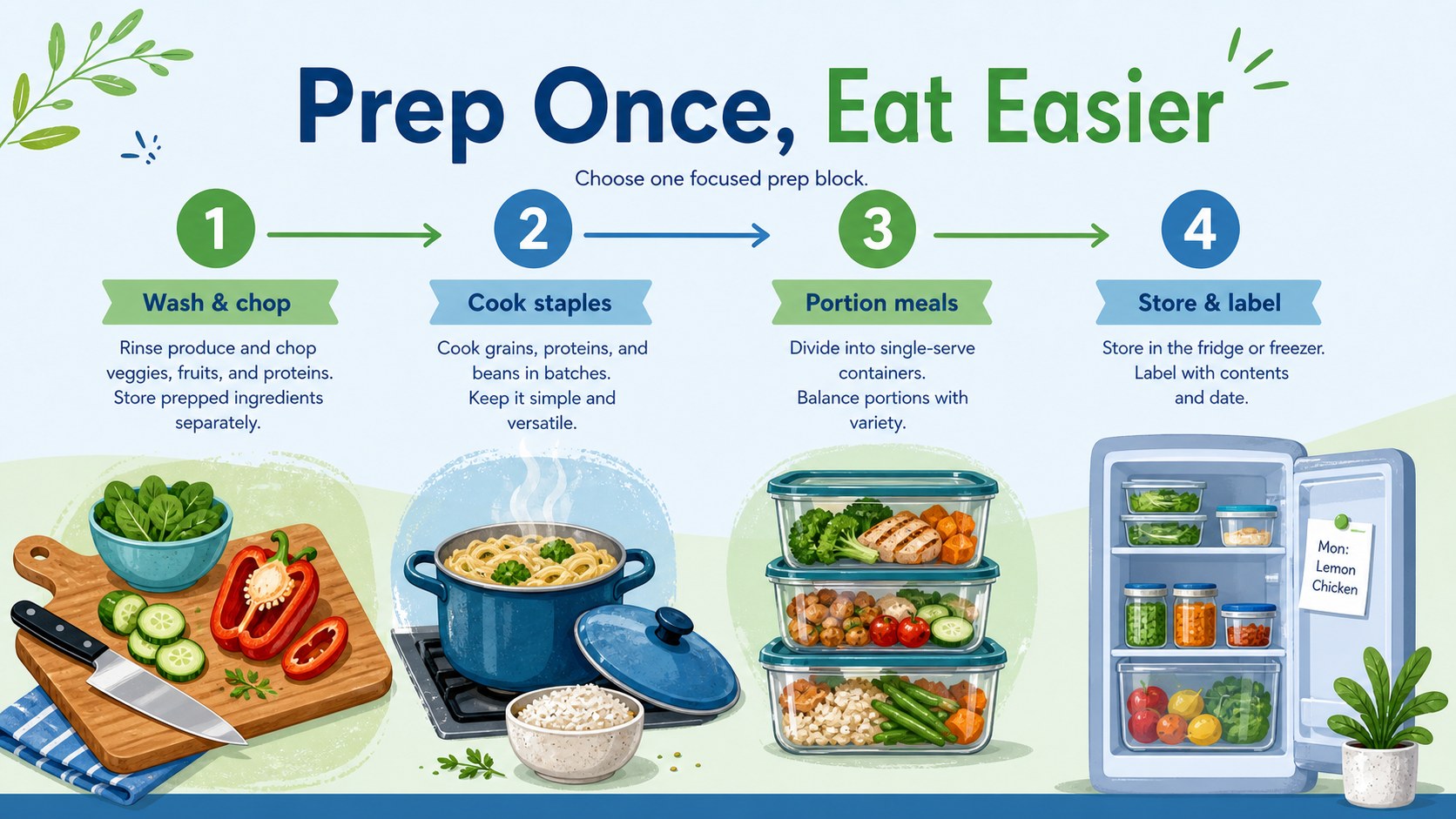
Inside, you will find editable layouts for a seven-day menu, breakfast and lunch planning, dinner ideas, snack choices, grocery categories, pantry checks, recipe notes, preparation schedules, nutrition tracking, and food budgeting. Use the deck as an editable weekly meal planner slides collection or adapt it into a healthy meal prep schedule template. Clear sections help you connect planned dishes with ingredients, serving needs, and advance preparation without crowding each page.
The template works well for families coordinating shared meals, individuals developing consistent routines, fitness-focused users monitoring balanced choices, and home cooks reducing unnecessary grocery trips. It can also serve as a family menu planning presentation during household check-ins or as a visual planning aid for nutrition coaching sessions.
Every slide is formatted in 16:9 and can be customized in PowerPoint or Google Slides. Change the meal labels, rearrange sections, duplicate planning pages, update colors, and add personal recipes or dietary notes. The cohesive layouts make it simple to build a reusable planning deck for ordinary weeks, special diets, seasonal menus, or batch-cooking days.
Perfect for: family weekly menu planning; healthy meal prep scheduling; household grocery organization; nutrition coaching sessions; batch cooking preparation; weekly food budget tracking.
Frequently asked questions
Practical details
Yes. All labels, meal entries, lists, colors, and planning blocks can be edited in PowerPoint or Google Slides. You can also duplicate pages to create separate plans for multiple weeks.
The deck is designed for PowerPoint and Google Slides in a 16:9 widescreen format. Fonts or spacing may vary slightly between platforms, so review the finished presentation before sharing or printing.
Yes. Replace the sample categories with labels for vegetarian, high-protein, allergy-aware, low-sodium, or other dietary needs. Recipe notes and nutrition fields can also be adjusted to match your routine.
Keep one clean master copy, then duplicate the weekly planning slides before entering new meals. Reusable grocery, pantry, and preparation layouts can be updated without rebuilding the entire deck.
Keep exploring
15Promote classes with a yoga workshop marketing presentation featuring playful beige, pink, and purple illustrations for PowerPoint and Google Slides.
 15
15Build a clear breast cancer awareness bulletin with bold pink-and-red slides for campaign news, screening reminders, impact data, and community updates.
 15
15Build a clear World Cancer Day message with this global cancer awareness campaign deck, featuring editable blue-green layouts for PowerPoint and Google Slides.
 4
4Document wound findings, treatment decisions, and healing progress with clinical wound evaluation slides for nurses in PowerPoint and Google Slides.
 14
14Plan a clear donor campaign with this blood donation awareness presentation, featuring editable beige-and-red visuals for PowerPoint and Google Slides.
 15
15Build a Kidney Health Awareness Campaign Deck with blue illustrated slides for prevention tips, risk education, screening events, and outreach.
 15
15Build an actionable training session with this fitness program workshop deck, using energetic yellow geometry and editable PowerPoint and Google Slides layouts.
 15
15Equip health teams with this malaria prevention education deck for workshops, community outreach, and policy briefings in PowerPoint or Google Slides.