
 14
14presentation
2036 Dragon Year Celebration Theme
Plan a memorable Lunar New Year campaign with the 2036 Dragon Year Celebration Theme, featuring bold red-and-yellow slides for lessons and events.
Google SlidesPowerPoint
presentation · English
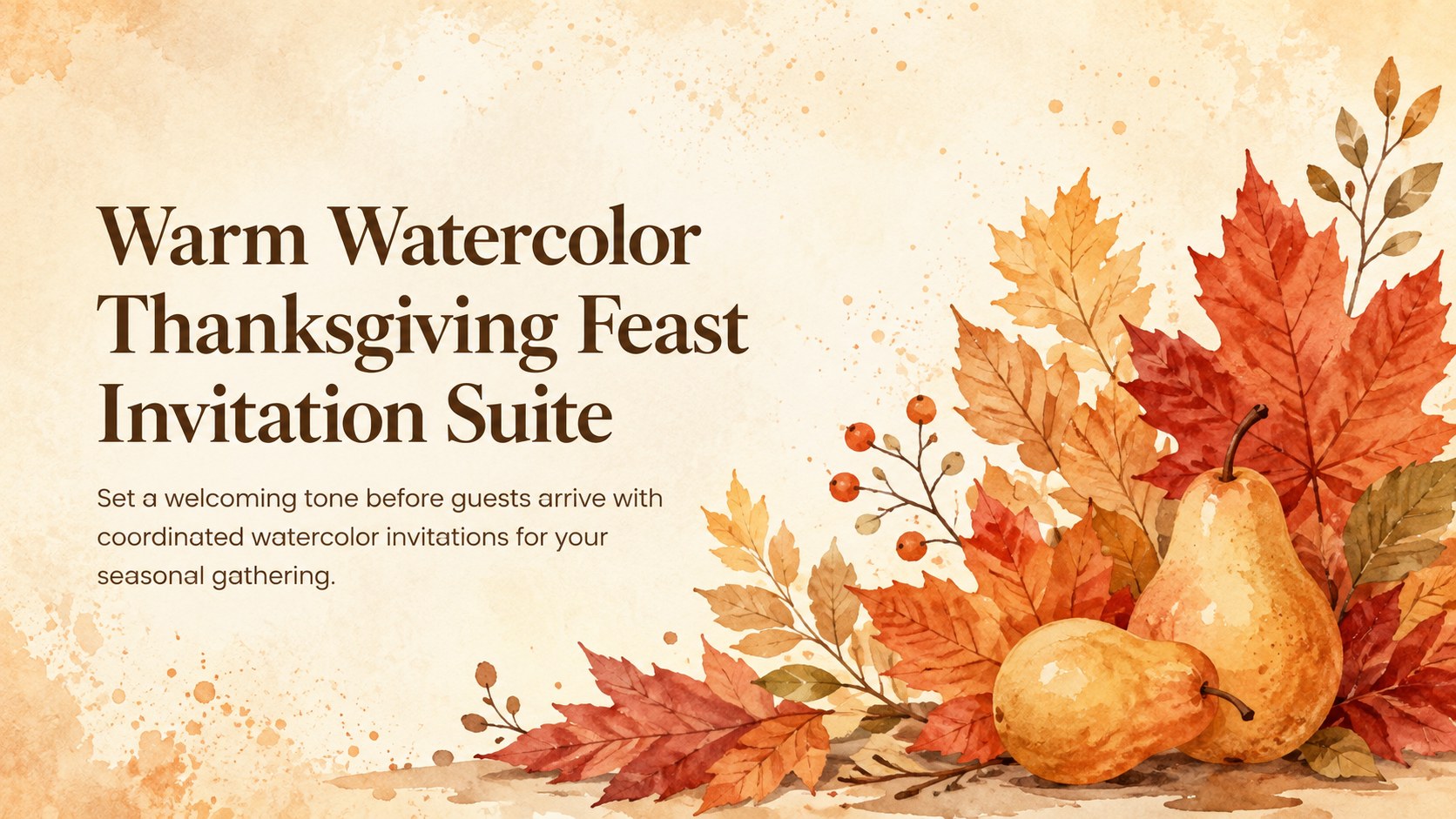
Welcome guests in style with a Thanksgiving feast invitation suite of warm watercolor layouts for PowerPoint and Google Slides, ready to personalize.


Design notes
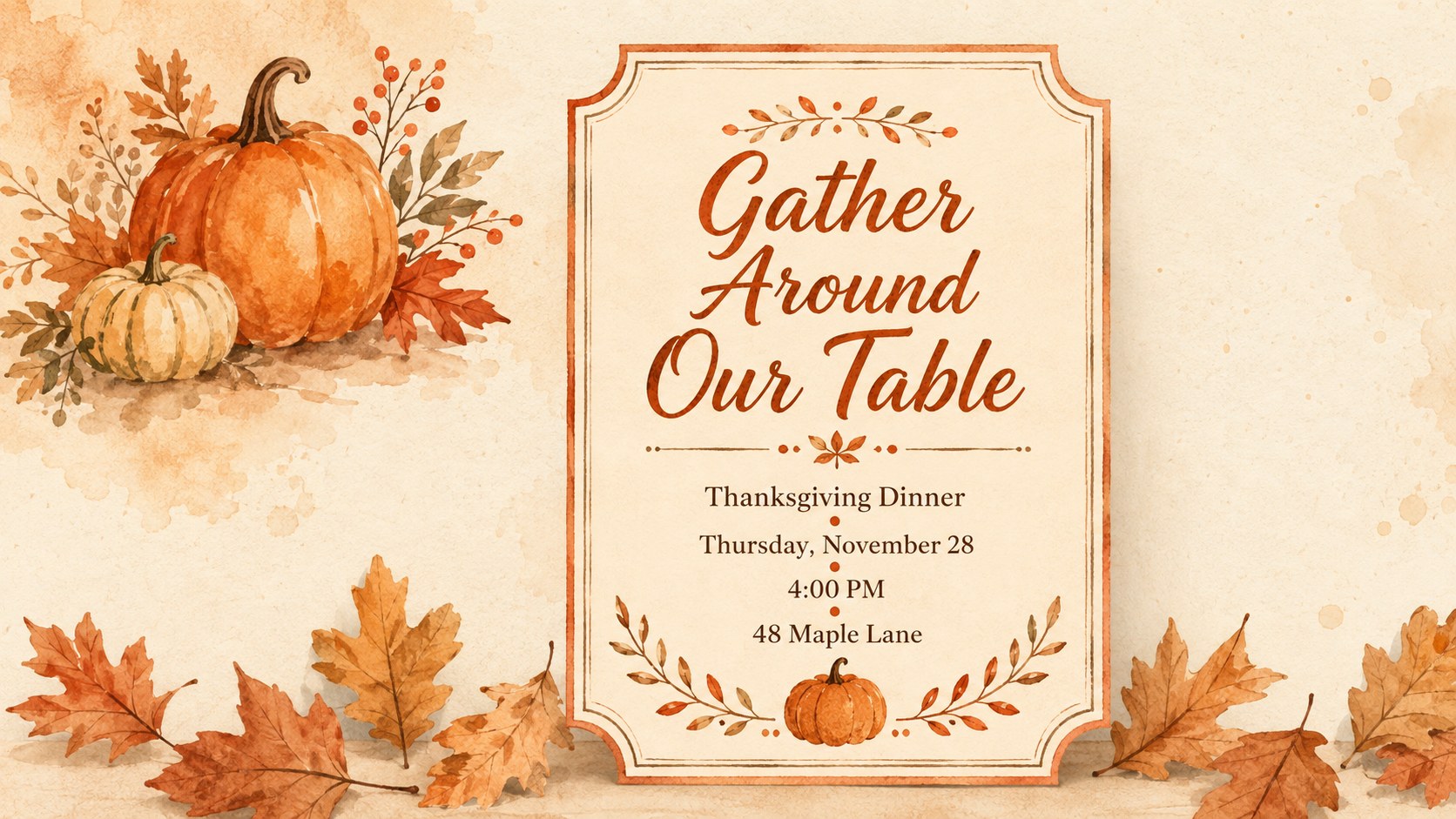
Bring warmth and personality to your gathering with this Thanksgiving feast invitation suite for PowerPoint and Google Slides. Rich orange and brown tones, hand-painted foliage, and vintage-inspired typography create a welcoming seasonal look without feeling overly formal. Adjust the wording, colors, and event details to reflect your celebration and send guests an invitation that feels personal.
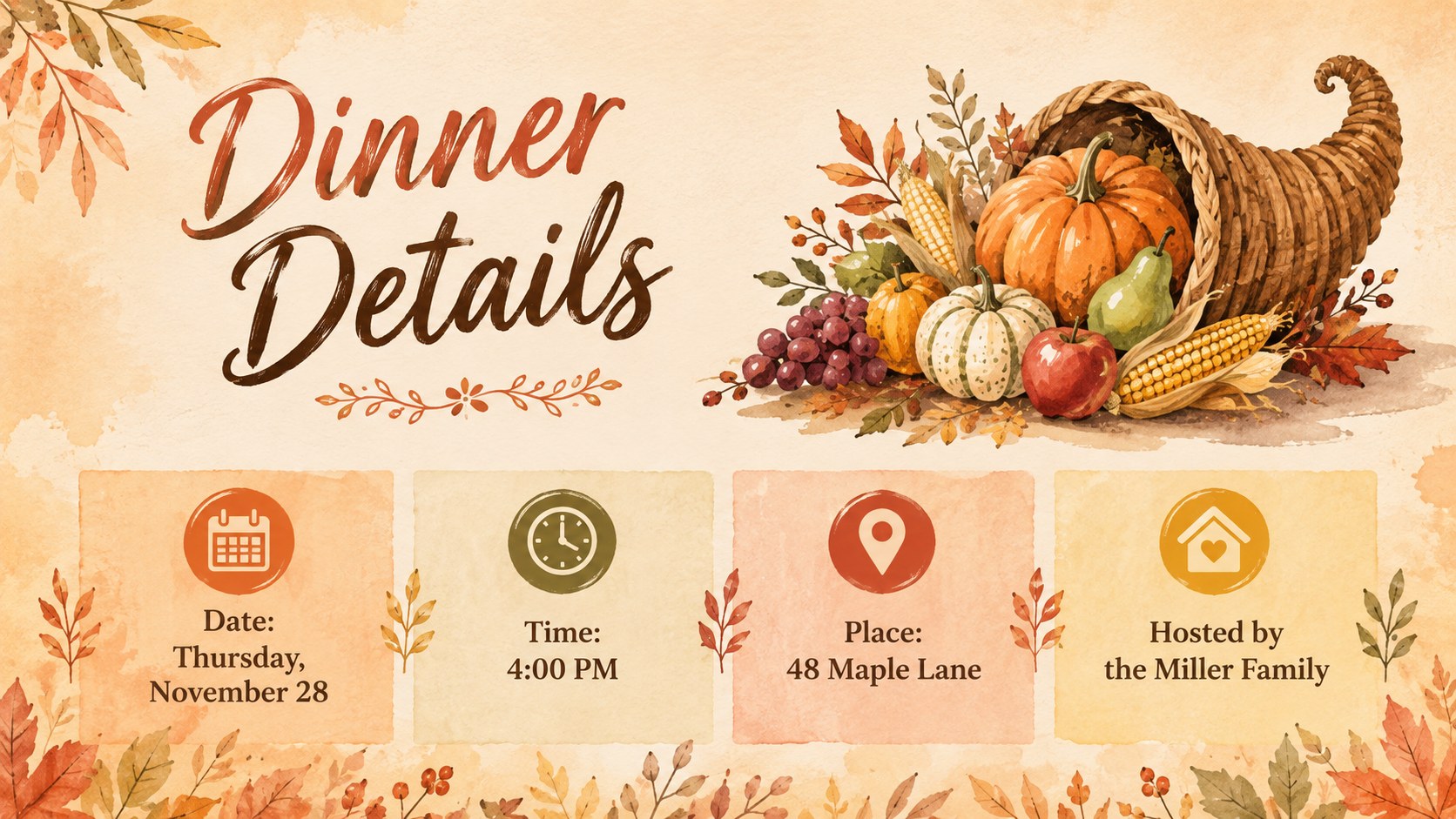
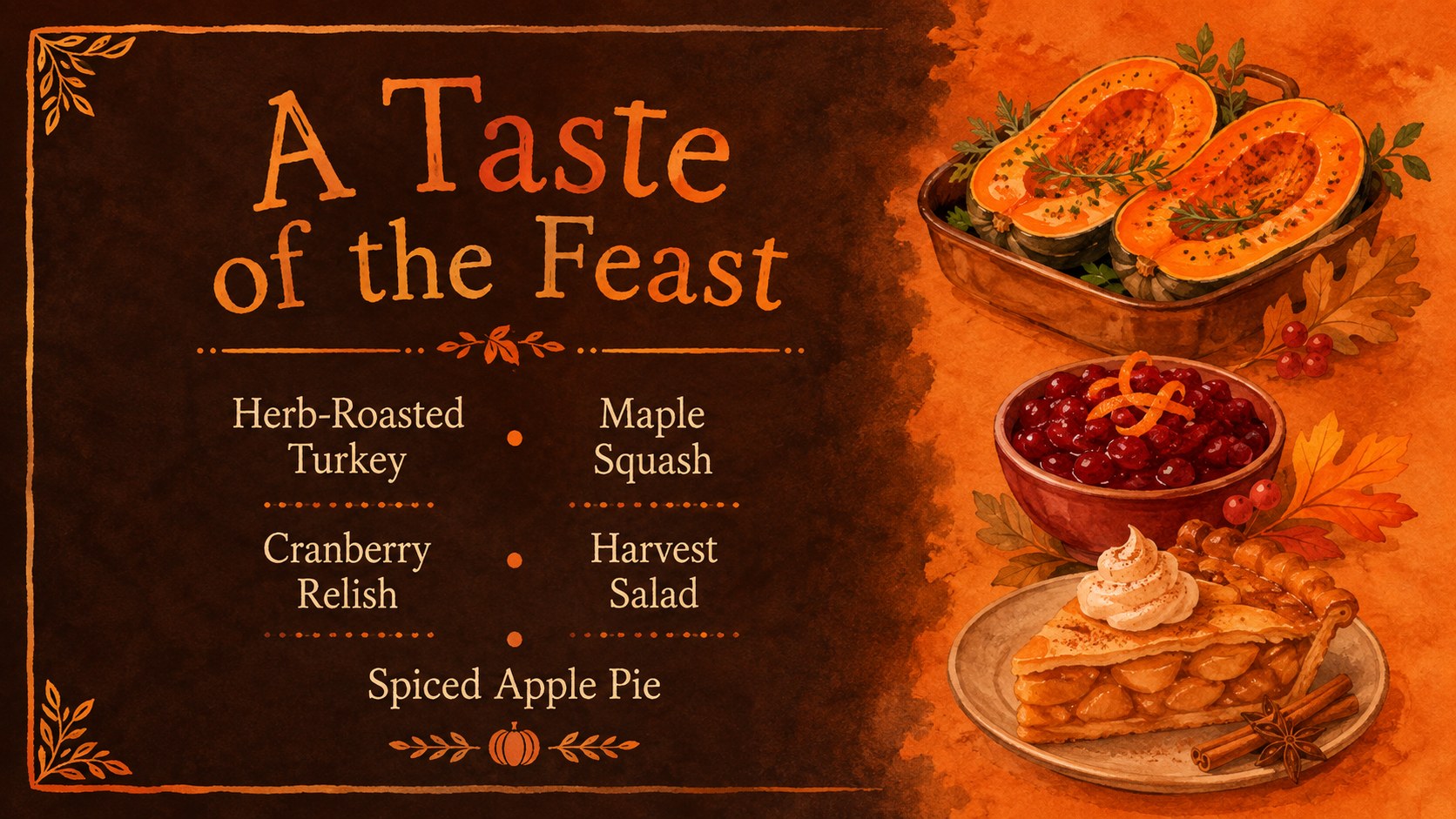
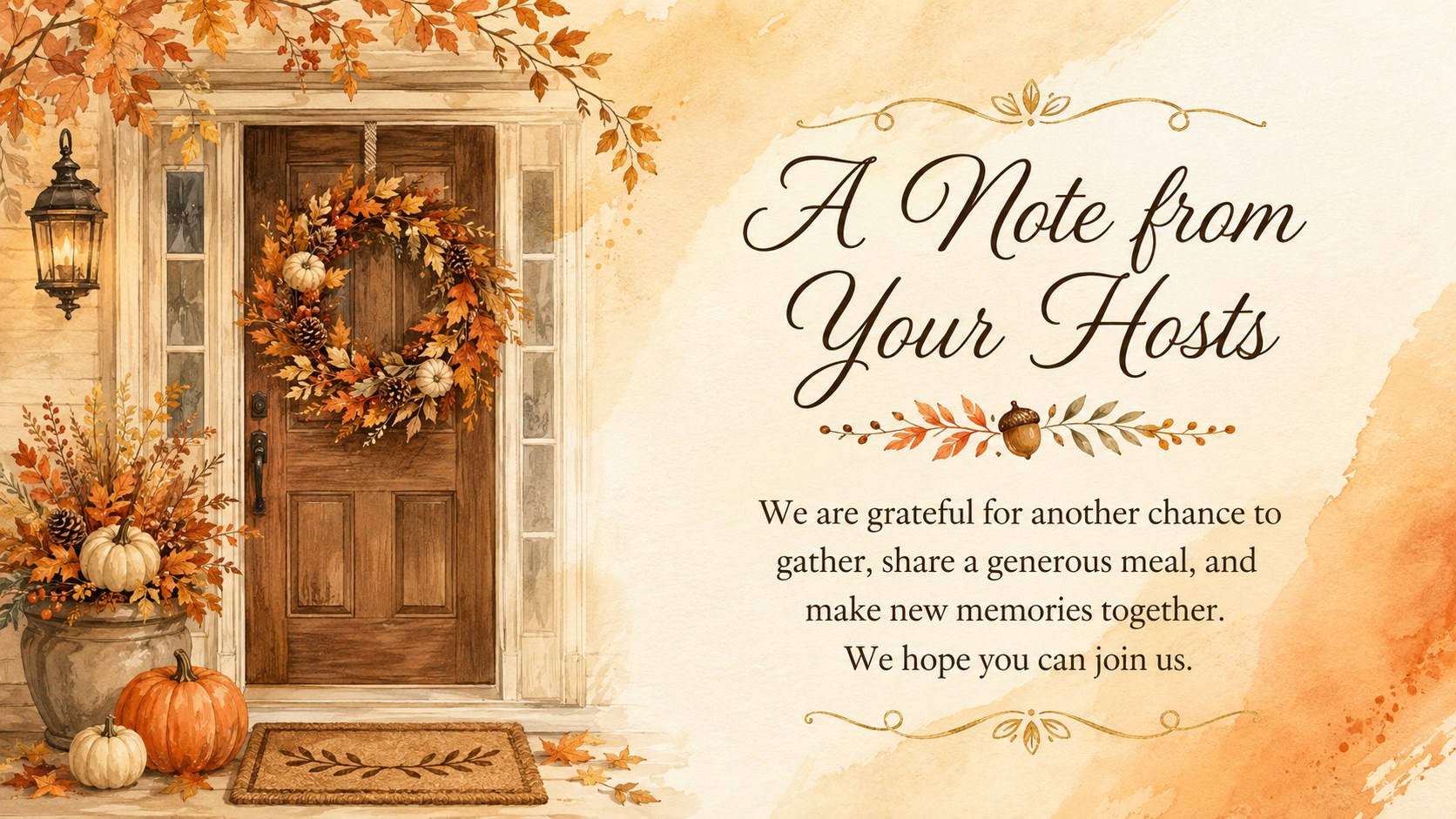
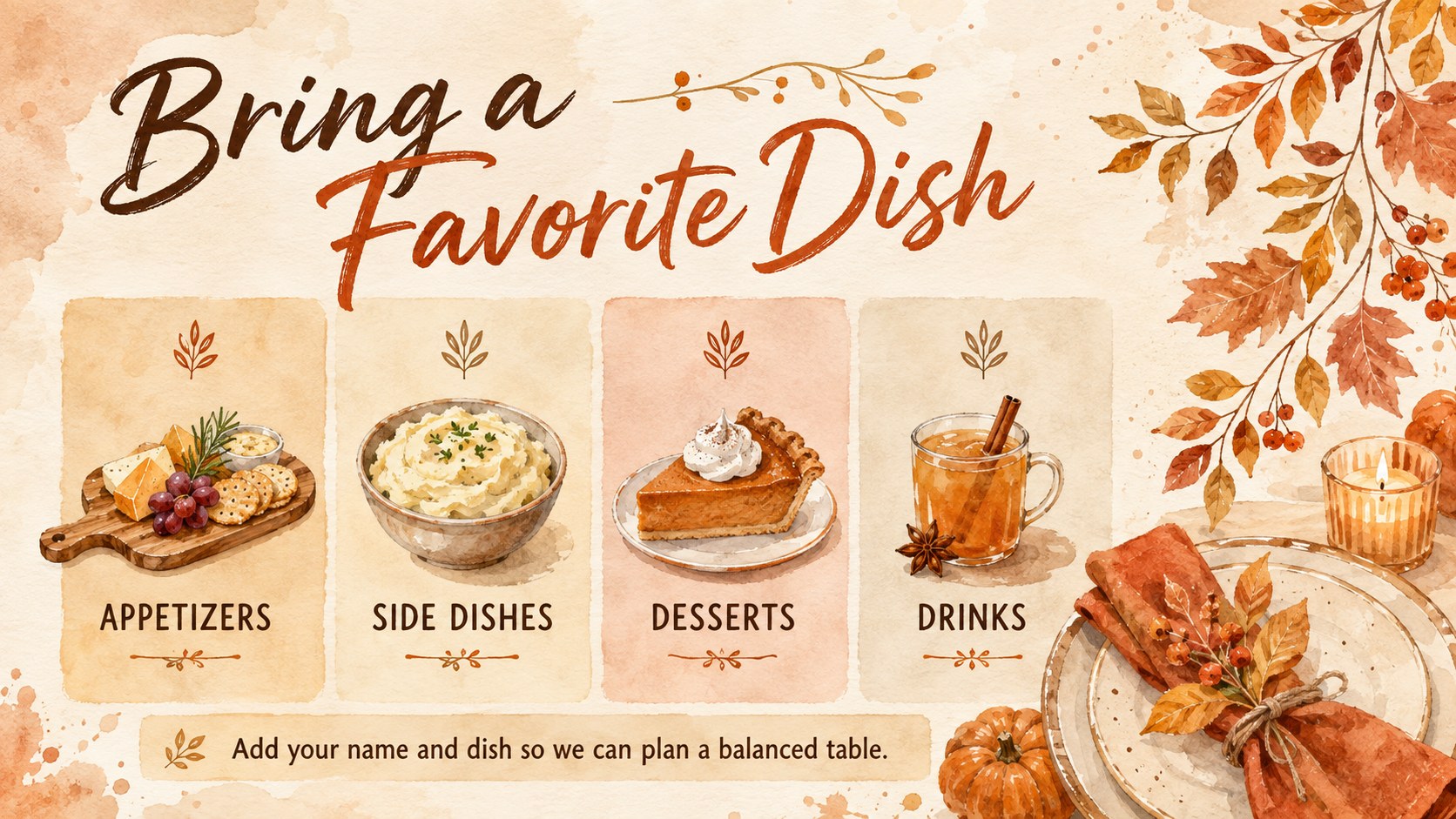
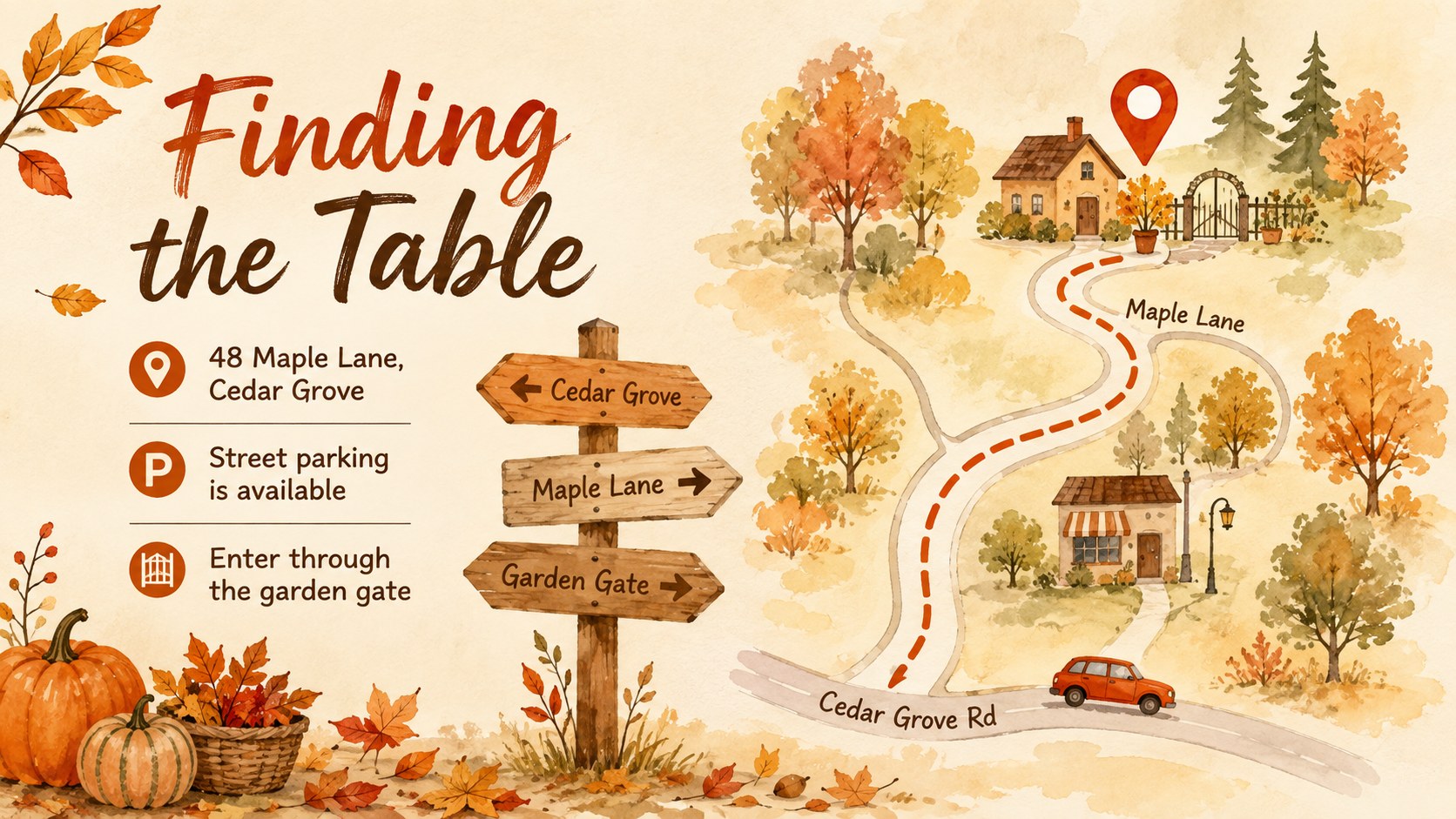
The suite includes coordinated layouts for the main invitation, save-the-date announcement, menu preview, RSVP request, host message, venue directions, dress guidance, place cards, and a closing note. Use the watercolor Thanksgiving invitation template as a complete set or select individual slides for digital messages, printed cards, and event displays. Editable text areas make it simple to add the date, time, address, contact information, meal plans, and guest instructions.
Designed for families, community hosts, event planners, schools, and neighborhood groups, this editable fall dinner invitation presentation works equally well for a cozy family supper or a larger harvest celebration. It can also serve as a family potluck invitation slide deck when guests need to coordinate dishes or dietary needs. Every layout is easy to customize in PowerPoint or Google Slides, helping you create a consistent invitation experience from the first announcement through the final message of gratitude.
Perfect for: family Thanksgiving dinner; friendsgiving potluck invitation; community harvest banquet; school autumn celebration; neighborhood holiday supper.
Frequently asked questions
Can I edit the invitation wording and event details? Yes. All headings, dates, addresses, RSVP details, menu items, and host messages can be edited directly in PowerPoint or Google Slides.
Practical details
Yes. All headings, dates, addresses, RSVP details, menu items, and host messages can be edited directly in PowerPoint or Google Slides.
Yes. After customizing a layout, export it as a PDF or image for home or professional printing. Check your printer settings and margins before producing multiple copies.
The invitation suite is designed for Microsoft PowerPoint and Google Slides. Layouts and text remain editable in both platforms, although minor font substitutions may occur.
Yes. You can recolor editable elements, replace illustrations, and adjust fonts to match your event. The warm orange and brown palette can also be adapted for a lighter autumn or more formal banquet style.
Keep exploring
14Plan a memorable Lunar New Year campaign with the 2036 Dragon Year Celebration Theme, featuring bold red-and-yellow slides for lessons and events.
 15
15Build playful lessons and party stories with a kid-friendly zombie celebration theme in purple, green and pastel blue for PowerPoint and Google Slides.
 15
15Build eerie lessons, campaigns, and story pitches with an undead survival scenario theme featuring editable slides for PowerPoint and Google Slides.
 3
3Share festive messages with a Lunar Horse New Year Wishes Theme, featuring bold red-and-yellow layouts for PowerPoint and Google Slides celebrations.
 15
15Bring zodiac traditions to life with a Lunar Snake Festival Presentation featuring 15 cheerful red illustrated slides for PowerPoint and Google Slides.
 6
6Honor teams and individuals with an Orange Year-End Recognition Certificate Set featuring six editable designs for PowerPoint and Google Slides.
 14
14Honor the people behind the headlines with a World Sports Press Appreciation Deck for PowerPoint and Google Slides, styled in crisp, modern green.
 15
15Teach, inspire, and celebrate with our Plant-Powered Vegetarian Day Lesson Deck, featuring cheerful editable visuals for PowerPoint and Google Slides.