
 14
14presentation
2036 Dragon Year Celebration Theme
Plan a memorable Lunar New Year campaign with the 2036 Dragon Year Celebration Theme, featuring bold red-and-yellow slides for lessons and events.
Google SlidesPowerPoint
presentation · English
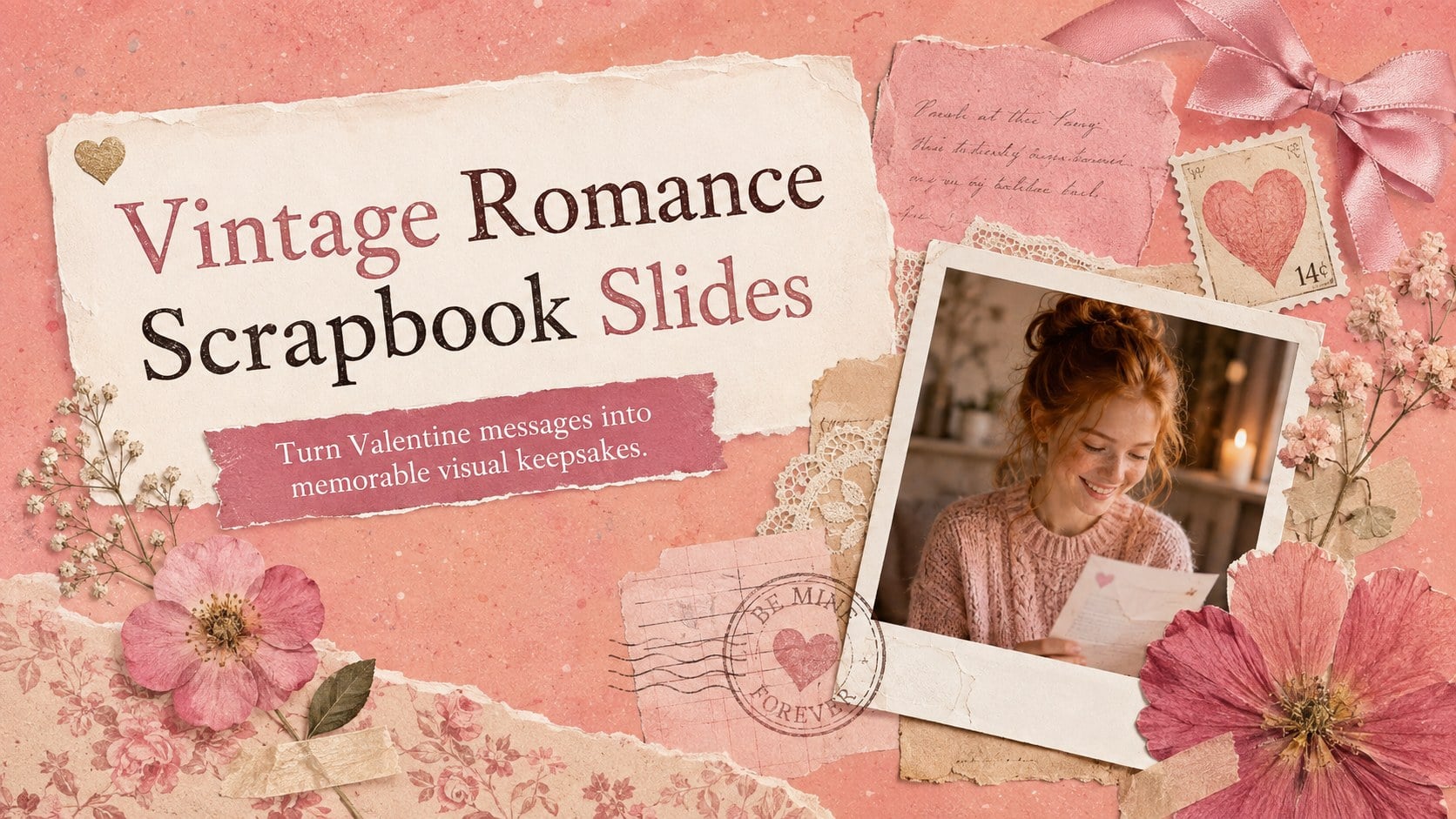
Turn Valentine messages into keepsakes with vintage romance scrapbook slides, featuring pink paper textures for PowerPoint and Google Slides.
Design notes
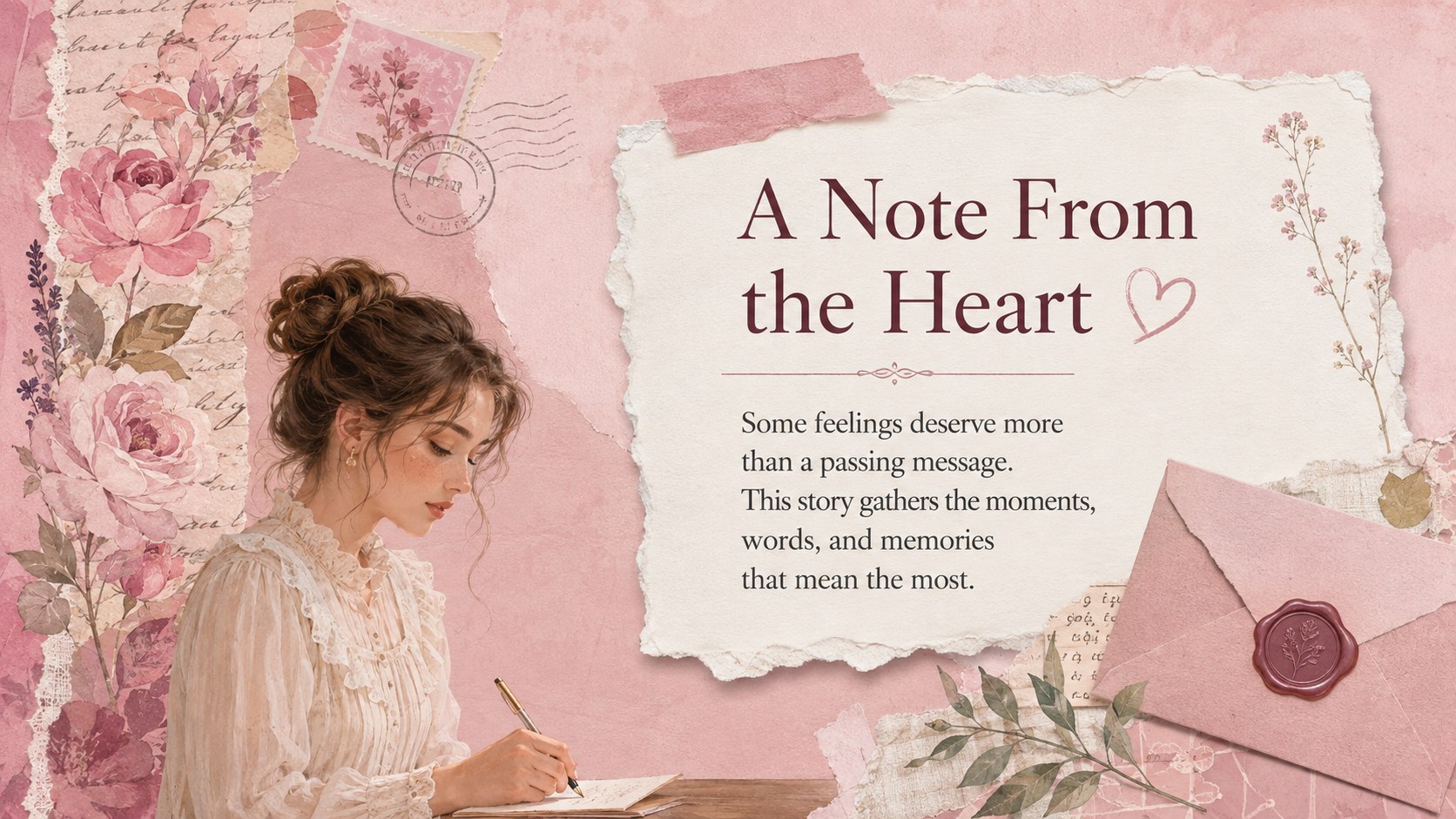
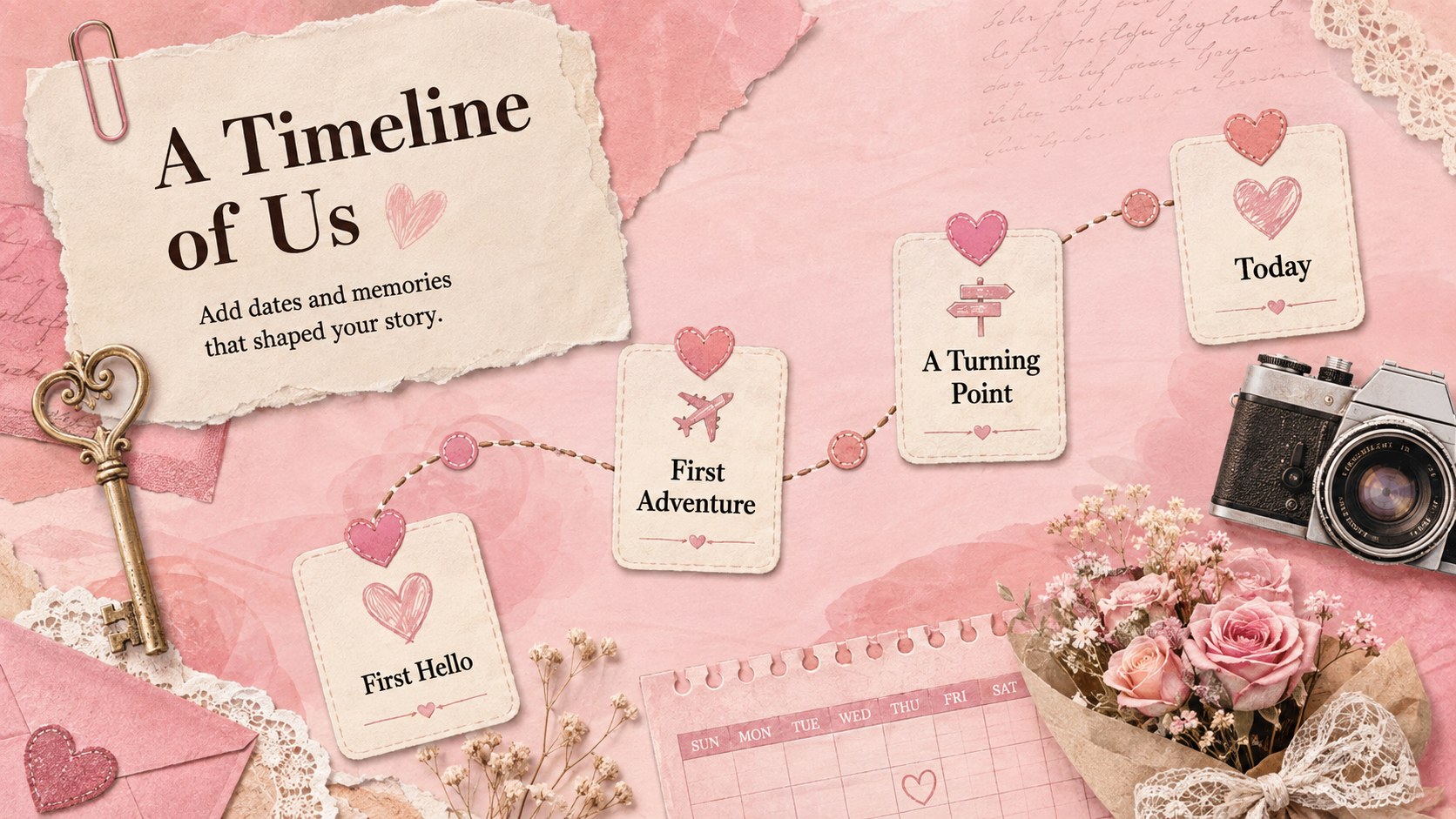
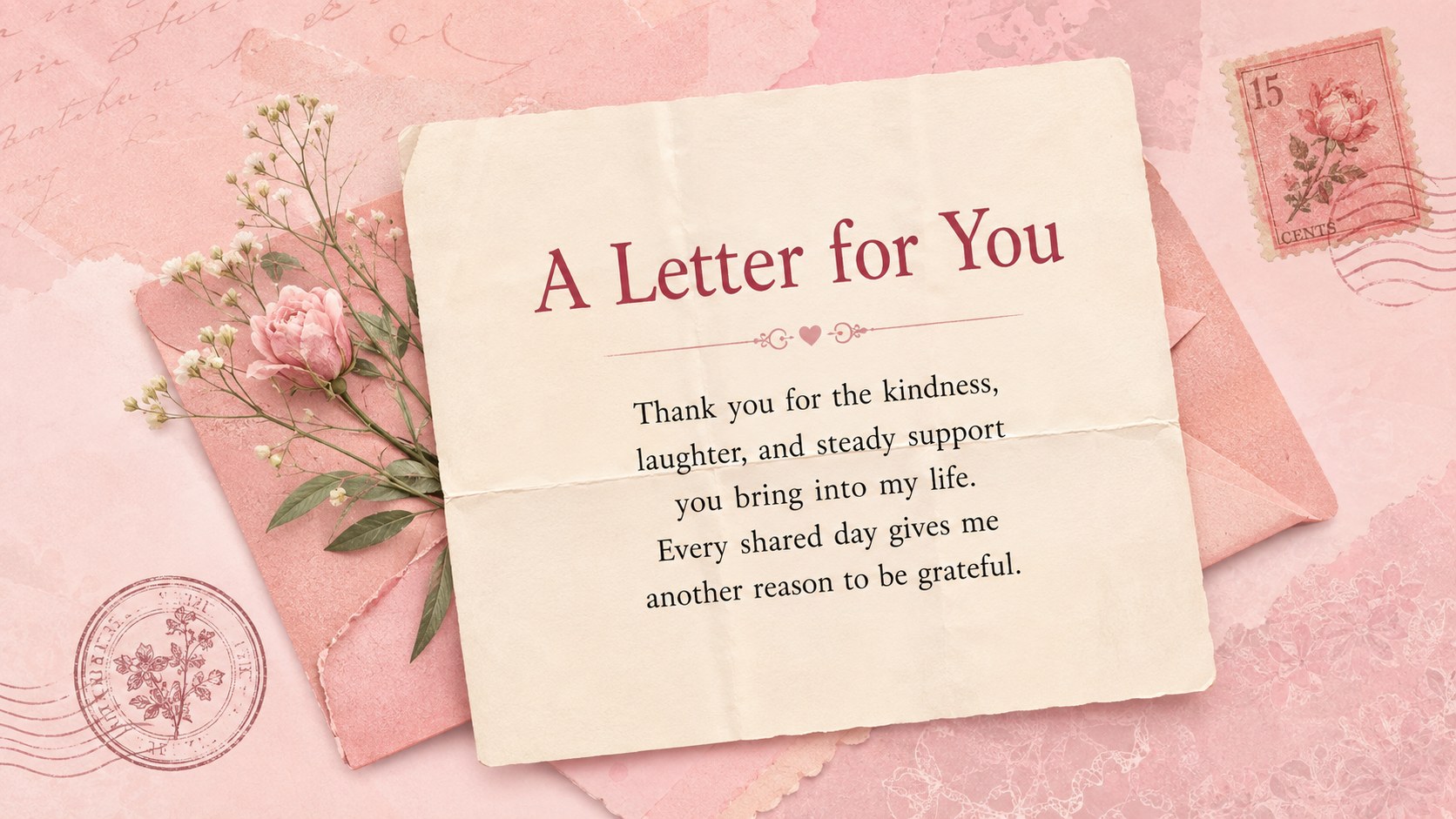
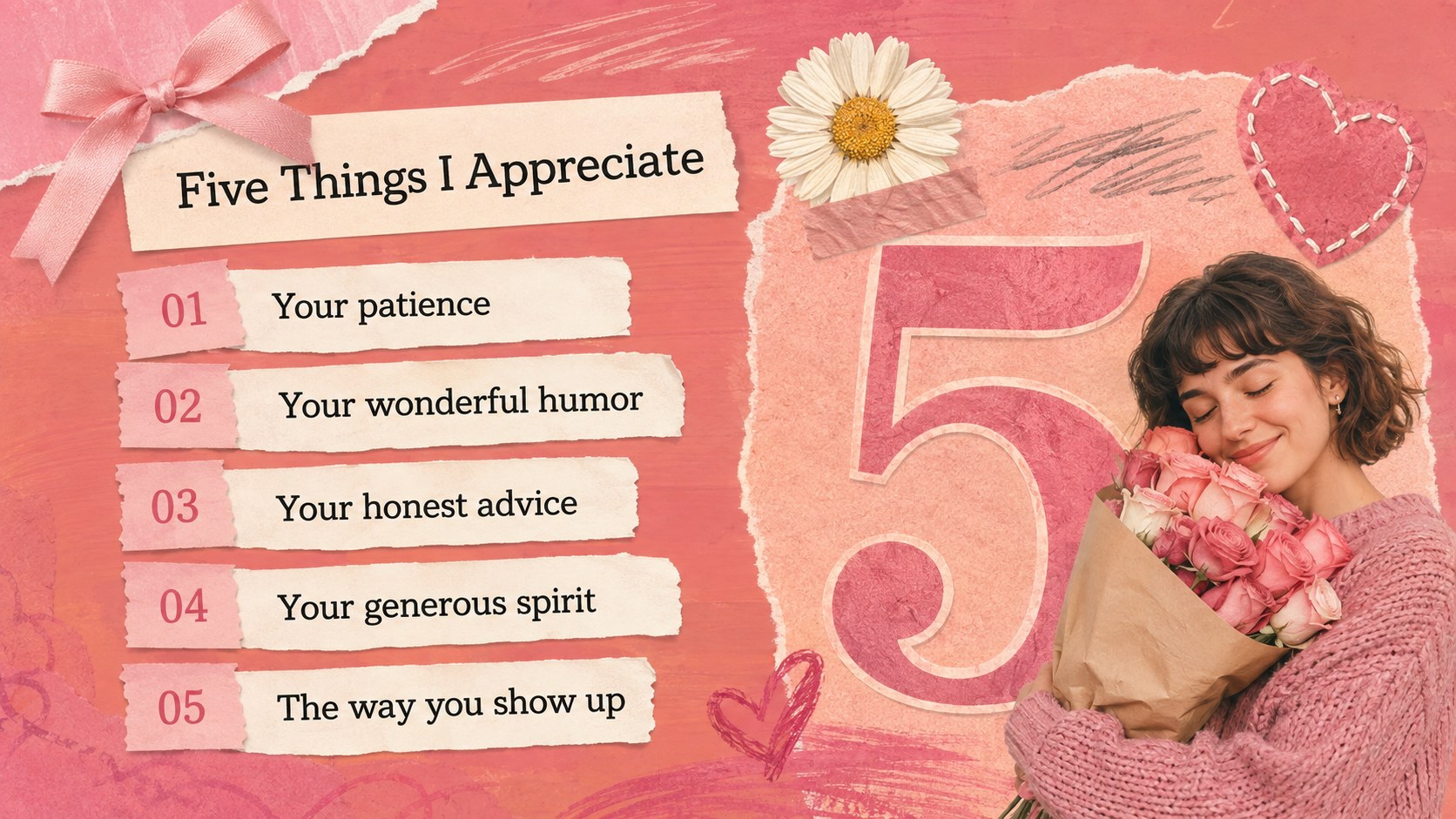
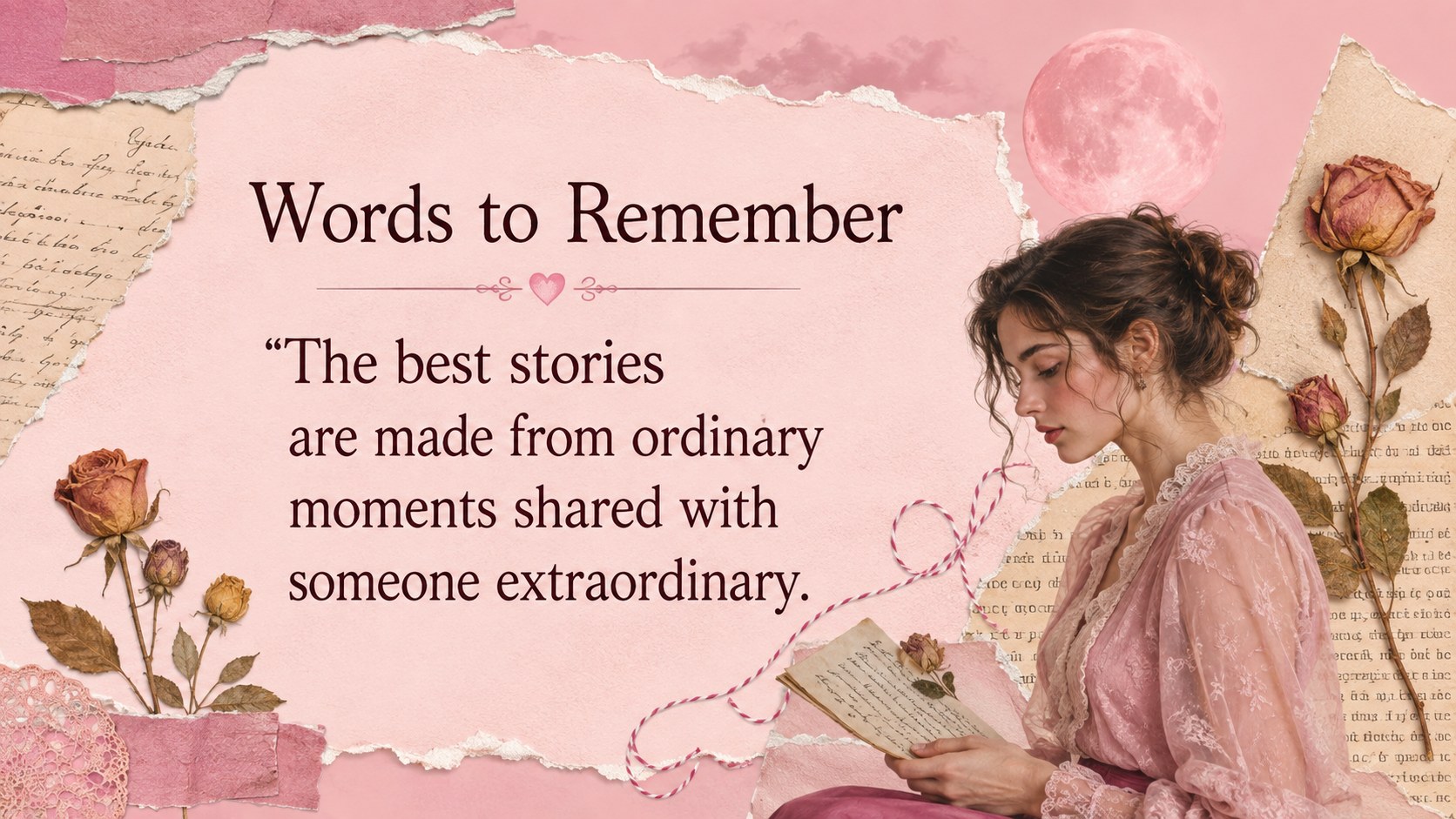
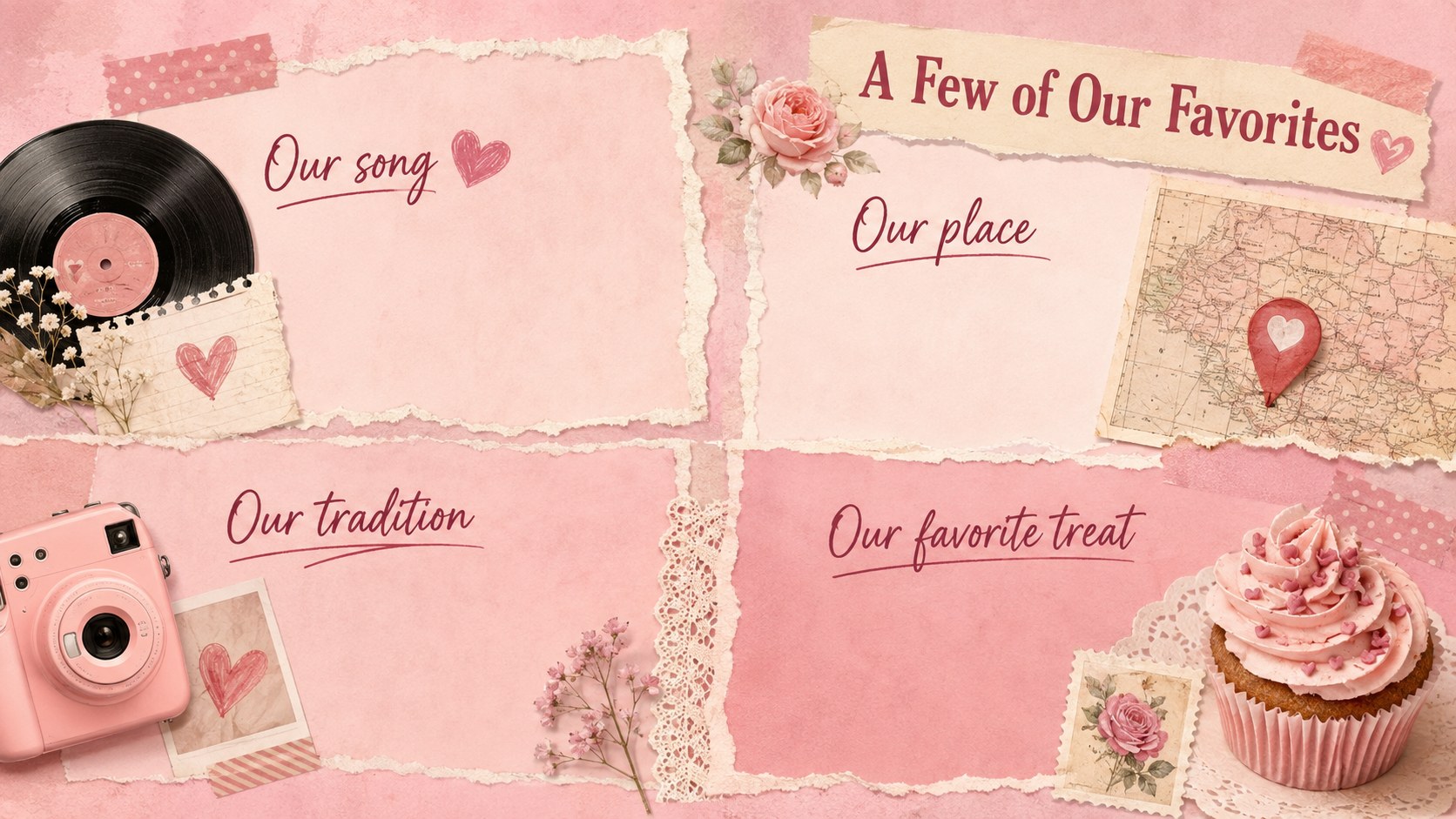
Vintage romance scrapbook slides turn Valentine messages, shared memories, and affectionate stories into a warm visual narrative. The pink palette combines aged paper, floral details, handwritten accents, and layered photo frames for a nostalgic look that still feels polished. Use the deck in PowerPoint or Google Slides to create a romantic collage Google Slides theme, a personal tribute, or an engaging seasonal presentation.
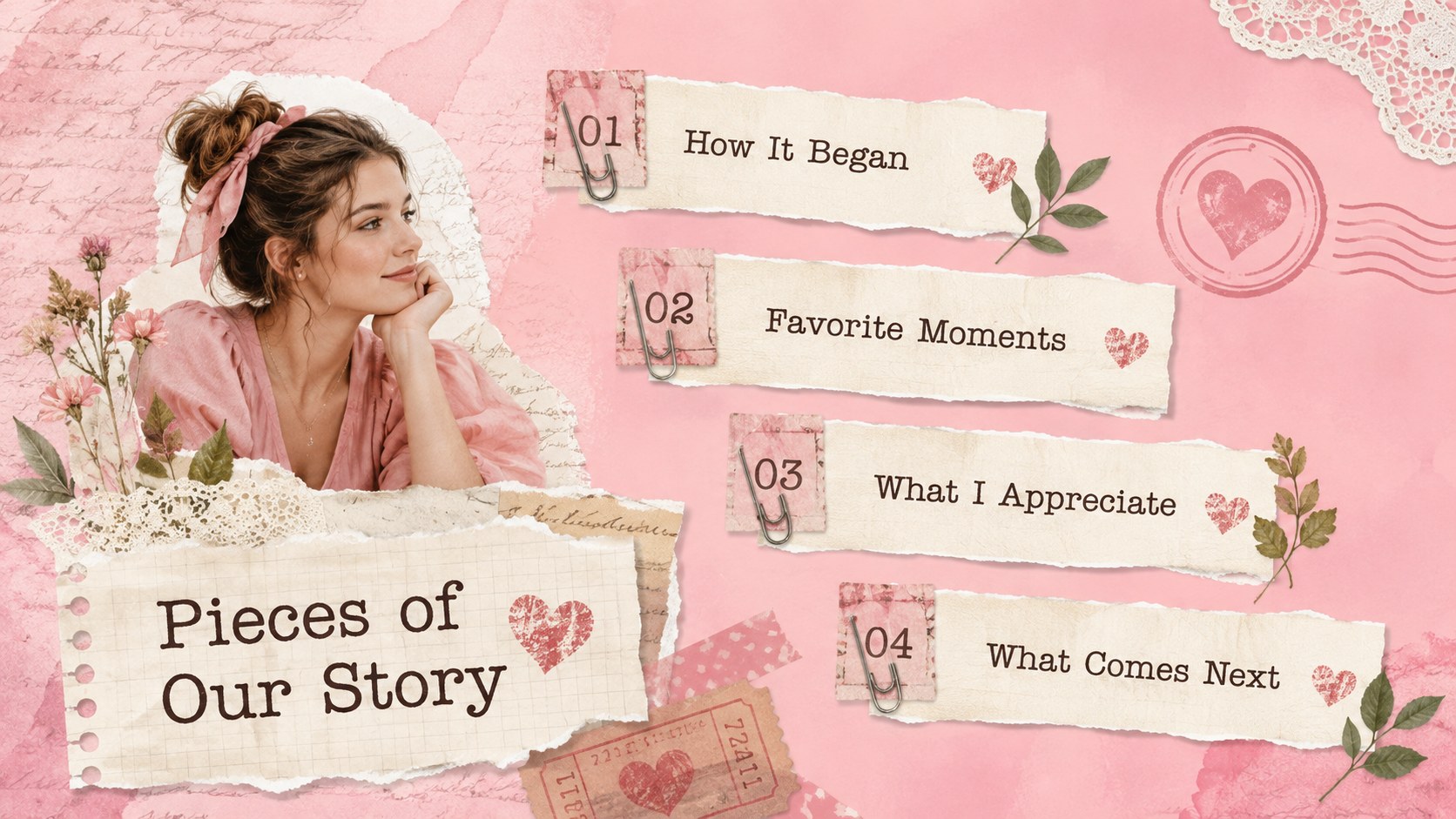
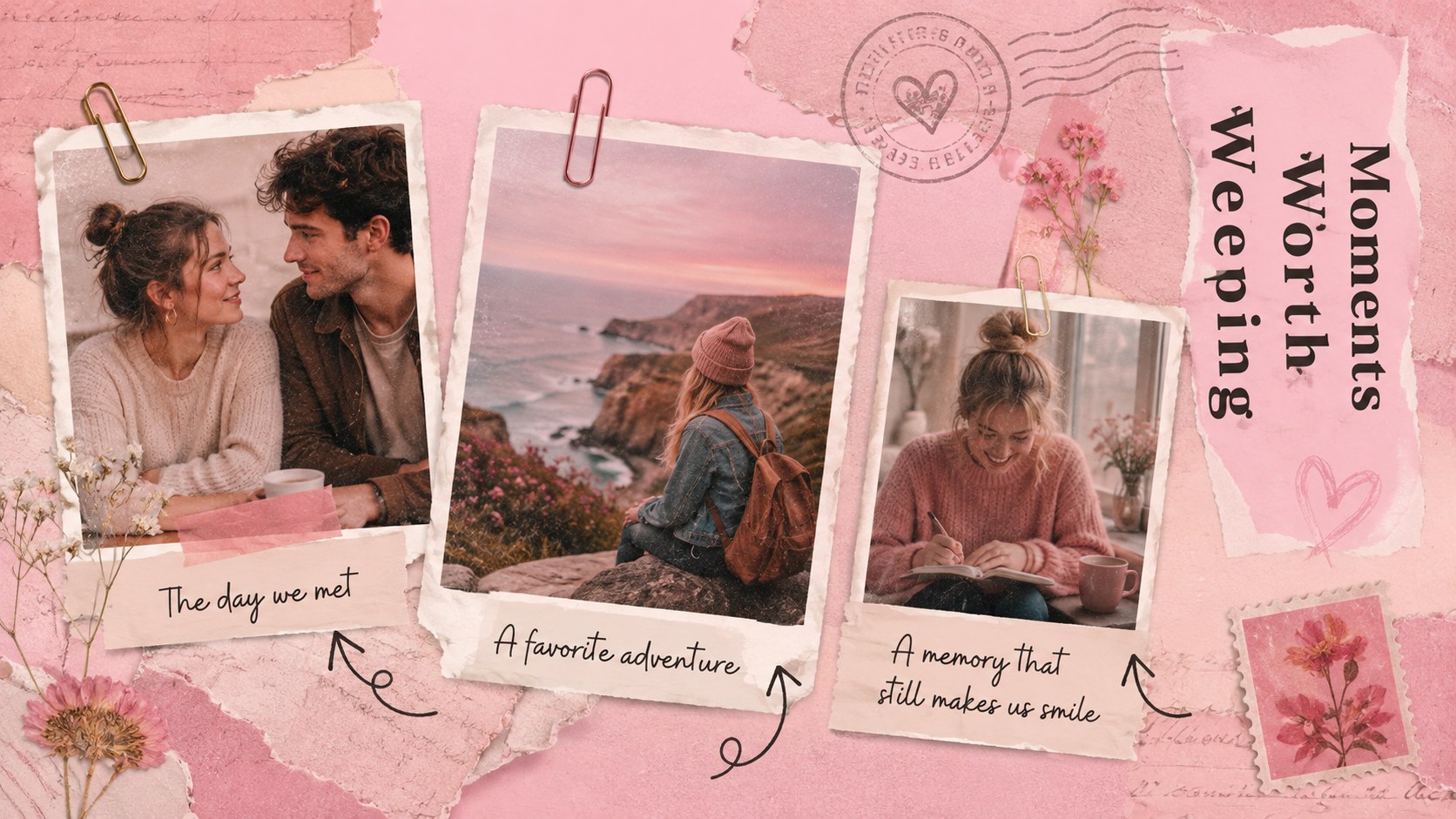
The 15-slide collection includes a title page, opening note, photo collage, relationship timeline, favorite memories, meaningful quote, love-letter layout, appreciation list, celebration plans, and a closing message. Flexible text areas and image placeholders make it easy to replace the sample content with names, dates, photographs, and personal stories. Decorative elements can also be moved, recolored, or removed while preserving the vintage paper aesthetic.
These vintage romance scrapbook slides suit couples, friends, families, teachers, event organizers, and small creative businesses. Build a vintage Valentine scrapbook presentation for a loved one, share a heartfelt friendship tribute deck, introduce a February classroom activity, or present romantic event ideas. The layouts also work beyond Valentine's Day for anniversaries, engagement celebrations, memory books, and other occasions centered on affection and connection.
Perfect for: Valentine photo tribute; Anniversary memory presentation; Friendship appreciation slideshow; Romantic event proposal; February classroom activity.
Frequently asked questions
Can I edit these slides in PowerPoint and Google Slides? Yes. The presentation is designed for editing in both PowerPoint and Google Slides, including its text, colors, photographs, and layout elements.
Practical details
Yes. The presentation is designed for editing in both PowerPoint and Google Slides, including its text, colors, photographs, and layout elements.
Replace the sample text with your own messages, names, and dates, then add personal photos to the image areas. You can reposition the paper pieces, floral accents, and frames to create a more individual composition.
Yes. The romantic scrapbook design also works for anniversaries, engagements, friendship tributes, wedding memories, and family celebrations.
Yes. Every layout uses a 16:9 aspect ratio suited to modern screens, projectors, and online presentations.
Keep exploring
14Plan a memorable Lunar New Year campaign with the 2036 Dragon Year Celebration Theme, featuring bold red-and-yellow slides for lessons and events.
 15
15Build playful lessons and party stories with a kid-friendly zombie celebration theme in purple, green and pastel blue for PowerPoint and Google Slides.
 15
15Build eerie lessons, campaigns, and story pitches with an undead survival scenario theme featuring editable slides for PowerPoint and Google Slides.
 3
3Share festive messages with a Lunar Horse New Year Wishes Theme, featuring bold red-and-yellow layouts for PowerPoint and Google Slides celebrations.
 15
15Bring zodiac traditions to life with a Lunar Snake Festival Presentation featuring 15 cheerful red illustrated slides for PowerPoint and Google Slides.
 6
6Honor teams and individuals with an Orange Year-End Recognition Certificate Set featuring six editable designs for PowerPoint and Google Slides.
 14
14Honor the people behind the headlines with a World Sports Press Appreciation Deck for PowerPoint and Google Slides, styled in crisp, modern green.
 15
15Teach, inspire, and celebrate with our Plant-Powered Vegetarian Day Lesson Deck, featuring cheerful editable visuals for PowerPoint and Google Slides.