
 14
14presentation
2036 Dragon Year Celebration Theme
Plan a memorable Lunar New Year campaign with the 2036 Dragon Year Celebration Theme, featuring bold red-and-yellow slides for lessons and events.
Google SlidesPowerPoint
presentation · English
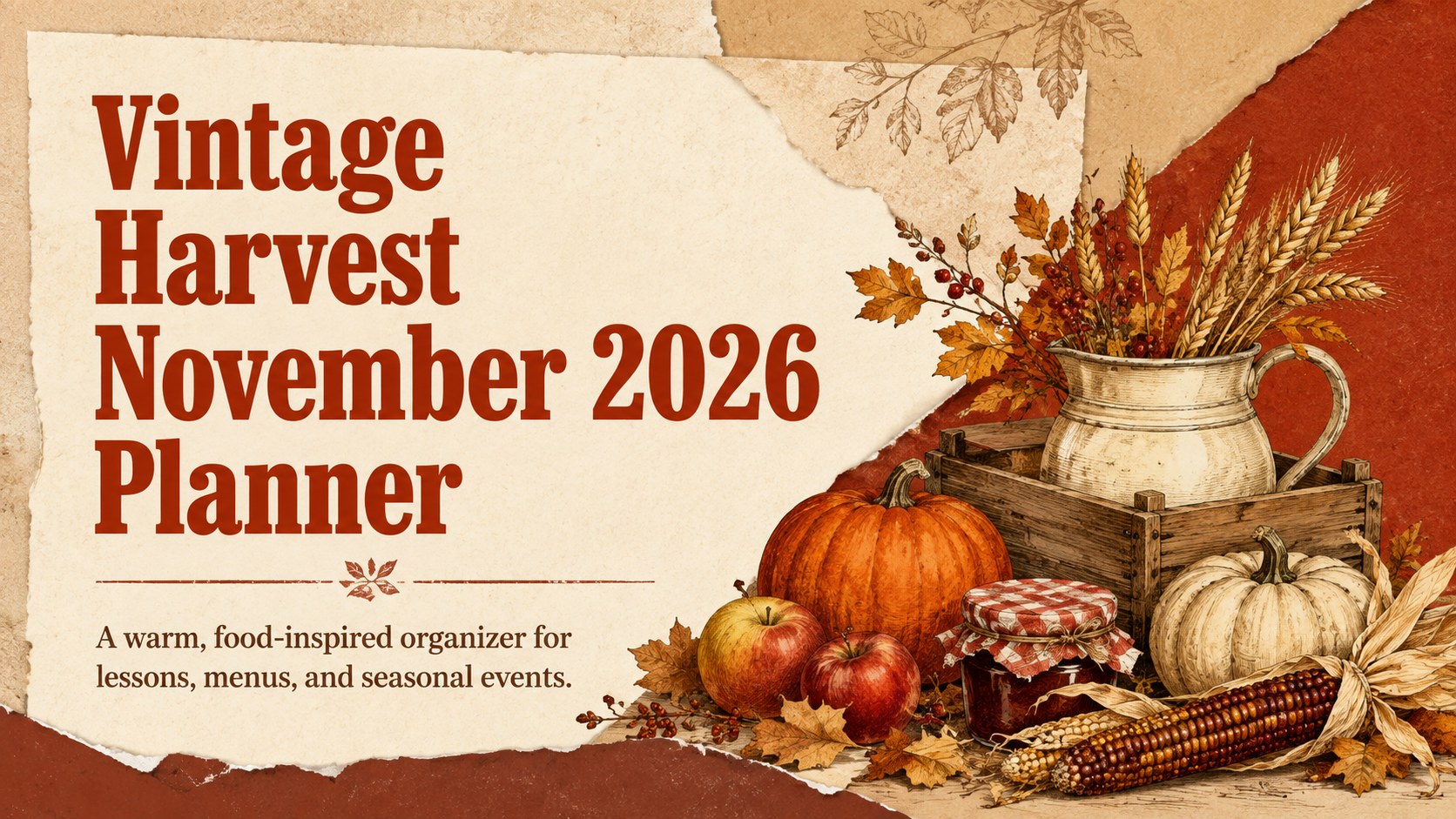
Organize lessons, menus, and Thanksgiving plans with the Vintage Harvest November 2026 Planner, with easy editing in PowerPoint and Google Slides.
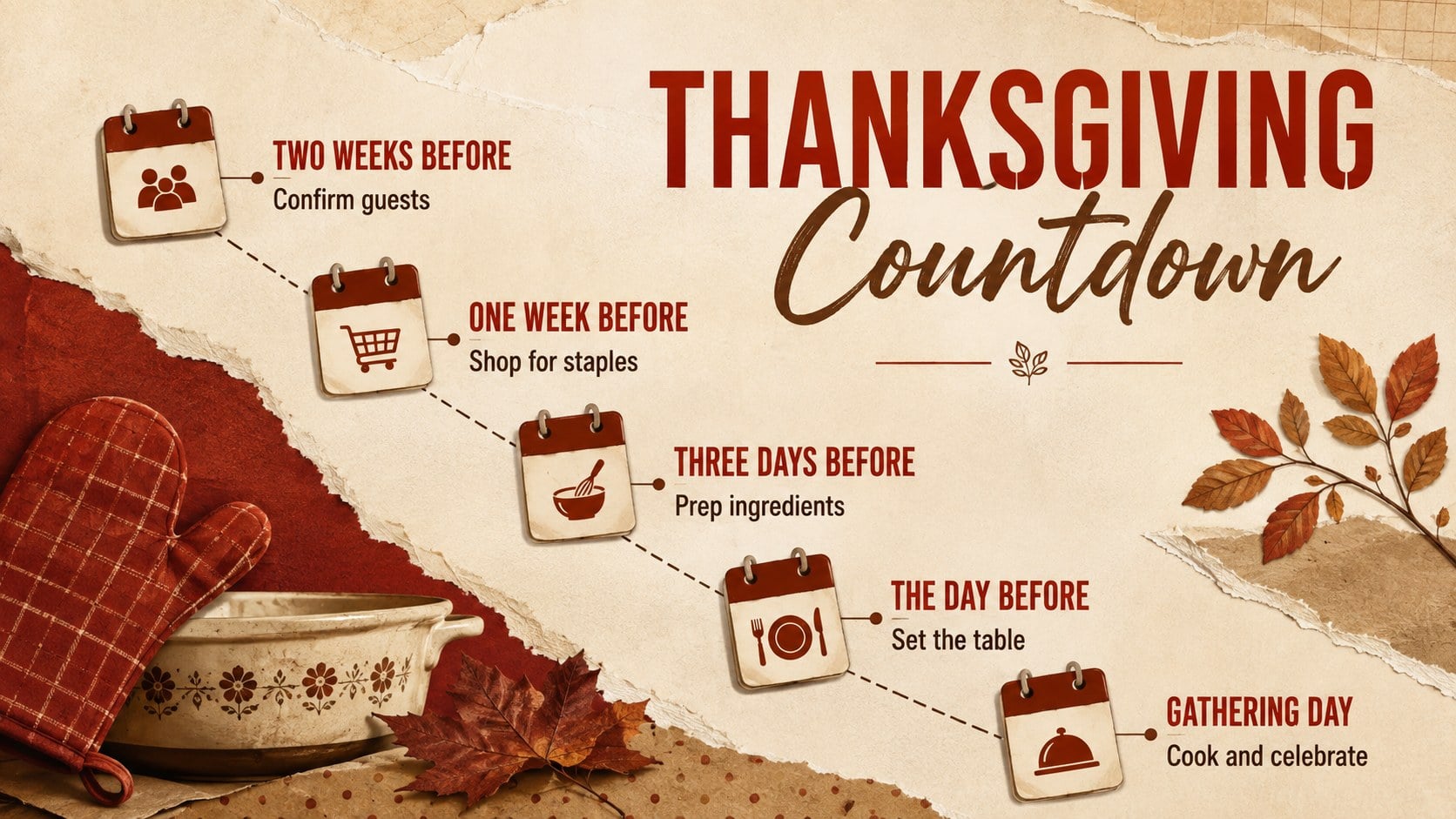
Design notes
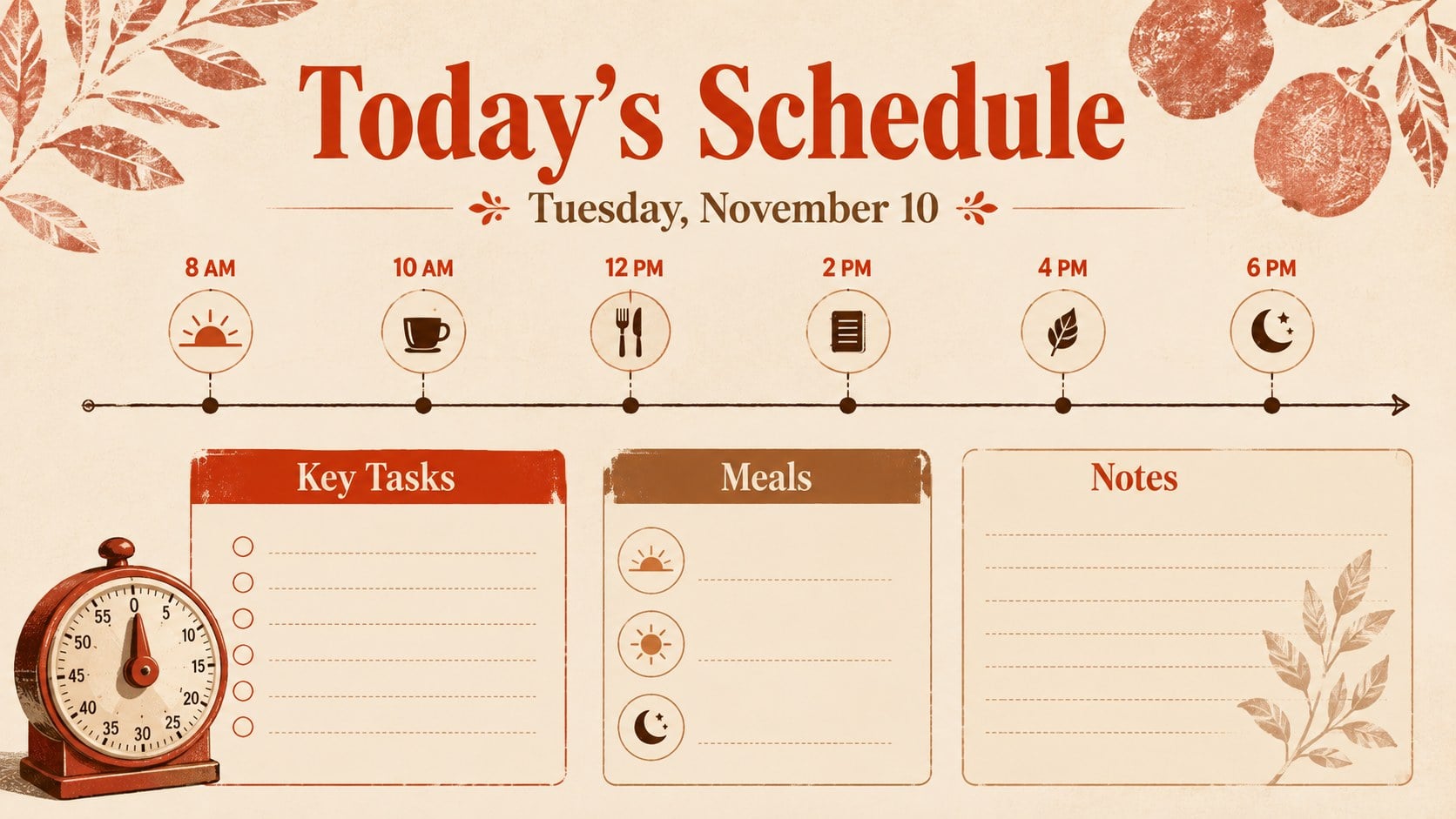
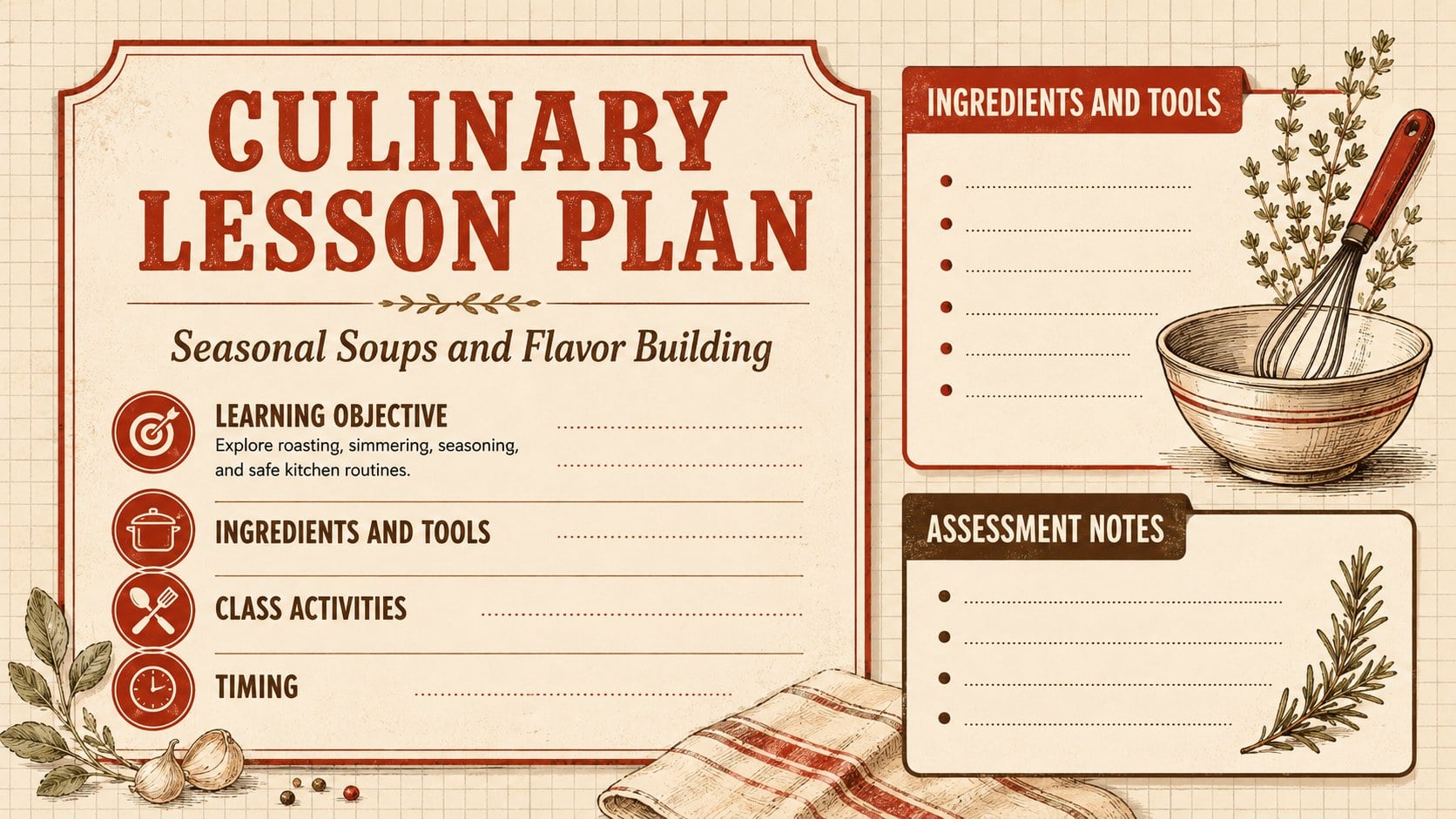
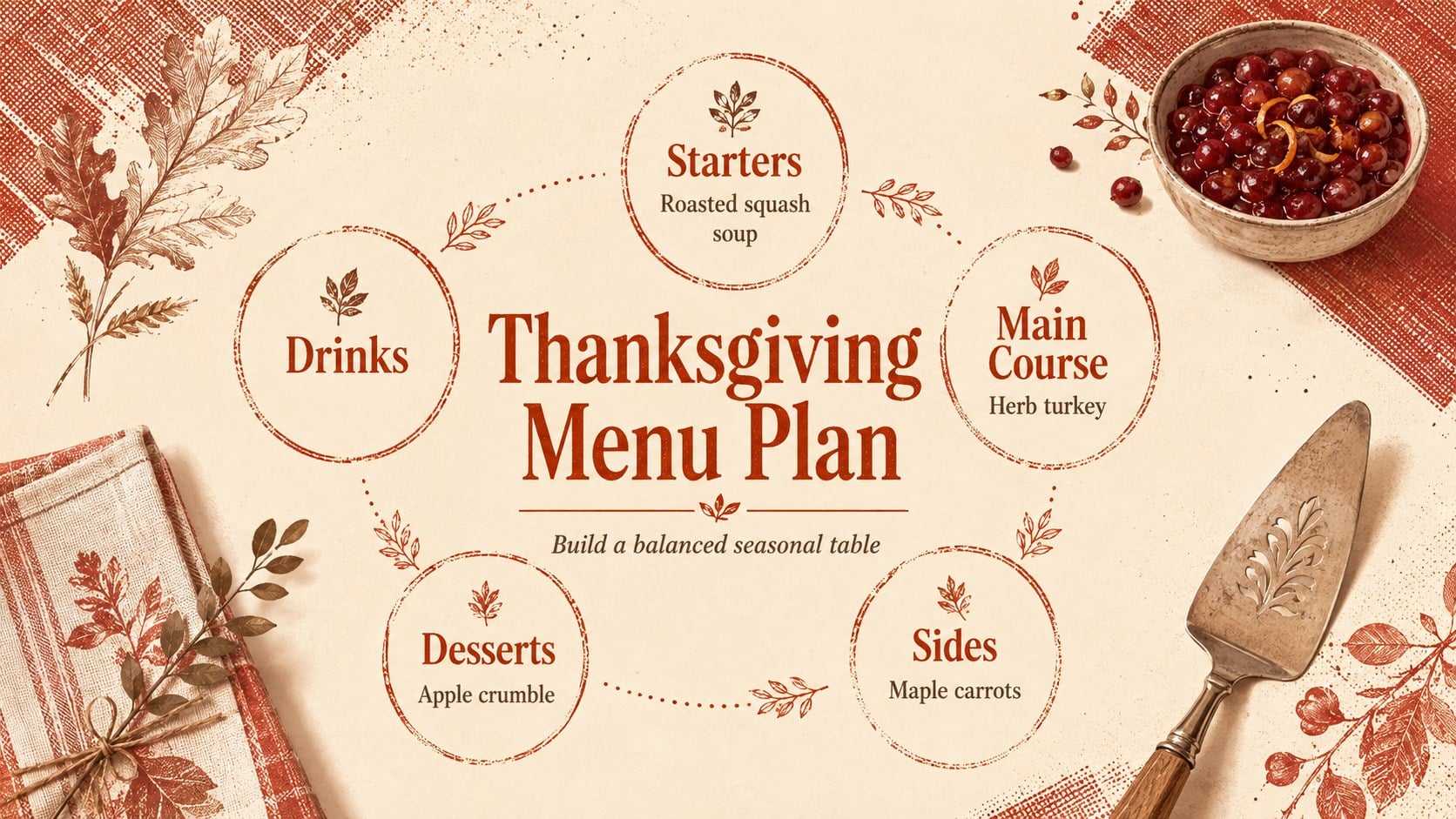
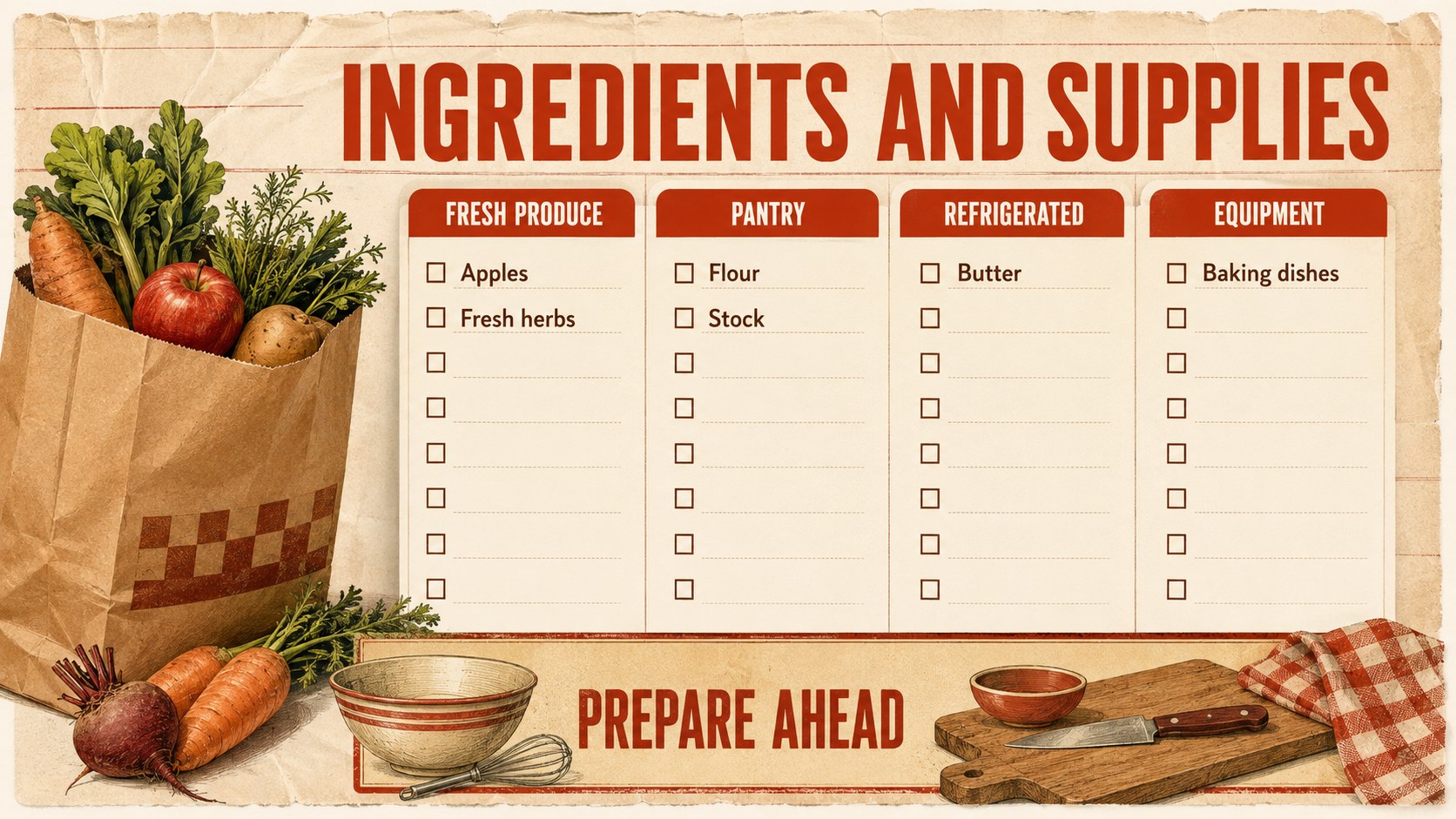
Bring order to a busy autumn month with the Vintage Harvest November 2026 Planner. This presentation combines nostalgic food-market character with practical daily planning, using deep red, warm brown, cream paper textures, and bold condensed type. Built as a november 2026 planner template, it gives teachers, culinary instructors, event coordinators, and organized households a polished way to map commitments without losing seasonal personality.
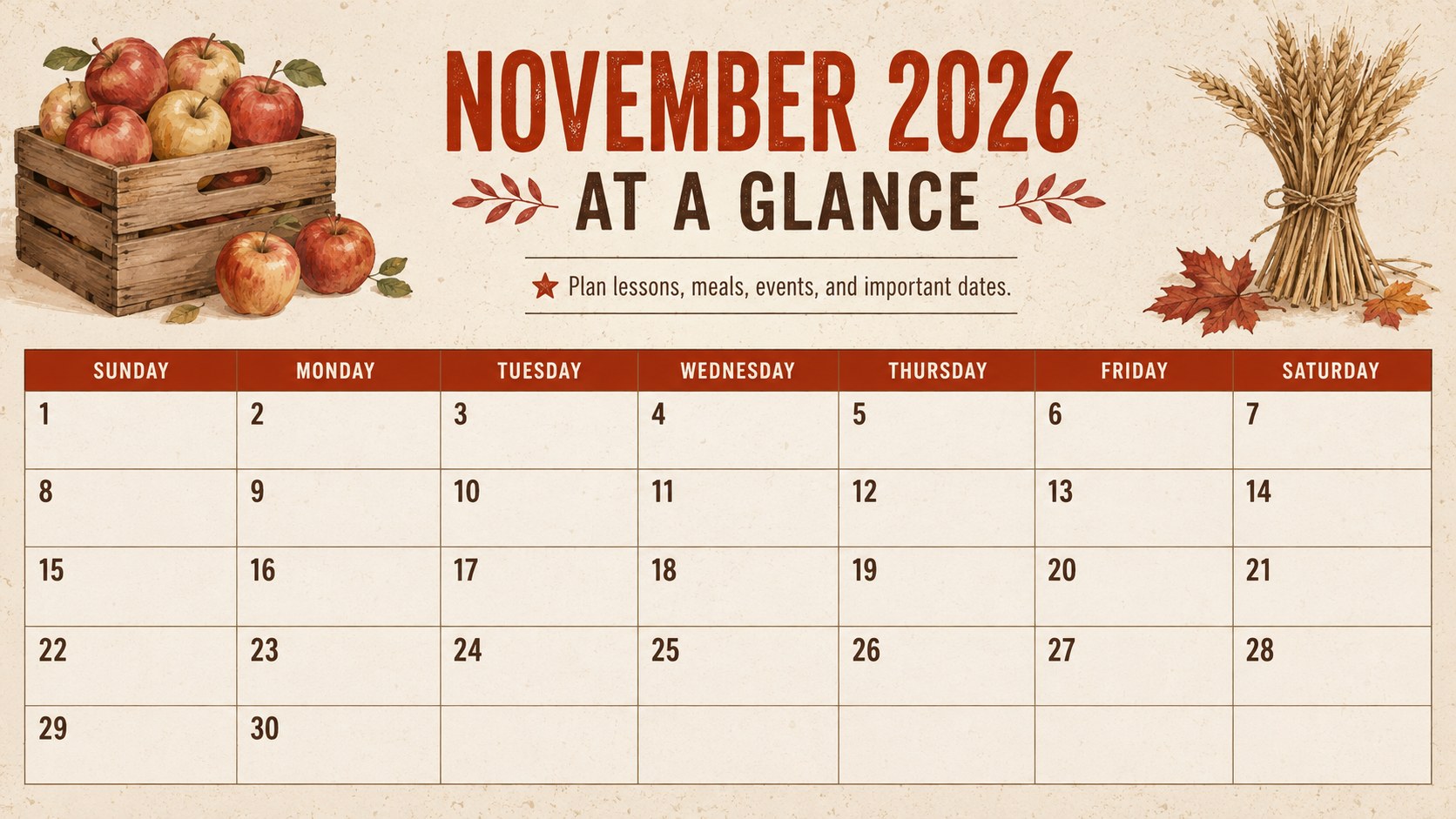
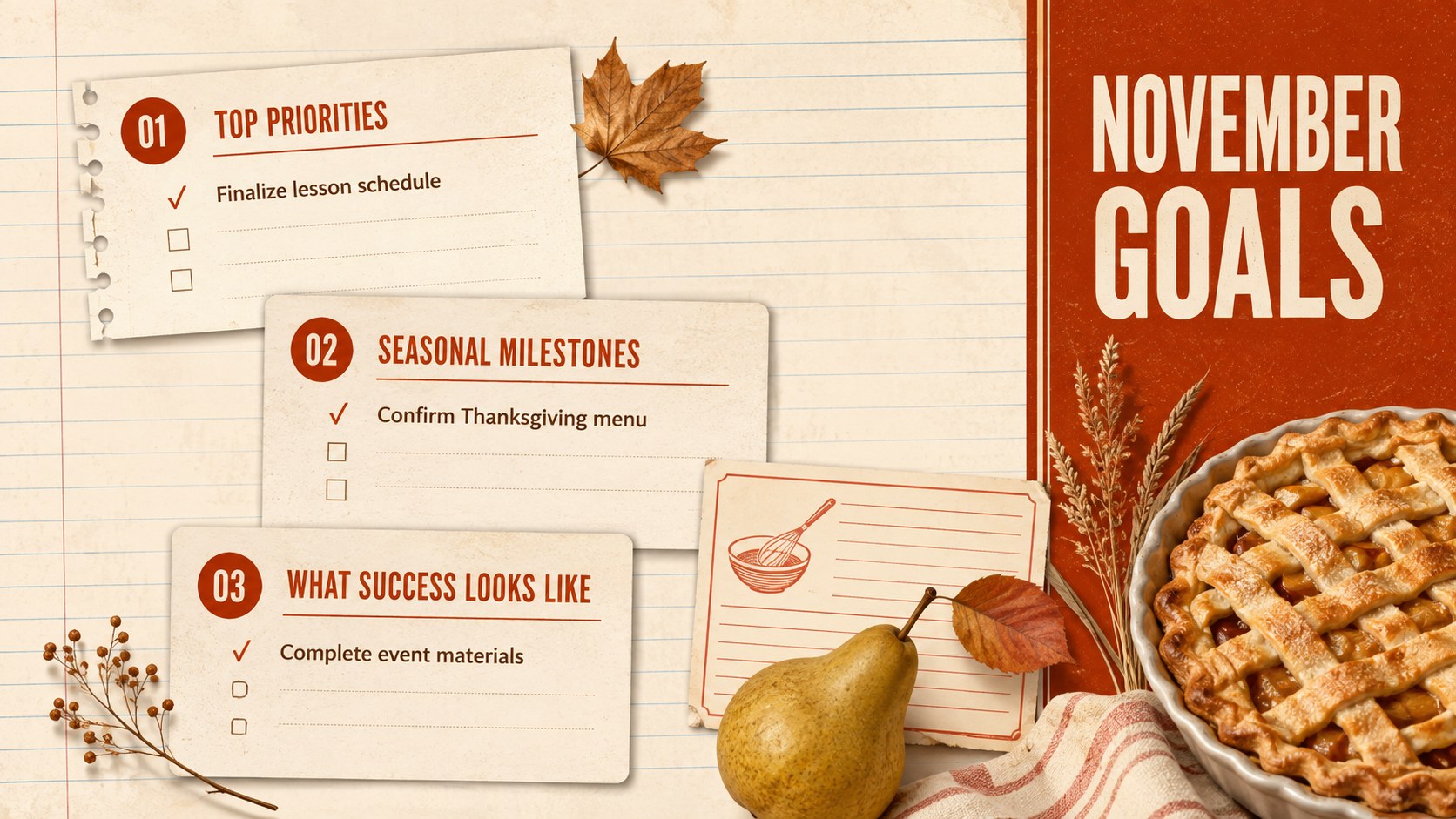
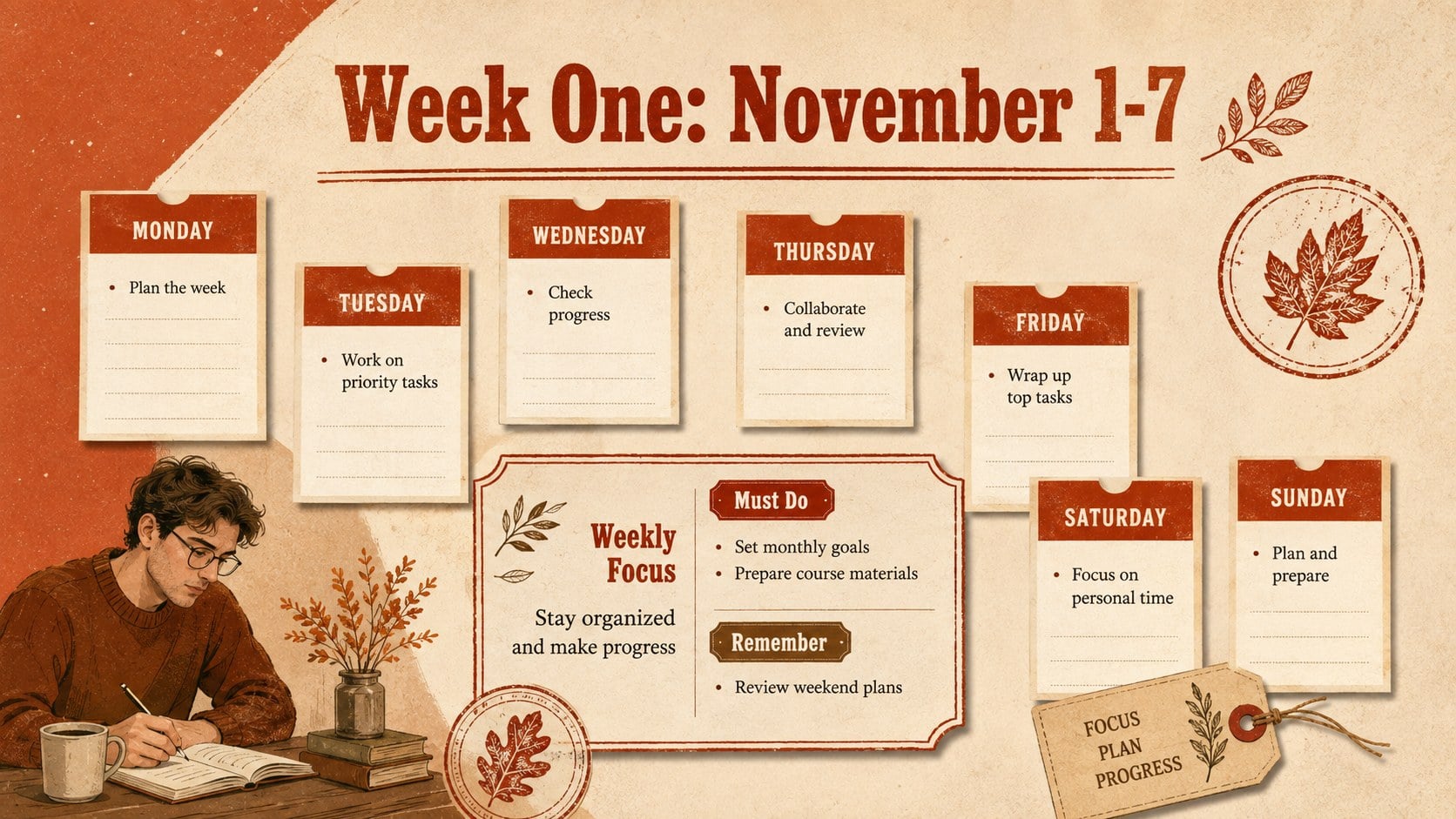
Inside, you'll find a full-month overview, weekly priorities, dated daily layouts, checklist pages, menu planning, lesson notes, event timelines, and a Thanksgiving preparation spread. Flexible content areas support appointments, task owners, deadlines, ingredients, classroom activities, and reminders. The fall daily schedule presentation format is easy to scan on screen or print for a planning binder, while the red brown calendar template styling keeps every page visually consistent.
Use the deck for gastronomy tutorials, culinary course schedules, classroom routines, harvest celebrations, team planning, or family meal coordination. Every slide can be edited in PowerPoint or Google Slides: replace text, adjust colors, move illustrations, and duplicate layouts for additional days. The mix of structured grids and vintage-inspired food graphics makes the Vintage Harvest November 2026 Planner useful for both detailed scheduling and seasonal storytelling.
Perfect for: November classroom scheduling; Culinary course planning; Thanksgiving event preparation; Seasonal meal coordination; Daily task management; Harvest workshop scheduling.
Frequently asked questions
Can I edit every part of this November planner? Yes. Text, colors, illustrations, tables, and schedule blocks can be changed, moved, or duplicated to suit your activities.
Practical details
Yes. Text, colors, illustrations, tables, and schedule blocks can be changed, moved, or duplicated to suit your activities.
The template is designed for PowerPoint and Google Slides. Some fonts or transition effects may vary slightly between the two platforms.
Yes. The layouts include flexible areas for lessons, menus, ingredients, assignments, events, and daily reminders, so they work well for either setting.
Duplicate a daily or weekly layout, then replace its date and schedule details. Reusing the established colors and type styles will keep the expanded planner consistent.
Keep exploring
14Plan a memorable Lunar New Year campaign with the 2036 Dragon Year Celebration Theme, featuring bold red-and-yellow slides for lessons and events.
 15
15Build playful lessons and party stories with a kid-friendly zombie celebration theme in purple, green and pastel blue for PowerPoint and Google Slides.
 15
15Build eerie lessons, campaigns, and story pitches with an undead survival scenario theme featuring editable slides for PowerPoint and Google Slides.
 3
3Share festive messages with a Lunar Horse New Year Wishes Theme, featuring bold red-and-yellow layouts for PowerPoint and Google Slides celebrations.
 15
15Bring zodiac traditions to life with a Lunar Snake Festival Presentation featuring 15 cheerful red illustrated slides for PowerPoint and Google Slides.
 6
6Honor teams and individuals with an Orange Year-End Recognition Certificate Set featuring six editable designs for PowerPoint and Google Slides.
 14
14Honor the people behind the headlines with a World Sports Press Appreciation Deck for PowerPoint and Google Slides, styled in crisp, modern green.
 15
15Teach, inspire, and celebrate with our Plant-Powered Vegetarian Day Lesson Deck, featuring cheerful editable visuals for PowerPoint and Google Slides.