
 15
15presentation
Yoga Workshop Marketing Presentation
Promote classes with a yoga workshop marketing presentation featuring playful beige, pink, and purple illustrations for PowerPoint and Google Slides.
Google SlidesPowerPoint
presentation · English
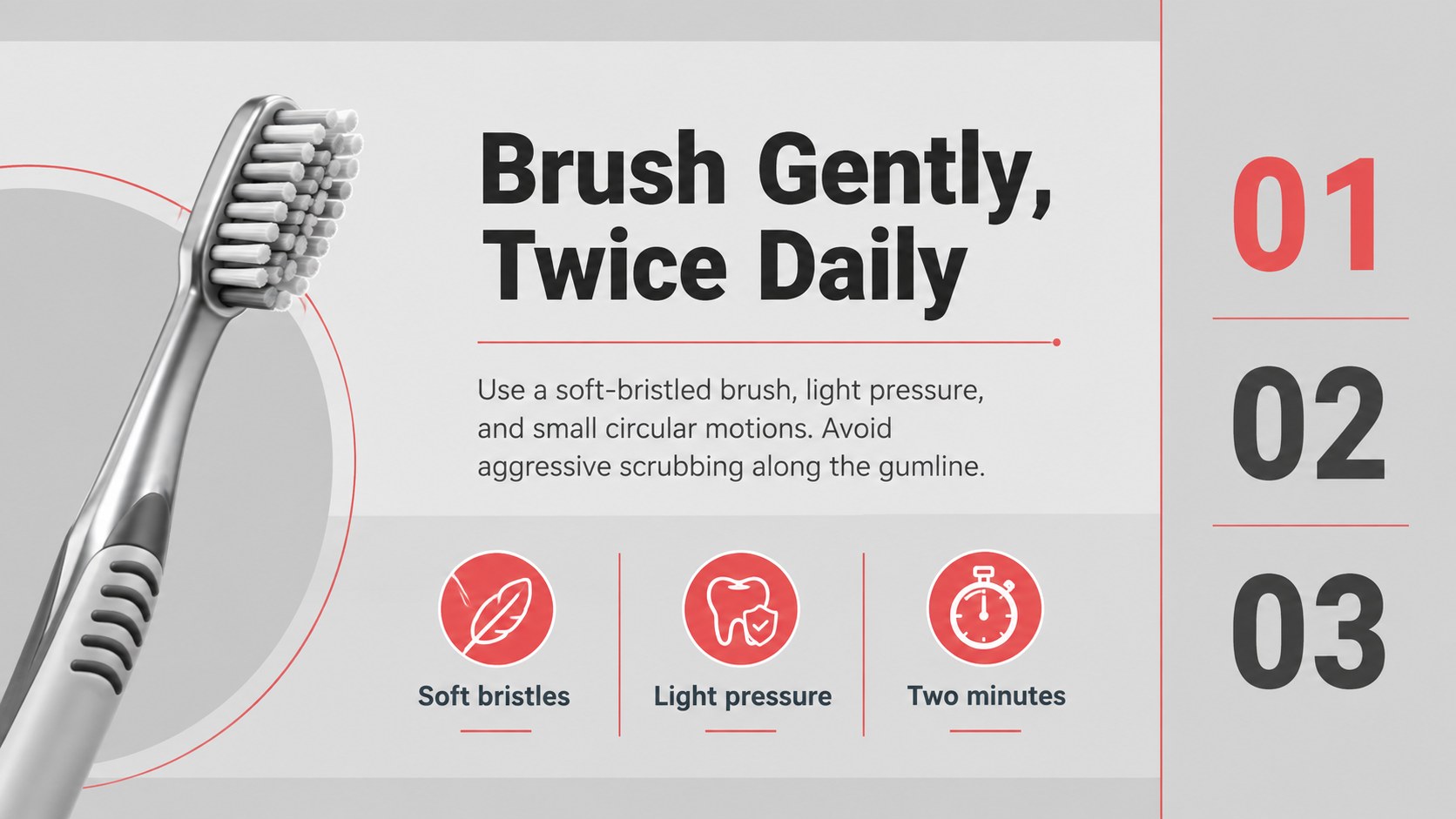
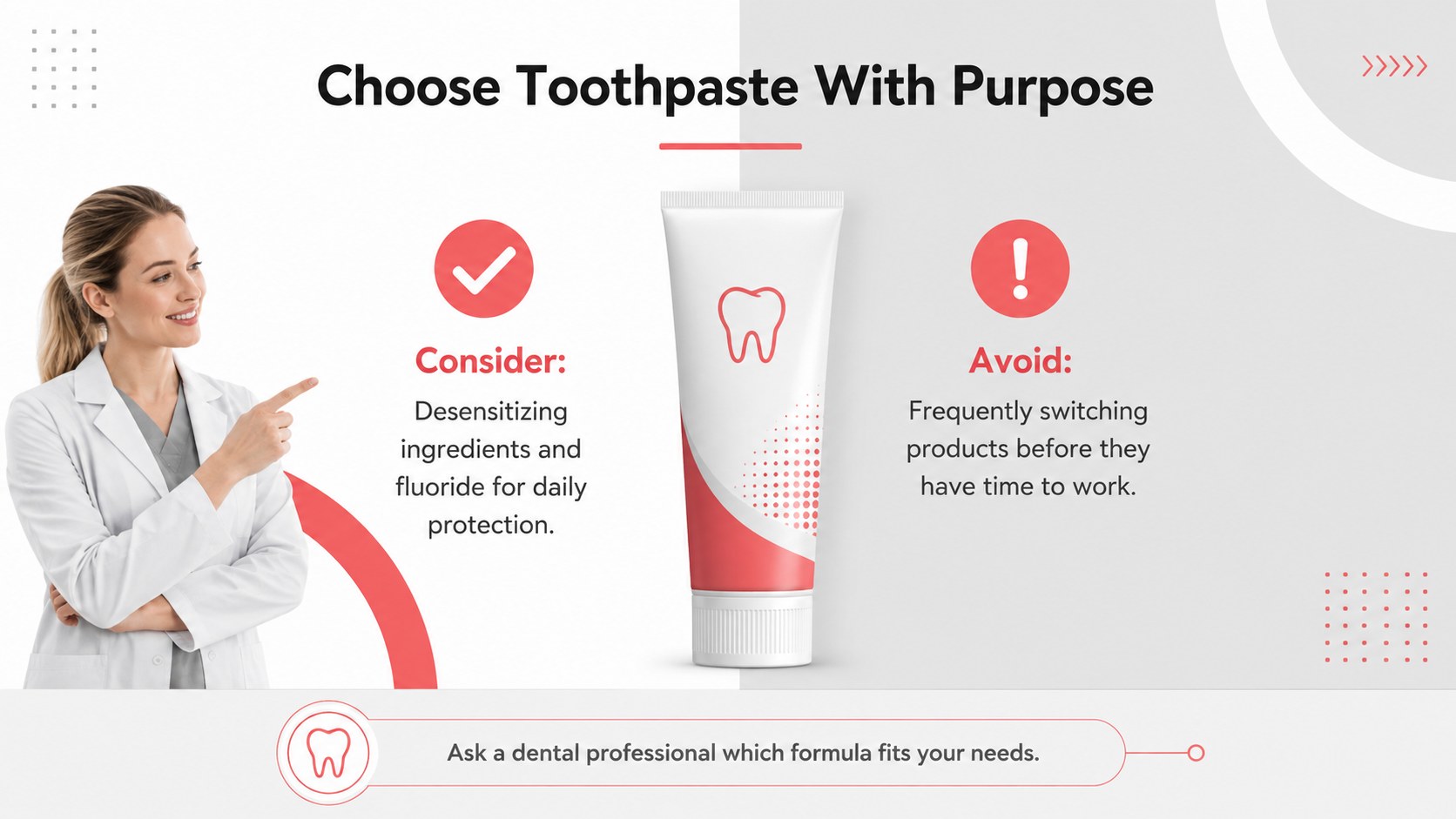
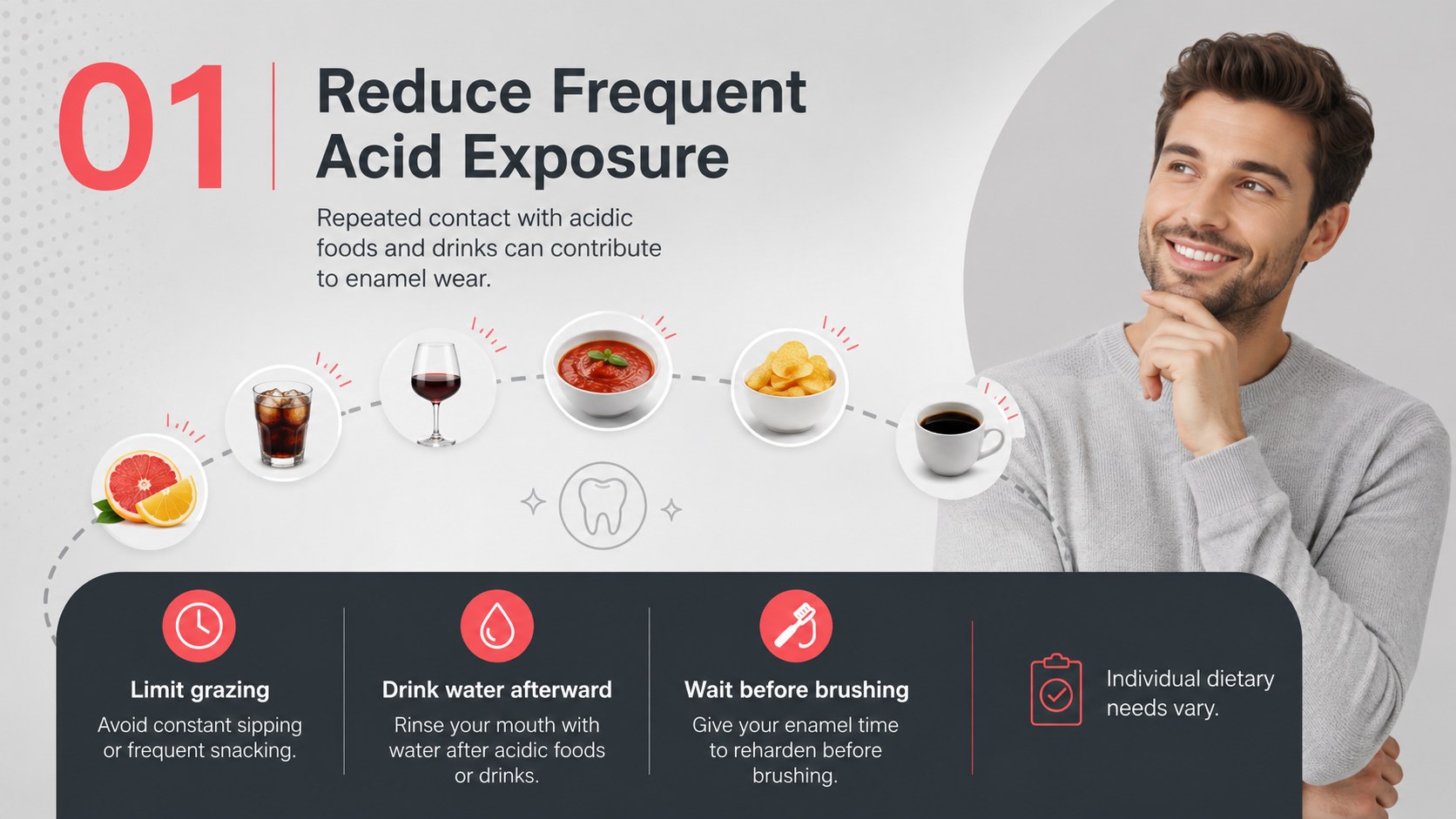
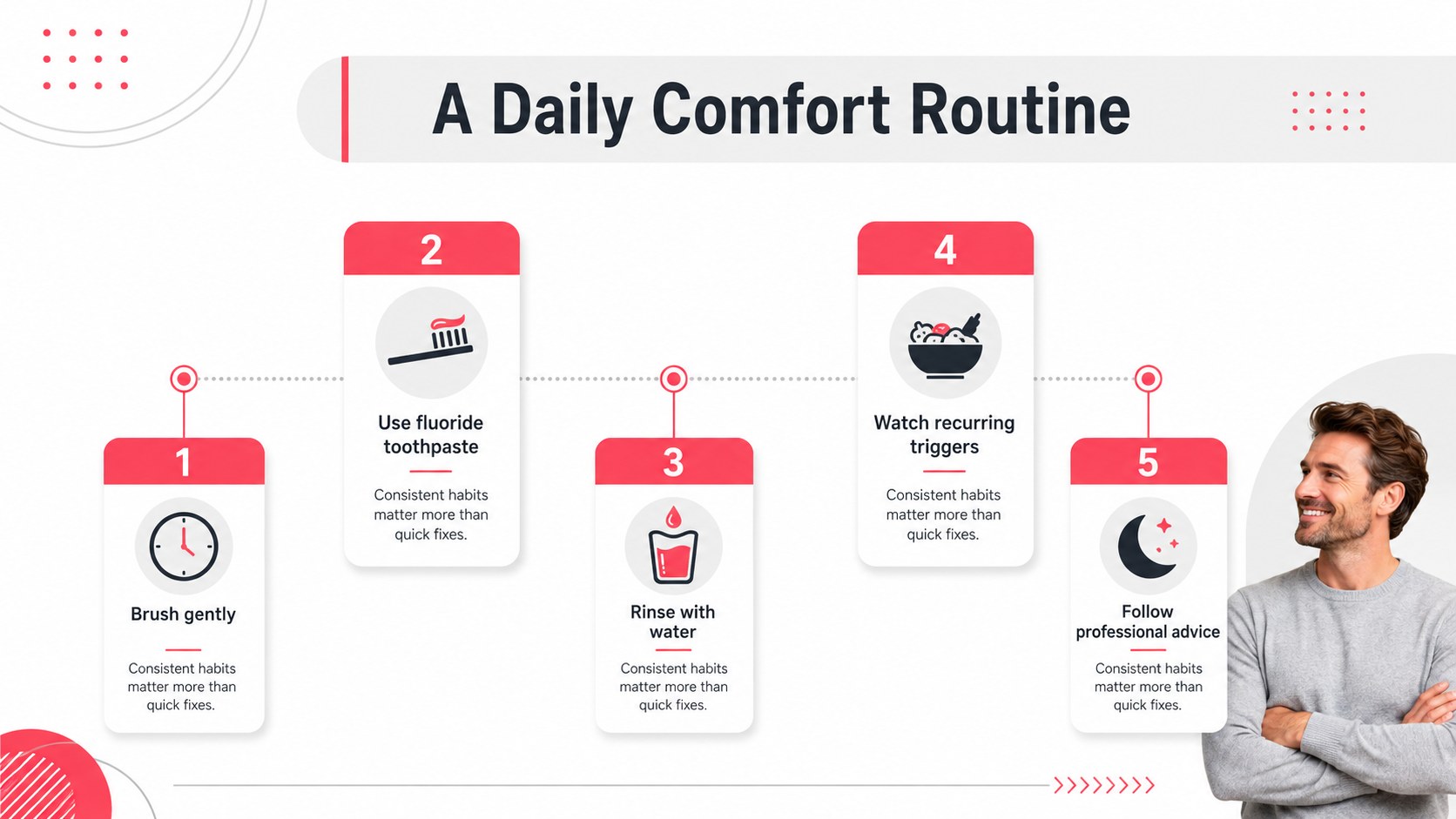
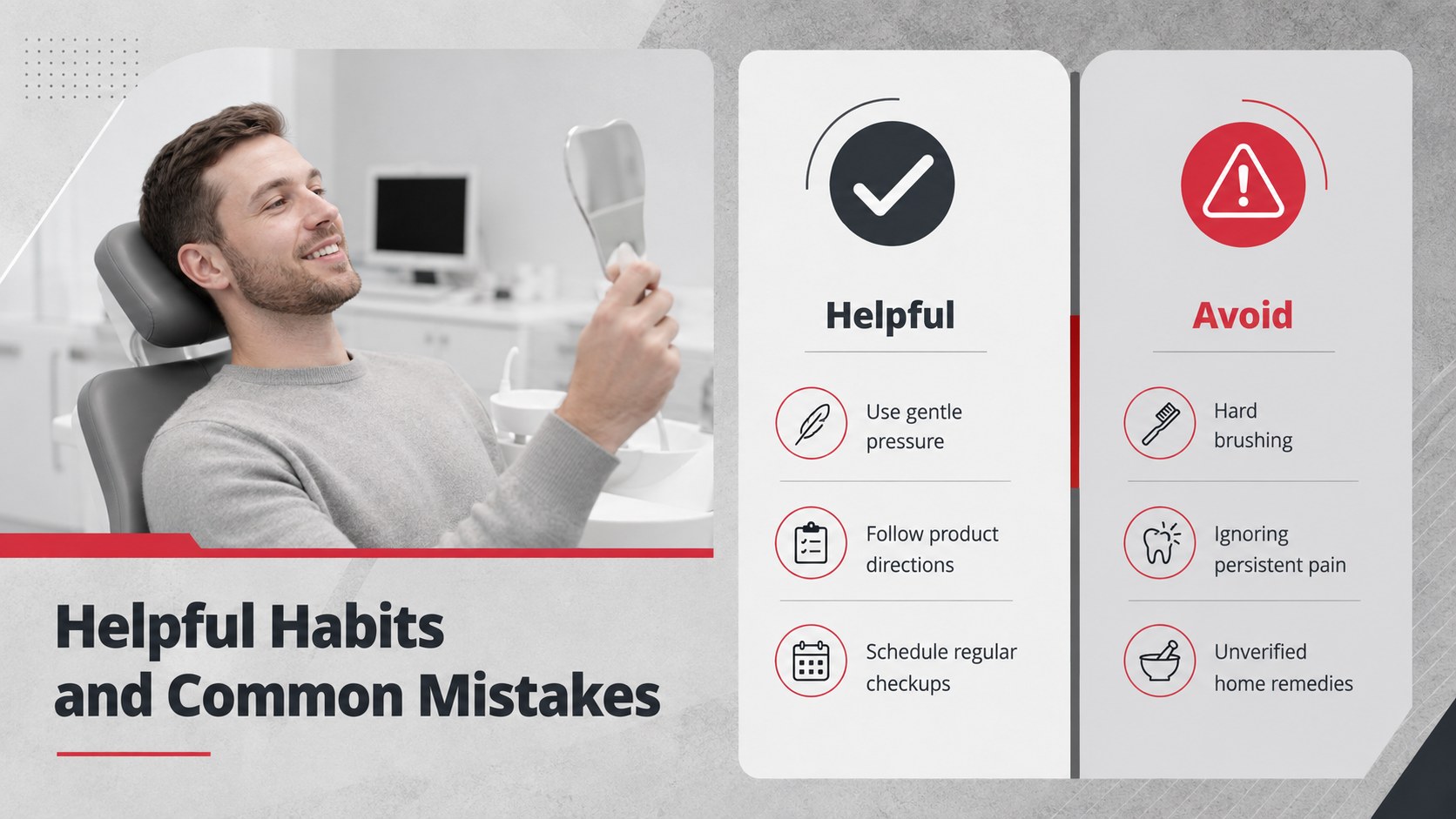
Teach patients how to protect sensitive teeth with a tooth sensitivity prevention guide featuring modern grey and red slides for PowerPoint and Google Slides.
Design notes
Build a calm, credible oral-health lesson with this tooth sensitivity prevention guide. Its modern grey, black, and red visual system gives important recommendations a professional edge without making the material feel overly clinical. Clear typography, strong contrast, and structured layouts help audiences understand why sensitivity occurs and what they can do about it.
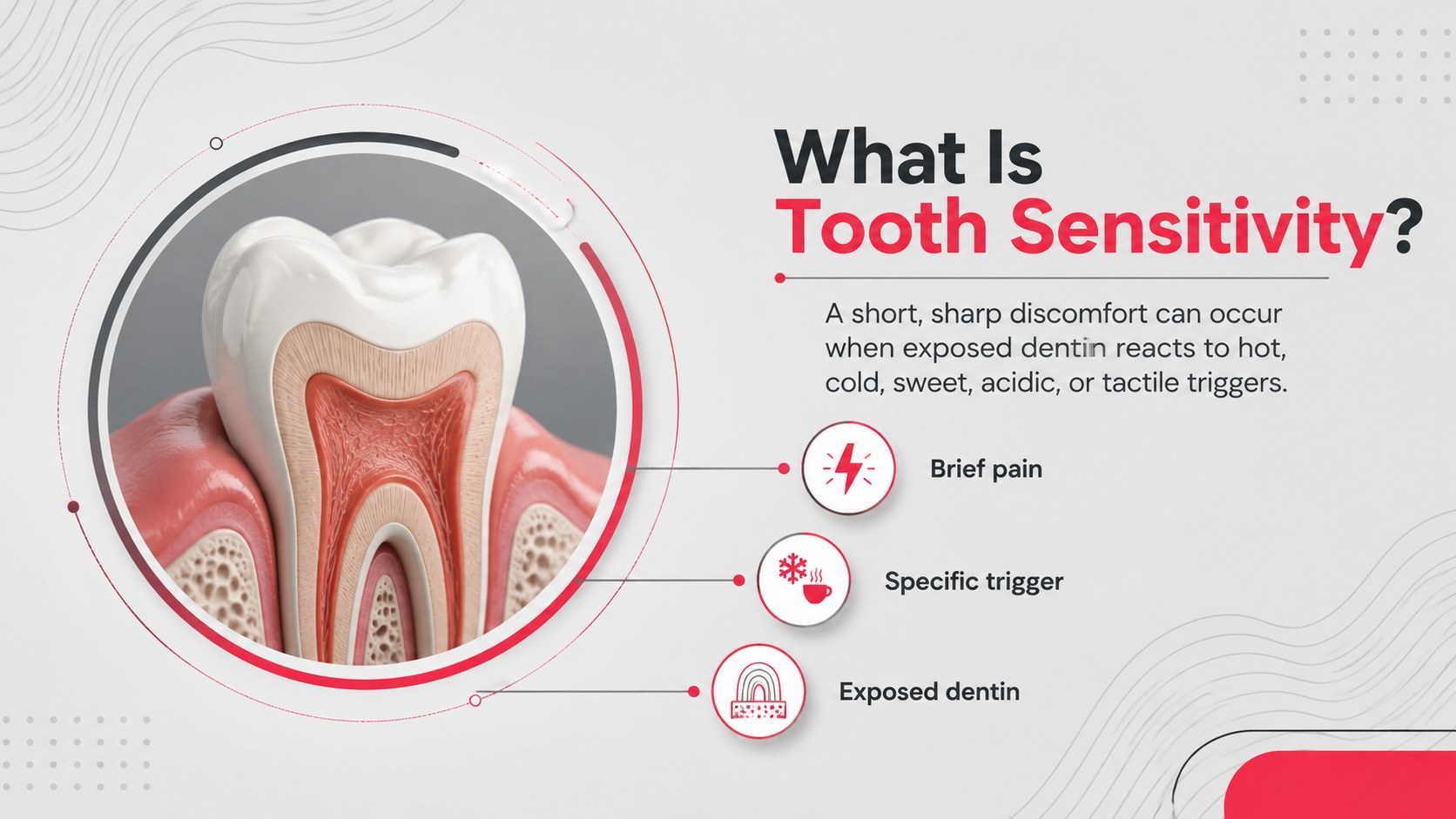
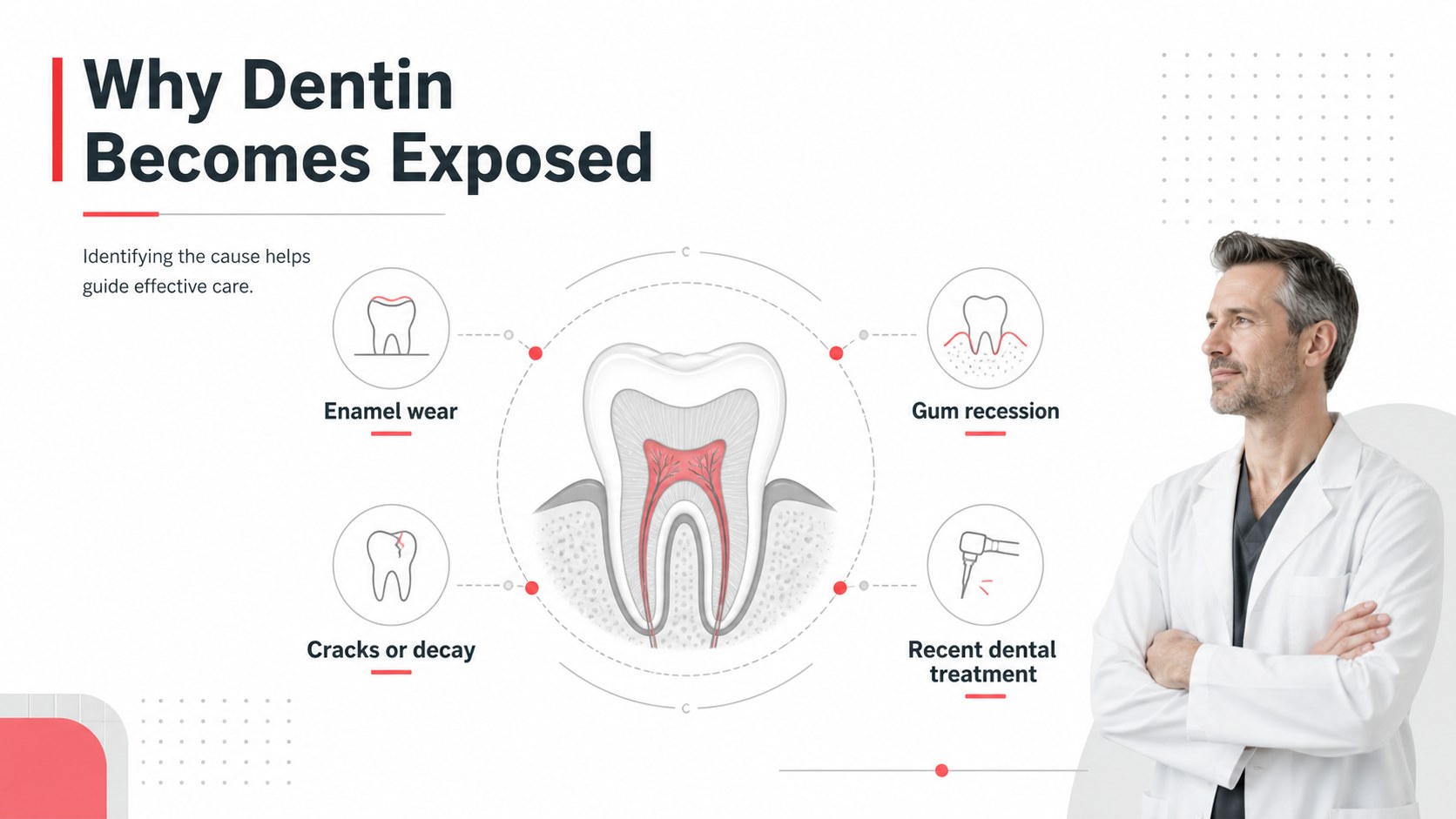
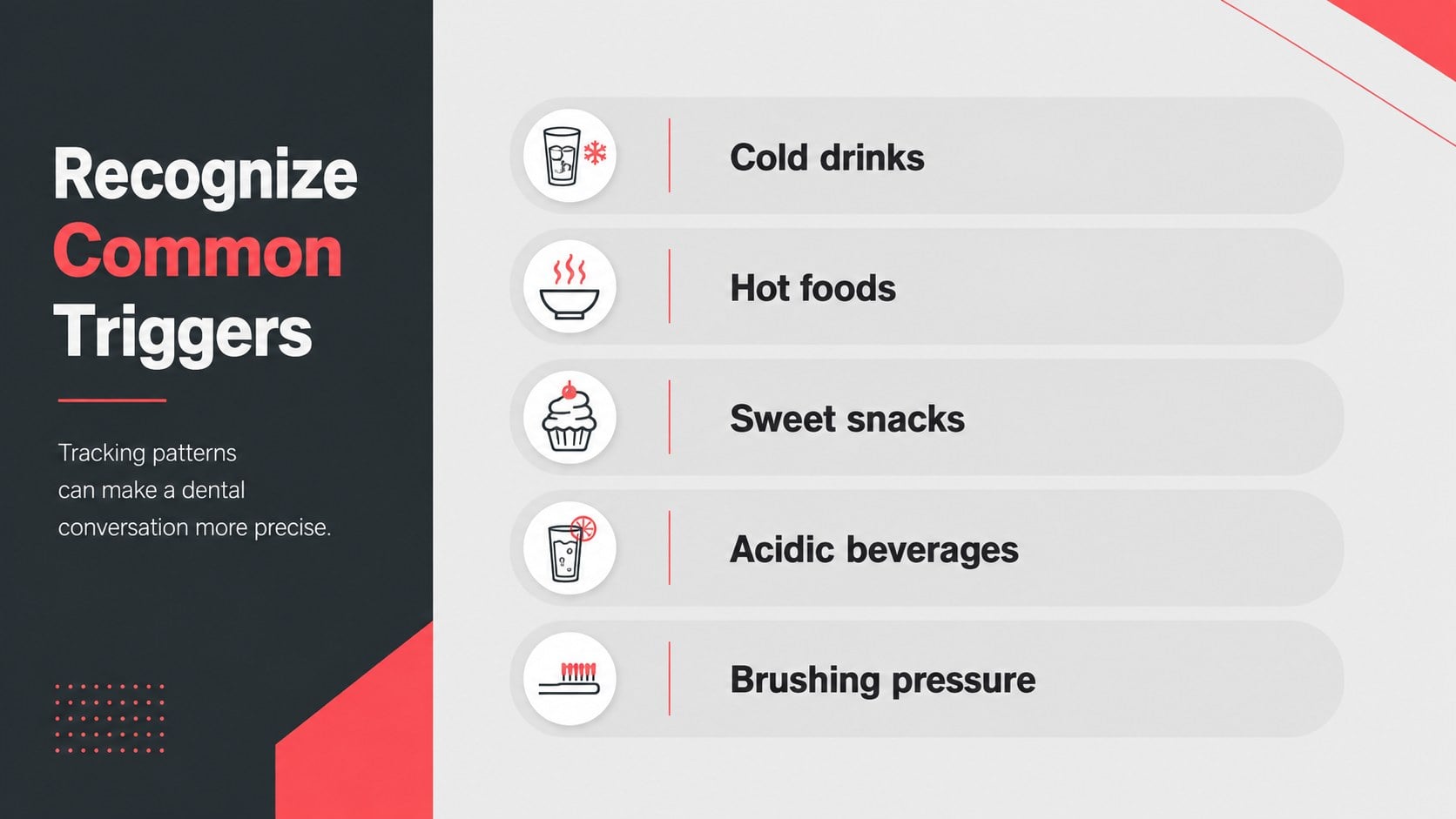
The deck includes space for explaining enamel wear, exposed dentin, common triggers, brushing habits, dietary choices, treatment options, and warning signs that require professional care. Use it as a dental patient education slide deck, a sensitive teeth care PowerPoint template, or an oral hygiene workshop presentation. Layouts for checklists, comparisons, timelines, diagrams, statistics, and action plans make complex information easier to scan and remember.
Designed for dentists, hygienists, dental students, school health educators, wellness presenters, and community outreach teams, the slides can be edited in PowerPoint or Google Slides. Change the text, rearrange sections, add practice-specific recommendations, or insert approved clinical images and data. The flexible 16:9 format works for chairside explanations, classroom teaching, staff training, waiting-room displays, and public health sessions. Use the included structure to deliver practical prevention guidance while reminding viewers that persistent or severe sensitivity should be assessed by a qualified dental professional.
Perfect for: dental patient consultation; oral hygiene workshop; dental student lesson; community health seminar; clinic waiting-room display.
Frequently asked questions
Can I edit the prevention advice and slide order? Yes. All headings, body copy, colors, diagrams, and section order can be customized to match your audience and clinical guidance.
Practical details
Yes. All headings, body copy, colors, diagrams, and section order can be customized to match your audience and clinical guidance.
The deck is designed for PowerPoint and Google Slides. Import behavior can vary slightly, so review fonts, transitions, and image placement before presenting.
Yes. You can add contact details, appointment instructions, approved treatment information, and your own logo after downloading the template.
Yes. The layouts support plain-language explanations, prevention checklists, symptom comparisons, and treatment overviews. Clinical claims should still be reviewed by a qualified dental professional.
Keep exploring
15Promote classes with a yoga workshop marketing presentation featuring playful beige, pink, and purple illustrations for PowerPoint and Google Slides.
 15
15Build a clear breast cancer awareness bulletin with bold pink-and-red slides for campaign news, screening reminders, impact data, and community updates.
 15
15Build a clear World Cancer Day message with this global cancer awareness campaign deck, featuring editable blue-green layouts for PowerPoint and Google Slides.
 4
4Document wound findings, treatment decisions, and healing progress with clinical wound evaluation slides for nurses in PowerPoint and Google Slides.
 14
14Plan a clear donor campaign with this blood donation awareness presentation, featuring editable beige-and-red visuals for PowerPoint and Google Slides.
 15
15Build a Kidney Health Awareness Campaign Deck with blue illustrated slides for prevention tips, risk education, screening events, and outreach.
 15
15Build an actionable training session with this fitness program workshop deck, using energetic yellow geometry and editable PowerPoint and Google Slides layouts.
 15
15Equip health teams with this malaria prevention education deck for workshops, community outreach, and policy briefings in PowerPoint or Google Slides.