
 14
14presentation
2036 Dragon Year Celebration Theme
Plan a memorable Lunar New Year campaign with the 2036 Dragon Year Celebration Theme, featuring bold red-and-yellow slides for lessons and events.
Google SlidesPowerPoint
spreadsheet · English
Turn holiday downtime into hands-on learning with the Thanksgiving Printable Fun Pack, an editable set of puzzles, coloring pages, and writing prompts.
Design notes
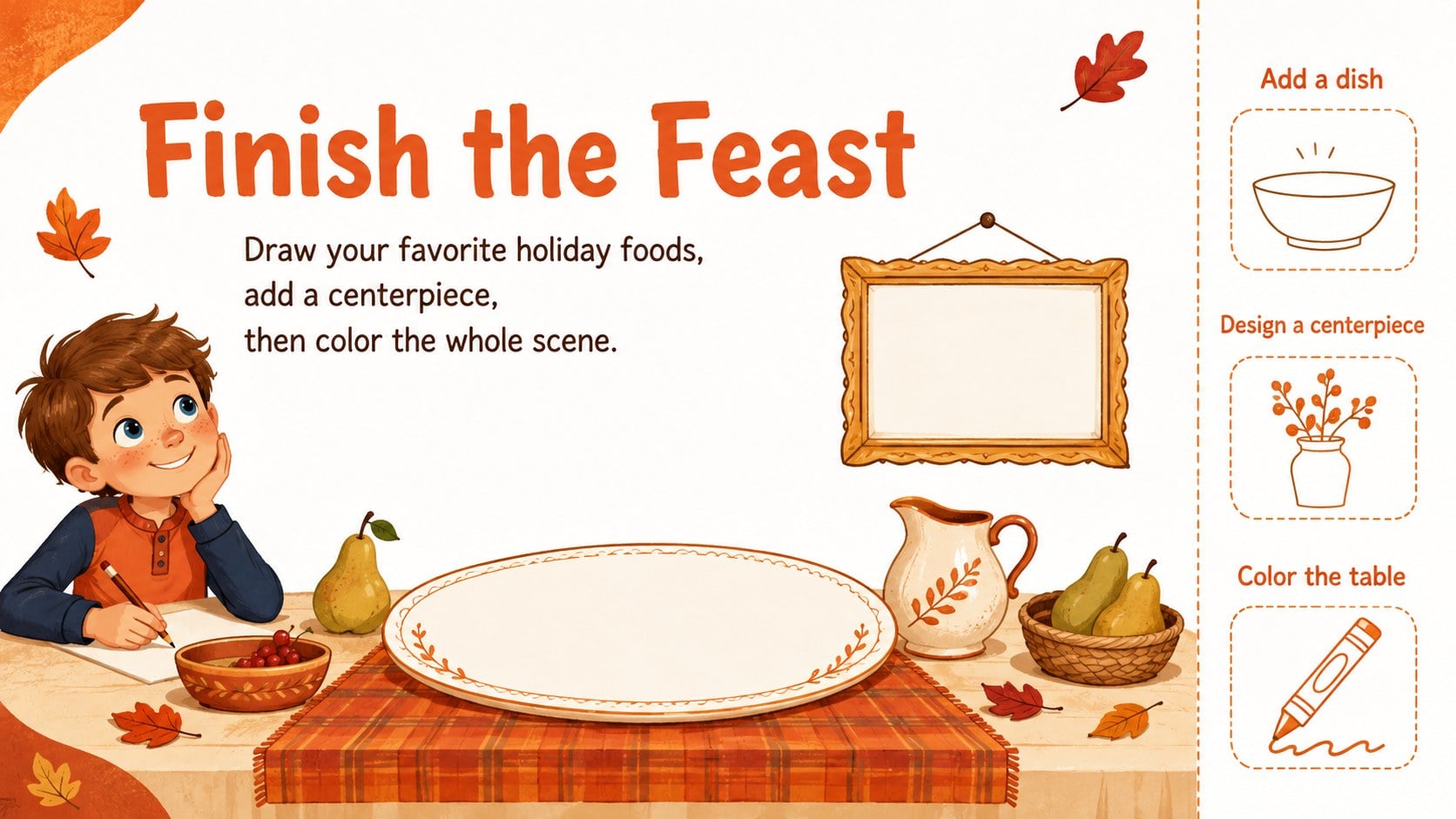
Make seasonal learning more engaging with the Thanksgiving Printable Fun Pack, a bright collection of orange illustrated activities for children. Designed for easy use in PowerPoint and Google Slides, the pages can be displayed during a lesson or printed for independent work at home, school, or a holiday gathering.
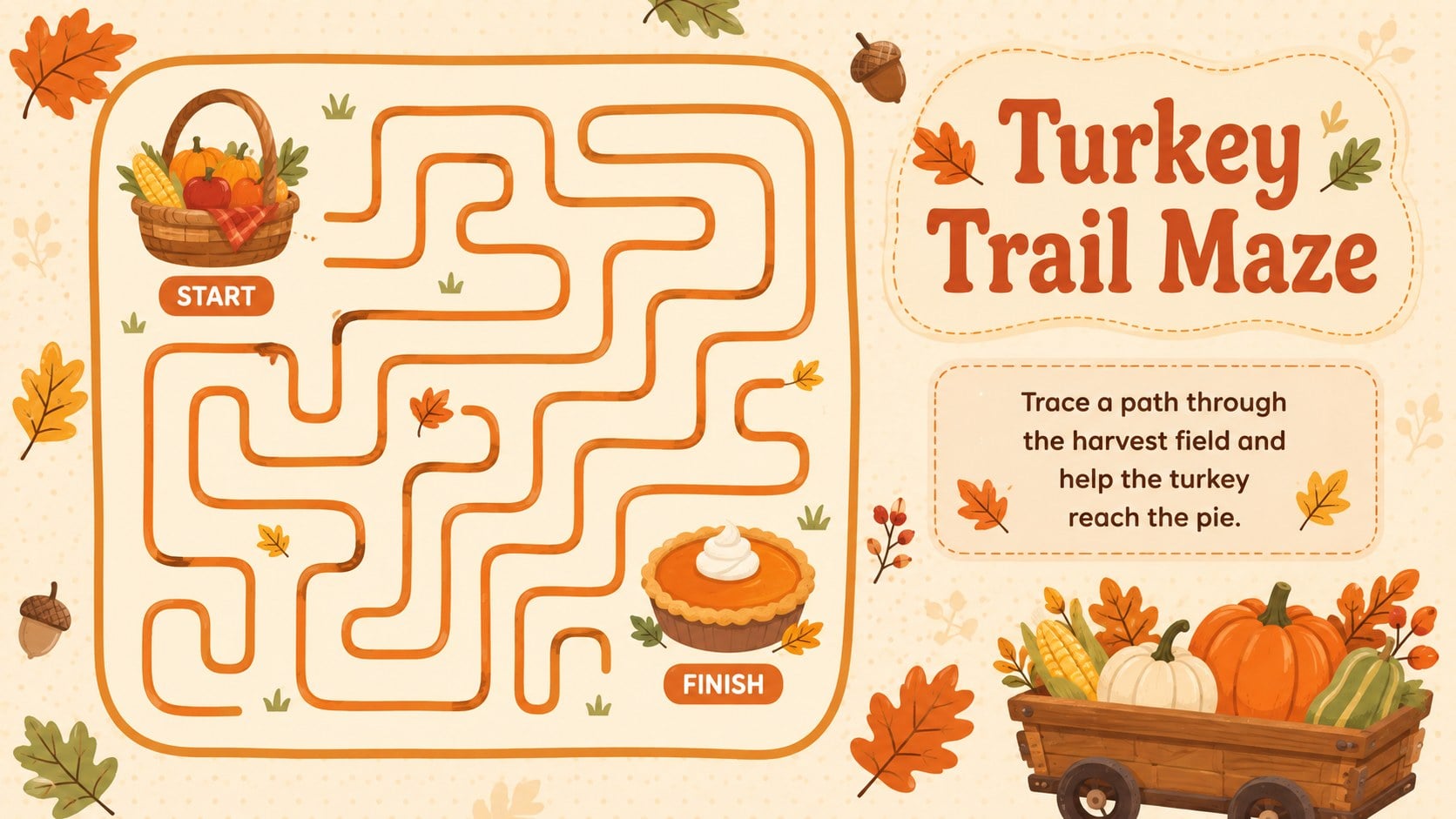
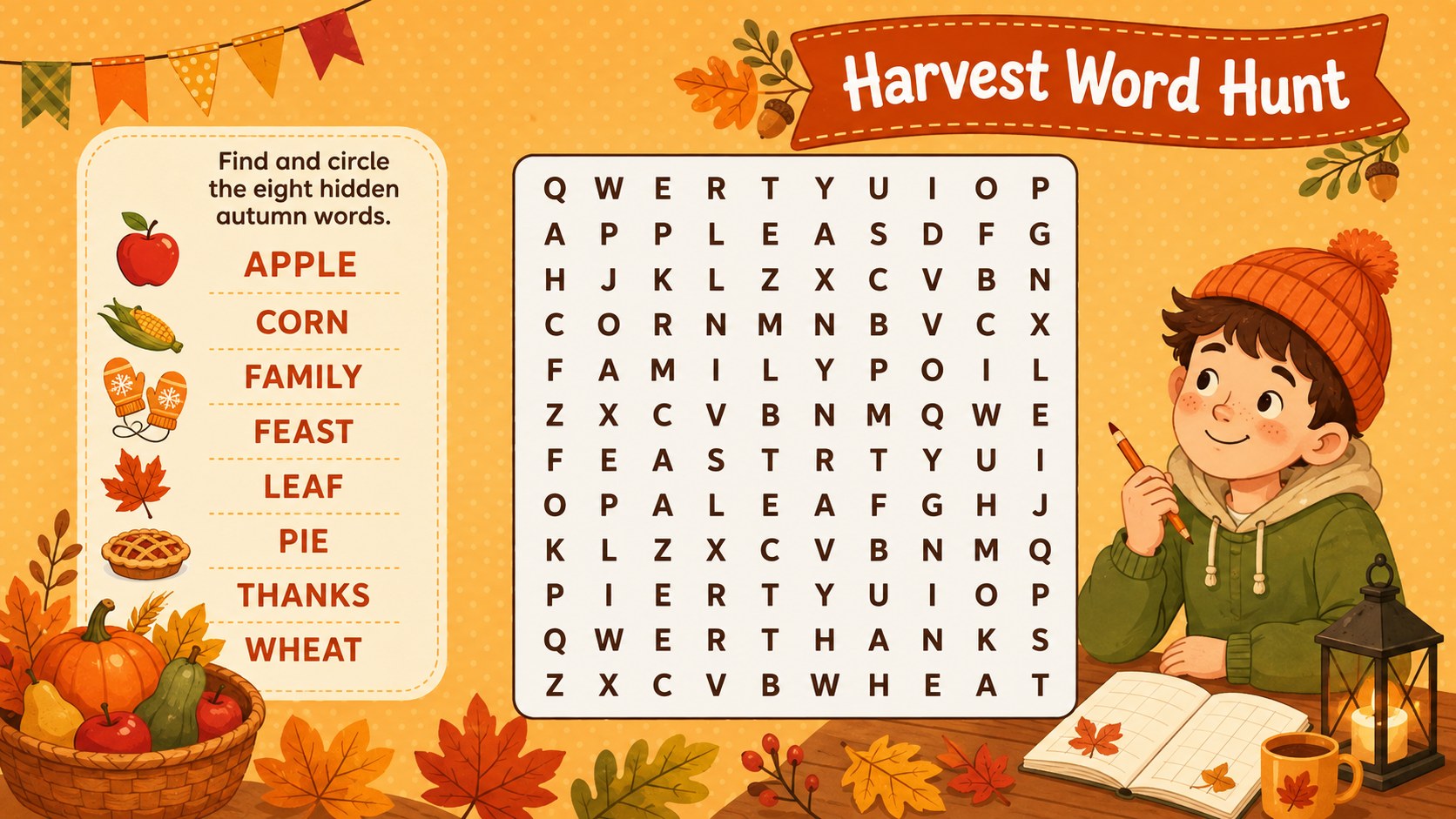
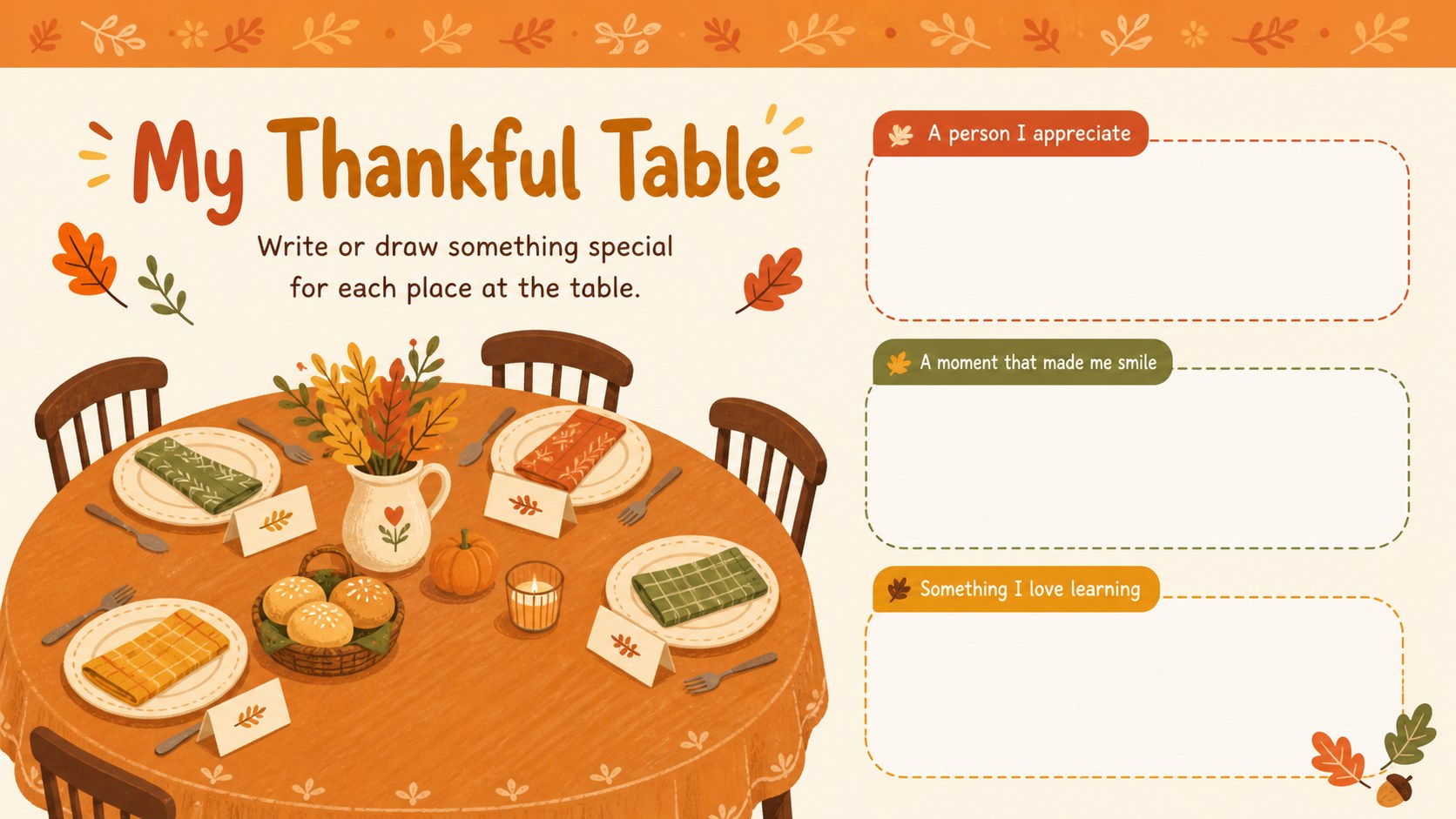
Inside the pack are five coordinated activity pages featuring a picture maze, harvest word hunt, gratitude writing prompts, and creative drawing challenges. These thanksgiving coloring and puzzle pages use clear instructions, generous writing space, and playful autumn details that help children stay focused. Teachers can adapt the wording, rearrange elements, or add class-specific vocabulary to create fall holiday literacy worksheets for different age groups.
The pack works well for elementary teachers preparing seasonal centers, families planning a child-friendly celebration, and caregivers looking for calm activities before dinner. Use the pages as thanksgiving classroom quiet time activities, early-finisher tasks, morning work, or take-home practice. Every layout is editable, making it simple to change fonts, colors, prompts, and difficulty levels while preserving the warm orange palette and friendly illustrated style. Print the finished pages individually or present them as a short interactive activity deck.
Perfect for: elementary classroom activity centers; Thanksgiving dinner kids table; holiday morning work; seasonal homeschool lesson; classroom early-finisher tasks.
Frequently asked questions
Can I edit the activities before printing? Yes. Open the pack in PowerPoint or Google Slides to change instructions, vocabulary, fonts, colors, and illustrations. You can also duplicate pages to create versions for different ability levels.
Practical details
Yes. Open the pack in PowerPoint or Google Slides to change instructions, vocabulary, fonts, colors, and illustrations. You can also duplicate pages to create versions for different ability levels.
The template is designed for PowerPoint and Google Slides. Both platforms allow you to customize the pages, present them on screen, or export them for printing.
Yes. Export the finished activities as PDF files and select the appropriate paper size in your printer settings. Check the print preview first to confirm that margins and scaling suit your printer.
Shorten the written prompts, enlarge key text, and replace difficult vocabulary with familiar words. For older students, add longer reflection questions or more challenging word-game clues.
Keep exploring
14Plan a memorable Lunar New Year campaign with the 2036 Dragon Year Celebration Theme, featuring bold red-and-yellow slides for lessons and events.
 15
15Build playful lessons and party stories with a kid-friendly zombie celebration theme in purple, green and pastel blue for PowerPoint and Google Slides.
 15
15Build eerie lessons, campaigns, and story pitches with an undead survival scenario theme featuring editable slides for PowerPoint and Google Slides.
 3
3Share festive messages with a Lunar Horse New Year Wishes Theme, featuring bold red-and-yellow layouts for PowerPoint and Google Slides celebrations.
 15
15Bring zodiac traditions to life with a Lunar Snake Festival Presentation featuring 15 cheerful red illustrated slides for PowerPoint and Google Slides.
 6
6Honor teams and individuals with an Orange Year-End Recognition Certificate Set featuring six editable designs for PowerPoint and Google Slides.
 14
14Honor the people behind the headlines with a World Sports Press Appreciation Deck for PowerPoint and Google Slides, styled in crisp, modern green.
 15
15Teach, inspire, and celebrate with our Plant-Powered Vegetarian Day Lesson Deck, featuring cheerful editable visuals for PowerPoint and Google Slides.