
 14
14presentation
2036 Dragon Year Celebration Theme
Plan a memorable Lunar New Year campaign with the 2036 Dragon Year Celebration Theme, featuring bold red-and-yellow slides for lessons and events.
Google SlidesPowerPoint
spreadsheet · English
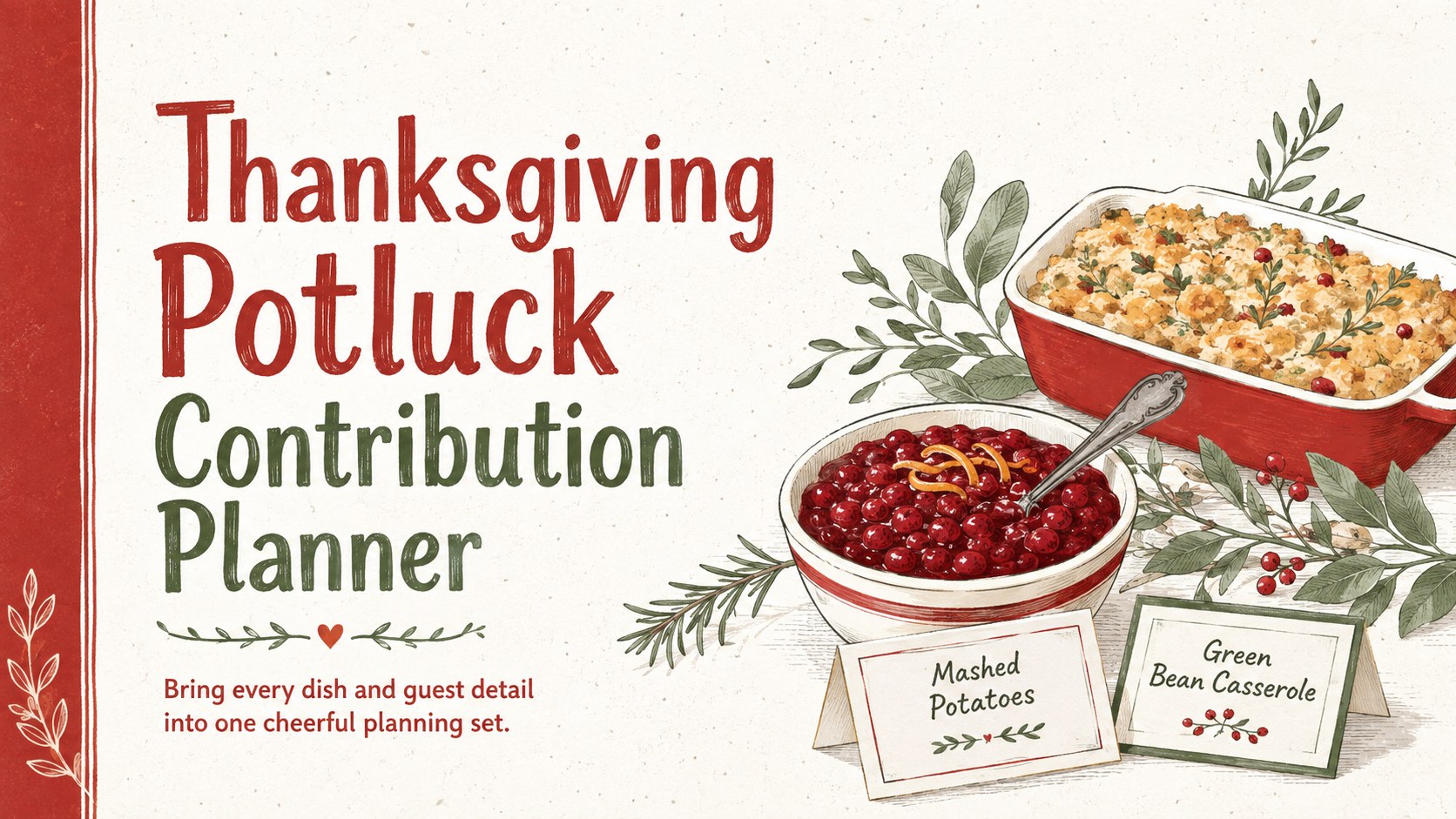
Assign dishes, balance the menu, and confirm guests with a Thanksgiving Potluck Contribution Planner for easy editing in PowerPoint and Google Slides.
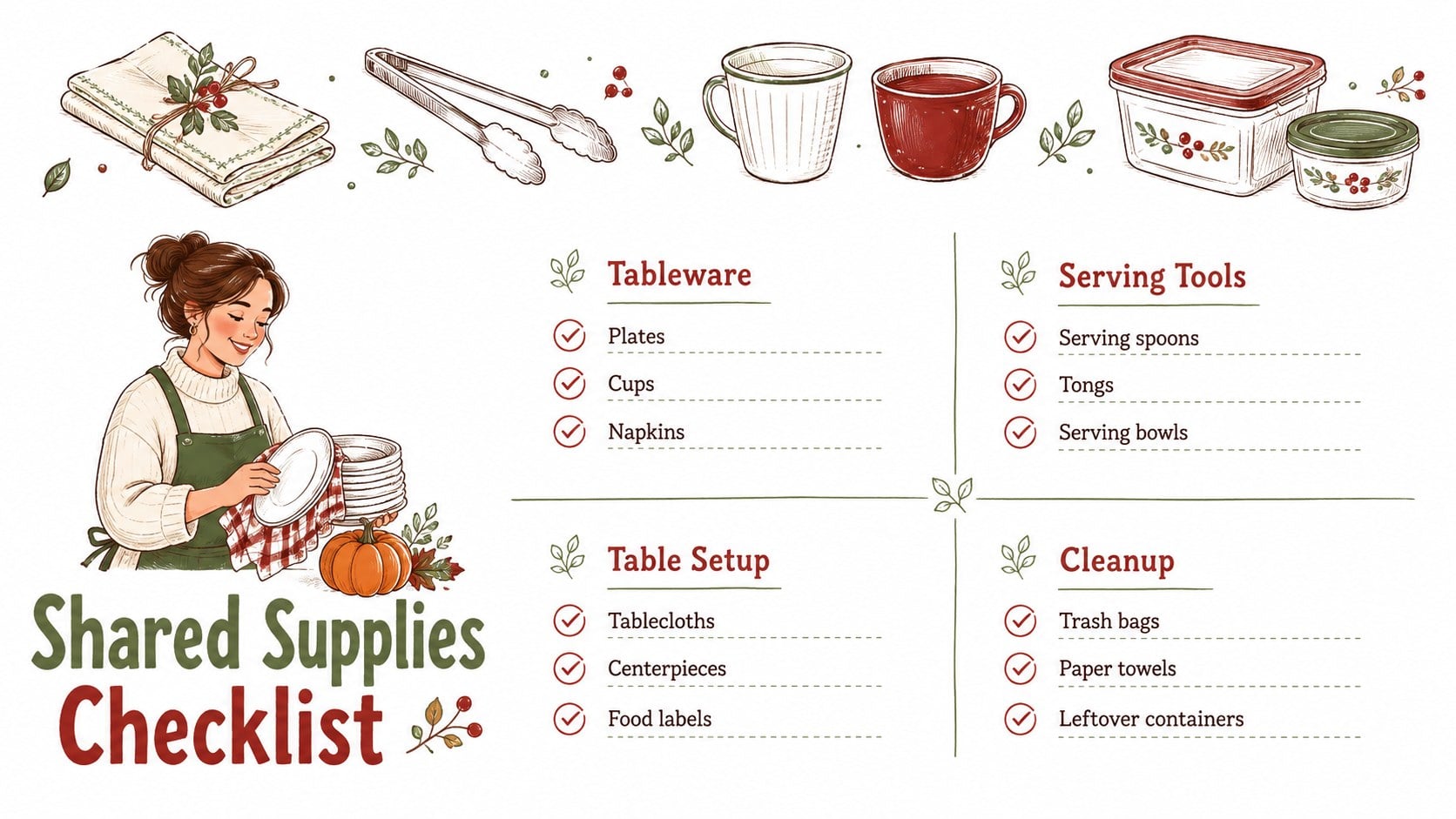
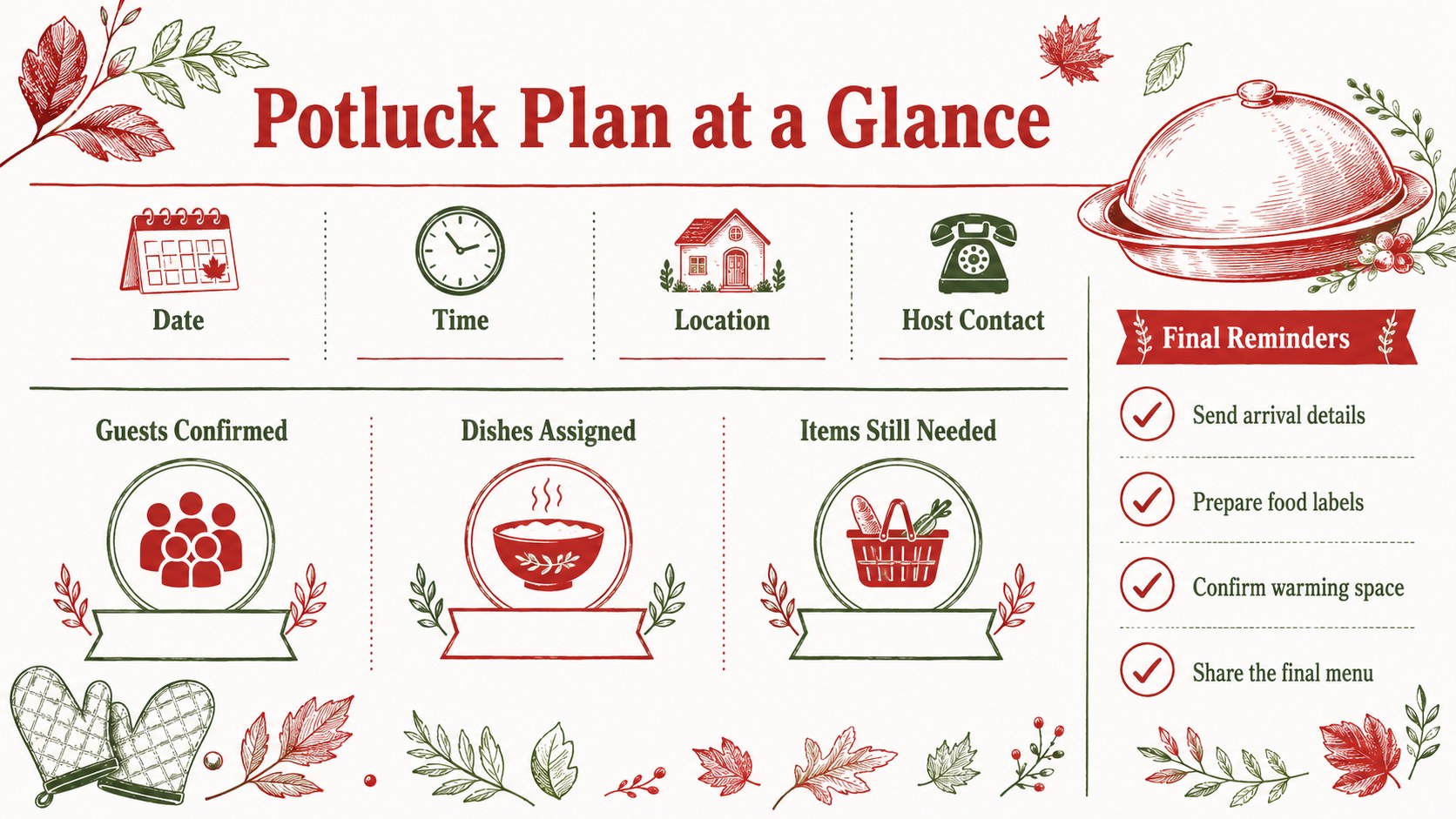
Design notes
Planning a shared holiday meal becomes much simpler when every contribution has a clear place. The Thanksgiving Potluck Contribution Planner helps hosts assign dishes, collect guest details, and spot menu gaps before the gathering begins. Its hand-drawn seasonal illustrations, clean white backgrounds, and lively red and green accents create a welcoming look that suits both casual family celebrations and organized workplace events.
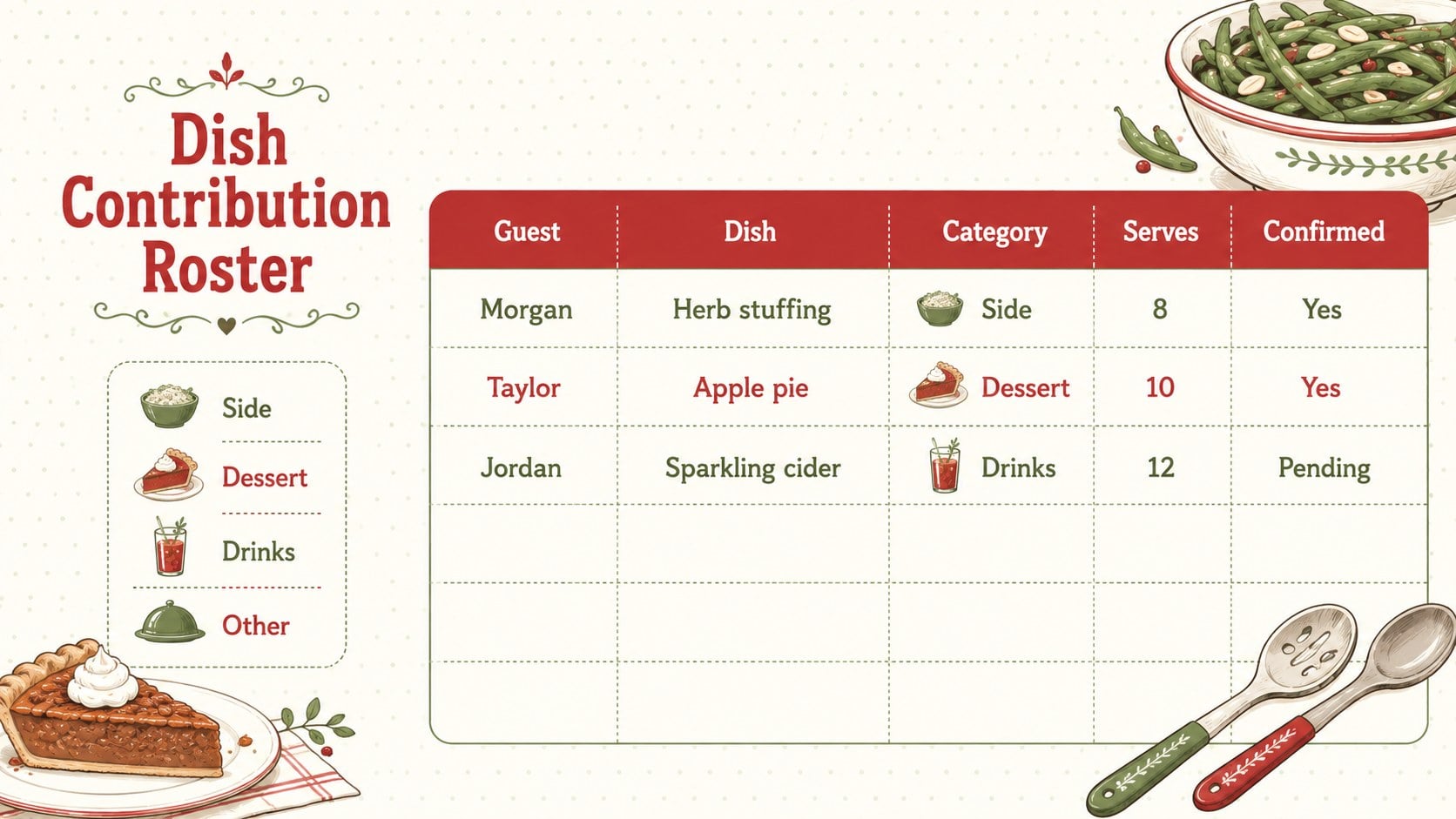
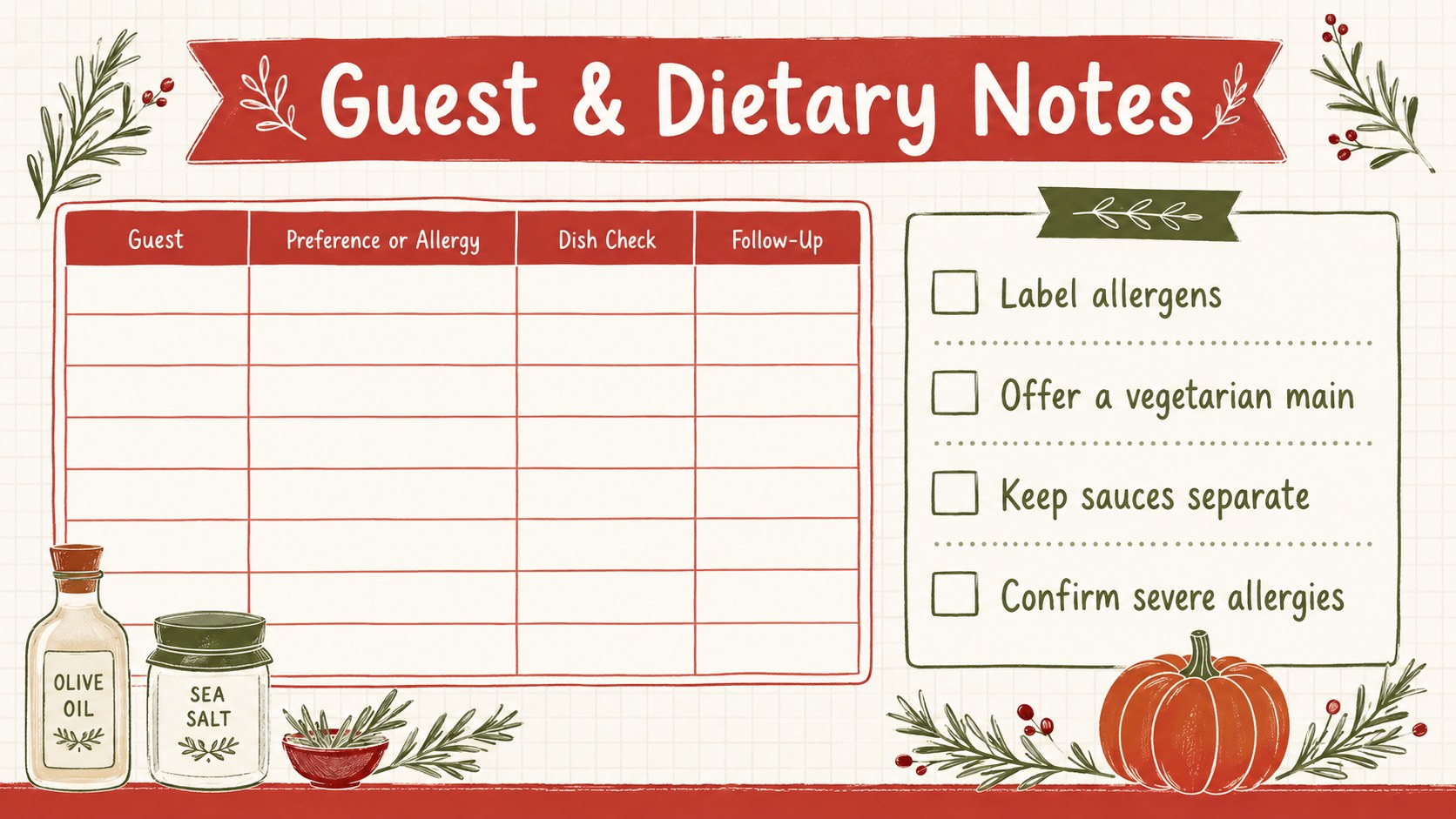
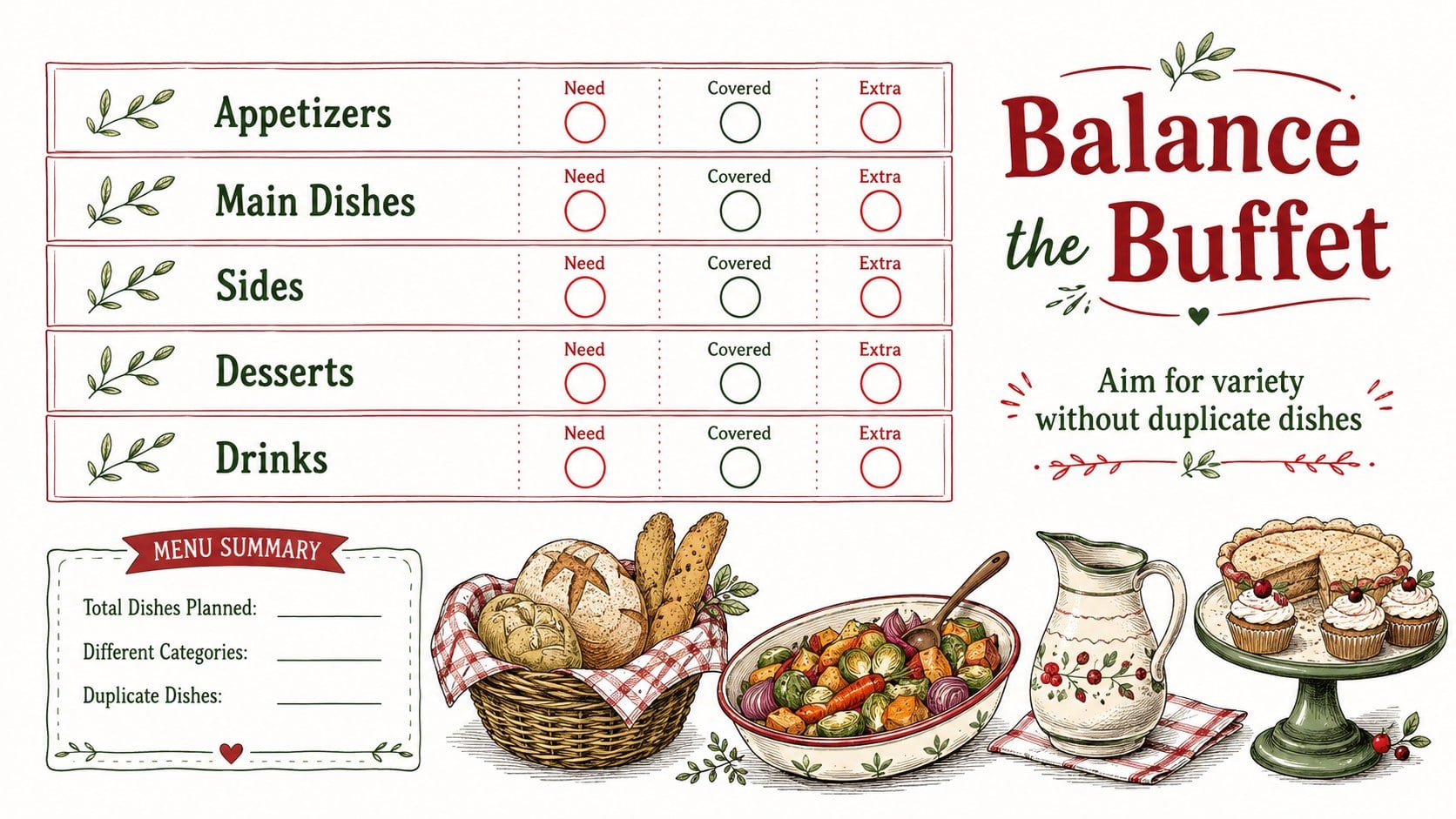
The set includes five editable planning worksheets for recording attendee names, dish categories, serving quantities, dietary notes, beverages, desserts, and essential supplies. Use the editable holiday dish roster to prevent duplicate recipes, the potluck dietary needs tracking sheet to flag allergies or preferences, and the menu overview to check that appetizers, mains, sides, and sweets are well balanced. Each layout can be adjusted with your own headings, rows, colors, and event details.
This planner is designed for office coordinators, community organizers, teachers, neighborhood groups, and families arranging a Thanksgiving meal together. Edit the pages in PowerPoint or Google Slides, share them digitally for group updates, or print completed copies for a planning table. Whether you need an office feast food assignment template or a simple contribution list for relatives, the coordinated worksheets keep responsibilities visible while preserving a festive, friendly tone.
Perfect for: office Thanksgiving lunch; family potluck dinner; school staff holiday meal; community feast coordination; neighborhood Friendsgiving.
Frequently asked questions
What can I track with this potluck planner? The worksheets can record guests, assigned dishes, menu categories, serving quantities, dietary needs, drinks, desserts, and shared supplies. You can rename or remove fields to match the size and format of your event.
Practical details
The worksheets can record guests, assigned dishes, menu categories, serving quantities, dietary needs, drinks, desserts, and shared supplies. You can rename or remove fields to match the size and format of your event.
Yes. All text, table entries, headings, colors, and movable decorative elements can be customized in PowerPoint or Google Slides.
Share an editable Google Slides copy for collaborative updates, or collect responses and enter them yourself. In PowerPoint, the file can also be circulated among organizers or displayed during a planning meeting.
Yes. Export the completed pages as a PDF or print them directly from the supported presentation software. Select the fit-to-page option in the print settings to preserve margins and table spacing.
Keep exploring
14Plan a memorable Lunar New Year campaign with the 2036 Dragon Year Celebration Theme, featuring bold red-and-yellow slides for lessons and events.
 15
15Build playful lessons and party stories with a kid-friendly zombie celebration theme in purple, green and pastel blue for PowerPoint and Google Slides.
 15
15Build eerie lessons, campaigns, and story pitches with an undead survival scenario theme featuring editable slides for PowerPoint and Google Slides.
 3
3Share festive messages with a Lunar Horse New Year Wishes Theme, featuring bold red-and-yellow layouts for PowerPoint and Google Slides celebrations.
 15
15Bring zodiac traditions to life with a Lunar Snake Festival Presentation featuring 15 cheerful red illustrated slides for PowerPoint and Google Slides.
 6
6Honor teams and individuals with an Orange Year-End Recognition Certificate Set featuring six editable designs for PowerPoint and Google Slides.
 14
14Honor the people behind the headlines with a World Sports Press Appreciation Deck for PowerPoint and Google Slides, styled in crisp, modern green.
 15
15Teach, inspire, and celebrate with our Plant-Powered Vegetarian Day Lesson Deck, featuring cheerful editable visuals for PowerPoint and Google Slides.