
 14
14presentation
2036 Dragon Year Celebration Theme
Plan a memorable Lunar New Year campaign with the 2036 Dragon Year Celebration Theme, featuring bold red-and-yellow slides for lessons and events.
Google SlidesPowerPoint
presentation · English
Organize menus, schedules, and gathering details with a Thanksgiving feast planning deck in warm orange tones for PowerPoint and Google Slides.

Design notes
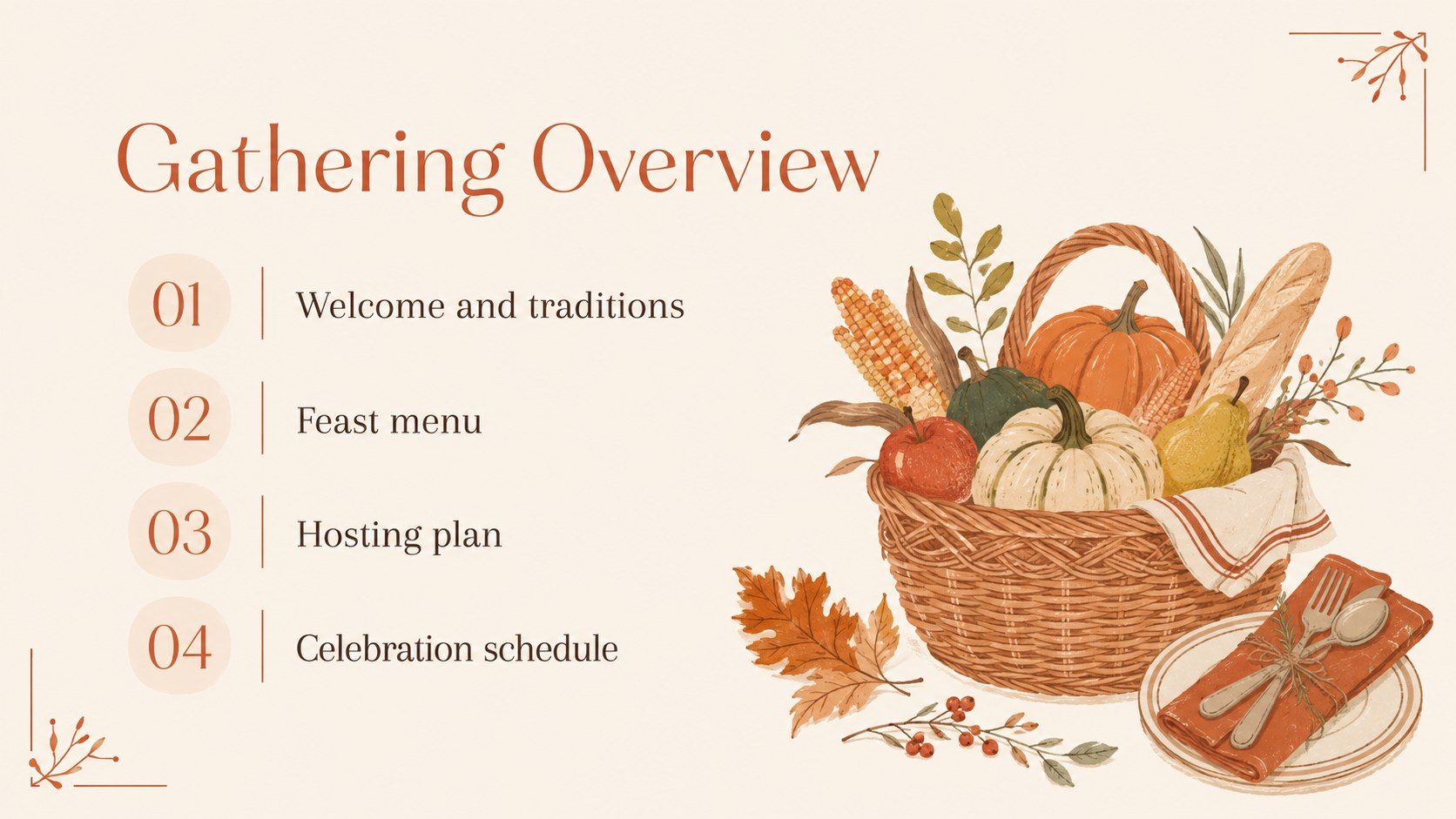
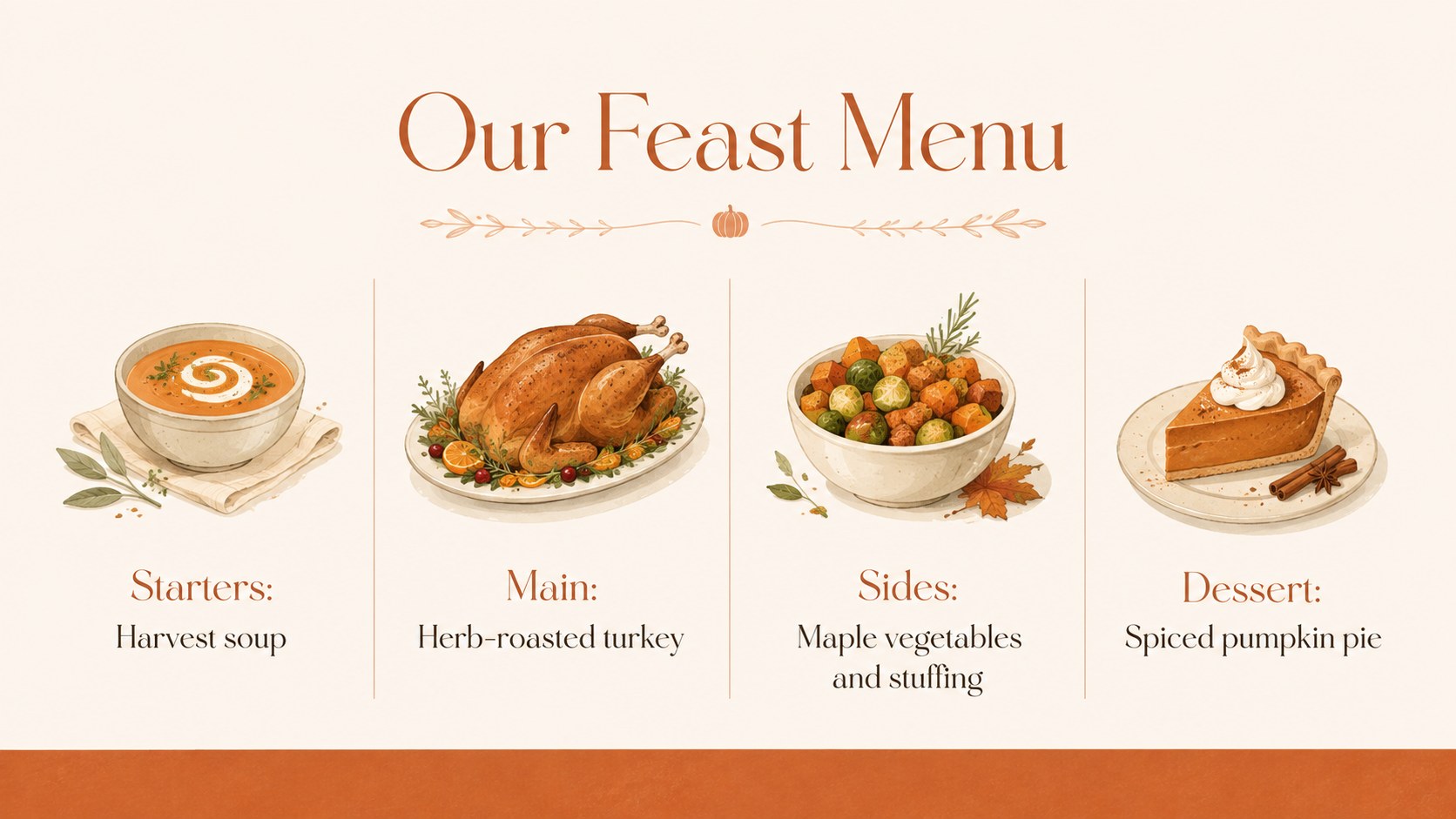
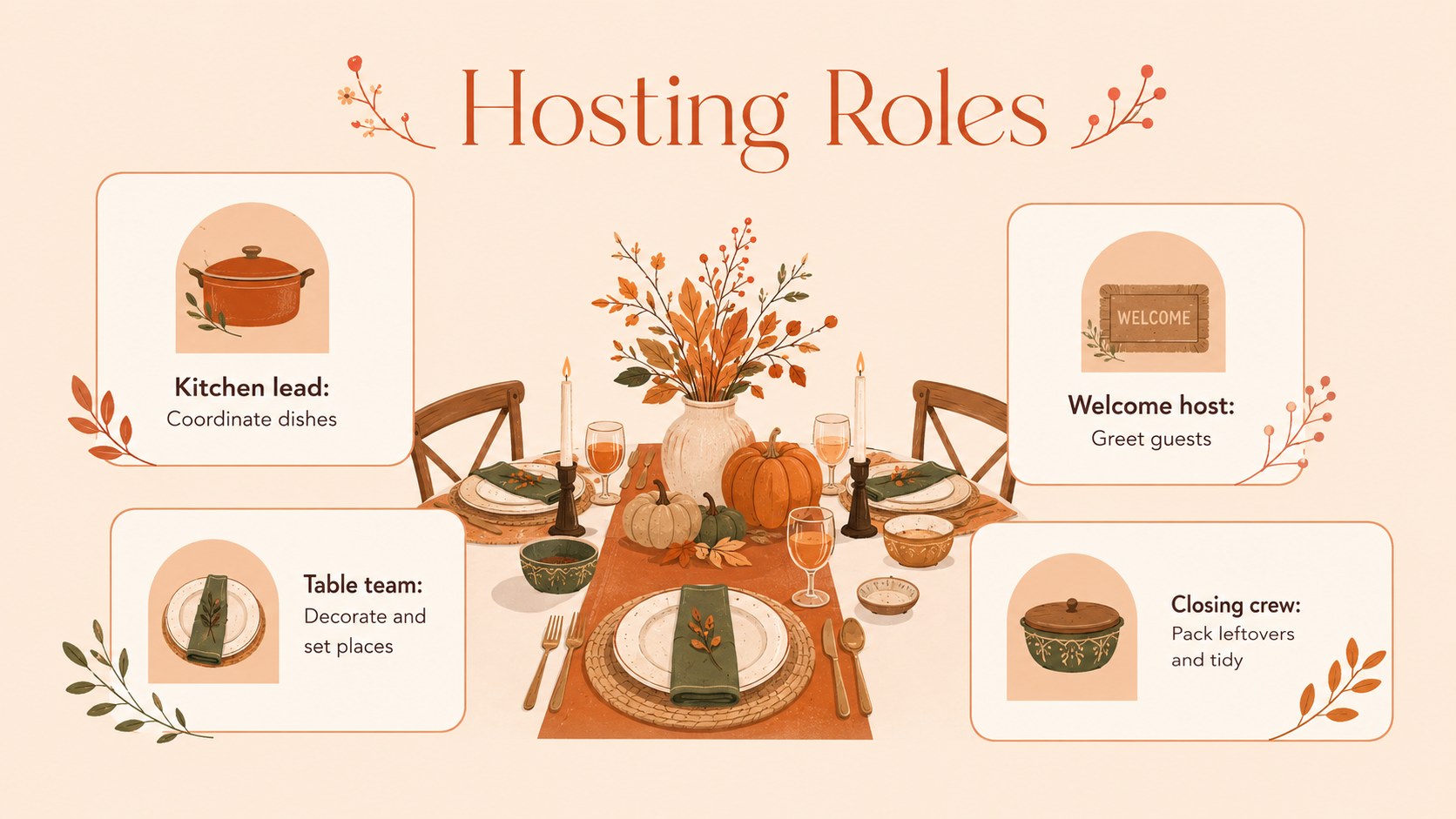
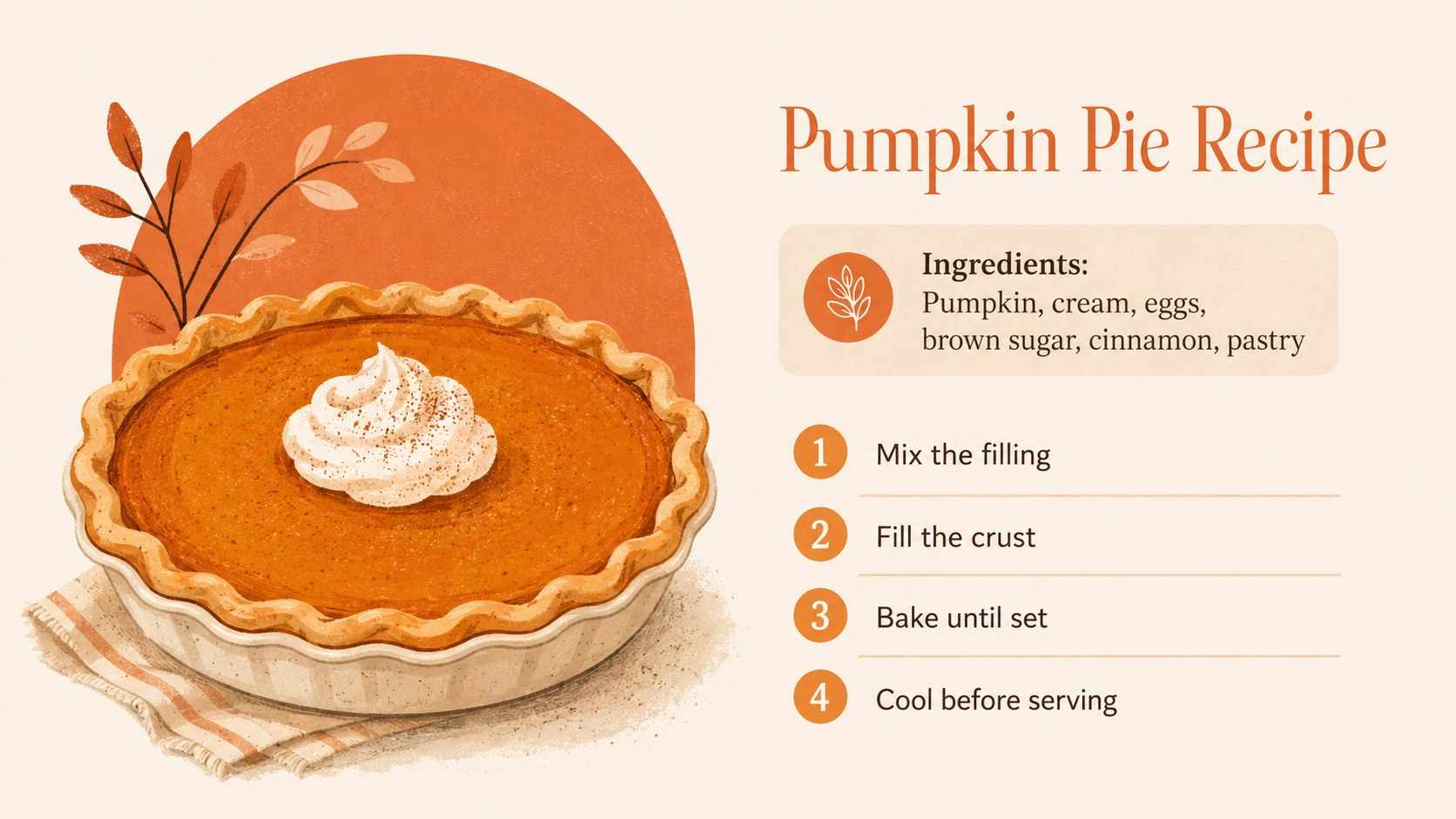
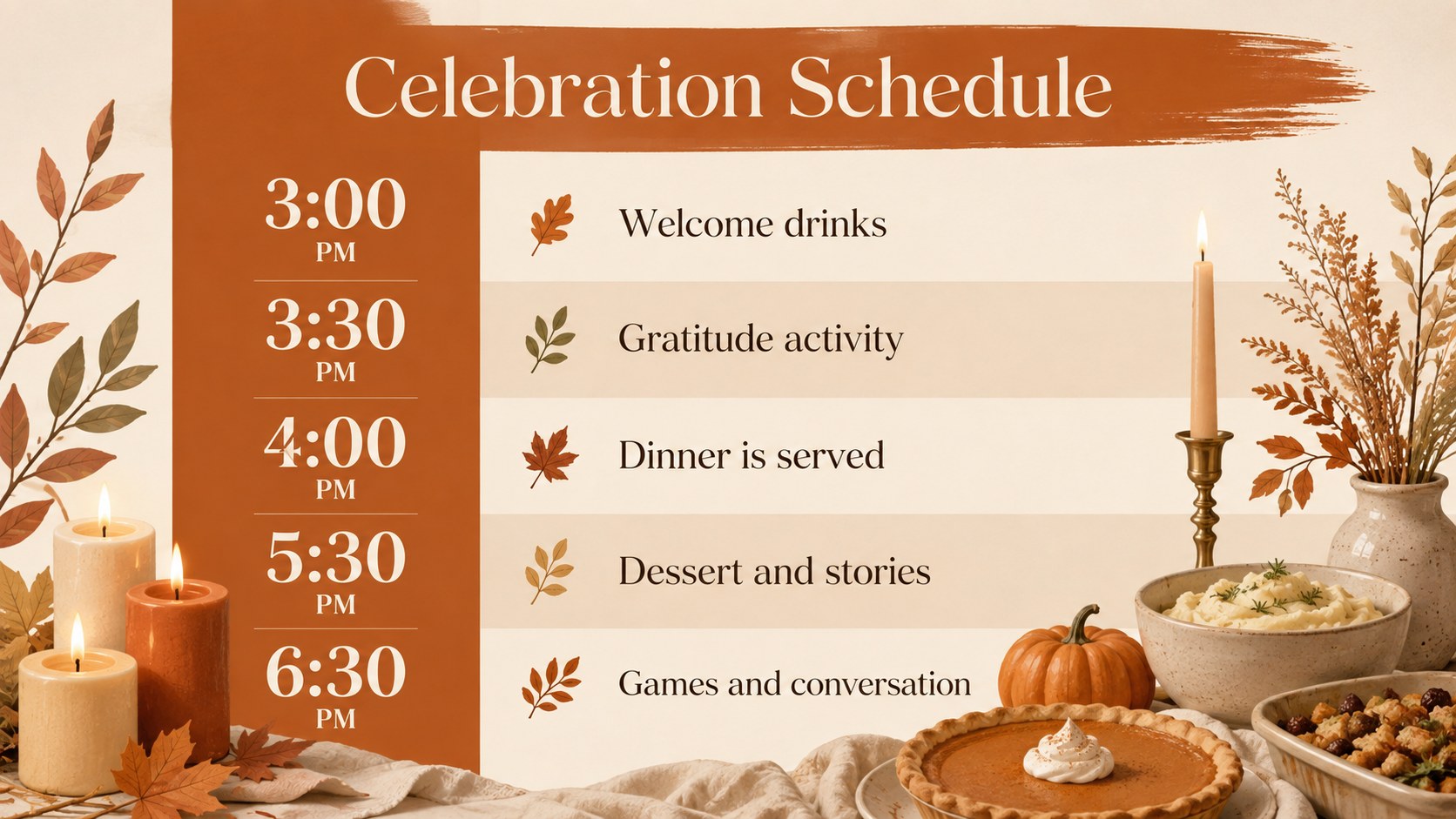
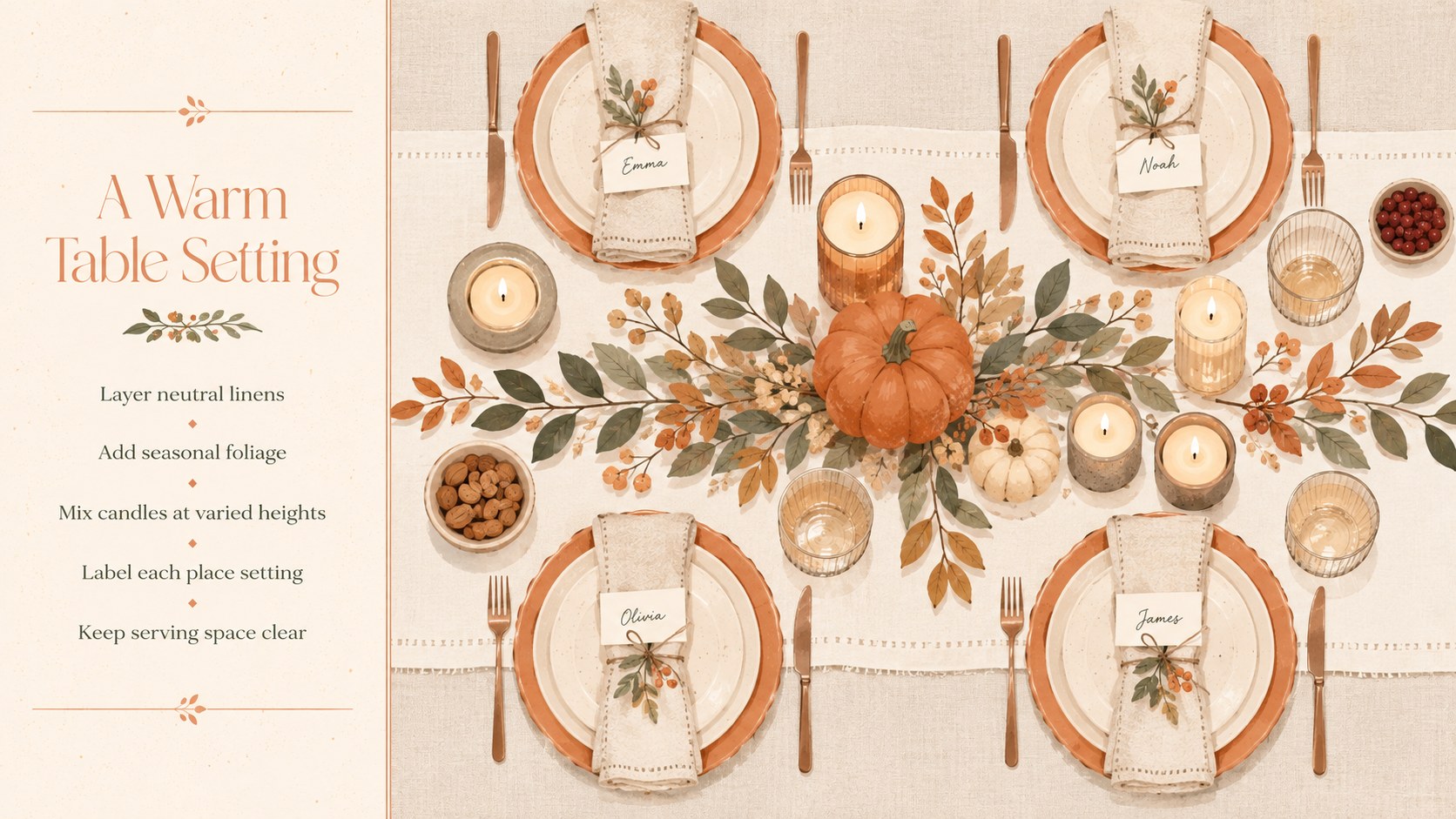
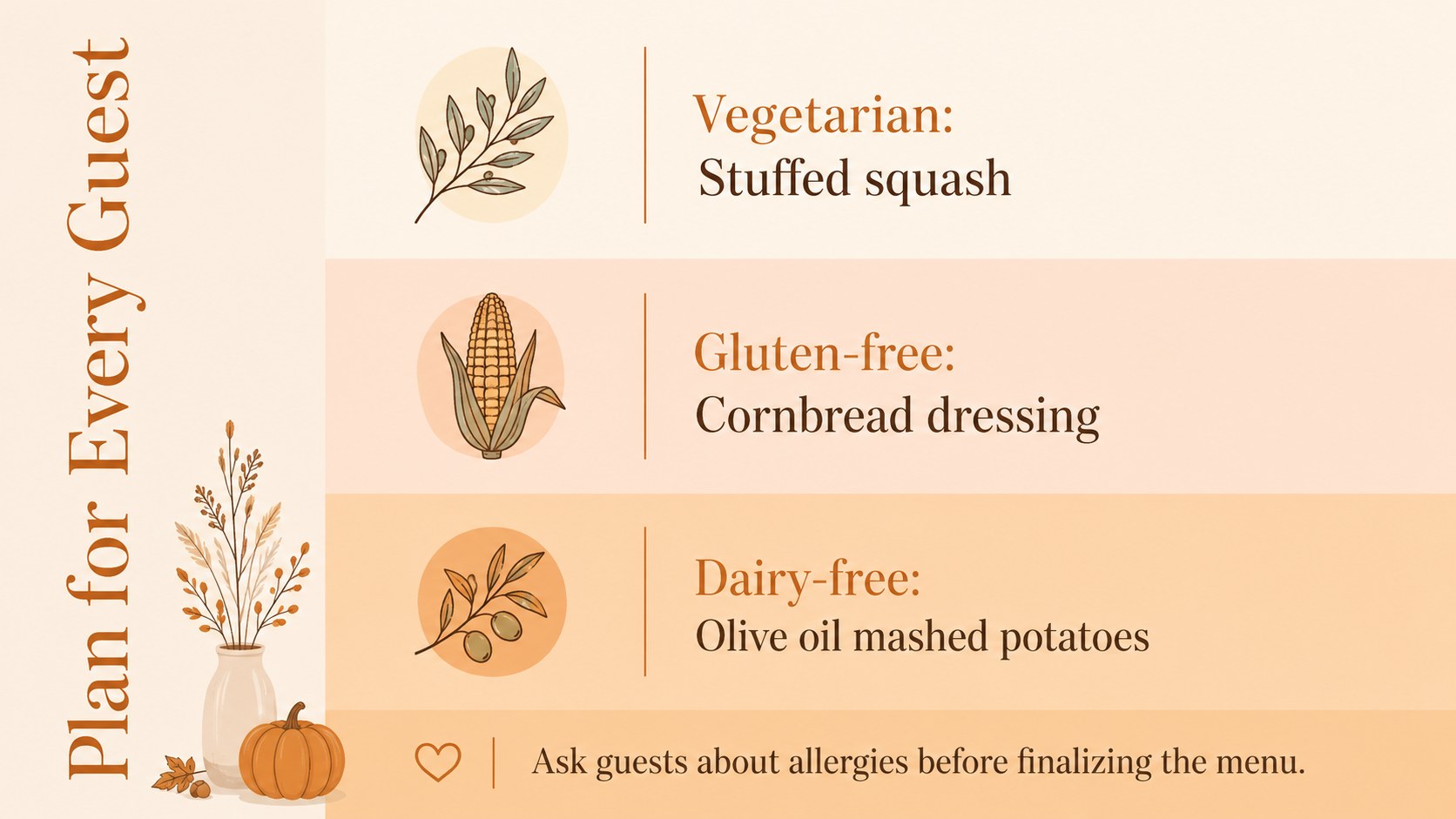
Coordinate a welcoming holiday gathering with this Thanksgiving feast planning deck for PowerPoint and Google Slides. Its restrained nude and orange palette, elegant typography, and original harvest illustrations create a warm seasonal mood without crowding your information. Use the layouts to present a menu, introduce recipes, assign hosting responsibilities, outline an event schedule, or share meaningful family traditions.
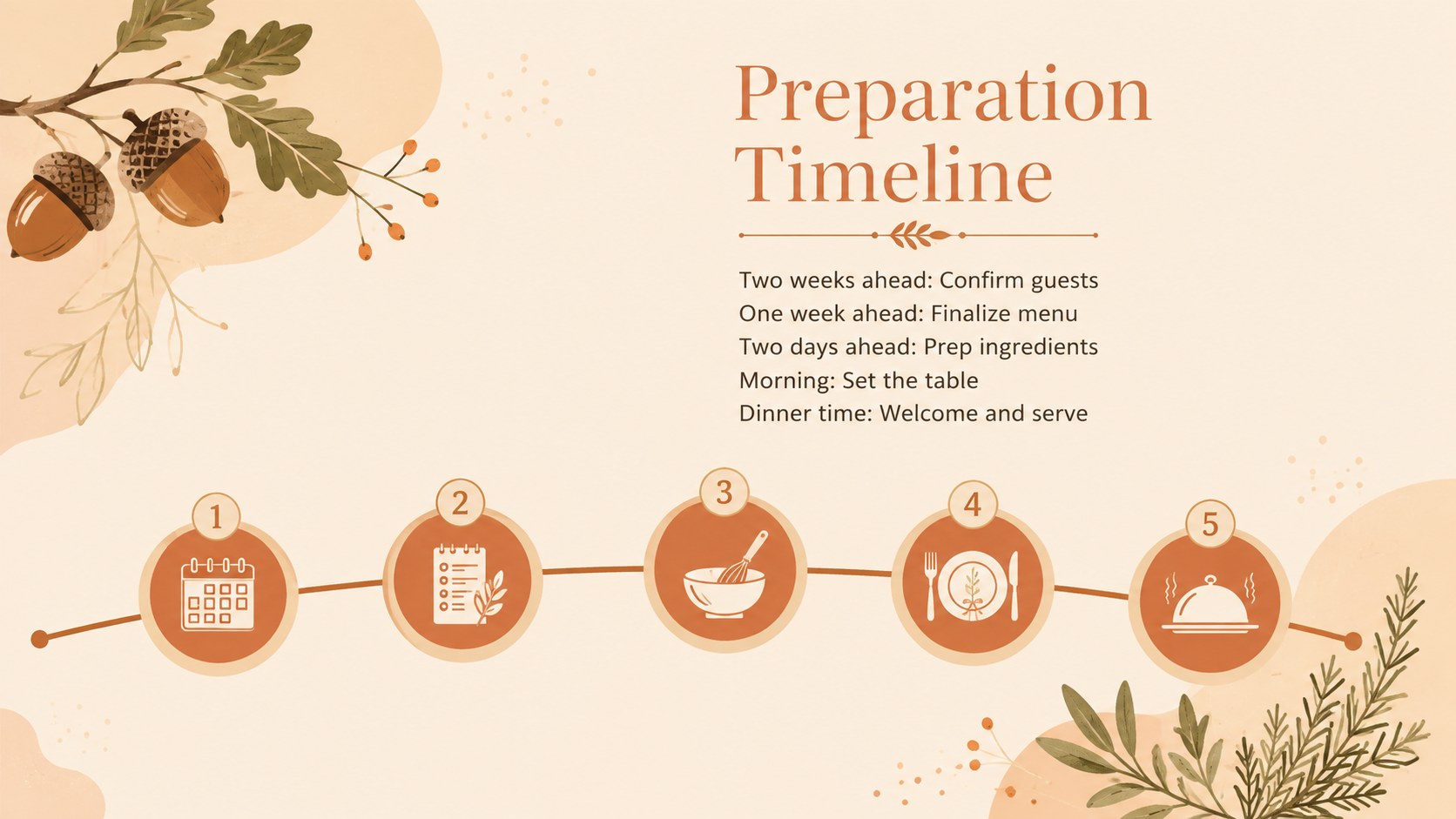
The deck includes more than 25 editable layouts with title pages, agenda sections, menu highlights, recipe steps, timelines, checklists, comparison tables, photo arrangements, and closing messages. This orange Thanksgiving presentation theme also provides adaptable charts, frames, shapes, and visual dividers. Adjust the colors, replace the images, revise the text, and apply transitions directly in your preferred presentation software.
Designed for hosts, hospitality teams, community organizers, educators, and seasonal marketers, these family feast planning slides can support both practical coordination and polished storytelling. Teachers can build a cultural lesson or classroom activity, event planners can organize a harvest dinner, and families can turn recipes and traditions into a keepsake presentation. Whether you need a Thanksgiving menu presentation template or a concise plan for guests and helpers, the layouts keep important details readable while preserving a minimal, celebratory style.
Perfect for: family feast coordination; Thanksgiving menu presentation; holiday recipe showcase; harvest dinner event plan; classroom Thanksgiving lesson; seasonal hospitality briefing.
Frequently asked questions
Can I edit this deck in PowerPoint and Google Slides? Yes. The layouts are designed for editing in both PowerPoint and Google Slides, including text, colors, images, and basic shapes. Some transitions or fonts may vary slightly between the two platforms.
Practical details
Yes. The layouts are designed for editing in both PowerPoint and Google Slides, including text, colors, images, and basic shapes. Some transitions or fonts may vary slightly between the two platforms.
Replace the sample dish names, descriptions, and photos with your own menu details. You can also duplicate recipe layouts, reorder courses, and update the orange accents to coordinate with your event.
Yes. Educators can adapt the timeline, traditions, recipe, and discussion layouts for lessons about Thanksgiving, gratitude, food, or harvest customs. Review historical and cultural wording to ensure it fits your curriculum and audience.
Yes. After editing, export the presentation as a PDF for email, digital handouts, or printing. Check image quality and page margins before producing printed menus or planning sheets.
Keep exploring
14Plan a memorable Lunar New Year campaign with the 2036 Dragon Year Celebration Theme, featuring bold red-and-yellow slides for lessons and events.
 15
15Build playful lessons and party stories with a kid-friendly zombie celebration theme in purple, green and pastel blue for PowerPoint and Google Slides.
 15
15Build eerie lessons, campaigns, and story pitches with an undead survival scenario theme featuring editable slides for PowerPoint and Google Slides.
 3
3Share festive messages with a Lunar Horse New Year Wishes Theme, featuring bold red-and-yellow layouts for PowerPoint and Google Slides celebrations.
 15
15Bring zodiac traditions to life with a Lunar Snake Festival Presentation featuring 15 cheerful red illustrated slides for PowerPoint and Google Slides.
 6
6Honor teams and individuals with an Orange Year-End Recognition Certificate Set featuring six editable designs for PowerPoint and Google Slides.
 14
14Honor the people behind the headlines with a World Sports Press Appreciation Deck for PowerPoint and Google Slides, styled in crisp, modern green.
 15
15Teach, inspire, and celebrate with our Plant-Powered Vegetarian Day Lesson Deck, featuring cheerful editable visuals for PowerPoint and Google Slides.